How Minimax M2.1 Enhances OpenClaw and Clawdbot Use
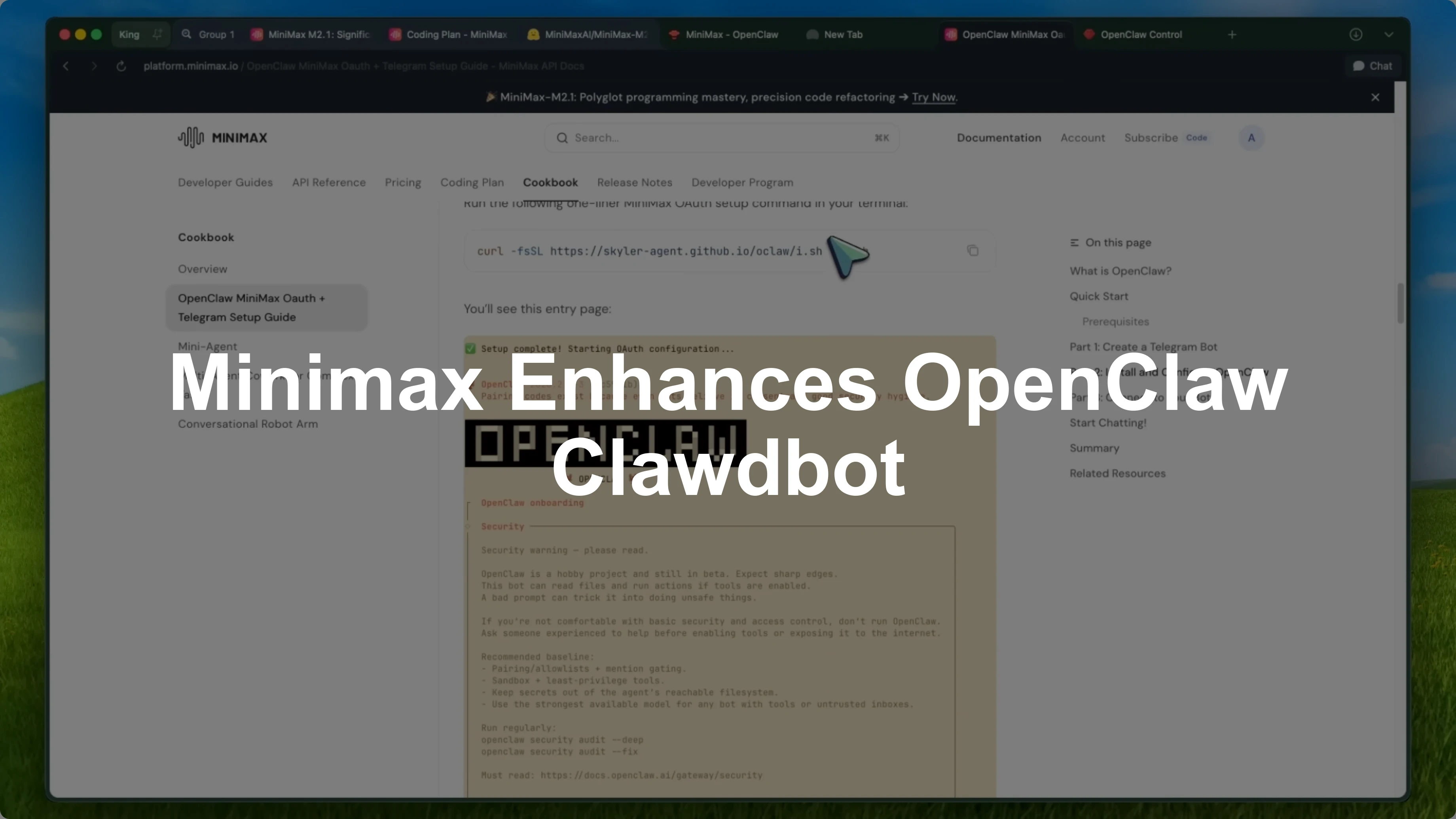
Minimax M2.1 now natively supports OpenClaw with a really simple OAuth setup. If you do not know what OpenClaw is, this combination is actually really interesting. It is a way to get an AI agent that does stuff for you, powered by one of the most cost effective open-source models out there.
OpenClaw is that open-source AI agent that went viral earlier this year. You might know it from its previous names, Claudebot and then Maltbot. It is essentially a personal AI assistant that can run tasks for you through messaging apps like WhatsApp, Telegram, Slack, Discord, and a bunch of others, plus a built-in web interface.
When I say tasks, I mean real tasks. It can clear your inbox, send emails, manage your calendar, check you in for flights, book travel, debug code, and even deploy updates. The tagline is literally the AI that actually does things, which is accurate.
The cool part is that it is model agnostic. You can bring your own API keys and use whatever model you want such as Claude, GPT, Gemini, or local models. For a quick comparison on one option, see Gemini 3.1.
Overview - How Minimax M2.1 Enhances OpenClaw and Clawdbot Use
Minimax M2.1 made by Minimax is a 230 billion parameter mixture of experts model, but it only activates 10 billion parameters per request, which makes it extremely efficient. It was released in December 2025 and it is completely open source under the MIT license, which means you can use it for whatever you want, commercial or otherwise. It is not just a chat model, it is designed to be an agent brain from the ground up.
What makes Minimax M2.1 particularly good for agents is its interleaved thinking capability. The model generates reasoning blocks before making tool calls, which improves multi-step problem solving and gives you transparency into what the model is thinking. For something like OpenClaw that needs to handle multiple tasks and tool calls, this is exactly what you want.
It has been optimized for agentic workloads. Minimax built it for robustness in coding, tool use, instruction following, and long horizon planning. It works natively with agent frameworks like Claude Code.
The benchmarks are solid. On SWE-bench Verified, which tests real world software engineering, Minimax M2.1 scores 74 percent. On Multi-SWBench, it hits 49.4 percent compared to Claude Sonnet 4.5's 44.3 percent, and on SWE-bench Multilingual, it scores 72.5 percent versus Claude's 68 percent.
It is beating some of the best closed source models on coding tasks. For an agent that needs to handle a variety of technical tasks, that matters a lot. For broader model testing context, see the M2.5 review.
Setup - How Minimax M2.1 Enhances OpenClaw and Clawdbot Use
OpenClaw now natively supports Minimax M2.1 with OAuth, which makes the setup way simpler than it used to be. No more copying API keys around. You log in and you are done.
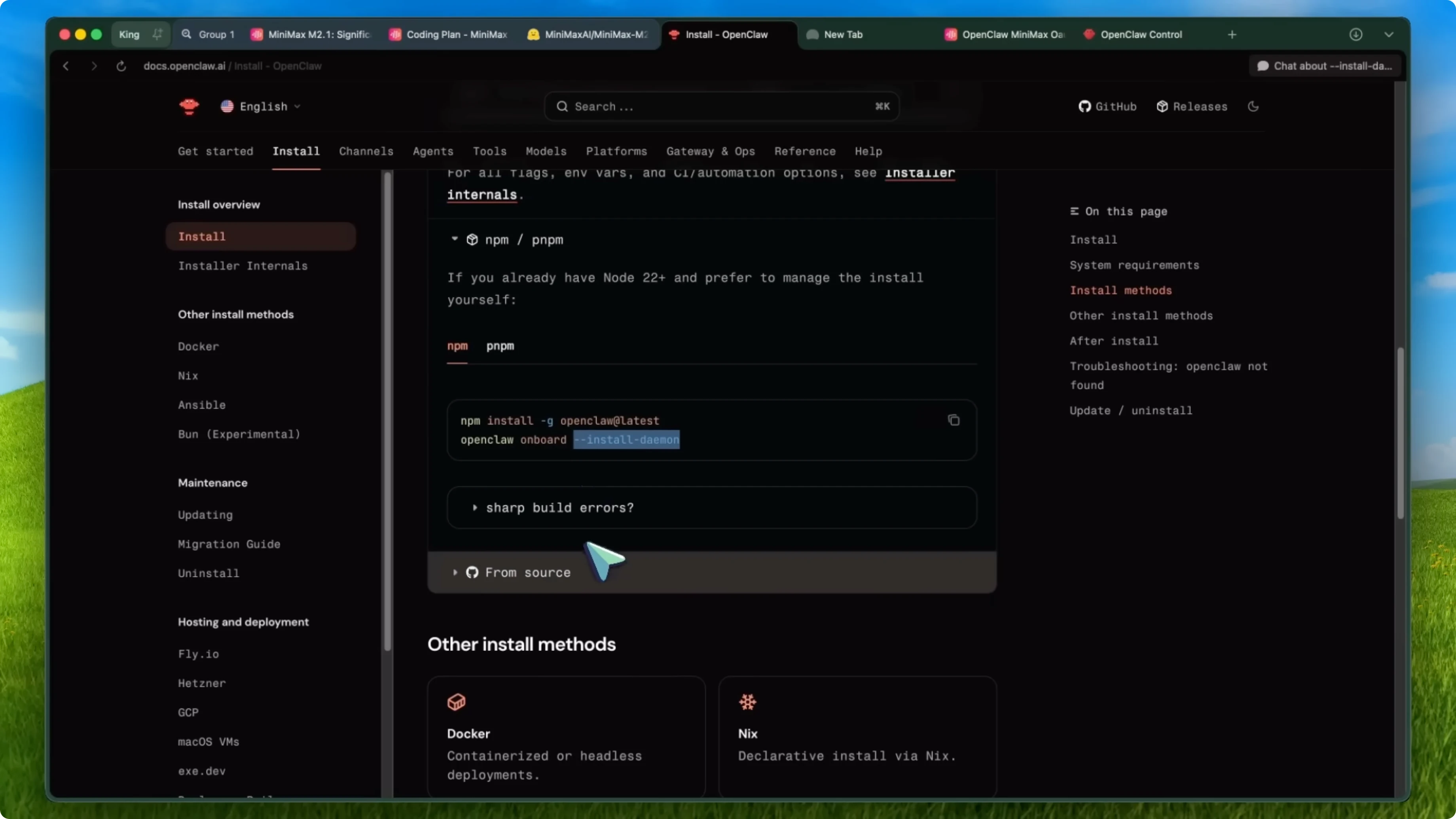
First, open your terminal and install OpenClaw. You can run the one-liner install command.
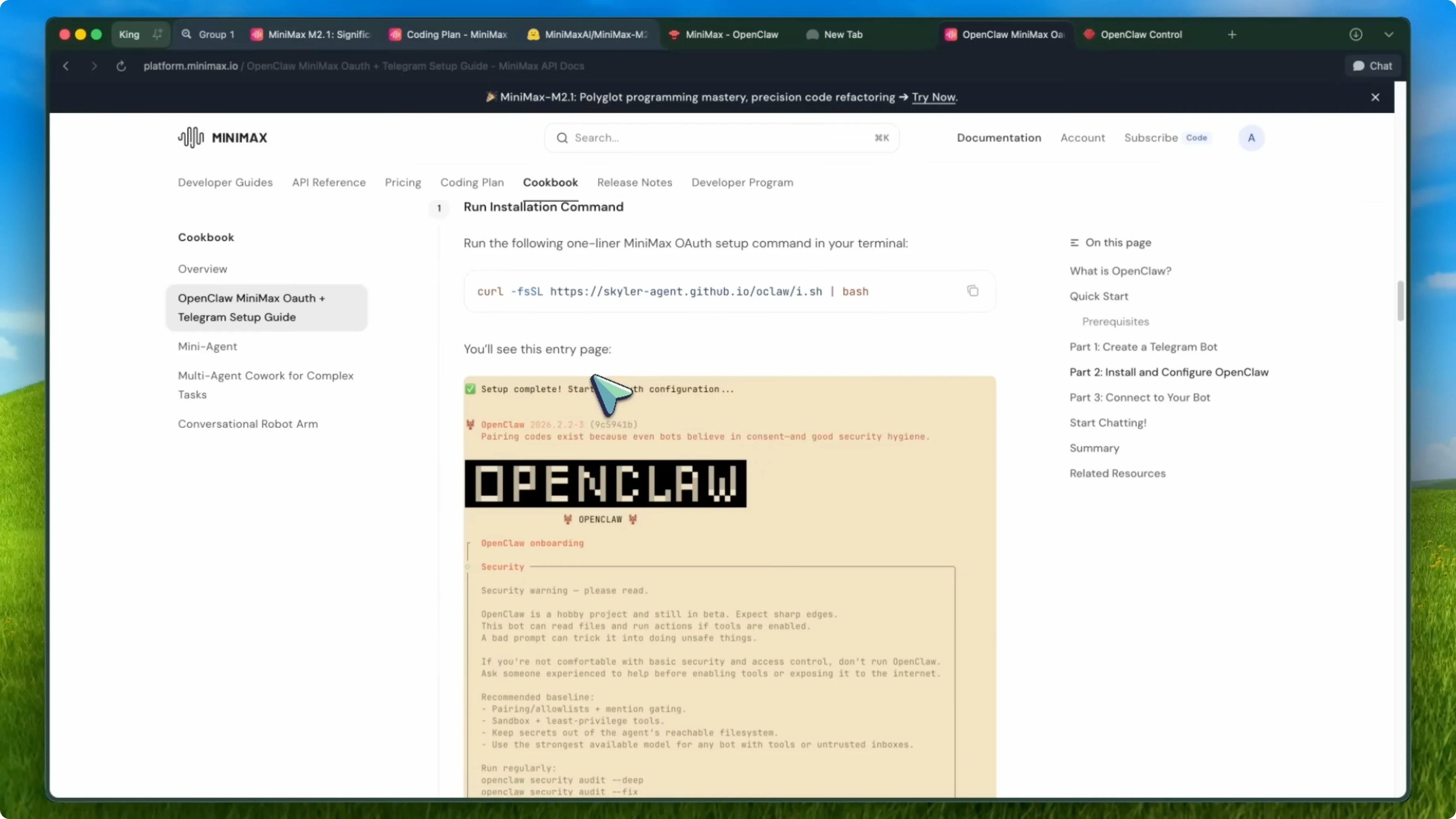
curl -fsSL https://openclaw.ai/install.sh | bash
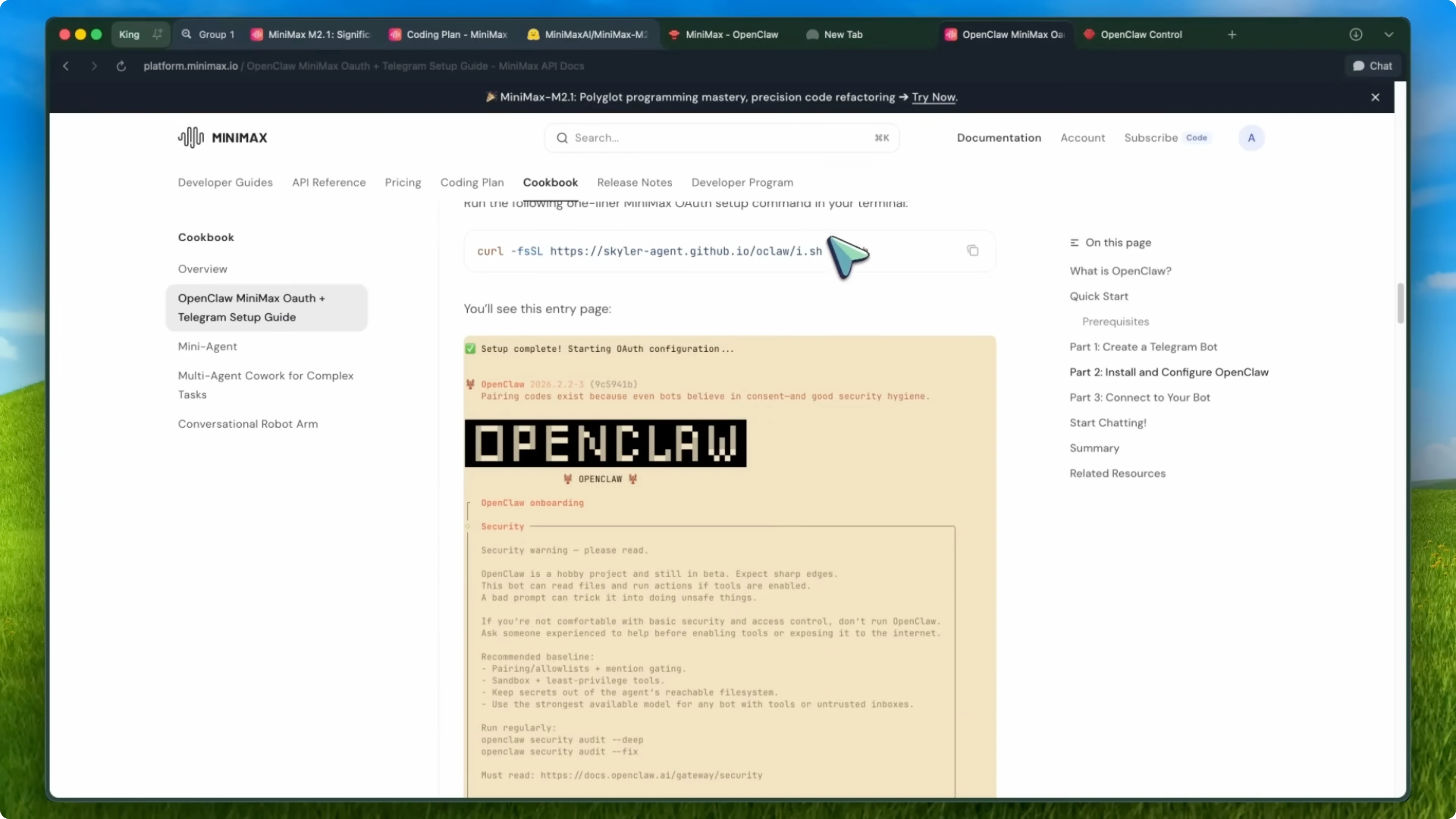
This installs Node.js and everything else you need automatically. It works on macOS, Linux, and Windows through WSL2. Alternatively, if you already have Node.js, you can run the global install.
npm install -g openclaw@latest
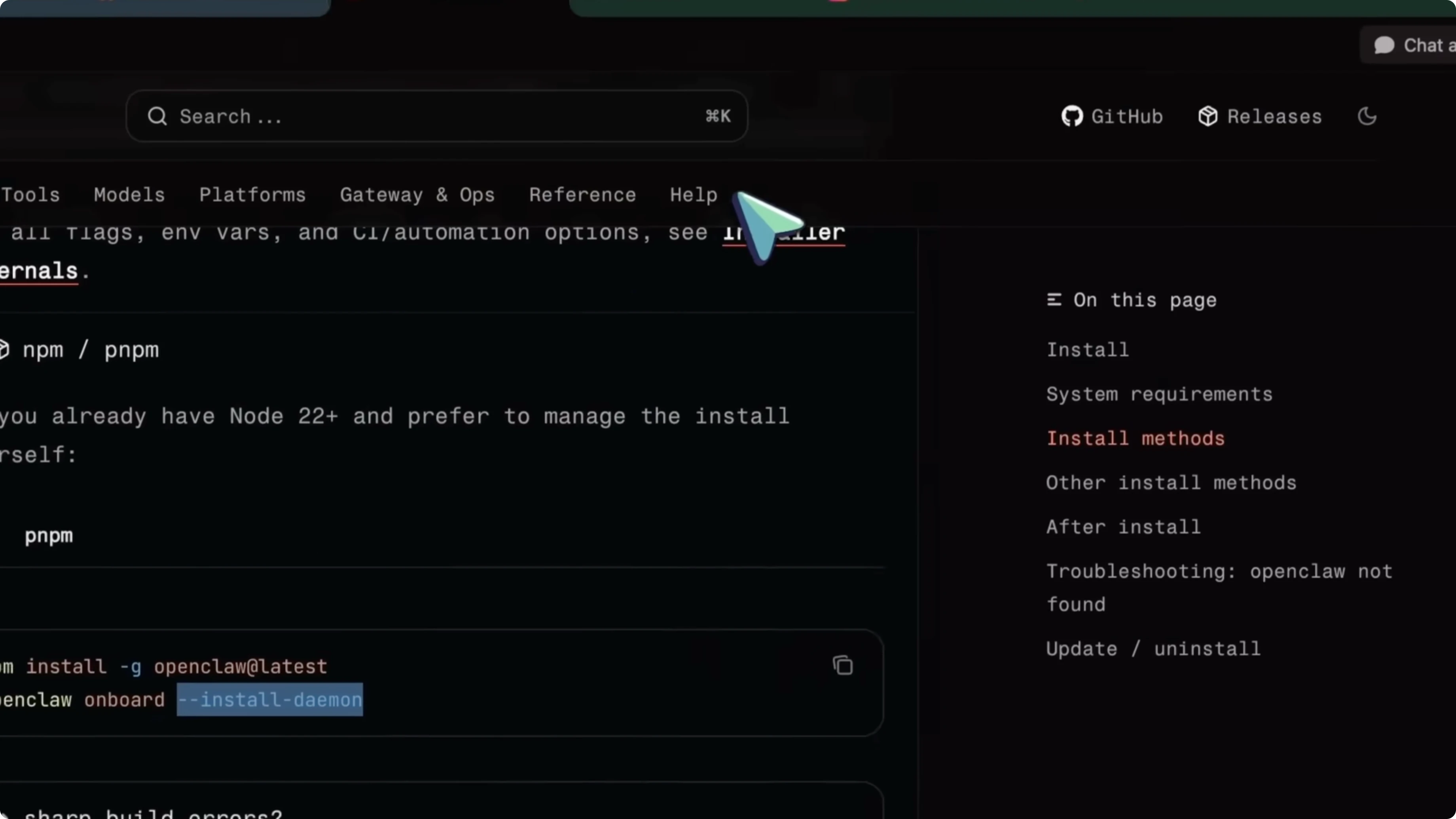
Once that is done, run the onboarding wizard and install the background service so it keeps running after you close your terminal.
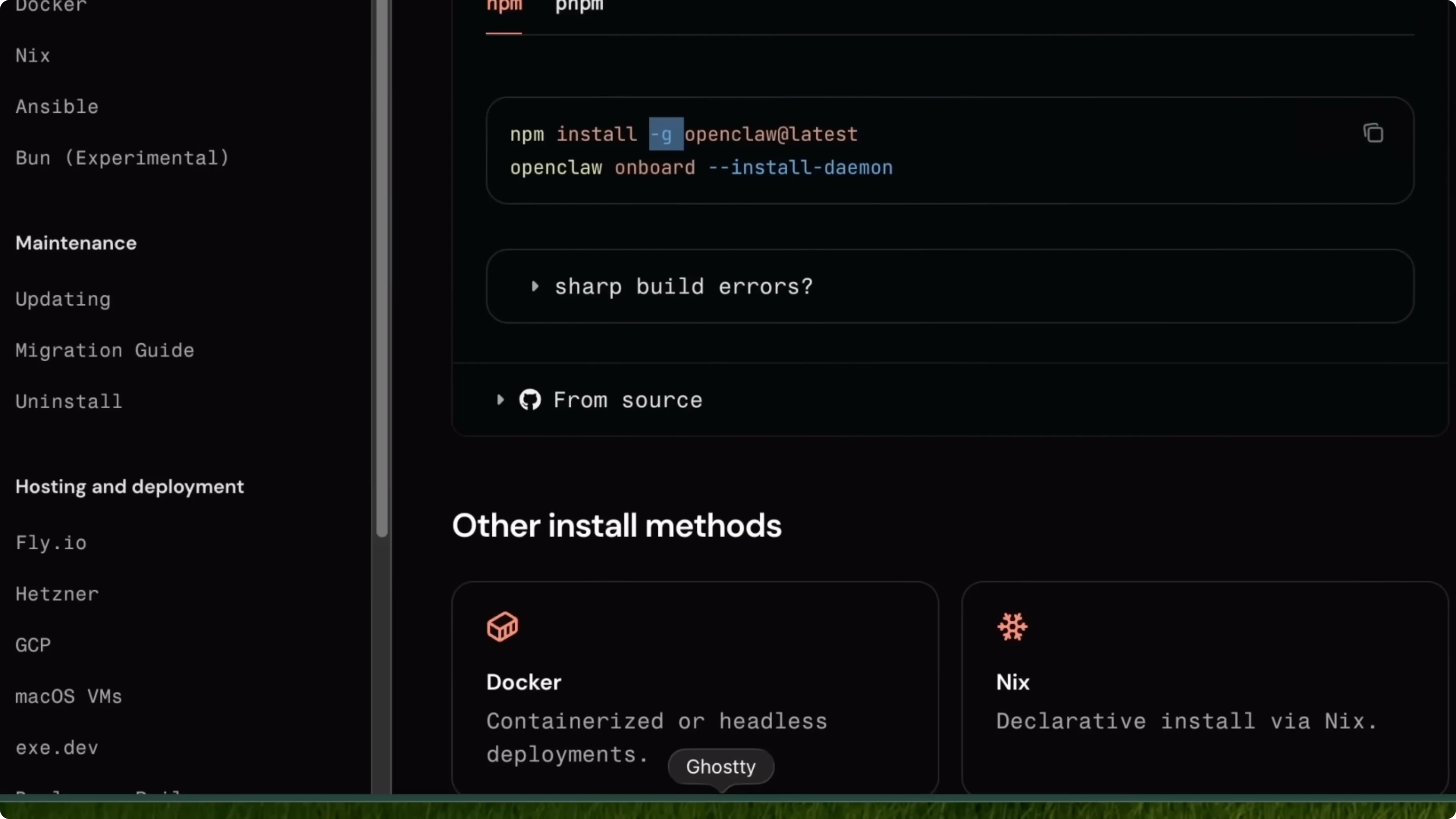
openclaw onboard --install-daemon
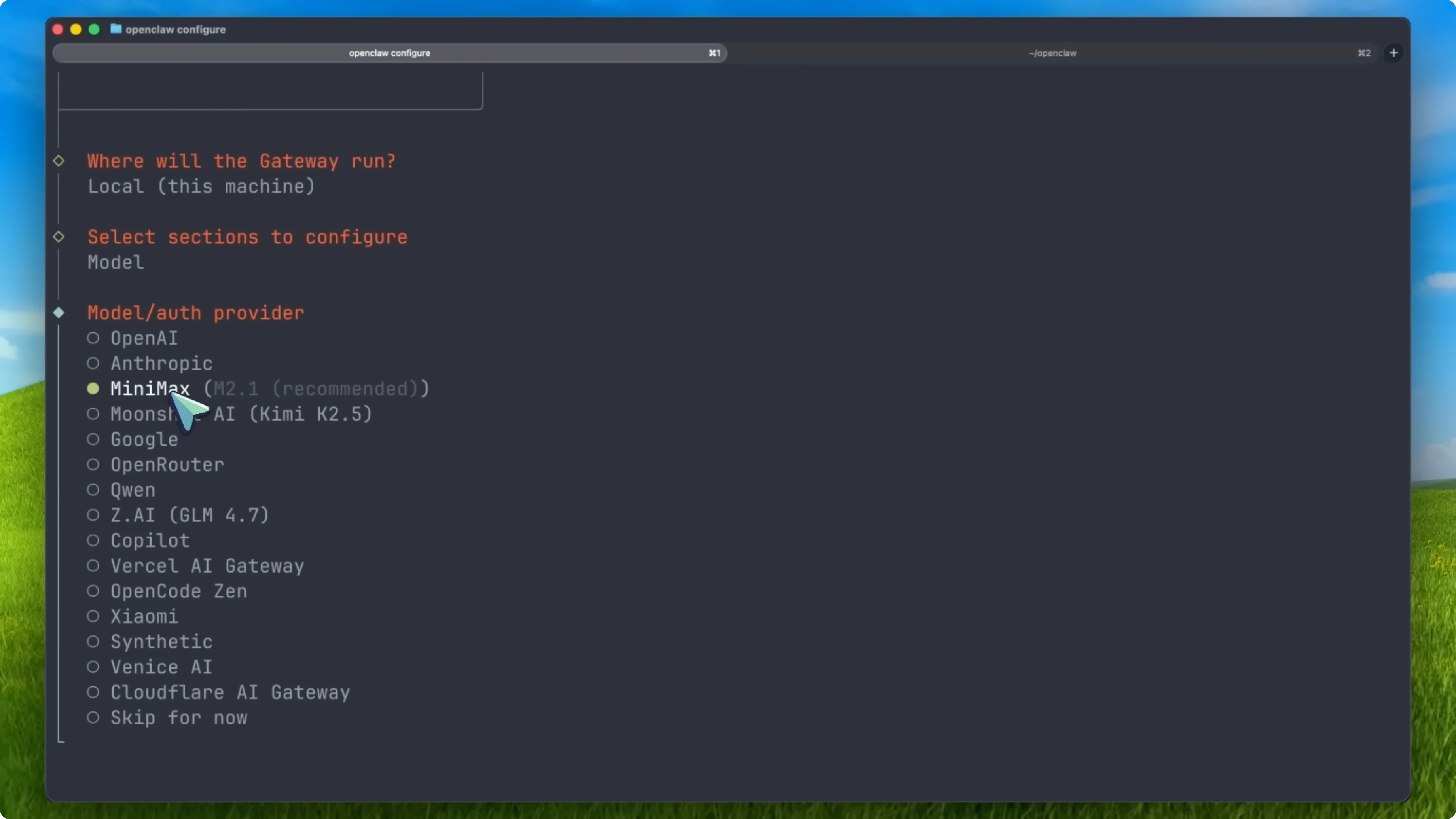
When the wizard starts, choose Quick Start. This uses sensible defaults and walks you through the minimal configuration needed. In the model and provider step, you will see options including Anthropic, OpenAI, Google, and others, then select Minimax.
Here is where the OAuth magic happens. OpenClaw will open a browser window for you, you sign into your Minimax account or create one if you do not have one, then click Authorize. You go back to the terminal and everything is configured with no API keys to manage.
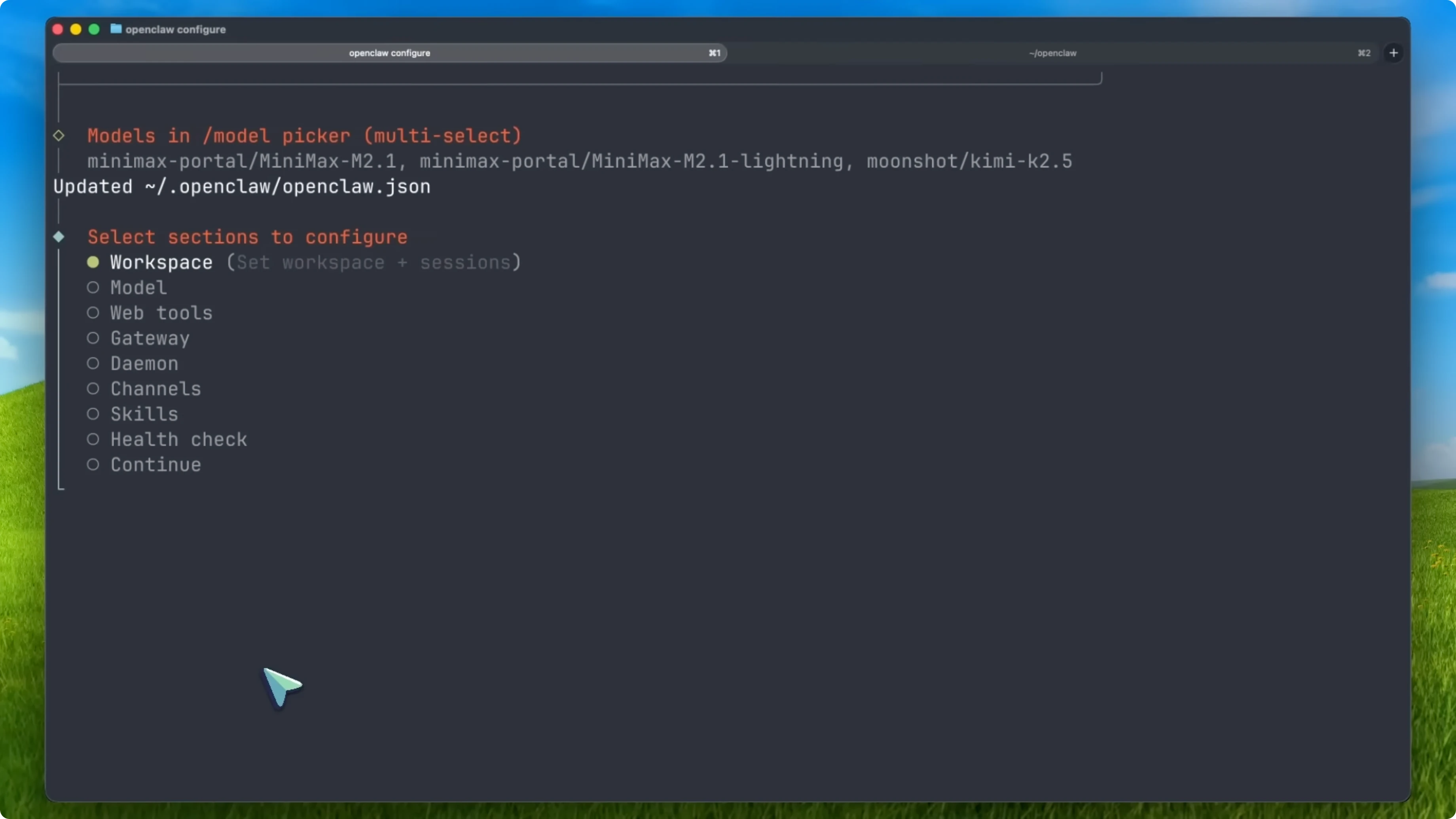
If you prefer using an API key instead of OAuth, you can do that too. Set the environment variable or configure it in the minimax section of your config.
export MINIMAX_API_KEY="your_api_key_here"
Web access - How Minimax M2.1 Enhances OpenClaw and Clawdbot Use
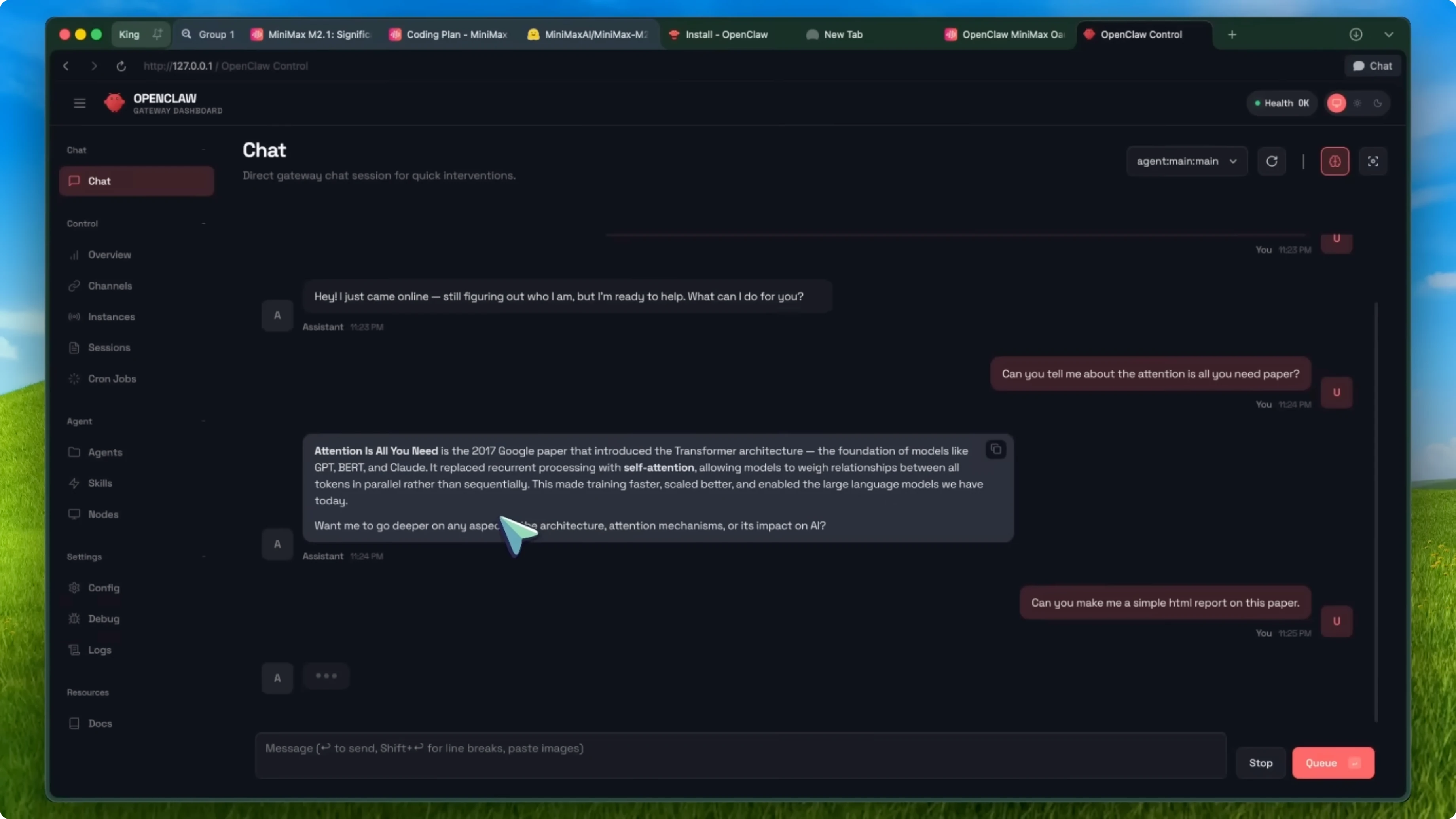
You do not need to set up Telegram or WhatsApp to start using OpenClaw. Once your gateway is running, open the dashboard in your browser.
openclaw dashboard
The web interface runs at localhost port 18789 by default and opens with a tokenized URL for security. It is a chat window where you can talk to your AI agent directly. You can give it tasks, ask it questions, and it has access to the same tools and capabilities as any messaging channel.
You can start chatting with Minimax M2.1 powered OpenClaw right from your browser. There is nothing else you need to set up to start issuing tasks. It is immediate and practical.
Costs - How Minimax M2.1 Enhances OpenClaw and Clawdbot Use
The pricing is incredibly competitive. Minimax M2.1 API costs about 27 cents per million input tokens and 112 dollars per million output tokens. Compared to models like Claude Sonnet 4.5 or GPT 5.2, you are looking at roughly 10 percent of the cost for similar performance.
For agent workloads that can rack up a lot of tokens quickly, this adds up fast. The savings are significant. That matters when you are running long sessions with tool use and code generation.
Why this pairing works - How Minimax M2.1 Enhances OpenClaw and Clawdbot Use
The interleaved thinking is built for agent use cases. When OpenClaw needs to reason through a complex task, having transparent step-by-step reasoning before each tool call means fewer mistakes and better results. The model benchmarks really well on coding and agentic tasks, which shows up in real work.
On the ViBE benchmark, which tests full stack app development, Minimax M2.1 scores 88.6 on average with 91.5 on web tasks. For an agent that needs to write code, navigate websites, and interact with apps, that is a big deal. It is open source, so you can run it locally for full privacy or use the API for convenience.
OpenClaw is built to be privacy focused and model agnostic. Having a strong open-source option that works natively with OAuth is exactly what many users wanted. It lets you pick the tradeoff that fits your environment.
Security - How Minimax M2.1 Enhances OpenClaw and Clawdbot Use
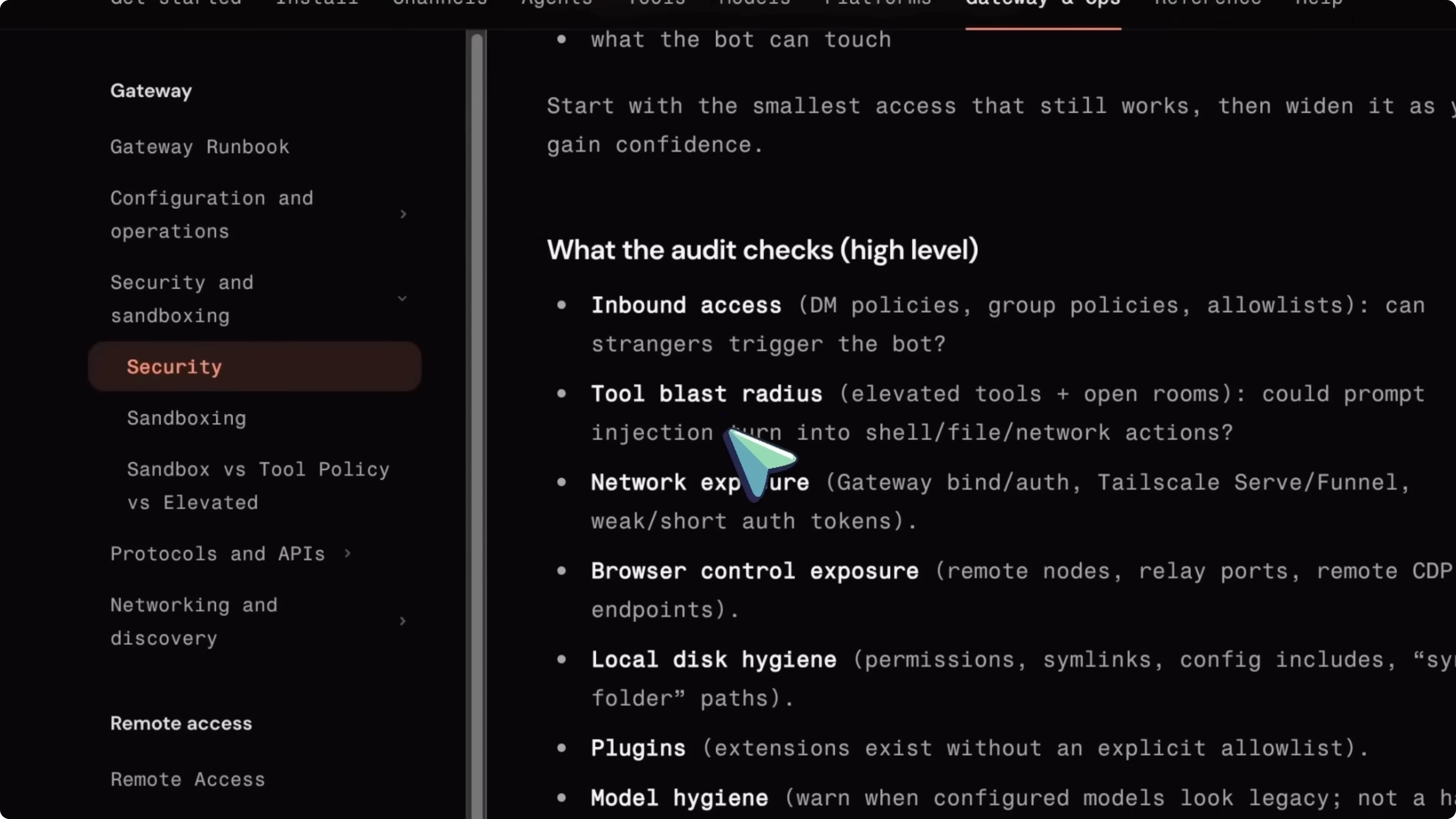
OpenClaw by its nature can access a lot on your system. The documentation recommends not installing it on your personal device with sensitive data. Use a VPS, a VM, or a dedicated machine.
Run the recommended security steps regularly. Enforce least privilege and isolation, avoid running the agent as an administrator, and prefer containers or WSL2 for containment. For a security audit, use the built-in command.
openclaw security audit --deep
If you want to check that everything is working correctly, use the doctor command. It performs automated health checks and tells you if anything needs fixing. If something does go wrong, the fix flag will attempt repairs automatically.
openclaw doctor
openclaw doctor --fix
Final thoughts - How Minimax M2.1 Enhances OpenClaw and Clawdbot Use
If you are comfortable with the security considerations and set things up properly, this pairing is powerful. Minimax M2.1 gives you frontier-level capabilities at a fraction of the cost, and OpenClaw gives you a way to put those capabilities to work on real tasks through a simple web interface. The fact that you can open a browser tab, chat with your AI assistant, and have it do actual work for you, powered by a 230 billion parameter model that is completely open source, is impressive.


