How to Connect Lovable to n8n in 2026?

I will show you how to connect Lovable to n8n with a simple webhook.
Follow these steps to trigger an n8n workflow from a Lovable button.
This setup sends data to your workflow and returns success and error feedback.
Set up in n8n
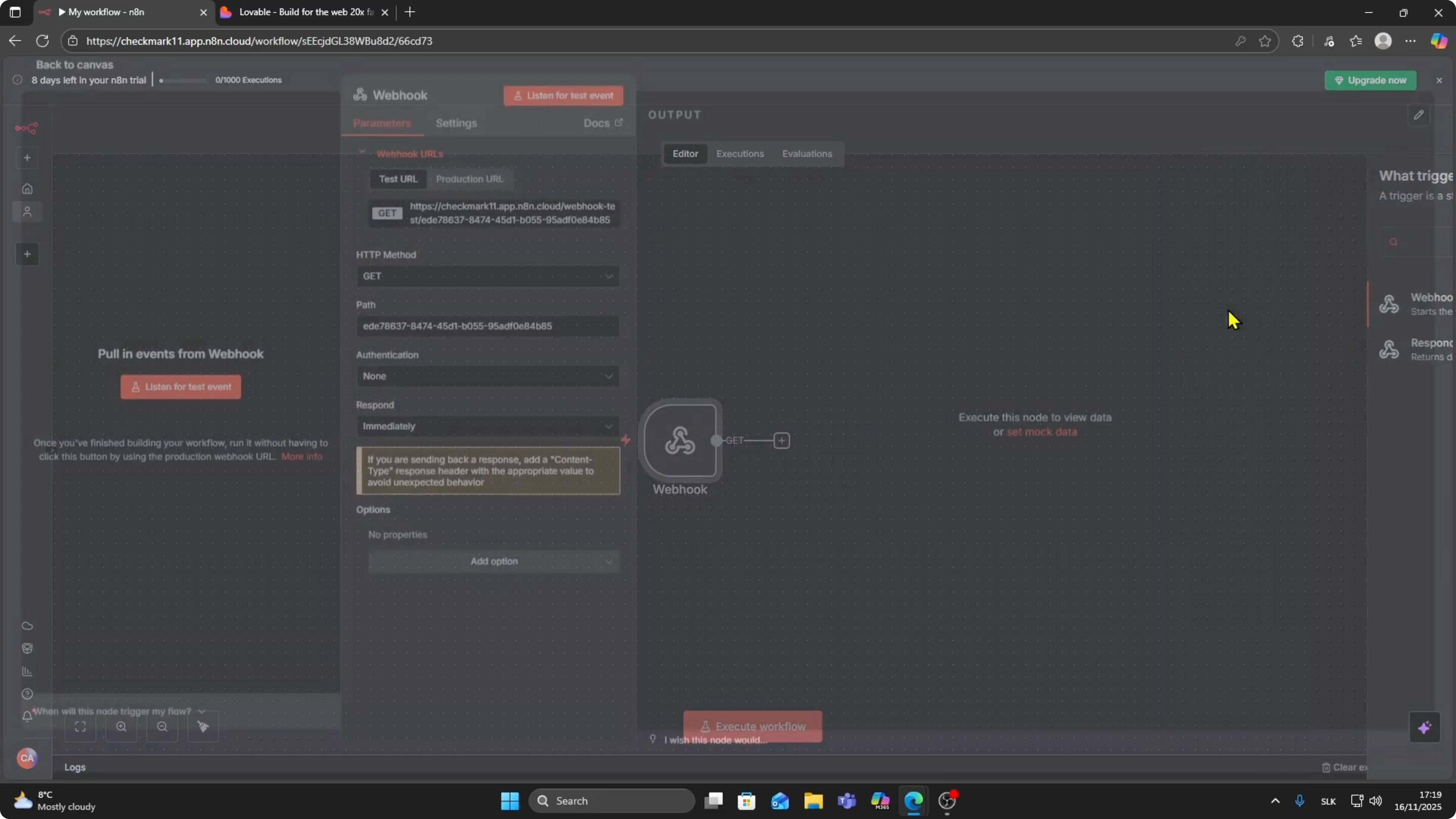
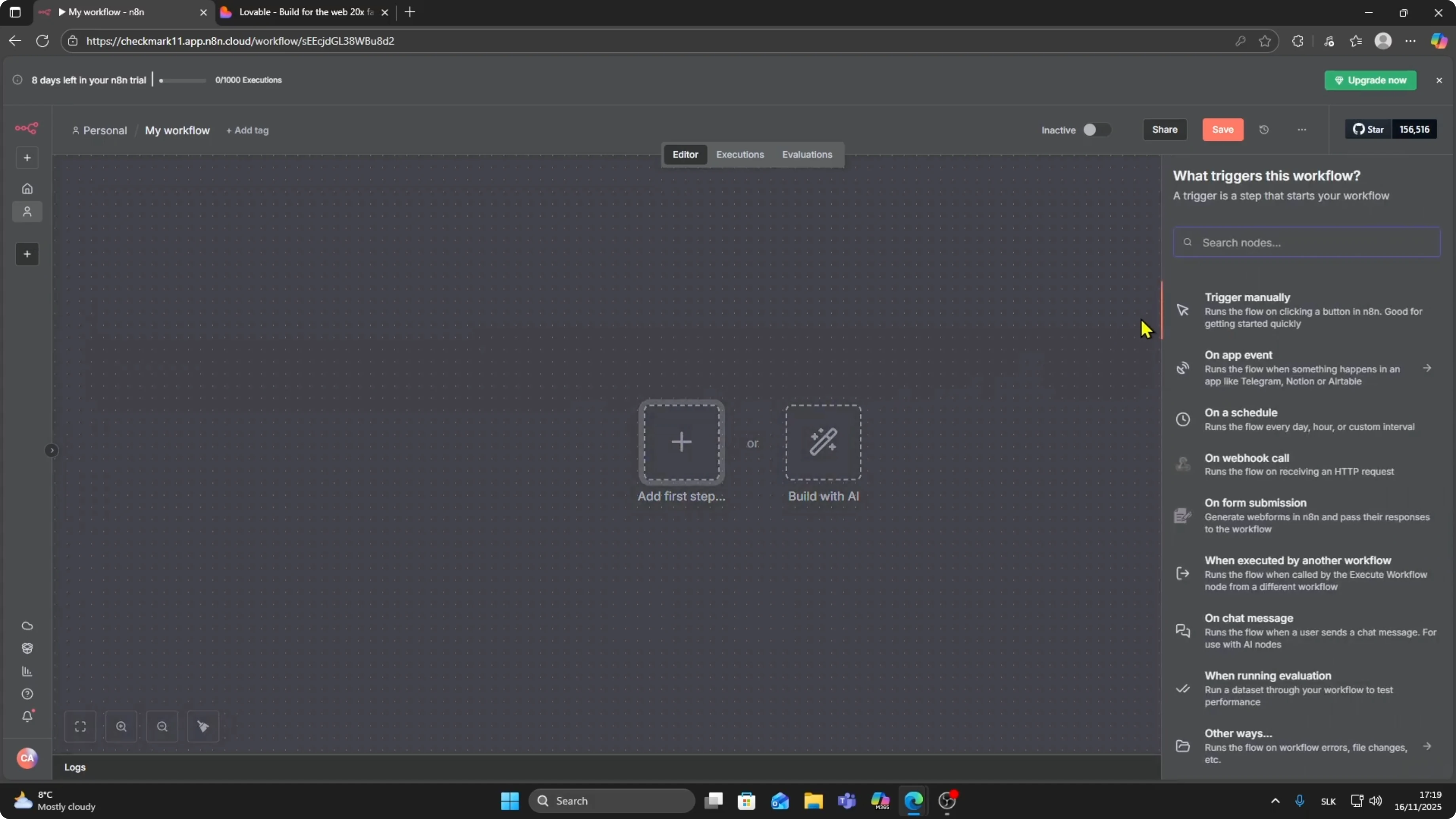
Add the first step in your workflow and search for Webhook.
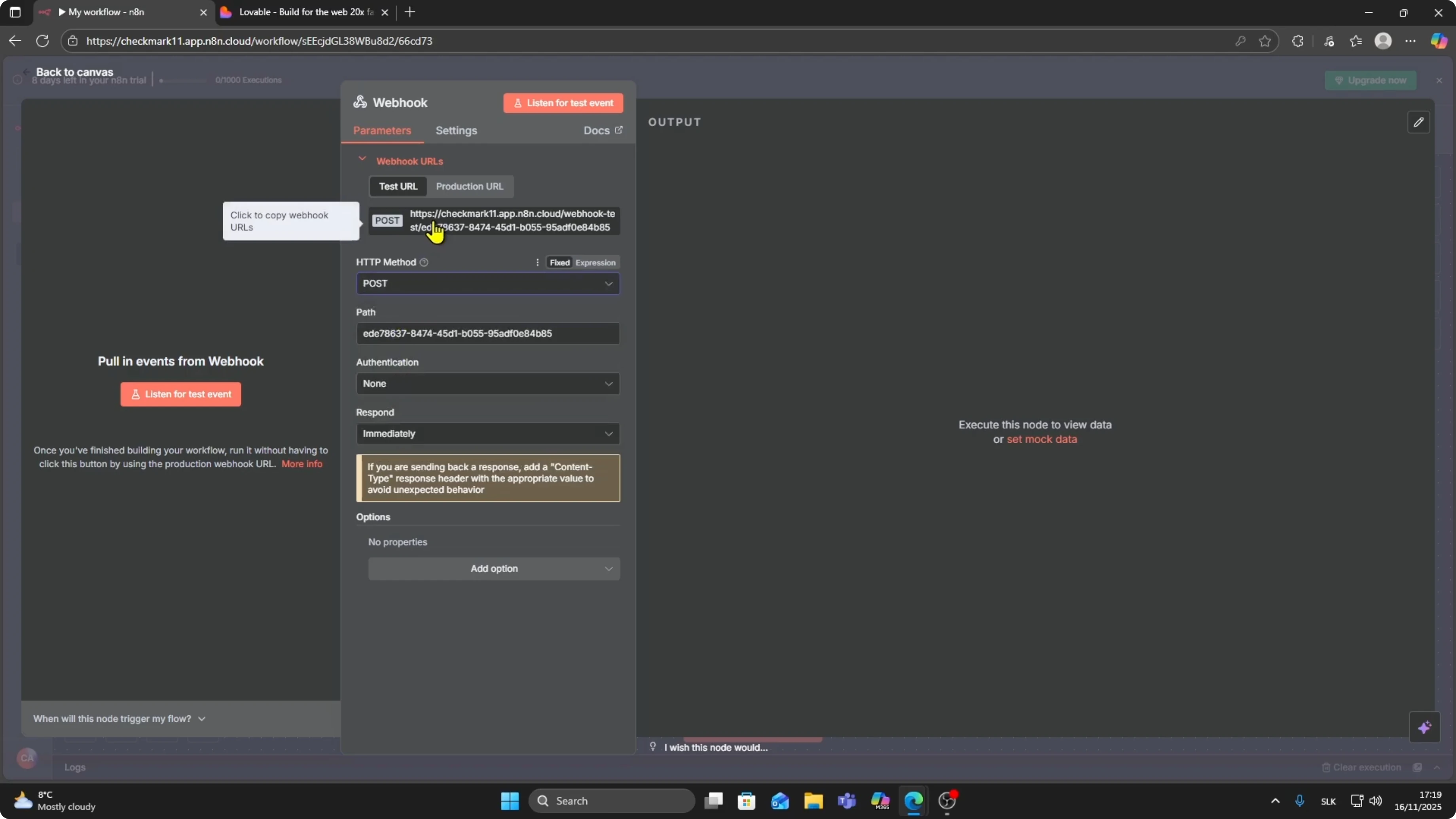
Select the Webhook node and set the HTTP Method to POST.
Copy the generated webhook URL.
You can test the endpoint with a quick request.
Run the following command and replace the URL with your own endpoint.
This confirms that the n8n webhook is receiving data correctly.
curl -X POST "https://your-n8n-domain.tld/webhook/your-endpoint-id" \
  -H "Content-Type: application/json" \
  -d '{"message":"Hello from Lovable","source":"lovable-button"}'
For more detail on this setup, see this Lovable to n8n guide here
Lovable to n8n guide.
It walks through the same flow with extra context for common configurations.
Configure in Lovable
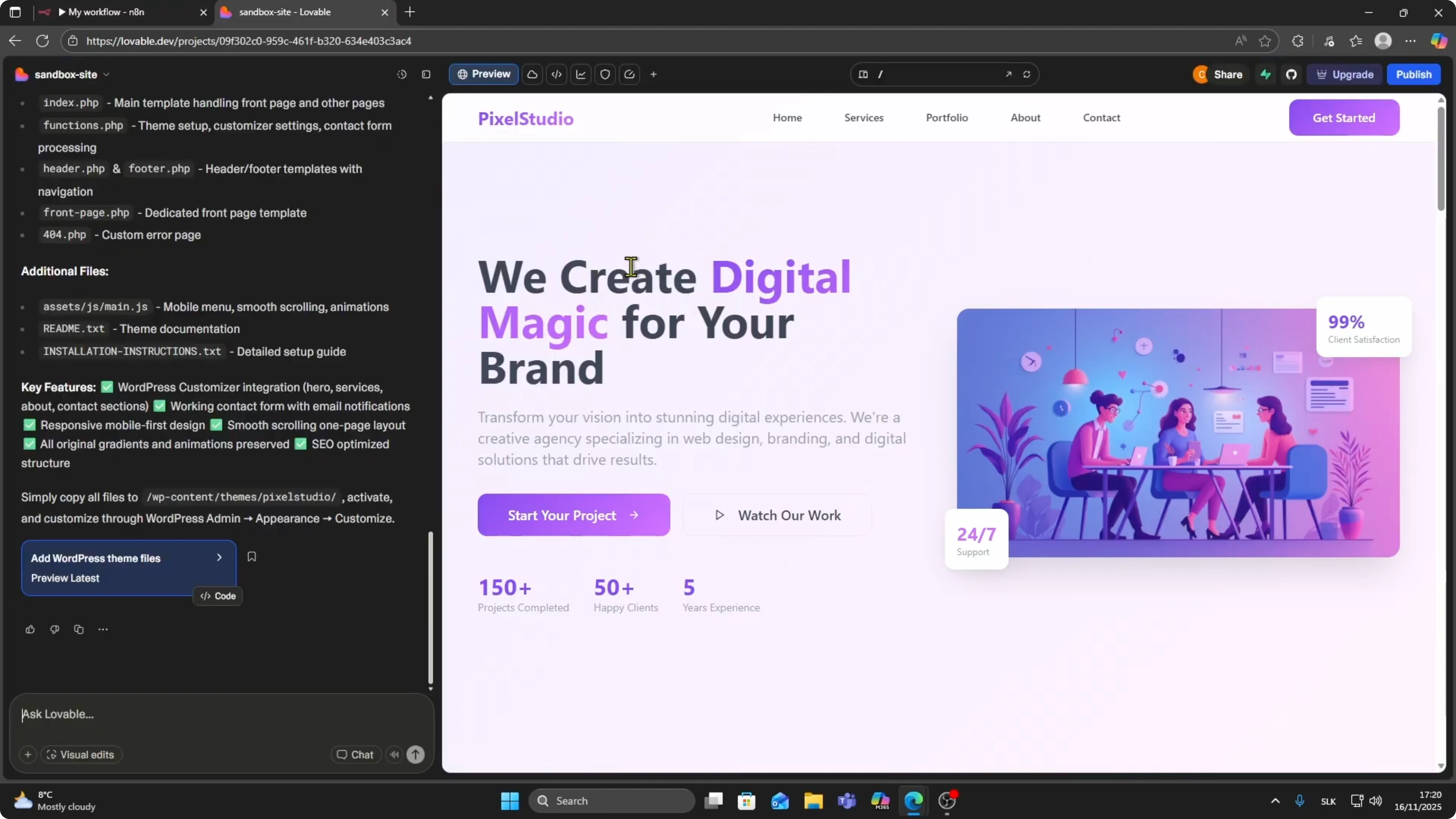
Open the Lovable project you want to connect.
Choose the button that should trigger the workflow, for example the Send message button.
When someone clicks it, the n8n workflow will run.
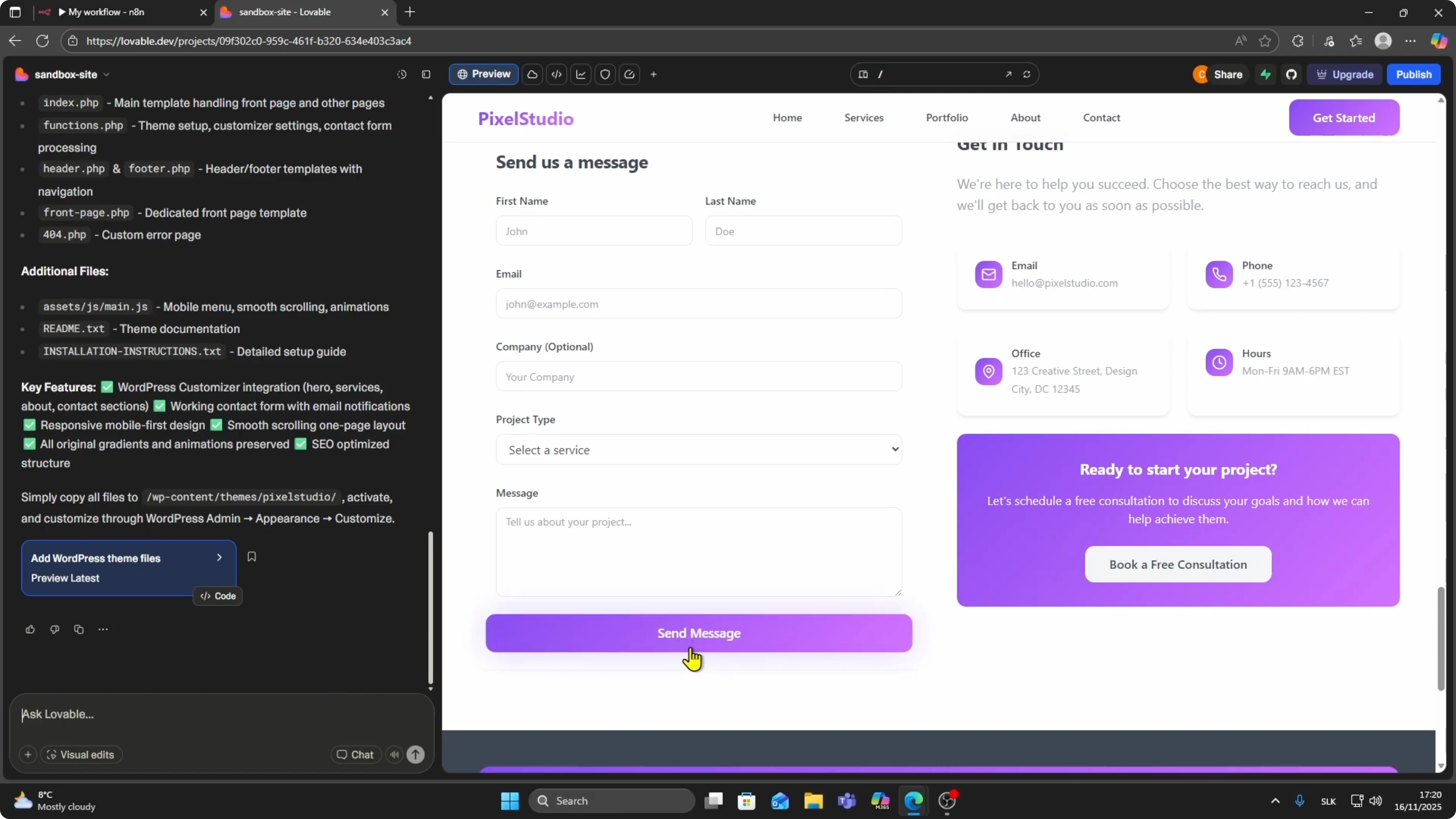
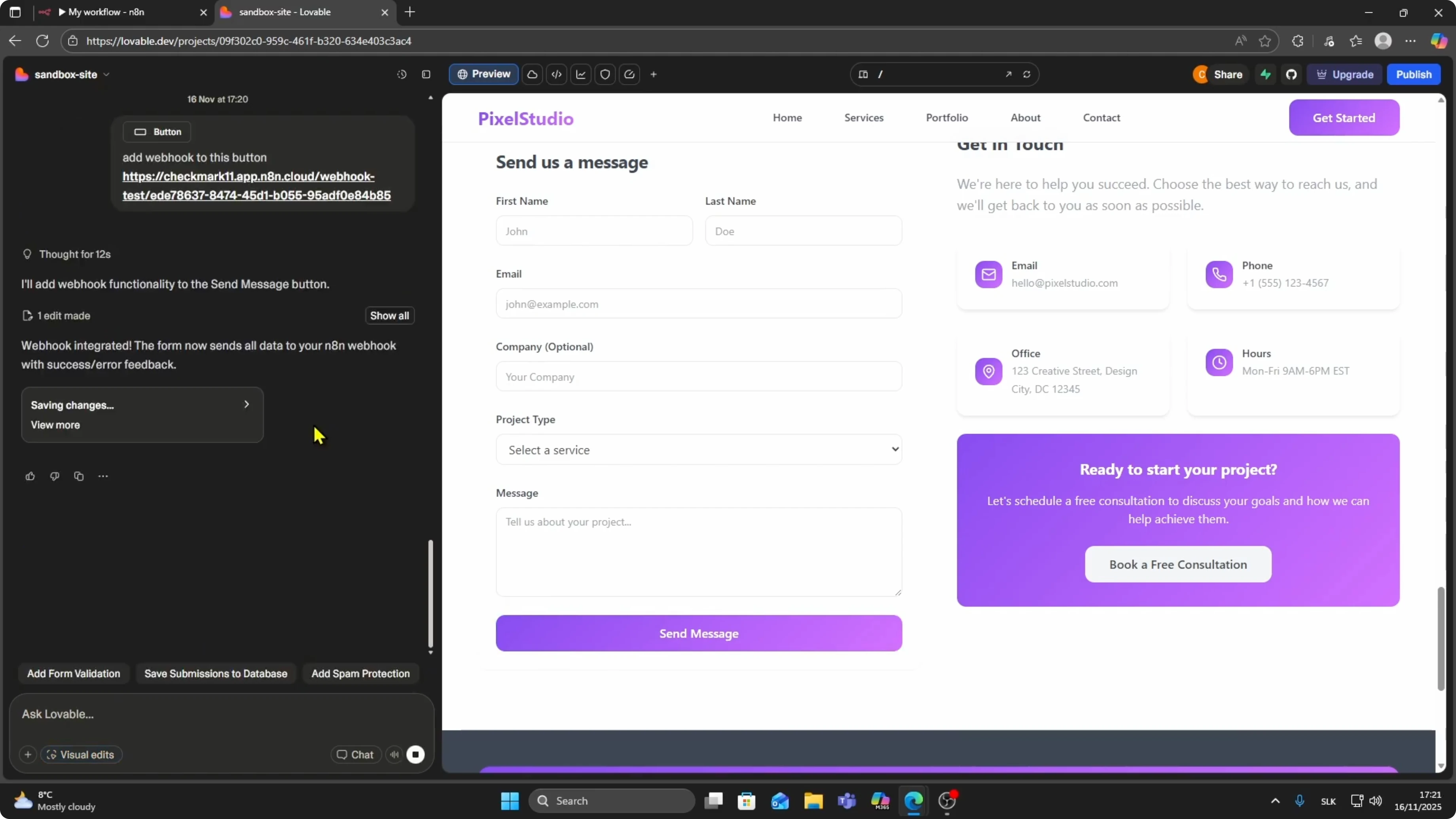
Click on Visual Edits and select this button.
In the edit field, type the following command and press Enter.
Then paste the n8n webhook URL when prompted.
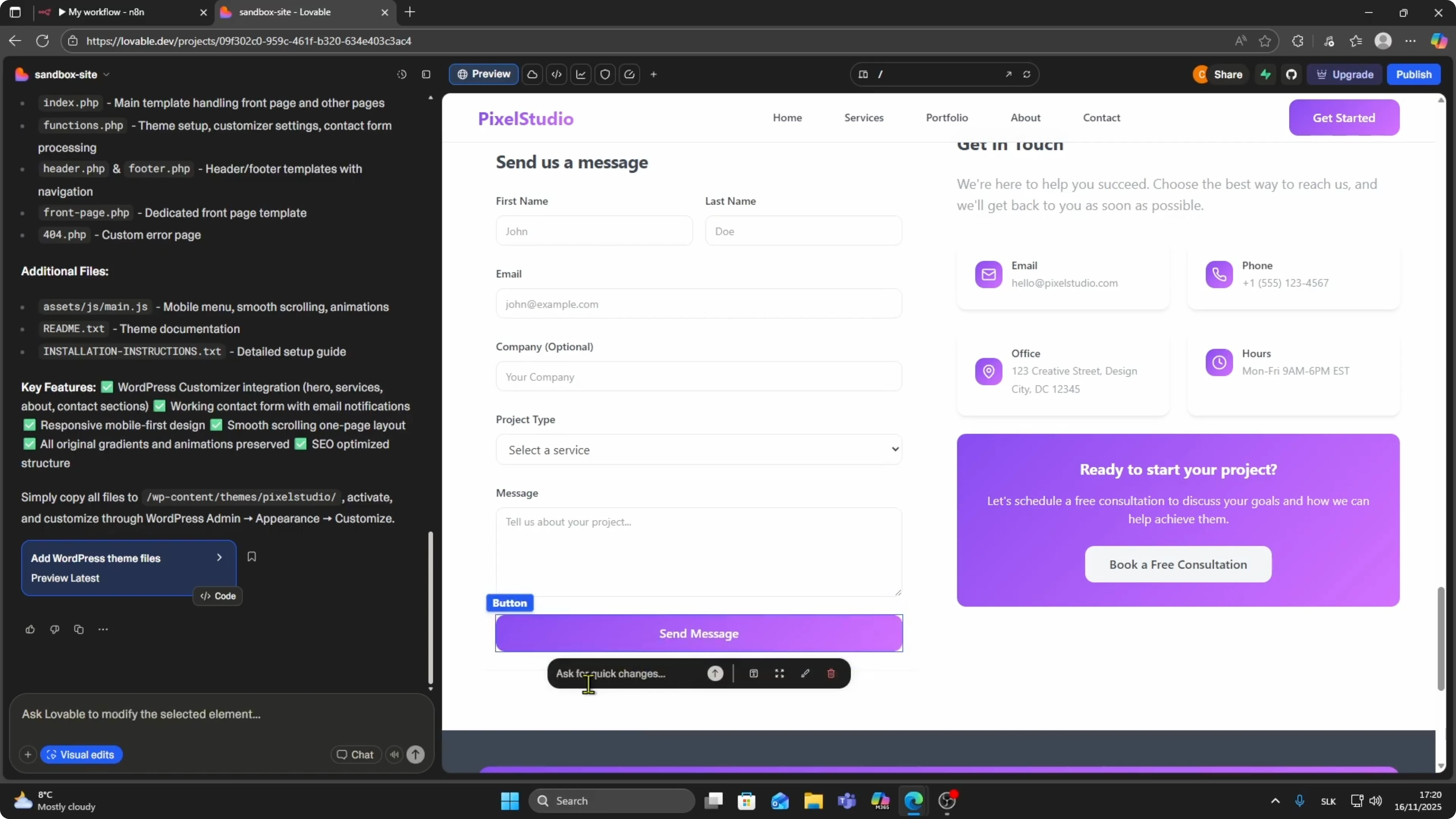
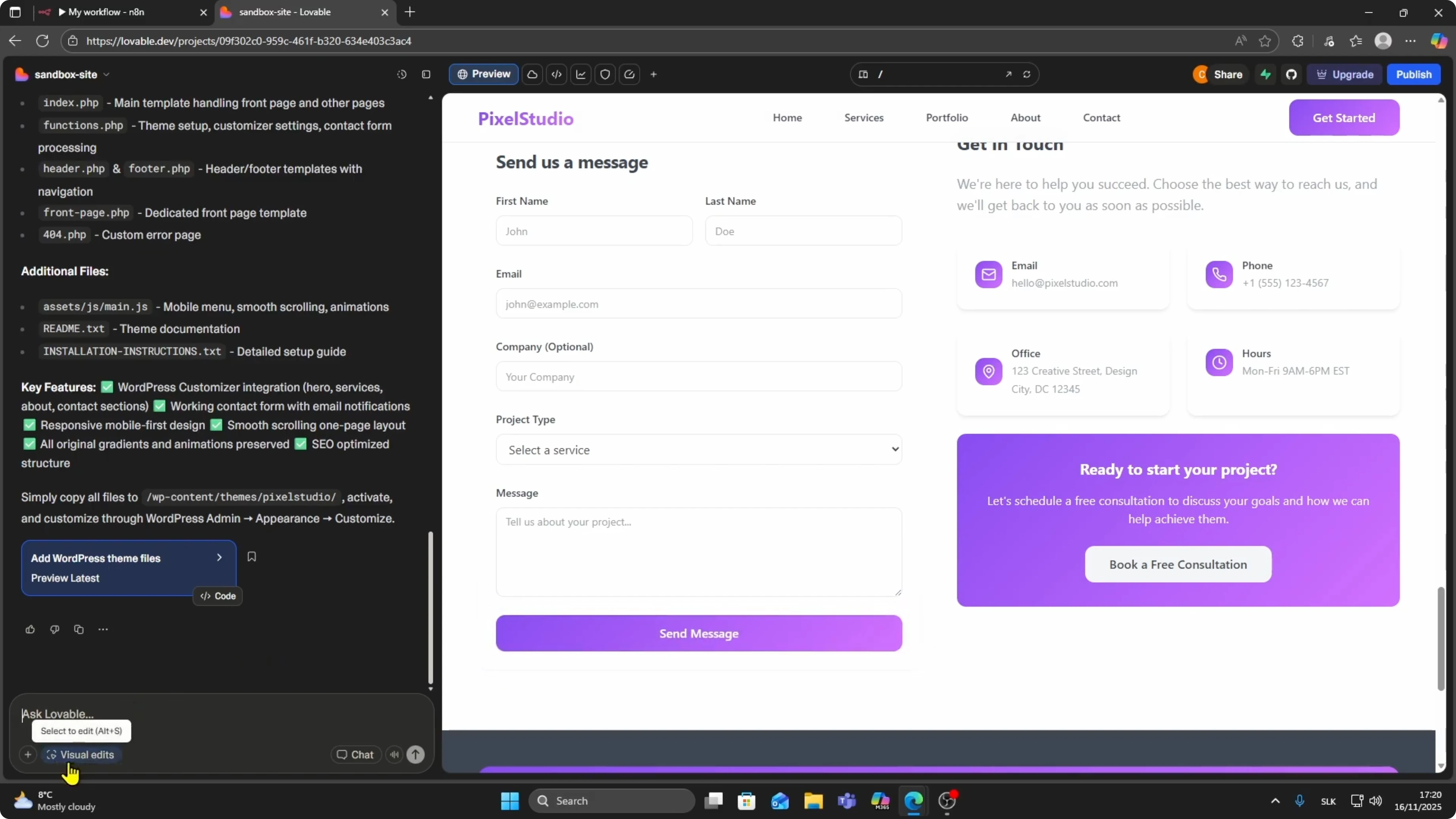
add webhook to this button
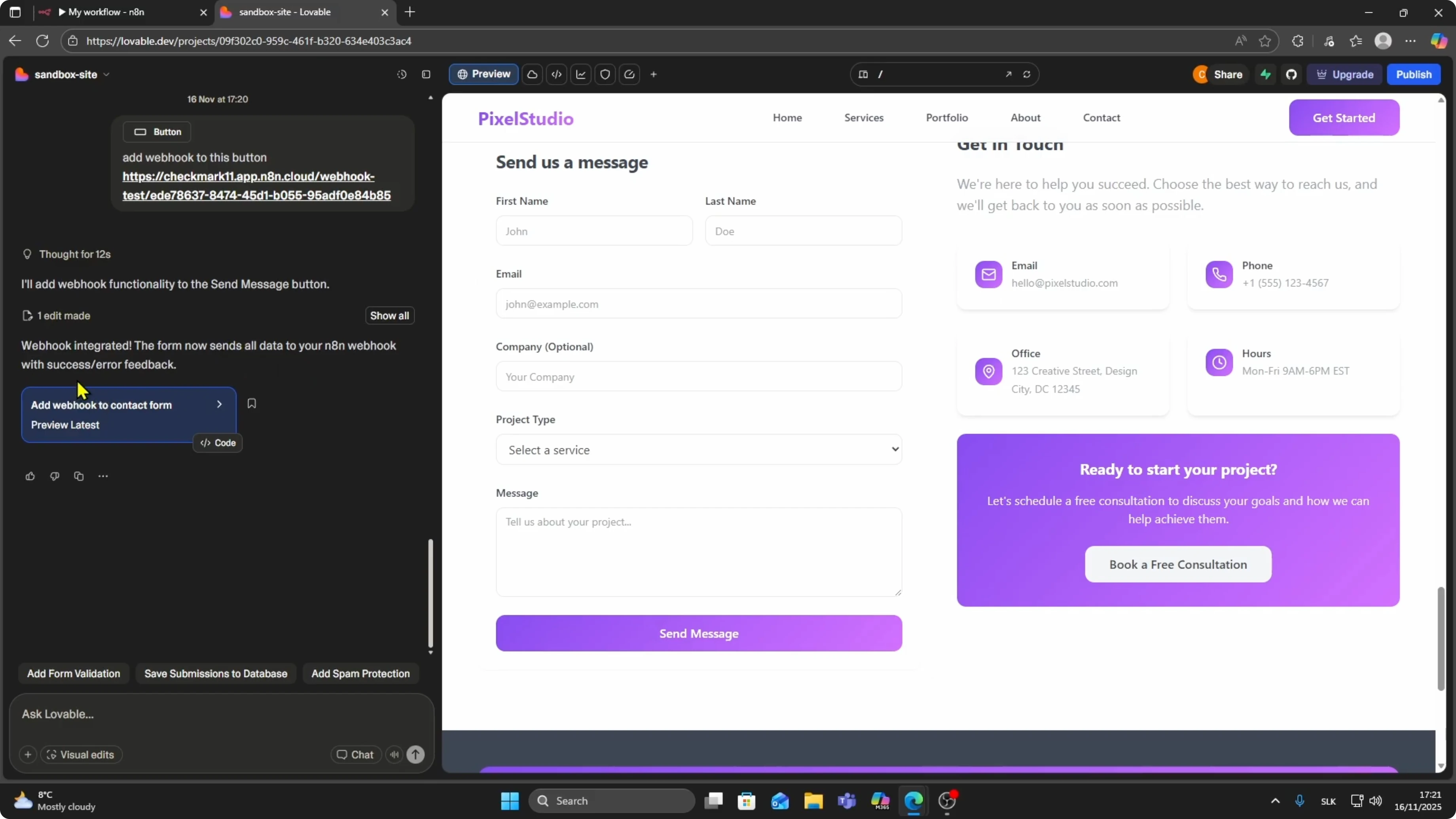
You will see confirmation that the webhook is integrated.
The form now sends all data to your n8n webhook with success and error feedback.
This completes the connection from Lovable to n8n.
If you also need to bring your design into Lovable, check this quick guide
connect Figma to Lovable.
It pairs well with the webhook workflow you just set up.
Test and confirm
Click the connected button in Lovable to send a request.
Open the n8n execution view to confirm the webhook received the payload.
You should see either success or error feedback based on the response.
To persist incoming data from this flow, you can add a database step.
A helpful pattern is to store payloads using a hosted database service.
Start here to connect Lovable with a backend
connect Lovable with Supabase.
Final thoughts
Set the Webhook node in n8n, copy the POST URL, and attach it to your Lovable button through Visual Edits.
Use the simple command add webhook to this button, paste the URL, and confirm data is arriving in n8n.
This gives you a reliable click to workflow connection with clear success and error feedback.