How to Publish Your App on Lovable?
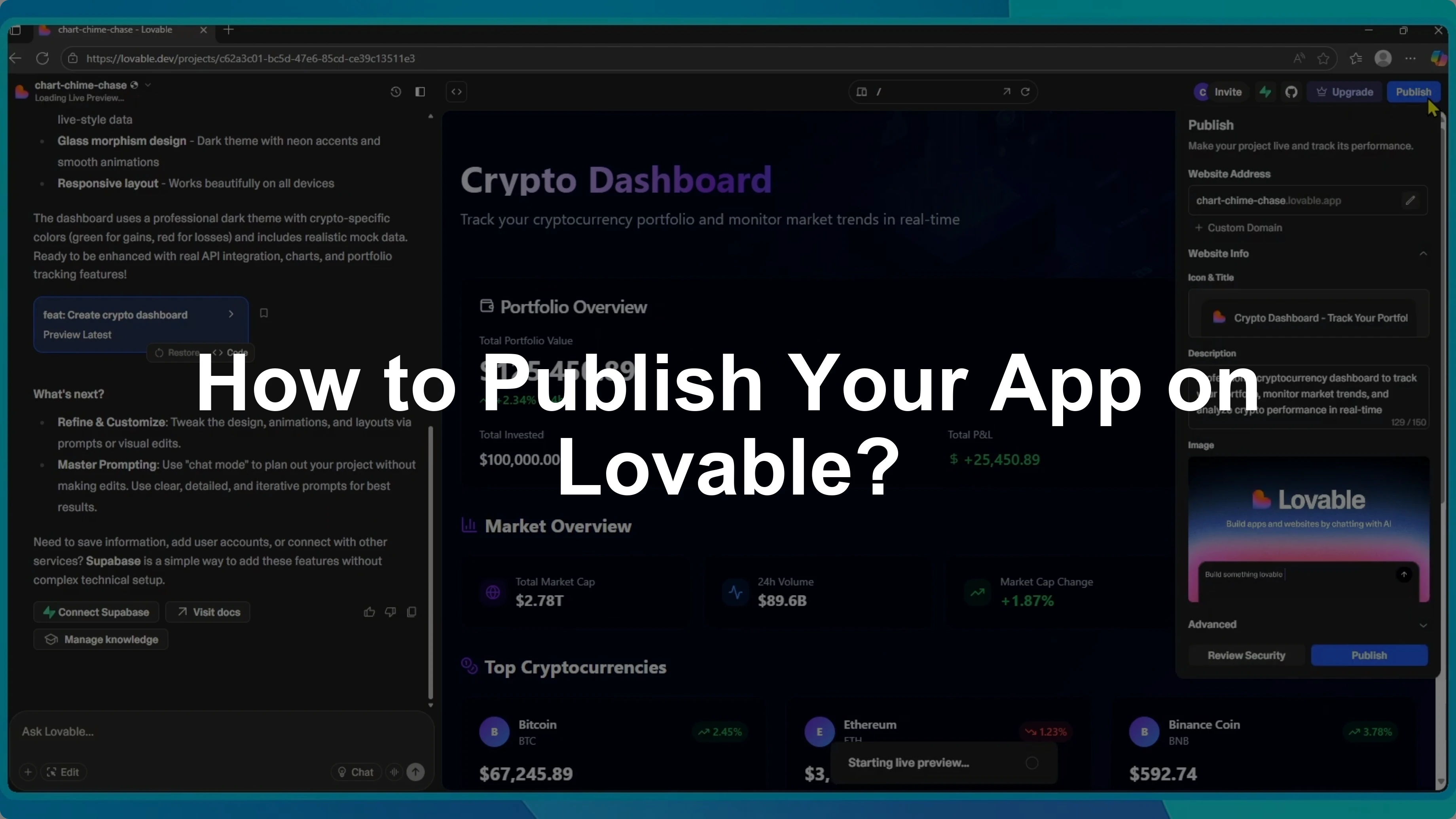
I will show you how to publish your app in Lovable.
If you need to collaborate with teammates before publishing, see how to work with your team in Lovable.
Open project
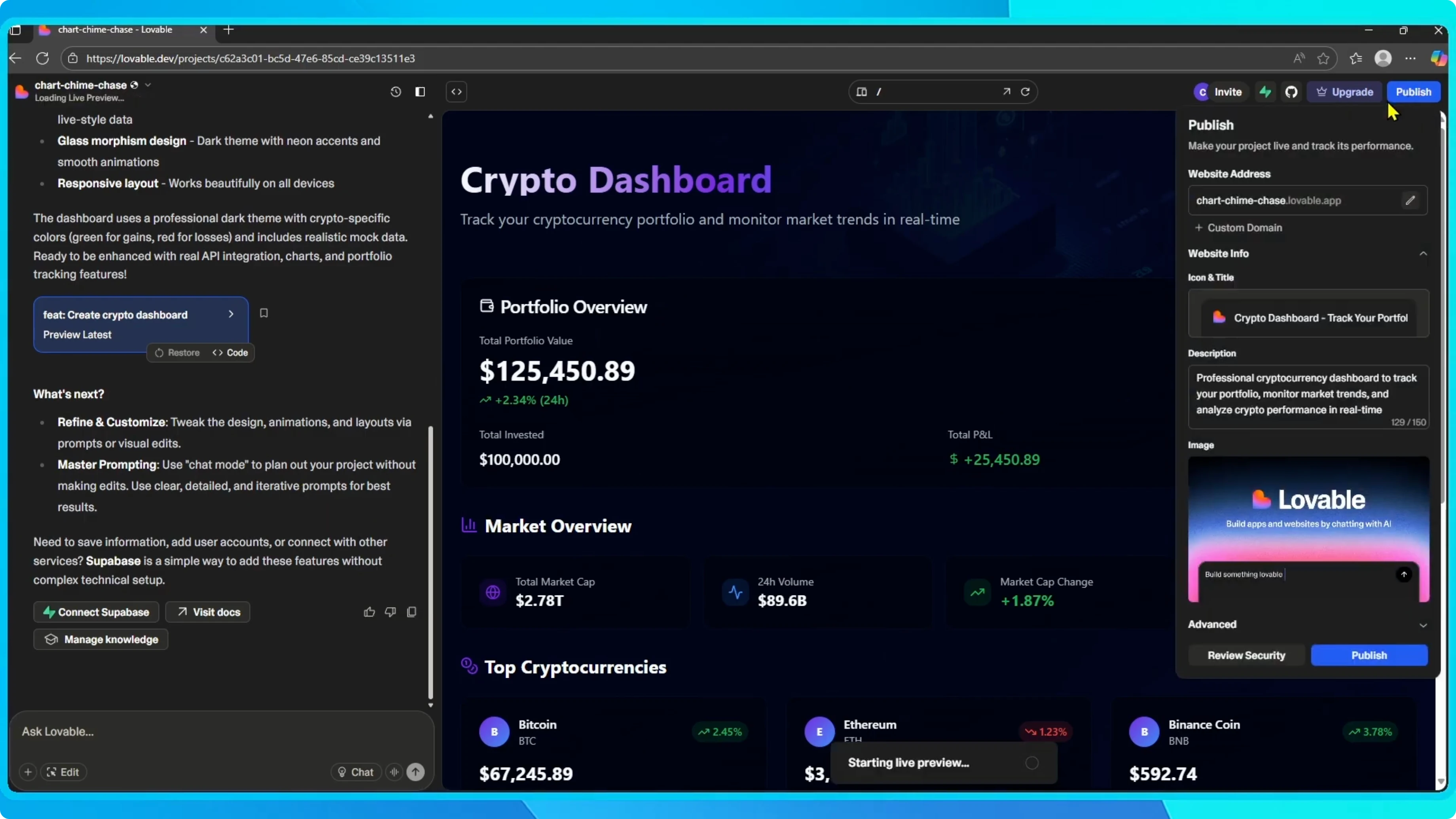
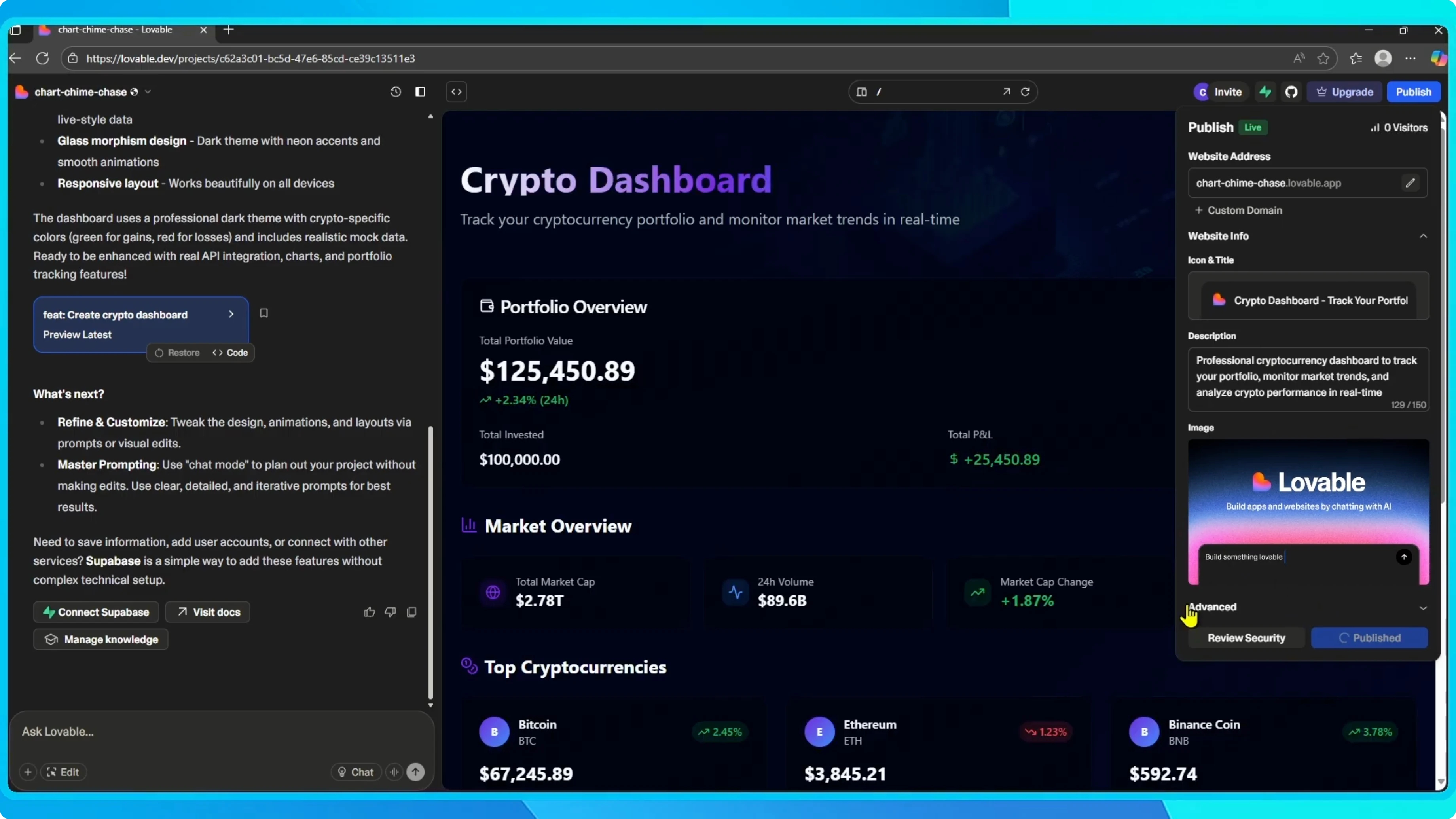
Open your project and click the publish button in the top right corner.
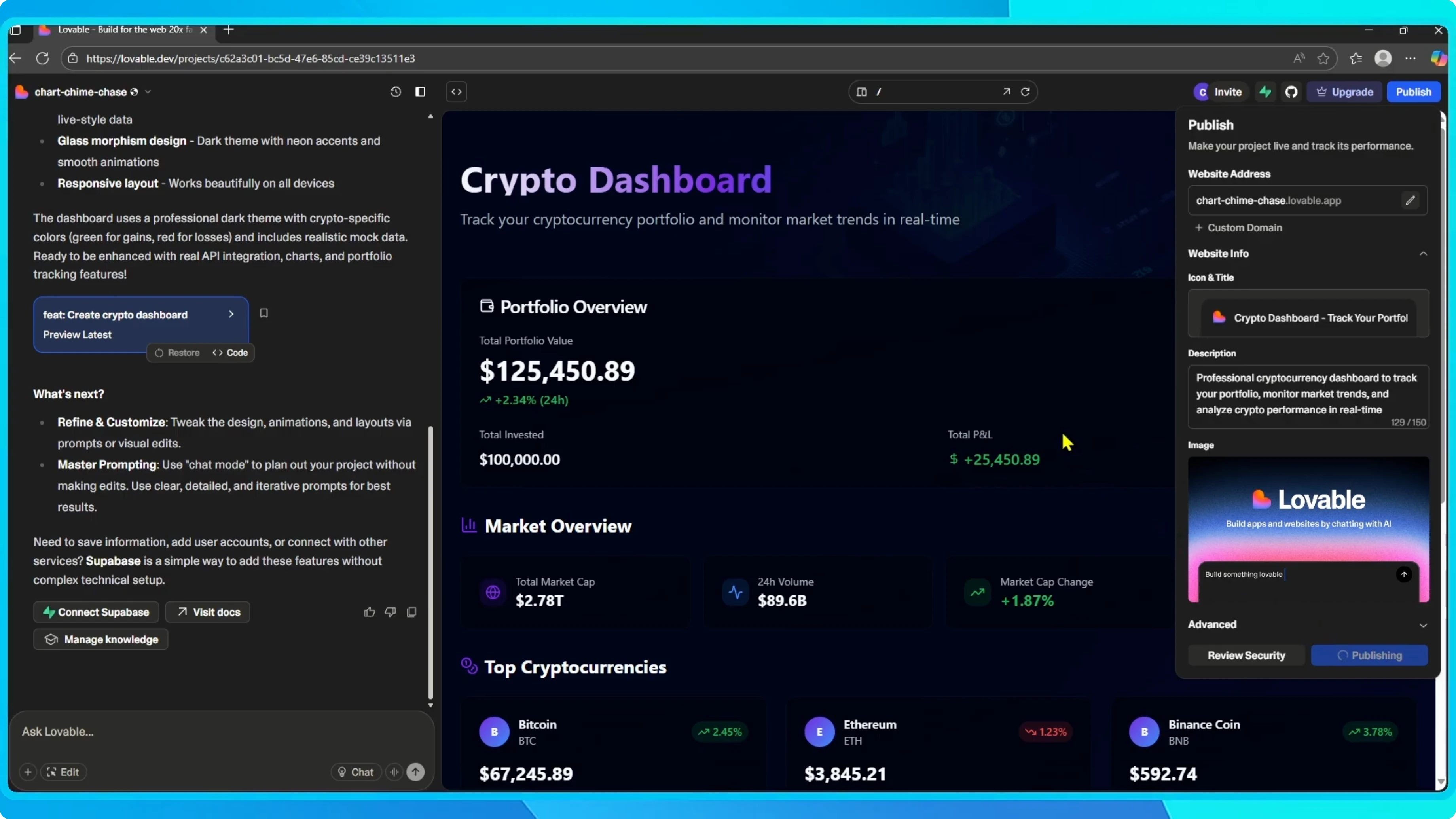
This opens the publish panel.
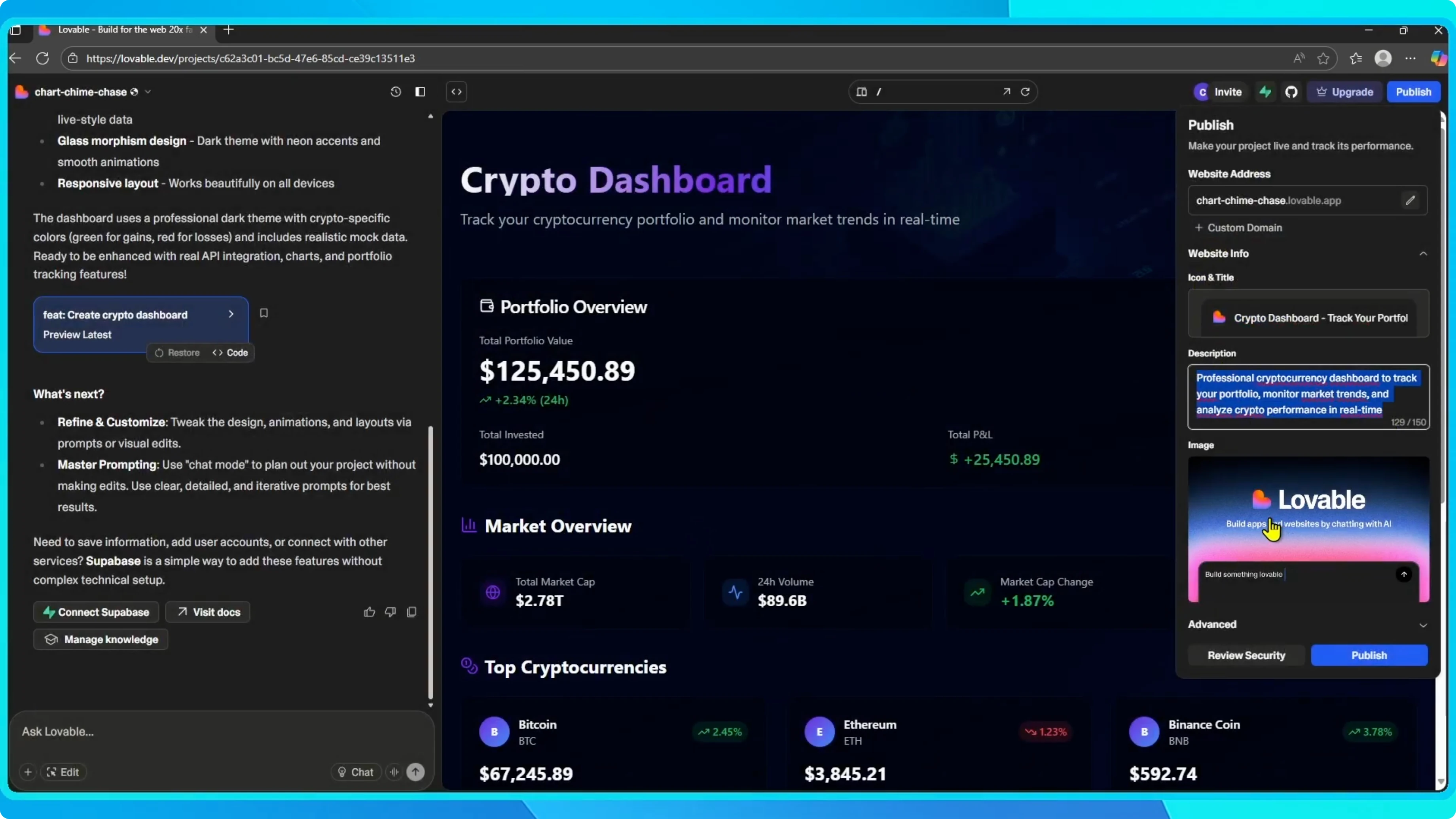
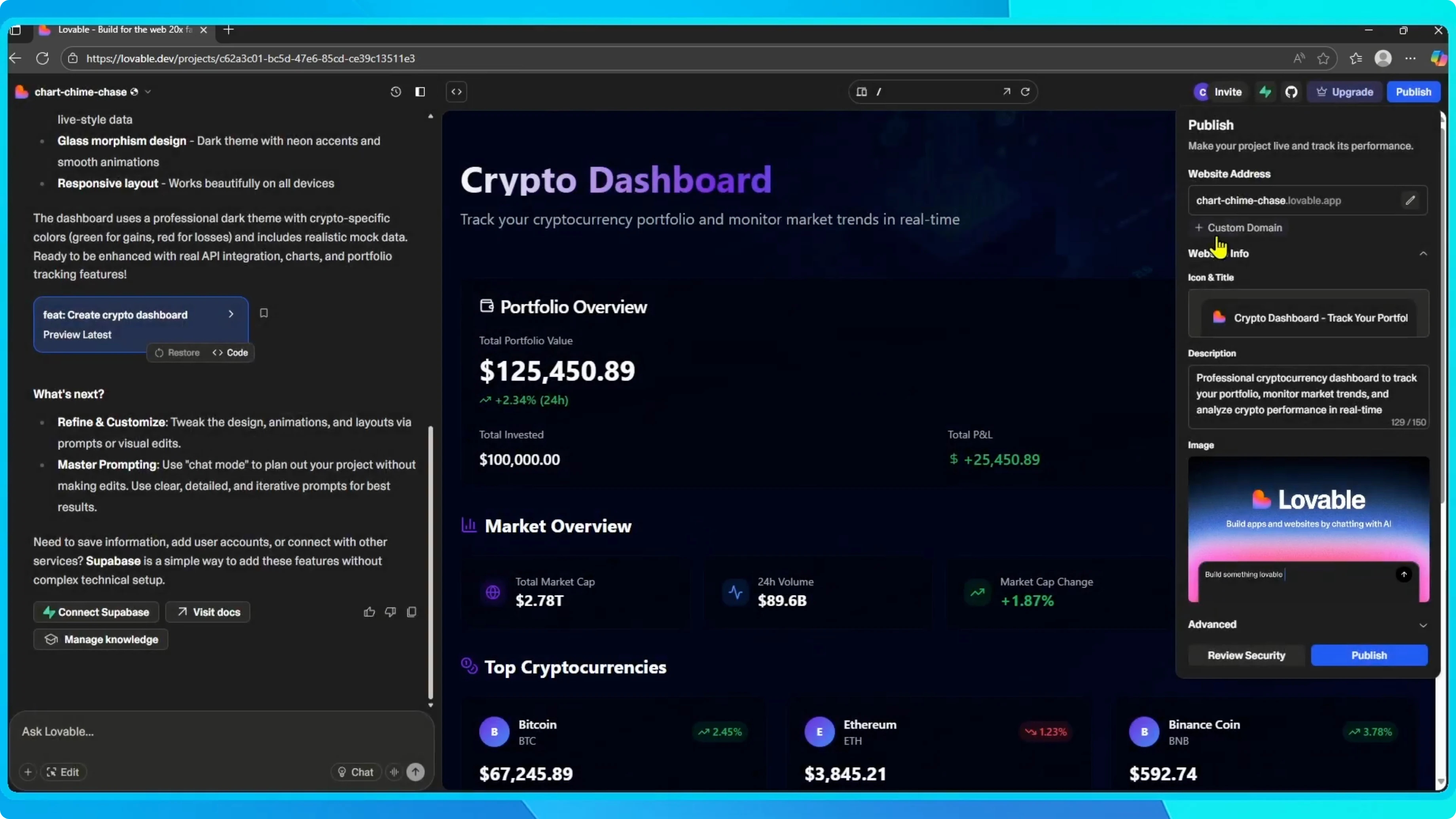
Website address
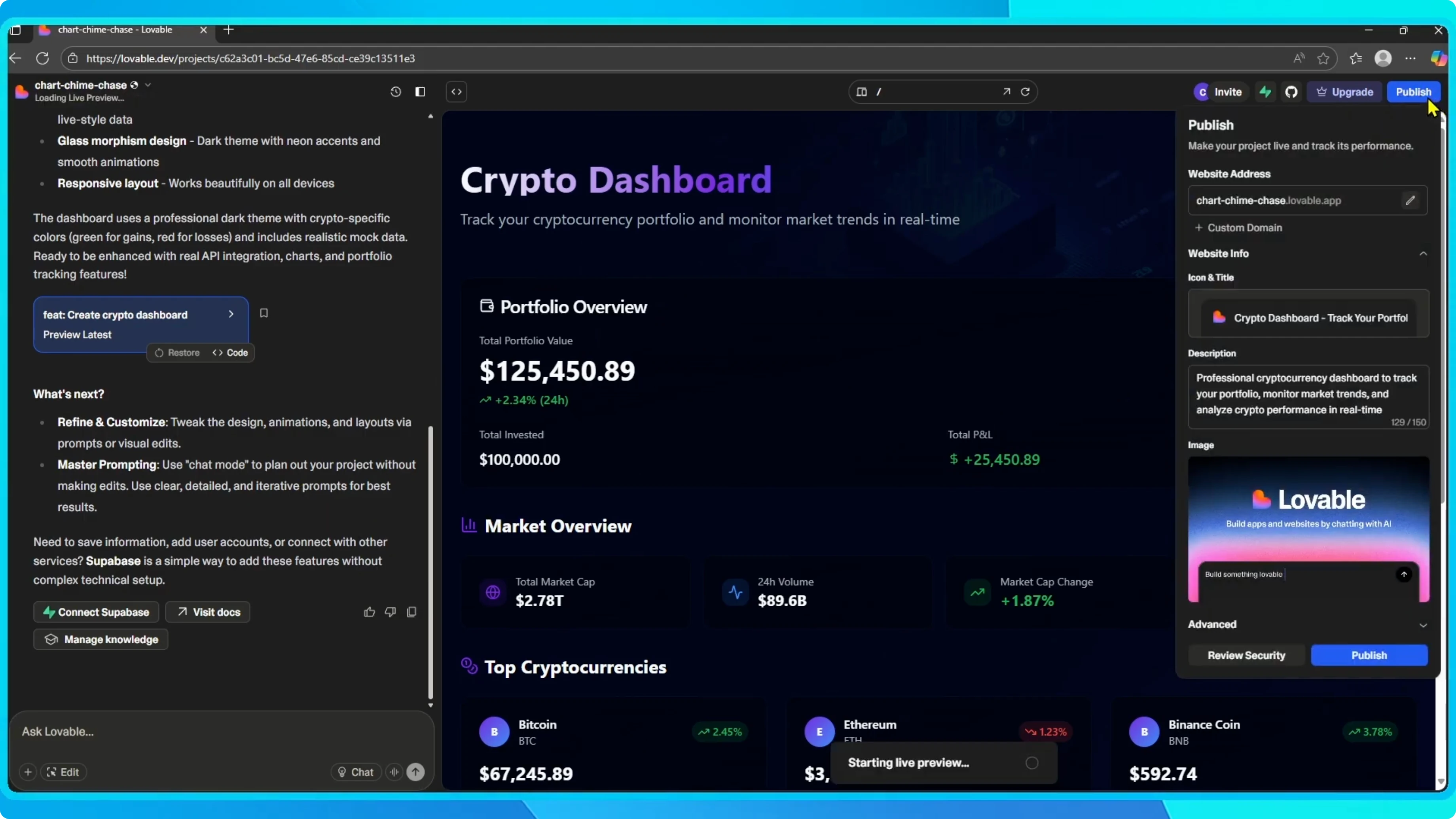
Here you can set your website address.
If you own a domain, you can also connect a custom domain.
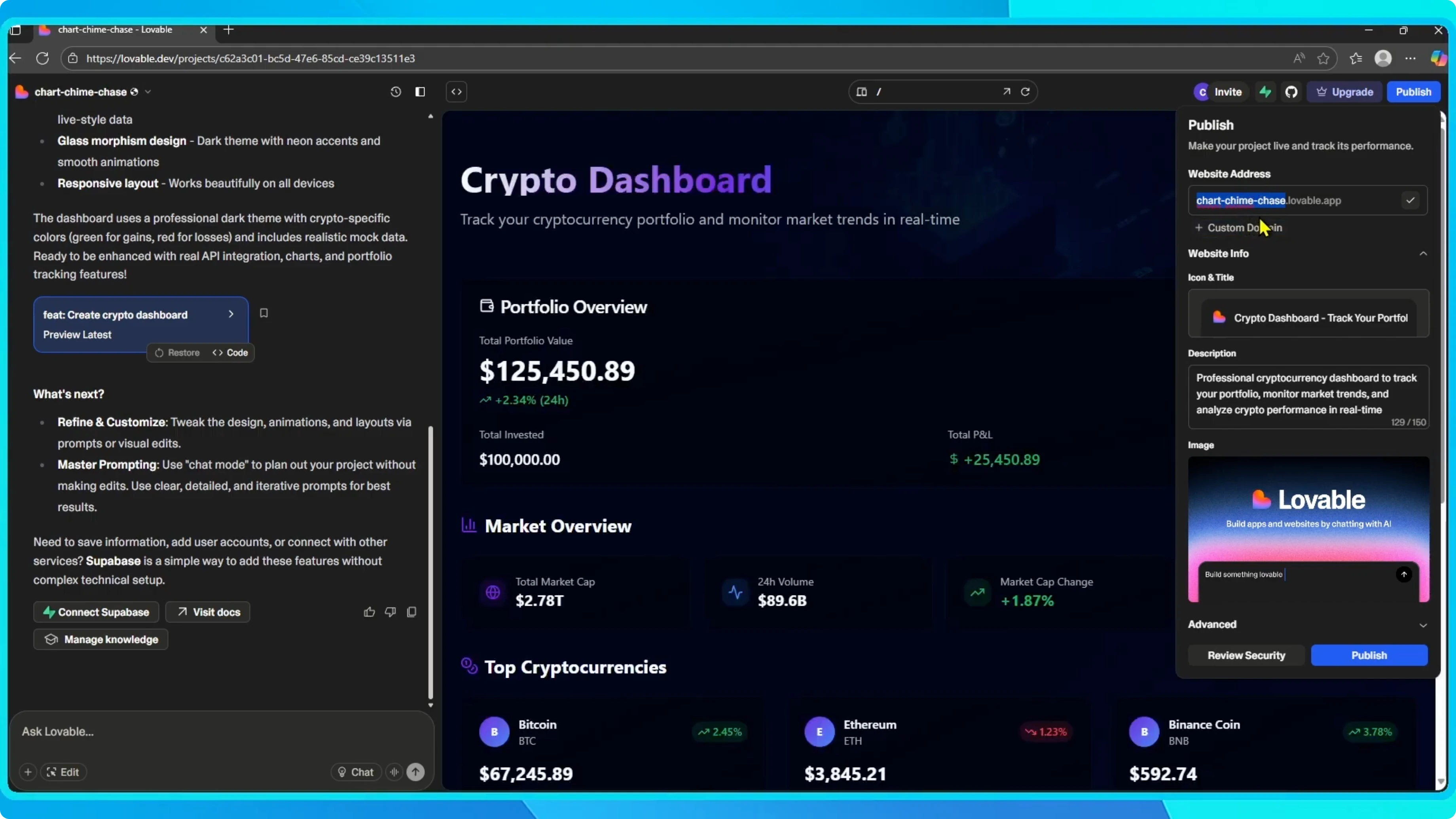
For mobile distribution on Apple devices later, see how to publish to the Apple App Store.
Site info
Next, fill out your website info.
Add a clear title, a short description, and an icon.
You can also choose a preview image that will show up when your site is shared.
Security review
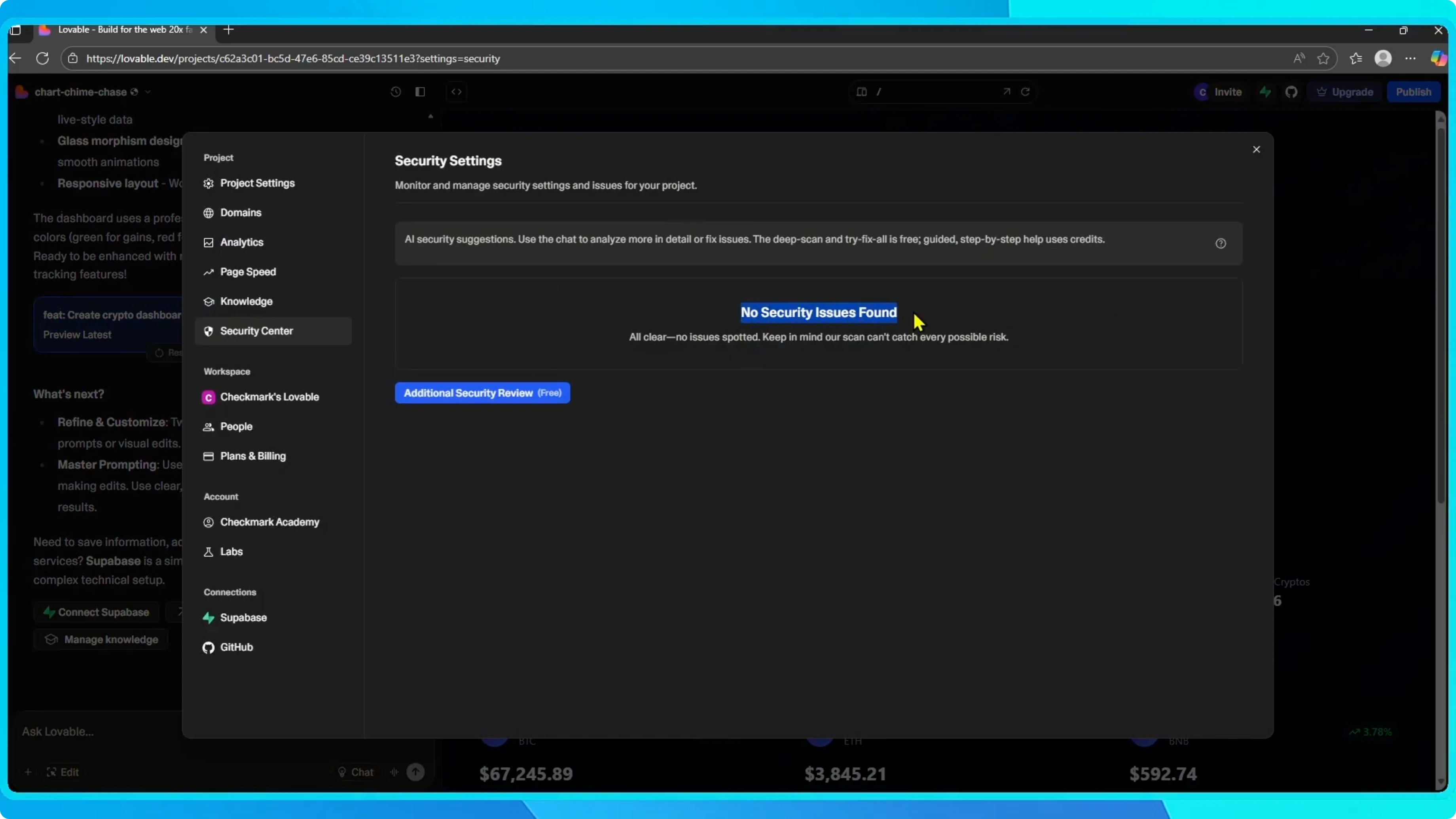
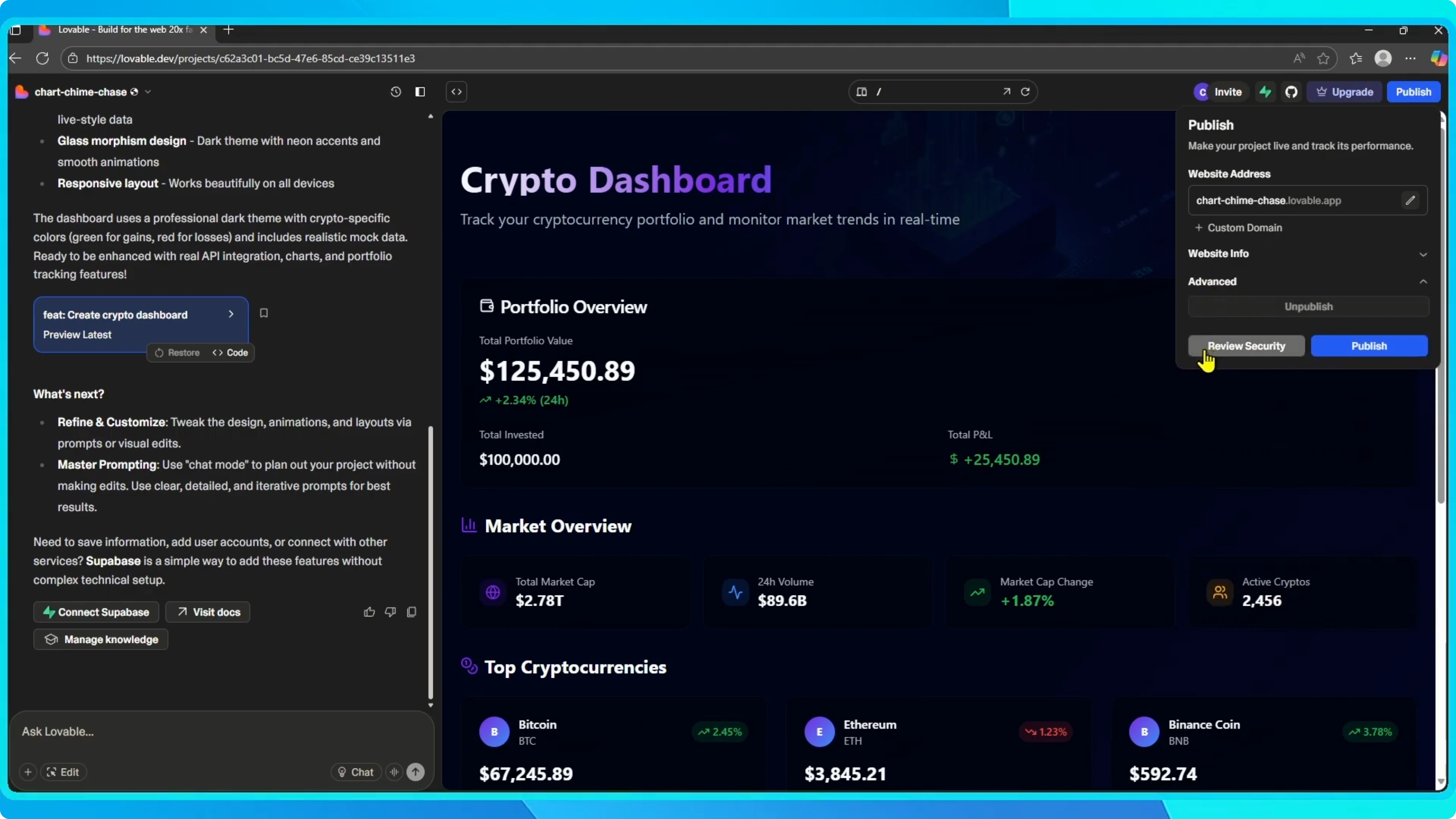
Before publishing, click Review security to check for common issues.
When everything looks good, click Publish.
Publish and go live
Lovable will build and deploy your app.
Once it is done, click the link to see your live site online.
Your app is now published on Lovable.
For Android distribution, see how to publish to Google Play Store.
Final thoughts
Set your address, add clear site info, and run the security review.
Publish when ready, then open the link to view the live site.
Simple steps take your project from editor to a live Lovable app.


