How to Publish Lovable App to the Google Play Store?
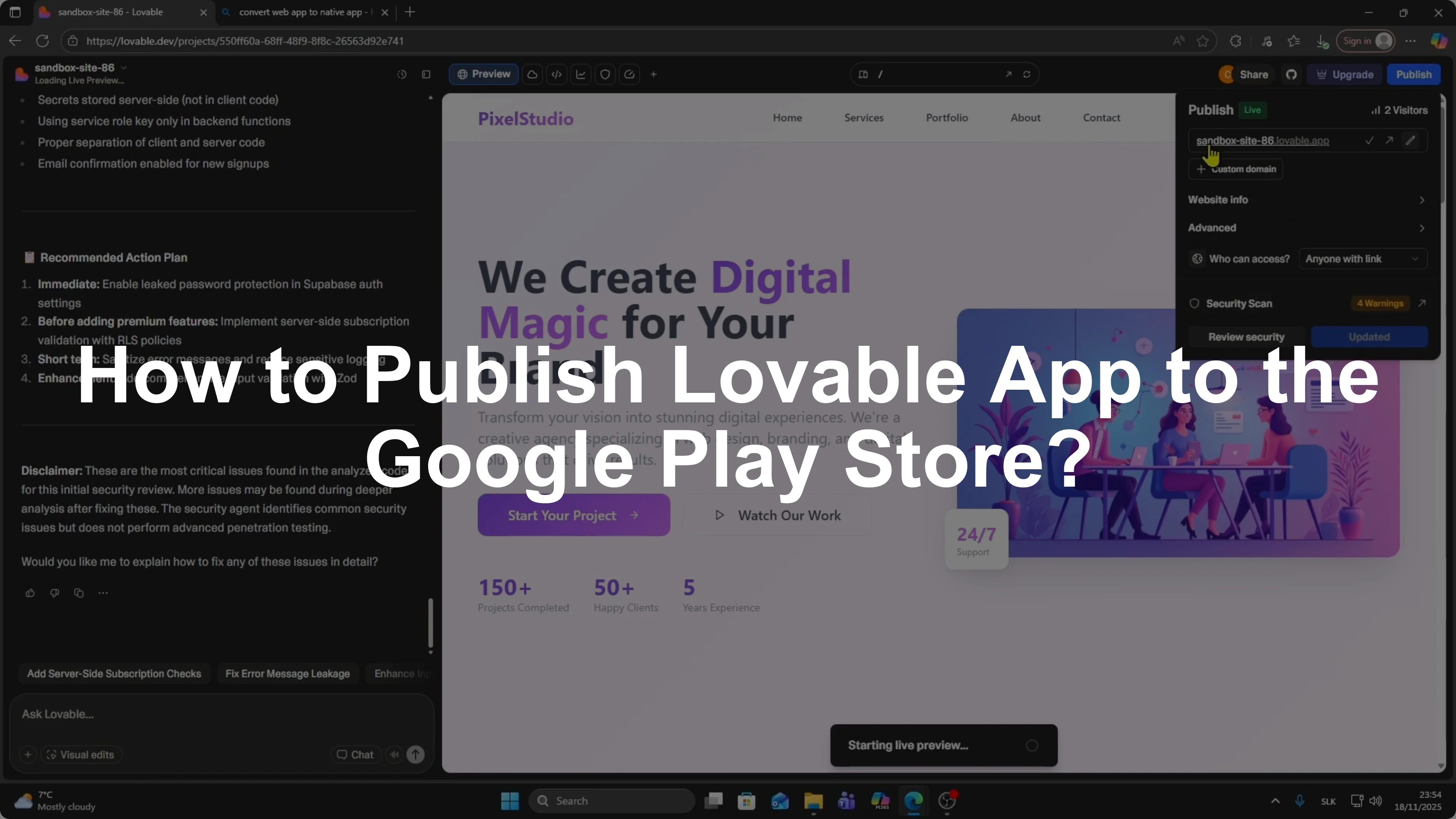
I’ll show you how you can publish your Lovable app to Google Play Store.
Follow these steps from start to finish.
Open the project you want to publish.
Click the Publish button in the top right corner.
Make sure your app is published.
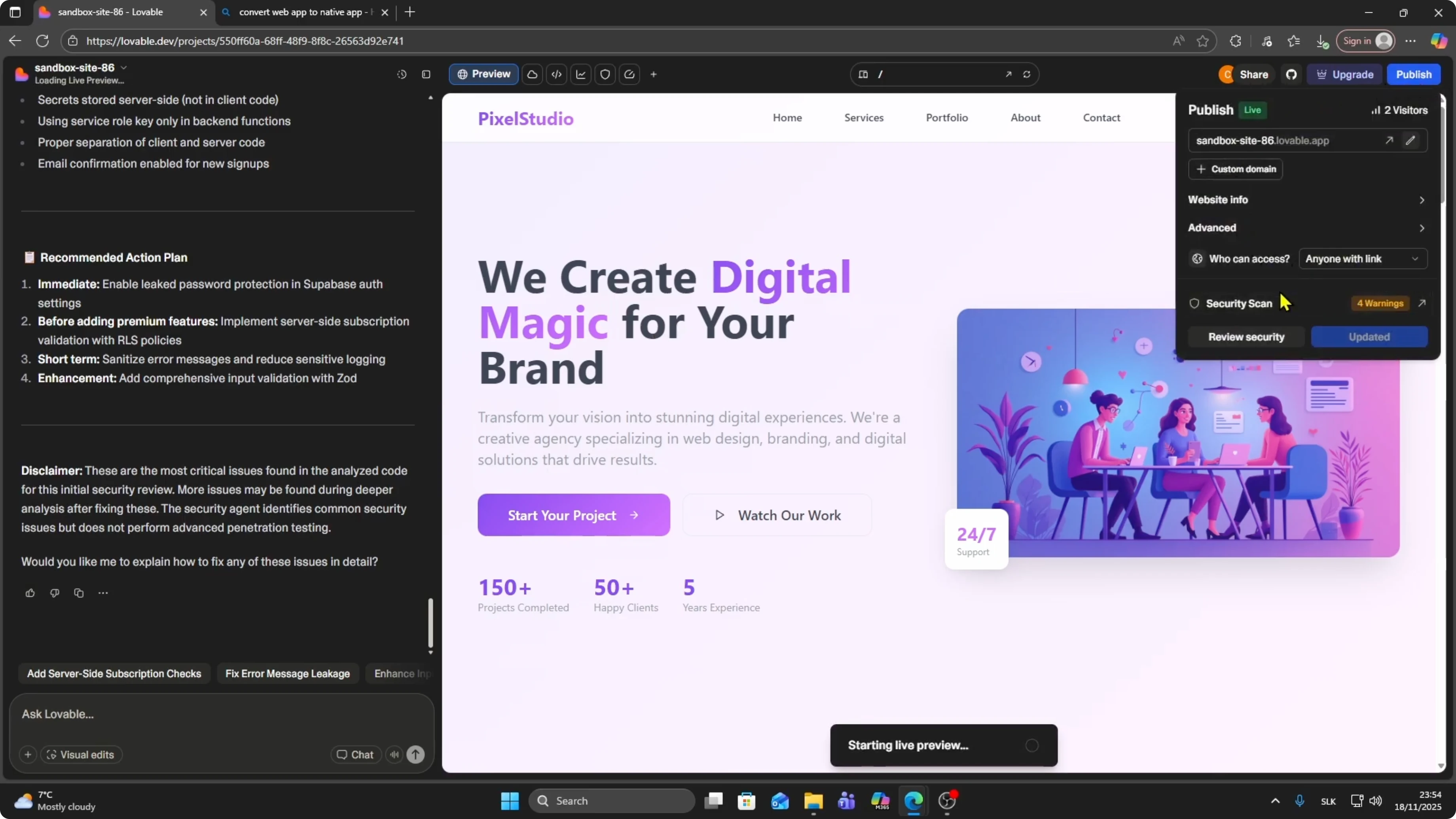
Copy the URL of your published app.
We will need it later.
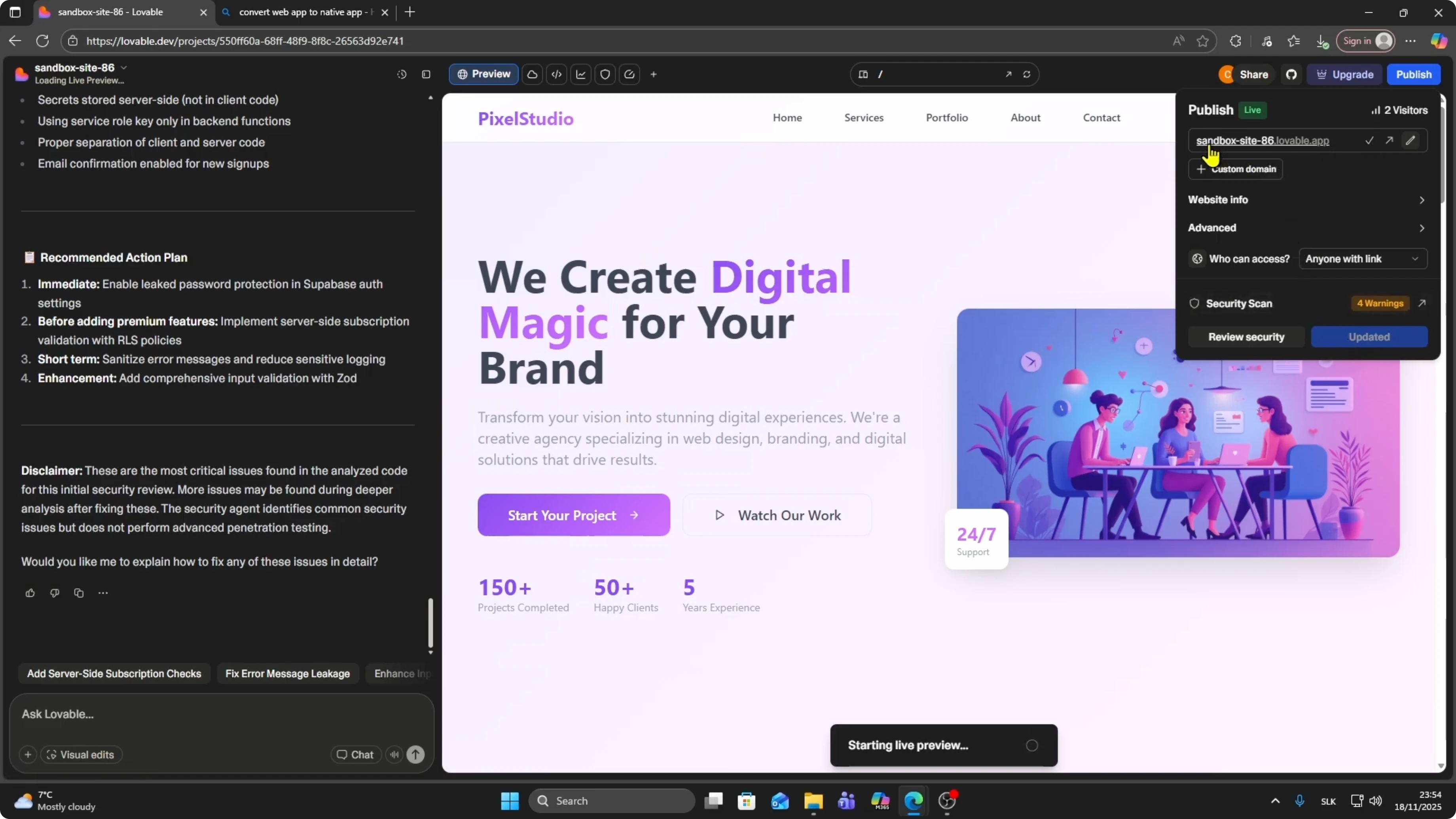
Convert to native
Choose a converter
Search for a website that can convert your web app into a native app.
You can find many options.
For example, use median.co.
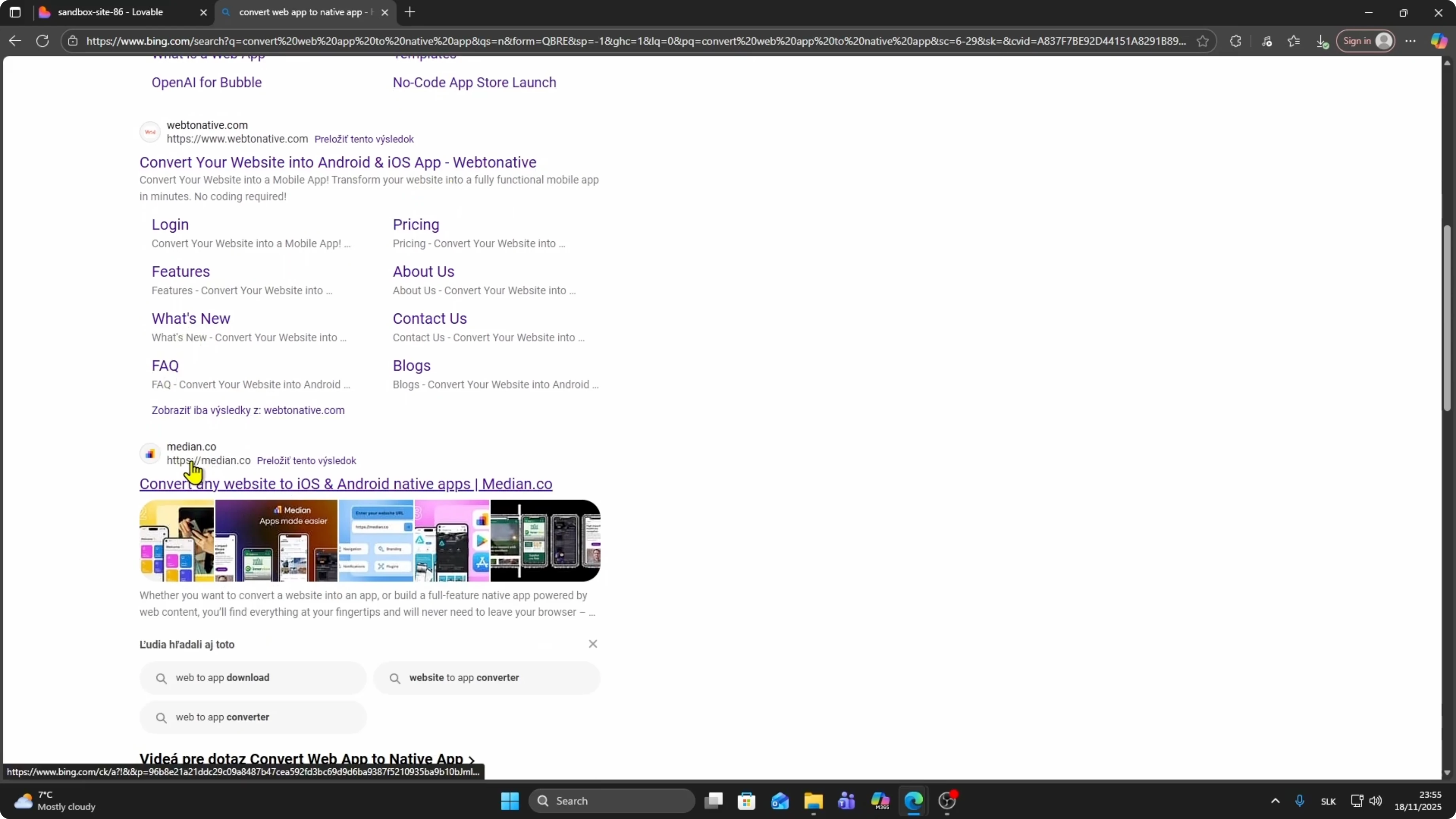
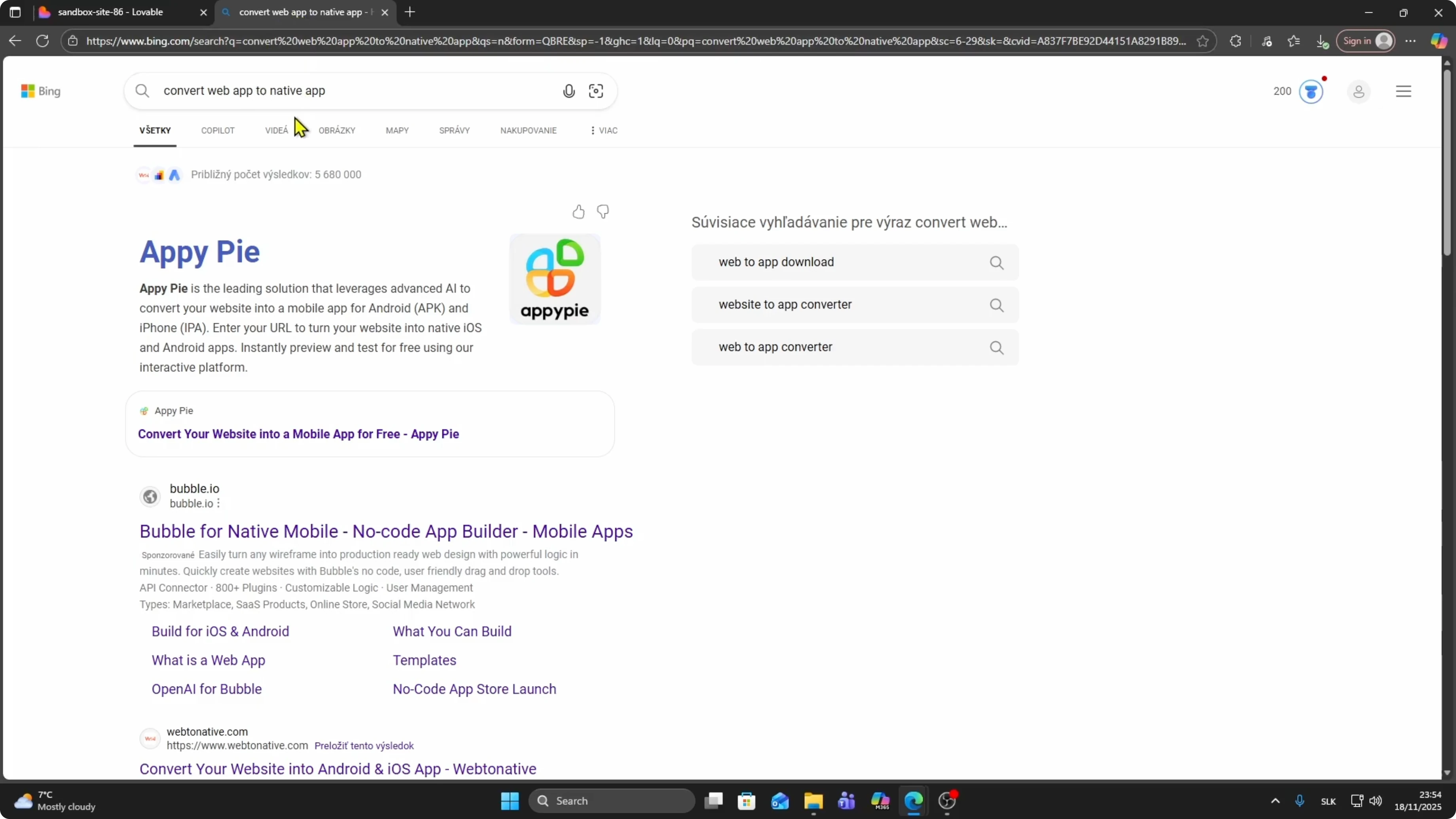
Paste the URL you copied.
Click Build your app.
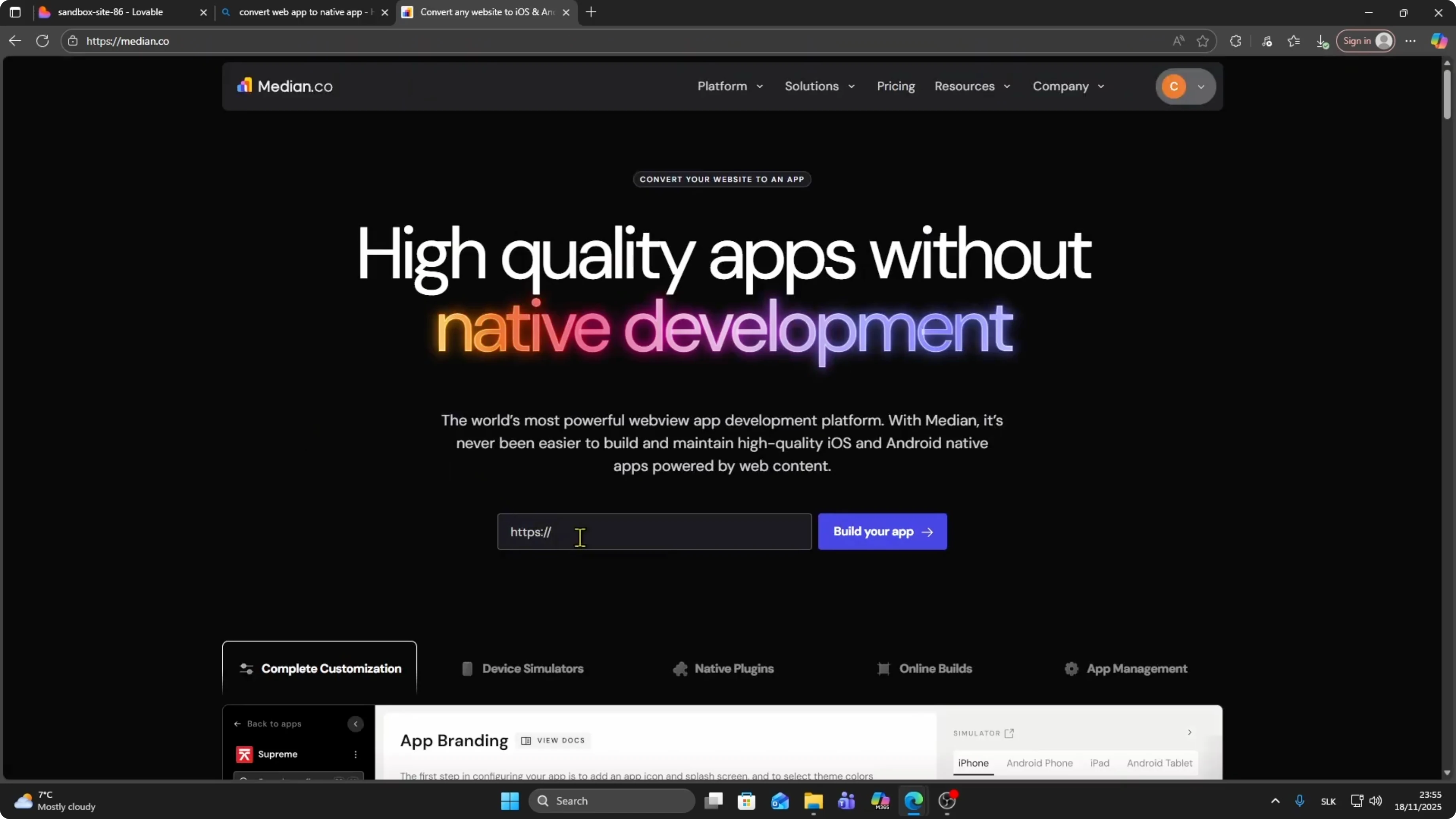
Name your app, for example “test”, and click Start building my app.
Read More: How To Publish Lovable App To Google Play Store
Configure and preview
Wait a couple of seconds while it builds.
Upload your app icon.
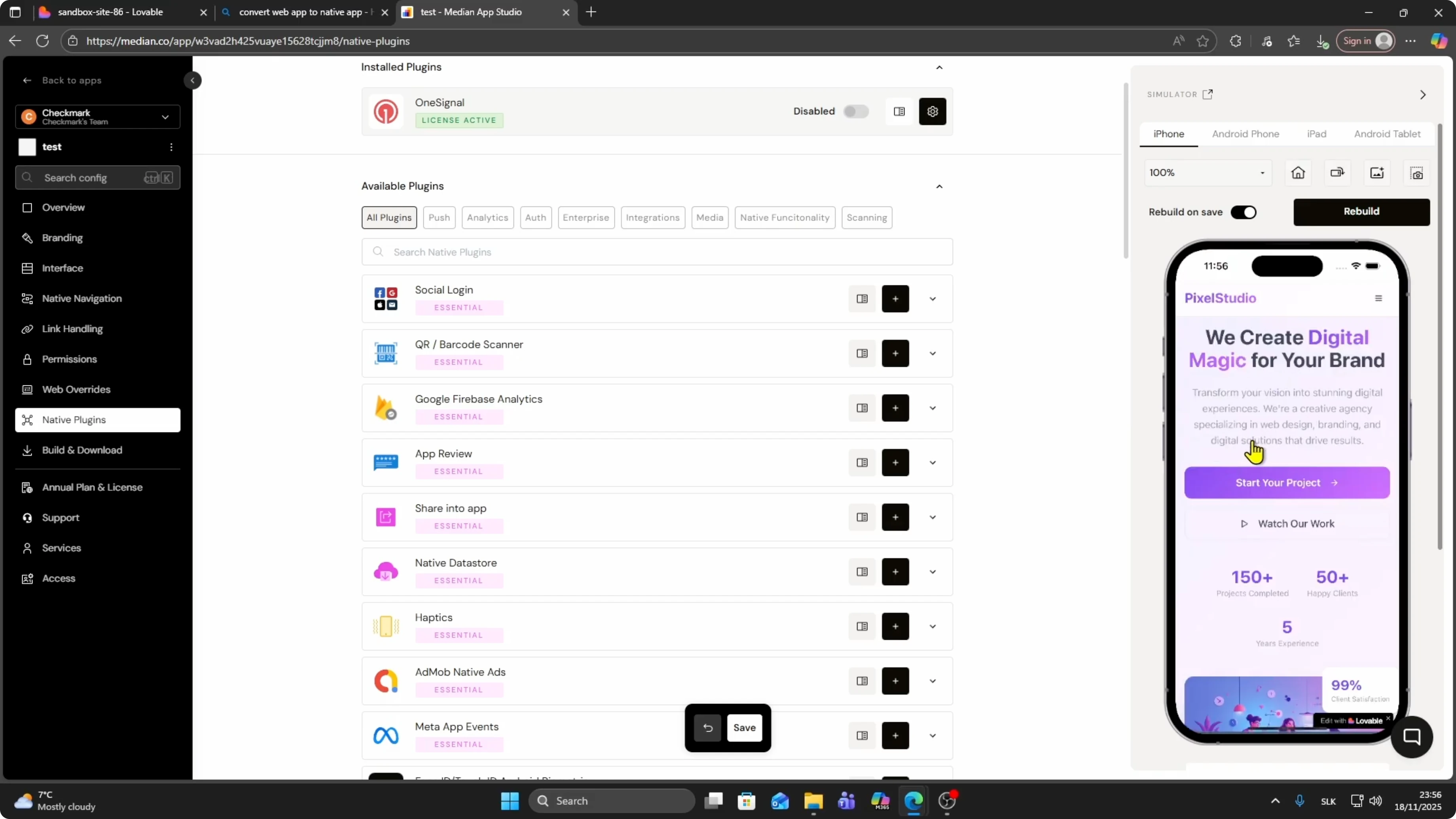
You can customize the interface, permissions, and native plugins.
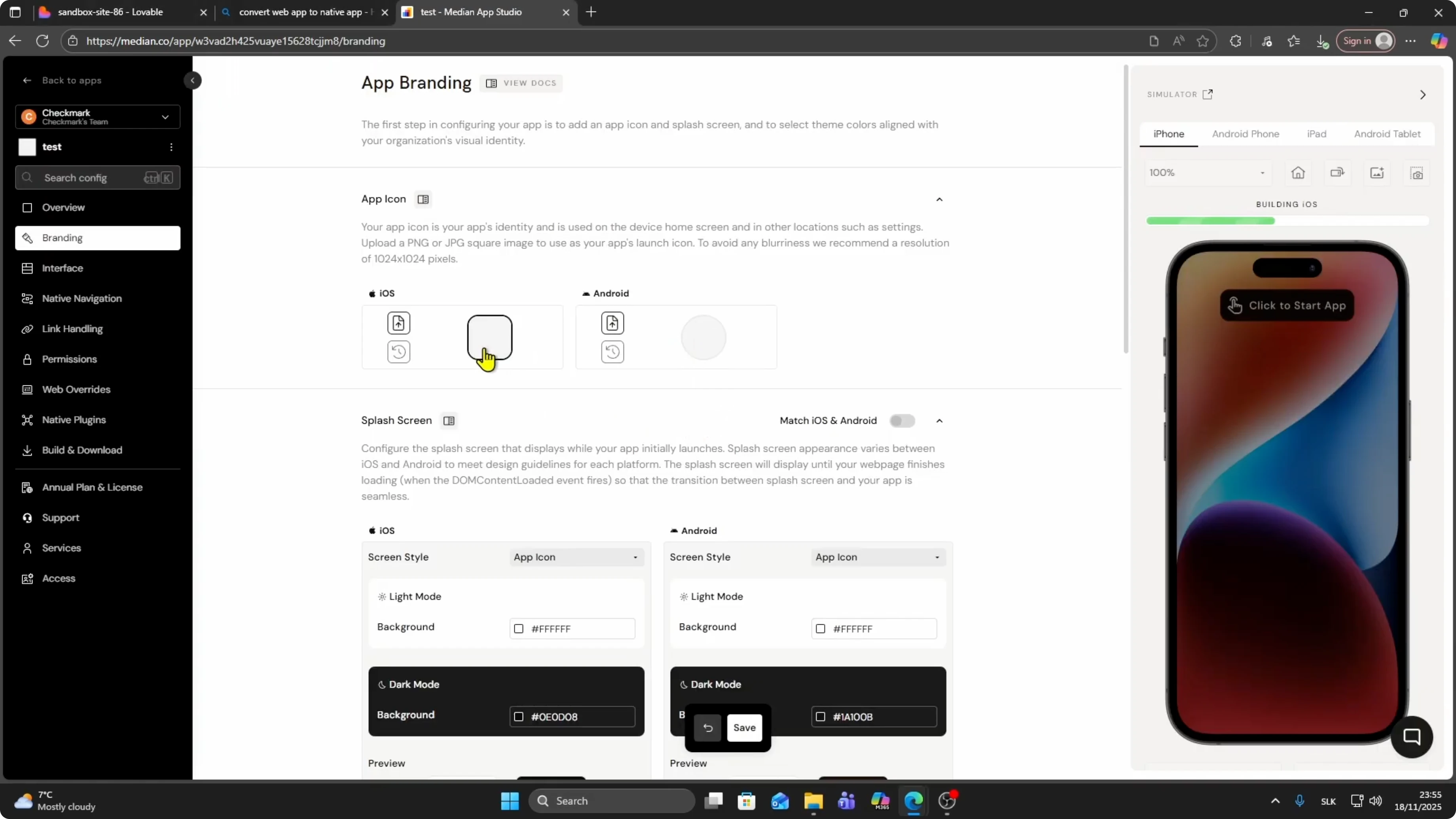
You can add social login.
Click Start app.
Click Display to preview the app.
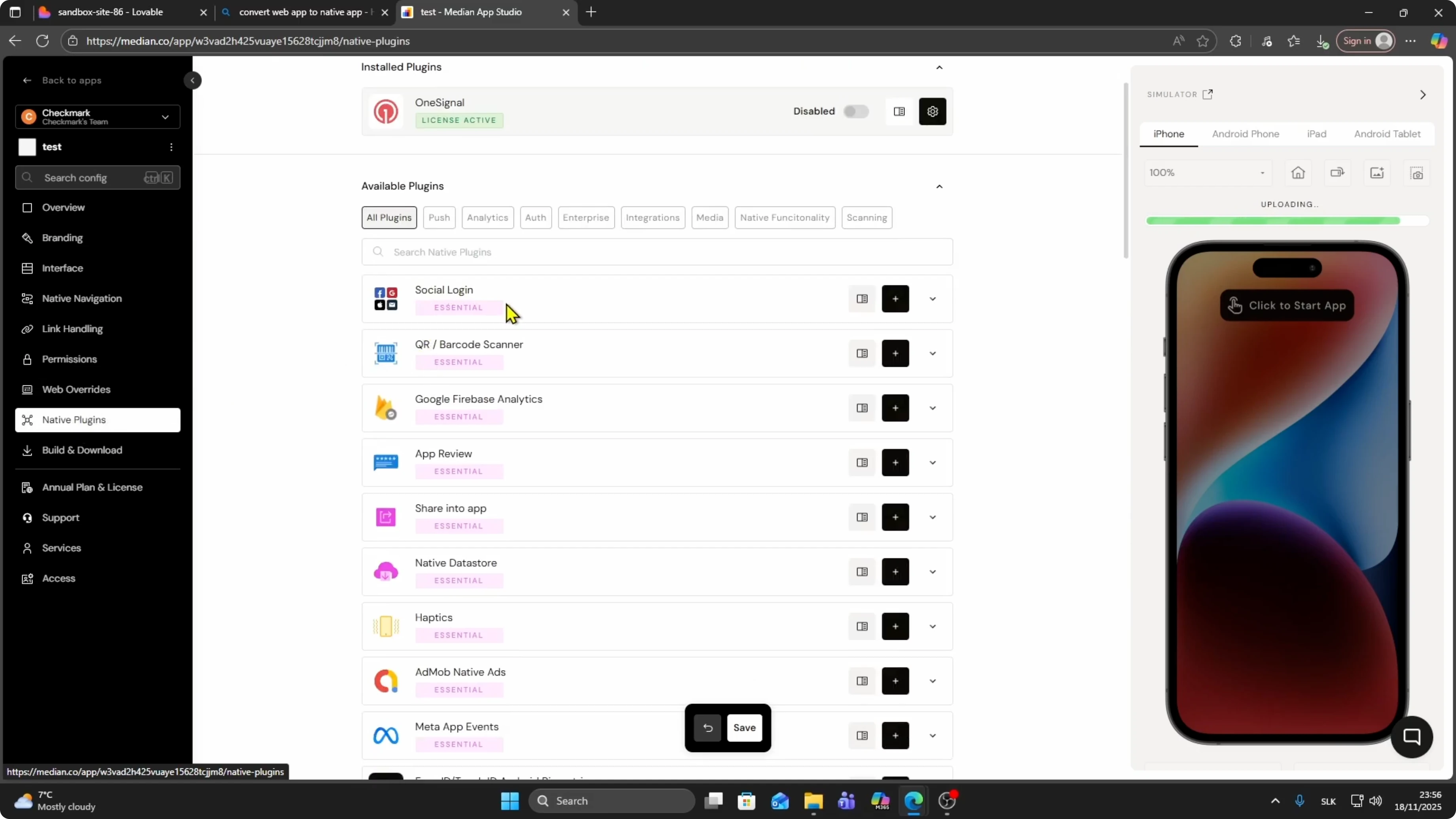
The preview works and you can scroll through your app.
Read More: Google Chrome Canvas Drawing App
Build and download
Scroll on your phone to find the Download button.
Click it and choose iOS or Android.
For Google Play, download the APK file.
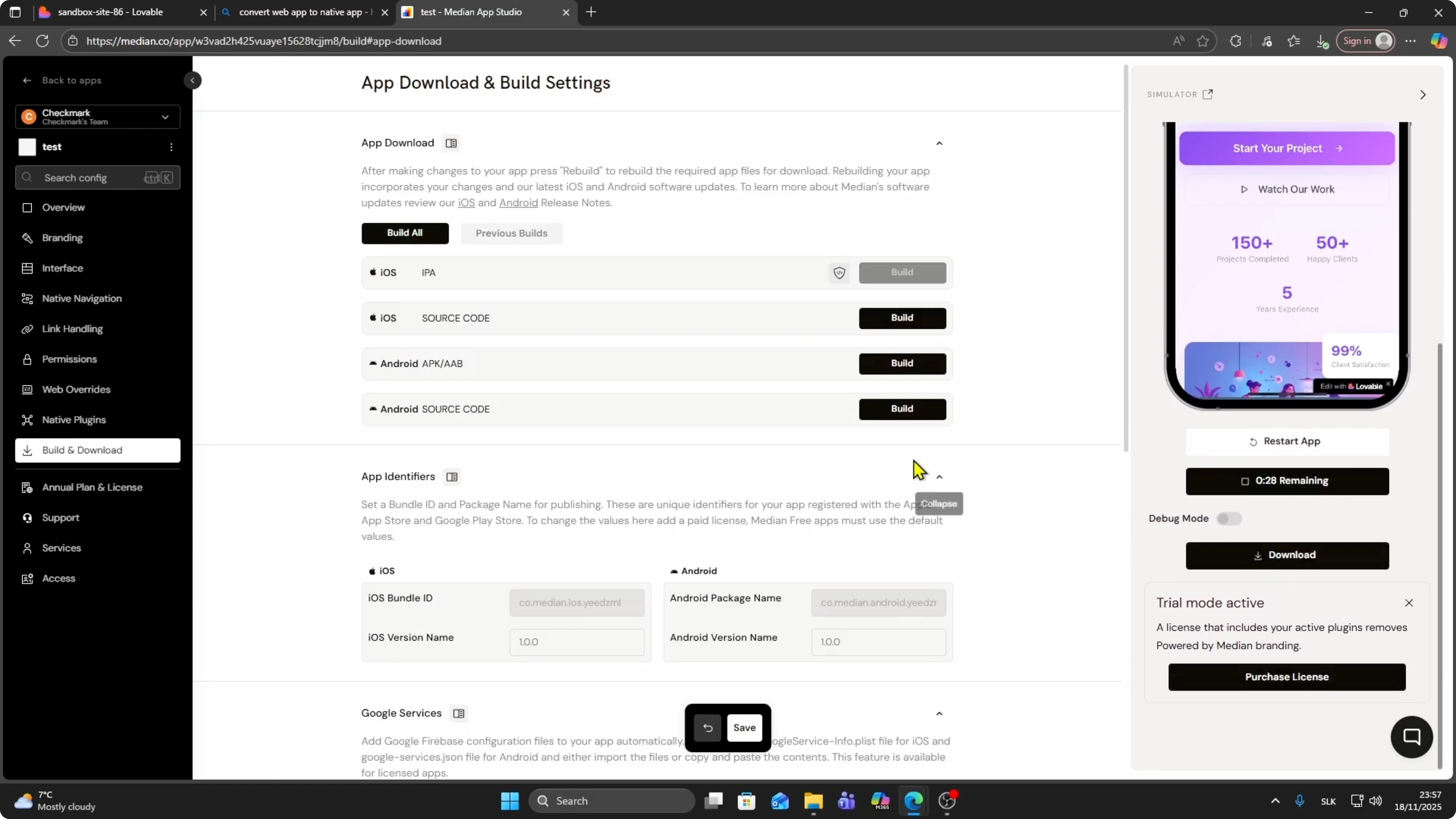
Click Build.
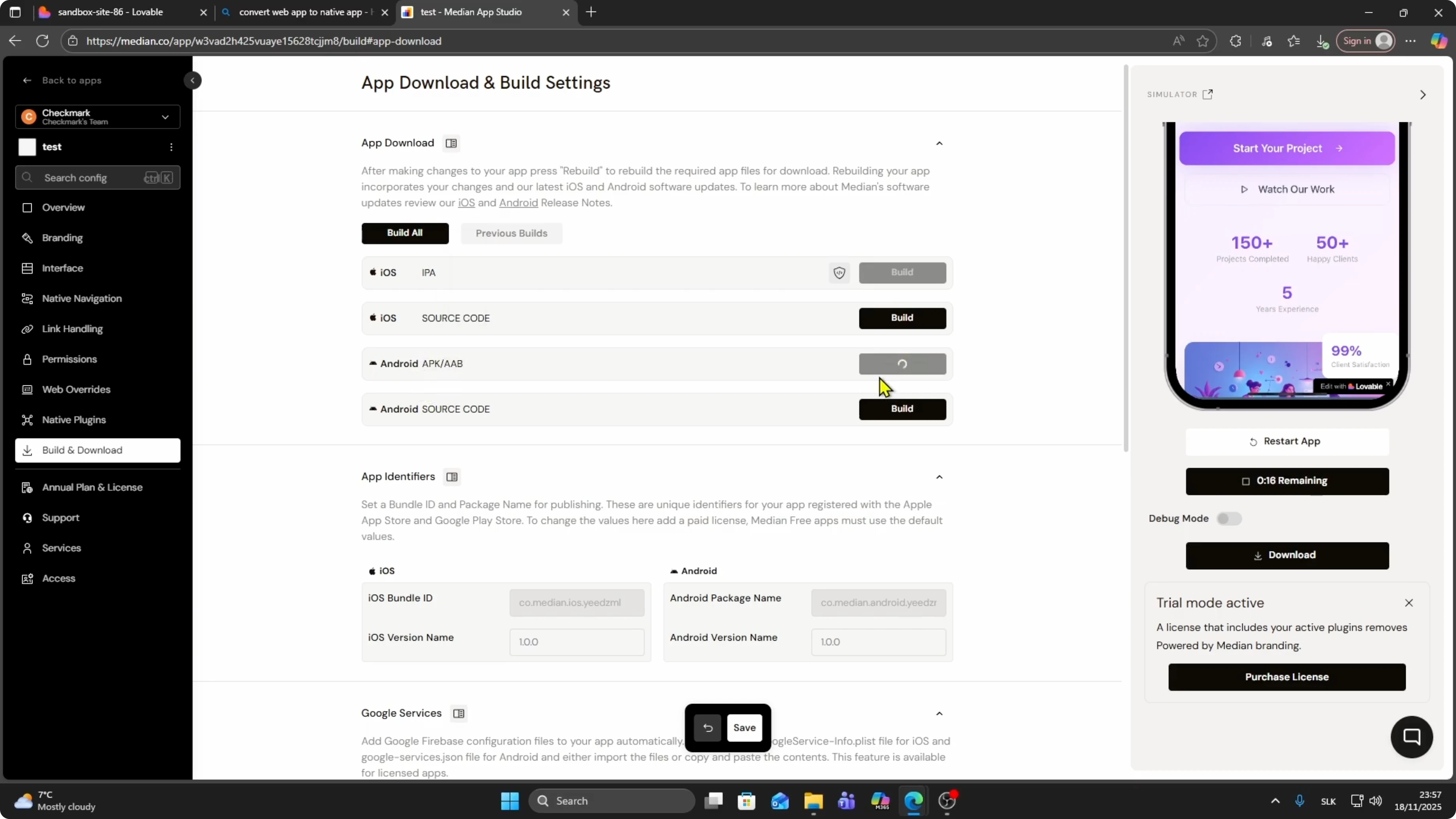
This starts building your APK.
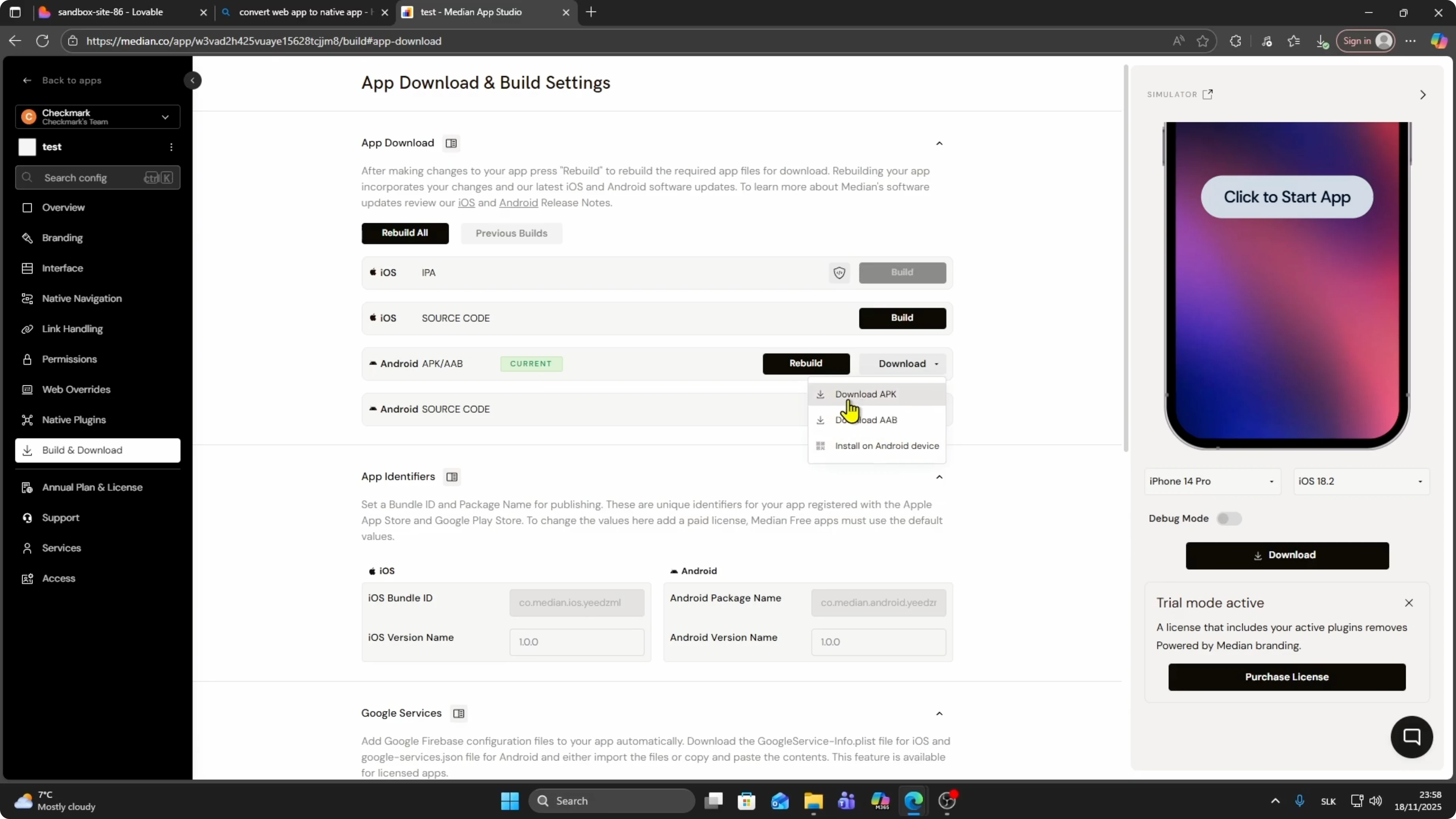
Click Download when it is ready.
Choose AAB or APK, or install it on an Android device.
I choose Download APK.
The download will start.
Publish on Google Play
Sign in to Play Console
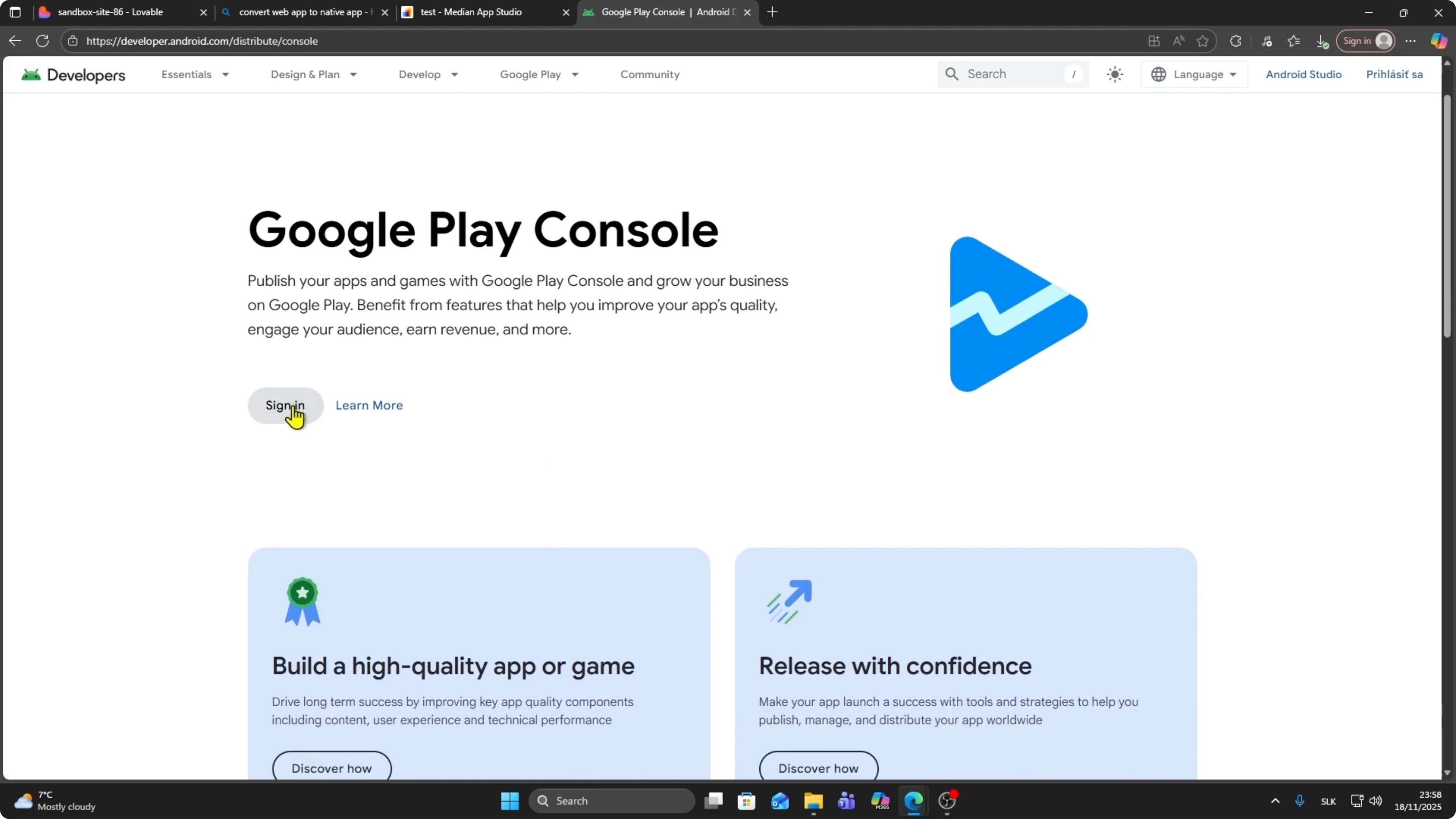
Go to Google Play Console and sign in.
Once you have your developer account, you can upload your APK file.
Read More: How To Publish Lovable App To Apple App Store
Review and publish
Once Google reviews it, you will be able to publish it.
Final thoughts
You can publish a Lovable web app to Google Play by first publishing your project, converting the URL to a native build, and downloading the APK or AAB.
Upload the build in Play Console and wait for review to go live.


