How to Publish Lovable App to Apple App Store?
I show you how to convert a Lovable site into a mobile app and publish it on the Apple App Store.
The process is straightforward once your site is ready and published.
You only need your site URL and a third party app builder.
Prep
Open your project on Lovable.
Make sure your site is published.
If it is not, click the publish button in the top right corner and wait for it to finish.
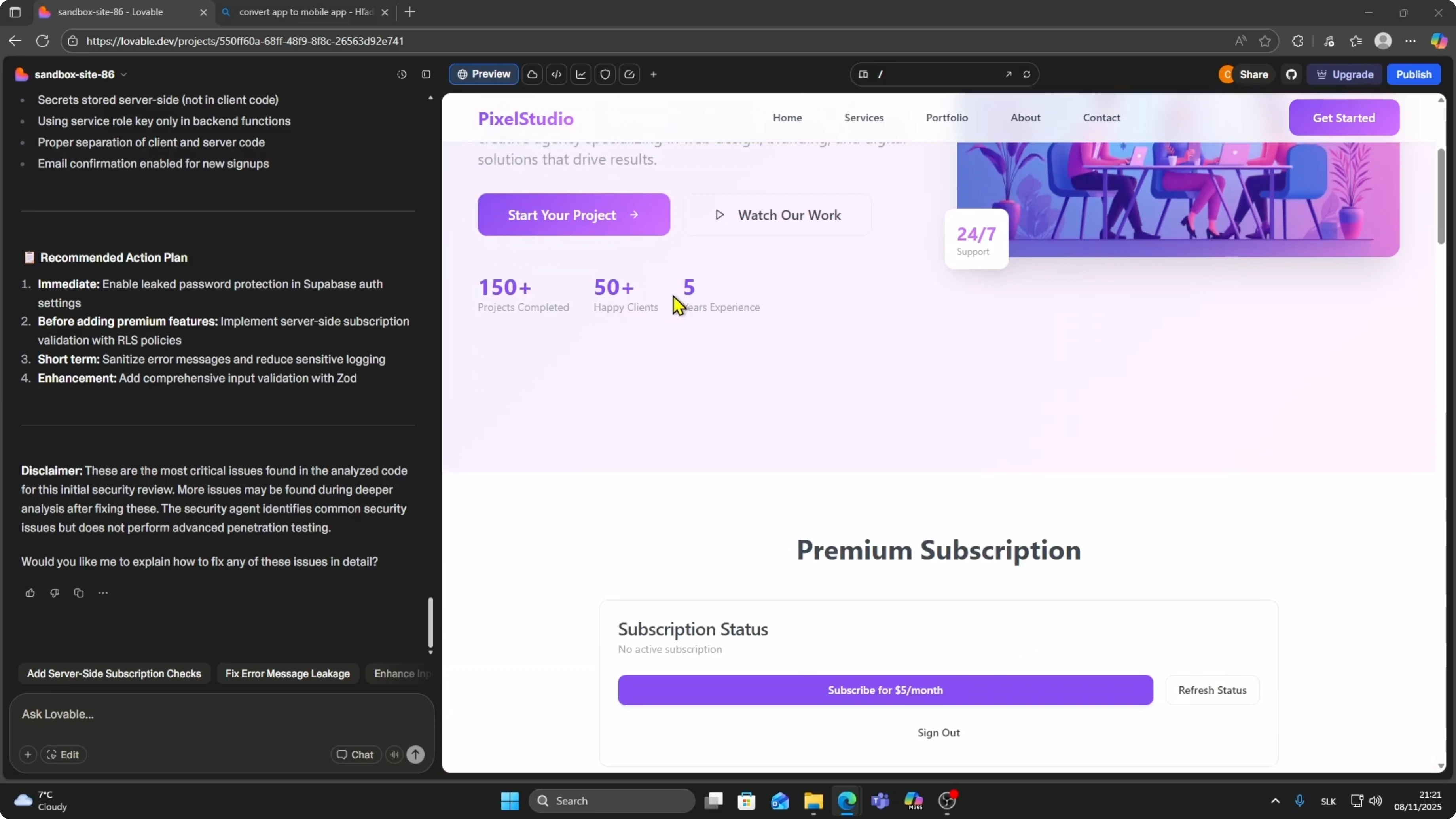
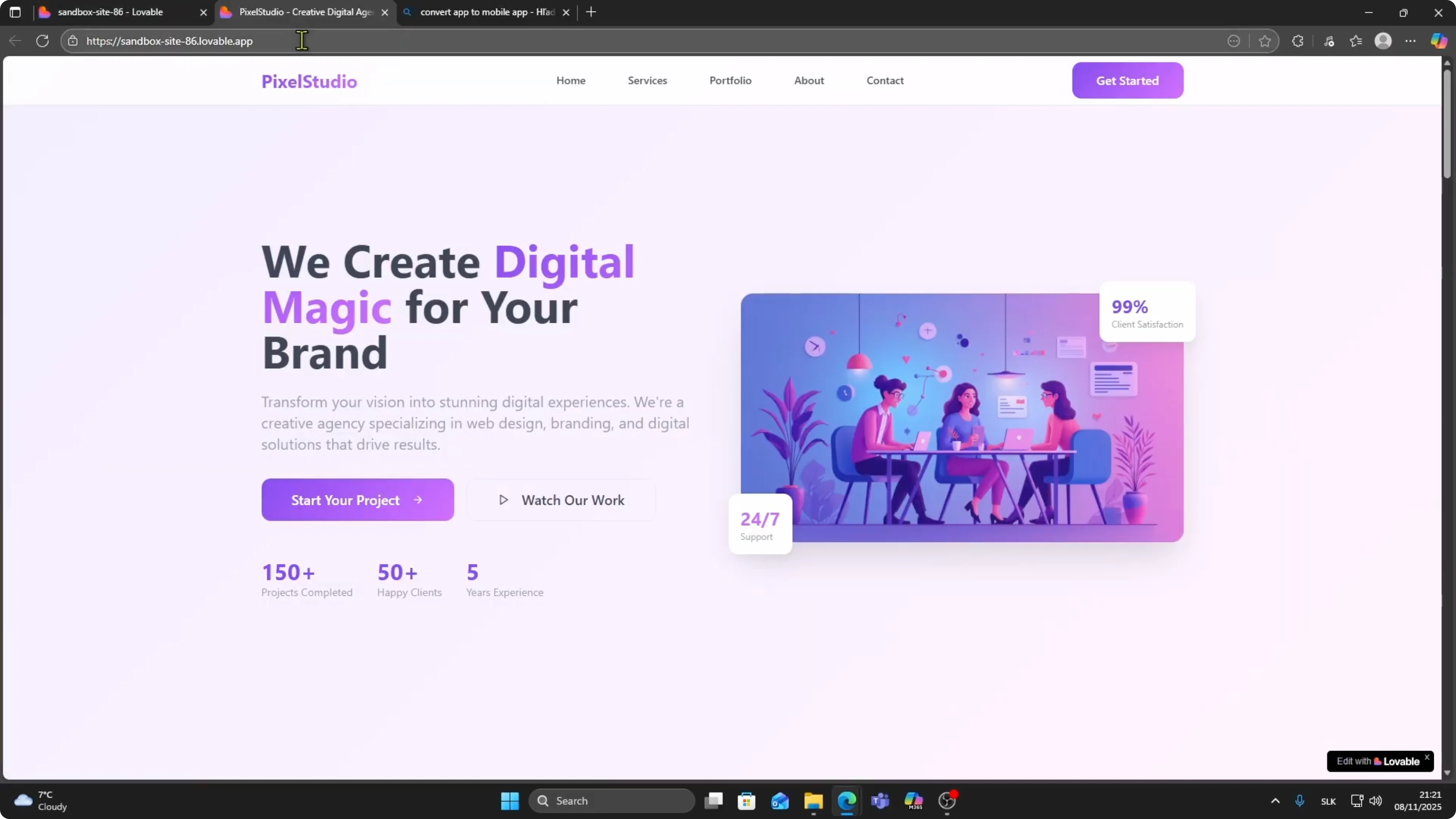
Copy your site URL.
Keep this URL handy for the app builder setup.
For a deeper checklist of the Apple steps, see our Apple App Store publishing guide.
Convert to a mobile app
Search for a third party tool that converts a website to a mobile app.
I use AppMySite for this example.
Click Start for Free on AppMySite.
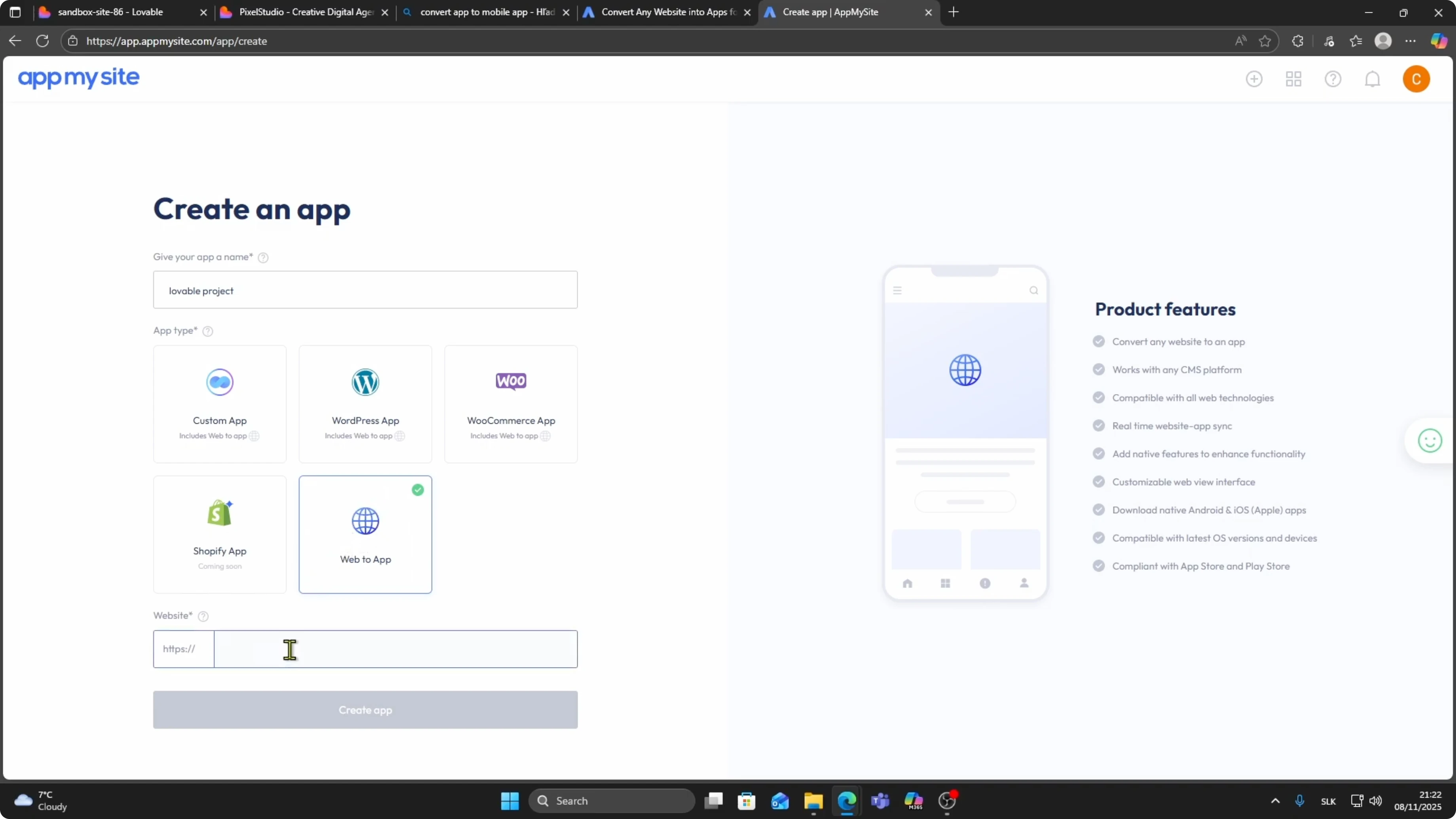
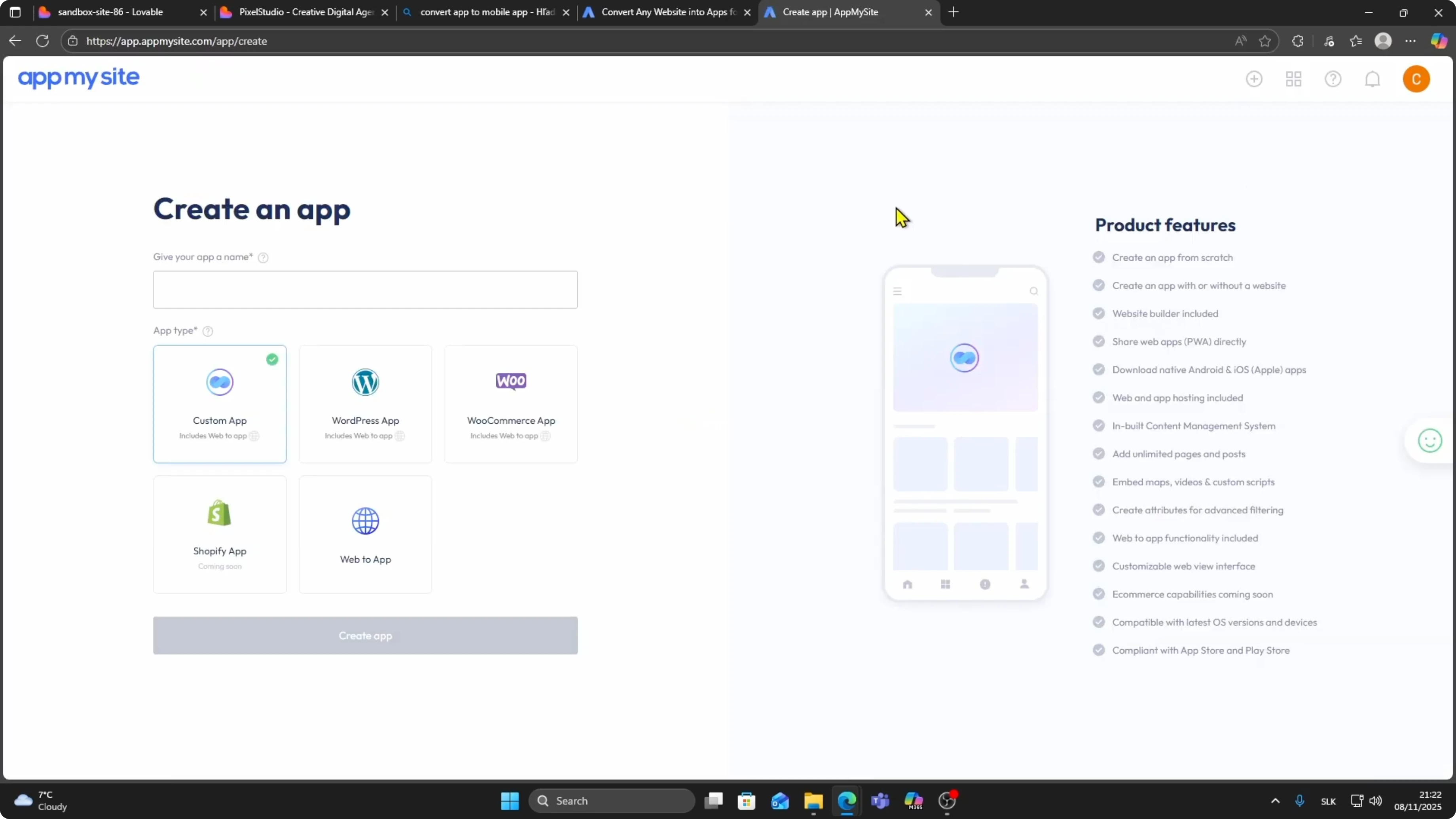
Click the plus button to create a new app.
Type your app name, for example Lovable Project, then under App Type choose Web to App.
Paste your Lovable site URL in the link field and click Create App.
Choose a color scheme for your app.
I select blue for this example.
Customize the look so it matches your brand.
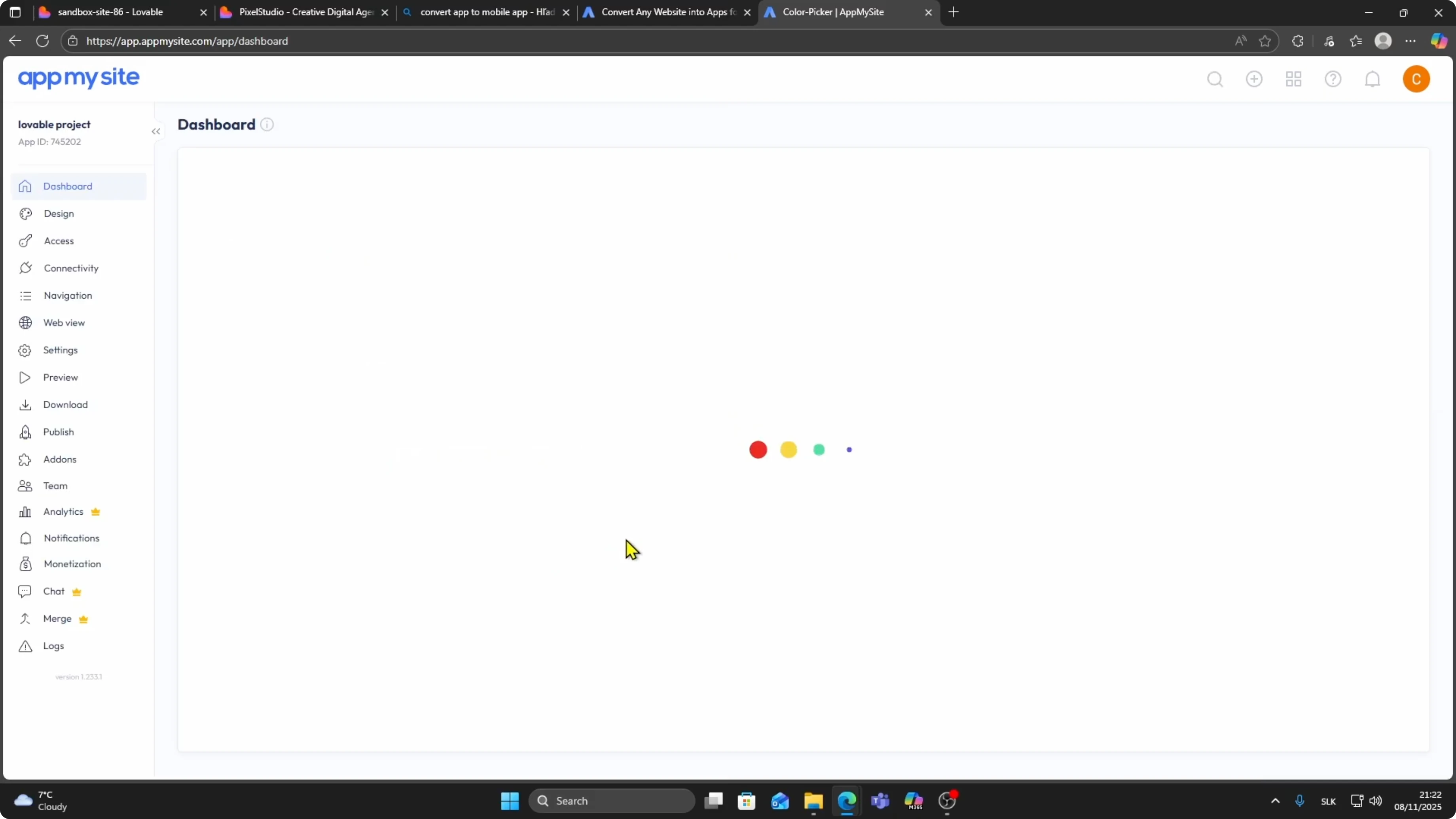
Preview and build
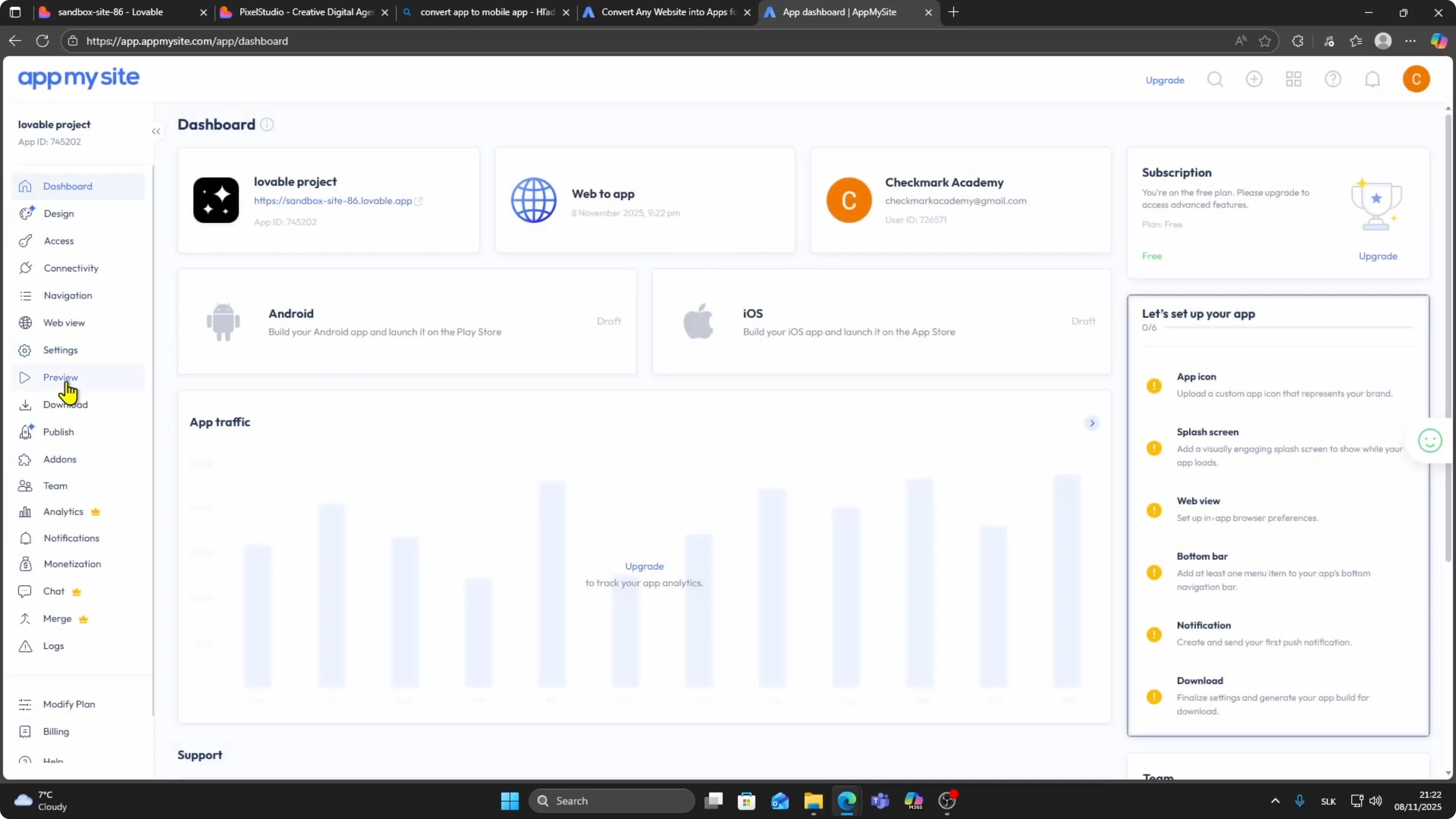
When your dashboard loads, click Preview on the left side.
Click between Android and iPhone views to see how your app will look.
Confirm that navigation and pages render correctly.
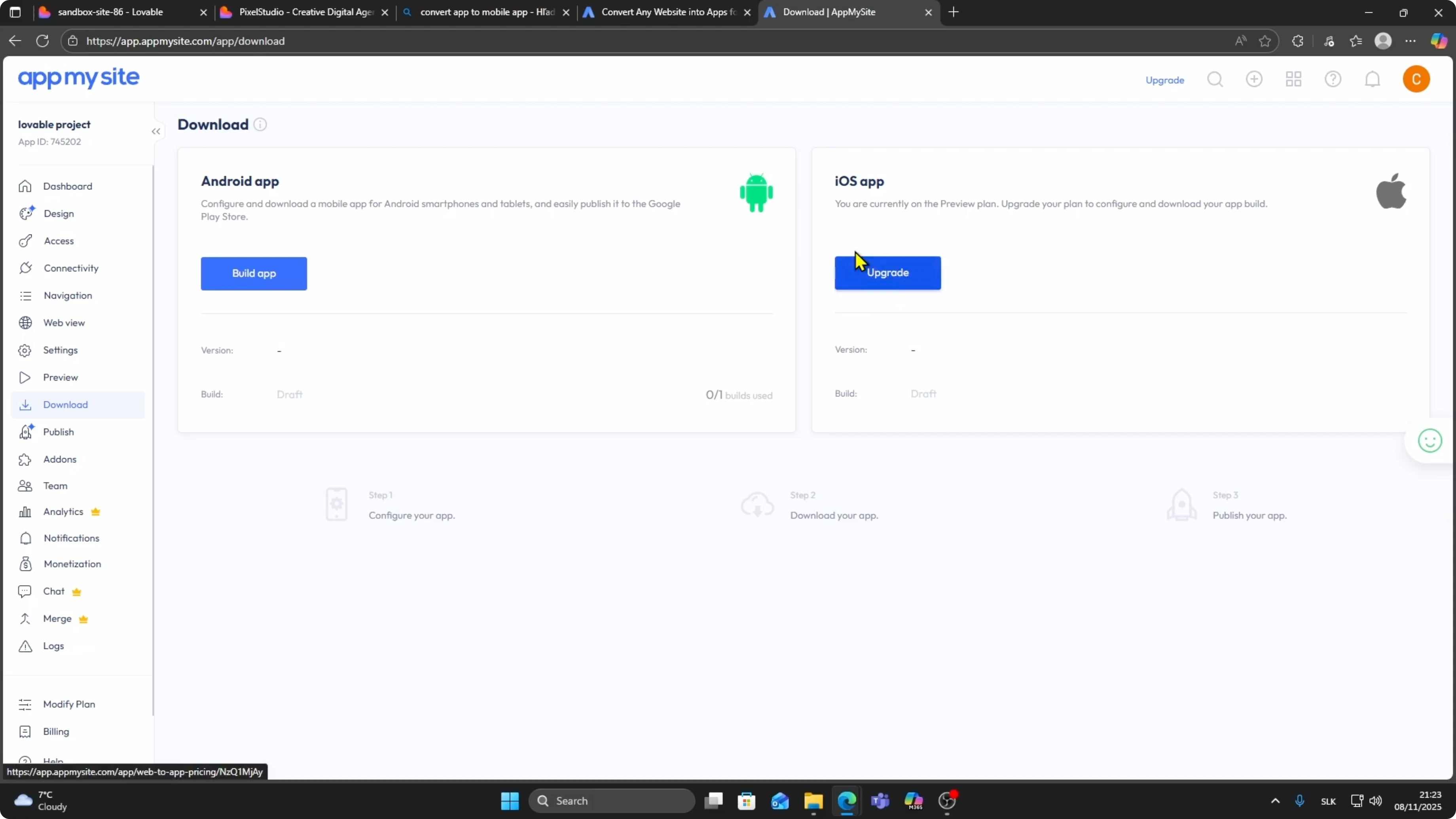
When you are ready, click Download on the left side.
Click Build App under iOS App.
You need to upgrade your AppMySite plan to build an iOS version.
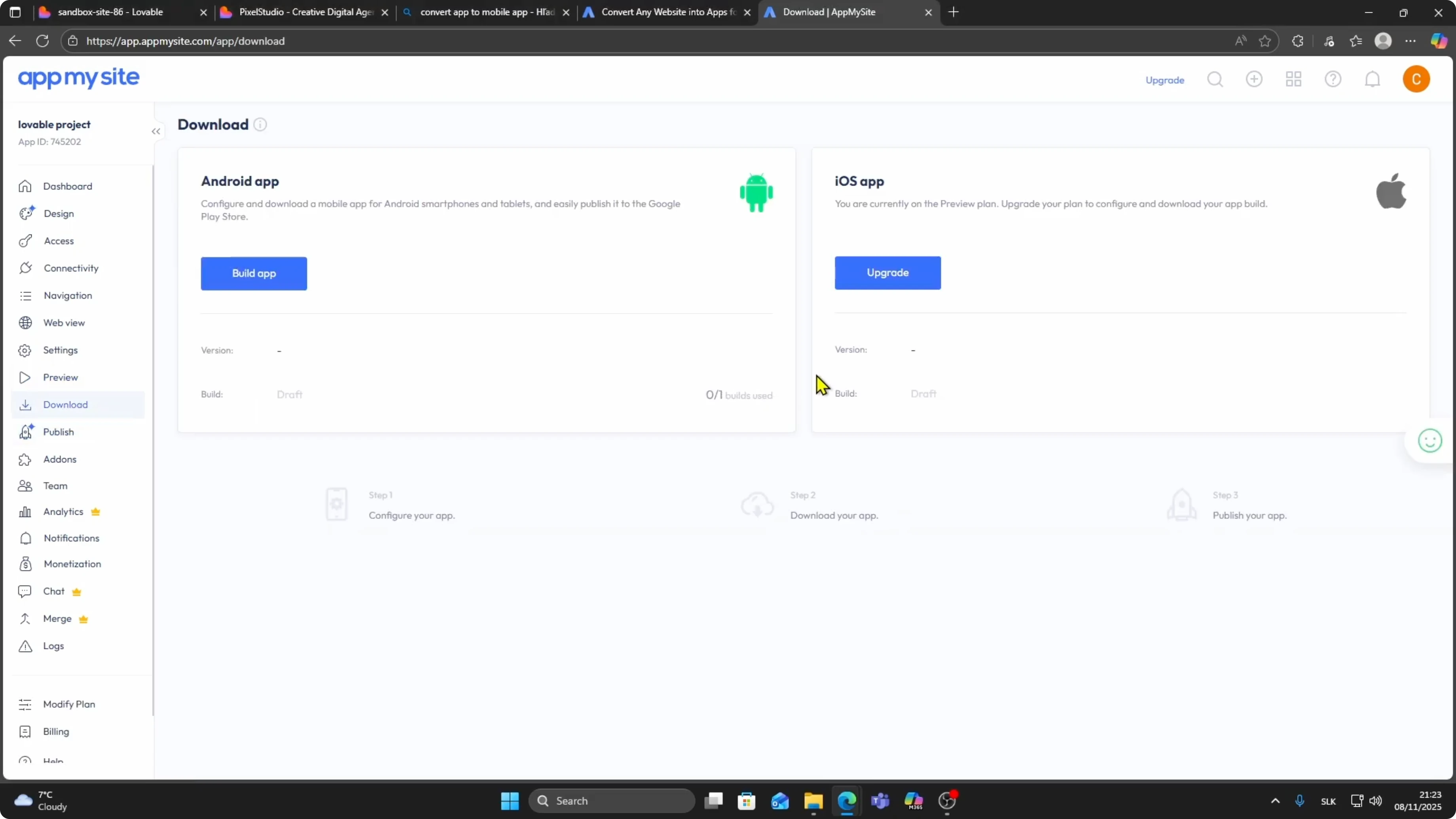
For Android, you can build it for free.
If you are also planning to publish on Android, check how to publish to Google Play Store.
Build the Android package after verifying the preview.
Publish to Apple
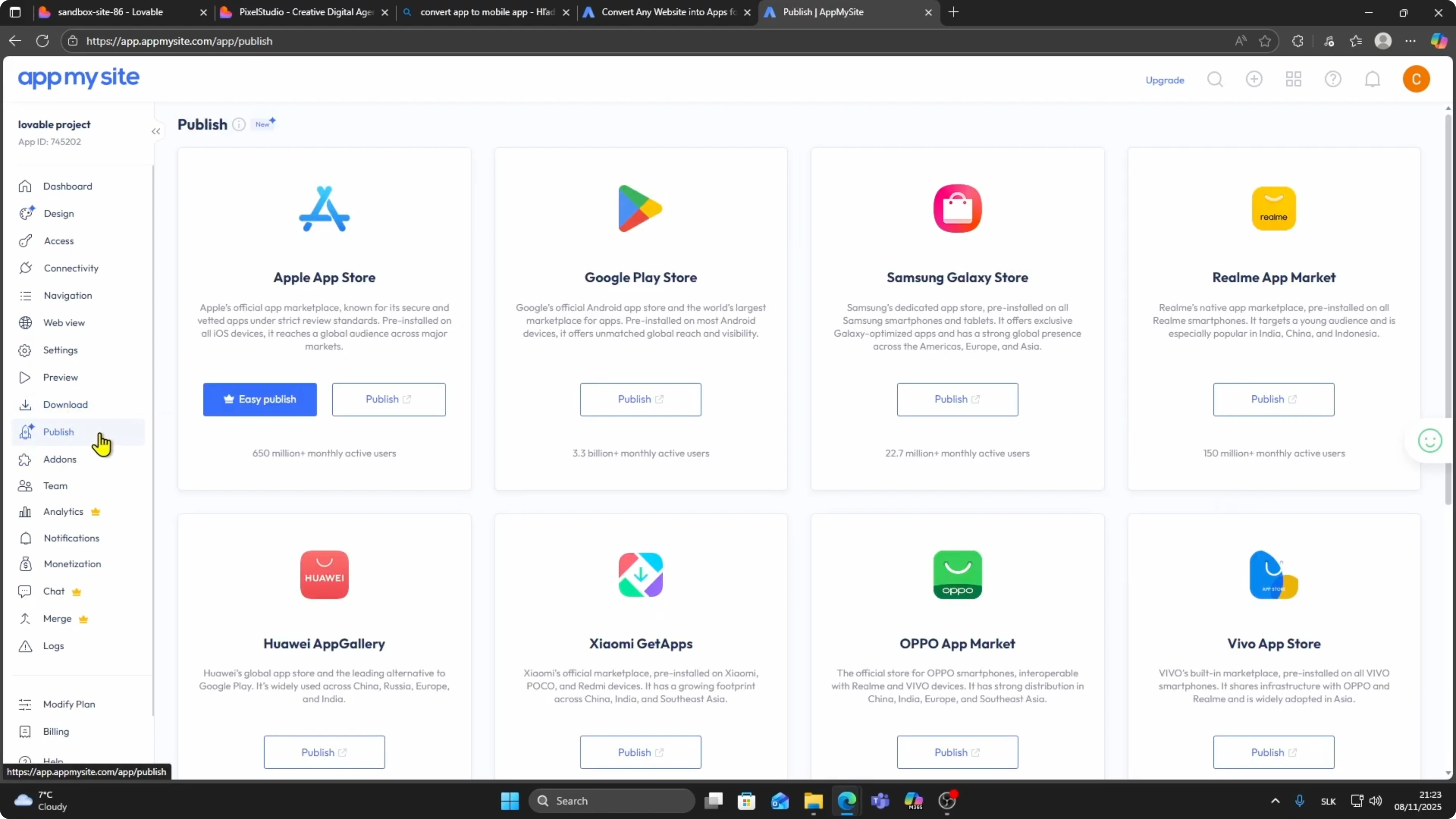
After your iOS app is built, click Publish under the Download section.
Choose Apple App Store and click Publish.
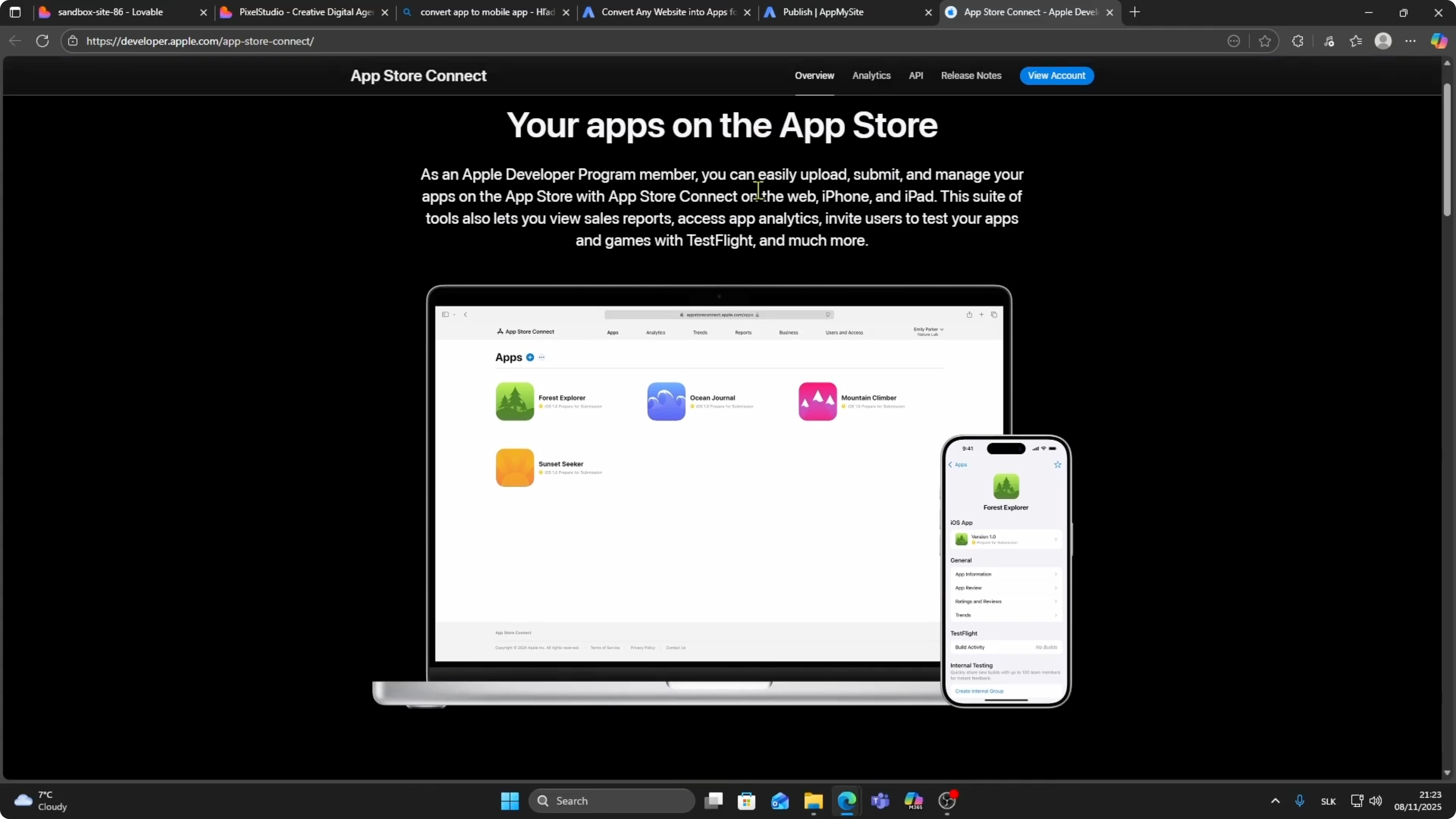
This takes you to the Apple Developer Program at developer.apple.com.
Sign in to your Apple Developer Account.
Upload your app file and submit it for review.
Once approved, your Lovable site will be live on the Apple App Store.
Final thoughts
That is the full flow from Lovable site to live iOS app.
If you plan to accept payments, see how to connect Stripe to your Lovable app.
Your web experience can now function as a mobile app with just a few setup steps.


