How to Collaborate with Your Team in Lovable?

I’ll show you how to collaborate with your team inside Lovable.
Get started
Go to lovable.dev and sign into your account. If a browser shows a privacy warning, fix it with this guide: solve the connection not private message.
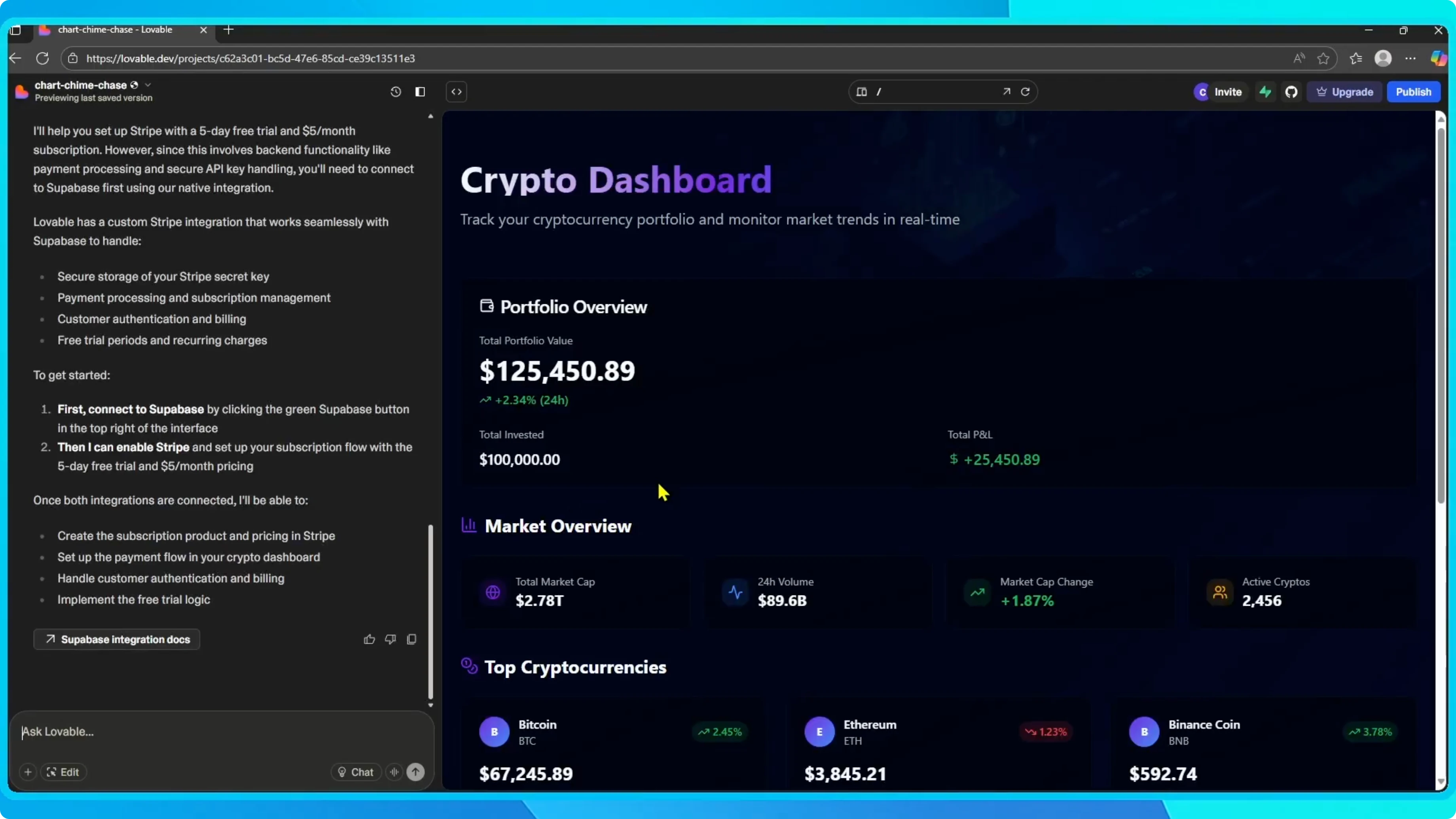
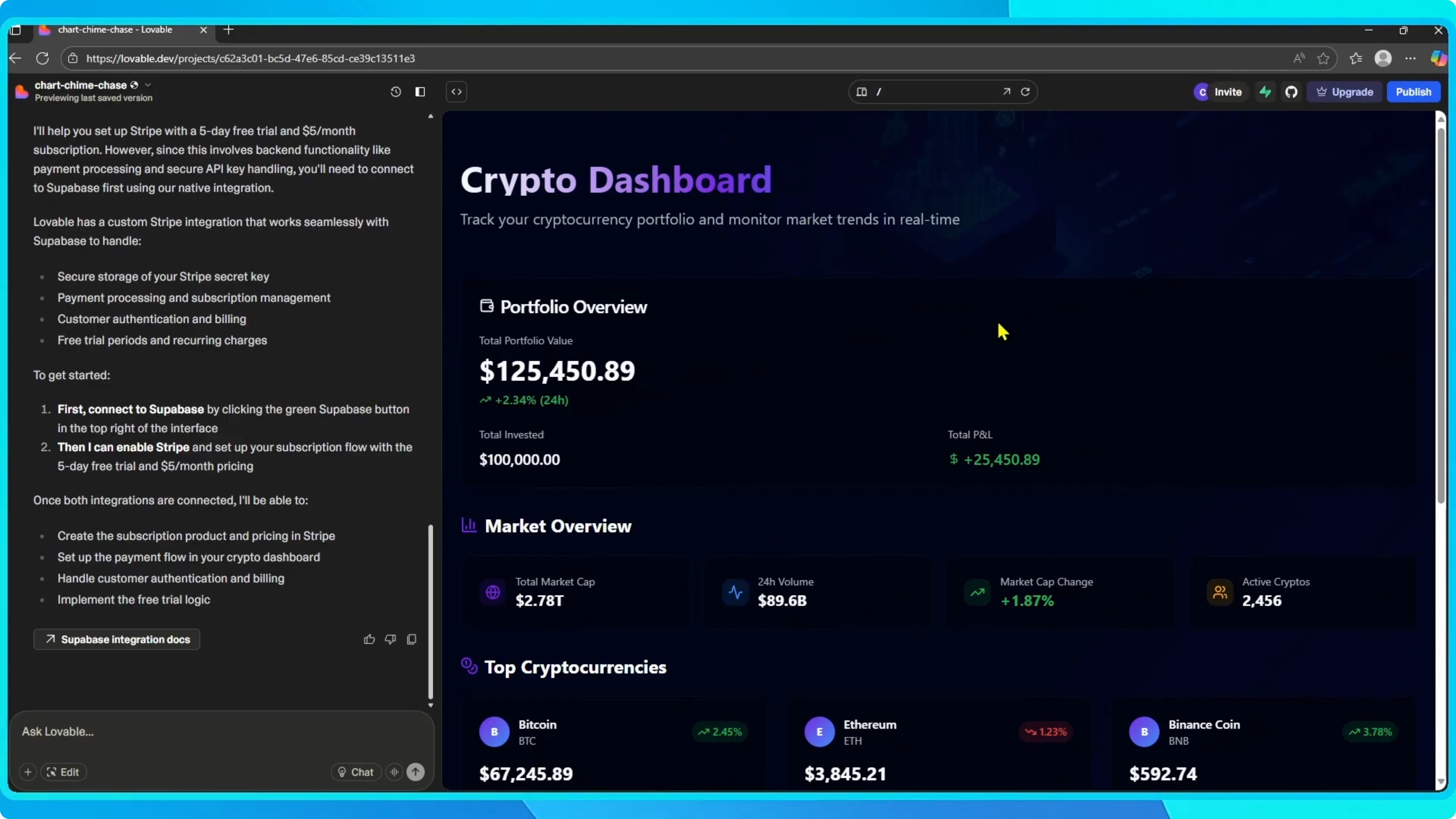
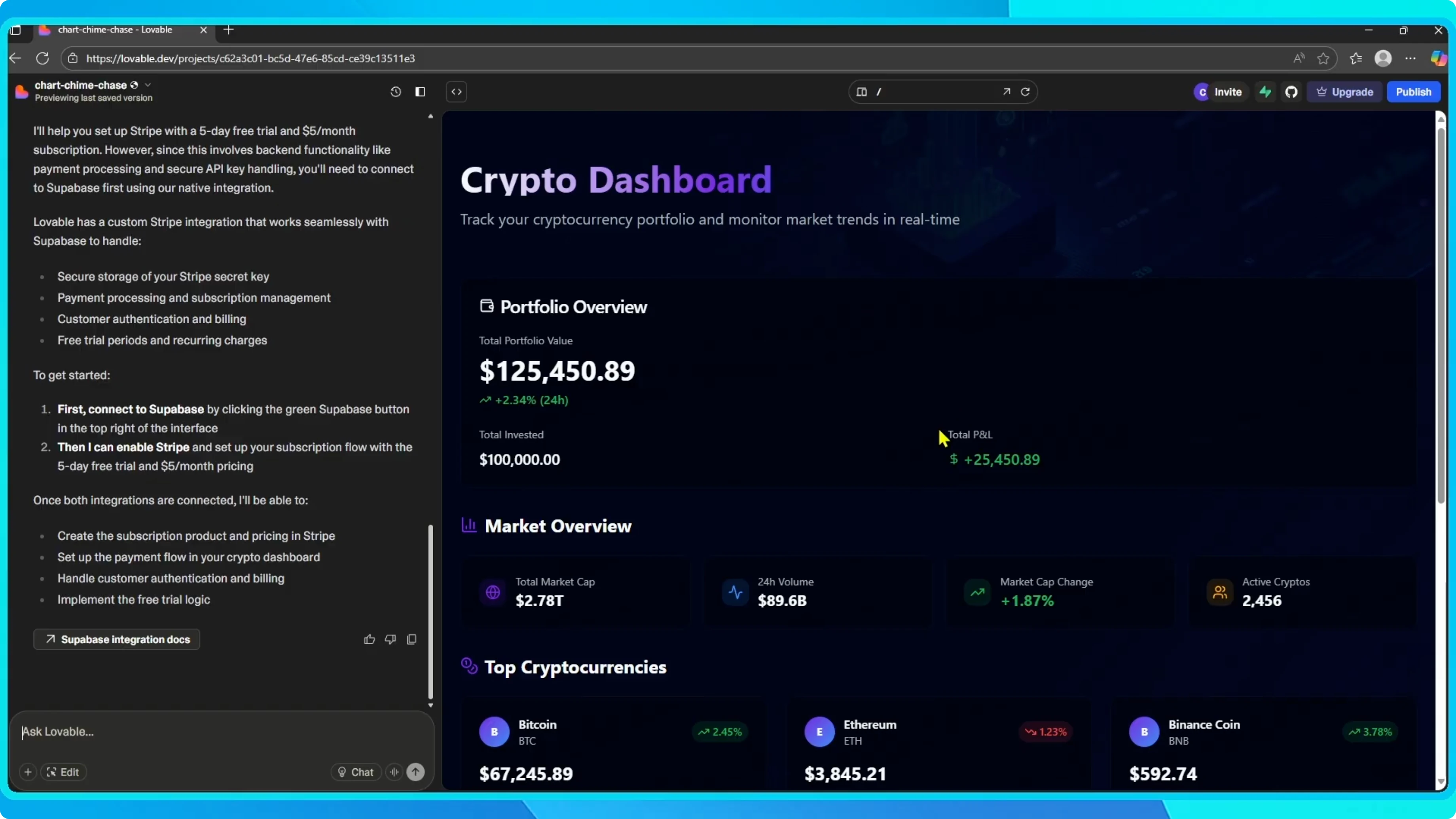
Open your workspace and select the project you want to share with others. This opens the project preview and the Lovable Chat interface.
Invite your team
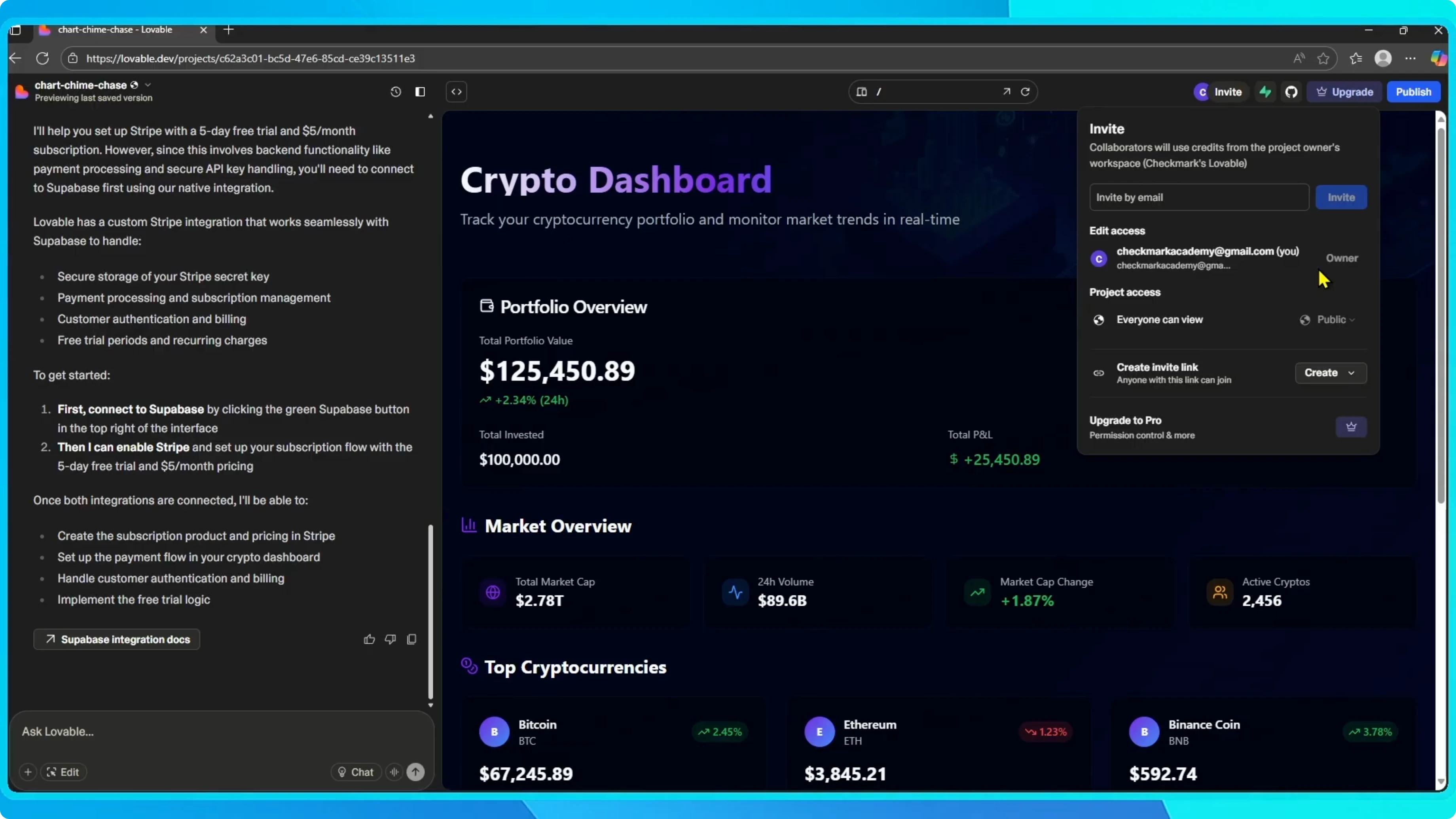
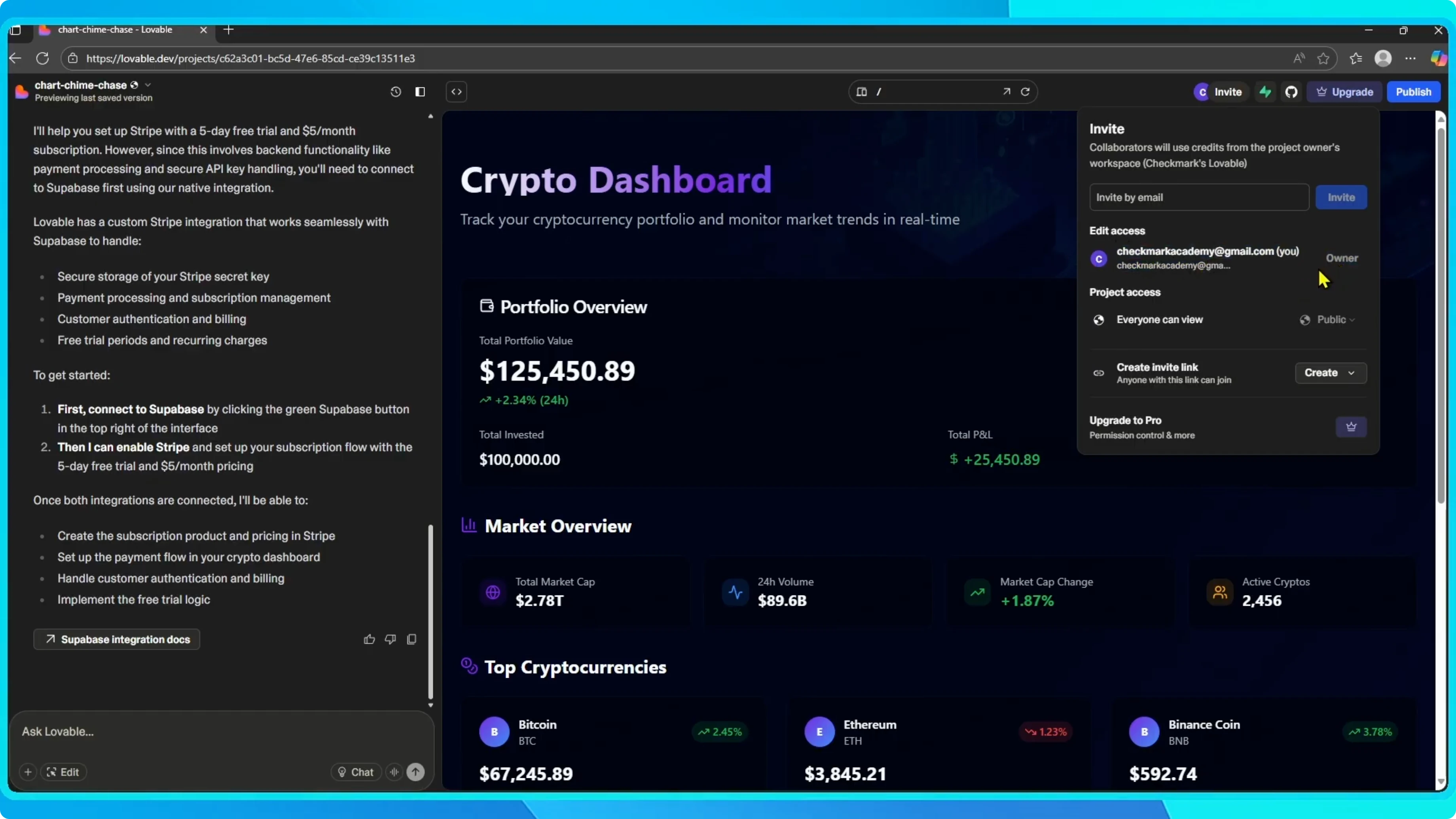
Click the Invite or Edit option at the top. From here, you have two ways to add collaborators.
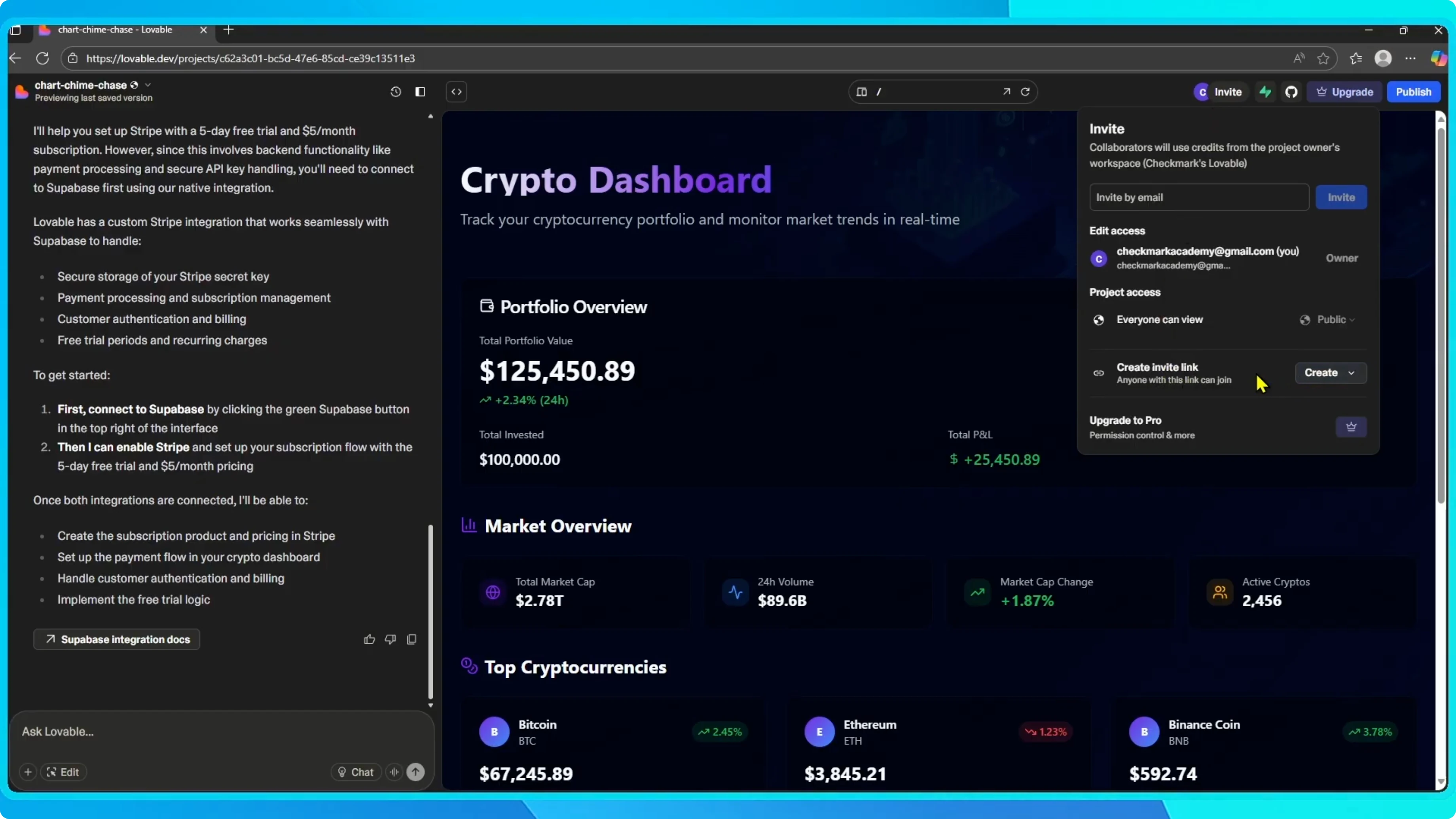
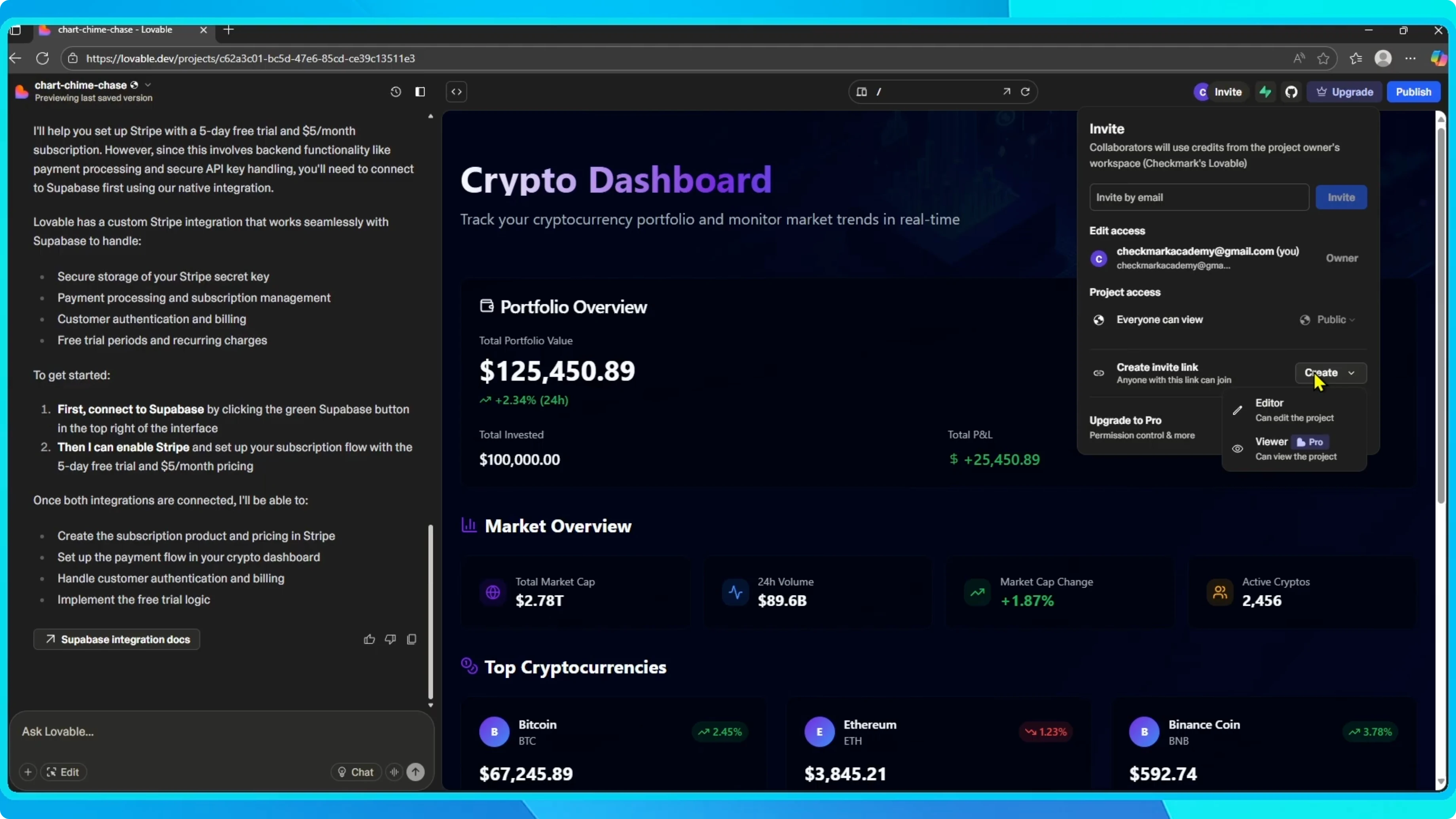
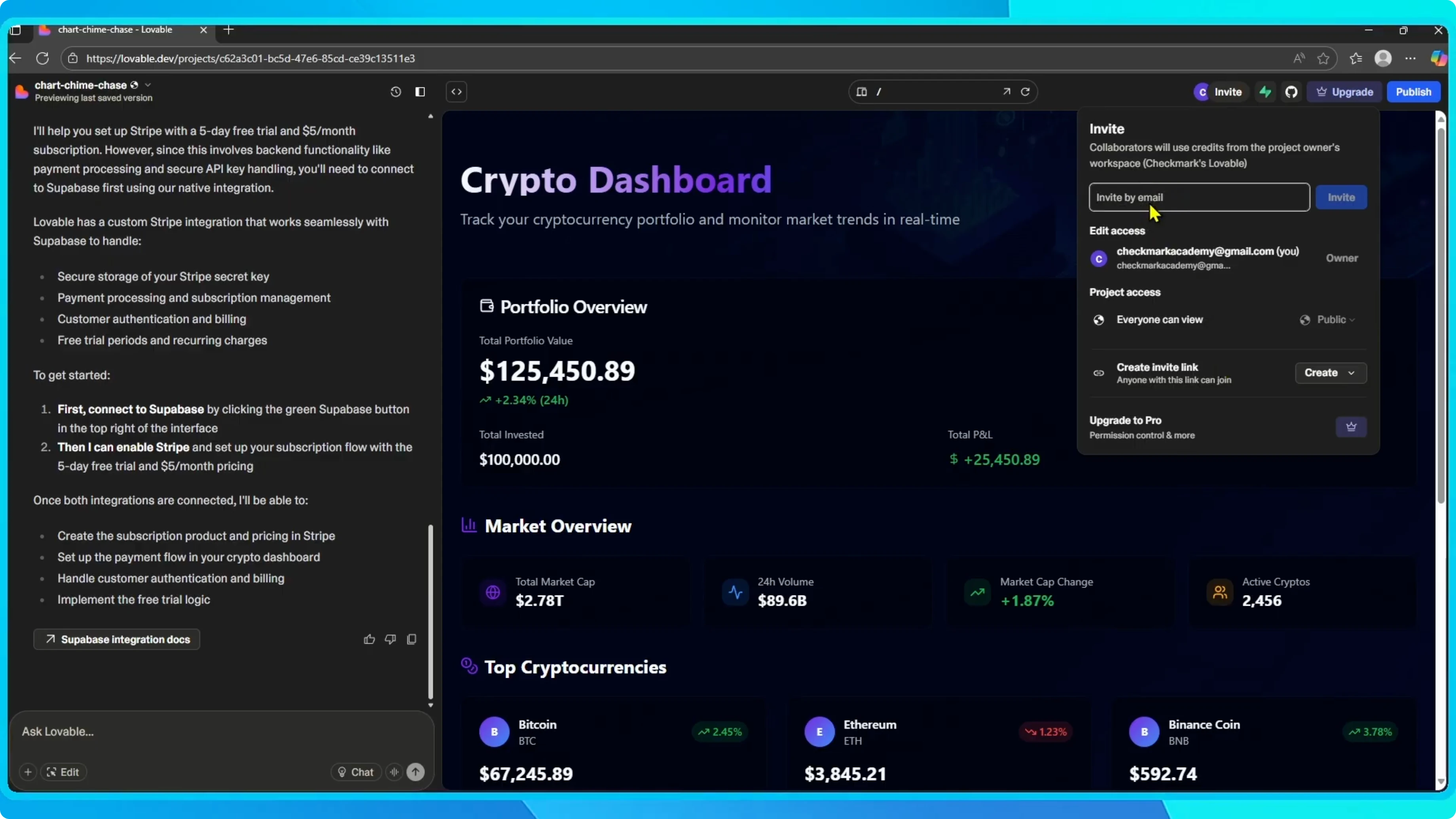
Enter their email address to invite them directly, or generate a shareable link so they can join without you needing their email.
If you need to bring designs from Figma into your project, see how to connect Figma to Lovable.
Permission controls
If you’re on the Pro version of Lovable, you’ll have access to more detailed permission controls. Decide if someone can fully edit the project or only view it.
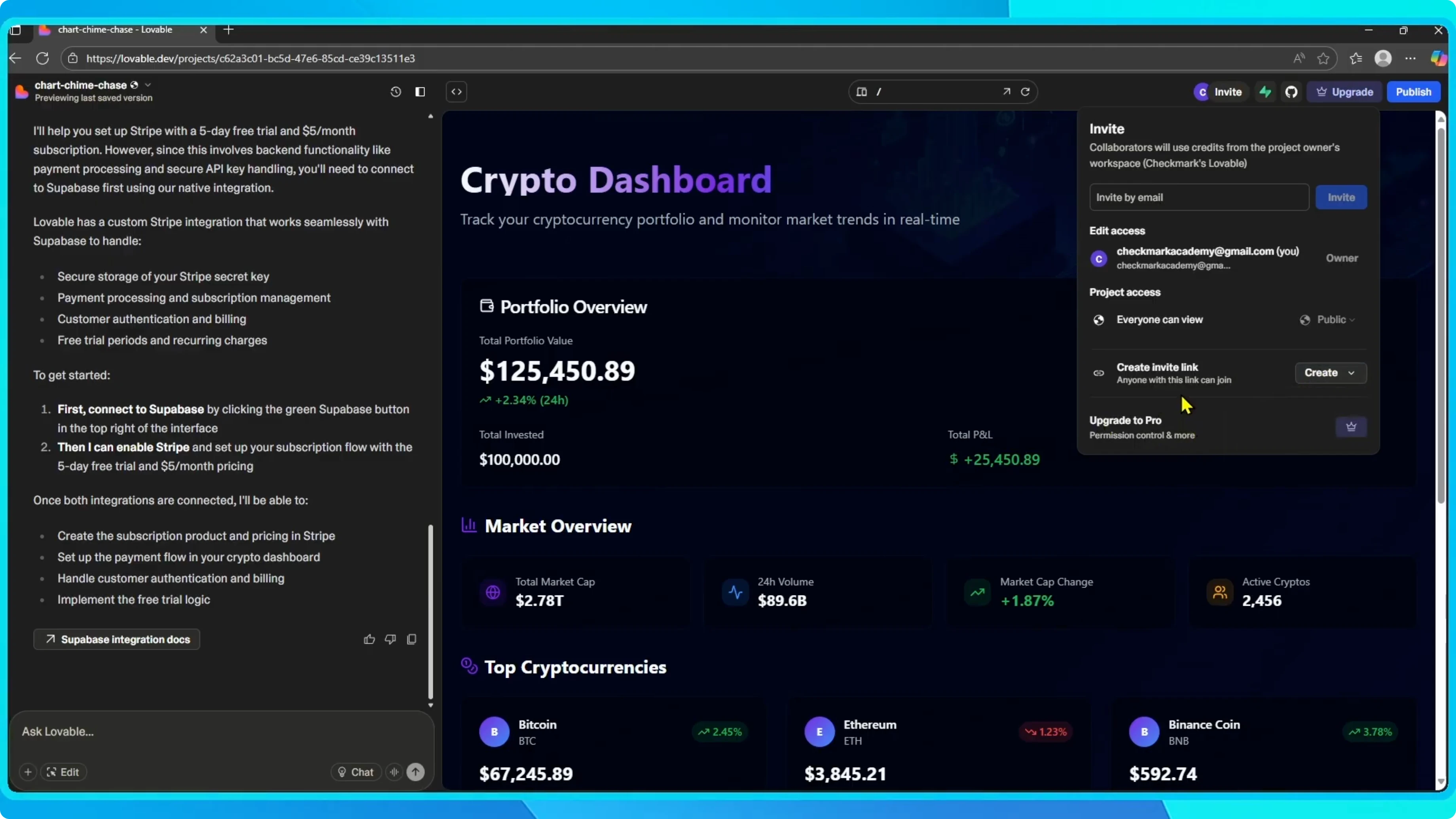
Track invites and manage access
After sending the invitation, you’ll see their status marked as pending until they accept.
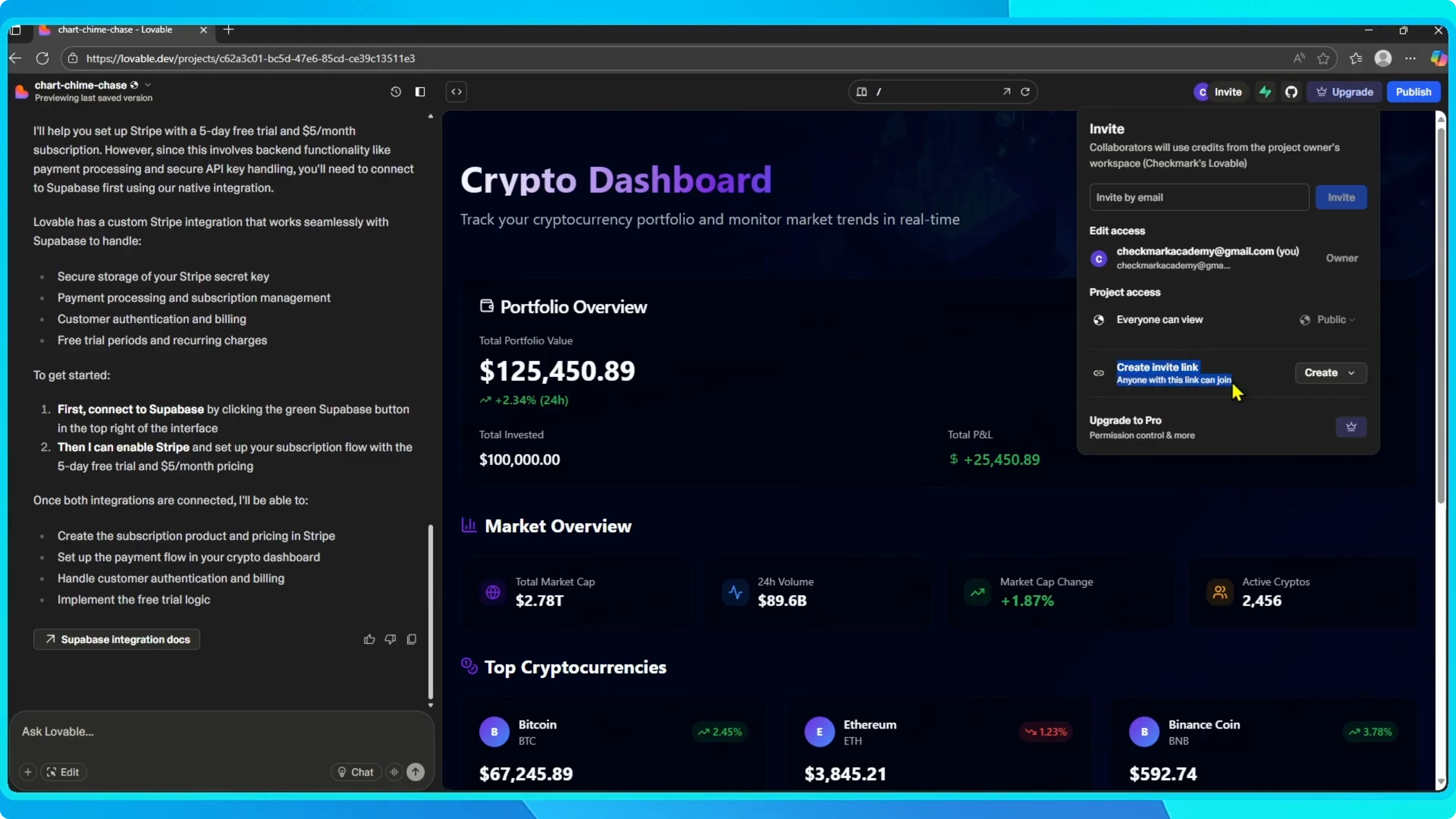
You can manage access at any time. For example, remove someone if they no longer need to collaborate.
If your project includes payments, you can connect Stripe to your Lovable AI app while you collaborate.
Final thoughts
And that’s it. With just a few clicks, you can invite your team into your Lovable project and start building together in real time.