MiniMax M2.5 Review: Insights from 4 Days of Testing
I got early API access to the upcoming MiniMax M2.5 and spent four days putting it through my agent tests. It succeeds the M2.1 and M2 models, keeps the same parameter count, and is small enough to run locally. It is built as a workhorse for agents, not a casual chat model.
MiniMax positions M2.5 as the first Frontier model where users do not need to worry about cost, promising intelligence too cheap to meter. At 100 tokens per second, running it continuously for an hour is $1. At 50 tokens per second, it drops to $0.30 per hour.
MiniMax M2.5 Review: Pricing and throughput
There are two versions: M2.5 and M2.5-Lightning. They are identical in capability but differ in speed. M2.5-Lightning provides a steady throughput of 100 tokens per second, and M2.5 runs at 50 tokens per second.
For M2.5-Lightning, pricing is $0.30 per million input tokens and $2.40 per million output tokens. The standard M2.5 costs half that. Both versions support caching.
Based on output pricing, M2.5 is roughly one-tenth to one-twentieth the price of models like Opus, Gemini 3 Pro, and GPT-5. At 100 output tokens per second, an hour costs $1. At 50 tps, the price is $0.30 per hour.
If you want more context on Gemini’s tiers and behavior, see this concise Gemini review.
MiniMax M2.5 Review: Capability in context
In coding and agent workflows, M2.5 sometimes beats and often comes near Opus 4.6, which is wild for a 230B-parameter model at a fraction of the price. You can feasibly run multiple persistent agents without worrying about budget. Four M2.5 instances running all year is estimated around $10,000.
I did not test it on my General KingBench non-agent benchmark because M2.5 is not built for that format. It shines in agentic contraptions for coding, TUI tools, and cross-stack apps like OpenClaw-style workflows. That is where the speed and cost profile make sense.
MiniMax M2.5 Review: Why so many releases now
A lot of models are launching right before Chinese New Year. Labs are trying to get final deployments out before the holiday begins. Timing-wise, it makes sense.
MiniMax M2.5 Review: Test setup
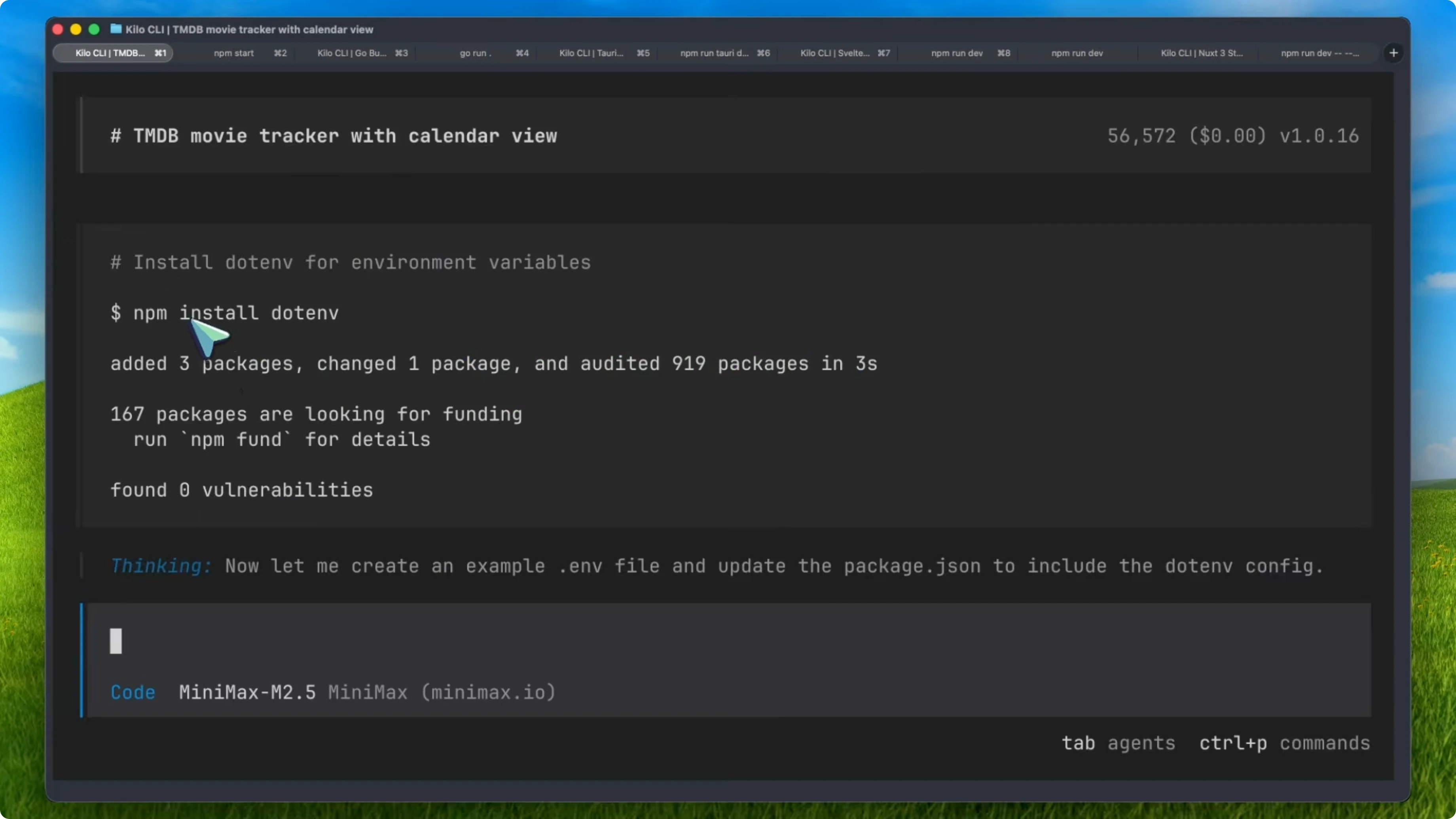
I ran my standard agentic tests across apps and stacks. I used Kilo CLI (a fork of OpenCode) with the Kilo Gateway and enabled planning mode on all runs. Throughput was excellent and latency was consistently low.
Step-by-step, here is how I approached each task. Open Kilo CLI, select M2.5 or M2.5-Lightning, and enable planning mode. Provide the high-level spec, constraints, and environment details. Let the agent plan, generate, fix, and iterate until the build runs cleanly.
MiniMax M2.5 Review: Expo movie tracker
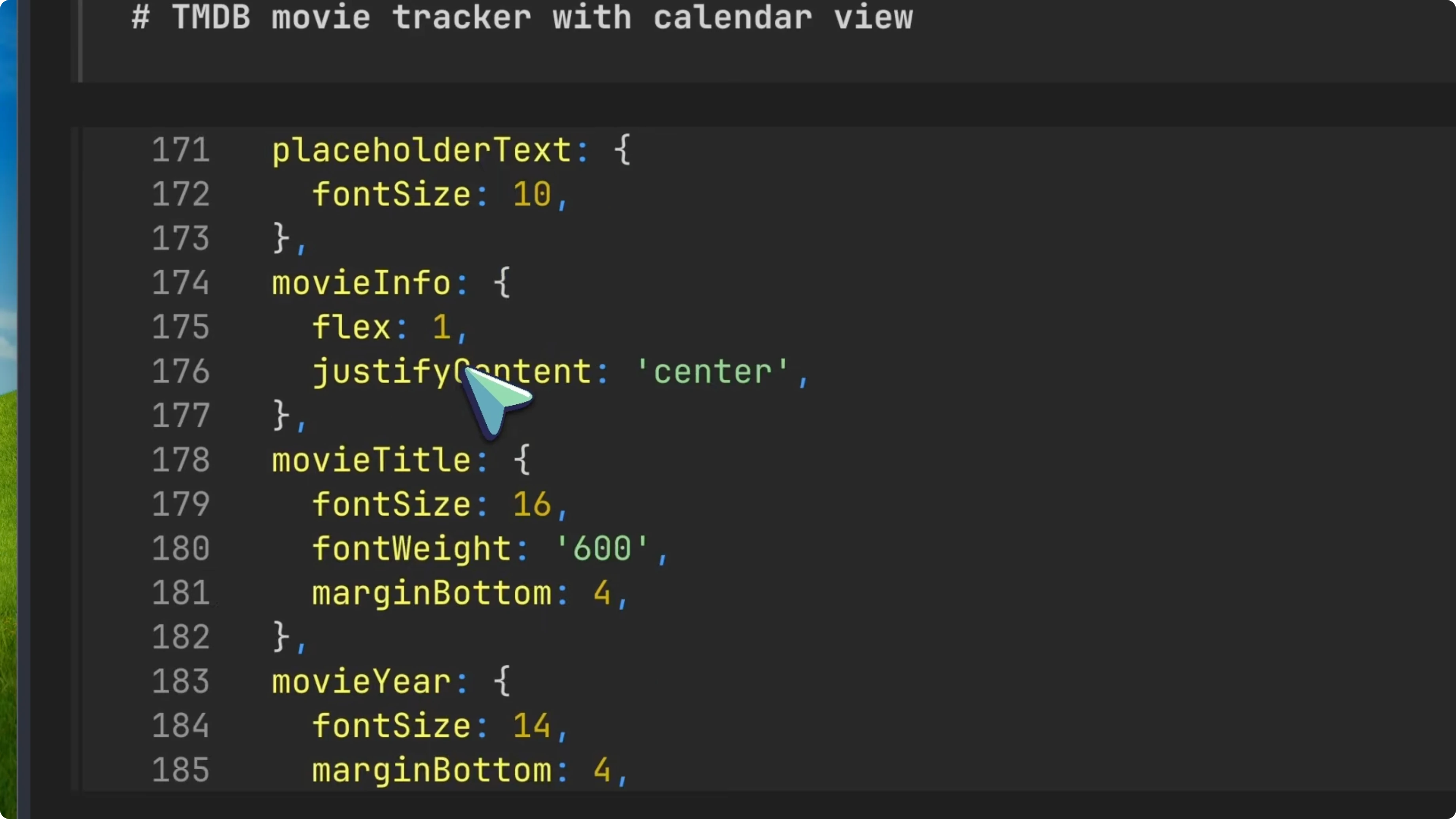
I asked for a movie tracker app using Expo. It produced around 52,000 tokens and executed the full plan.
The inner thinking helped it catch mistakes and course-correct immediately. The app shipped with watched lists, add flows, reviews, and a calendar.
The UI is not the strong suit, but for the size and price, the overall delivery is outstanding. It finished in about 4 minutes, which is fast. This was a strong first result.
Read More: How To Allow Notifications From A Specific Website In Google Chrome
MiniMax M2.5 Review: Go terminal calculator
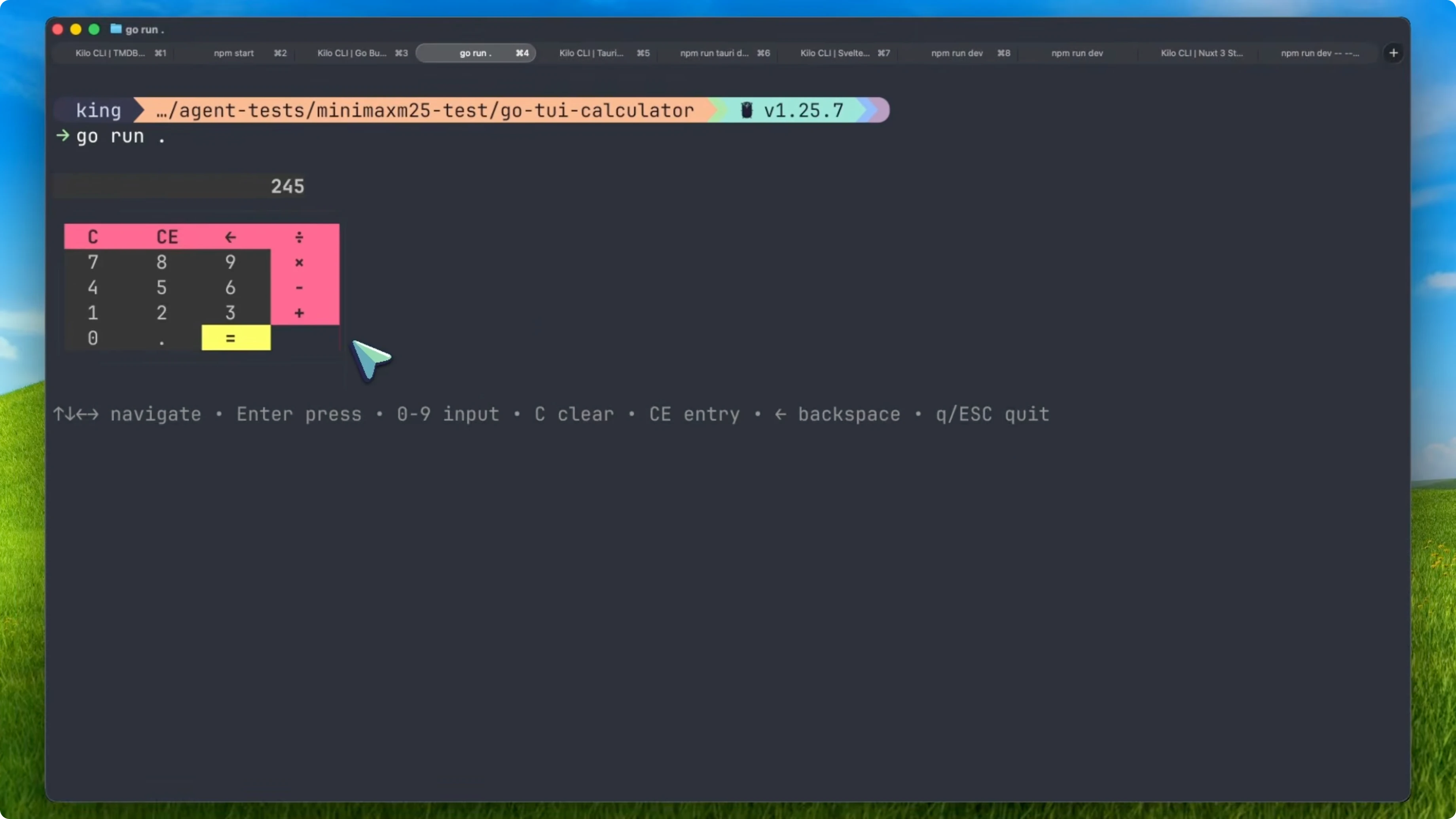
I asked for a terminal calculator using Go and Bubble Tea. It checked for a Go toolchain and installed dependencies.
Example command it validated:
go version
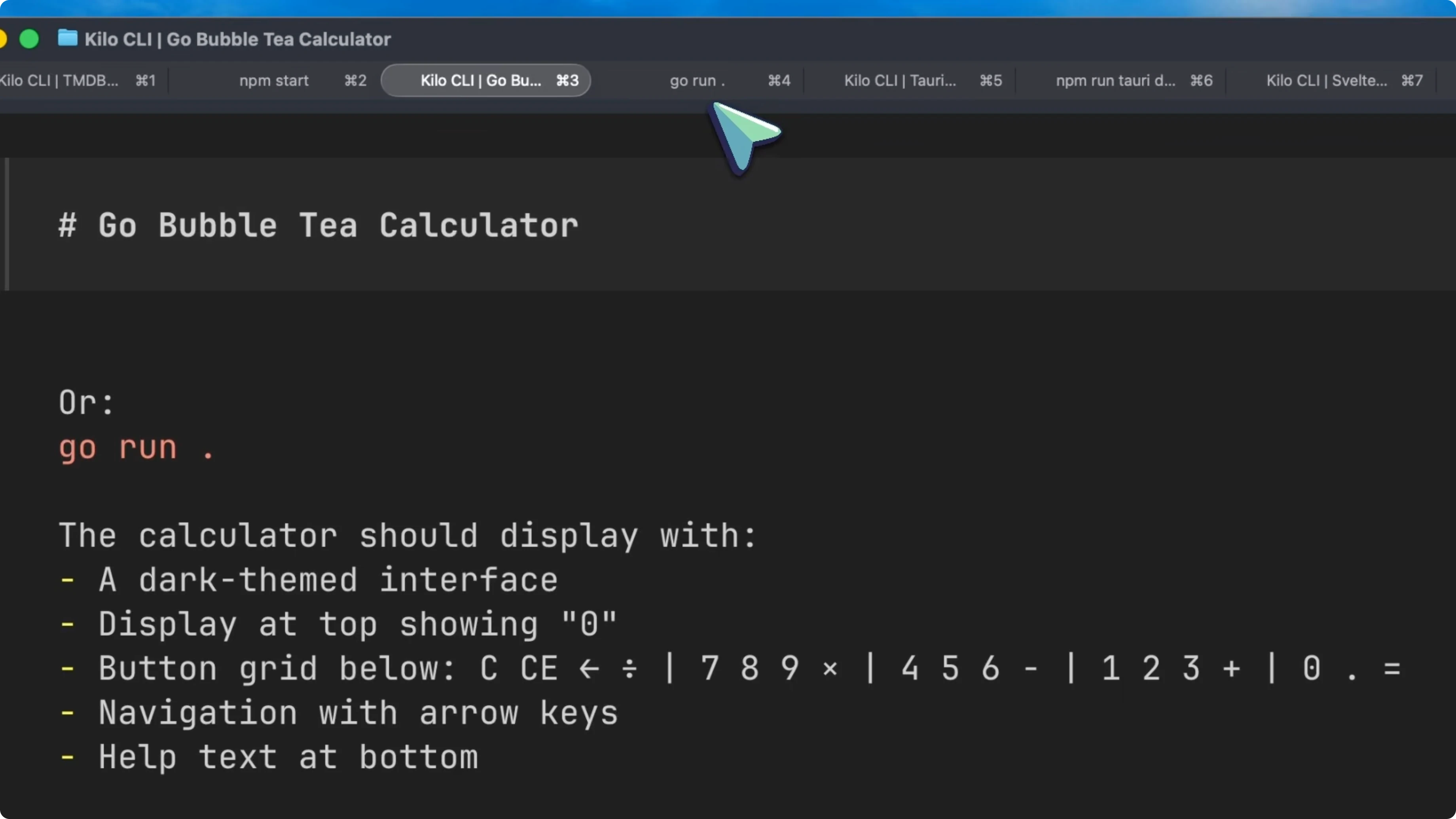
The layout was compact, with correctly arranged keys and clean interaction. It worked well end-to-end and required no manual fixes.
MiniMax M2.5 Review: Tauri image cropper
For a Tauri desktop app, I requested an image cropper tool. It delivered cropping, aspect ratio changes, and a usable toolbar out of the gate.
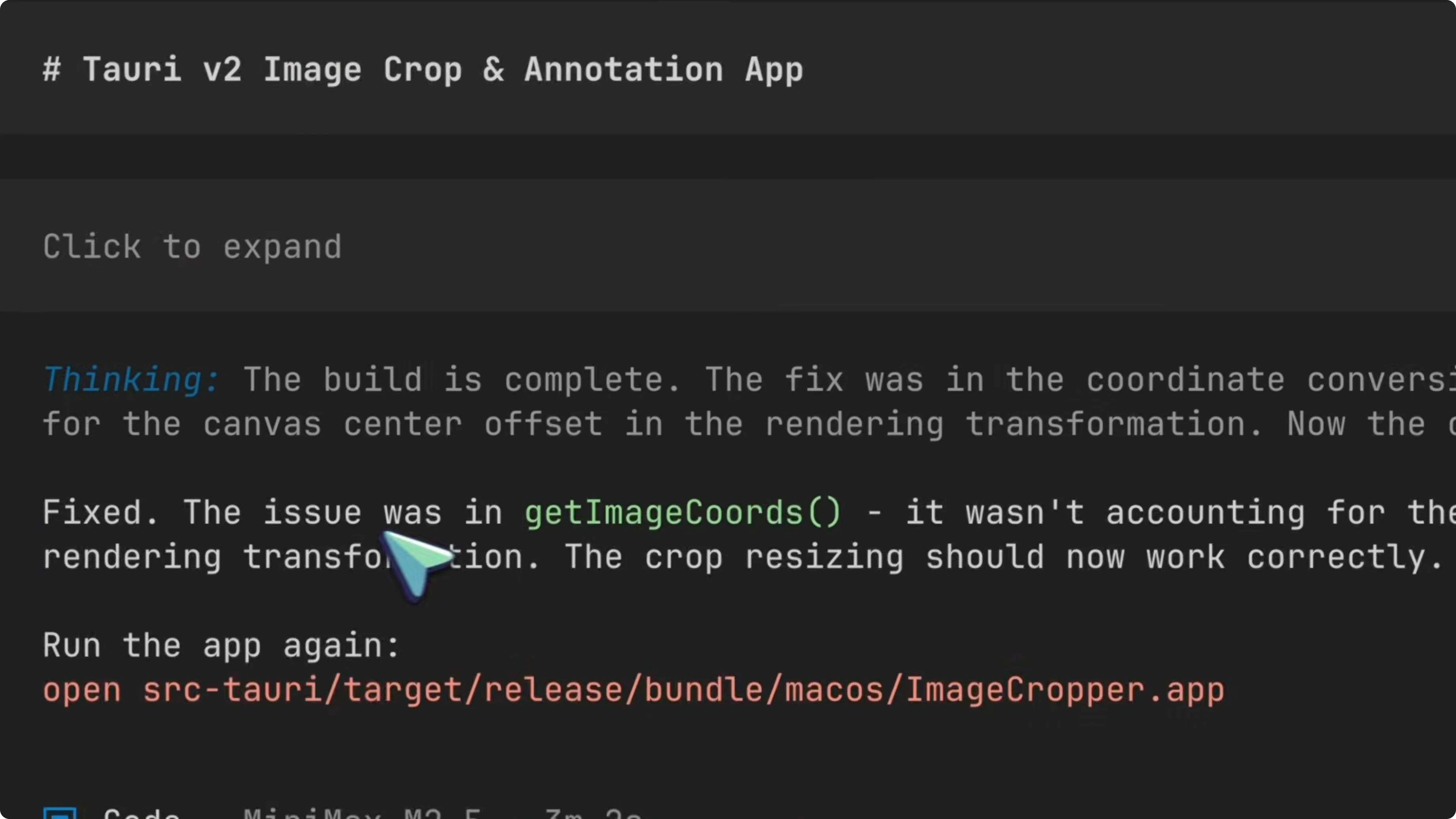
This prompt often trips up stronger models like Opus. M2.5 nailed it on the first try, which was surprising.
For more coding comparisons around Opus in tough tasks, see GLM vs Opus.
MiniMax M2.5 Review: Nuxt Stack Overflow clone
I asked for a Nuxt app implementing a Stack Overflow-style clone with a database and OAuth. It handled the data model, threads, and UI well.
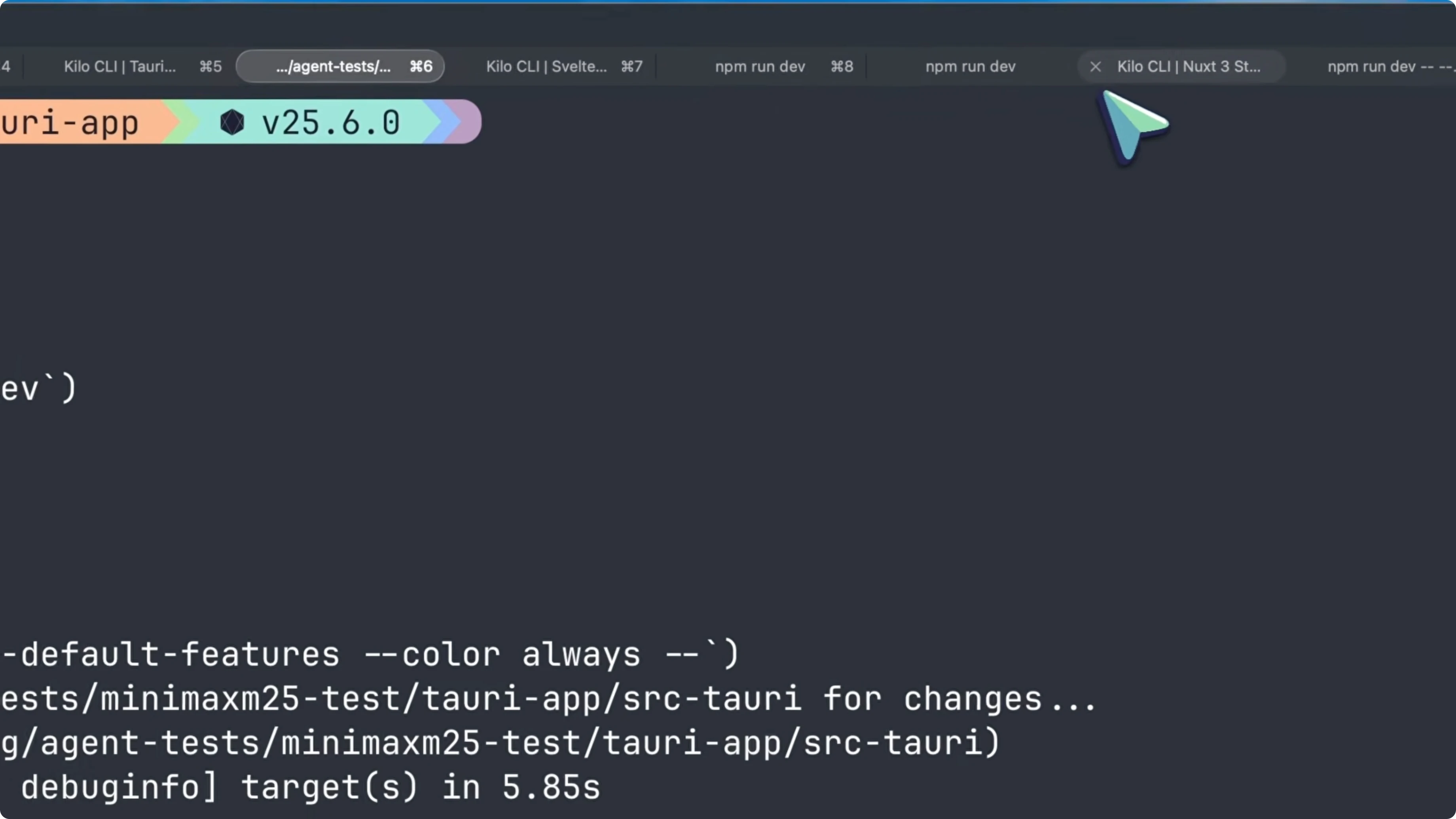
The app felt coherent and matched the requested structure. No major patching was needed.
MiniMax M2.5 Review: Svelte Kanban app
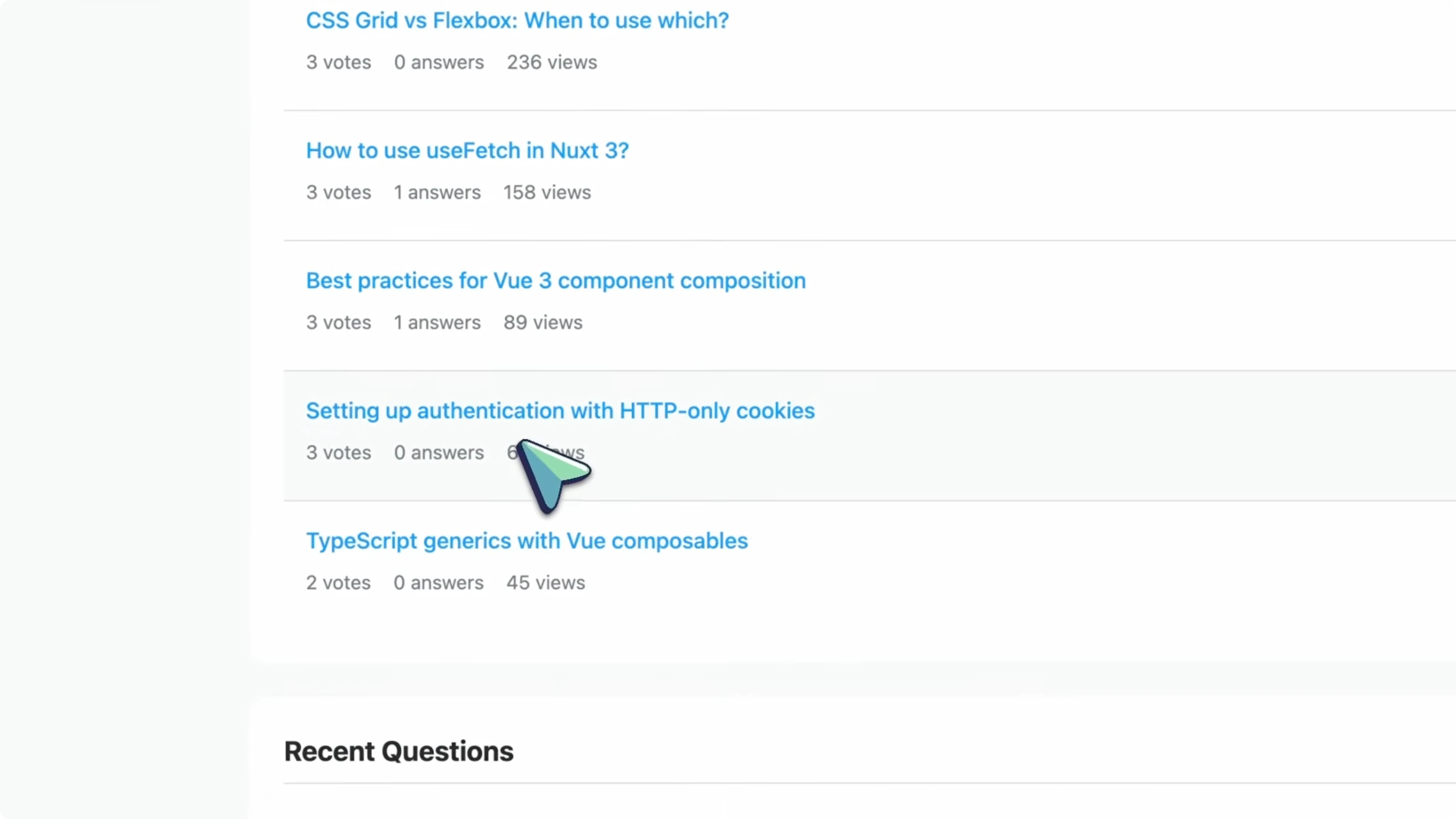
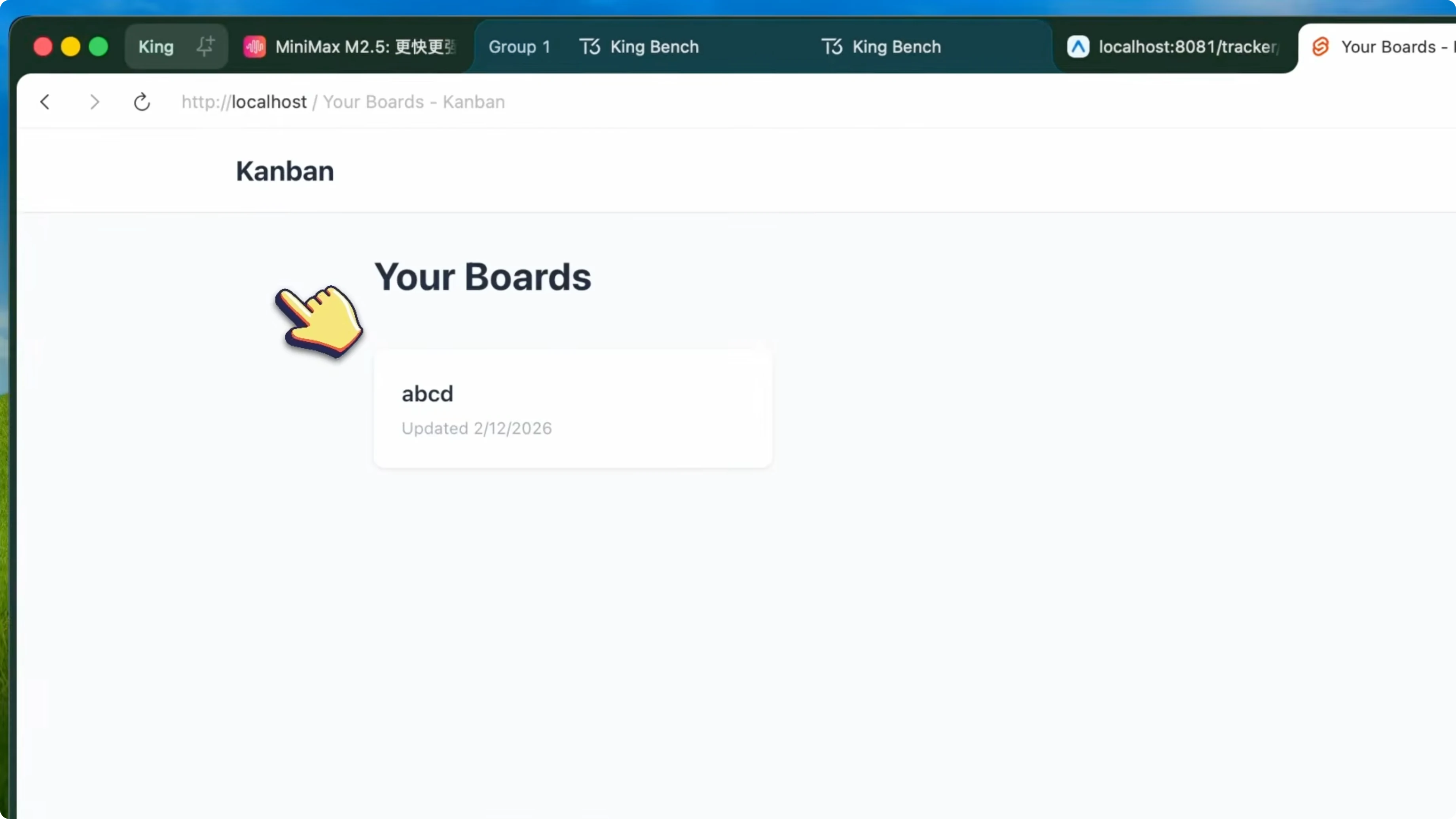
I requested a Svelte Kanban application. It delivered boards, lists, and tasks with proper OAuth authentication.
Everything worked correctly and the UI was solid enough for a first pass. This was another clean build.
MiniMax M2.5 Review: Leaderboard and value
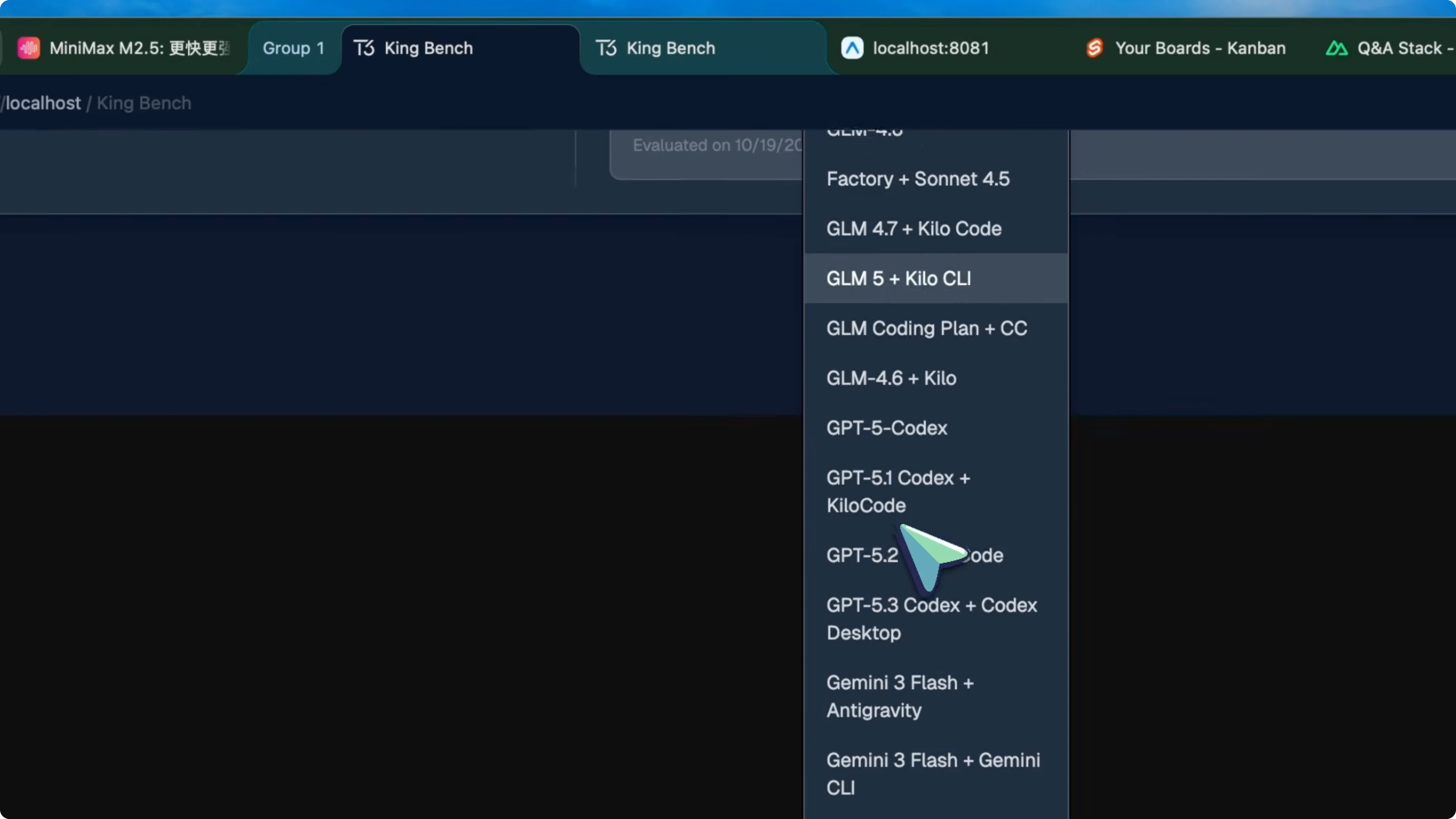
Across my agent tests, M2.5 landed fourth on my internal leaderboard. That is strong given the cost gap.
It feels almost 30x cheaper than Opus while delivering comparable results on agent-style builds. The speed-to-cost ratio is the headline here.
Final thoughts
MiniMax M2.5 is a fast, low-cost agent workhorse that handled full-stack and desktop tasks with minimal intervention. The inner thinking with planning mode helped it correct itself and deliver reliable outputs.
Given the throughput, pricing, and consistency, this model is an easy pick for agentic coding workloads. If you need scalable agents on a budget, M2.5 is ready.


