Why I Chose GLM-5 KING MODE Over OPUS & CODEX for Free Setup

I have been obsessed with two things lately. One is GLM-5, which I genuinely believe is the best open model ever released. The other is King Mode, a system prompt I use to lobotomize the lazy parts of every model I touch.
I never combined the two properly. I should have done it sooner because the results are kind of insane. Here is exactly how I pair GLM-5 with the King Mode prompt and why this combo might be the most powerful free coding setup in 2026.
Why this pairing works
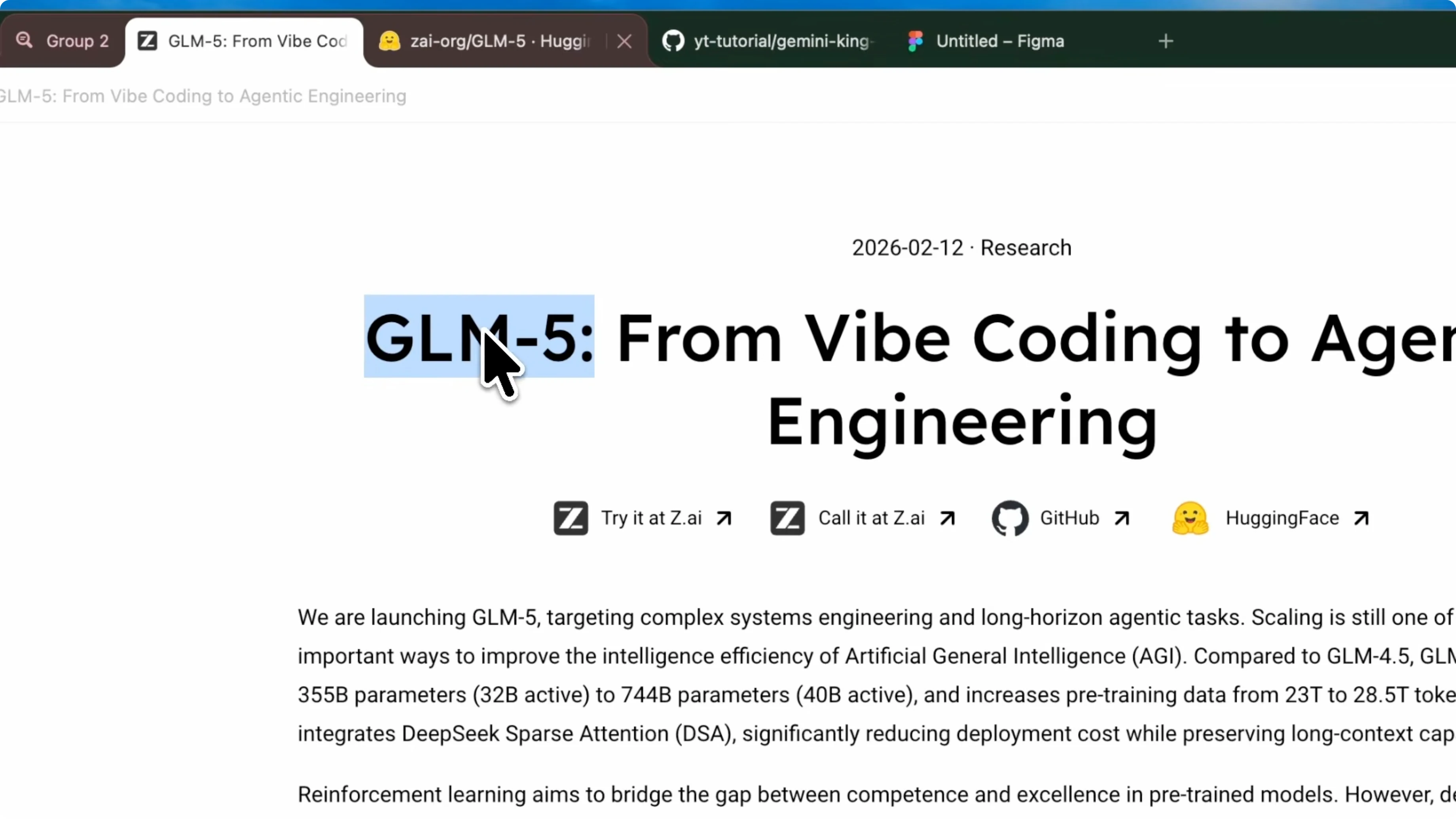
The ZAI team said their goal was to build the first open-source system architect model. GLM-5 is a 744 billion parameter mixture of experts with 40 billion active in a pass. It already thinks like an architect, plans, and asks follow-up questions when your prompt is vague.
It scored number one on my agentic leaderboard. It beat Opus 4.6 on the Svelte Kanban, the NookStack Overflow clone, the Expo movie tracker, basically everything. It is also currently fully free in Kilo as well, which makes it even more usable for free.
You might be thinking, why does this model even need King Mode. It is already smart. You are right, but smart and disciplined are two different things.
GLM-5 is incredible at long-run tasks. It will go for 40 minutes, even 3 hours on a large app I showed previously. Sometimes, especially on medium complexity tasks, it overthinks.
The ZAI team acknowledged this. They said the model tries to be too good on simpler tasks which actually hurts performance. King Mode fixes this.
King Mode does not make the model smarter. It makes the model more focused. The ultrathink trigger tells the model to stop, assess the complexity, decide whether this needs deep architectural reasoning or a quick execution, and then commit.
It adds structure to the model’s natural intelligence. GLM-5 is not great at chat or small talk because it is trained heavily on code and system architecture. King Mode’s zero fluff directive kills that and forces output, not conversation.
Think of it like this. GLM-5 is a brilliant architect who sometimes talks too much and occasionally overthinks small jobs. King Mode is the project manager who says, “Focus, deliver, no fluff.”
You can combine it for free with Kilo CLI and it works well. You can set it up as a rule and then use it in Kilo, but I configure it with Verdant for a bigger boost.
Read More: simple fix
Verdant setup
If you paste King Mode into a regular chatbot or a single agent editor, you get a better model. That works, but you are still limited to one task at a time. Verdant changes that equation.
Verdant lets you run multiple agents in parallel, each with their own isolated git worktree. One GLM-5 agent can handle back-end architecture while another handles the front end. They are not stepping on each other’s toes.
Each agent gets the full King Mode context. Each runs independently and produces senior level code. You go from one brilliant architect to an entire team of brilliant architects.
Steps
Open Verdant.
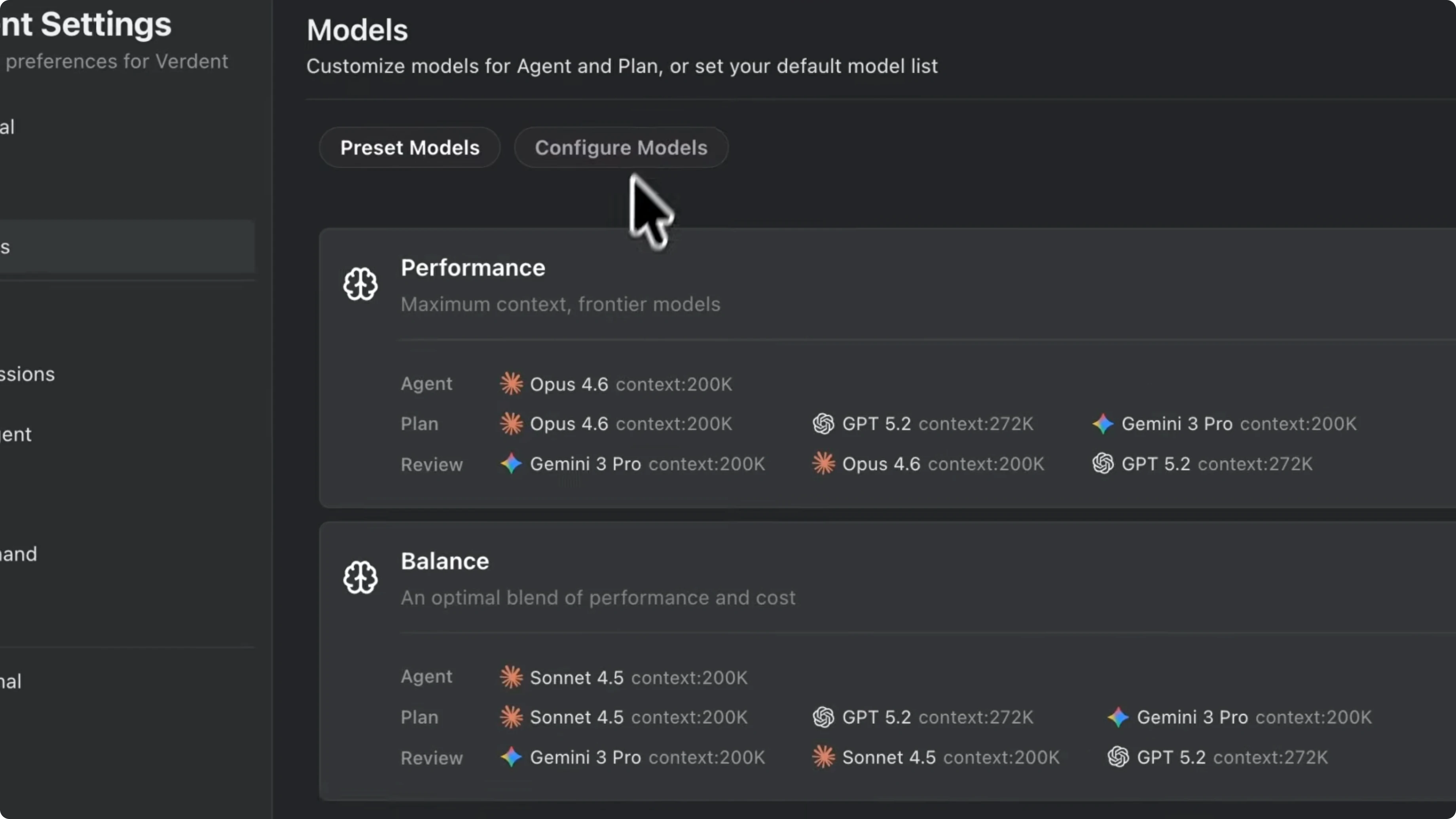
Go to model settings and select GLM-5.
Inject the King Mode prompt. In Verdant, add it to your project rules or the system instructions area, then paste the full King Mode prompt.
Here is a pro tip. You do not need to add the front-end design skill this time. I used to combine King Mode with the front-end skill for GLM-4.7 because that model needed help with design taste.
GLM-5 is different. Since it is a system architect model, it is already better at structured code and layout logic. If you overload it with too many style constraints, it conflicts with its own reasoning.
Keep the rules lean. King Mode alone is enough for GLM-5. If you want a specific aesthetic, just describe it in your prompt instead of injecting an entire design system.
Use the ultrathink keyword at the start of complex prompts. This is what activates the deep reasoning behavior from King Mode. Without it, the model follows zero fluff but skips the full architectural breakdown.
Example rule snippet
# Verdant Project Rules - System Instructions
# Paste the full King Mode prompt below
system_instructions: |
  [KING MODE SYSTEM PROMPT]
  # Zero fluff, disciplined execution
  # ultrathink trigger activates deep reasoning
Read More: Openclaw setup
Parallel agents in action
I open Verdant Deck and create a new project. For this demo, I am building a full stack SaaS dashboard with authentication, a database layer, and a realtime analytics view. In a normal workflow you would type one big prompt and wait, but we do this differently.
I spin up agent one. I type the following and run it. Agent one starts working.
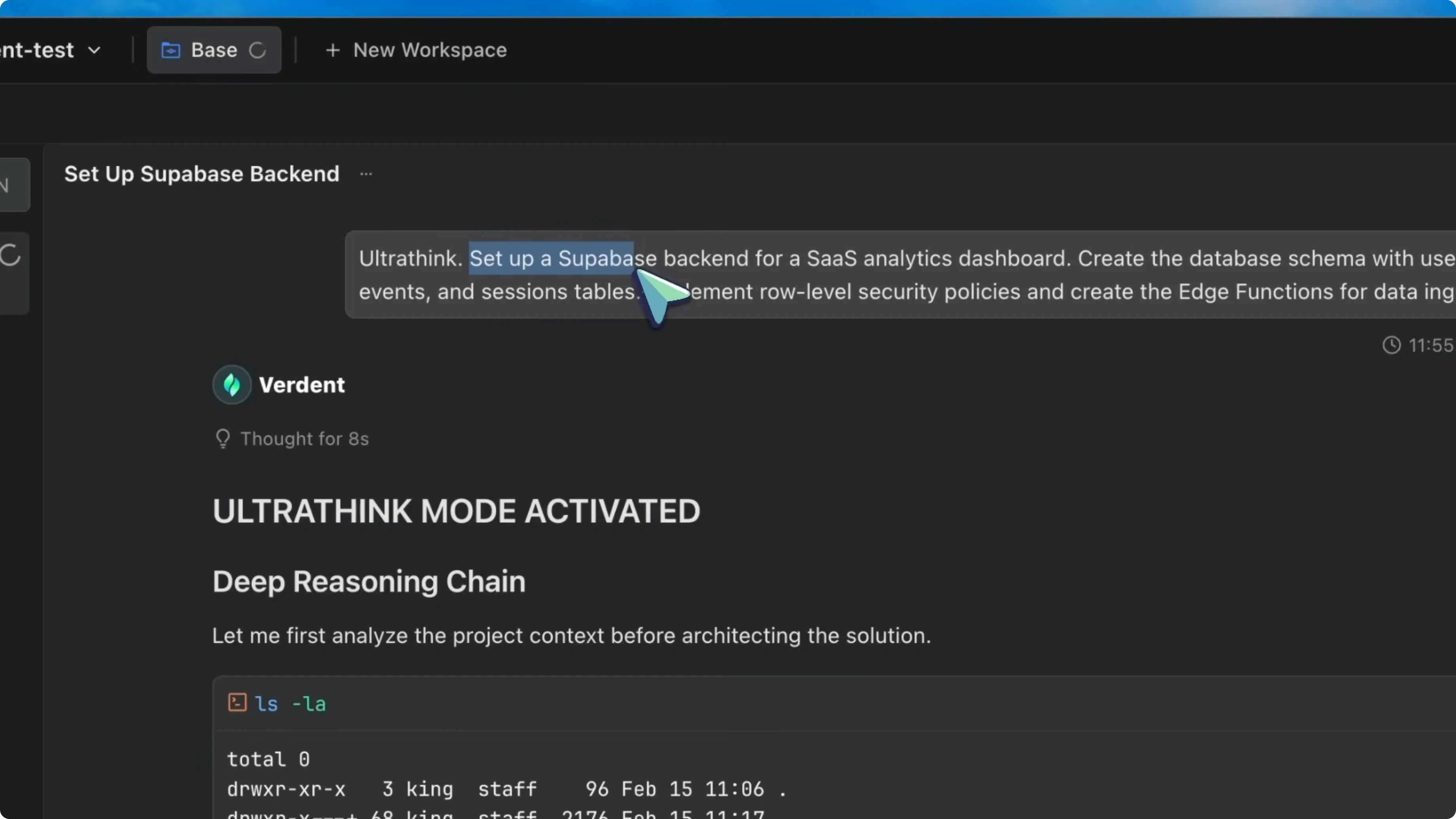
ultrathink
Set up a Supabase backend for a SaaS analytics dashboard.
Create the database schema with users, events, and sessions tables.
Implement Row Level Security (RLS) policies.
Create Edge Functions for data ingestion.
I click new agent in the sidebar and create agent two. I type the following and run it. Now both agents are working simultaneously.
ultrathink
Initialize a Next.js 14 project with Tailwind CSS.
Build the main dashboard layout with a sidebar navigation and a top metrics bar showing active users, total events, and average session duration.
Add a main content area with a real-time line chart.
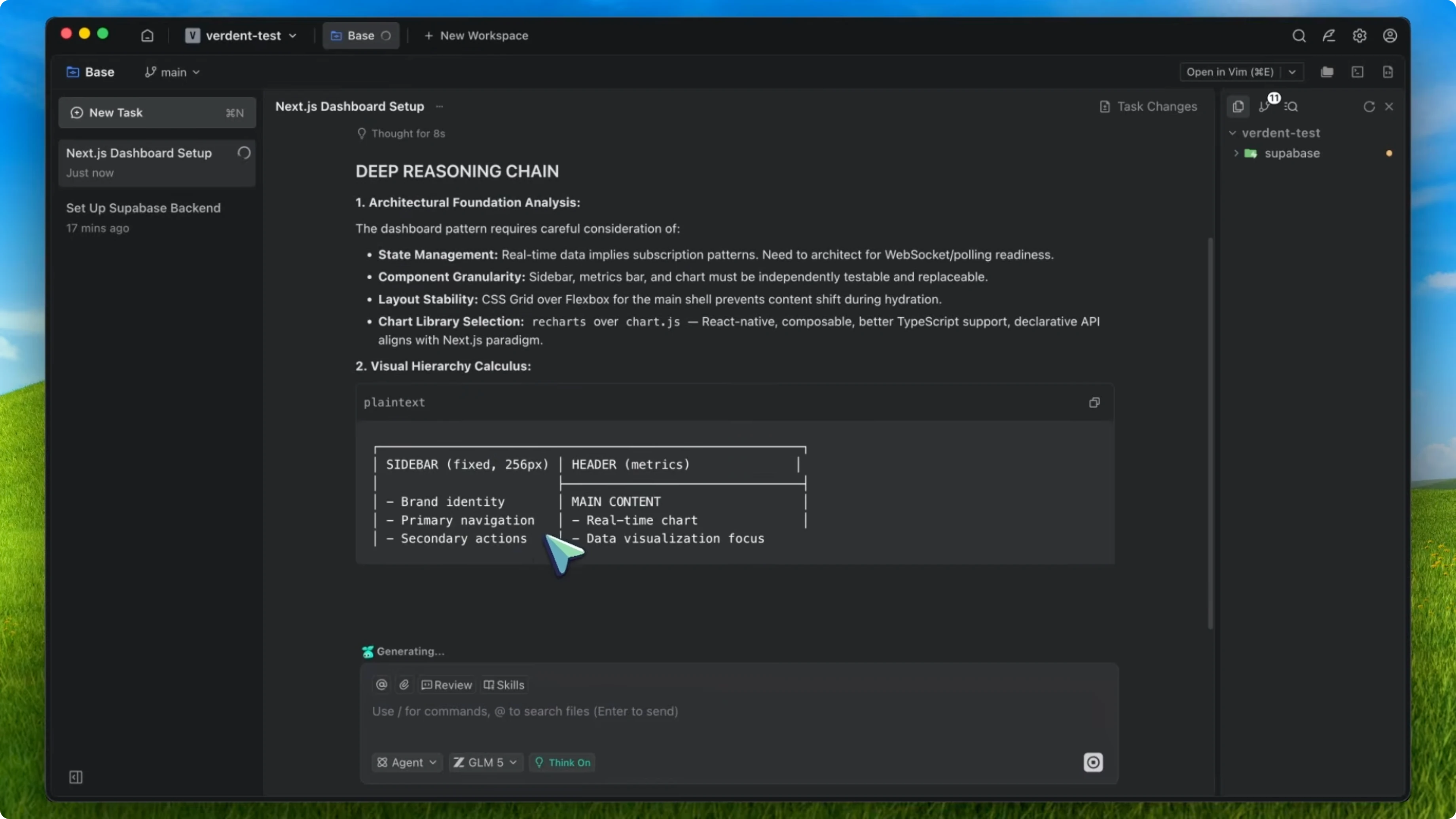
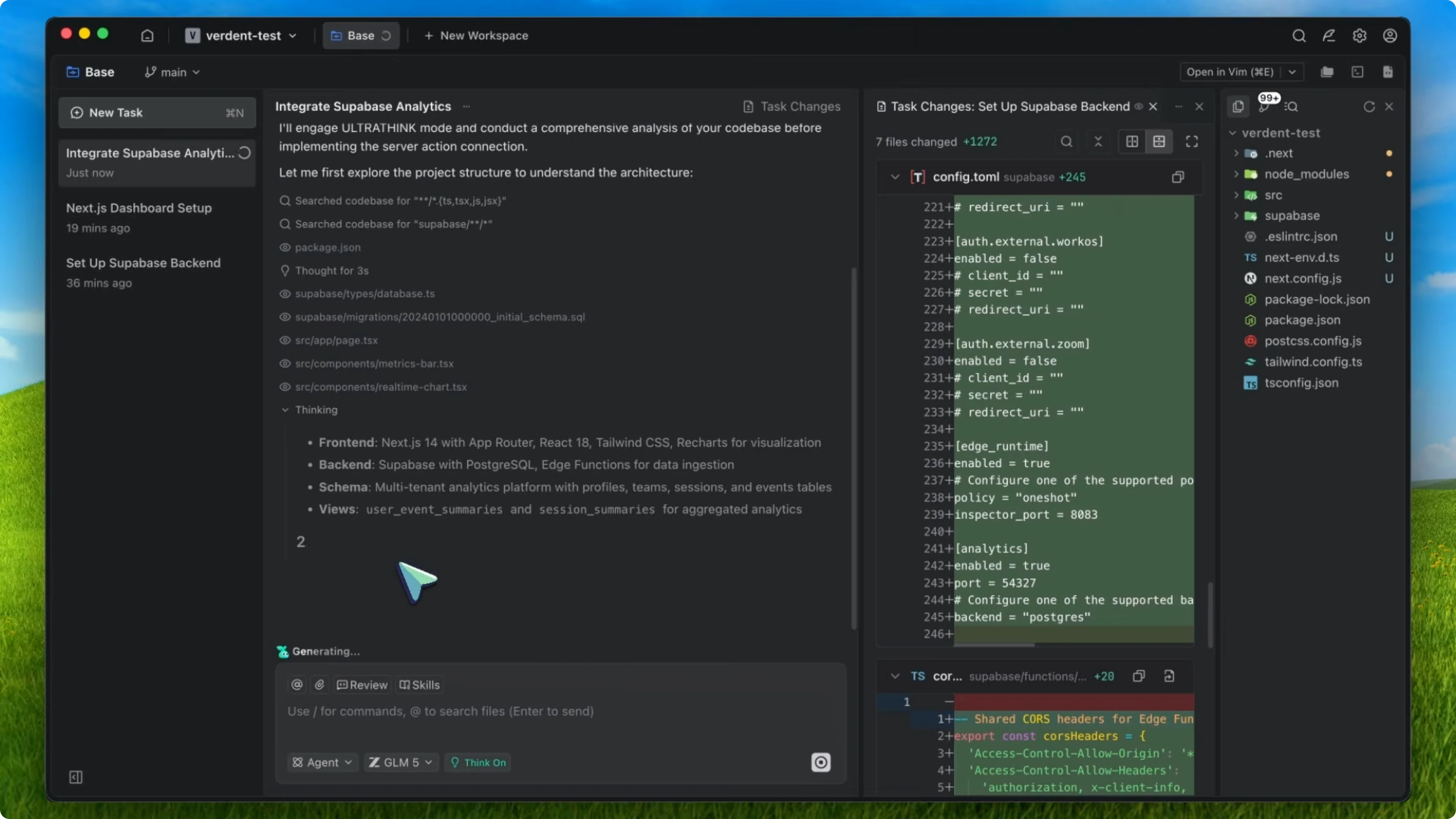
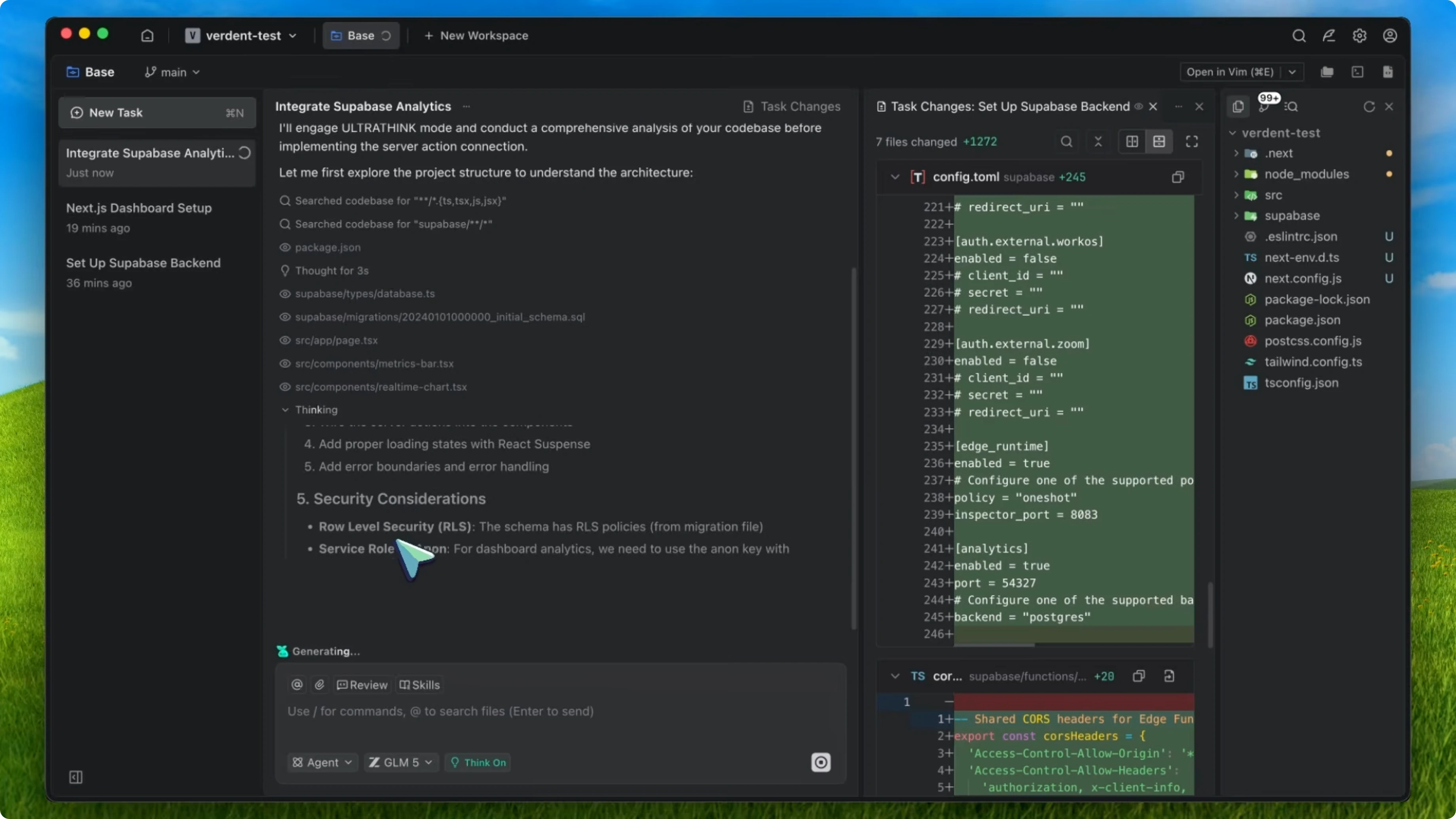
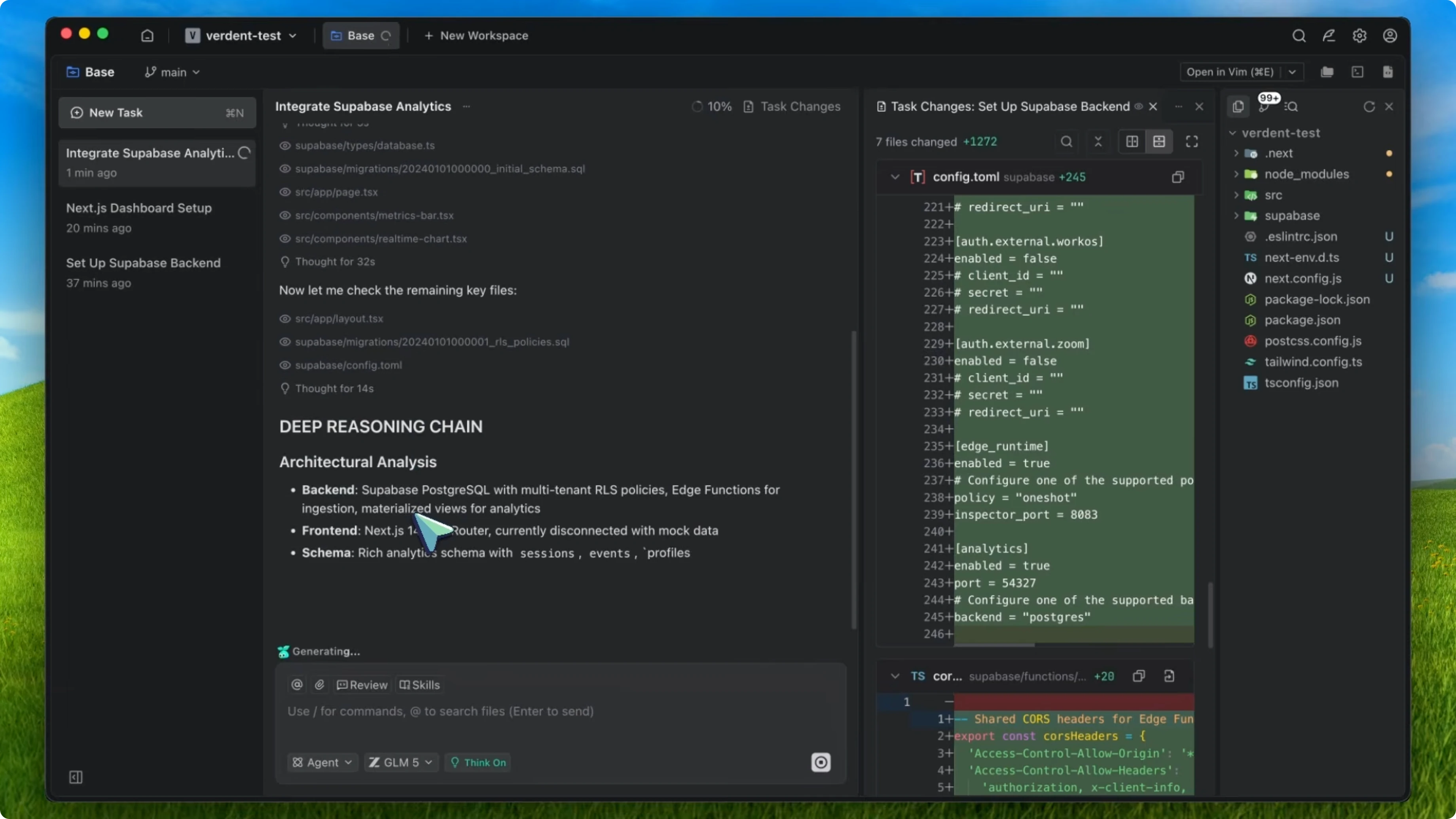
Agent one, because of the ultrathink trigger, does not just dump SQL. It pauses and reasons about the data relationships and security. It says since we need real-time analytics, we should use Supabase Realtime subscriptions on the events table, and RLS needs to filter by organization_id to support multi-tenancy.
It architects the system before writing a single line of code. Without King Mode, GLM-5 would still be good, but it might jump into SQL first and think about security later. The ultrathink trigger frontloads the thinking.
Meanwhile, agent two sets up the front end with structure in mind. It considers component structure, sets up proper error boundaries, and uses memoization on chart components because real-time data means frequent rerenders. In about 2 minutes, both agents are done.
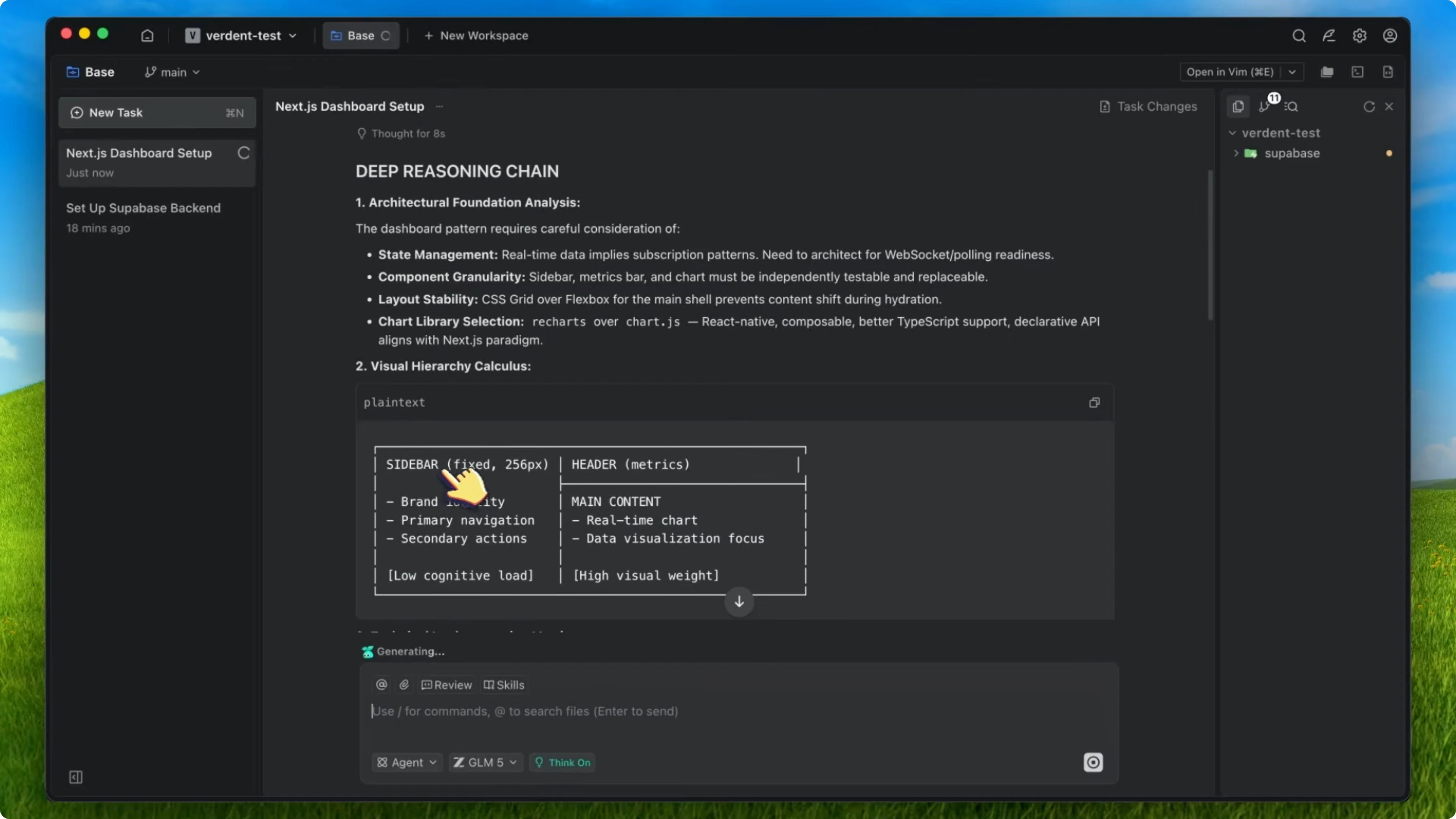
I review the diffs in Verdant’s diff lens. The backend schema is clean. The RLS policies are correct, which is impressive because most models mess up Supabase security policies.
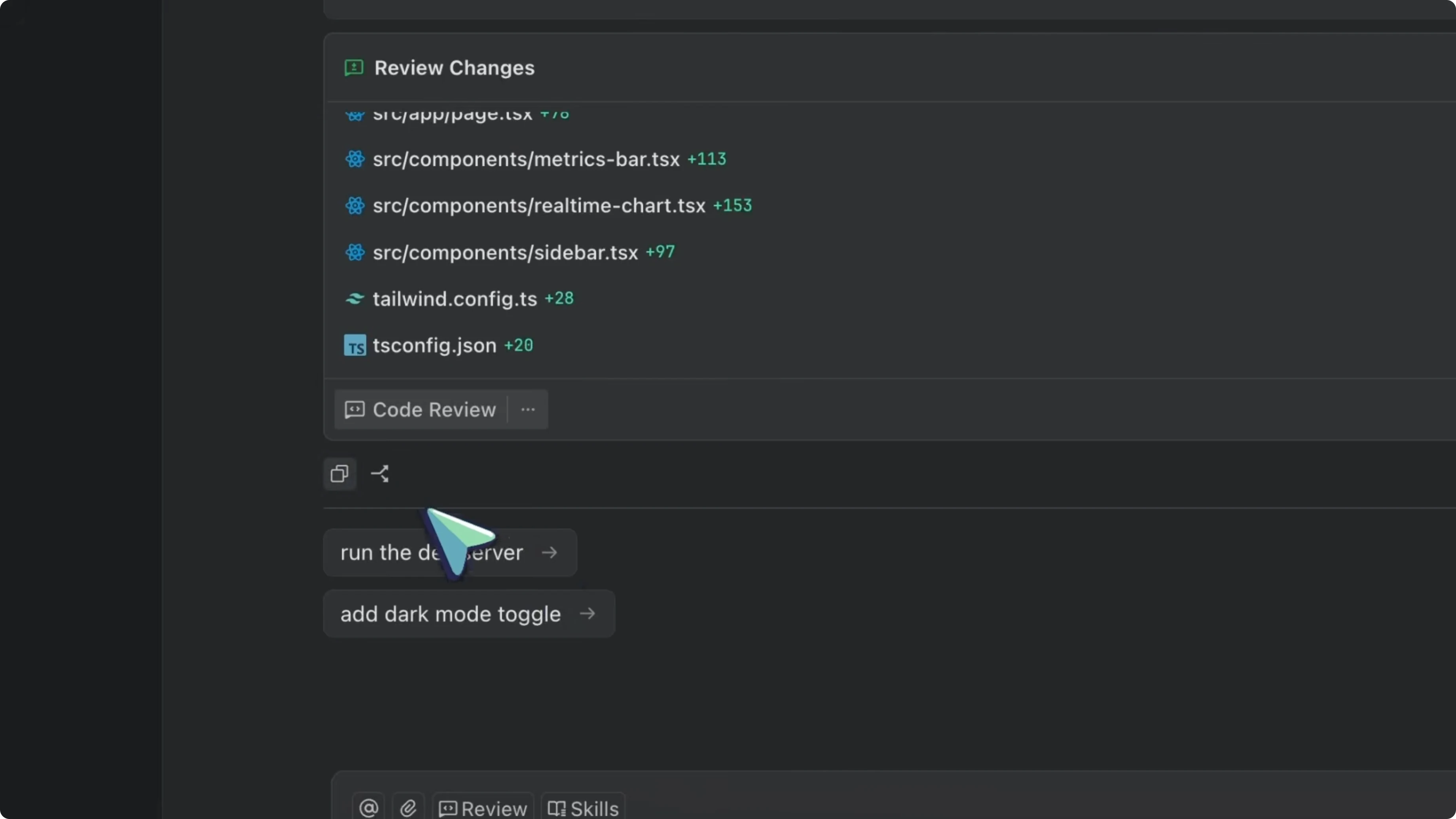
The front end is well structured with proper separation of concerns. Here is where it gets more interesting. I spin up a third agent.
I run a connect-and-integrate task. This third agent reads the backend and front-end code, understands the relationship, and wires everything up. It even adds a custom hook for the realtime subscription that I did not ask for, but that makes total sense.
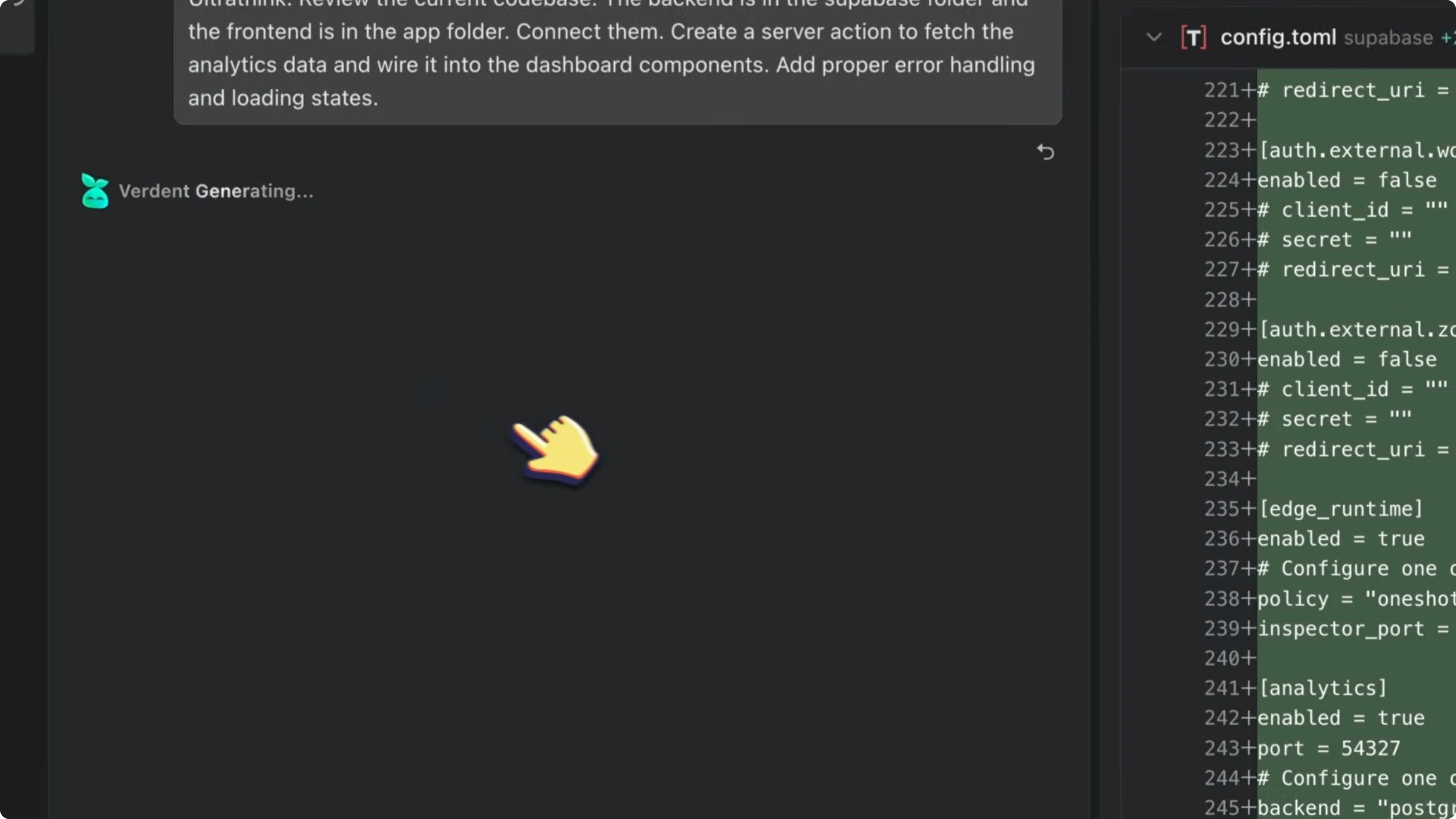
ultrathink
Review the current codebase.
The backend is in the supabase/ folder and the front end is in the app/ folder.
Connect them.
Create a Next.js Server Action to fetch analytics data and wire it into the dashboard components.
Add proper error handling and loading states.
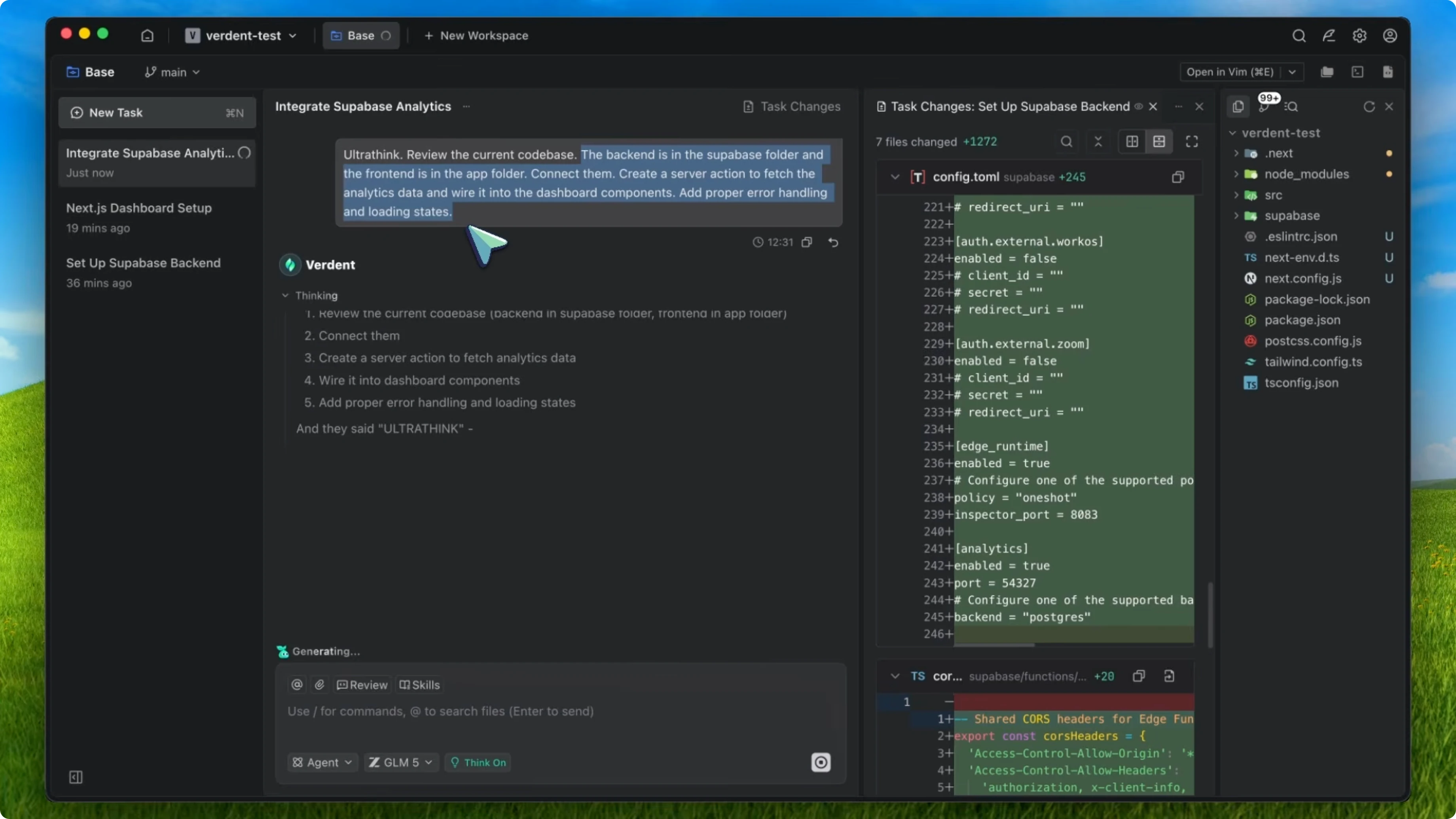
The whole thing backend, front end, and integration took me about 5 minutes of actual interaction time. The agents did the rest. That is the difference when you combine GLM-5 + King Mode + Verdant.
Why I chose this over GLM-4.7 setups
With GLM-4.7, I had to combine King Mode and the front-end skill to get good results. That model was great at visuals but weak at architecture. I needed two crutches.
GLM-5 only needs one. King Mode alone unlocks the model’s full potential because the architectural intelligence is already built in. The model already plans, debugs, and asks follow-up questions.
King Mode just removes the noise and forces the model to be consistent about it. With Verdant’s parallel agents, you multiply that effect. Instead of one focused architect, you get a whole team.
Each agent runs the same disciplined workflow. Each agent has isolated context and you are the project manager assigning tasks and reviewing the output. I also tried this on a backend-heavy task with no front end at all.
One agent built a Go-based CLI tool for processing large JS files. Another agent wrote the test suite for it. GLM-5 with King Mode running in parallel through Verdant produced the CLI tool and a comprehensive test suite in about 3 minutes.
The test suite caught an edge case in the JSON parser that the first agent missed. Because they were in separate worktrees, there were no conflicts. That is the kind of productivity boost that usually requires an actual team.
Tips on effort levels, prompts, and cost
GLM-5 is a reasoning model with effort levels. I keep the reasoning effort at medium for most tasks and switch to high for really complex architecture decisions. If you combine high effort with ultrathink, the model will think very deeply but run slower for most coding tasks.
Medium effort plus ultrathink is the sweet spot. For quick questions in Verdant, do not use the ultrathink prefix. Ask normally and King Mode’s zero fluff rules will still apply without triggering full architectural reasoning for a one-liner.
On cost, GLM-5 is going to be a bit more expensive than GLM-4.7 because it is almost double the parameters. The coding plans from ZAI should still be at a similar price point. Even if the API cost goes up a bit, you get Opus-level or better output for a fraction of what Anthropic charges, and the model will be open weights which is awesome.
Read More: HTTPS Only mode
Quick workflow summary
GLM-5 for intelligence, King Mode for discipline, Verdant for orchestration.
Set up the King Mode prompt once in your project rules.
Prefix complex prompts with ultrathink and let Verdant’s parallel agents handle multitasking.
Prompt examples you can copy
ultrathink
Design a modular backend architecture for a multi-tenant SaaS with Supabase.
Define tables for users, organizations, events, and sessions.
Add strict RLS and audit triggers.
Provide Edge Functions for ingestion and validation.
ultrathink
Create a Next.js 14 app with Tailwind CSS.
Implement a dashboard layout with a metrics bar and a real-time chart.
Set up error boundaries, loading states, and memoized chart components.
ultrathink
Integrate backend and frontend.
Add a Server Action to fetch analytics data and wire it to components.
Implement a custom hook for Supabase Realtime subscriptions.
Final thoughts
GLM-5 brings the intelligence, King Mode brings the discipline, and Verdant brings the orchestration. You set the rules once, prefix complex prompts with ultrathink, and let parallel agents deliver clean, senior level code. It feels like going from a single expert to a coordinated team, without adding overhead.


