How SUPER OpenClaw’s One-Click Setup Challenges the Mac Mini
You already know what OpenClaw can do. You may have been running it locally, testing it, maybe even using it daily. If you close your laptop or your internet drops, your bot goes offline.
If you want it running 24/7, handling leads, answering messages, and managing tasks while you sleep, running it on a local machine does not cut it. You need a proper server where you control your data. OpenClaw handles messages, conversations, contacts, and workflows, and that is sensitive.
You do not want that on random shared hosting with zero control over the environment. What you want is a VPS with full root access, an isolated environment, your own security setup, and the ability to customize runtimes and workers. Docker, specific libraries, background workers, and security configurations all matter.
Some people say just get a Mac Mini and run it at home. You face hundreds of dollars upfront, your own electricity costs, your own internet reliability, and if anything breaks, you are the IT department. It feels like a 100 times price tag compared to a VPS, which makes little sense when VPS plans are this affordable.
For more guides and tools, visit Deepsitev2.
How SUPER OpenClaw’s One-Click Setup Challenges the Mac Mini
I use Hostinger because the value is strong for the price. You get dedicated CPU, RAM, and NVMe SSD storage running on AMD EPYC processors. You get full root access, so you can set up Docker, configure your firewall, and install what OpenClaw needs with no restrictions.
The best part is a one-click Docker template specifically for OpenClaw. You do not need to SSH or run terminal commands manually. A few clicks and your bot is deployed.
Hostinger also generates a custom high complexity gateway token by default. Your OpenClaw instance is secured from the moment it goes live. That is important for privacy and data control.
If you want an alternative path for projects, see Zeroclaw.
Hostinger setup overview
I recommend the KVM2 plan for most users. It gives you 8 GB of RAM, fast NVMe SSDs, and AMD EPYC CPUs with a strong price to performance ratio. You can scale up later without downtime or migration pain.
Step-by-step setup on Hostinger
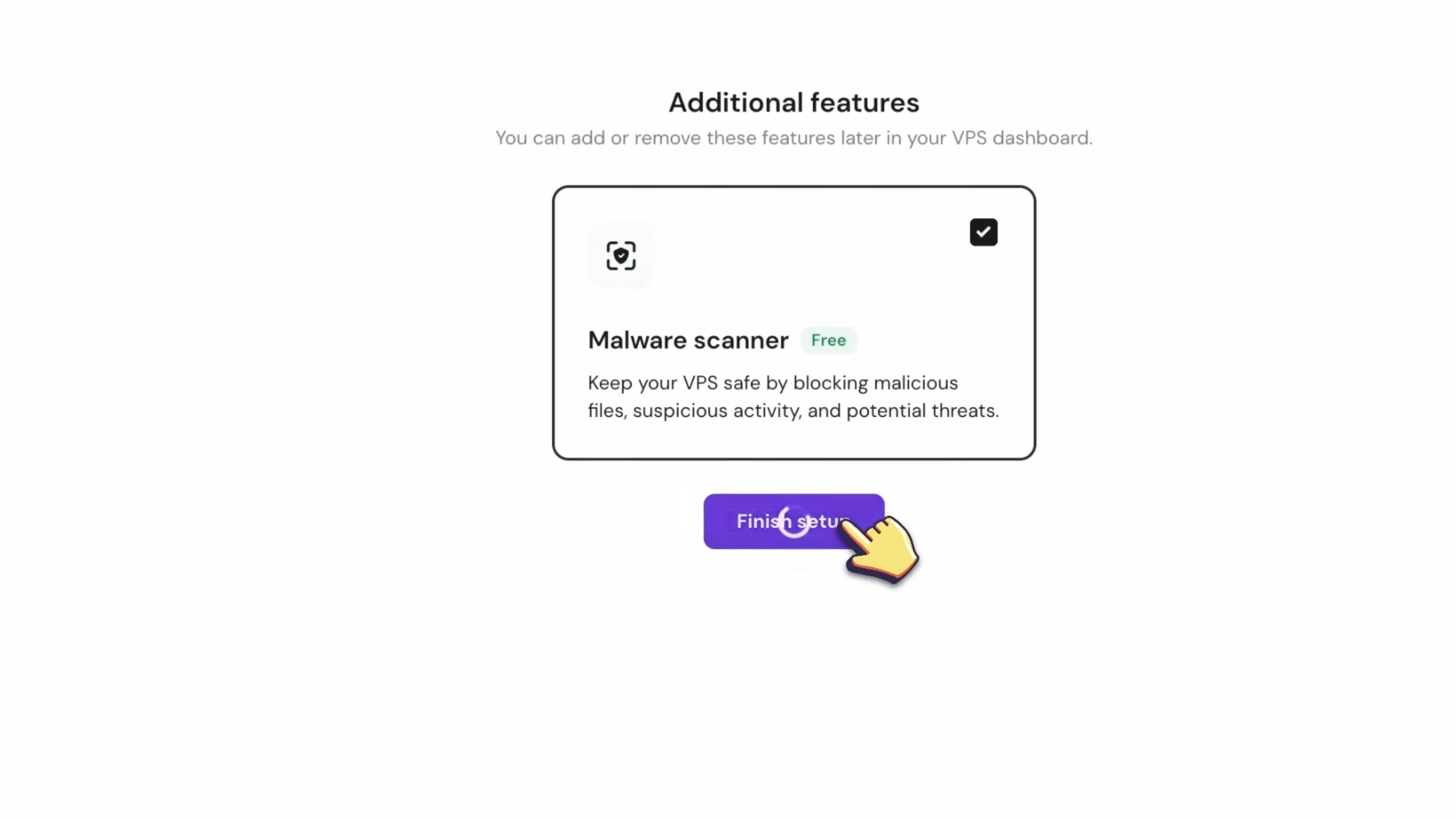
Log in to hPanel and find your VPS in the dashboard. During initial setup, select Docker and set a root password.
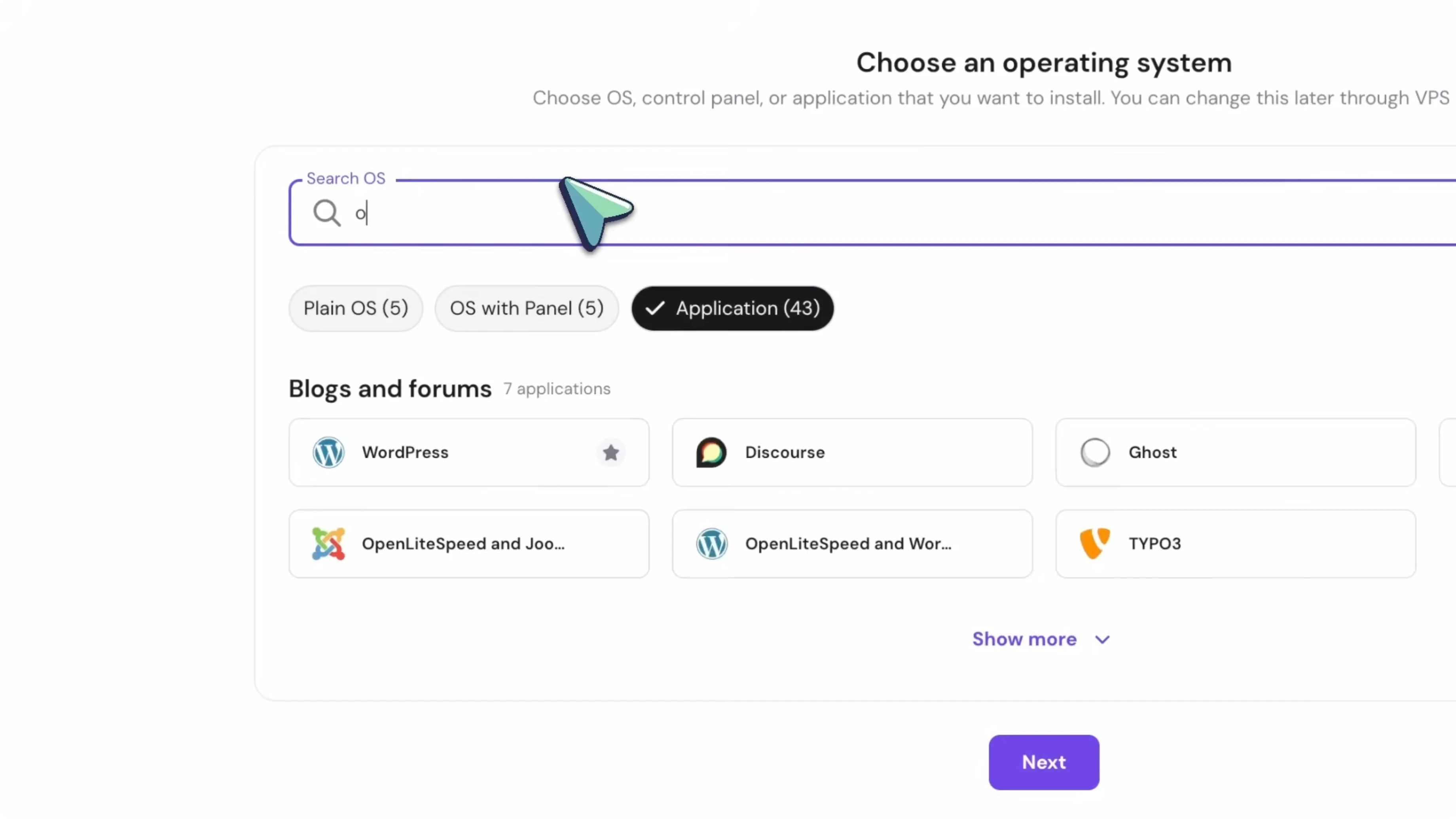
Open the left sidebar, select Docker Manager, and go to the Catalog tab. Search for OpenClaw, open the template, review the details, and click Deploy.
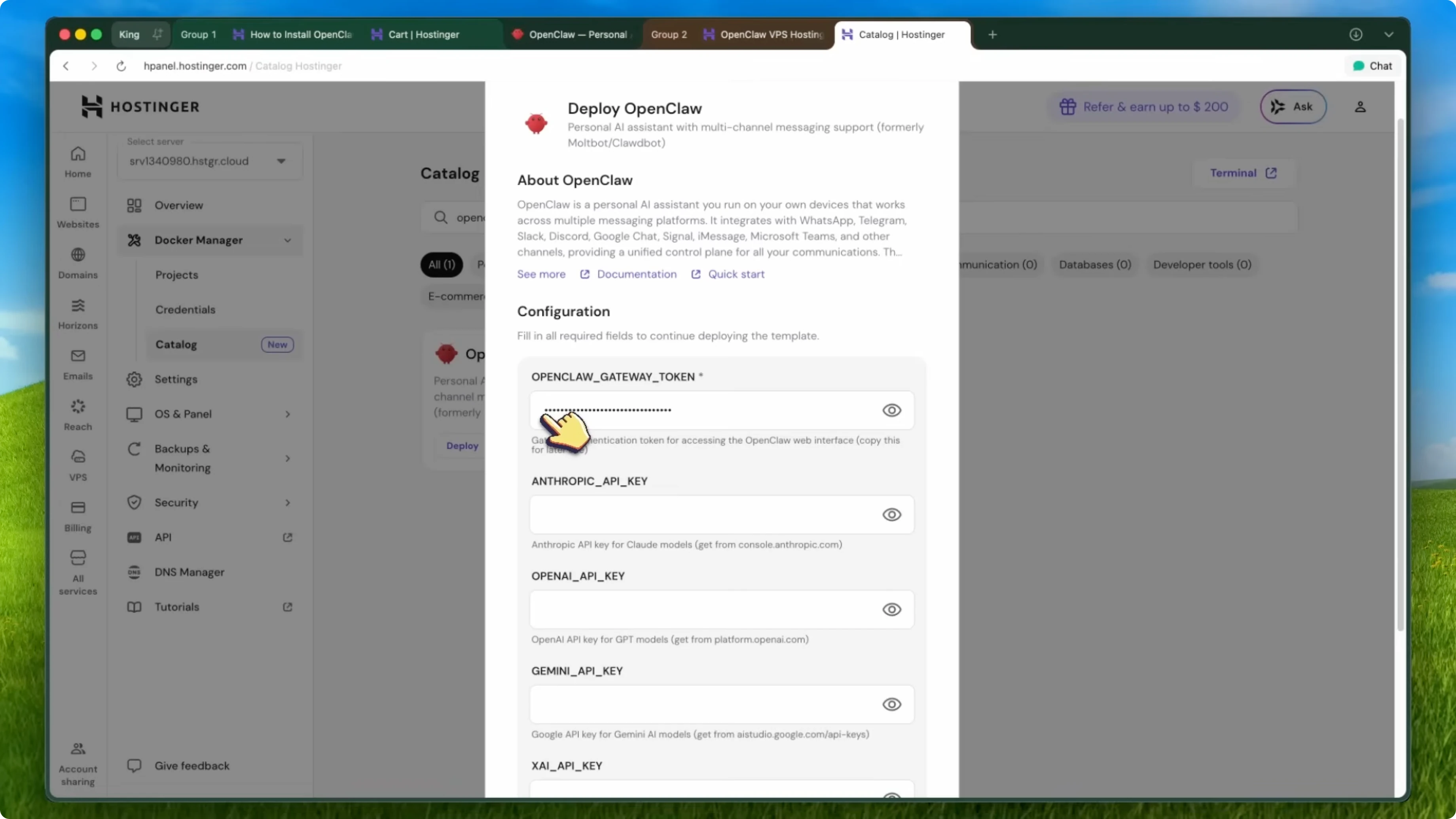
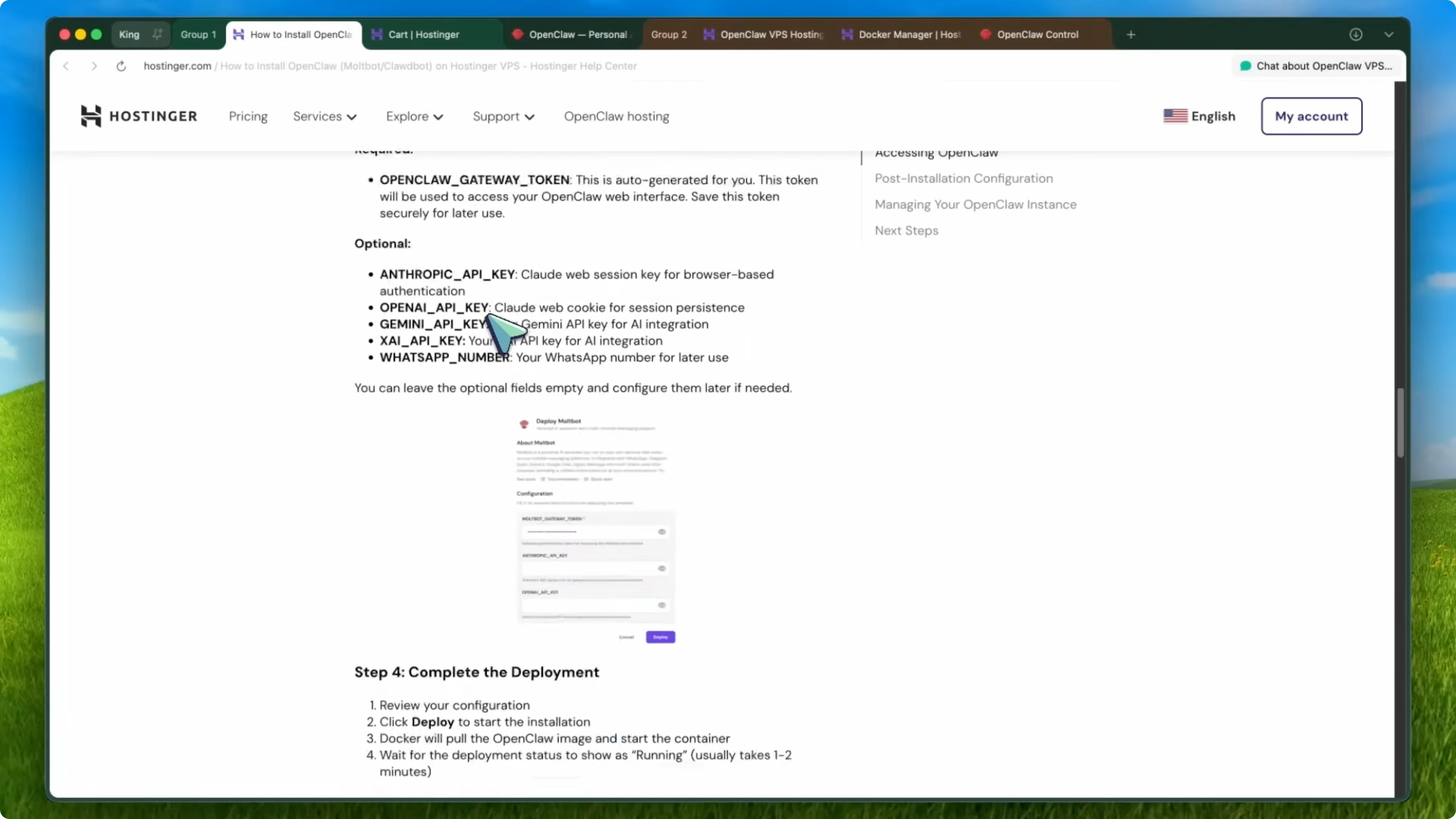
During deployment, set the environment variables. The most important one is your gateway token for the web interface.
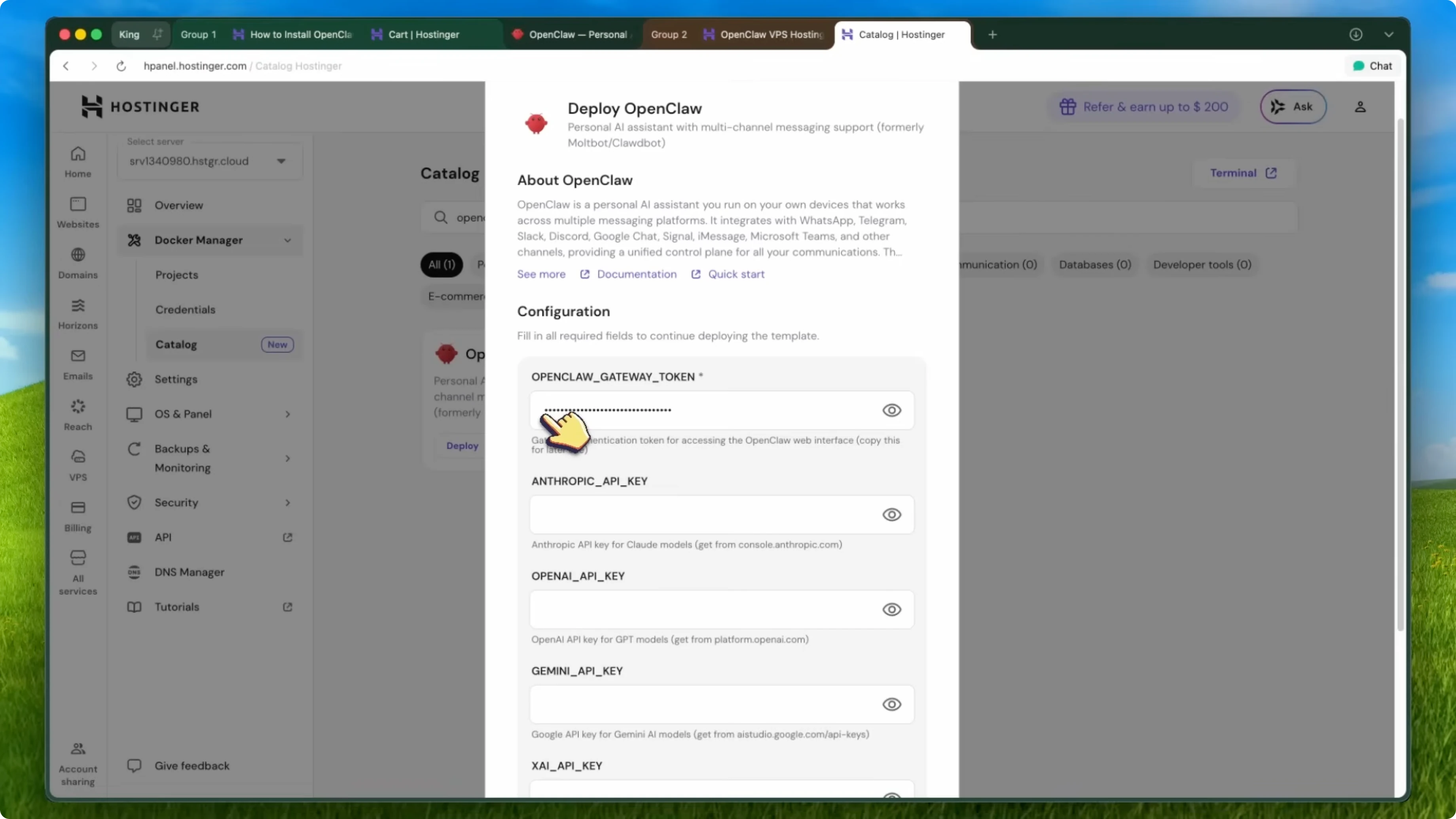
Use a long, random value and save it. You will need it to log in.
Example environment variable:
OPENCLAW_GATEWAY_TOKEN="paste-a-very-strong-random-token-here"
Confirm and deploy. Hostinger will pull the image, build the container, and configure everything automatically.
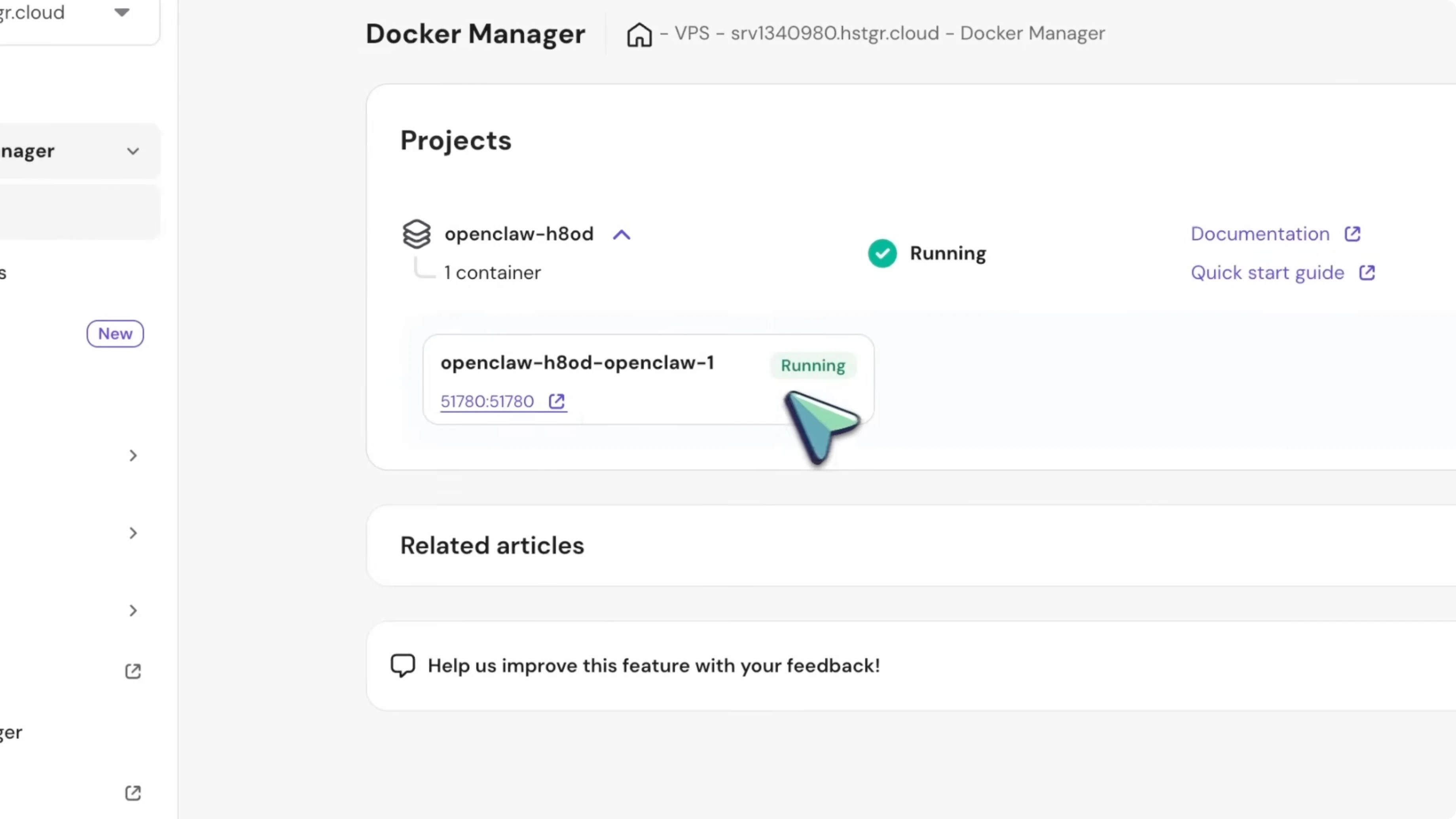
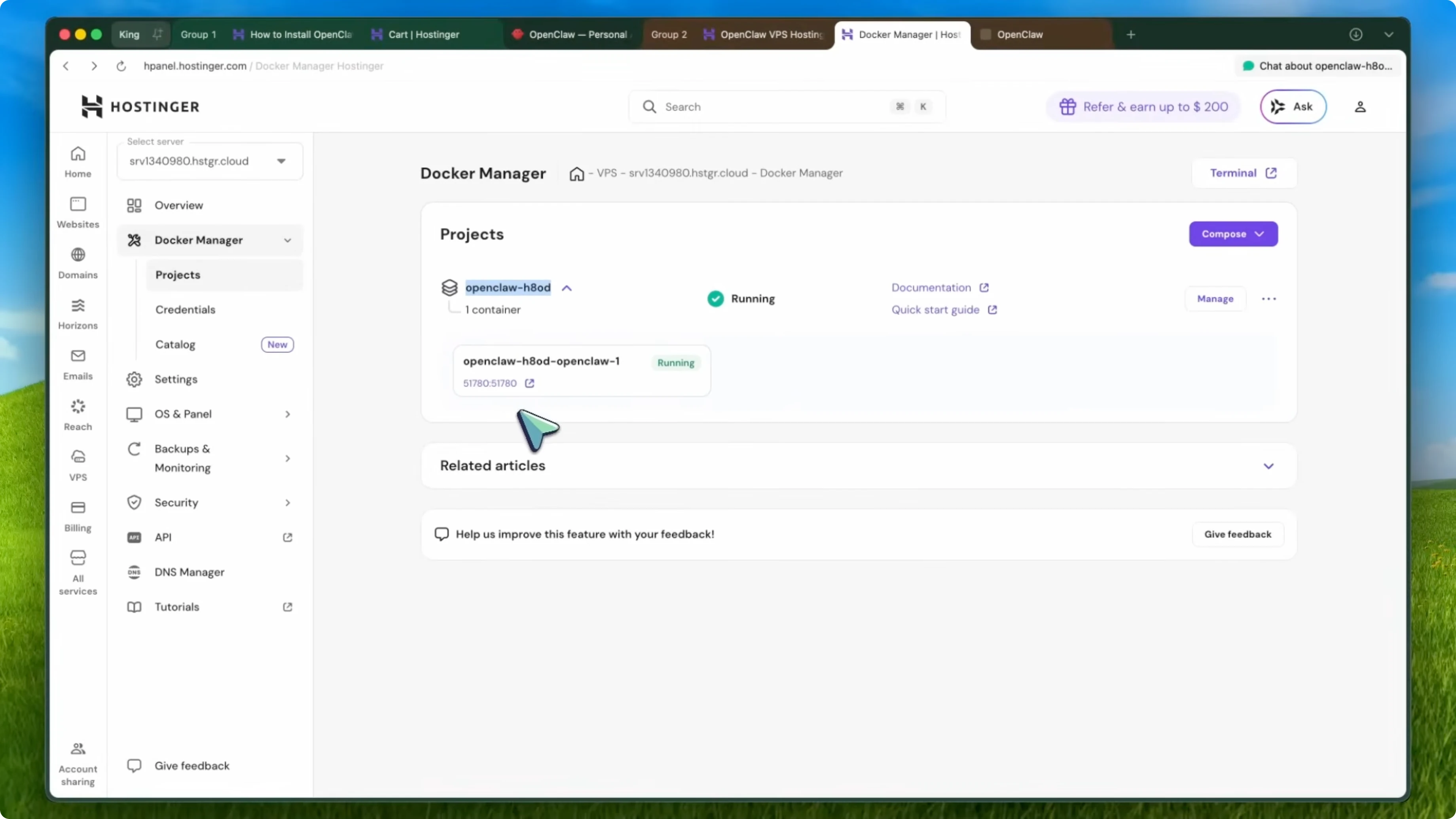
Wait a few minutes until you see the OpenClaw app listed with exposed ports in Docker Manager. That means your bot is live on the server.
Launch the OpenClaw dashboard by visiting your VPS IP on port 18789. Use the token you saved to log in.
Access URL example:
http://YOUR_VPS_IP:18789
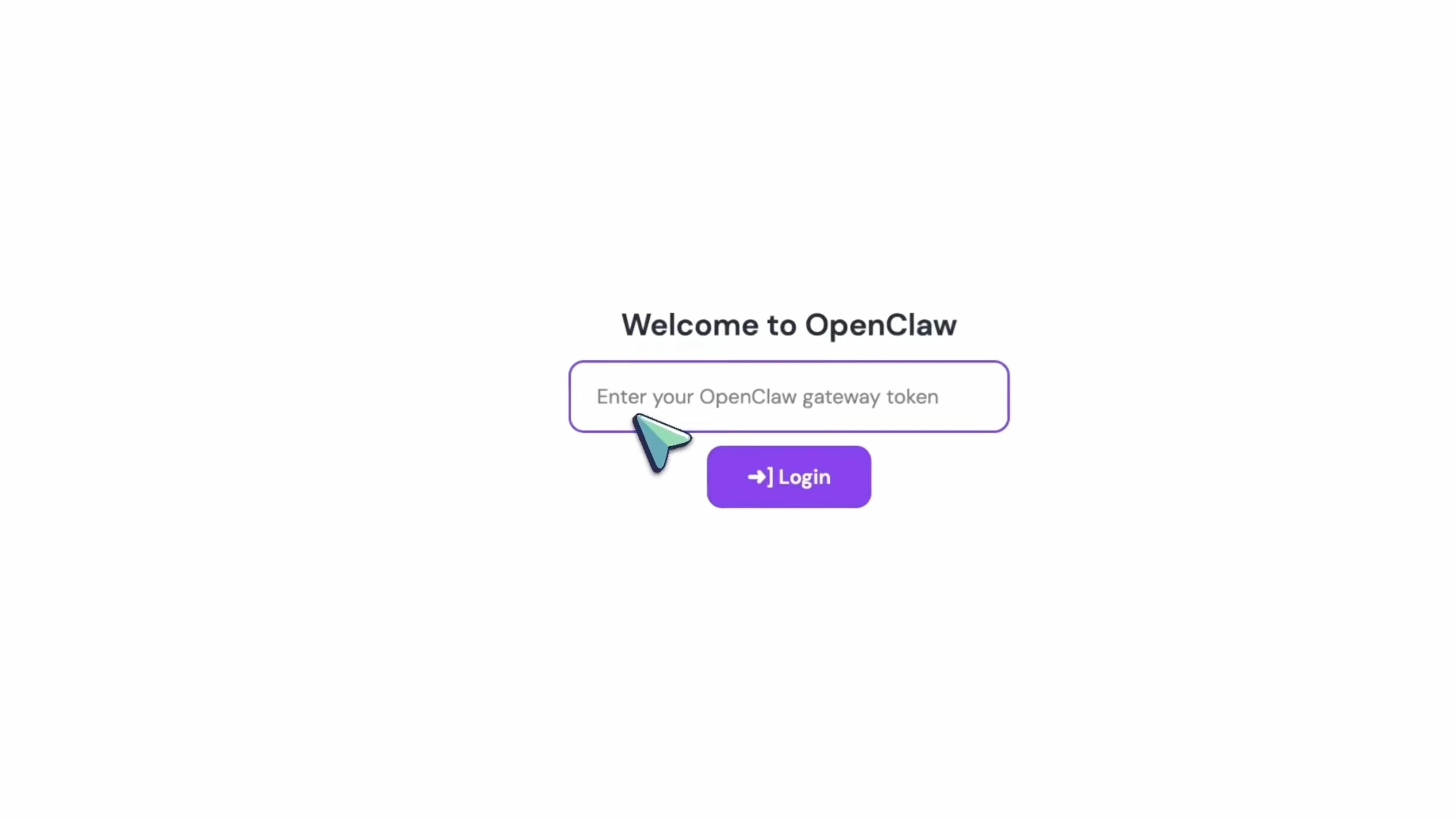
Your OpenClaw instance is now live, under your control, secured with your own gateway token, and available 24/7.
Nexus AI credits in OpenClaw
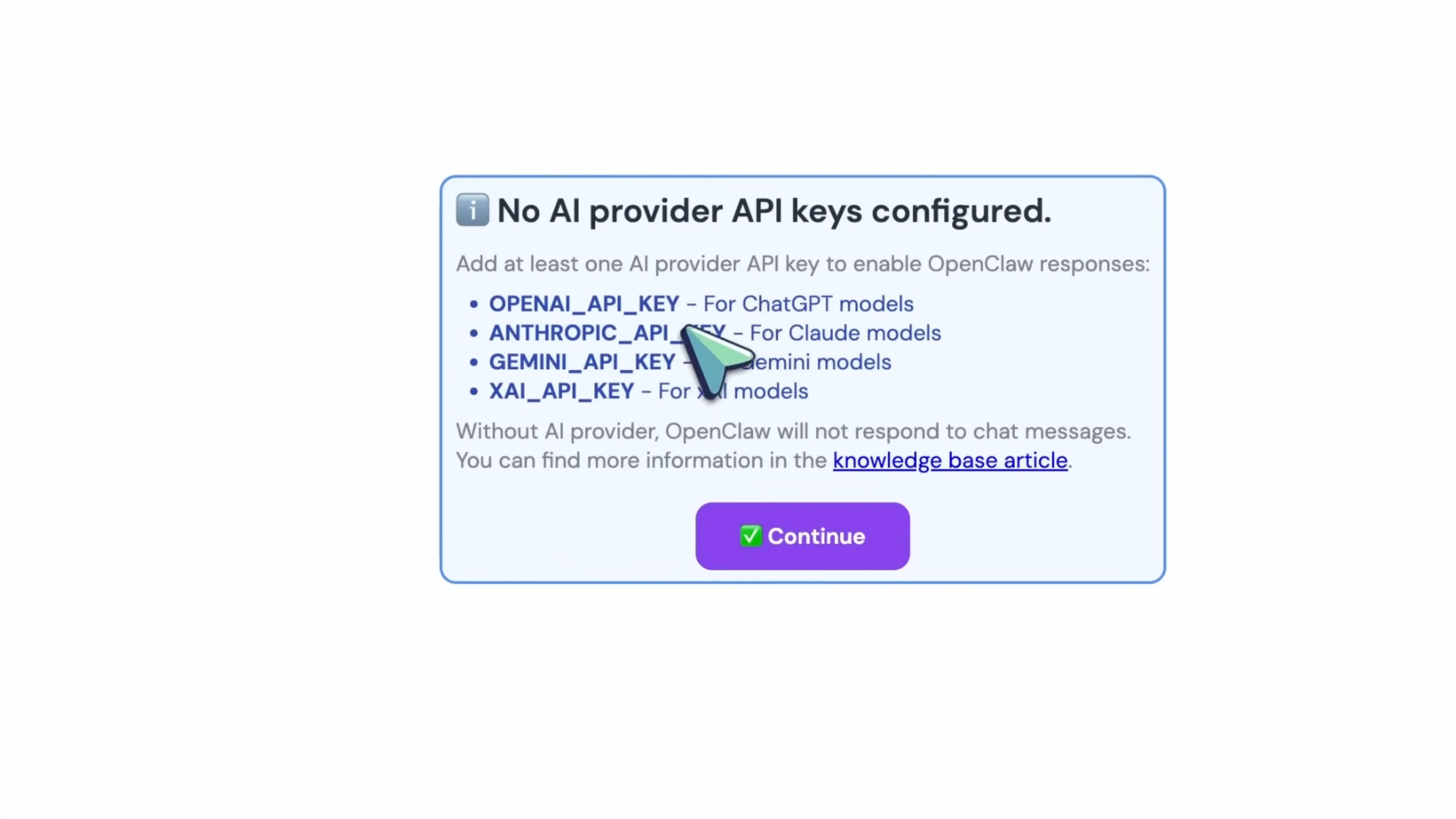
If you added Nexus AI credits during checkout, your instance comes pre-linked with LLM credits. You do not need to fetch a separate API key from OpenAI or Anthropic. Tokens synchronize automatically during install, and you can top up and manage usage directly from hPanel.
If you plan remote coding support for your automations, see Claude Code.
Kodi AI admin
Hostinger includes Kodi, an MCP-powered AI admin. It monitors server resources, optimizes workloads, and lets you execute server commands through simple chat prompts. You do not need to be a Linux expert to keep things running smoothly.
Configure channels and workflows
From the OpenClaw dashboard, configure your channels and connect WhatsApp or Telegram. Install skills and start building your workflows. Your bot keeps running while you sleep.
Final thoughts on How SUPER OpenClaw’s One-Click Setup Challenges the Mac Mini
Running OpenClaw on a local machine is fragile, and a Mac Mini adds cost and maintenance. A VPS with one-click Docker deployment gives you control, security, and uptime at a fraction of the price. With a generated gateway token, Nexus AI credits, and Kodi in hPanel, setup is fast and the bot stays online 24/7.