Claude Code Remote Control: What’s Next After OpenClaw?
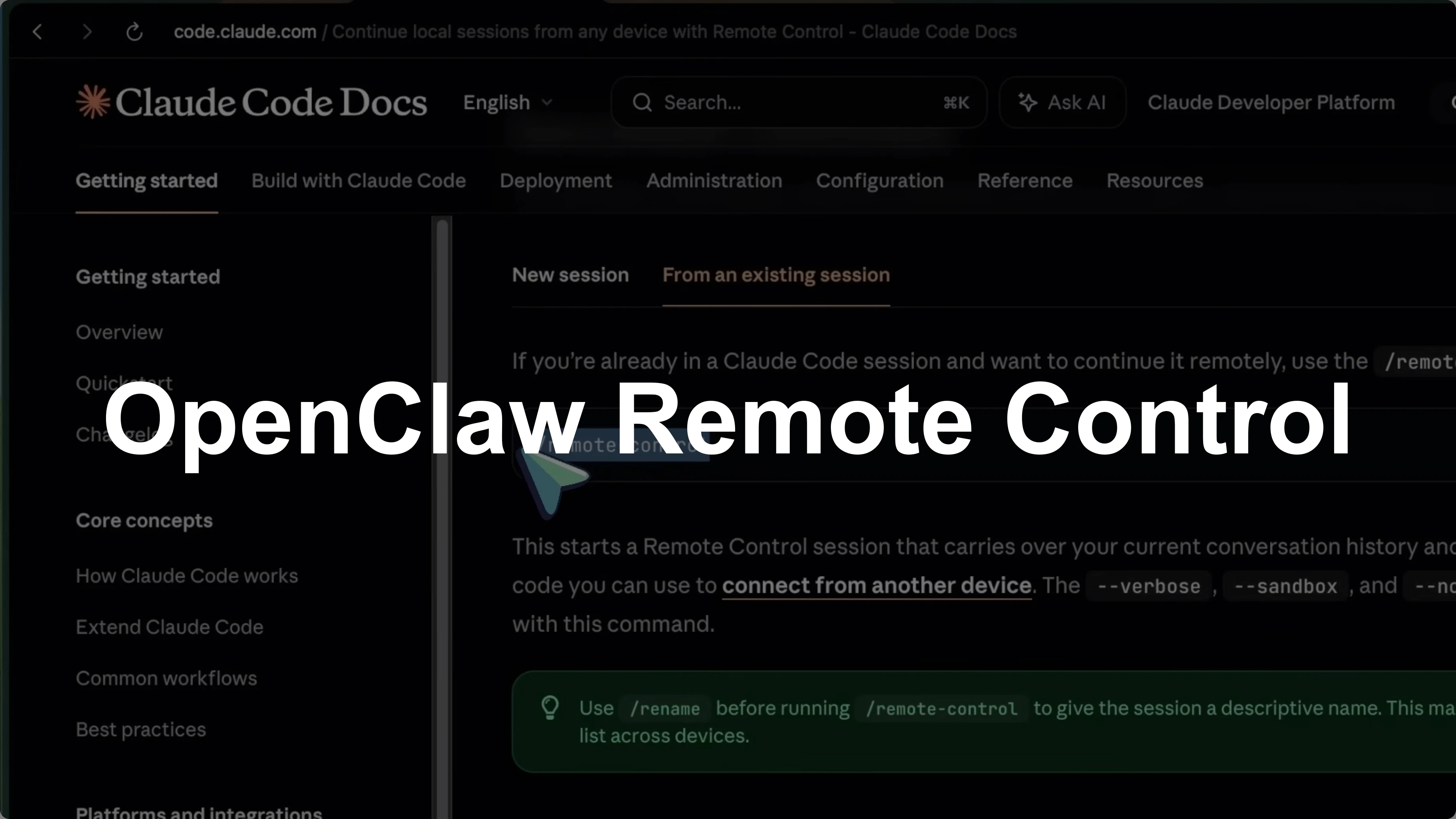
Anthropic just dropped something really cool for Claude Code users. It’s called Remote Control, and it lets you control your Claude Code sessions from your phone. You can start a coding task on your computer, walk away, and then pick it up from your phone or any other device.
The best part is everything still runs locally on your machine. Nothing moves to the cloud. If you’ve been following OpenClaw, you know a lot of developers were using it to control Claude Code from their phones because there was no official way to do that.
Anthropic clearly took notice because Remote Control is essentially their official answer to OpenClaw for the coding workflow side of things. Let’s get right into it.
Claude Code Remote Control: What’s Next After OpenClaw?
The pain it solves
If you’ve used Claude Code, you know the pain. You start a task in the terminal, tell Claude to refactor a module or build out a new feature, and then you’re stuck at your desk waiting. You can’t walk away because Claude might ask a question or need your approval.
OpenClaw solved this by routing everything through messaging apps. You’d message Claude through WhatsApp, it would process the task, and you could go about your day. But OpenClaw requires setup with API keys, messaging adapters, and there have been serious security concerns, including a remote code execution vulnerability.
Anthropic’s Remote Control says, “We’ll give you the same mobile workflow, but with native integration, end-to-end encryption, and none of the security headaches.”
Read More: Claude error fix
How it works
Remote Control creates a connection between your local Claude Code session and the Claude mobile app or the web interface at claude.ai/code. Your terminal keeps running and Claude keeps working locally with full access to your file system, your MCP servers, your tools, and your project configuration. You can see and interact with that session from your phone.
This is pretty amazing, to be honest.
Start a session
There are two ways to start a Remote Control session. The first way is by running claude rc in your terminal. This starts a brand new session, and you can pass flags like --sandbox if you want.
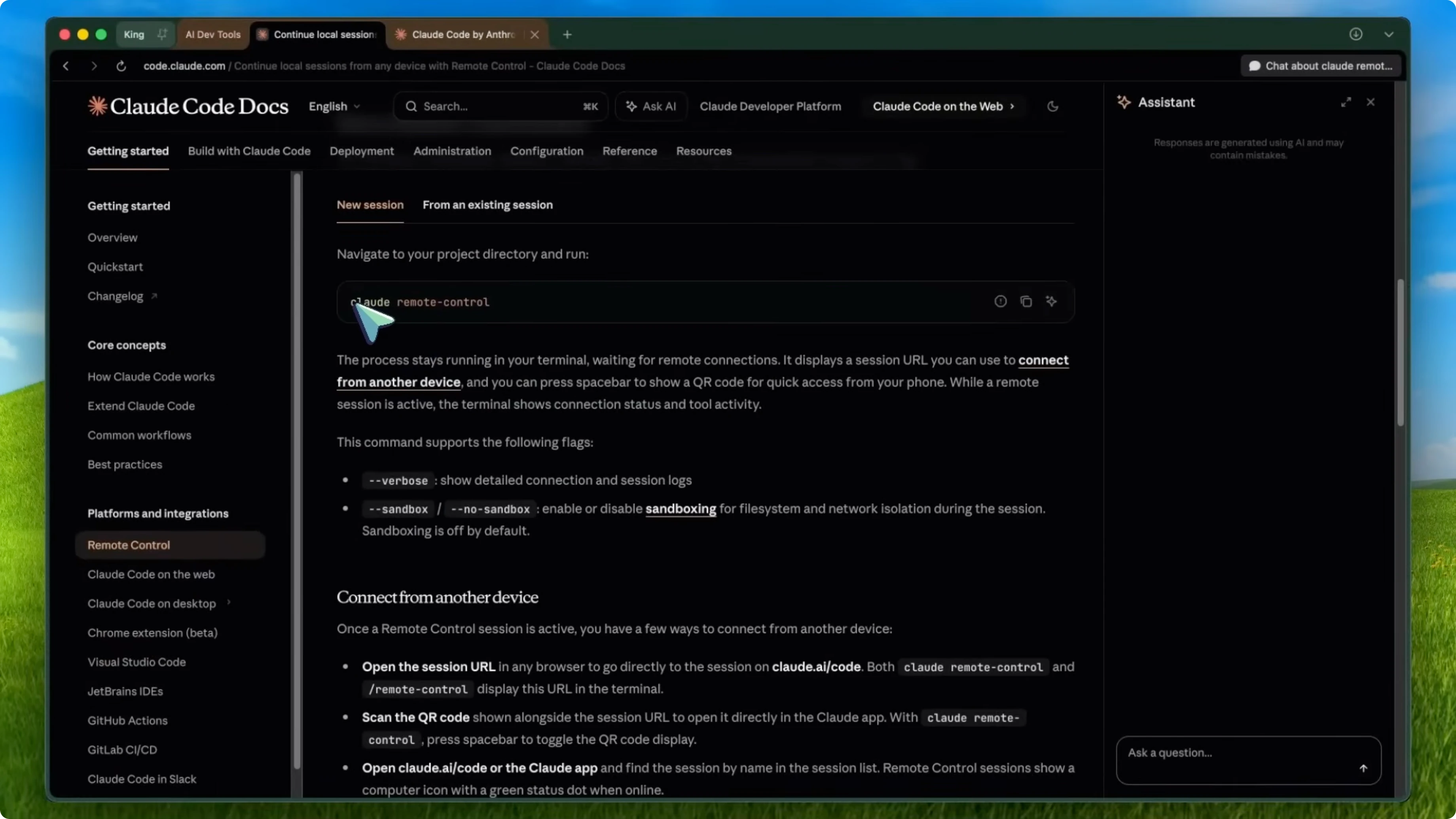
claude rc
claude rc --sandbox
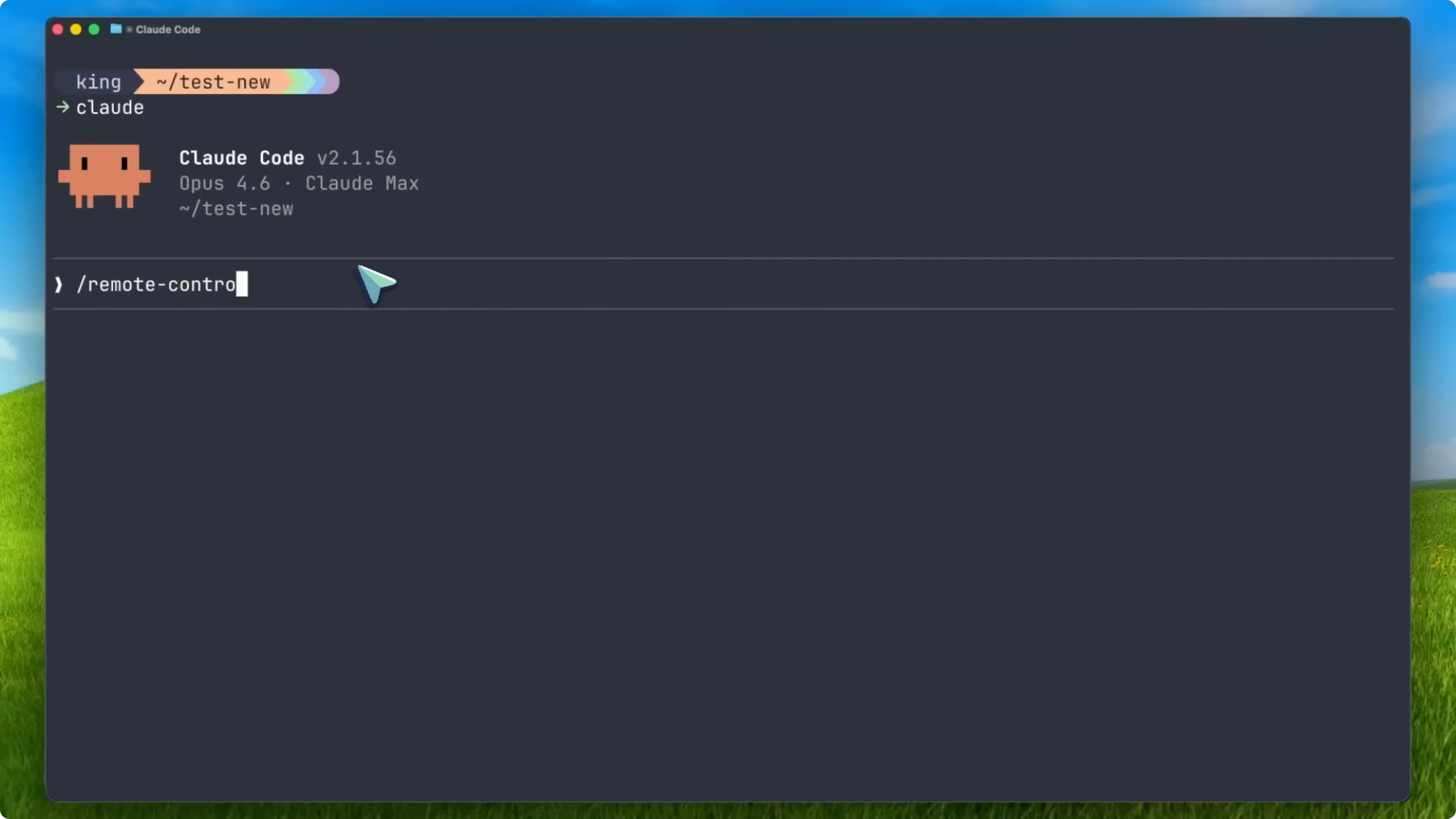
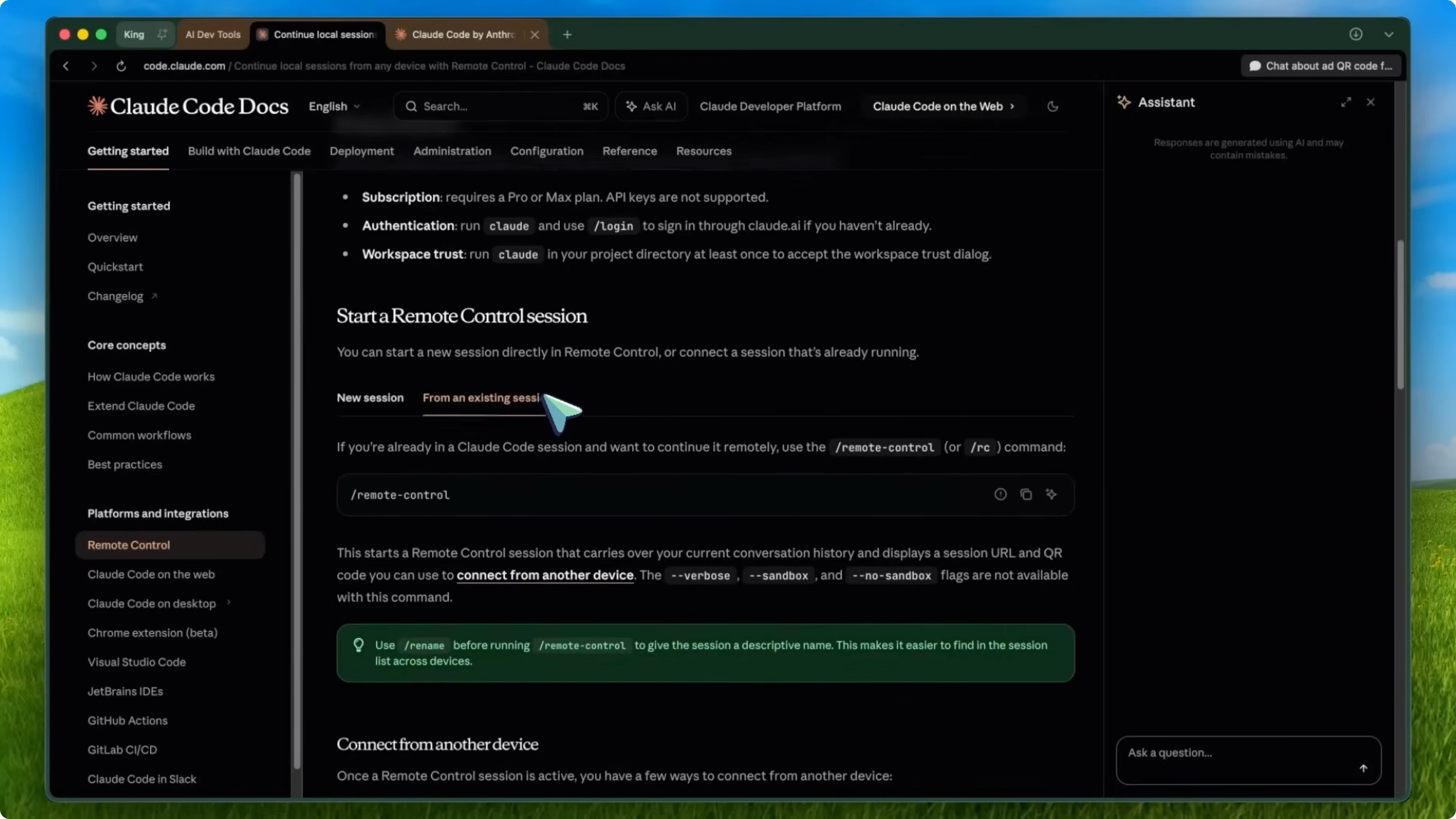
The second way is by typing /rc inside an existing Claude Code session. This carries over your current conversation history, so you can take that whole session mobile.
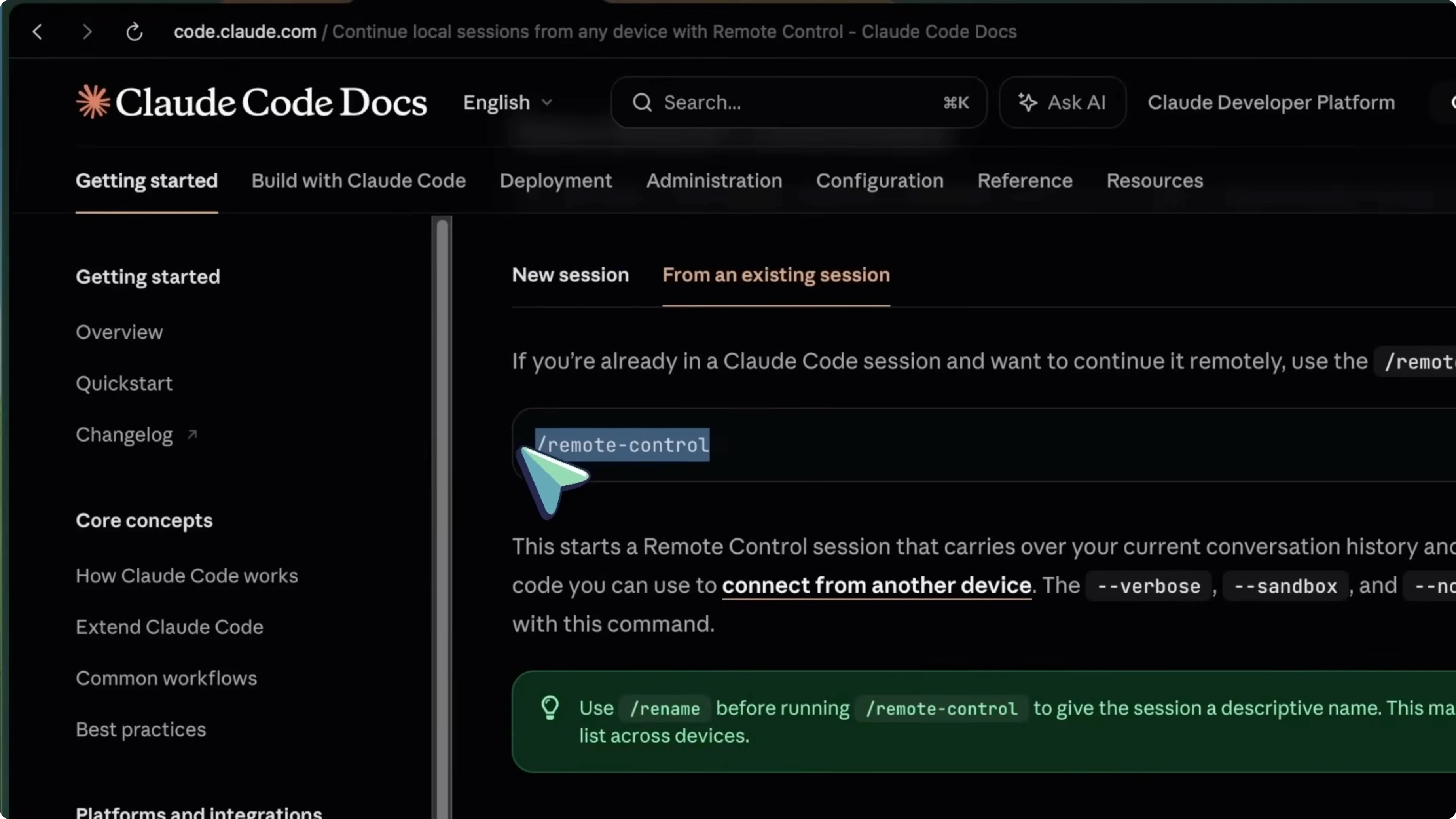
/rc
Compared to OpenClaw where you’d need to set up a messaging bridge, configure API credentials, and install platform-specific dependencies, with Remote Control it’s literally one command.
Connect from your phone
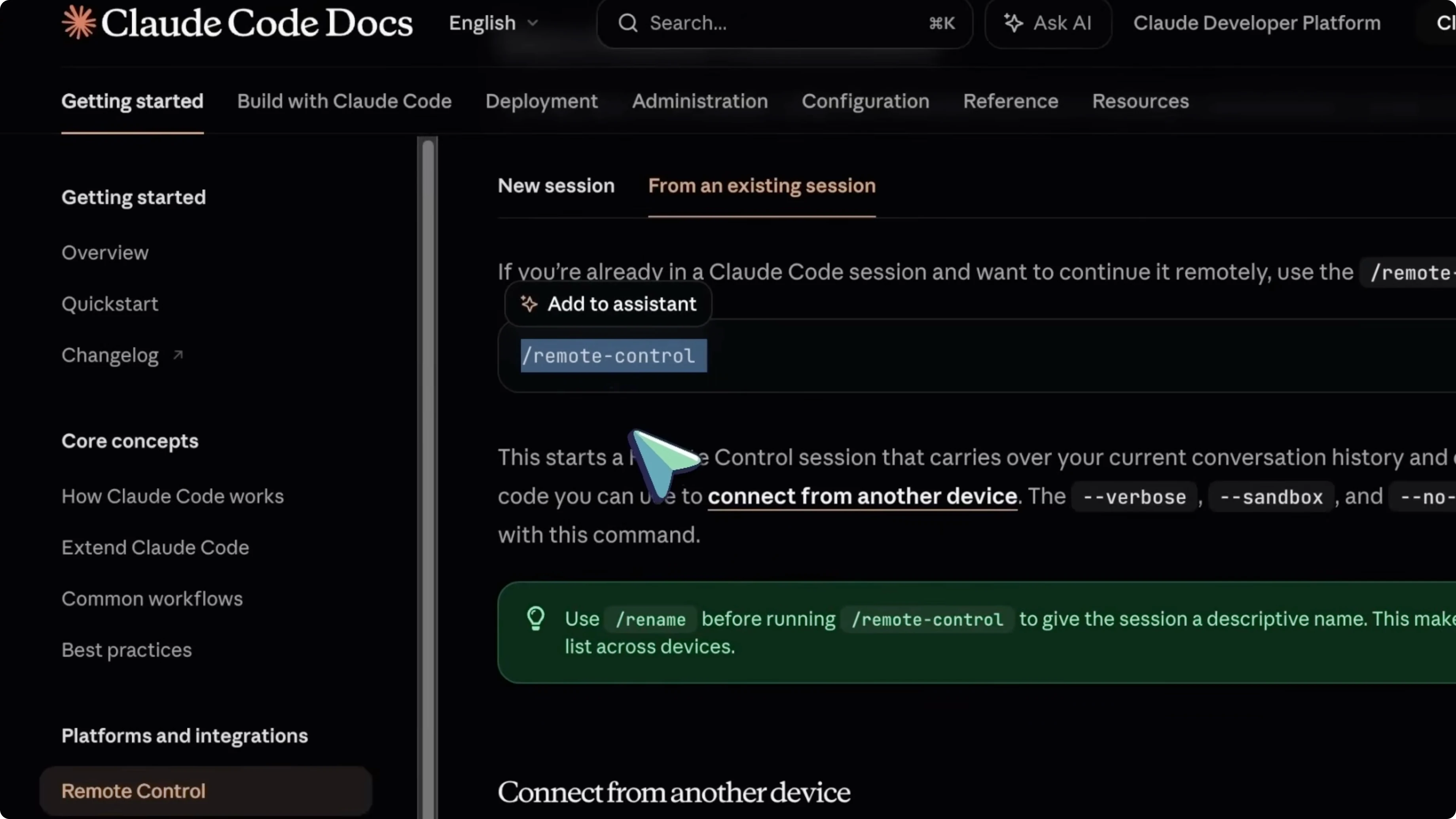
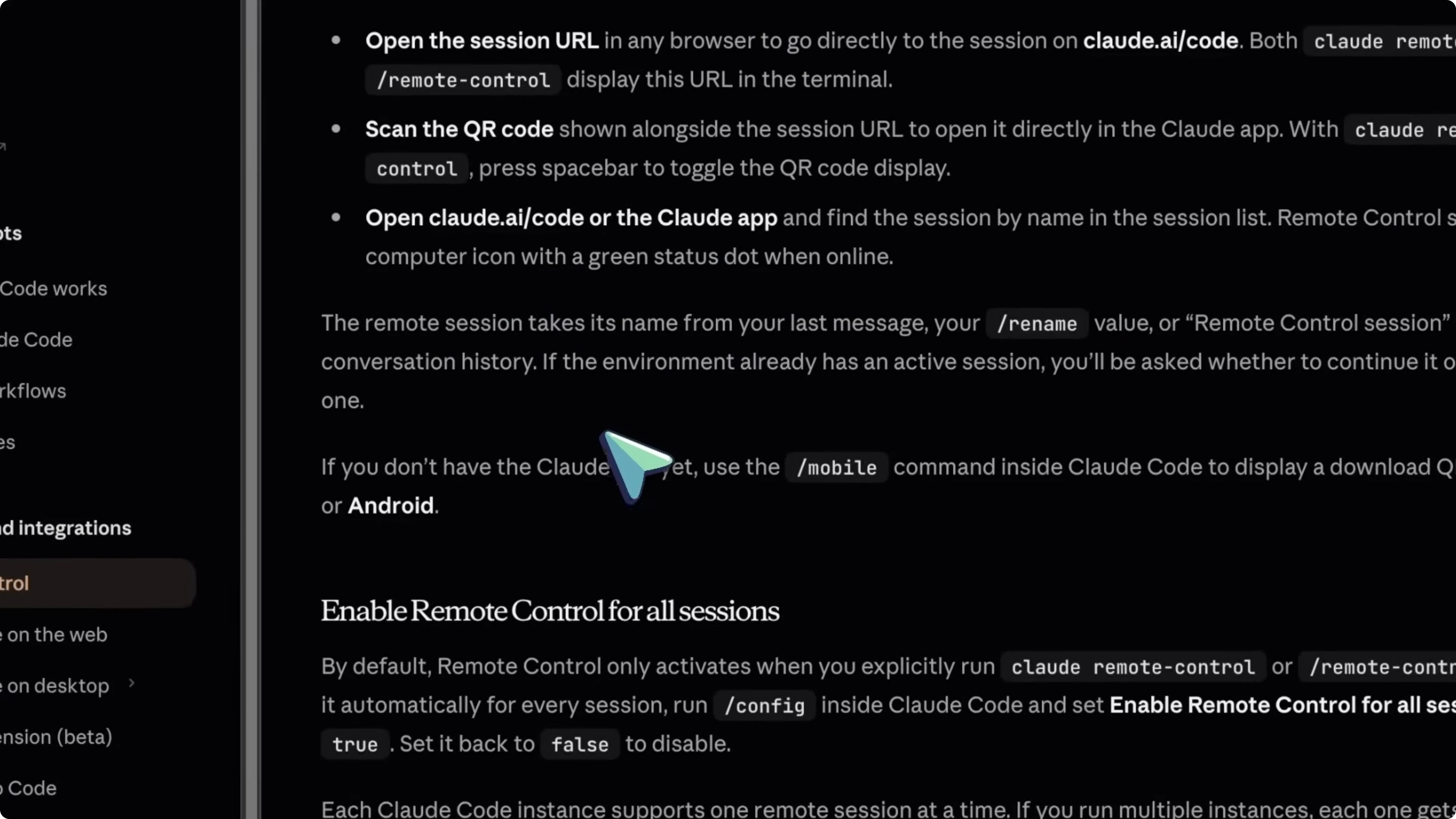
Once you start a Remote Control session, Claude Code will show you a session URL and a QR code in the terminal. You can scan that QR code with your phone to open the session directly in the Claude app. Or you can just open the URL in any browser, and if you already have the Claude app open, you’ll see the session listed by name.
It feels natural. If your browser restarts during testing, you can quickly restore tabs and hop back in.
Reliability
If your laptop goes to sleep or your network drops, the session doesn’t die. It stays alive in the background and automatically reconnects when your machine comes back online. You don’t have to worry about losing progress.
OpenClaw handles this through persistent memory across sessions, which is cool, but it’s a different approach. OpenClaw remembers your context for weeks. Remote Control keeps your actual live session alive, so it’s more like a direct connection.
Setup requirements
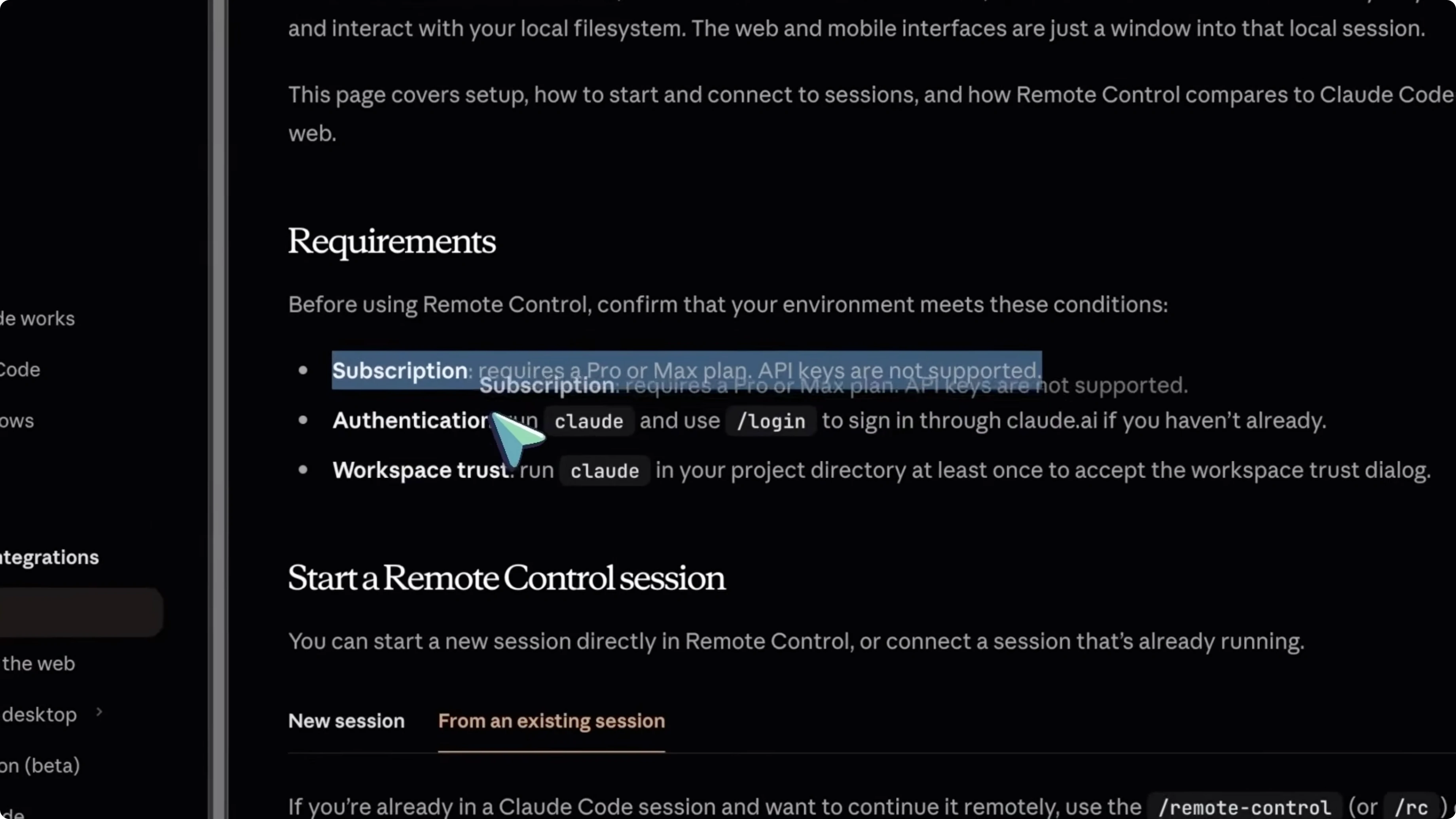
Cost is one area where OpenClaw has an advantage, because OpenClaw itself is free and you just pay for the API keys you connect to it. If you really want to avoid paying anything at all, you can run local models through Ollama.
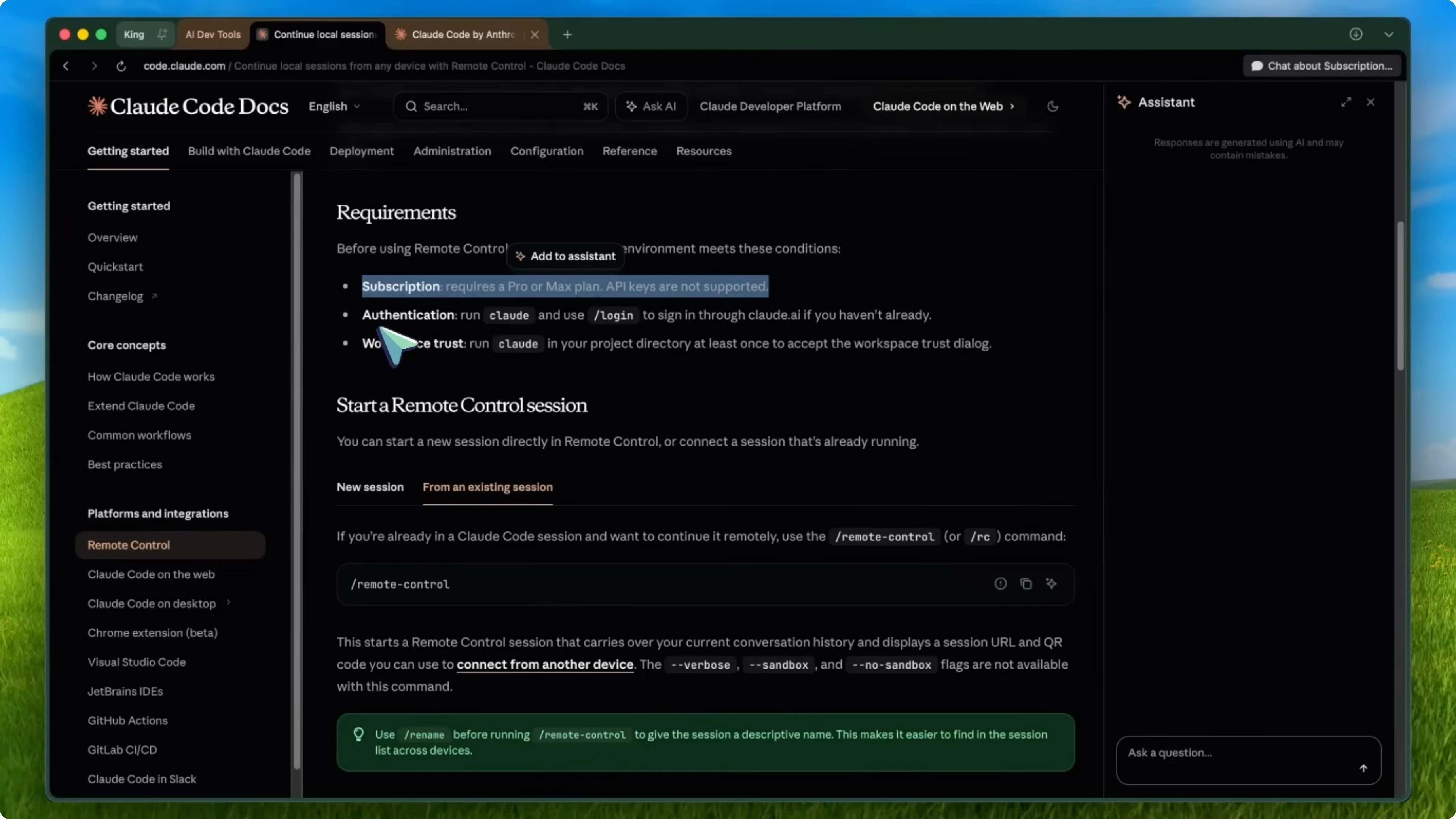
You need to update your Claude Code to version 2.1.52 or later. Run your usual update command and you should be good. You also need to be logged in and to have trusted the workspace.
Quick setup
Install or update Claude Code to version 2.1.52 or later.
Run Claude in your terminal and use /login to sign in through claude.ai.
/login
In your project directory, run Claude at least once and accept the workspace trust dialog.
Start a remote session with claude rc, or type /rc in an active session.
claude rc
Scan the QR code or open the session URL on your phone or at claude.ai/code.
Quality of life
You can name your sessions before going remote with /rename. This is helpful because by default sessions get named after your last message or something generic like “remote control session.”
/rename "API refactor"
/rc
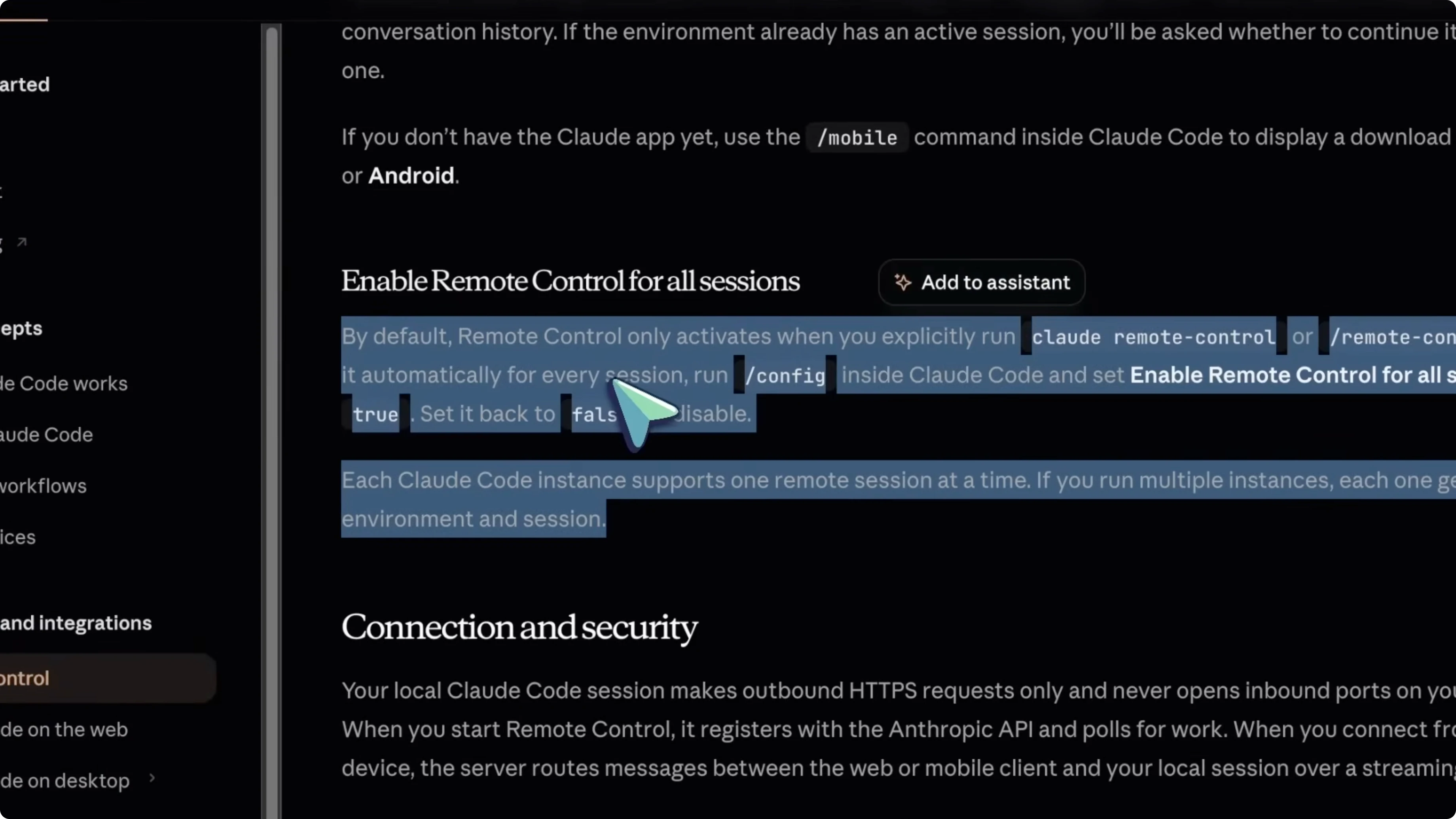
You can enable Remote Control for all sessions automatically. Type /config inside Claude Code and toggle the setting that says “enable remote control for all sessions.”
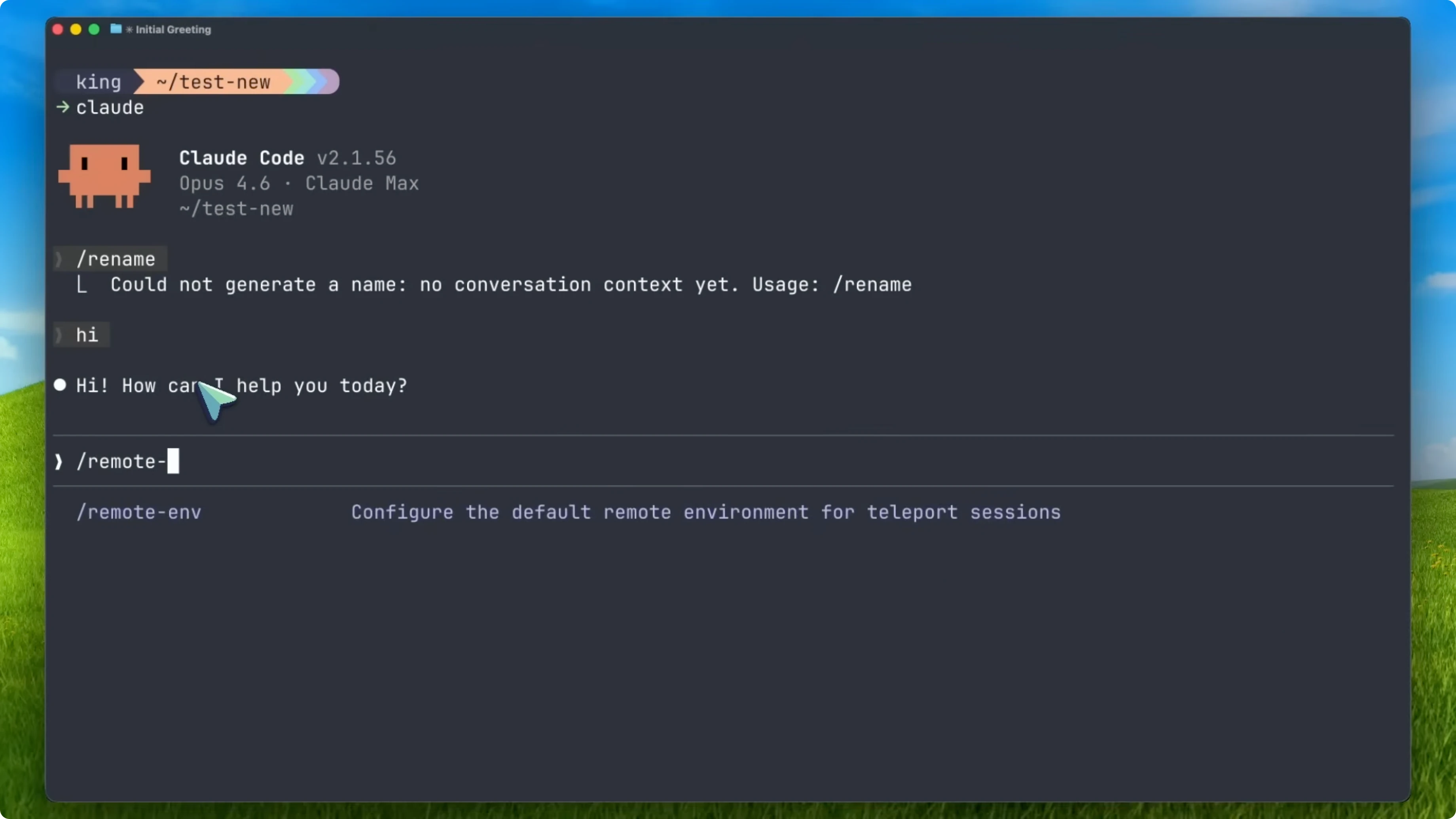
/config
If you don’t have the Claude app yet, type /mobile inside Claude Code and it’ll show you a QR code to download the app on iOS or Android.
/mobile
For quick browser checks during web work, you can view source in Chrome while testing.
Remote Control vs OpenClaw
If all you care about is controlling Claude Code from your phone while coding, Remote Control wins. It’s native, it’s secure, it’s one command to set up, and it just works. No third-party dependencies and no security risks to manage yourself.
But if you want a full personal AI assistant that does more than just coding, OpenClaw is still the better tool for that. OpenClaw connects to over 500 apps. It can manage your calendar, browse the web, control smart home devices, and send emails, all through your messaging apps.
Remote Control only handles Claude Code sessions. It’s not a life assistant. It’s a coding remote, so they’re not really competing and they solve different problems.
Productivity impact
Claude Code has hit a $2.5 billion annualized run rate, which has more than doubled since the start of this year. Apparently 4% of all public GitHub commits worldwide are now authored by Claude Code. By adding Remote Control, Anthropic is making it even easier for developers to stay productive from anywhere.
You start a task, go grab coffee, check on it from your phone, approve something, and by the time you’re back at your desk, the work is done. I believe this is one of the most practical features they’ve released in a while. It solves a real problem.
Final thoughts
Remote Control for Claude Code gives you a secure, native way to carry your coding sessions in your pocket while everything still runs locally. If your goal is phone-based control of Claude Code, this is the cleanest path with minimal setup. If you need a broader personal assistant that works across hundreds of apps, OpenClaw still has that role covered.


