Quick Fix for Claude Agent Terminated Error via MCP Server Settings

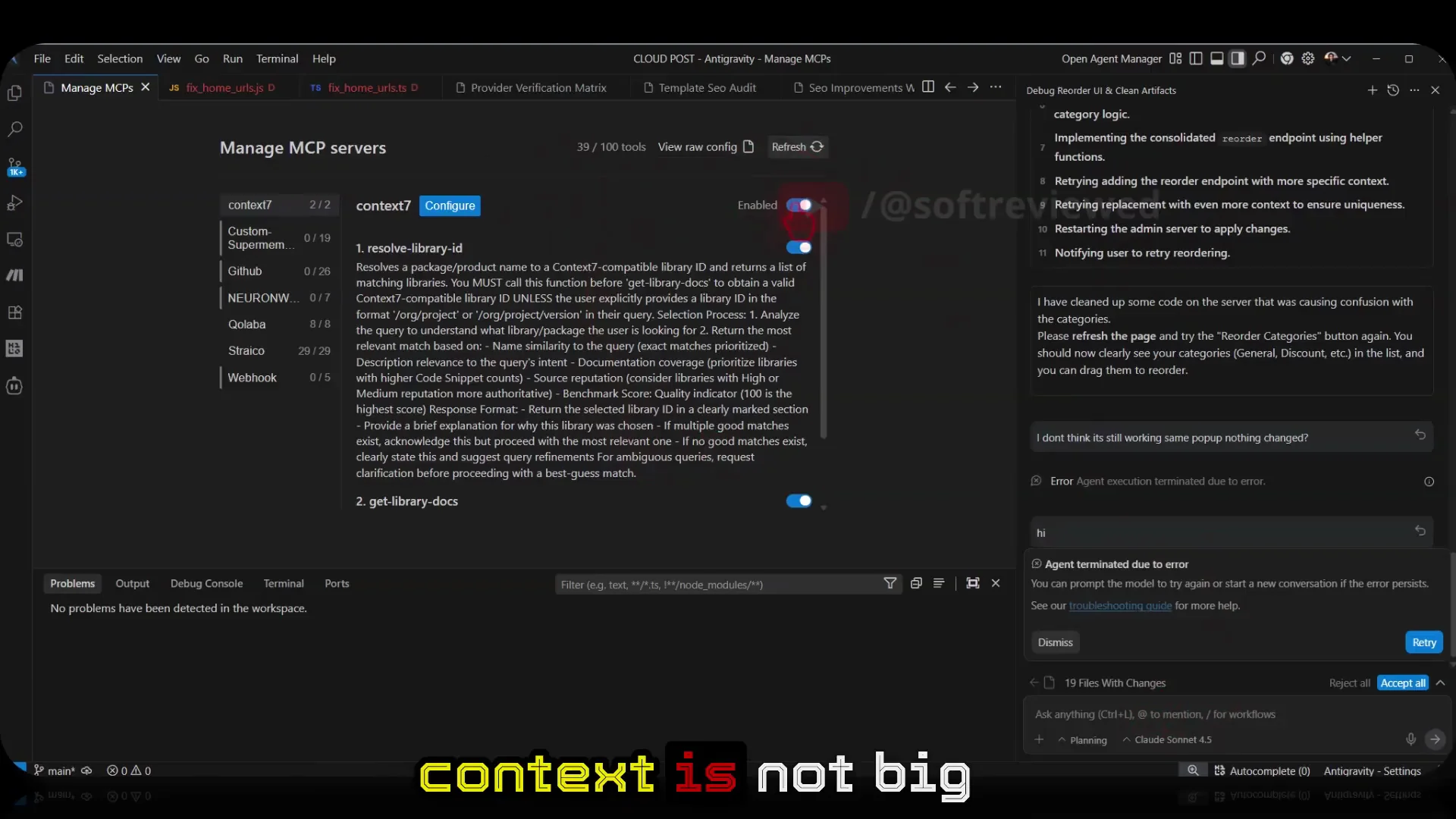
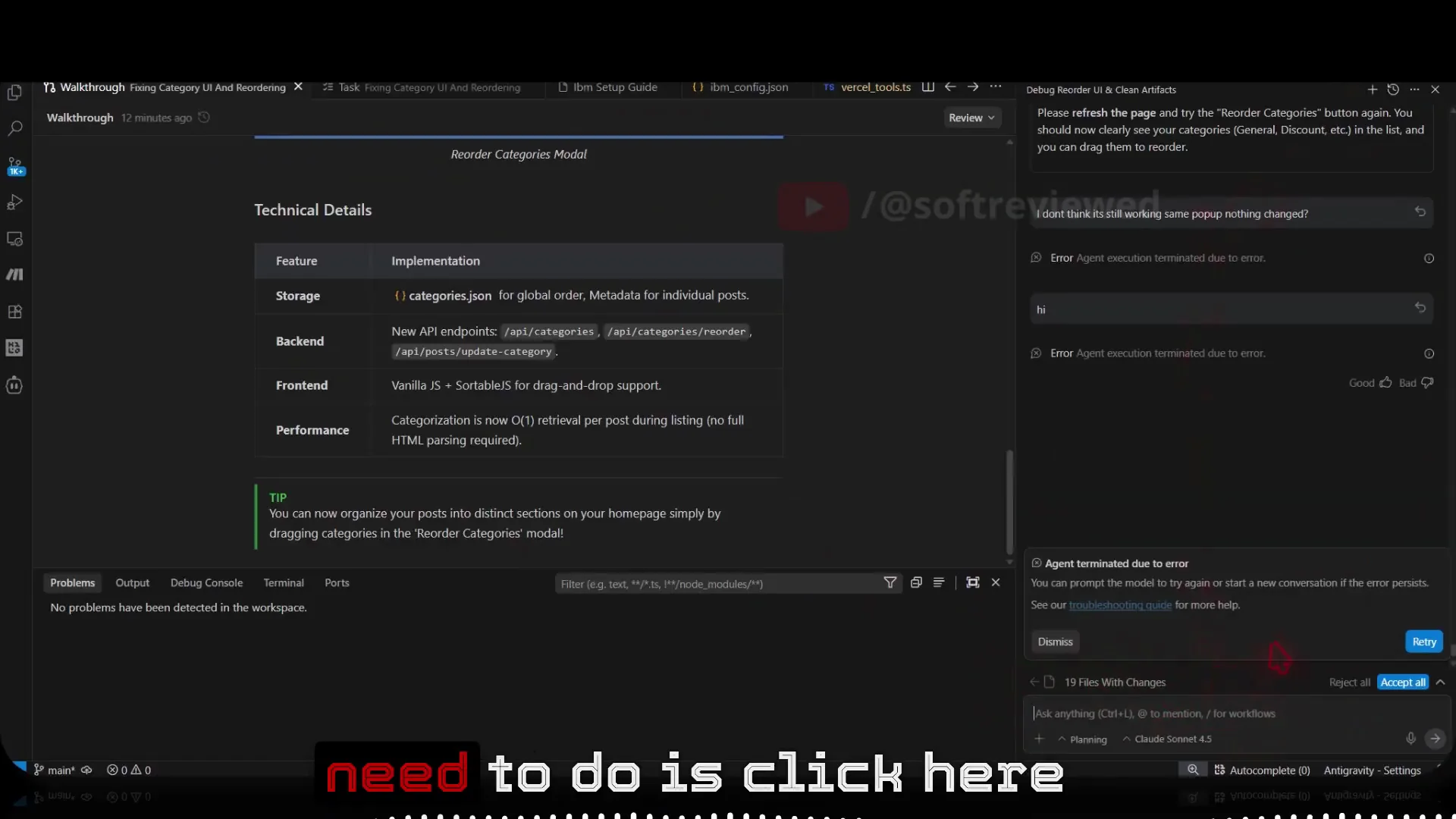
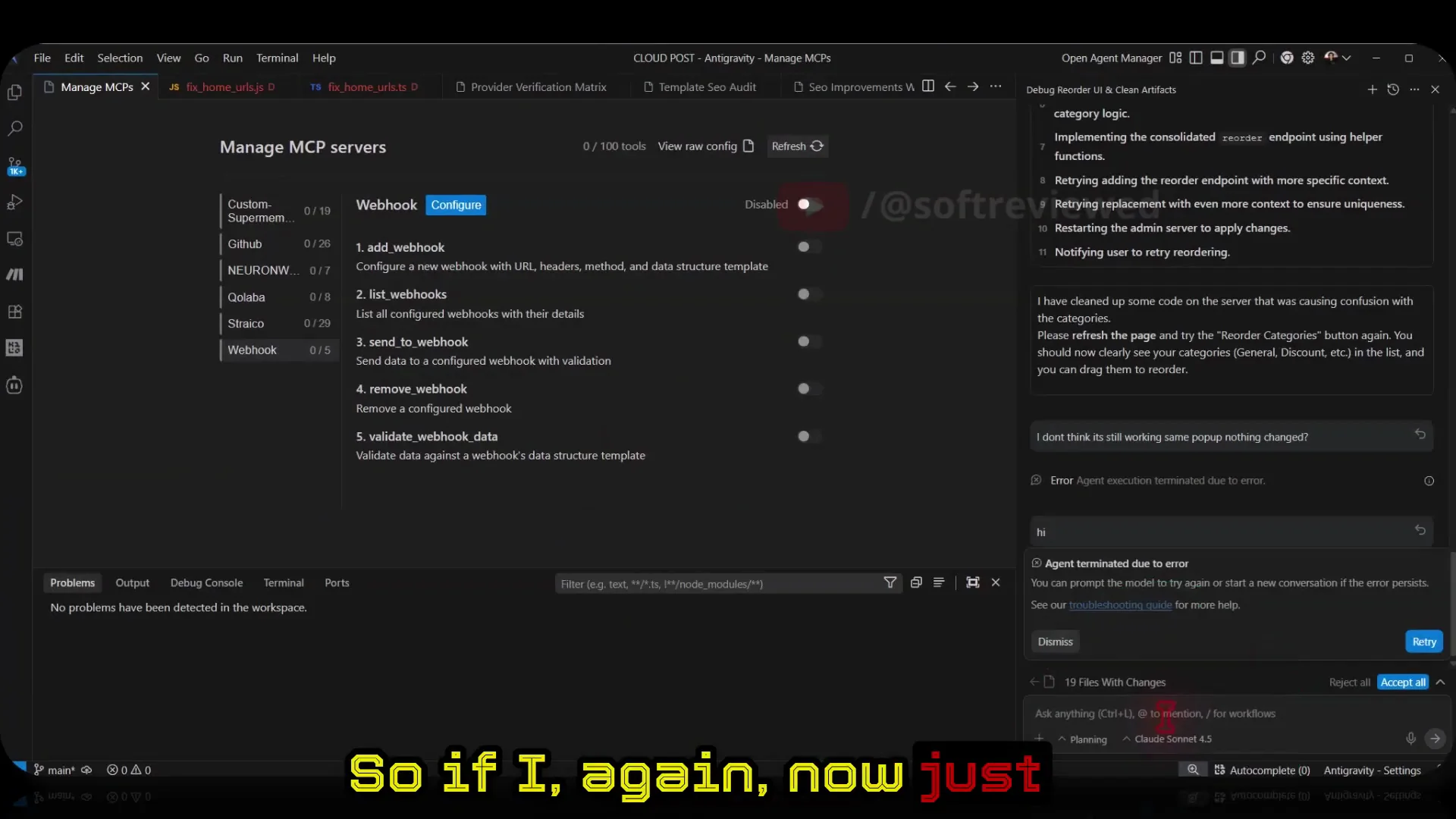
Agent terminated due to an error. You can prompt the model to try again or start a new conversation if the error persist.” This pops up when you try to use Claude models and it blocks the reply. The quick fix is to manage your MCP tools: the issue is triggered by having a lot of MCP servers active at the same time.
The main issue is added MCPs. I can use 100 tools. I had 39 tools active. It seems like the context is not big enough to handle all these tool calls. Probably a bug. Hopefully they will fix it in the future. For now, the easy way is to disable the MCPs you’ve activated.
Understanding the Issue — Fix Claude Error
When too many MCP tools are active, Claude tries to consider them all for tool calls. That bloats the context and triggers the “agent terminated due to an error.” Reducing or turning off active MCP servers removes that pressure and lets Claude respond normally.
Step-by-Step Solution — Fix Claude Error
Step 1: Open MCP Server Management
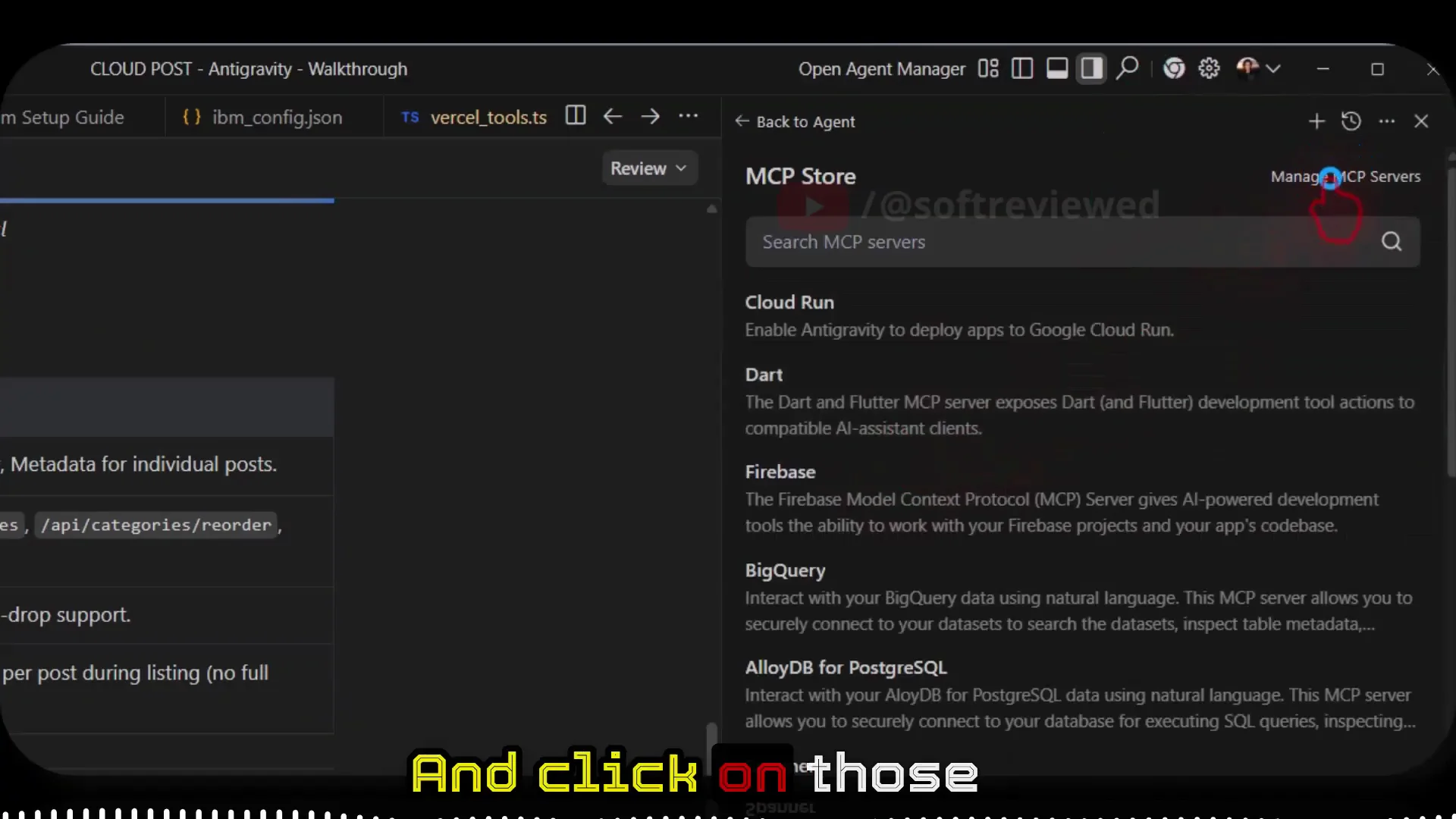
- Click the three dots.
- Click MCP server.
- Click Manage MCP server. That will take you to your MCP list.
Step 2: Review Active Tools
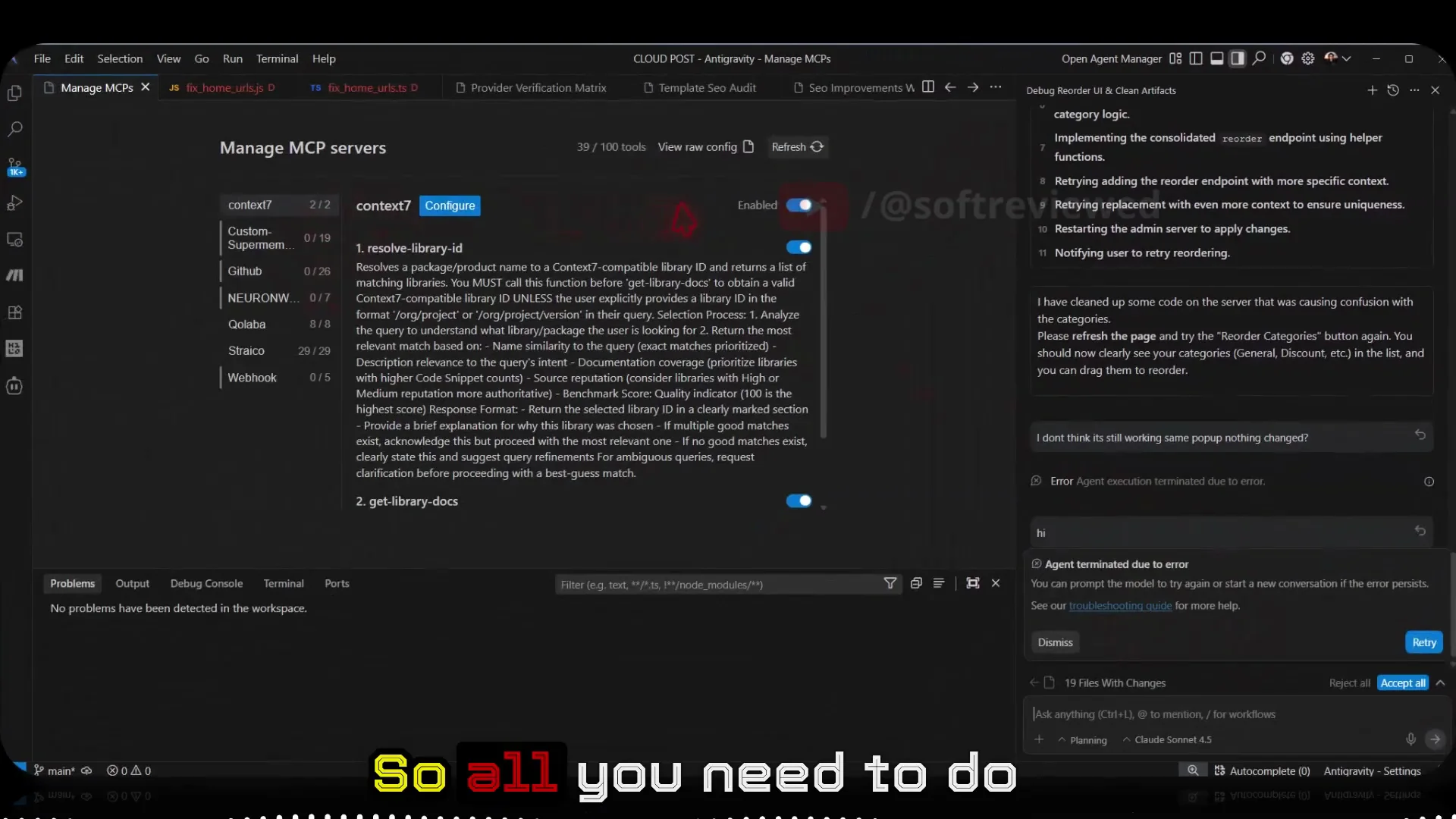
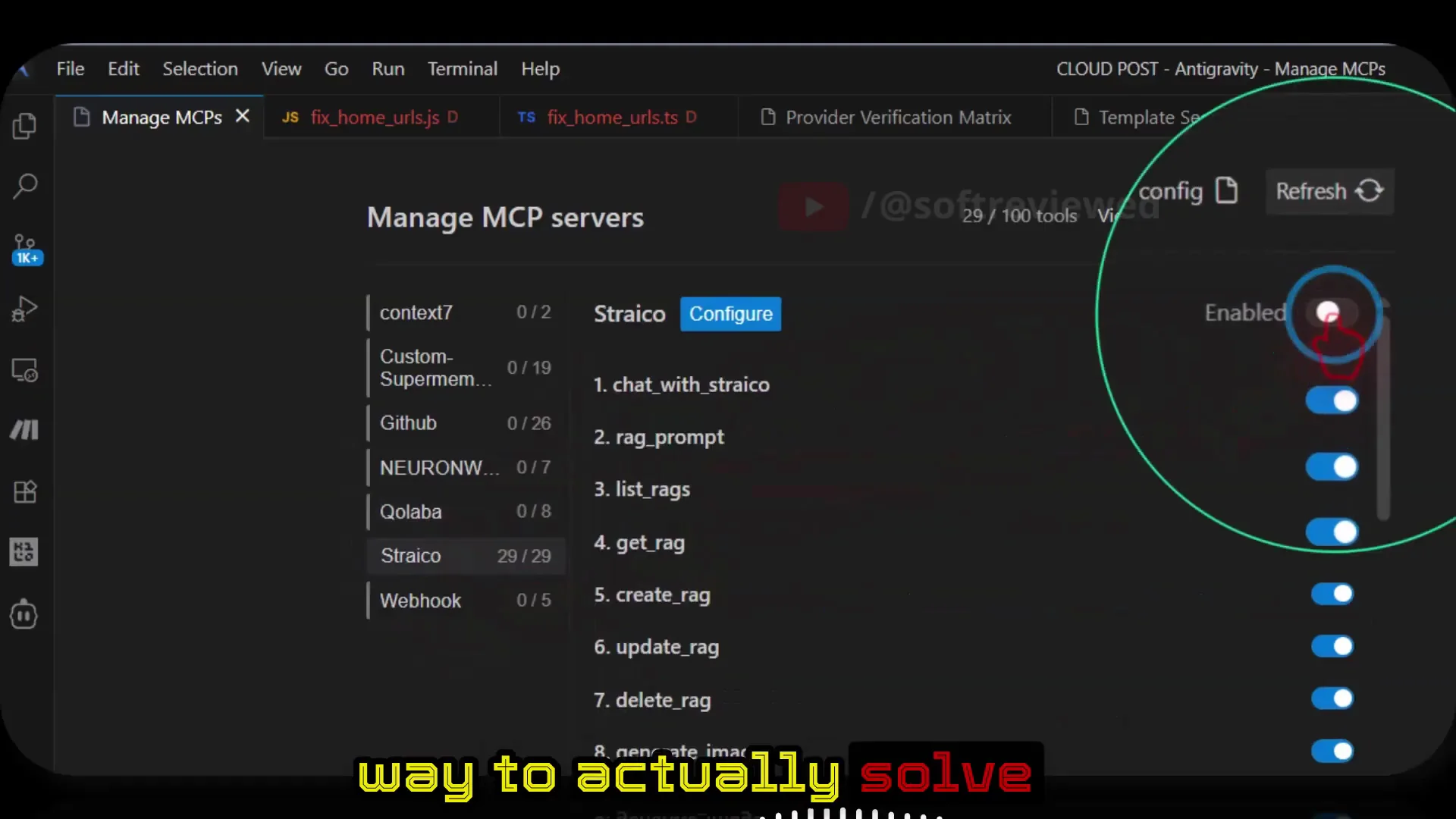
- Check how many MCP tools are active. You can use 100 tools. I had 39 tools active.
Step 3: Disable Active MCPs
- Disable all the MCPs that are activated right now. That’s the best way to solve this.
Step 4: Refresh and Verify
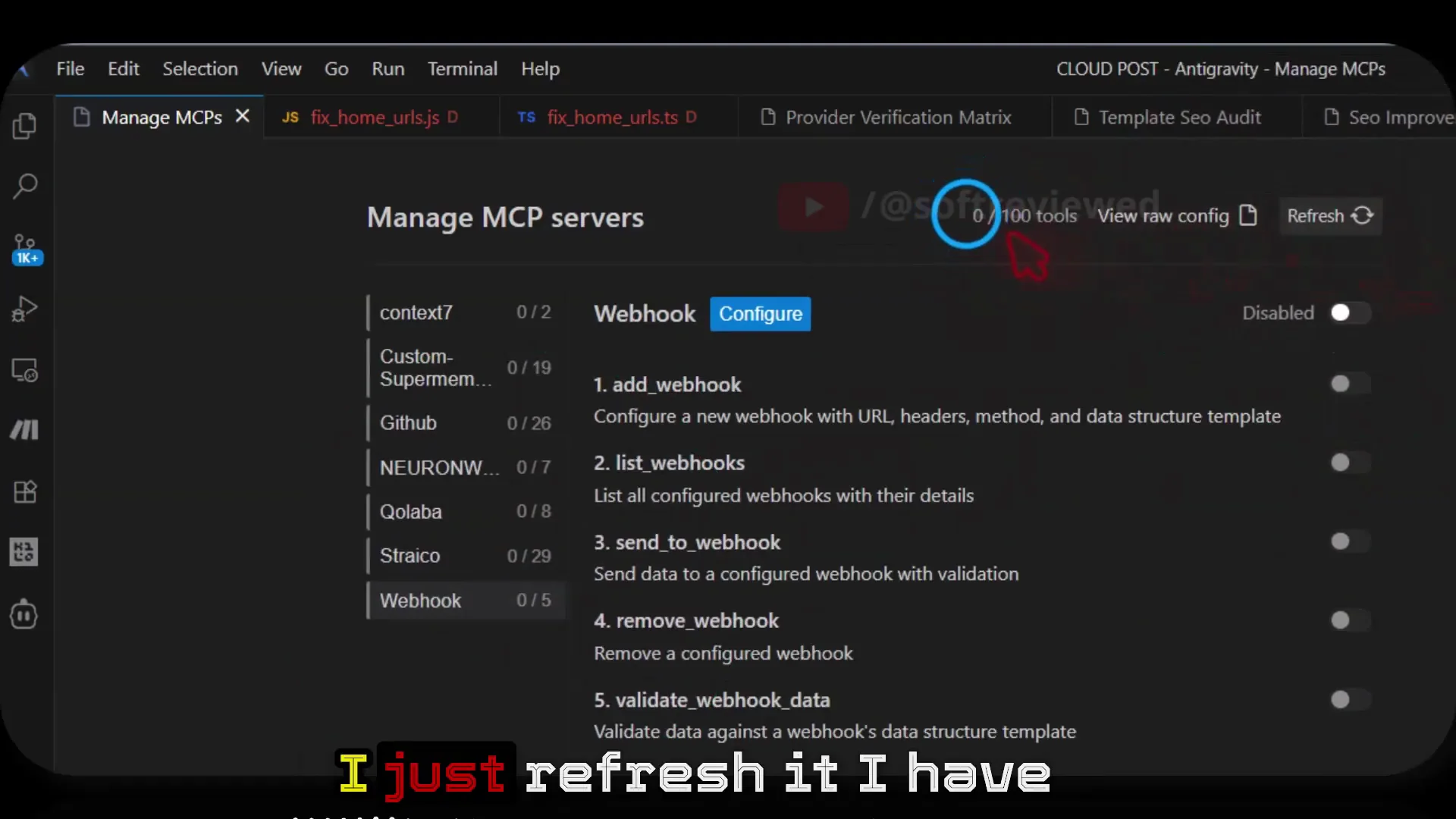
- Refresh the app or page.
- Confirm active tools show as zero (for example: zero of 100 tools active).
Step 5: Test Claude Again
- Send a simple message like “hi” to Claude models.
- It should work. The issue is now solved.
Common Pitfalls / Alternative Fixes — Fix Claude Error
- If you need tools, re-enable only the few you truly need instead of all of them at once. Keep the active set small to avoid the context getting overloaded with tool calls.
- If the error persists, prompt the model to try again or start a new conversation after you’ve disabled the MCPs.
Final Thoughts — Fix Claude Error
The error is caused by too many MCP tools being active. Disabling them, refreshing, and then retrying Claude clears it. Once it’s working, selectively re-enable only the tools you need so the error doesn’t return.


