How to View Logs in Lovable AI | Debug & Monitor Your App
I will show you how to check your logs in Lovable.
This is very useful if your app has an error or something is not working as expected and you want to see what is happening in the back end.
Get ready
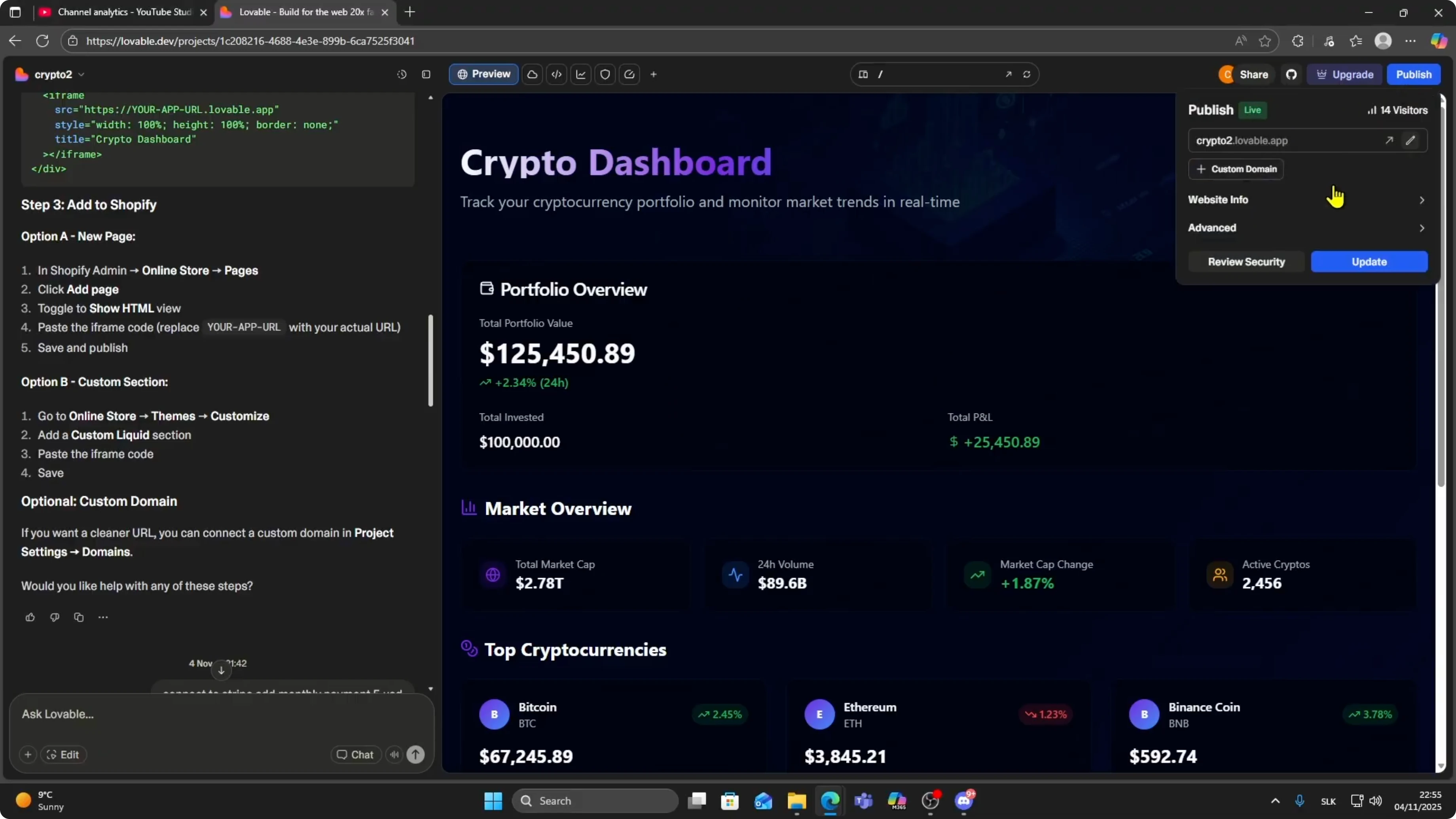
Open your Lovable project and make sure your app is published.
Logs only show once your app is deployed.
Read More: How To Collaborate With Your Team In Lovable
Open logs
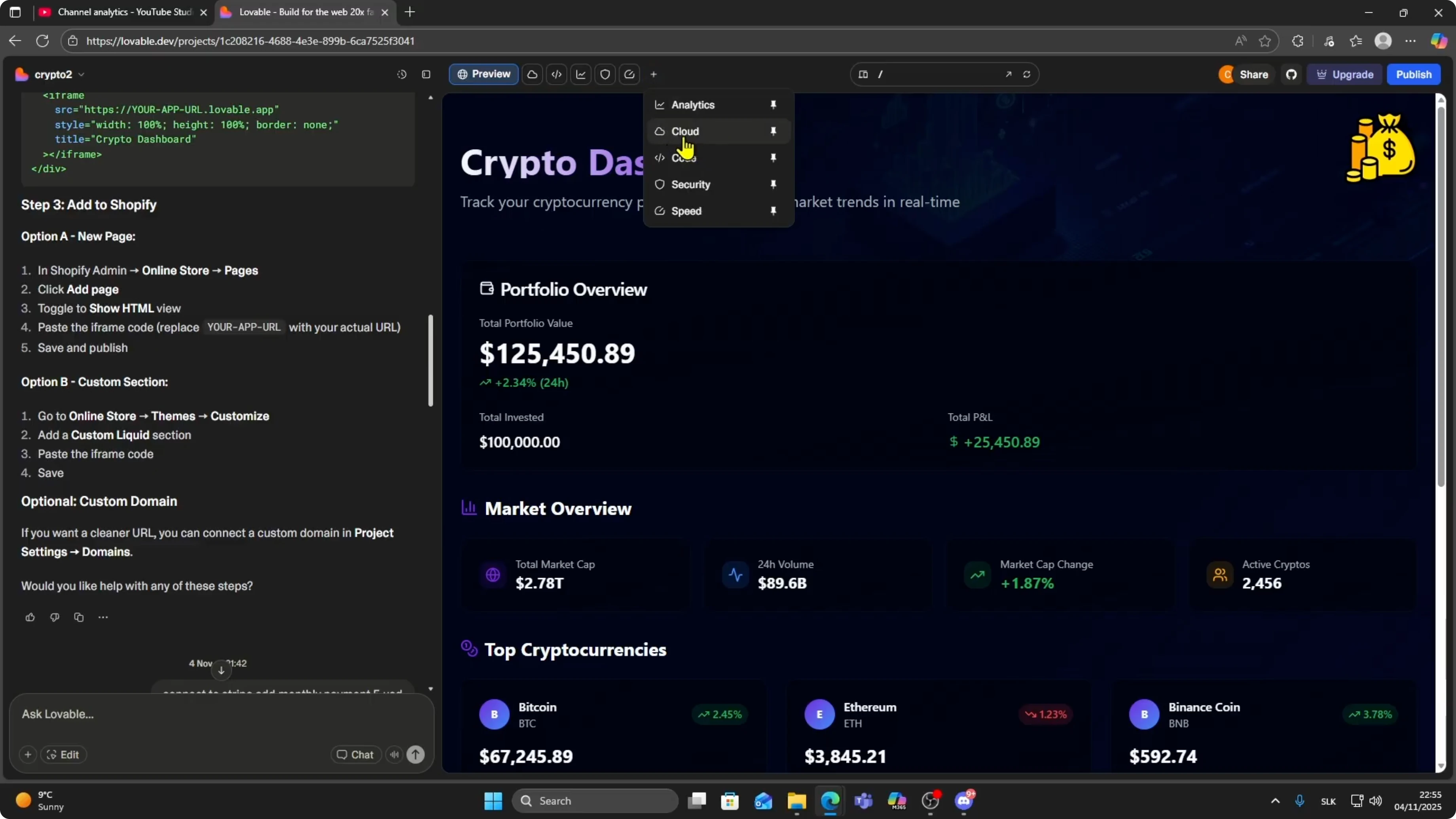
Look at the top right next to the preview button.
You will see a small plus icon.
Hover your mouse over it and click on Cloud.
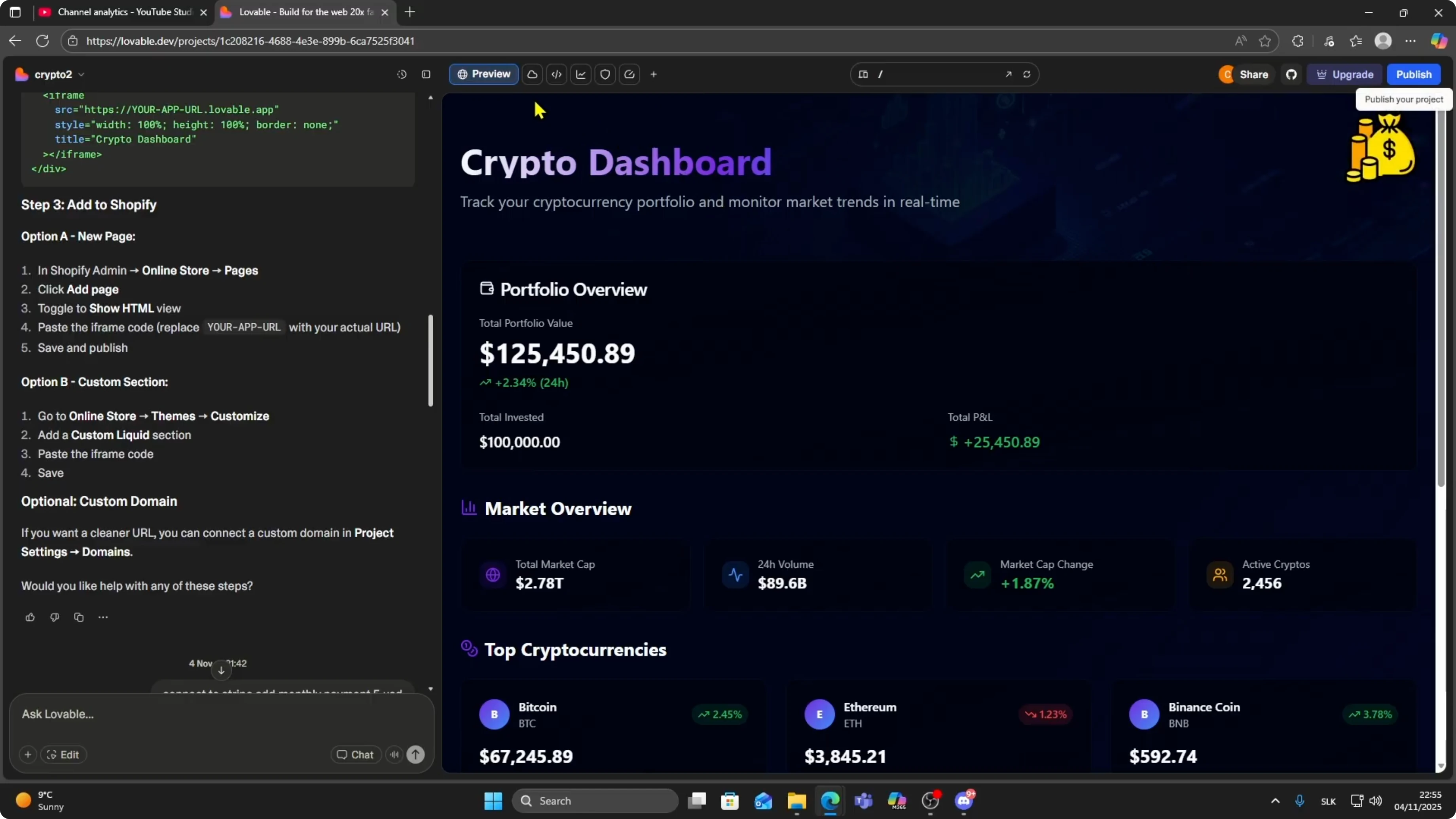
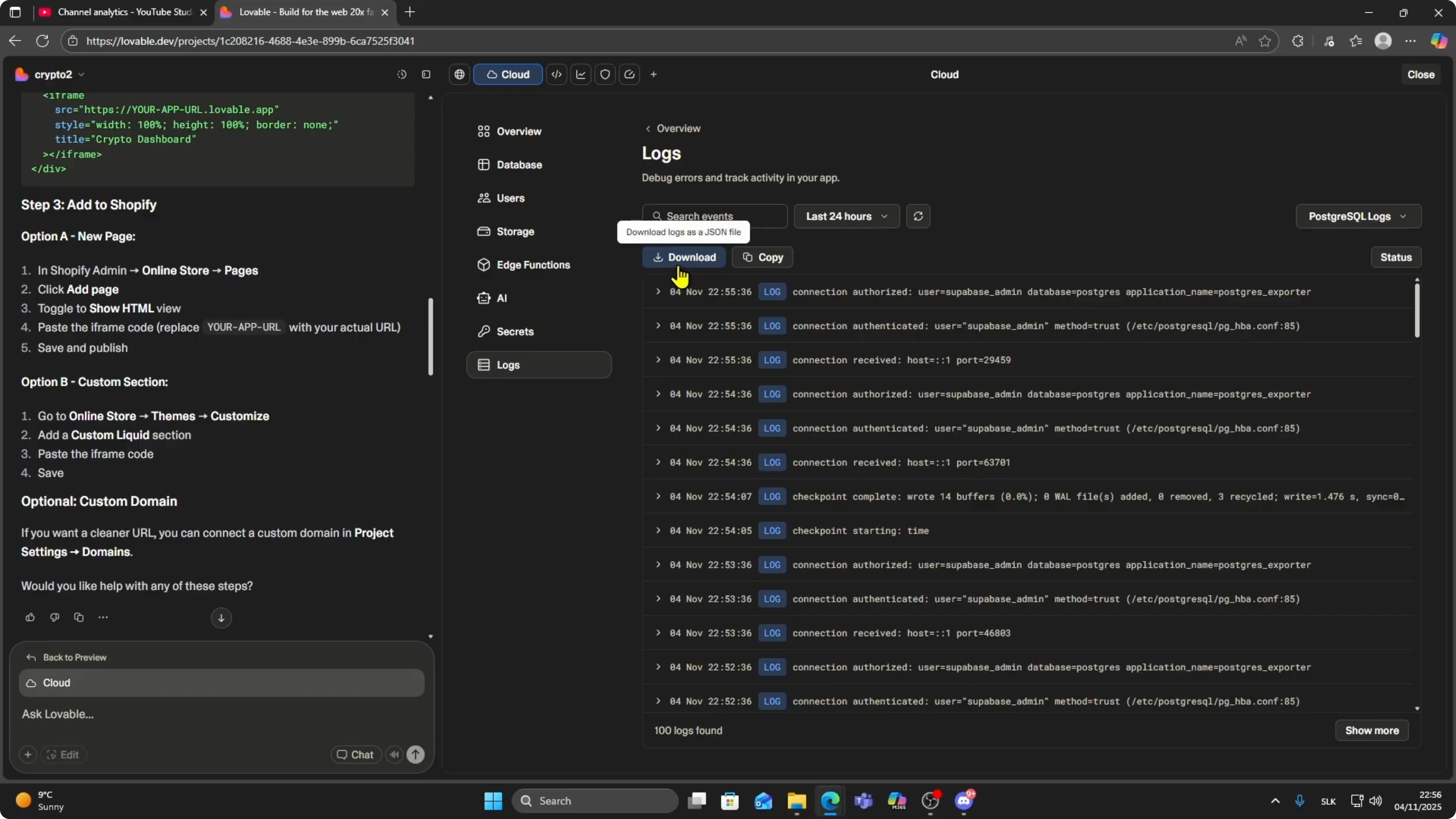
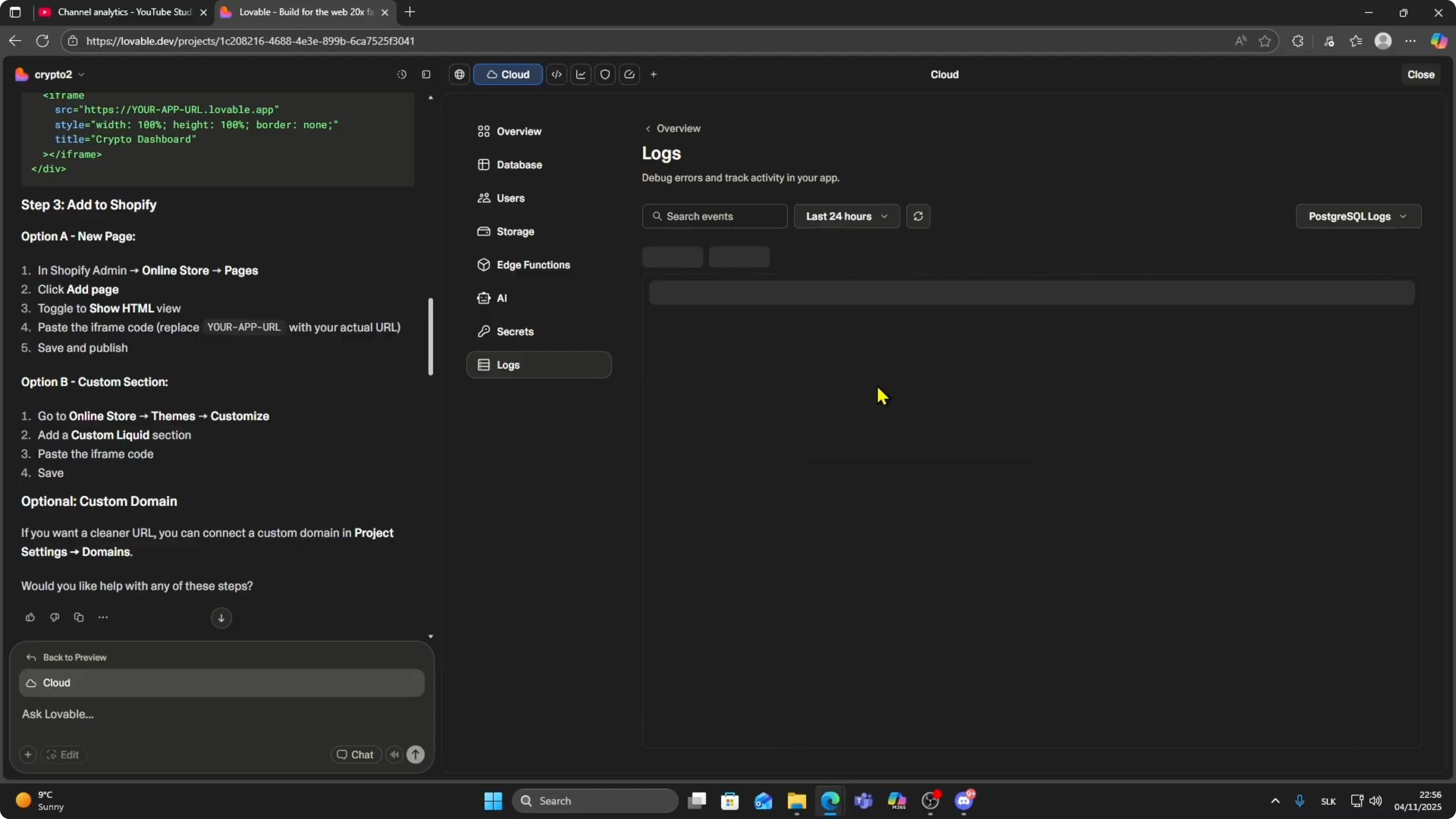
This opens the logs section.
Here you will see different types of logs you can review.
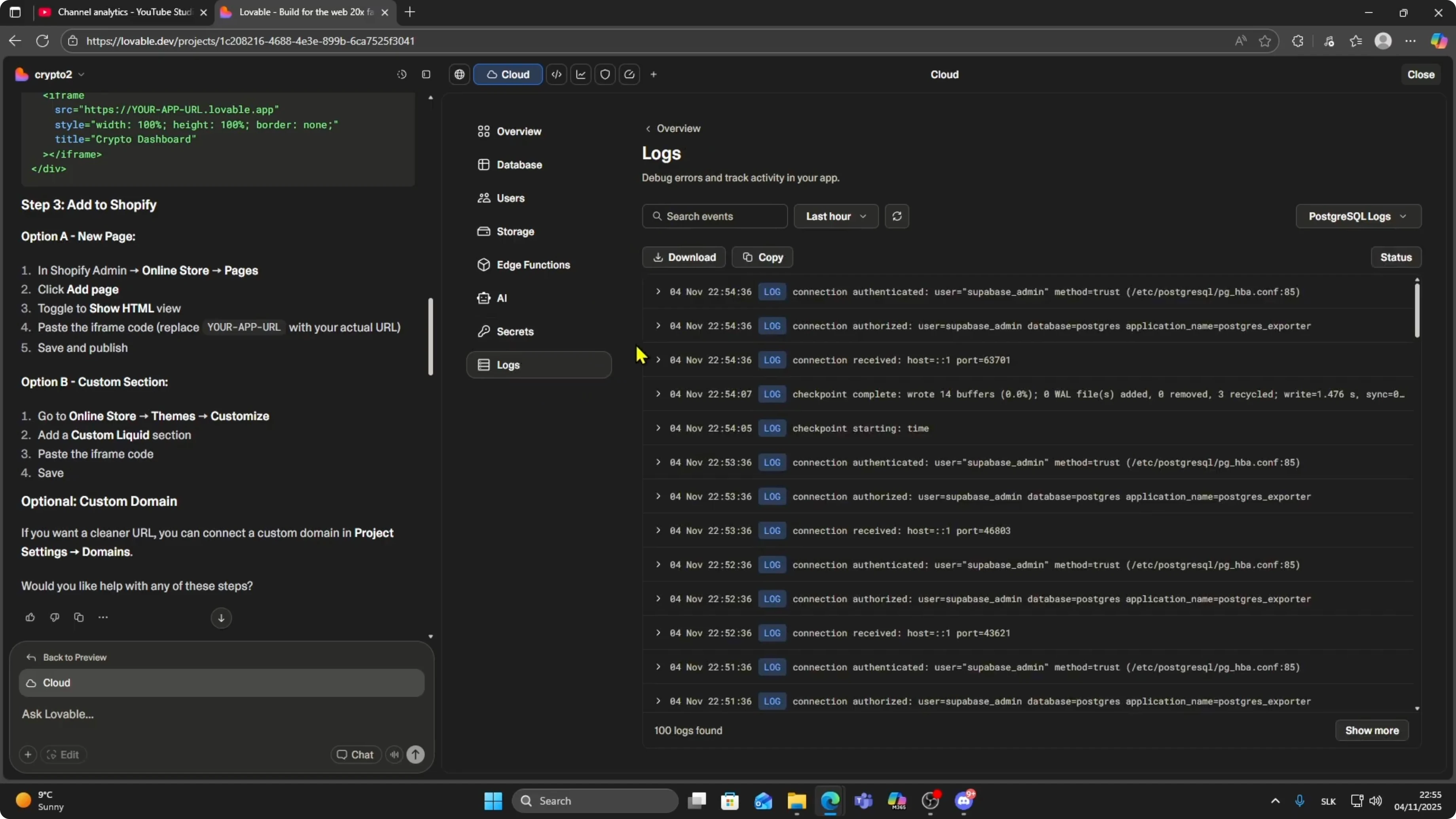
Log types
You have PostgreSQL logs for database activity.
You have authentication logs to track login and user actions.
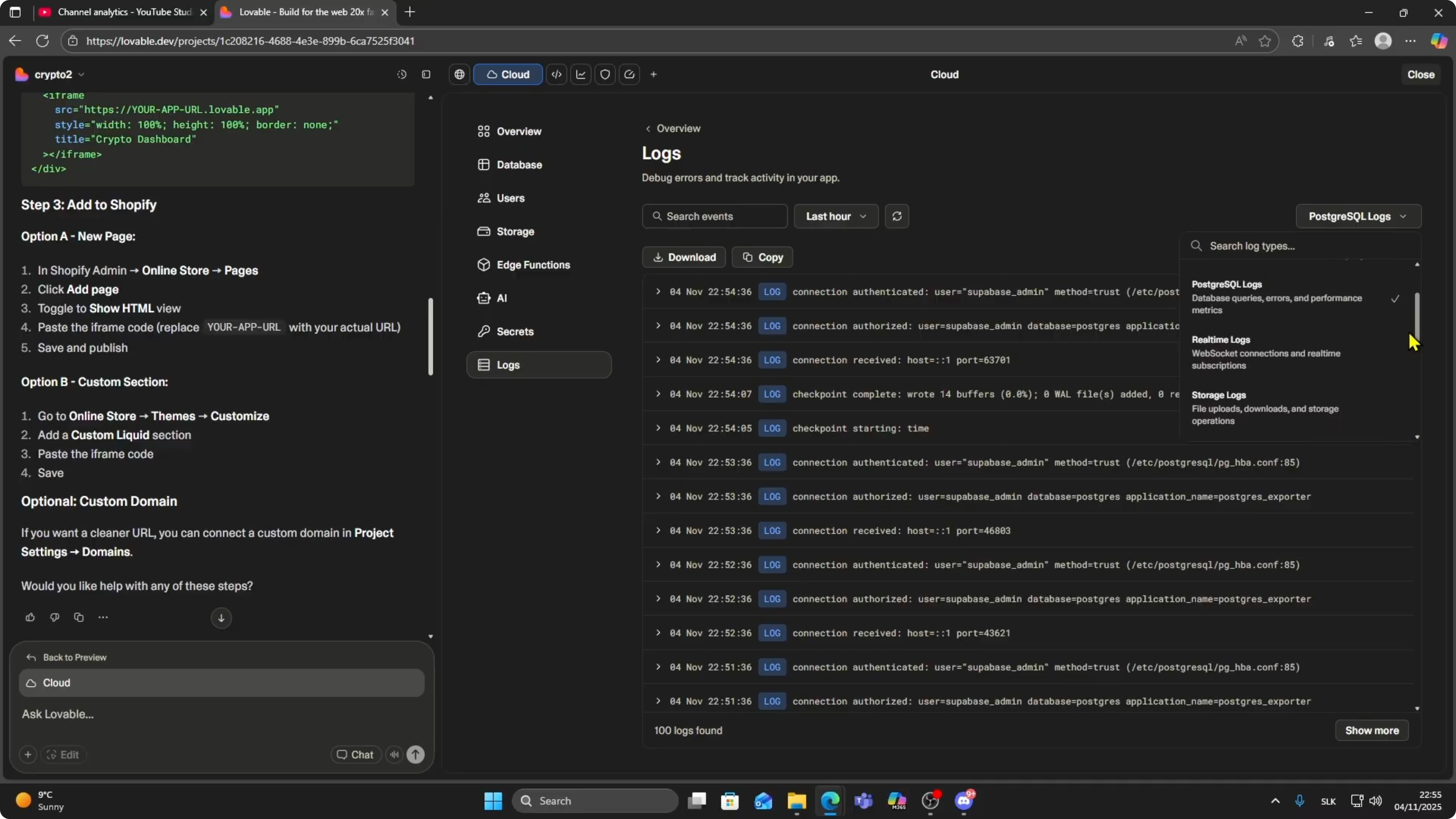
You also have real time logs, storage logs, edge logs, and function logs.
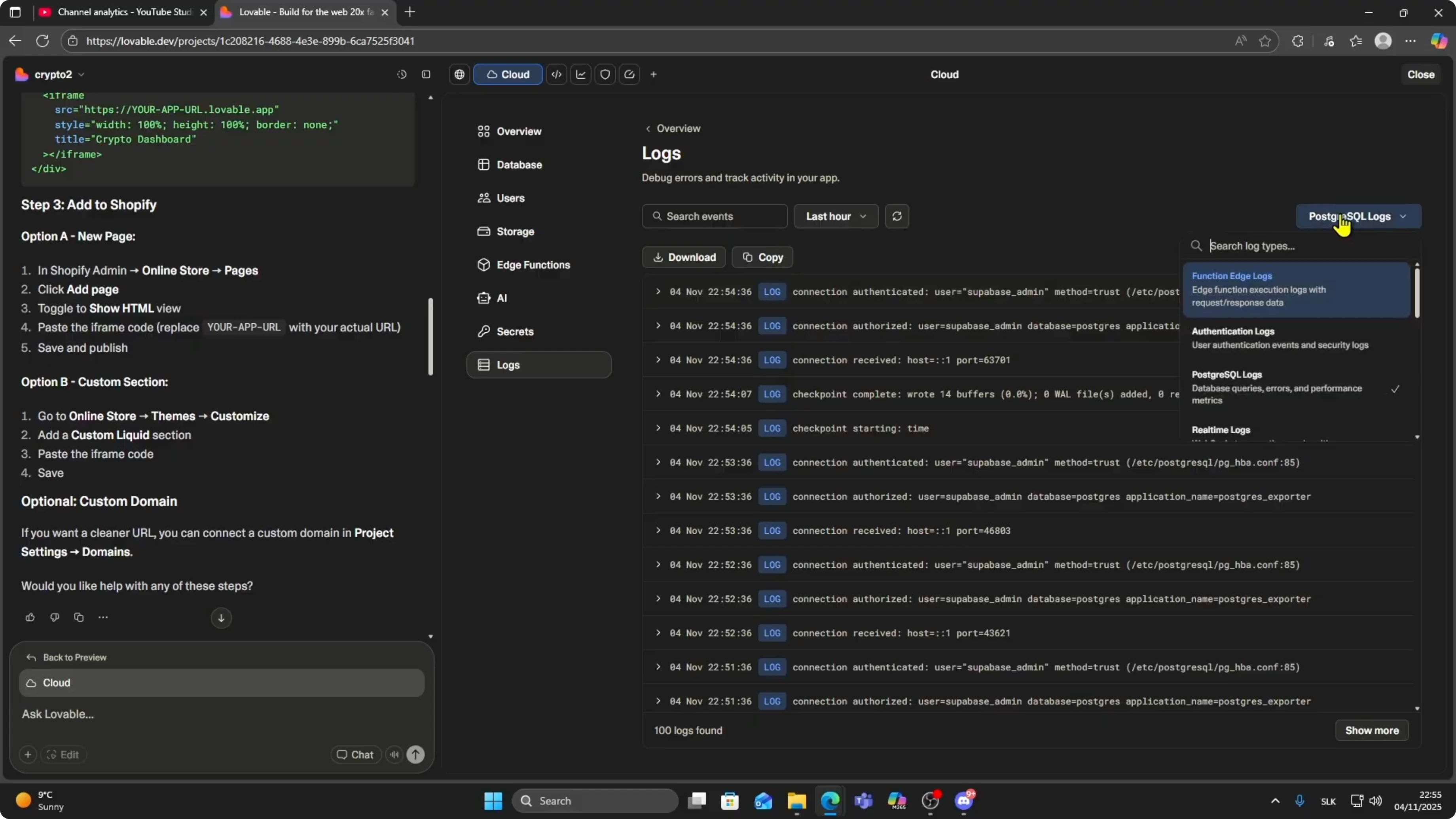
Click on the one you want to check.
If you think the issue is your database, choose PostgreSQL logs.
If it is a login problem, select authentication logs.
Read More: How To Connect Stripe To Lovable Ai App
Time range and export
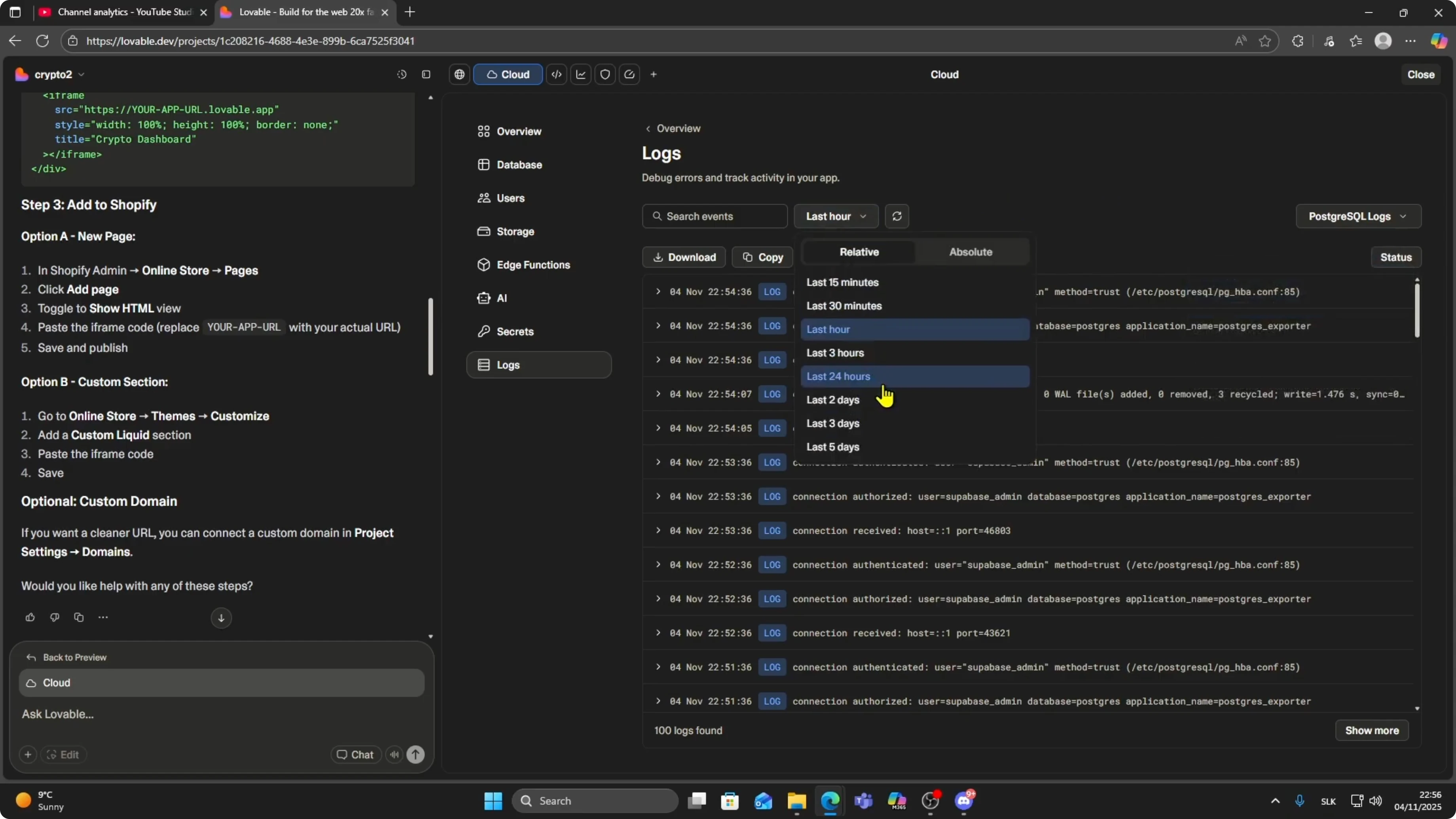
You can switch the time period.
Look at logs from the last hour, last 24 hours, or the last few days.
If you need to analyze them later, you can download your logs to your computer.
Read More: How To Convert Lovable Ai Site To Wordpress Theme
Final thoughts
This is how you debug issues in Lovable and track what is happening inside your app.