How To Fix Errors in Lovable AI | Support, Docs & Troubleshooting Guide
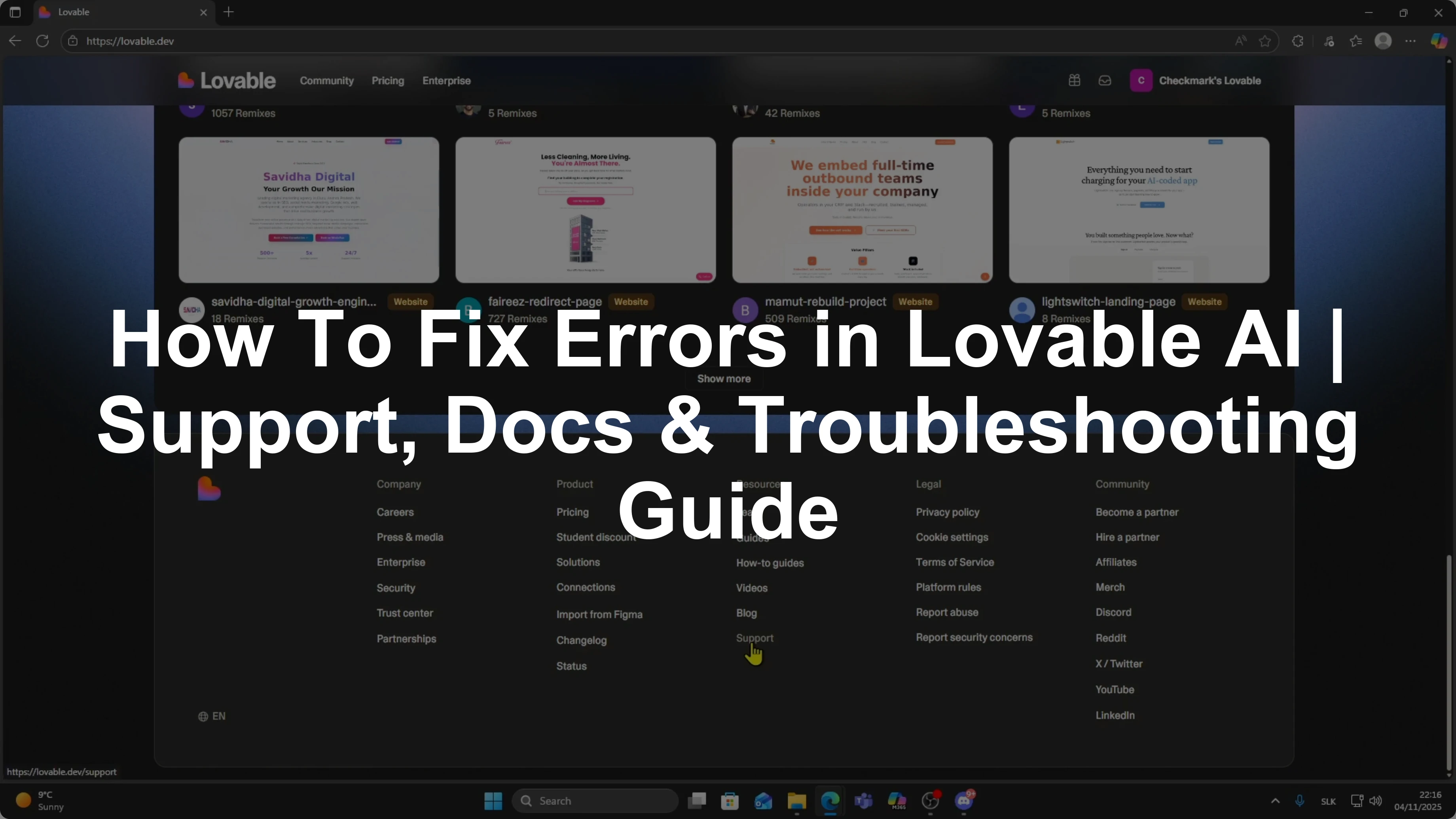
I am going to show you what to do if you get an error inside Lovable or if something in your project is not working and you are not sure how to fix it. A lot of users run into small issues while building apps and Lovable gives you multiple ways to get help.
Find help
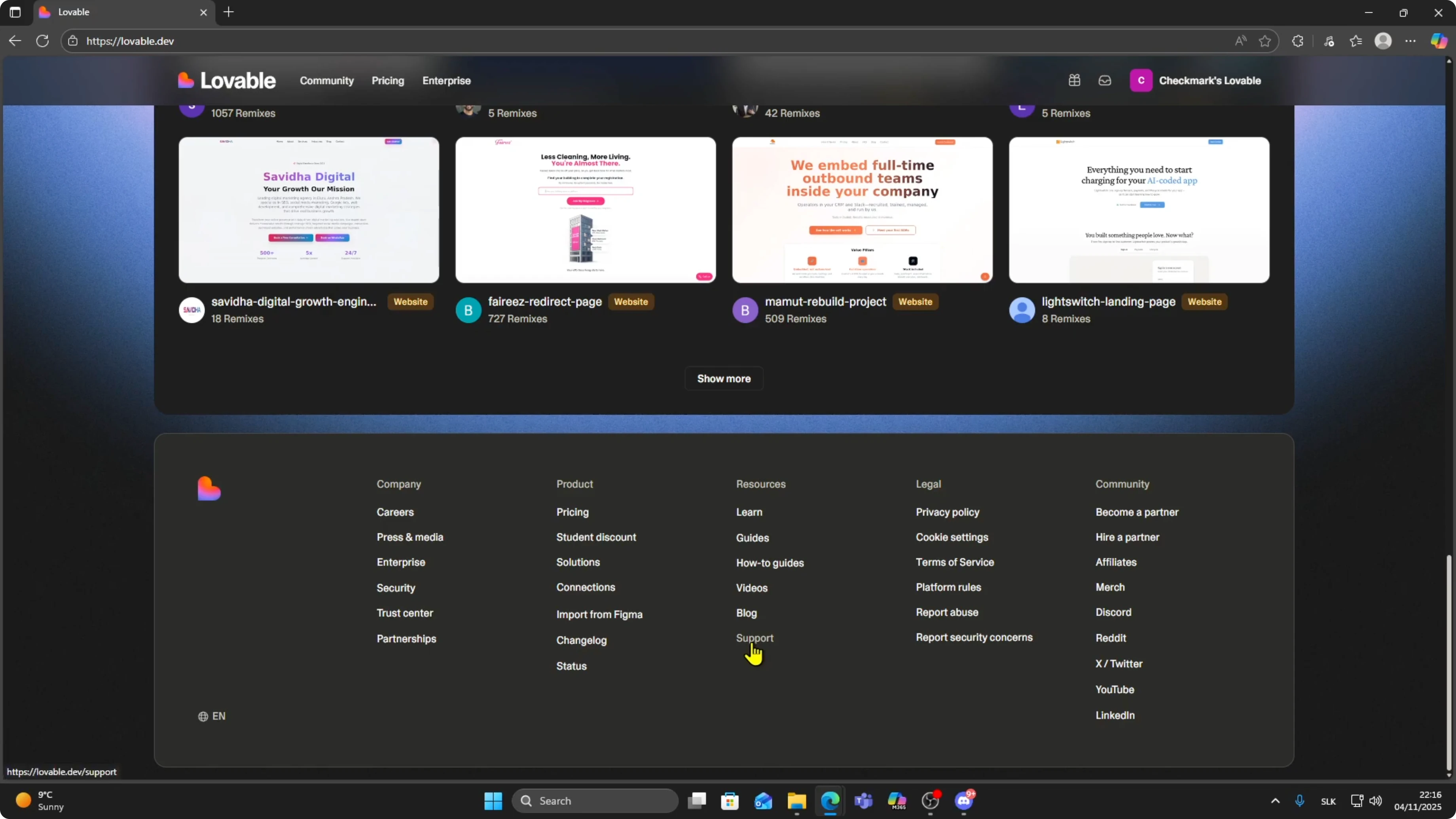
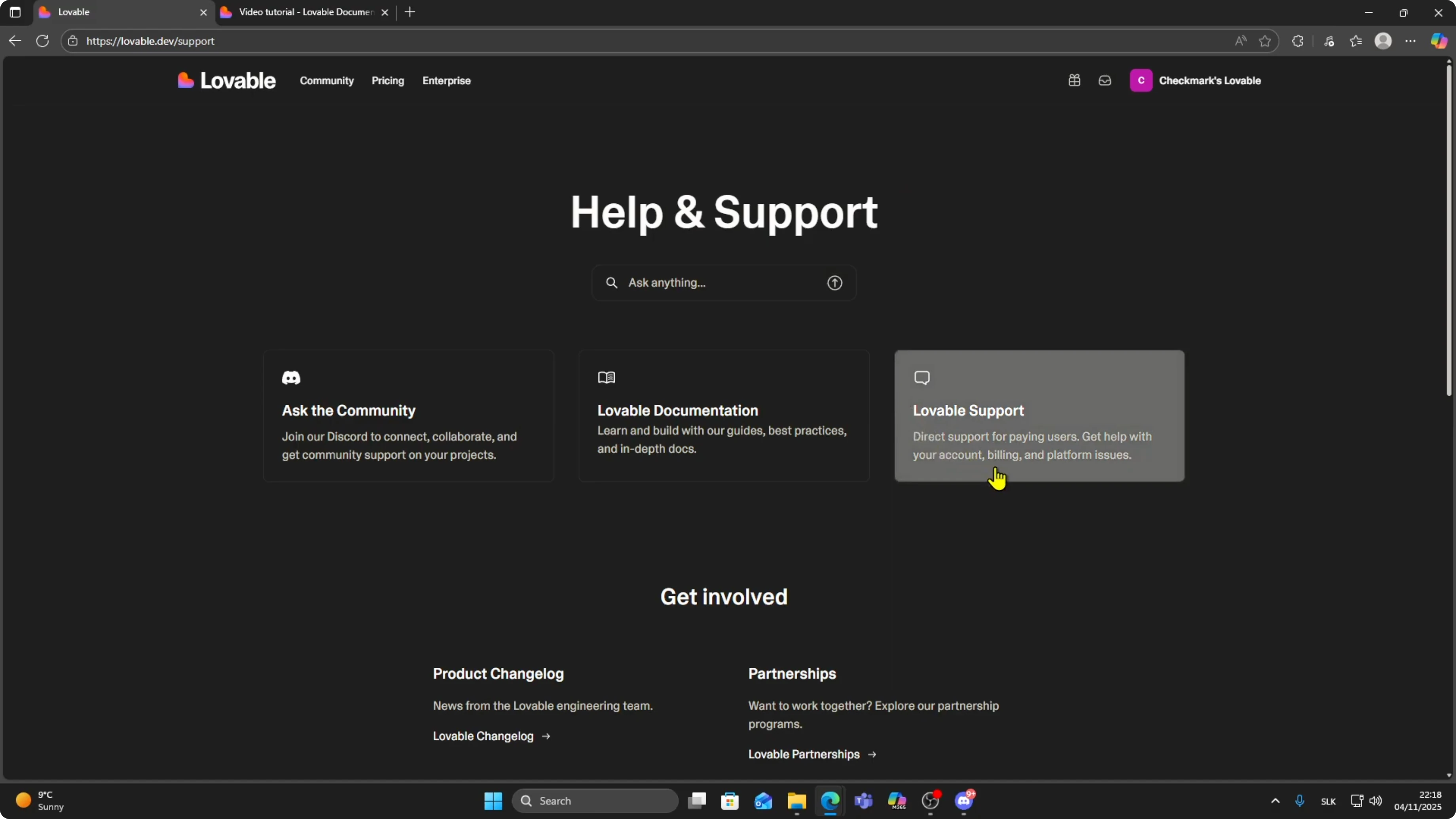
On the main dashboard, scroll down to the bottom of the page and look for the support button. Click on Support and a few different help options will appear.
Community
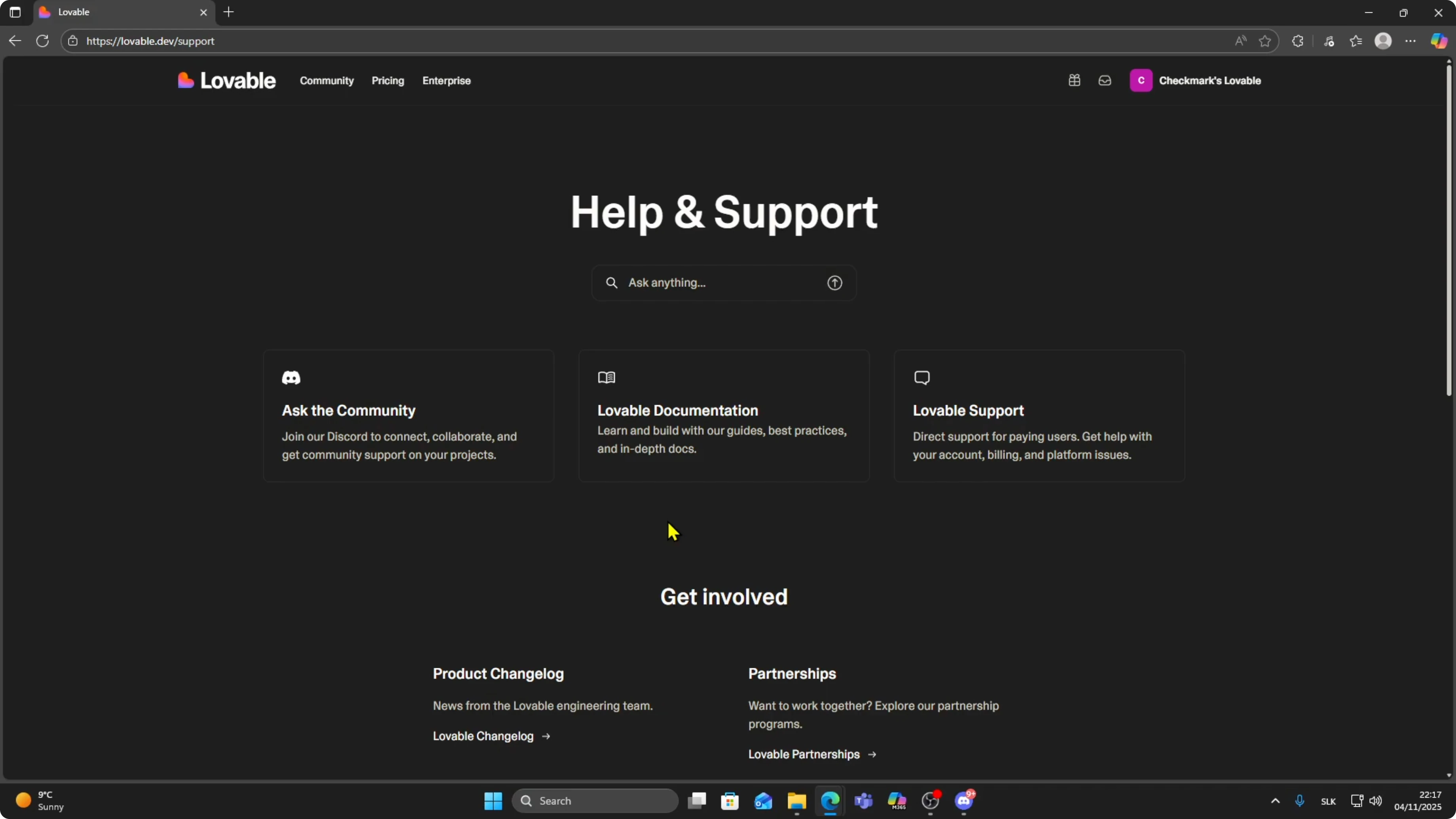
The first option is joining the official Lovable Discord community. This is a great place to ask questions, share screenshots, and get advice from other builders. Many people in the Discord are experienced and they can guide you step by step if you get stuck or have an error you do not understand.
If your question involves payments, see how to connect Stripe to a Lovable app.
Documentation
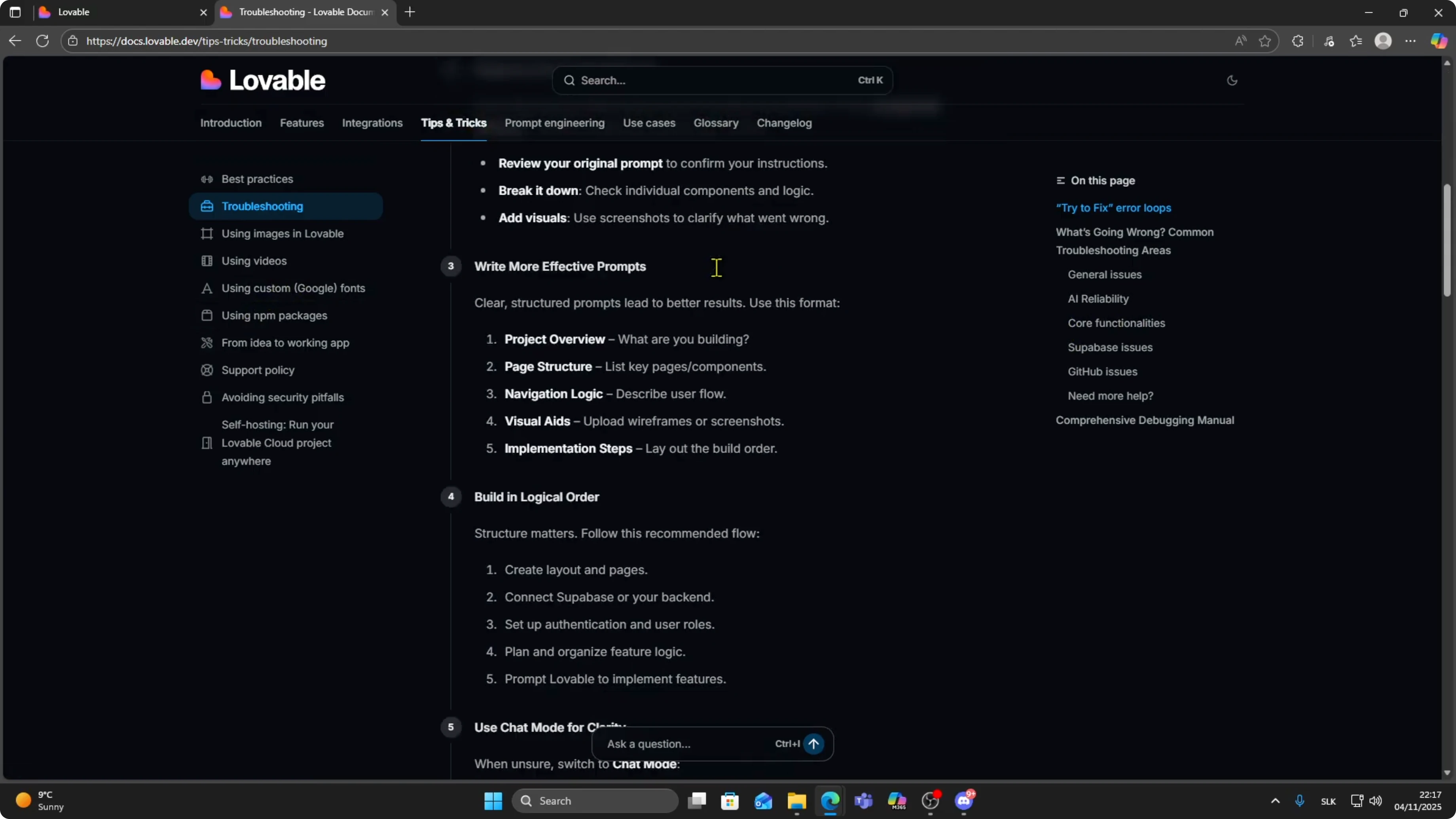
The second option is checking the Lovable documentation. Click on the documentation link and you will see a full library of tutorials, guides, troubleshooting steps and tips.
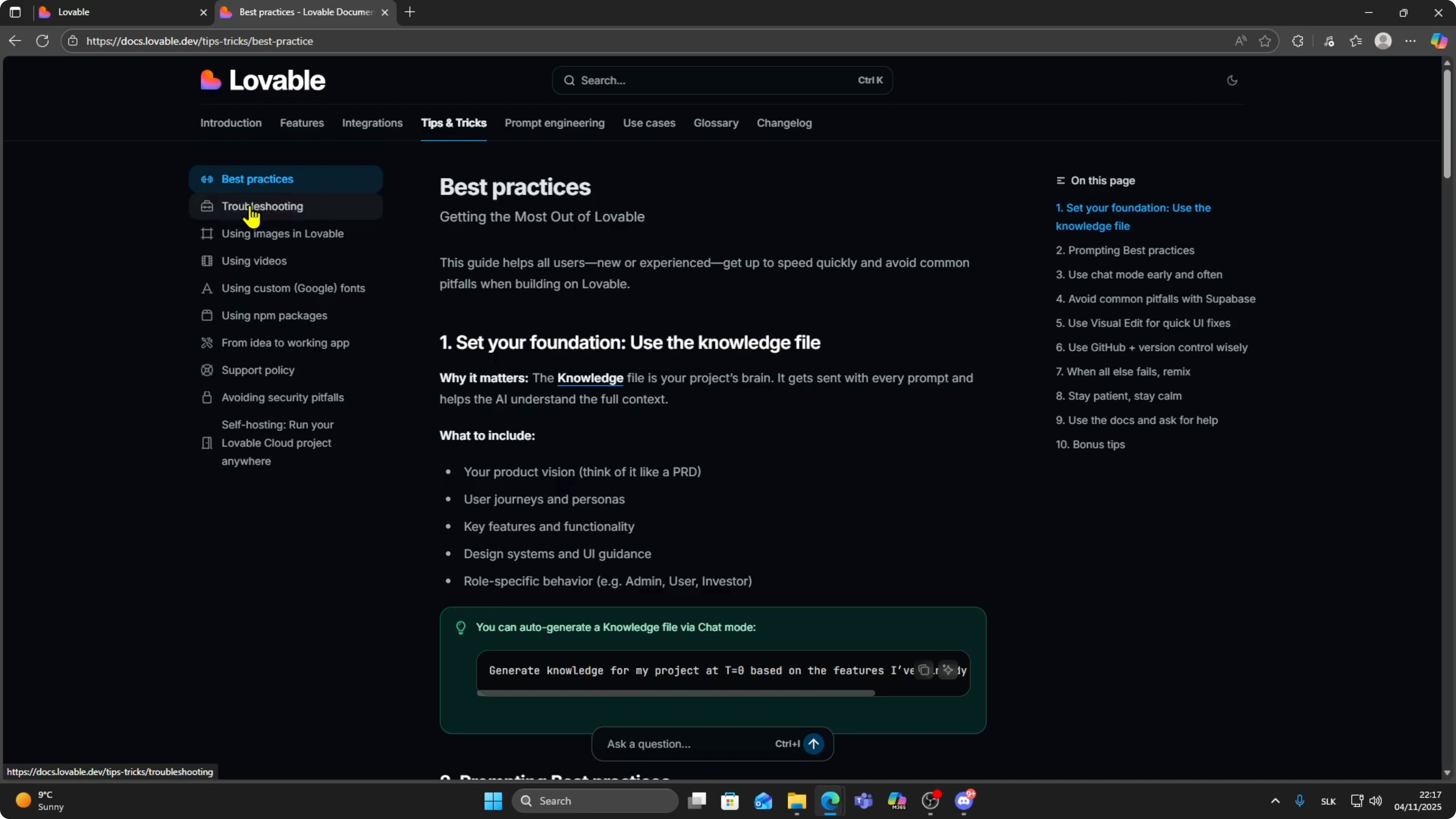
There are instructions for most features and if something is confusing or not working, the answer is often here. They also have a section for common errors and how to resolve them.
For exporting or local inspection, see how to download code from Lovable.
Direct support
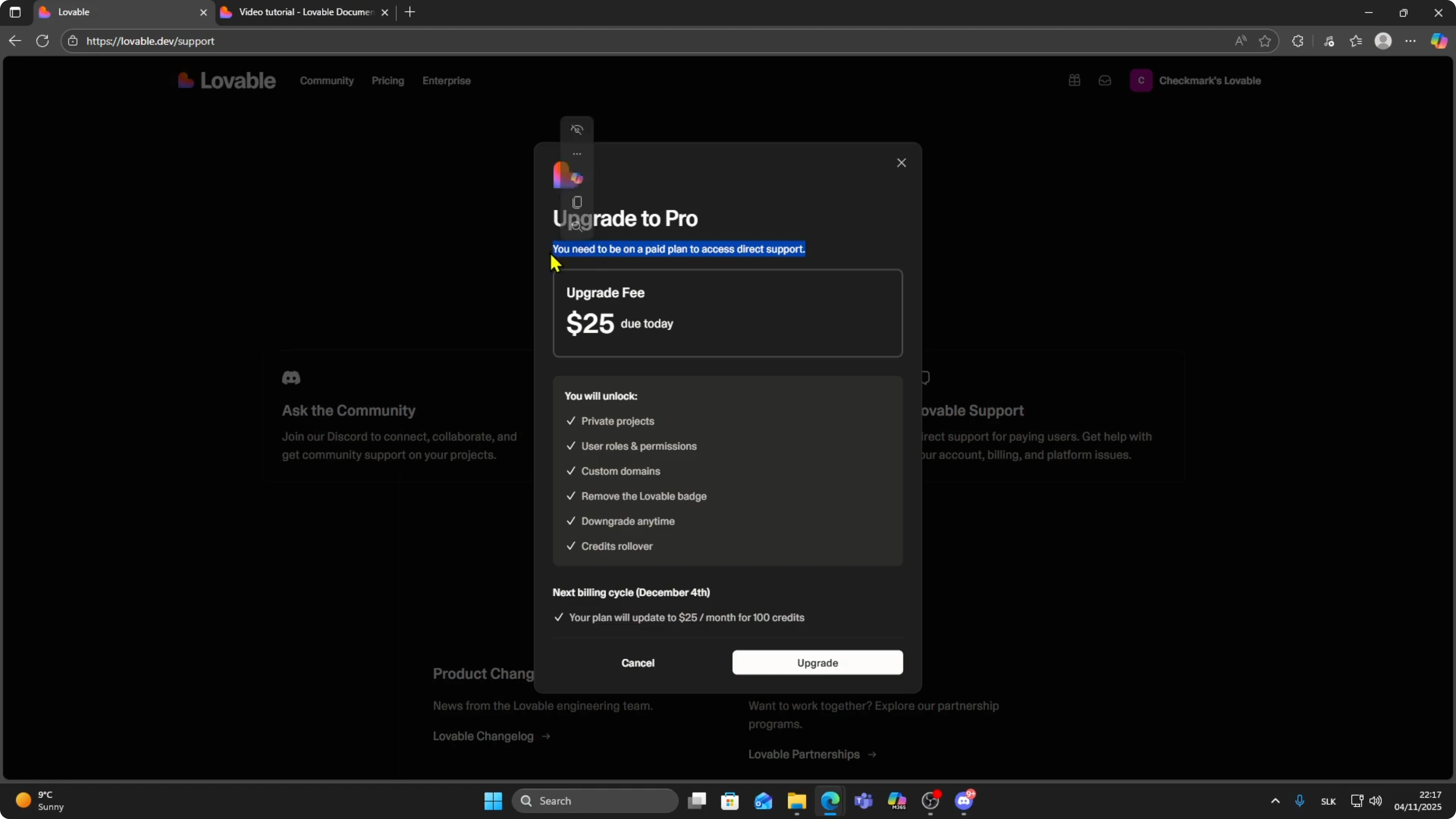
The third option is contacting Lovable Support directly. Keep in mind this option is only available if you are on at least the $25 per month plan.
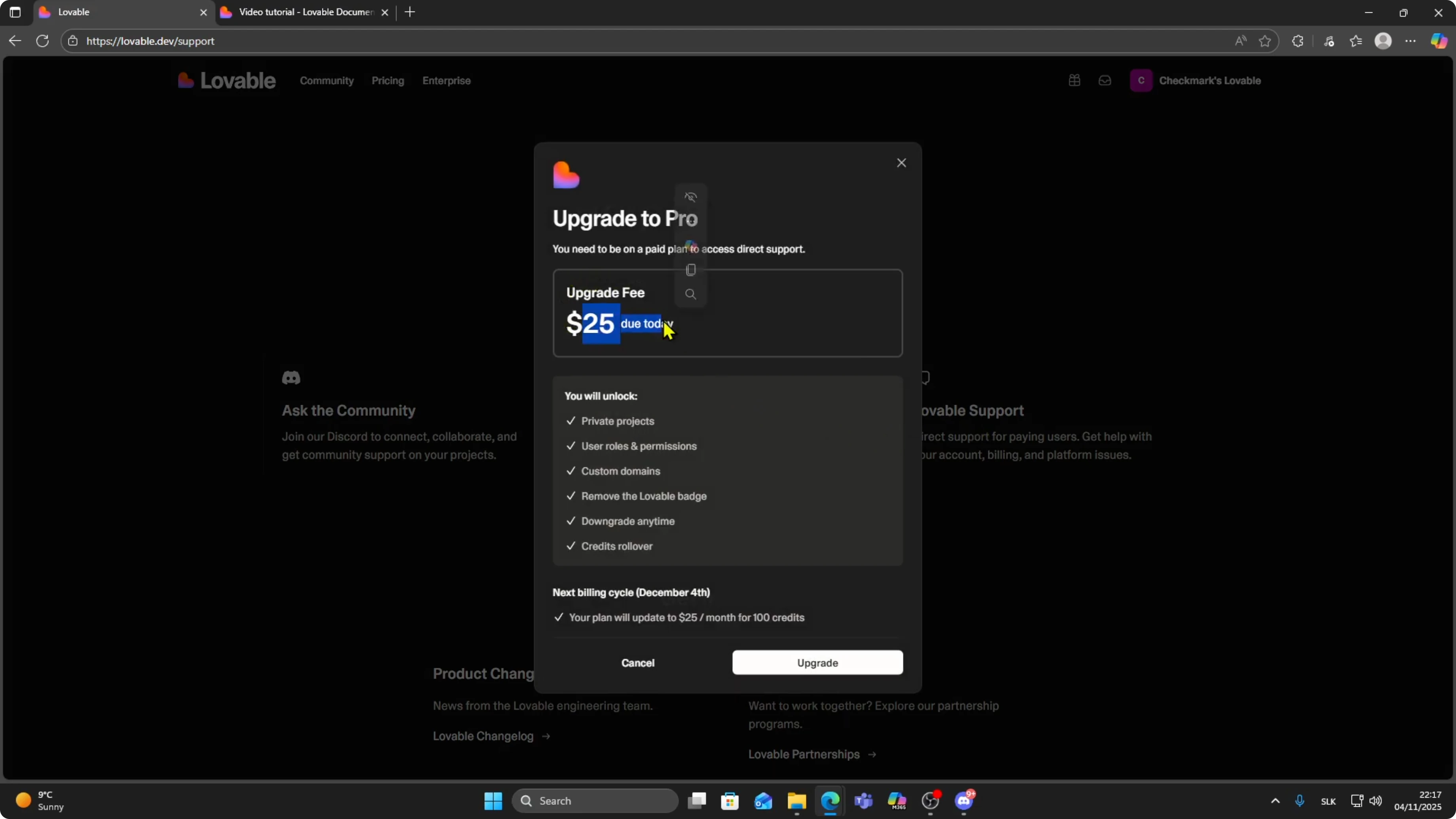
If you have that plan, you can reach out to support and they will assist you personally. This is helpful when you have a more complex problem or something technical that requires direct help.
Quick steps
Scroll down to the bottom of the page and look for the support button.
Click on Support.
Join the Discord community, check the documentation, or contact Support directly if you are on at least the $25 per month plan.
Final thoughts
Whenever you run into an issue, remember Discord community, documentation, or direct support. If you are on a paid plan, one of those will get your problem solved.
If you are moving your build into WordPress, see how to convert a Lovable site to a WordPress theme.


