How to Download Code from Your Lovable AI?
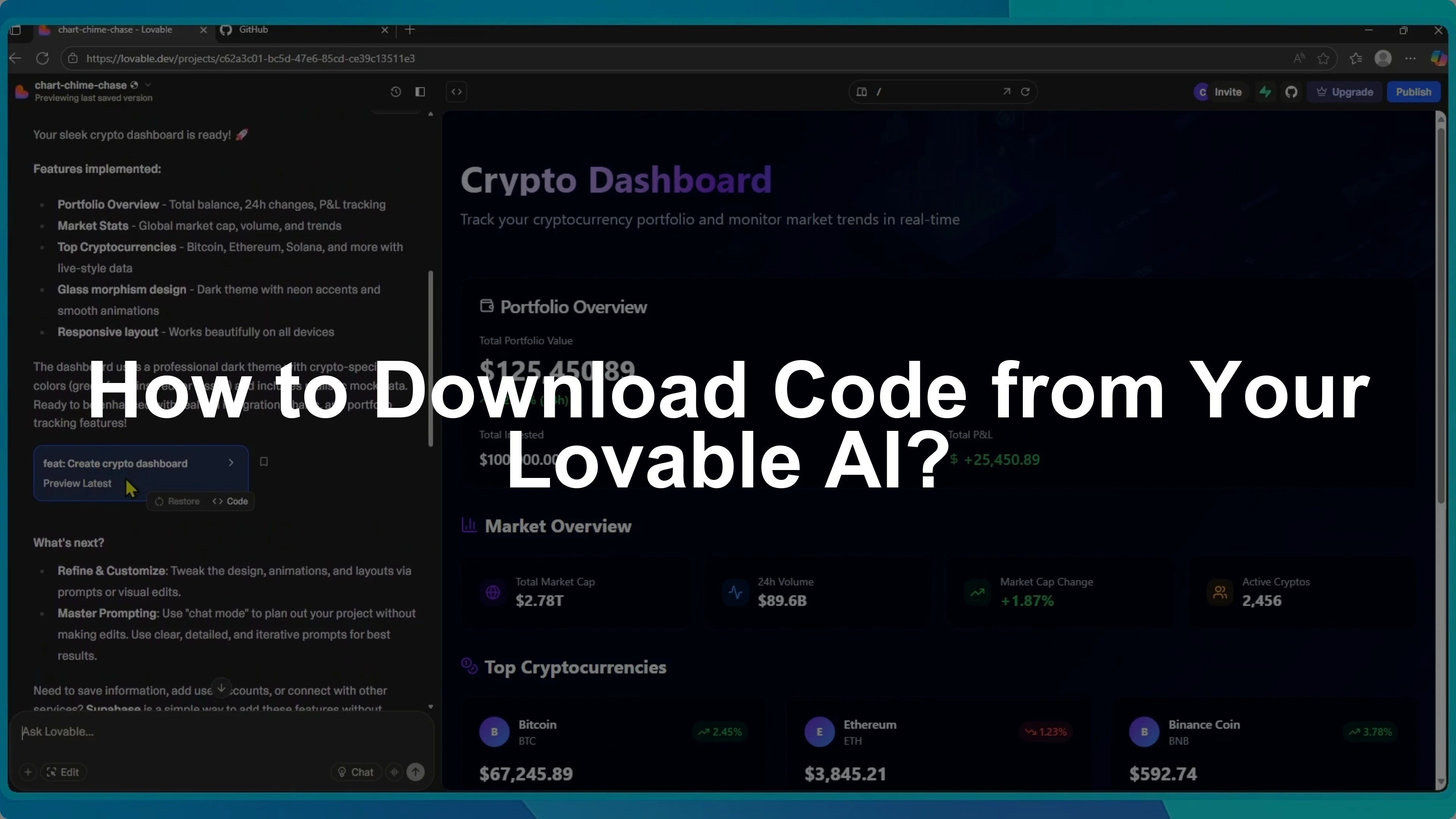
I will show you how to download the code from your Lovable project.
Go to lovable.dev and sign into the correct workspace.
Find the project you want and open it.
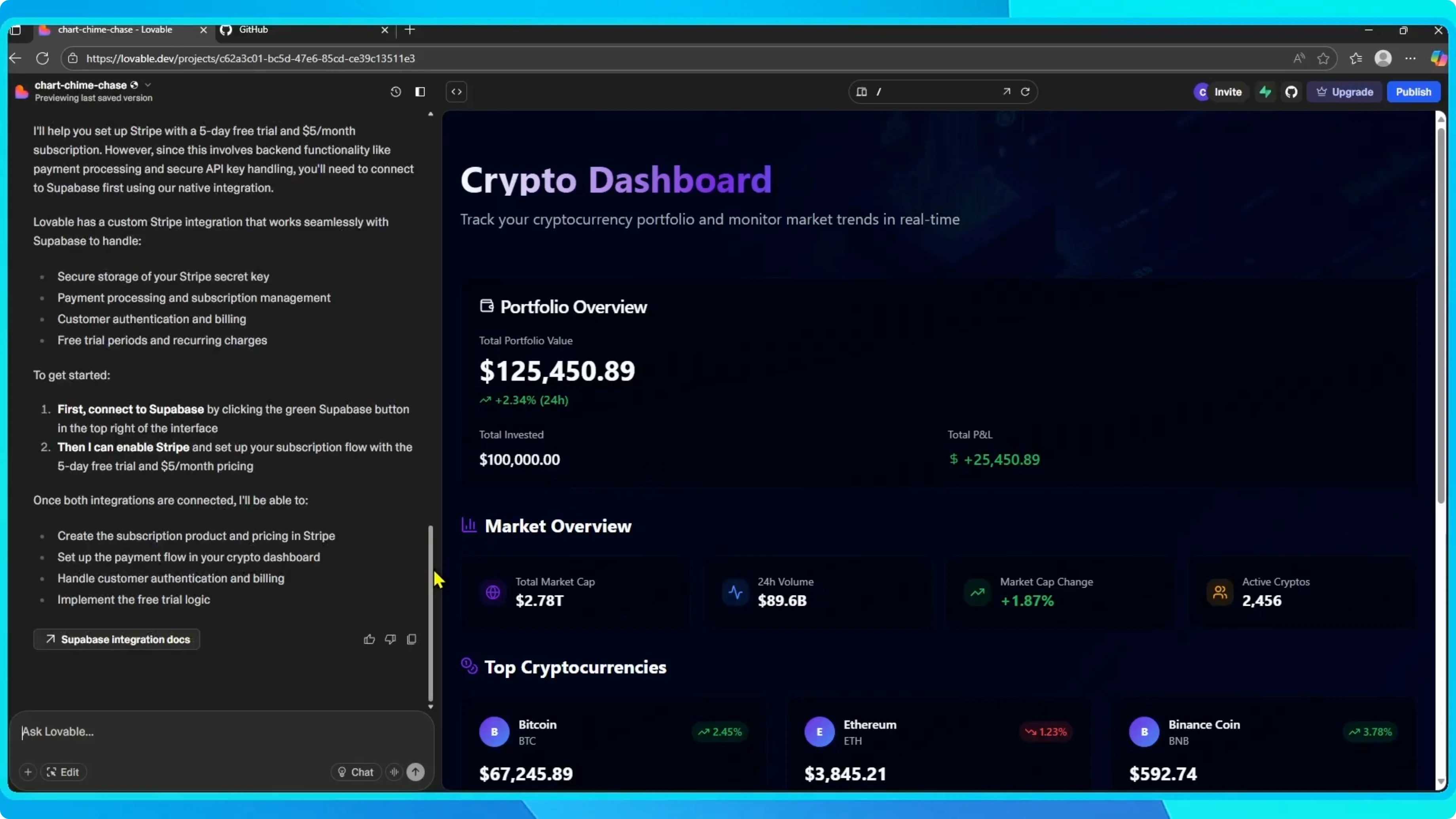
On the left is the chat and on the right the project preview.
Scroll to the section where your prompt was executed.
Click the Code button.
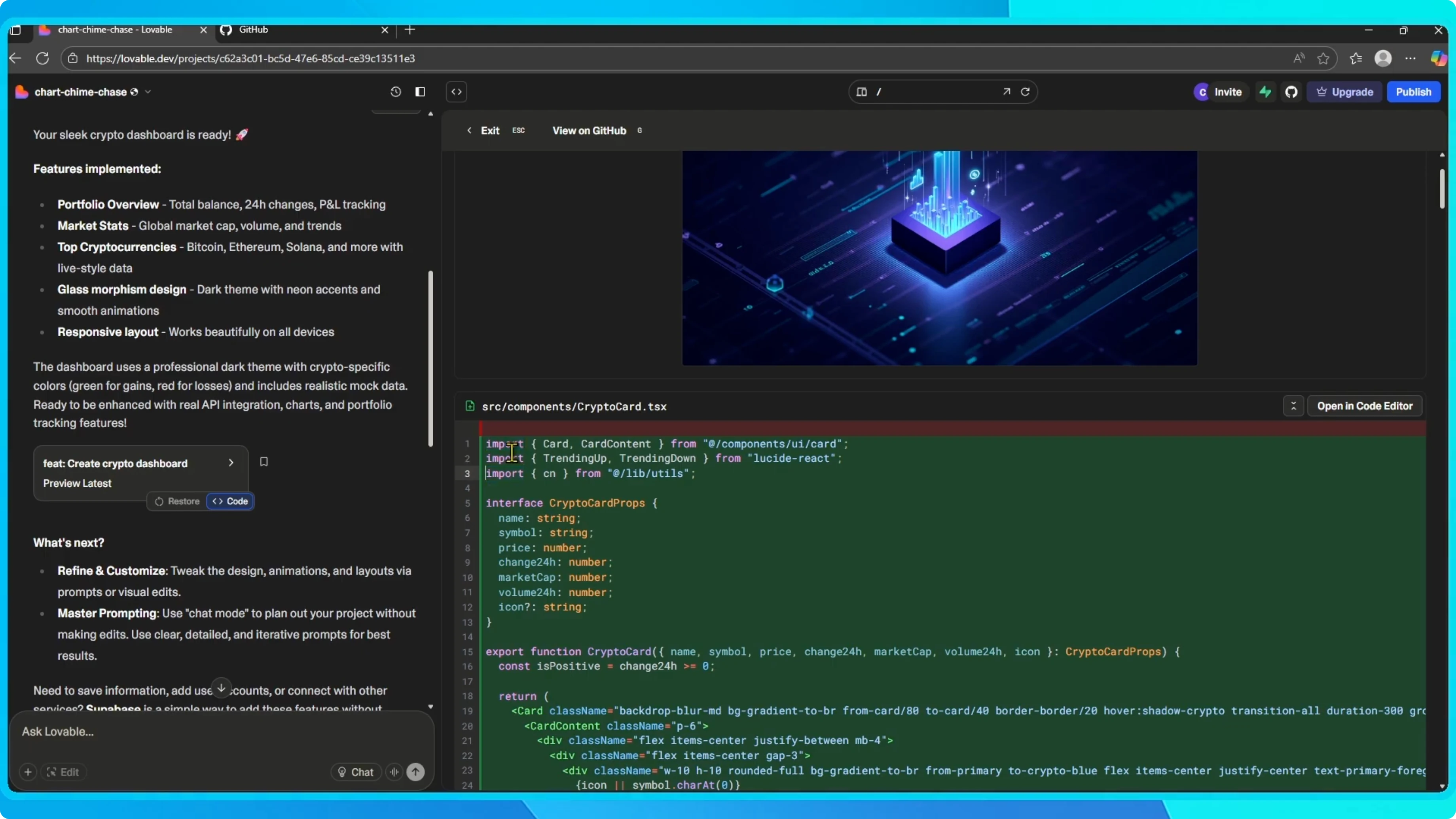
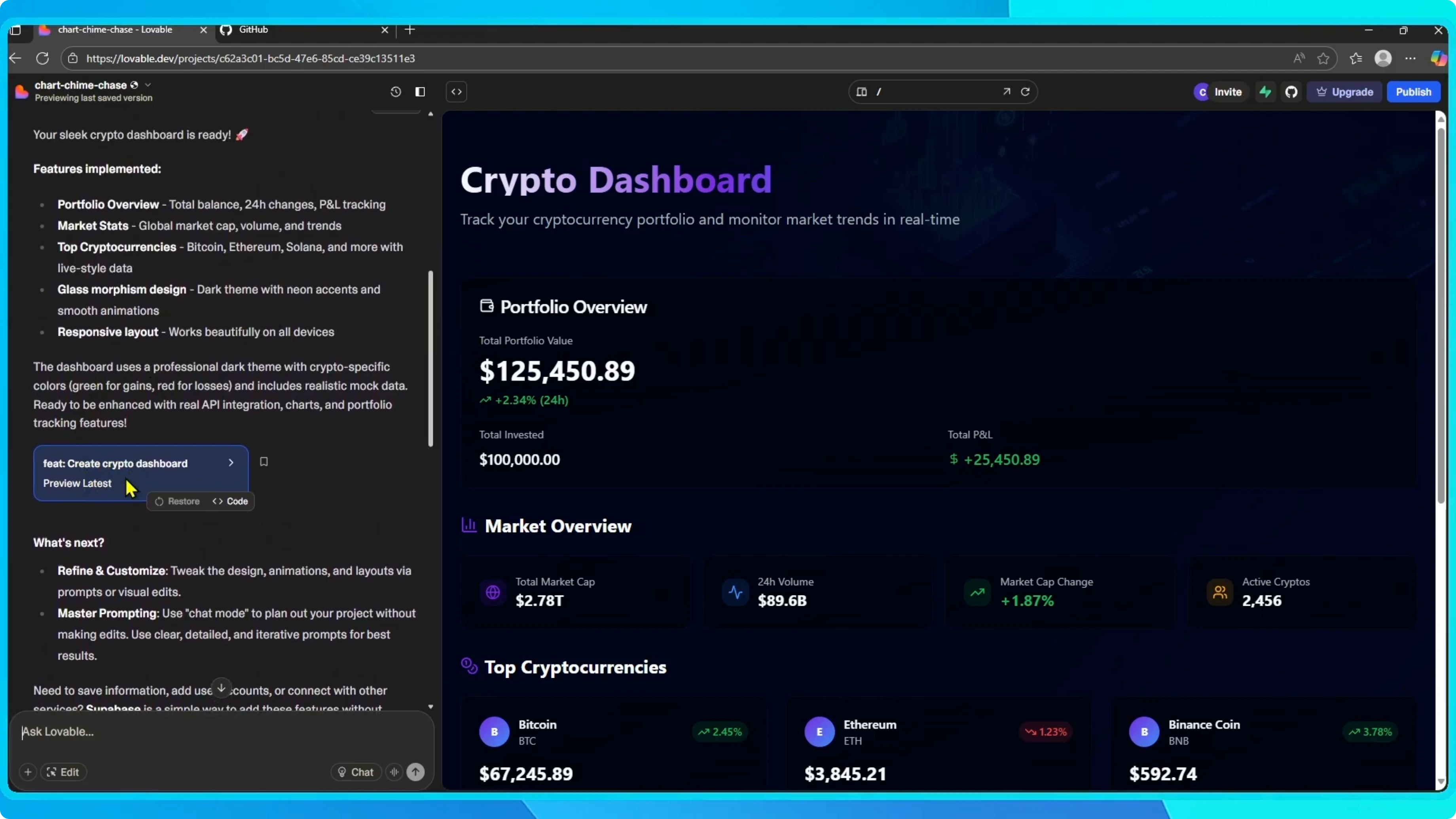
From there you can copy and paste all of the code manually.
This method works, but there is a faster option using GitHub.
For account limits and usage tips, see how to get more Lovable credits.
Manual copy
Copy the code blocks you need from the executed prompt section.
Paste them into your local files or editor.
Save your changes as you go.
If you prefer coding in a local editor with supportive tooling, consider this helpful option.
Read More: Amp Code Extension Alternative
Connect GitHub
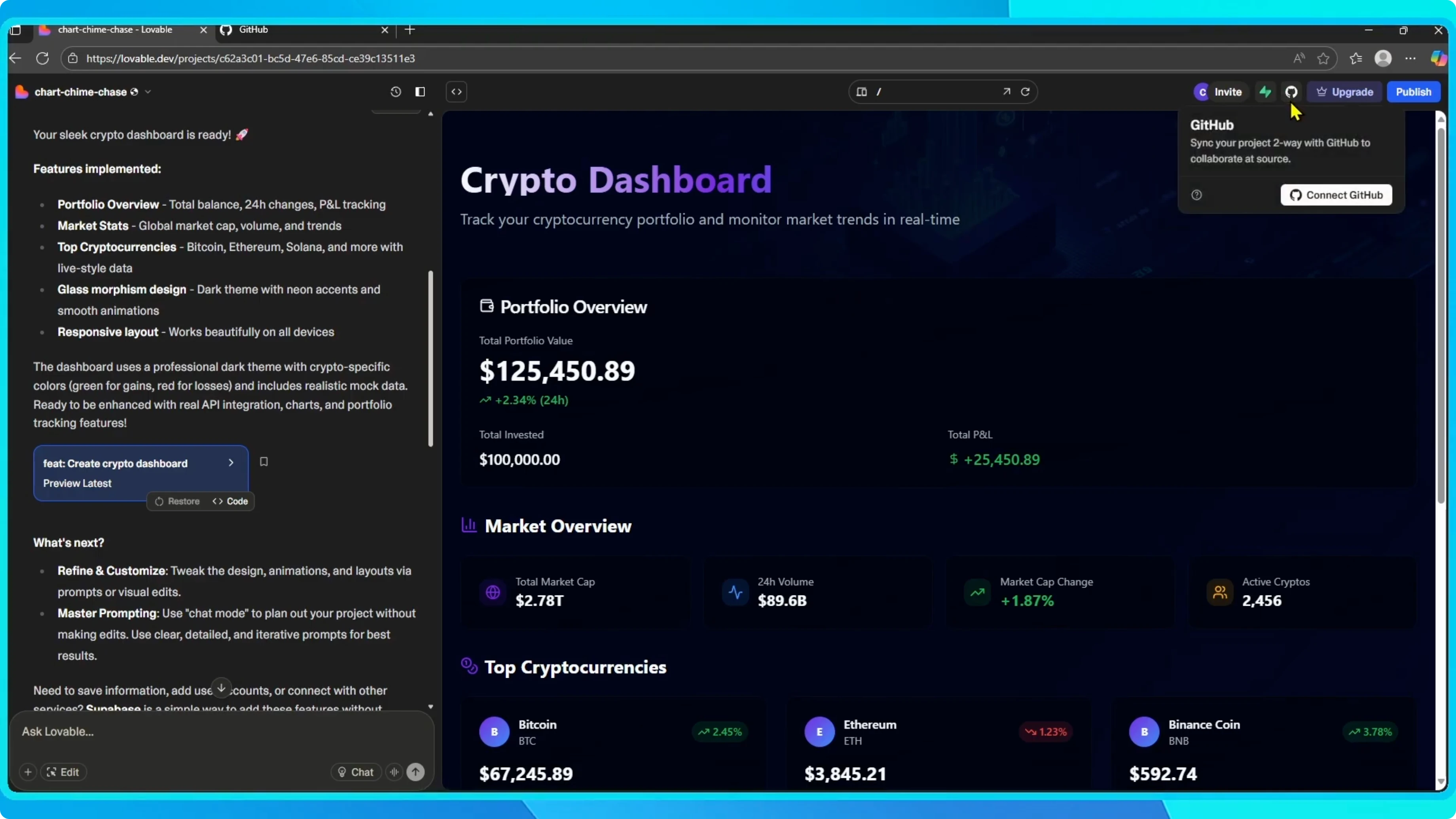
Connect GitHub from your workspace.
Click the GitHub icon.
Choose Connect GitHub.
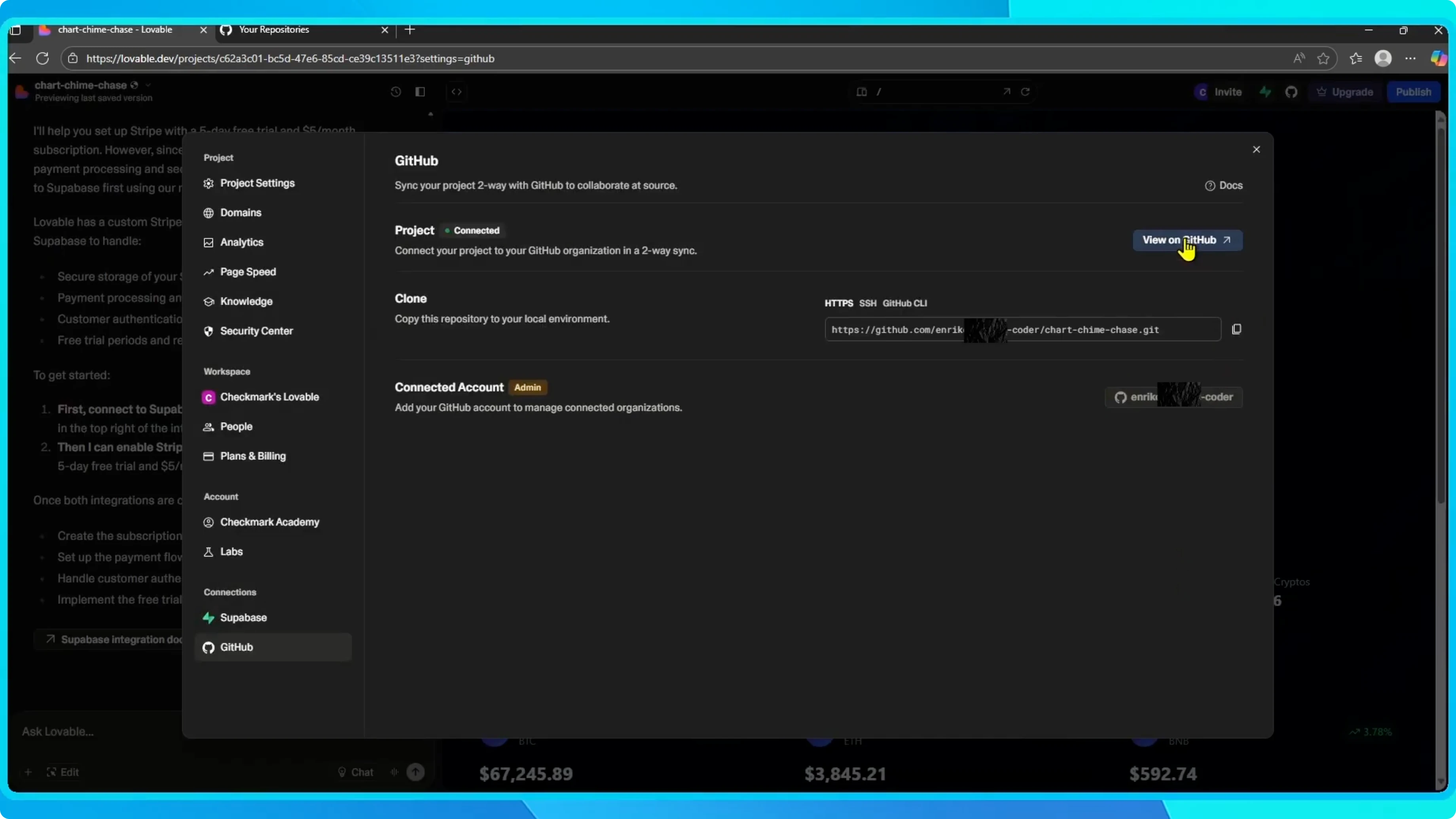
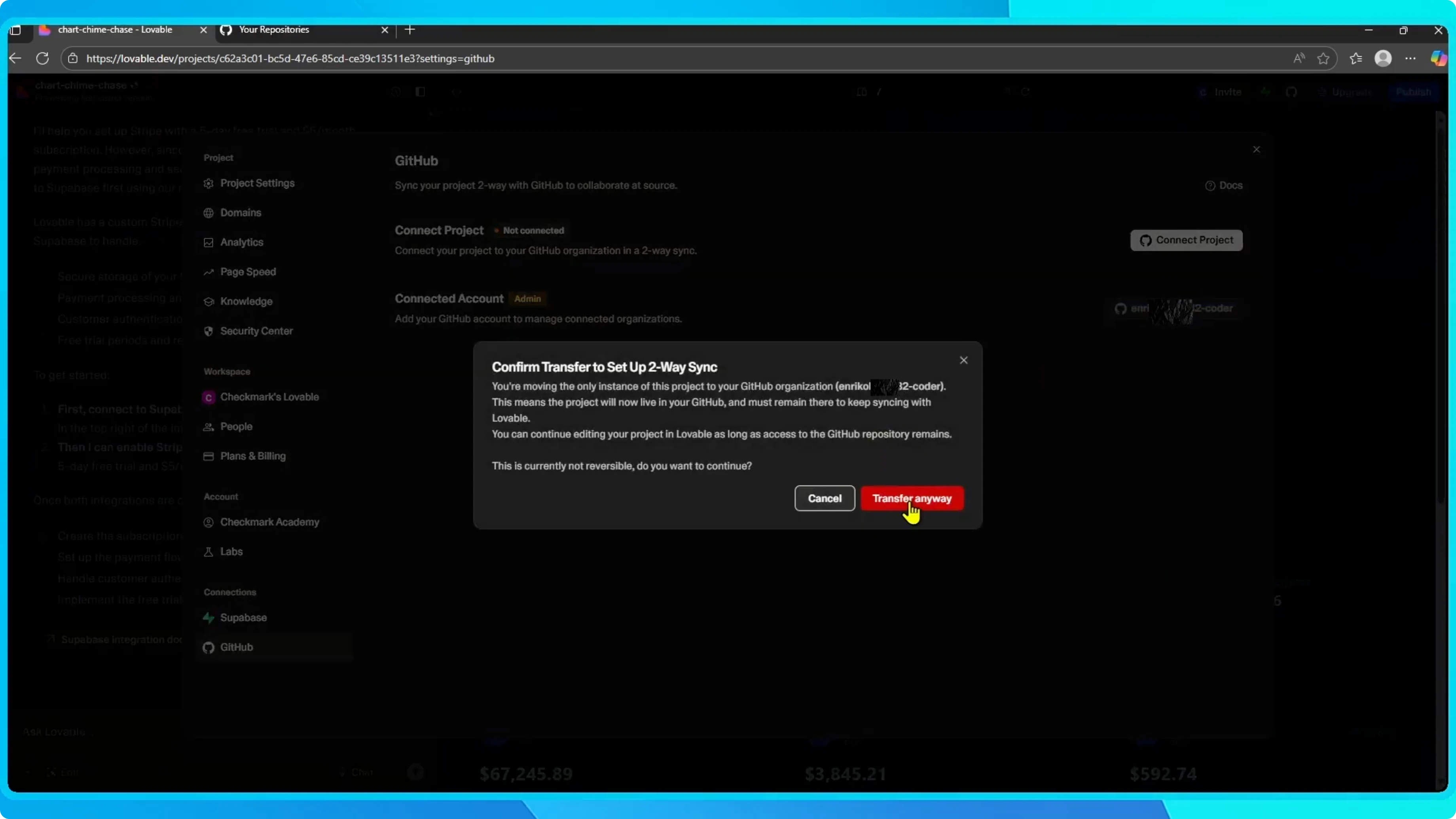
Click Connect project.
Choose Transfer to move the project to your GitHub repository.
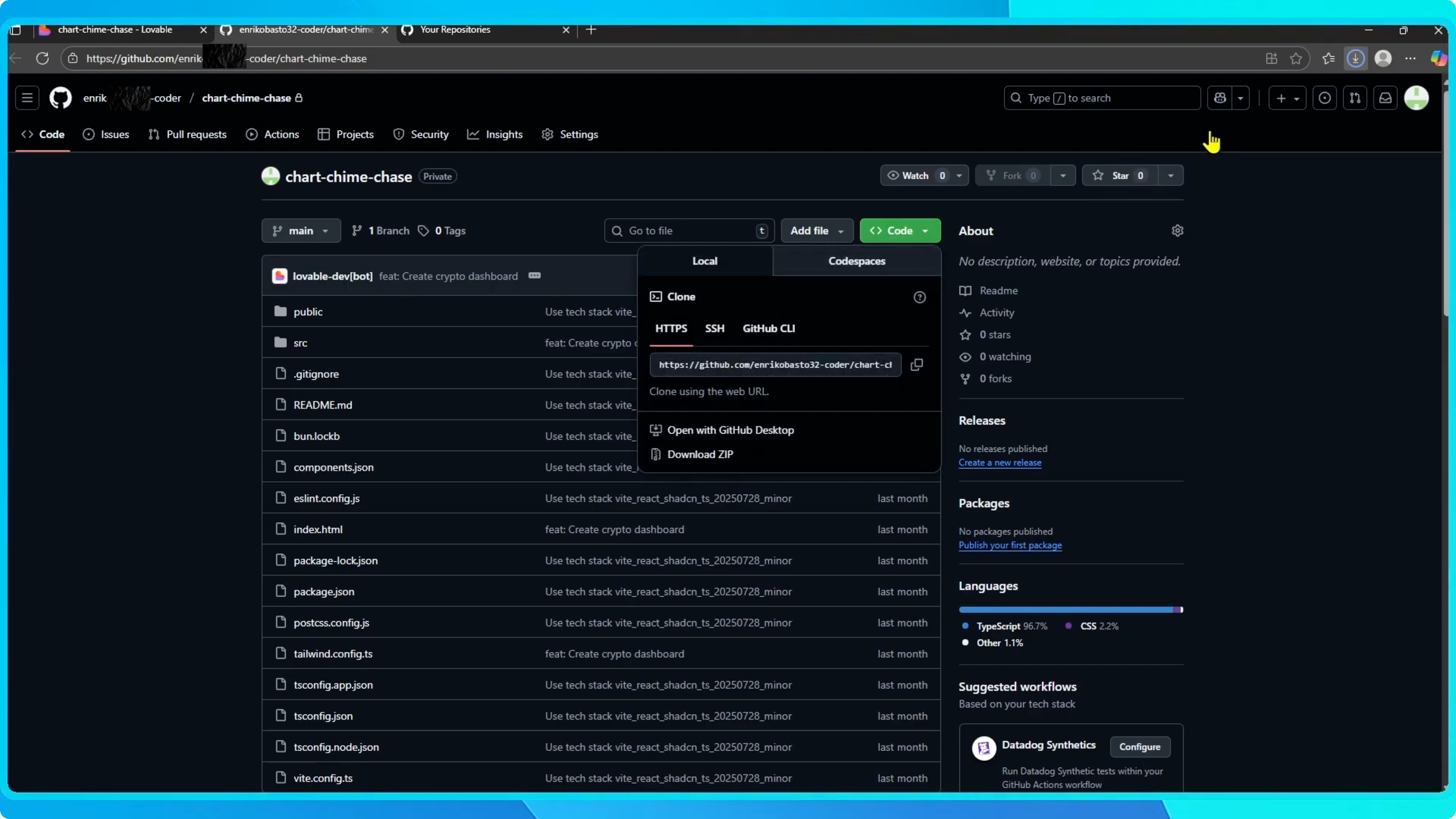
Once connected, click View on GitHub to open the repository.
Download ZIP
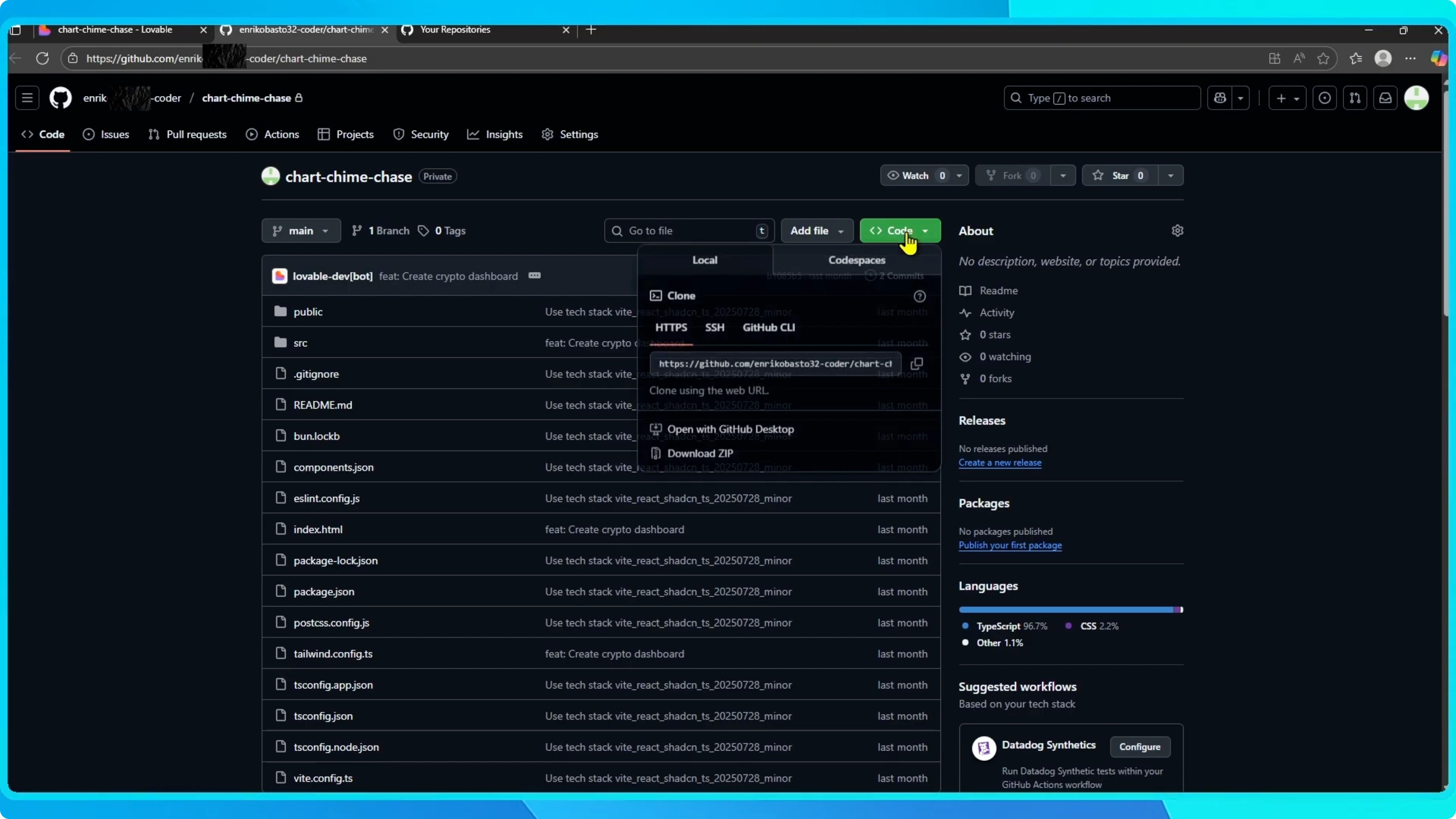
In GitHub, click Code.
Select Download ZIP.
This downloads a ZIP file containing all of your project code.
Open the ZIP file.
Inside you will find everything you need.
It includes the full source code for your Lovable app.
If you are comparing download methods and browser tips, this quick guide can help with Chrome store items.
Read More: How To Download Games From Google Chrome Webstore
Final thoughts
You can copy code manually from the executed prompt section using the Code button.
The faster route is to connect GitHub, open the repository, and use Download ZIP.
Either way, you end up with the full source code for your Lovable project.


