How to Embed a Lovable App into WordPress?
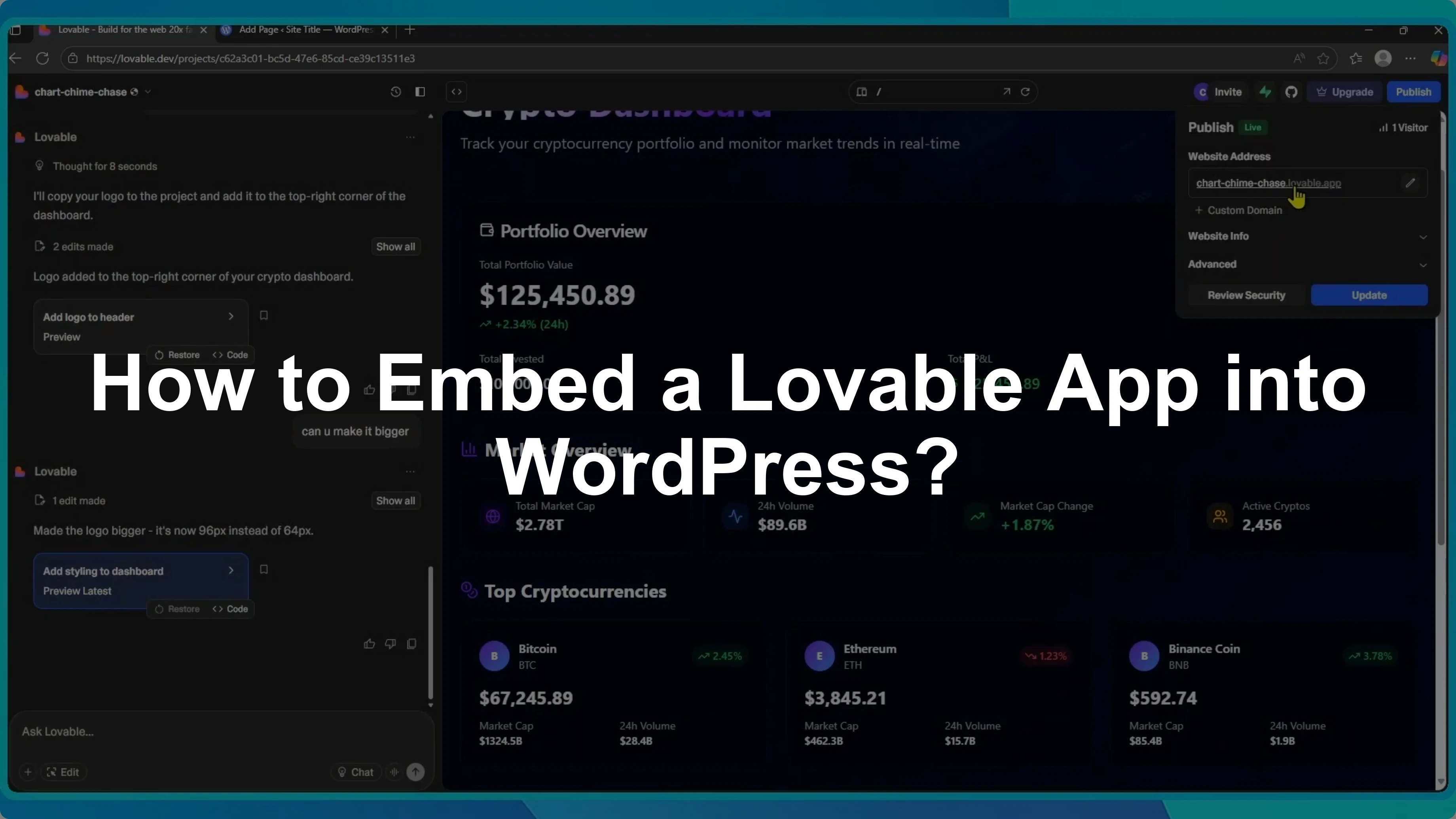
I built a simple crypto dashboard in Lovable and embedded it into a WordPress page with a few quick steps.
Here is exactly how you can do the same on your site.
Publish your app
Go to lovable.dev and create your app.
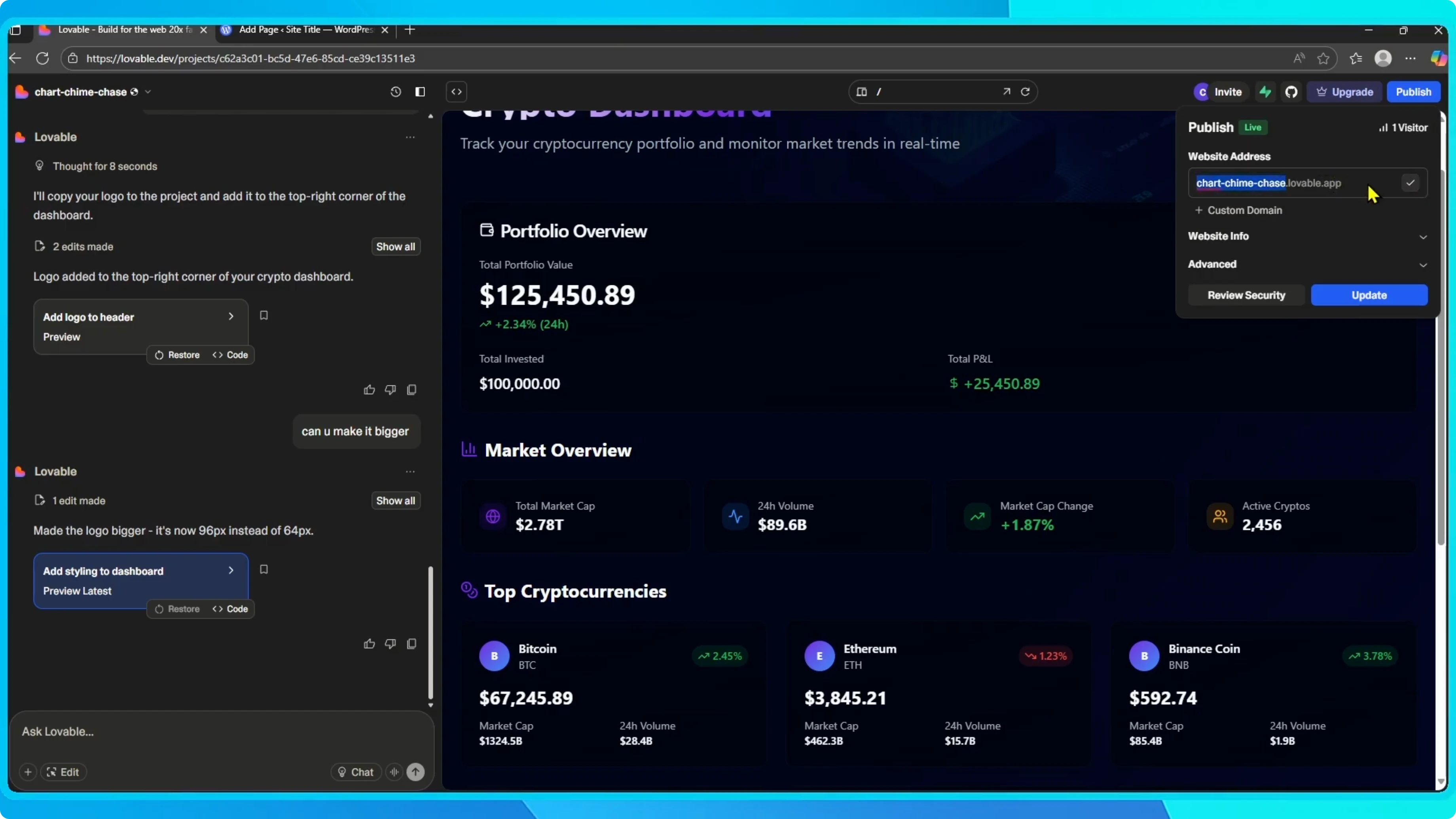
Once it is ready, click the publish button in the top right corner.
My site is already published, but if yours is not yet, click Publish.
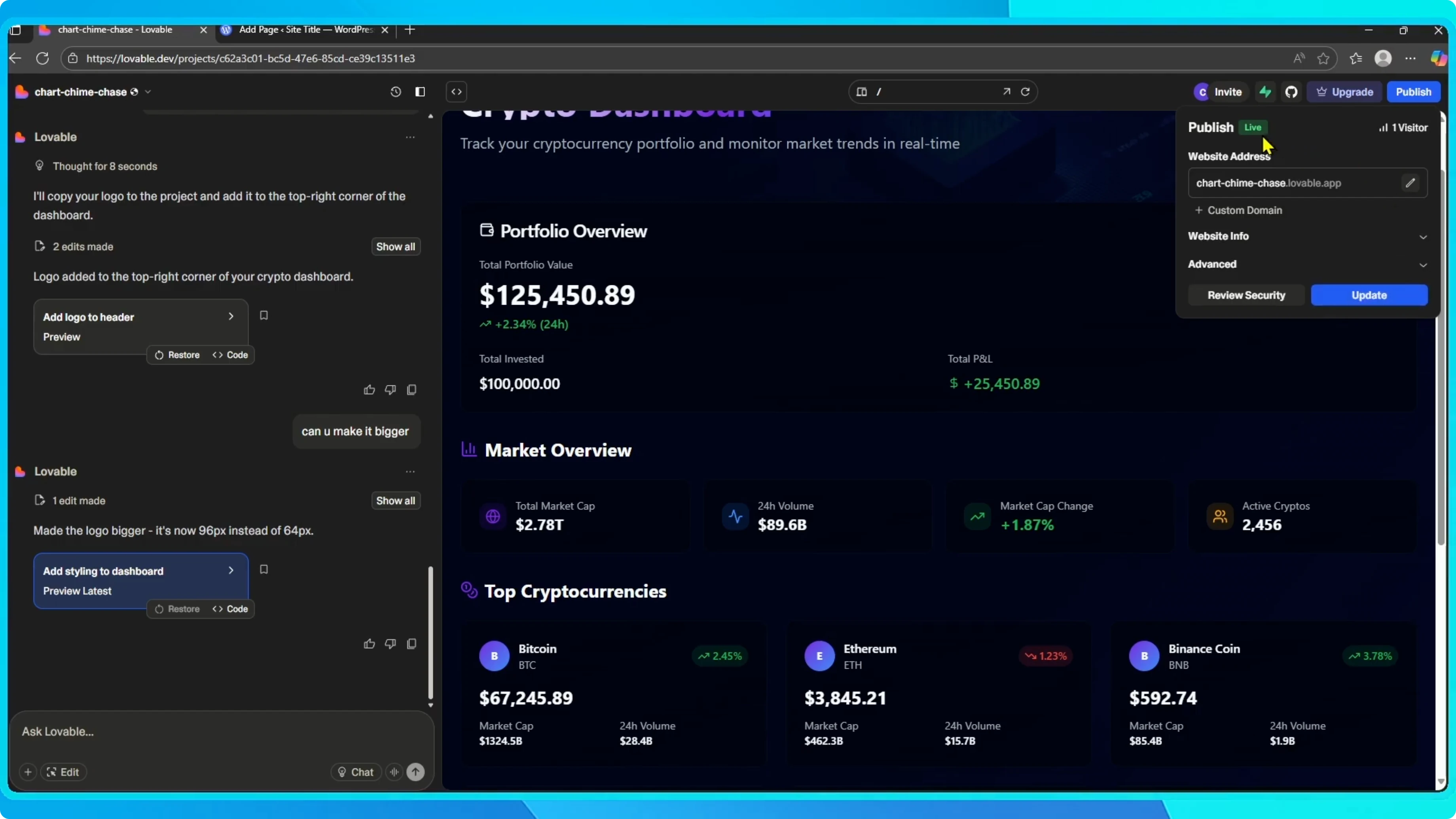
You can use a custom domain or the default Lovable subdomain.
Choose your option, then click Publish.
Within a few seconds, your app will be live at a URL you can visit.
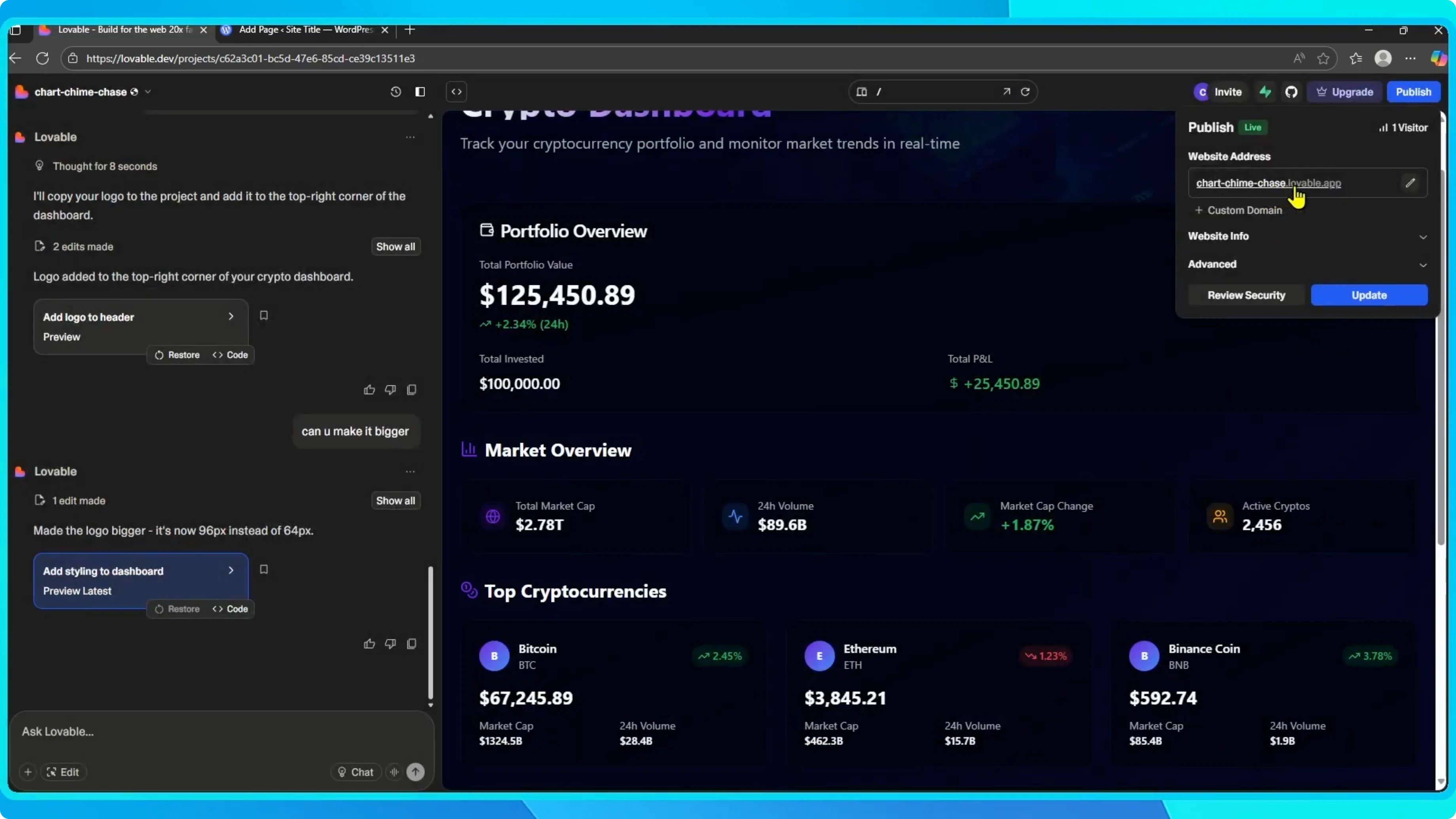
Copy this link.
You will need it for WordPress.
If you plan to accept payments in your app later, you can connect Stripe to your Lovable app with our step by step guide.
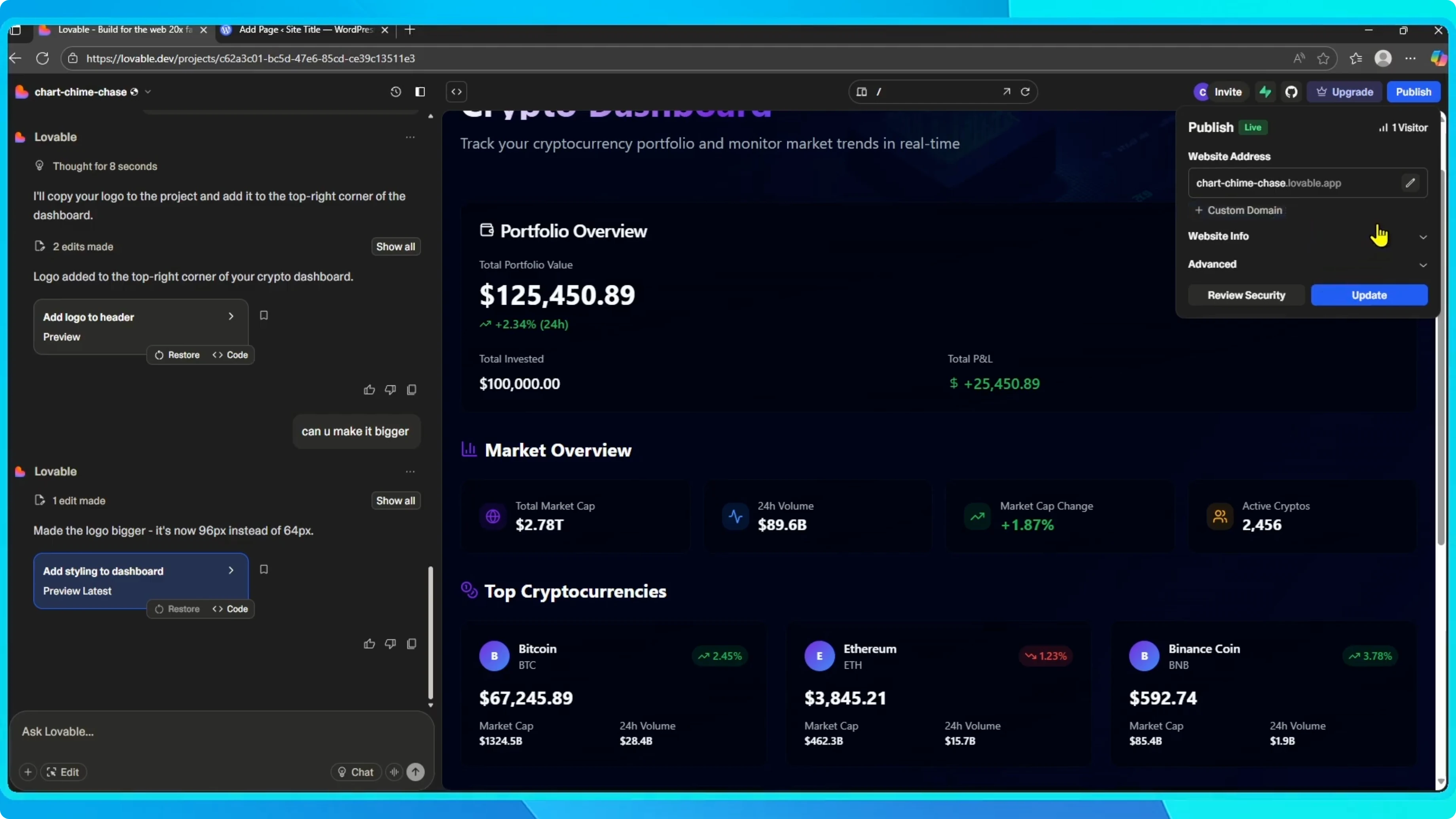
Create a WordPress page
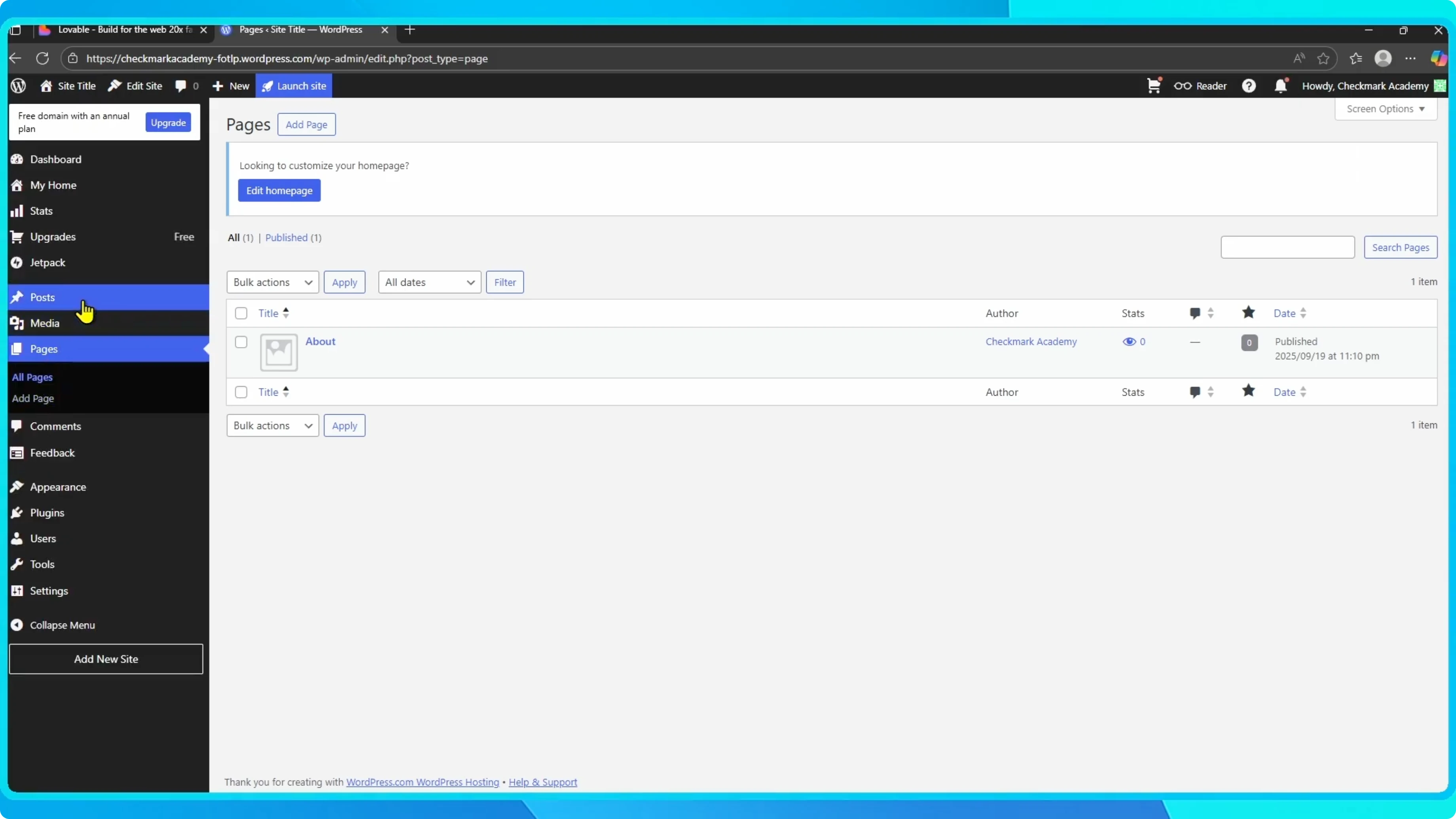
Log into your WordPress dashboard.
On the left-hand menu, click Pages, then select Add New Page.
This opens the page editor where you will embed the app.
Give the page a clear title if you want it to be easy to find.
You can add optional content above or below the embed.
The embed itself will display your live app.
Add the HTML block
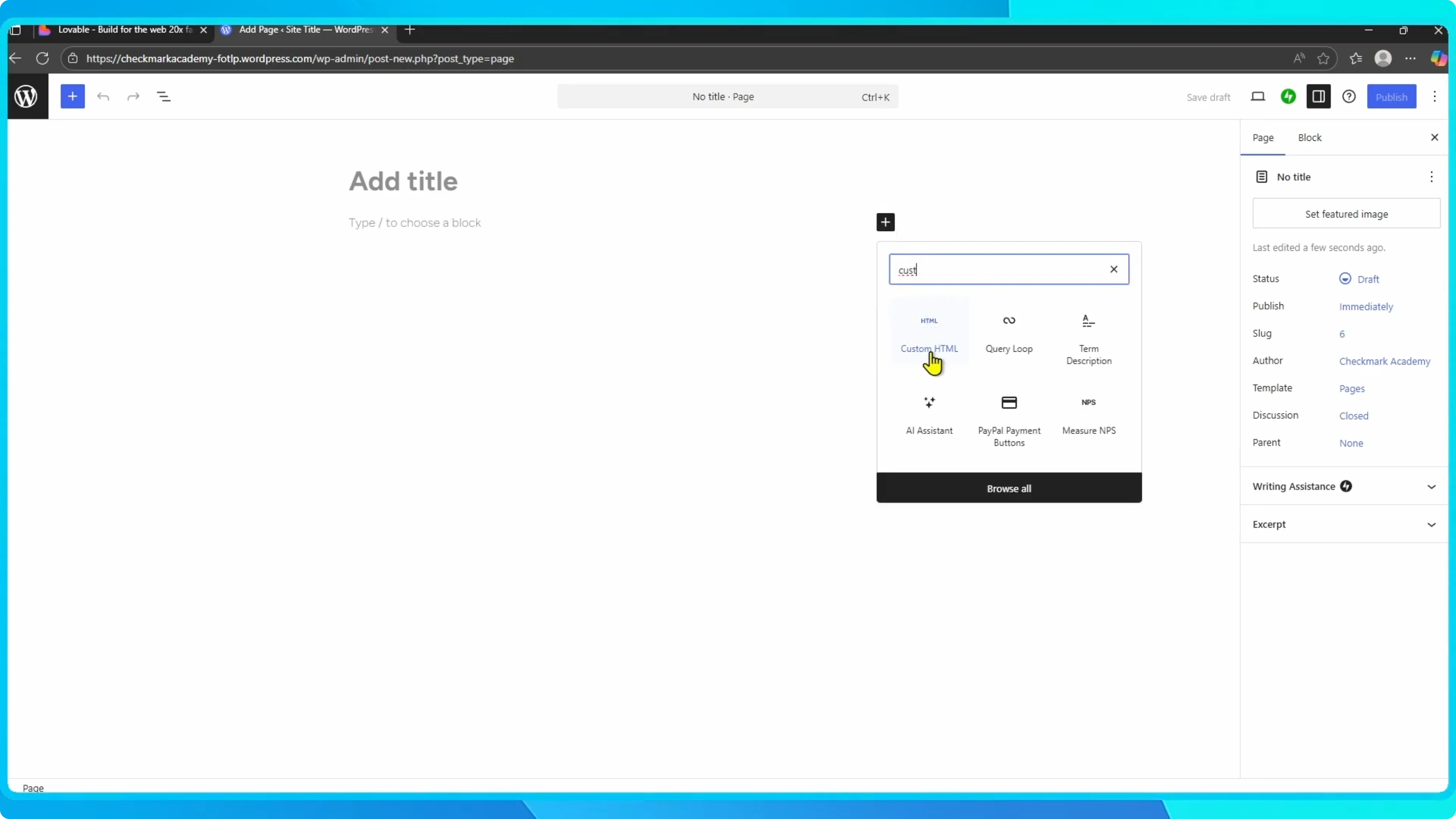
Click the plus icon to add a block.
Search for Custom HTML and add it to the page.
You will paste a simple iframe into this block.
Embed with iframe
Paste this iframe code into the Custom HTML block.
Replace the src value with the Lovable link you copied earlier.
Do not change the quotes or the tag structure.
<iframe
  src="PASTE-YOUR-LOVABLE-LINK-HERE"
  width="100%"
  height="800"
  style="border:0;"
></iframe>
If you prefer converting your Lovable site into a full WordPress theme instead of using an embed, see how to convert a Lovable site to a WordPress theme.
That approach gives you theme level control within WordPress.
Choose the method that best fits your workflow.
Preview and publish
Click Preview to check your page.
You should see your crypto dashboard embedded directly on the WordPress page.
If everything looks good, click Publish or Update to save.
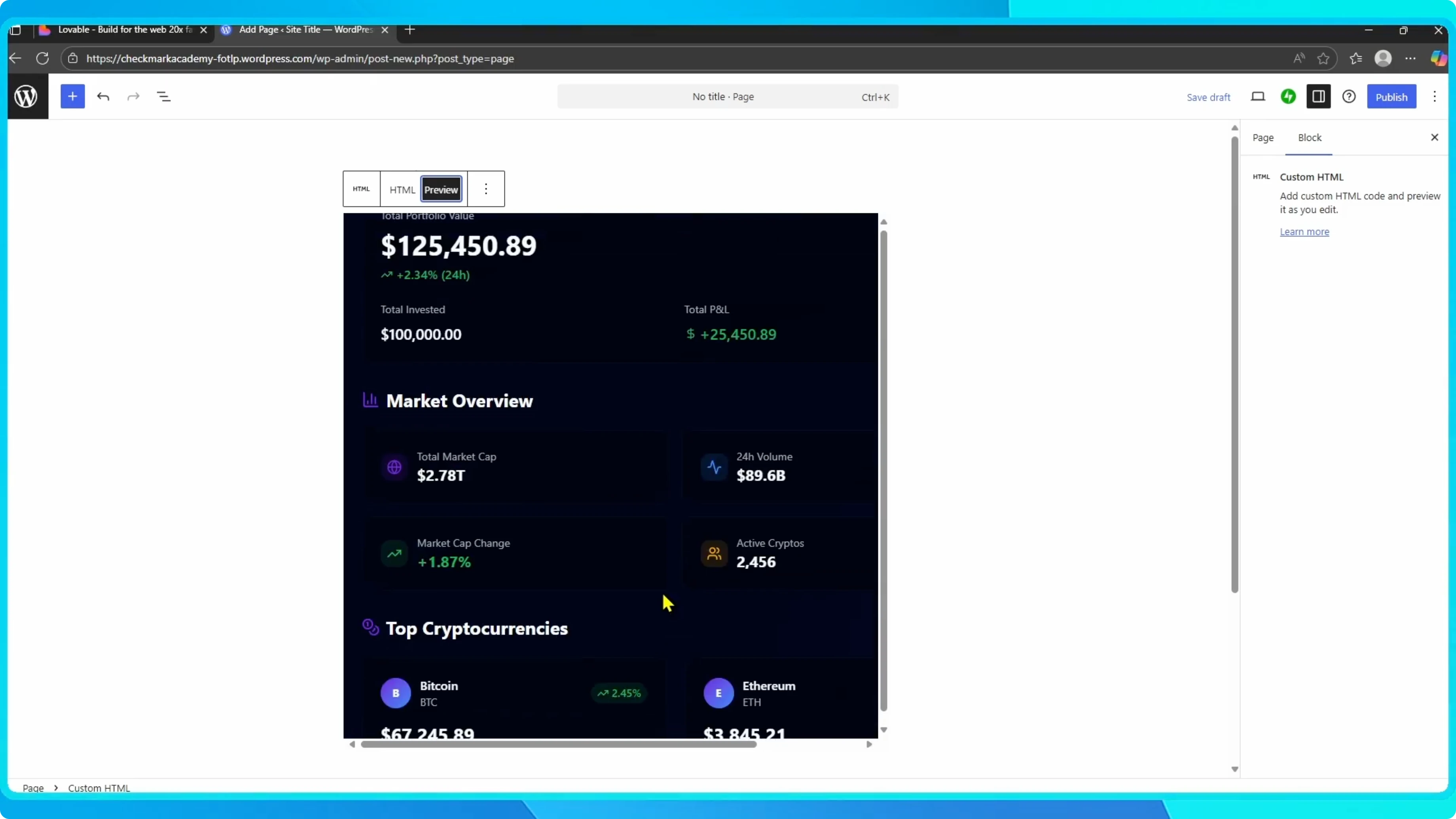
Your Lovable app is now live inside WordPress.
This method works well for dashboards, tools, and interactive widgets.
It keeps your app hosted by Lovable while displaying it on your site.
Final thoughts
You embedded a Lovable app into WordPress using a simple iframe and a published app link.
The key steps are publishing in Lovable, copying the live URL, and pasting it into a Custom HTML block.
If you also want a mobile build, see how to convert a Lovable app to an APK for Android.


