How to Convert Lovable App Into an APK File?
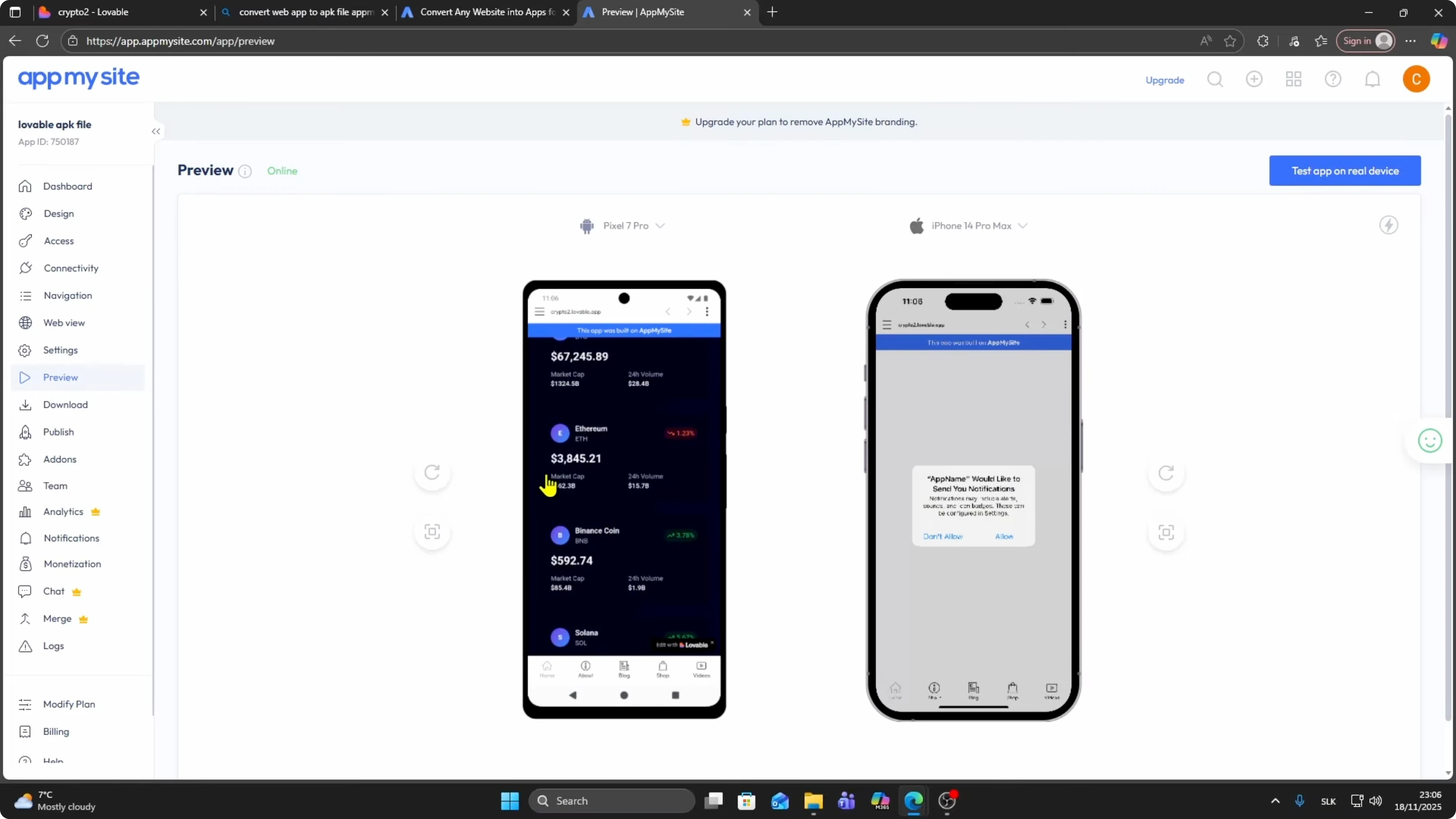
I will show you how to convert your Lovable app into an APK file for free using a straightforward process.
It is simple.
Follow these steps.
Prepare
Open your project in Lovable.
For example, I opened a simple app dashboard.
Click Publish in the top right and make sure the app is published.
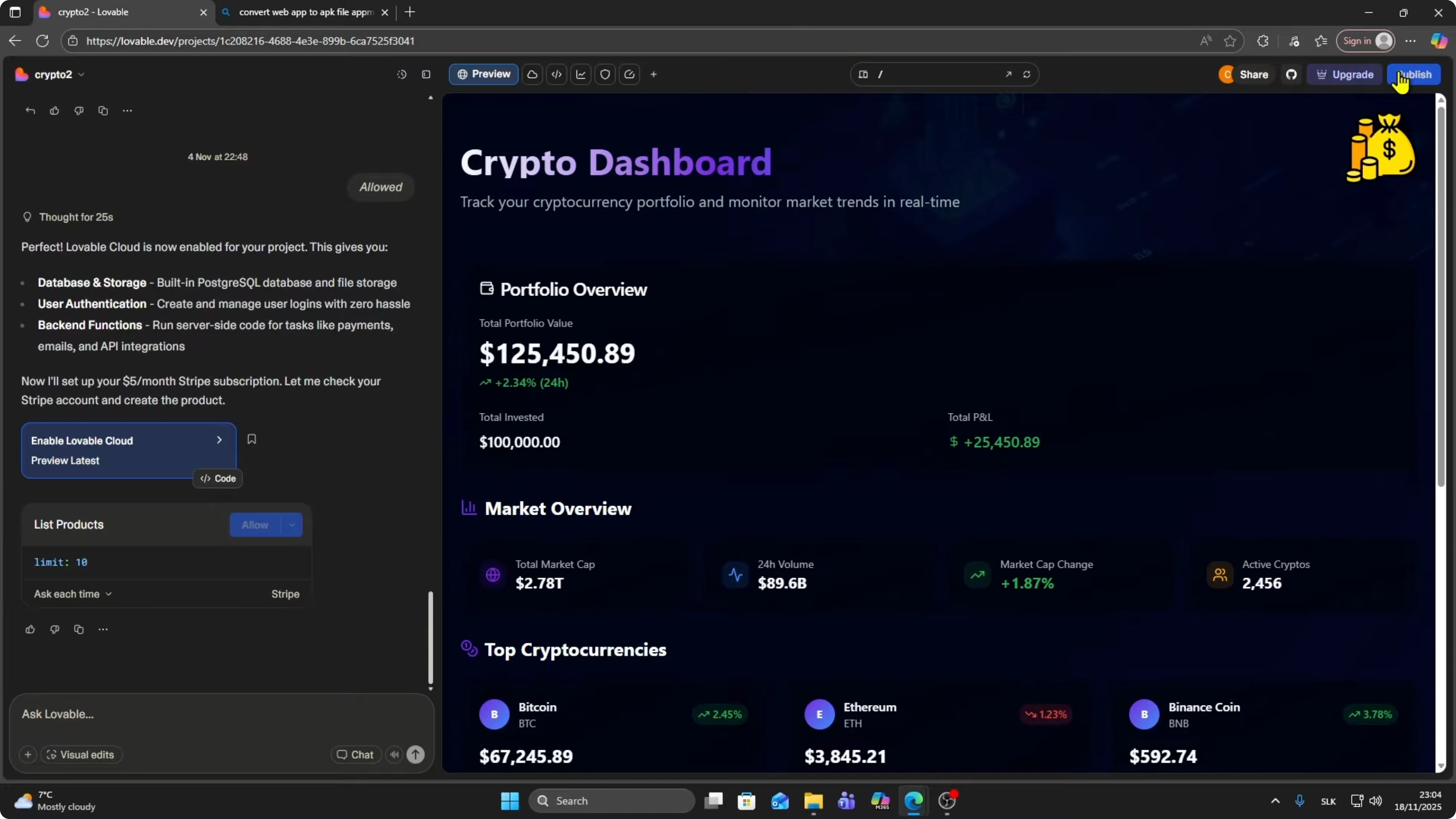
Click Publish again if needed and copy the public URL.
You will use this URL to generate the APK.
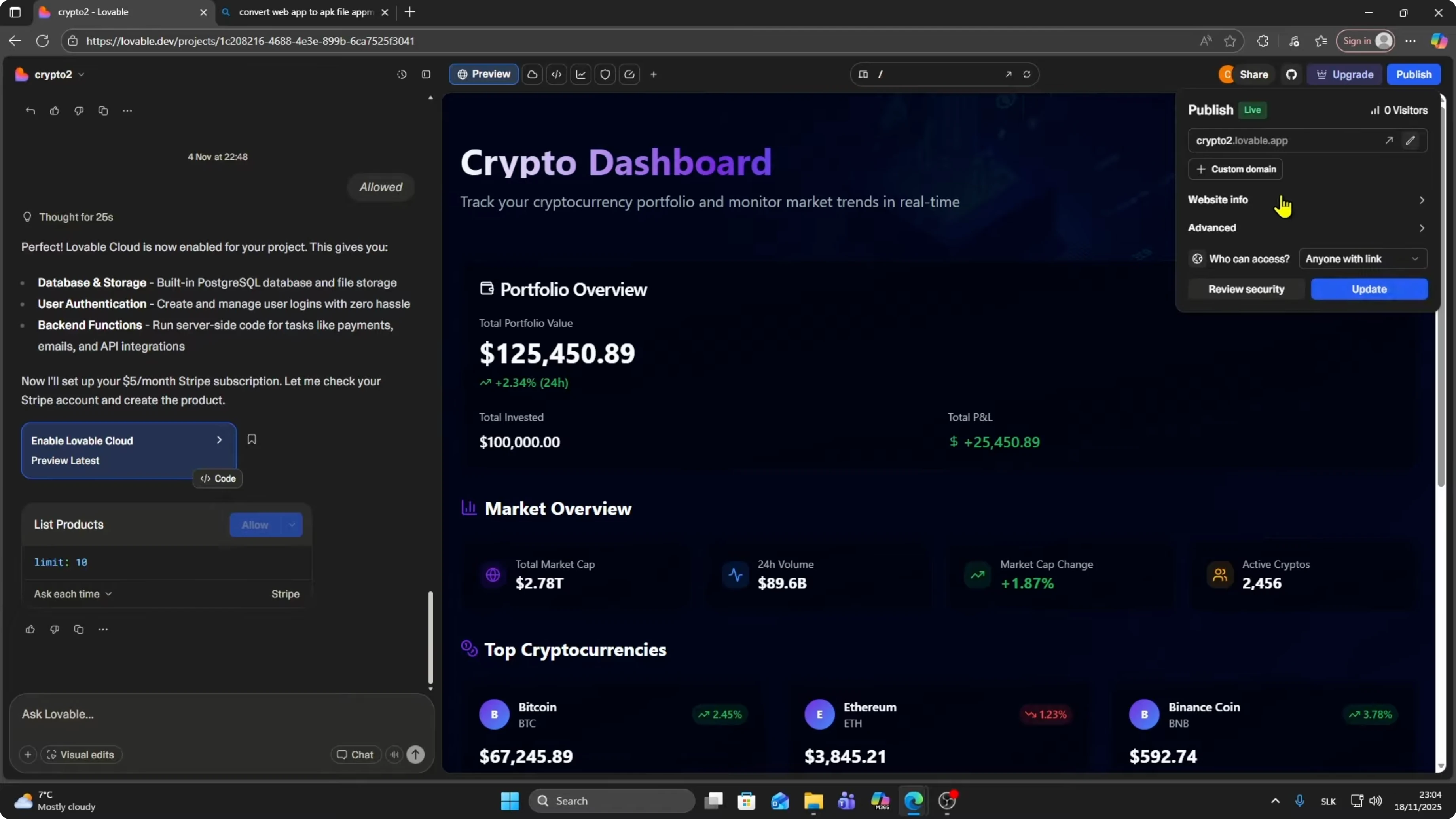
Go to Google and search for convert web app to APK file.
I used AppMySite at appmysite.com.
Open the site.
Create the app
Click Start for free. Click Create app.
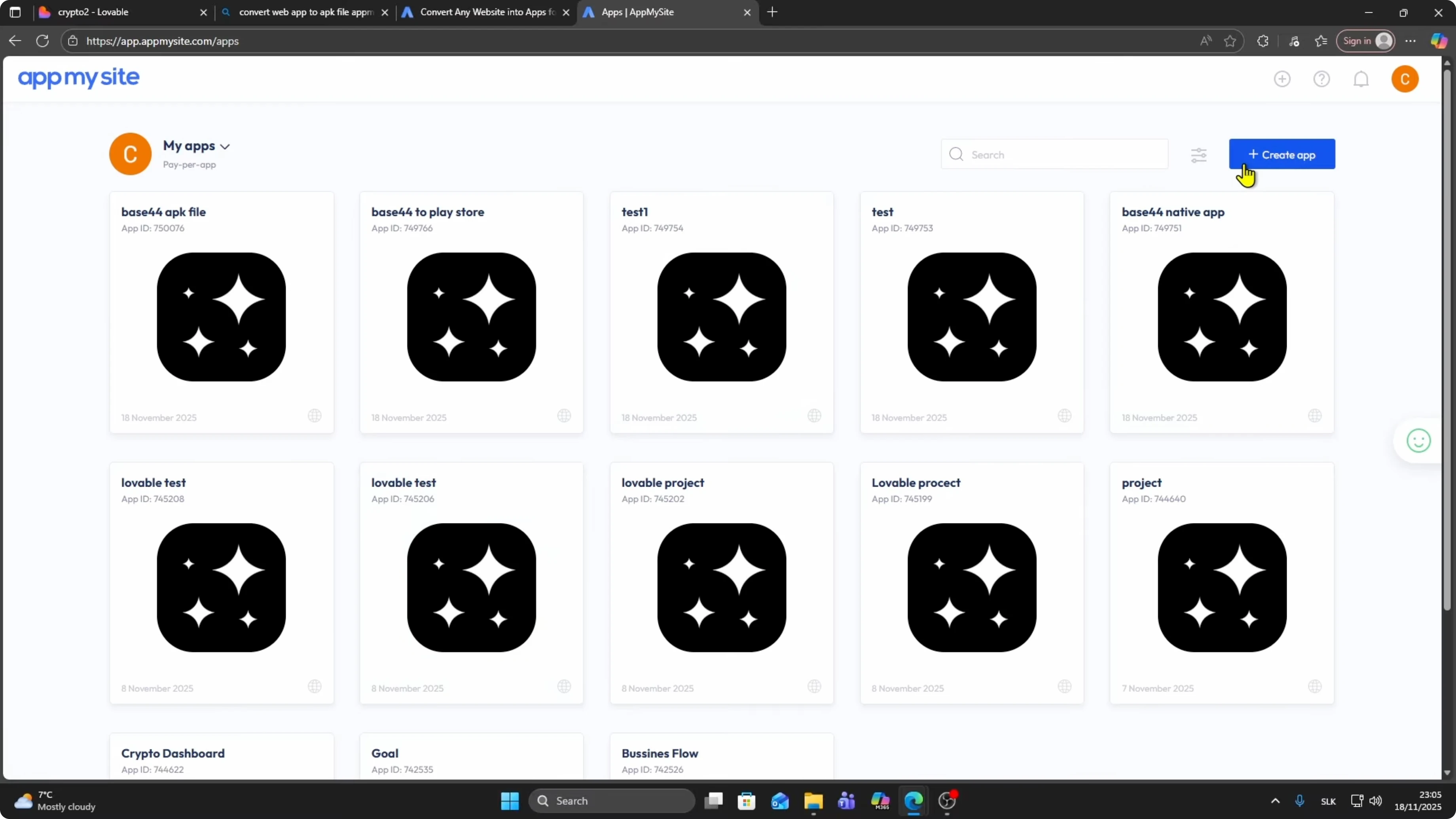
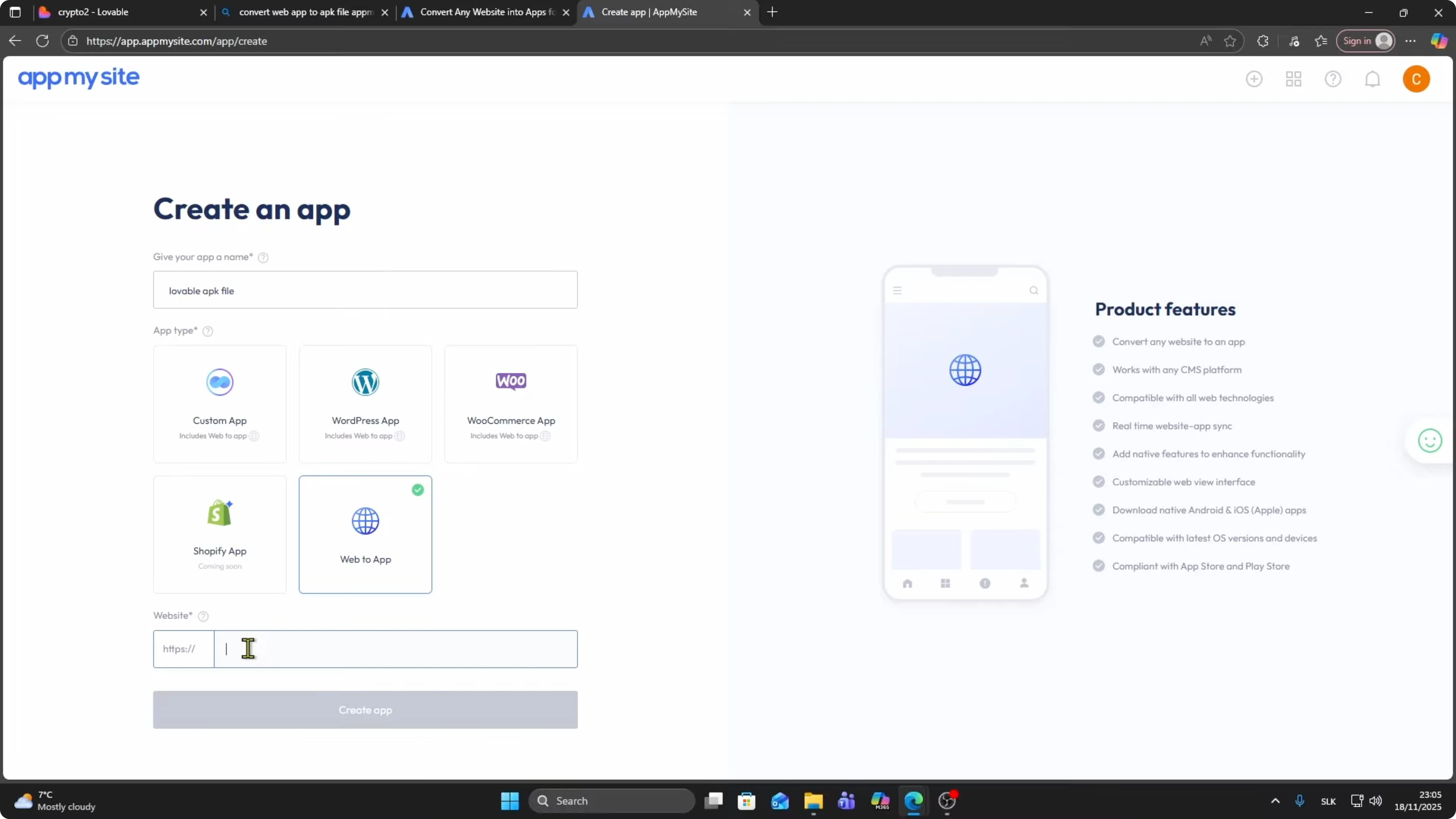
Name your app, for example “Lovable APK file”.
Choose the Web to App option.
Paste your Lovable app URL and click Create app.
Choose a color scheme and click Continue.
You can close the pop up when done.
Preview
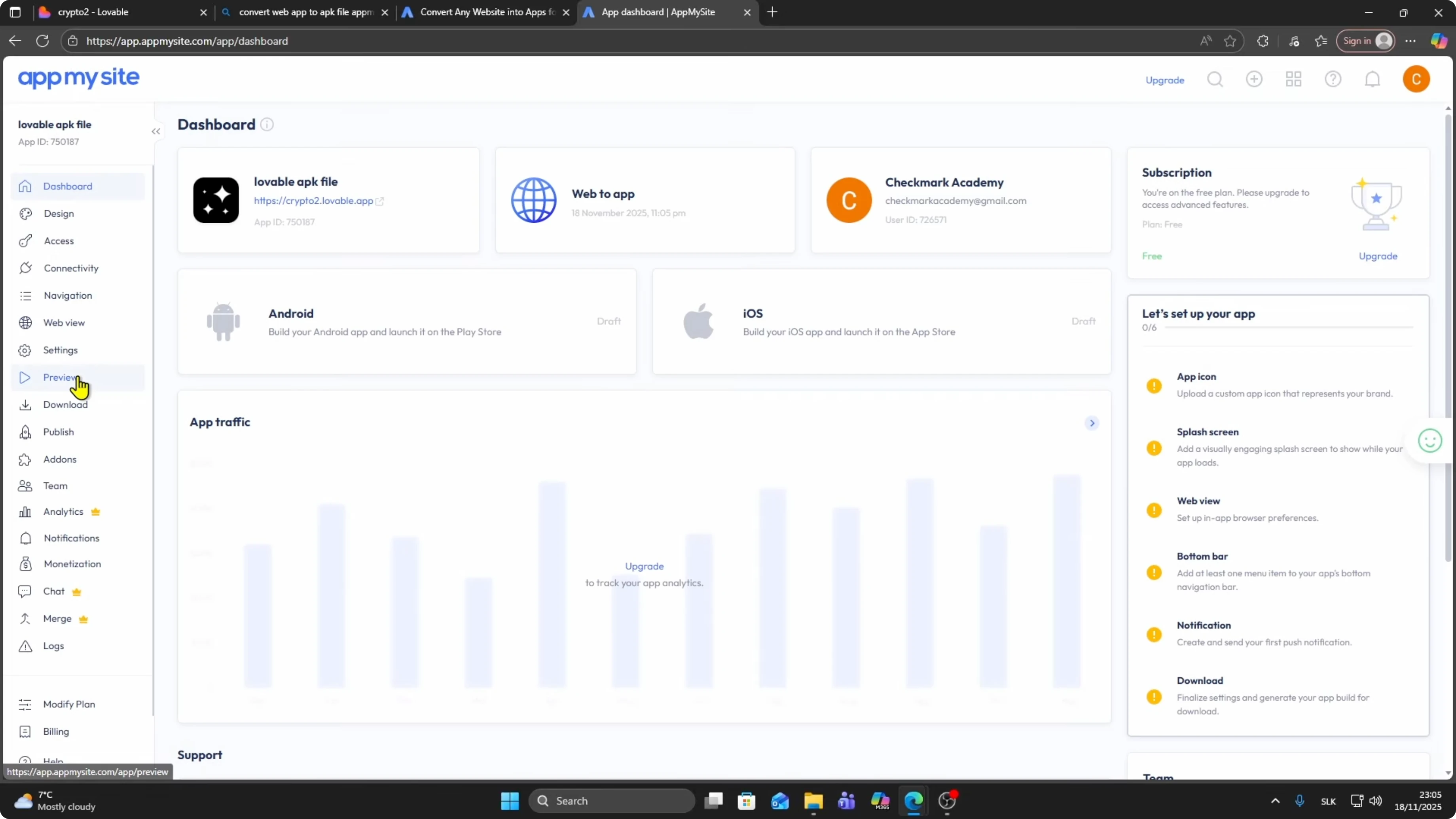
On the left, open Preview.
You can see how the mobile app looks on iPhone or Android.
Click to start the preview.
You can also test it on a real device.
Click the option to show the QR code, then scan it to open your app on your phone.
Confirm that scrolling and navigation work.
Read More: Google Chrome Canvas Drawing App
Download
On the left, go to Download under Preview.
Choose the Android app section.
iOS builds require a paid plan, and I will proceed with the free APK option.
Build the APK
Click Build app under Android.
You can configure app identity and app permissions, or keep the defaults.
Click Build app again to start the build.
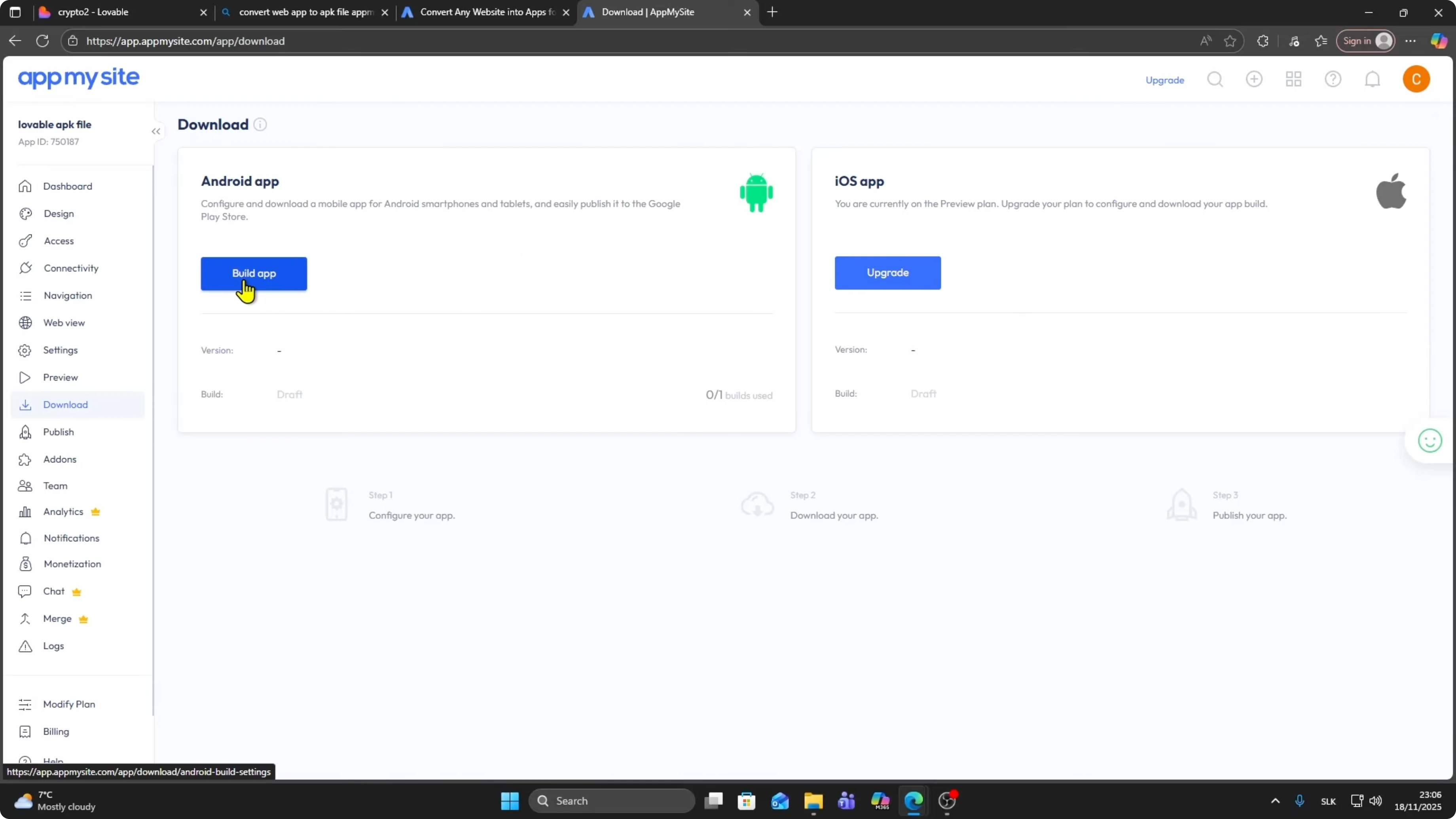
The build process starts and can take about 15 to 20 minutes.
Be patient until the status shows it is ready.
Get your files
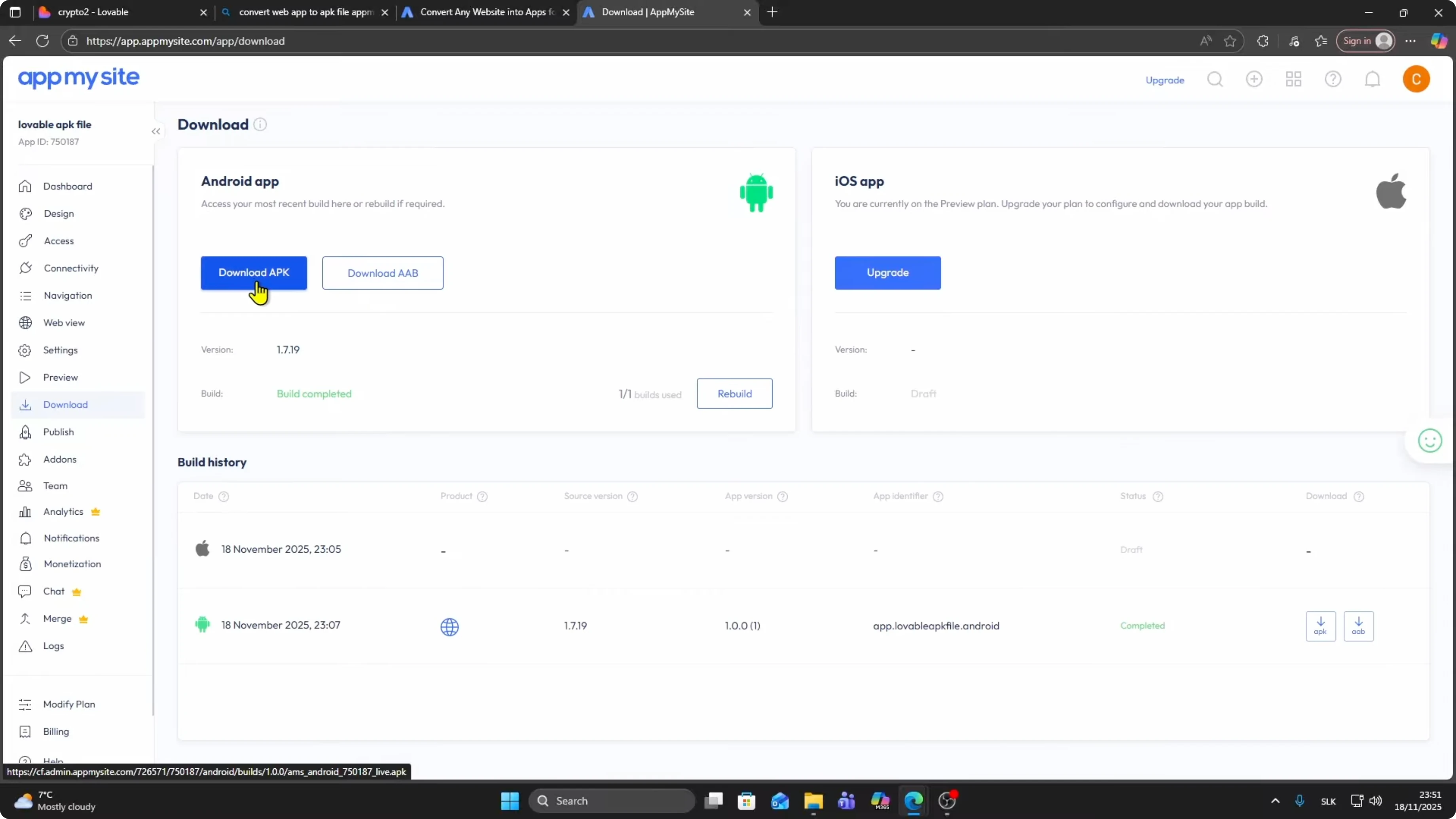
Click Download APK to start downloading your APK file.
You can also download the AAB if you need the bundle format.
Read More: How To Export Google Chrome Extension In Crx File To Save In Pc
Final thoughts
That is how you can convert your Lovable app into an APK file using AppMySite, preview it on mobile, then build and download the APK or AAB. If you run into stability issues during development on Apple computers, see this guide to fix crashes on recent systems: troubleshooting app crashes on macOS Sequoia.


