How to Duplicate or Remix a Project in Lovable?
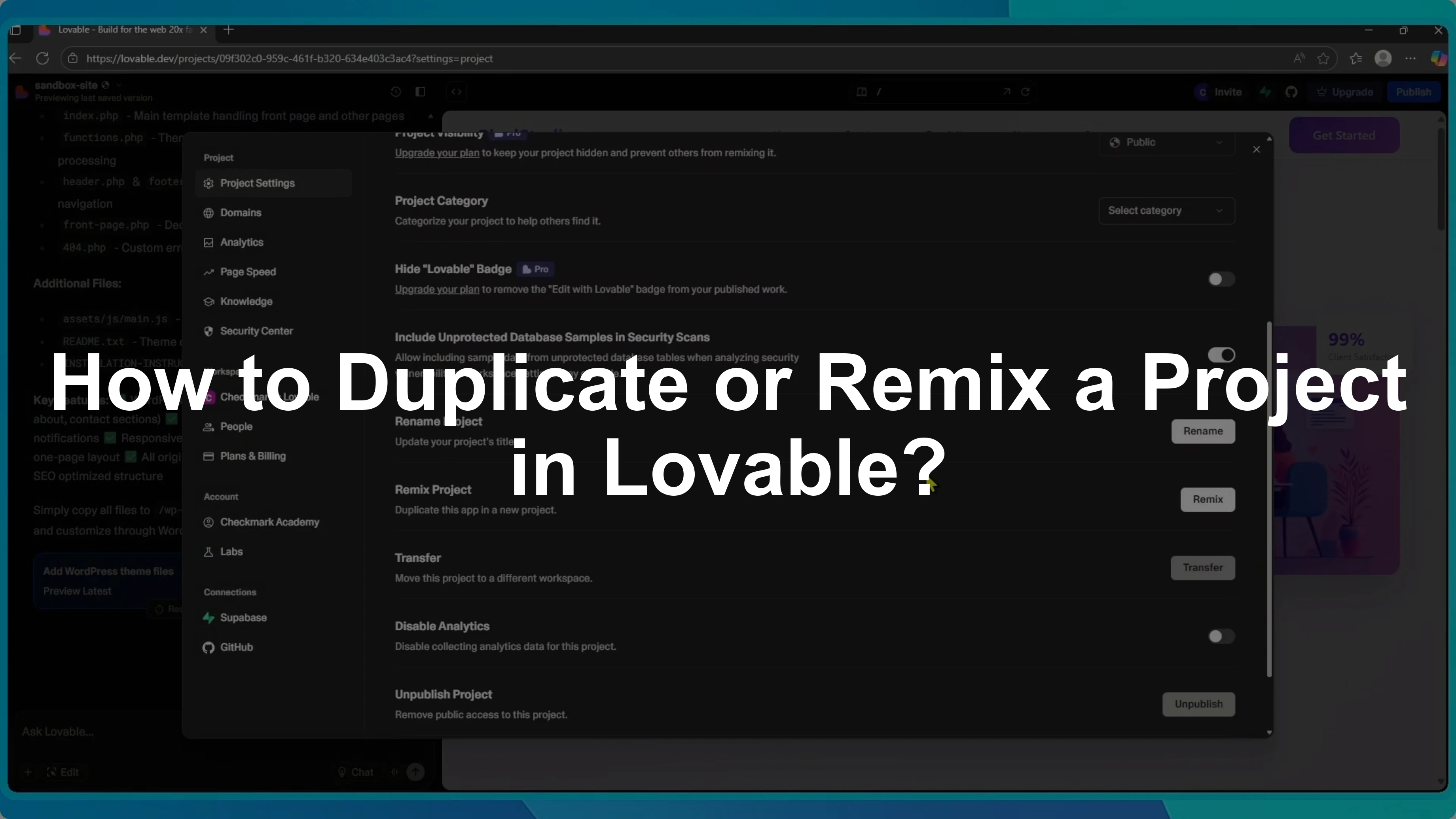
I’ll show you how to remix or duplicate a project in Lovable and why this can be really helpful.
Duplicate a project to test new features, try a different design, or keep a backup without changing your original app.
Remixing makes this easy.
If you need to move a copy to another owner after duplicating, you can transfer a project to another account.
Remix from a project
Open your project and click the project name in the top left corner.
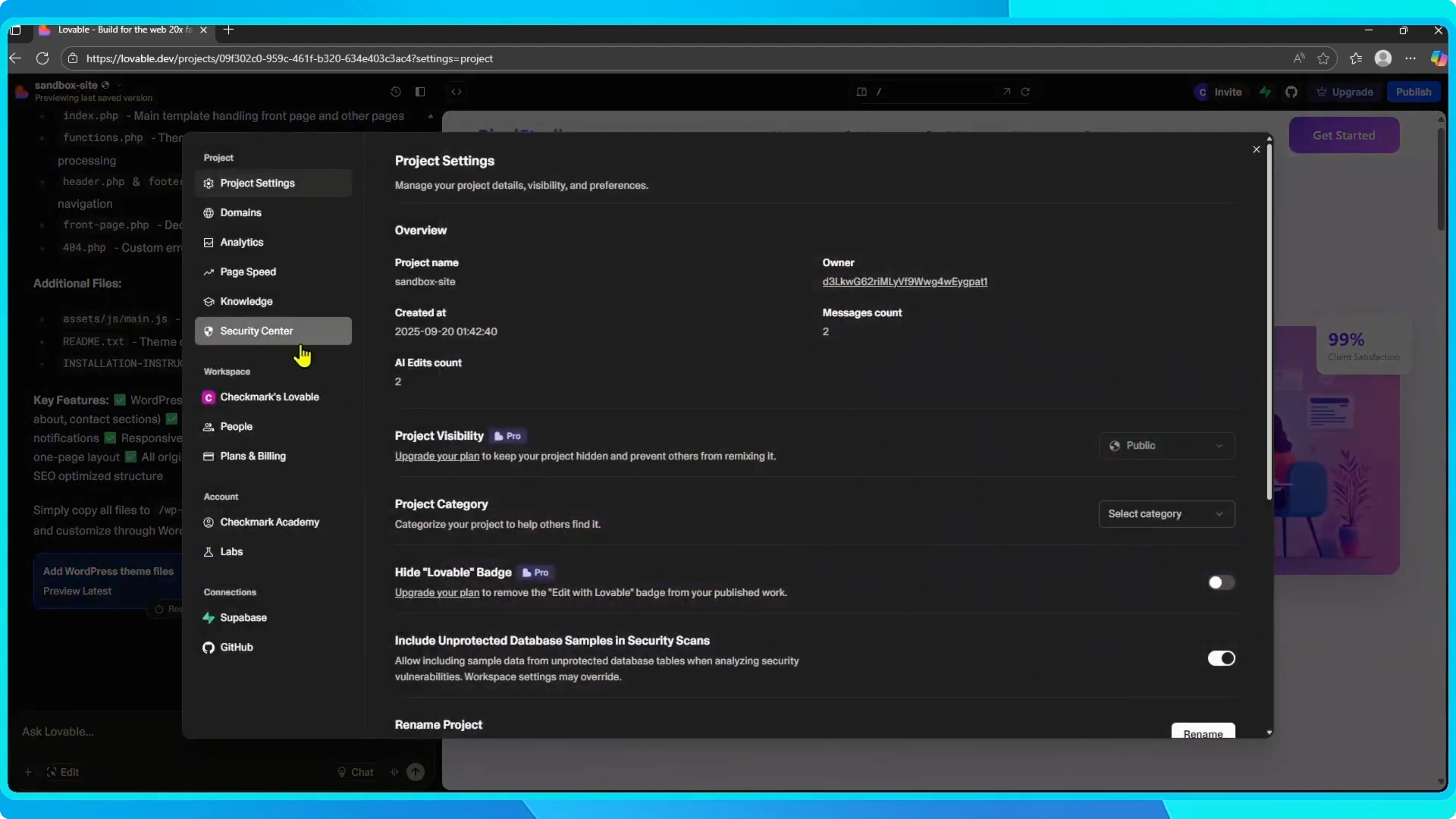
Go to Settings.
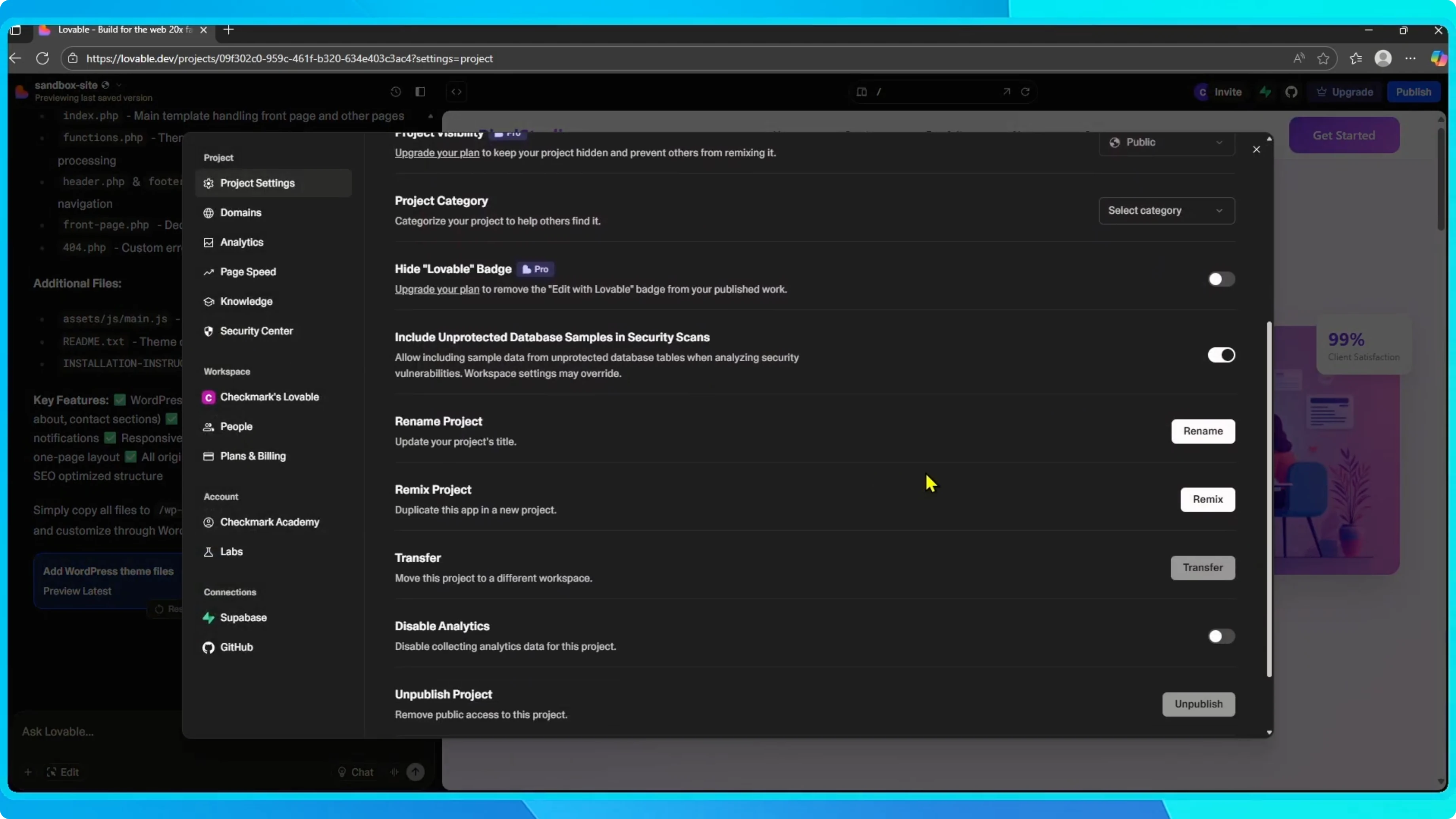
Scroll down and select Remix project.
You will see a checkbox labeled Include project history.
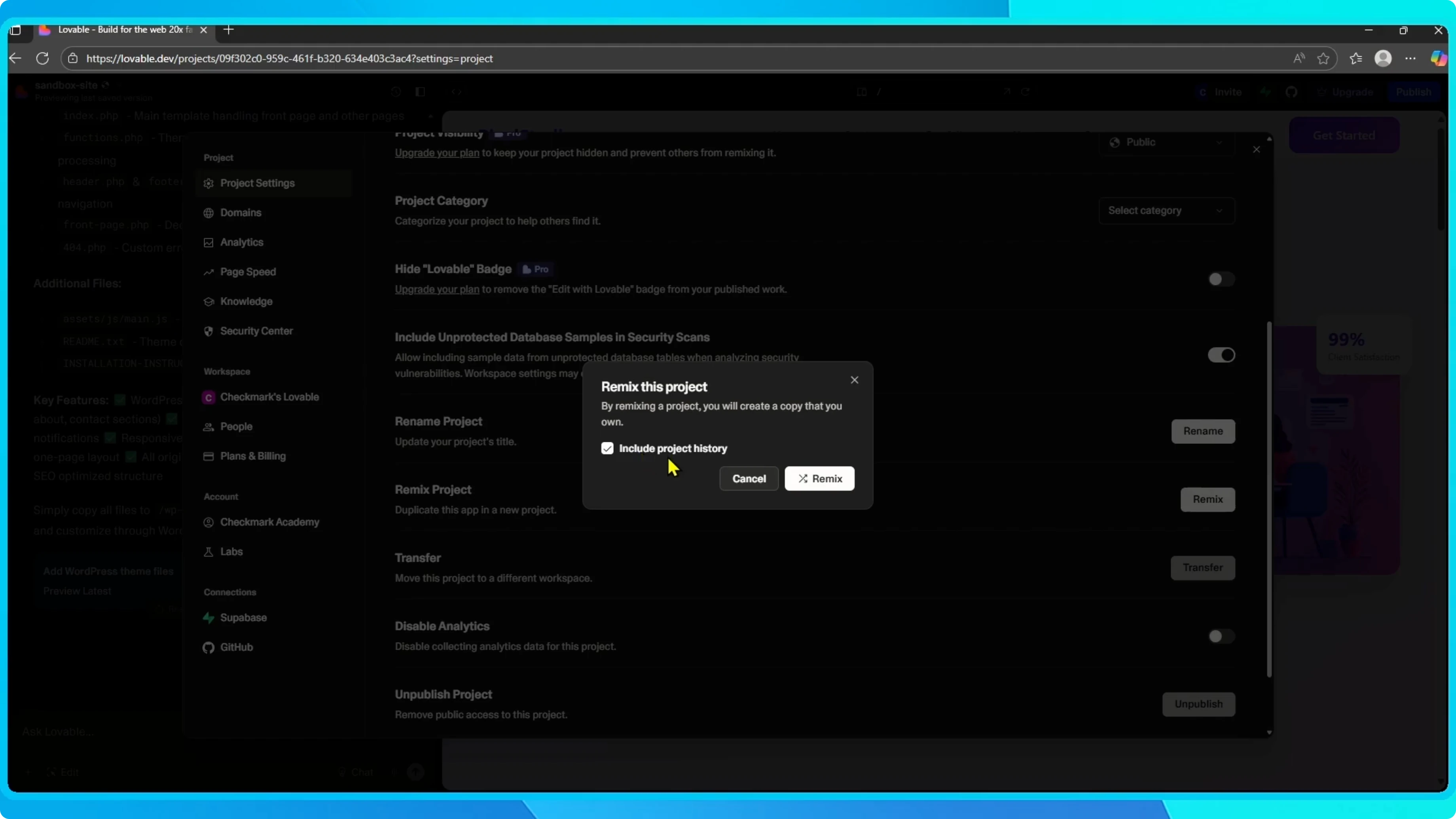
Leave it unchecked for a clean copy with only the current version of your app.
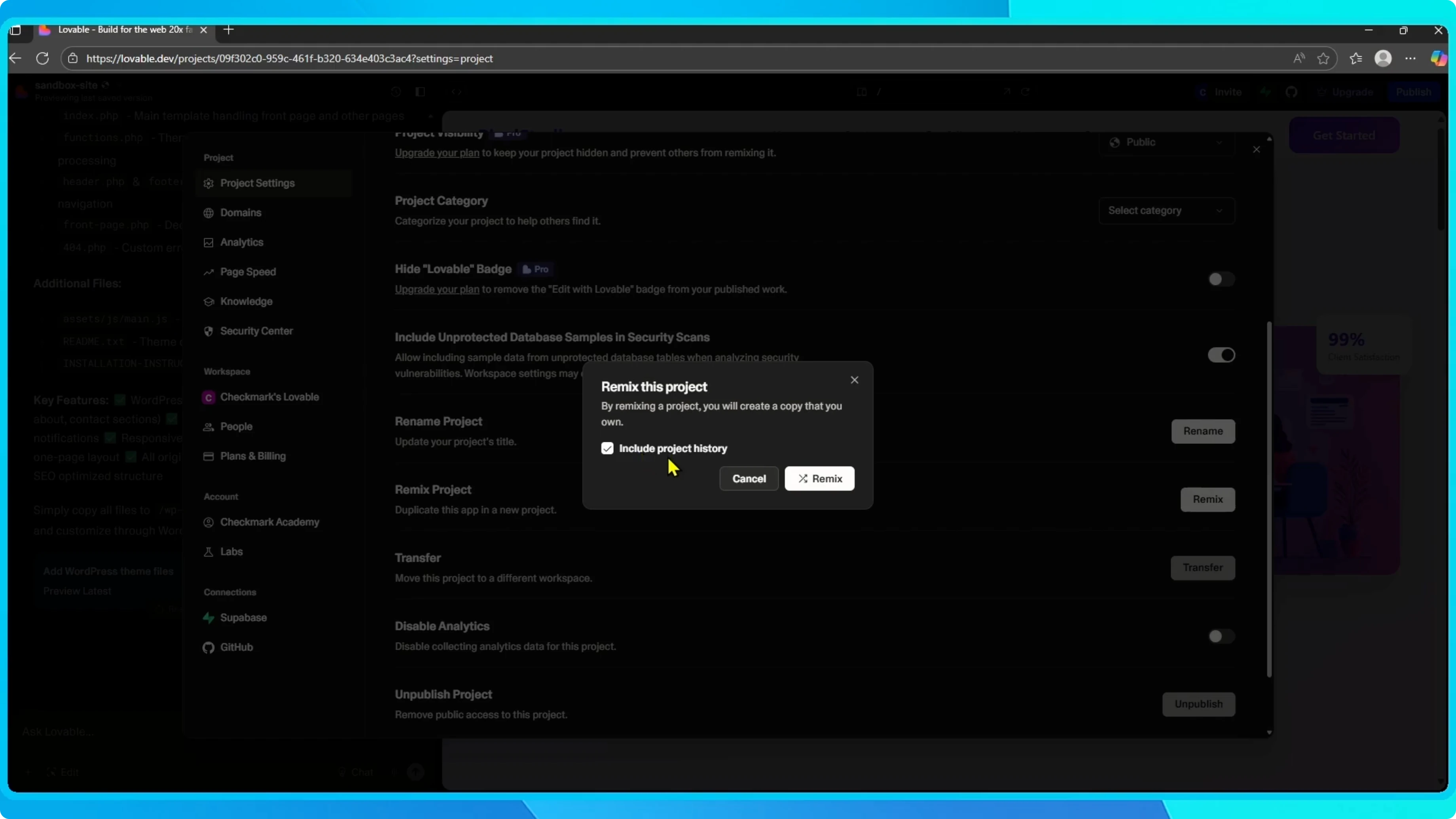
Check it to copy the full chat history and the prompts and edits that built the project.
This is helpful if you want to keep the workflow or reuse past instructions.
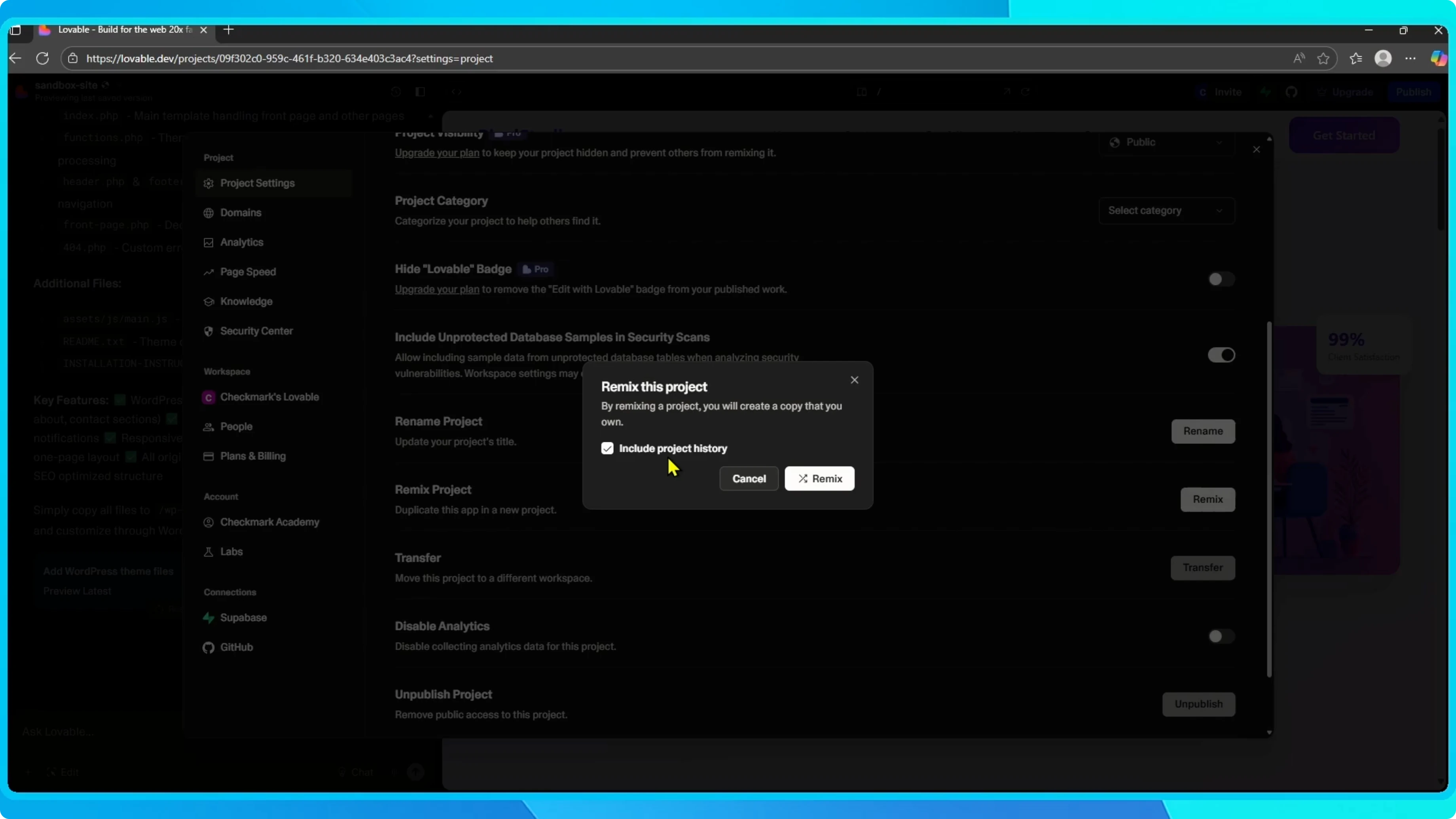
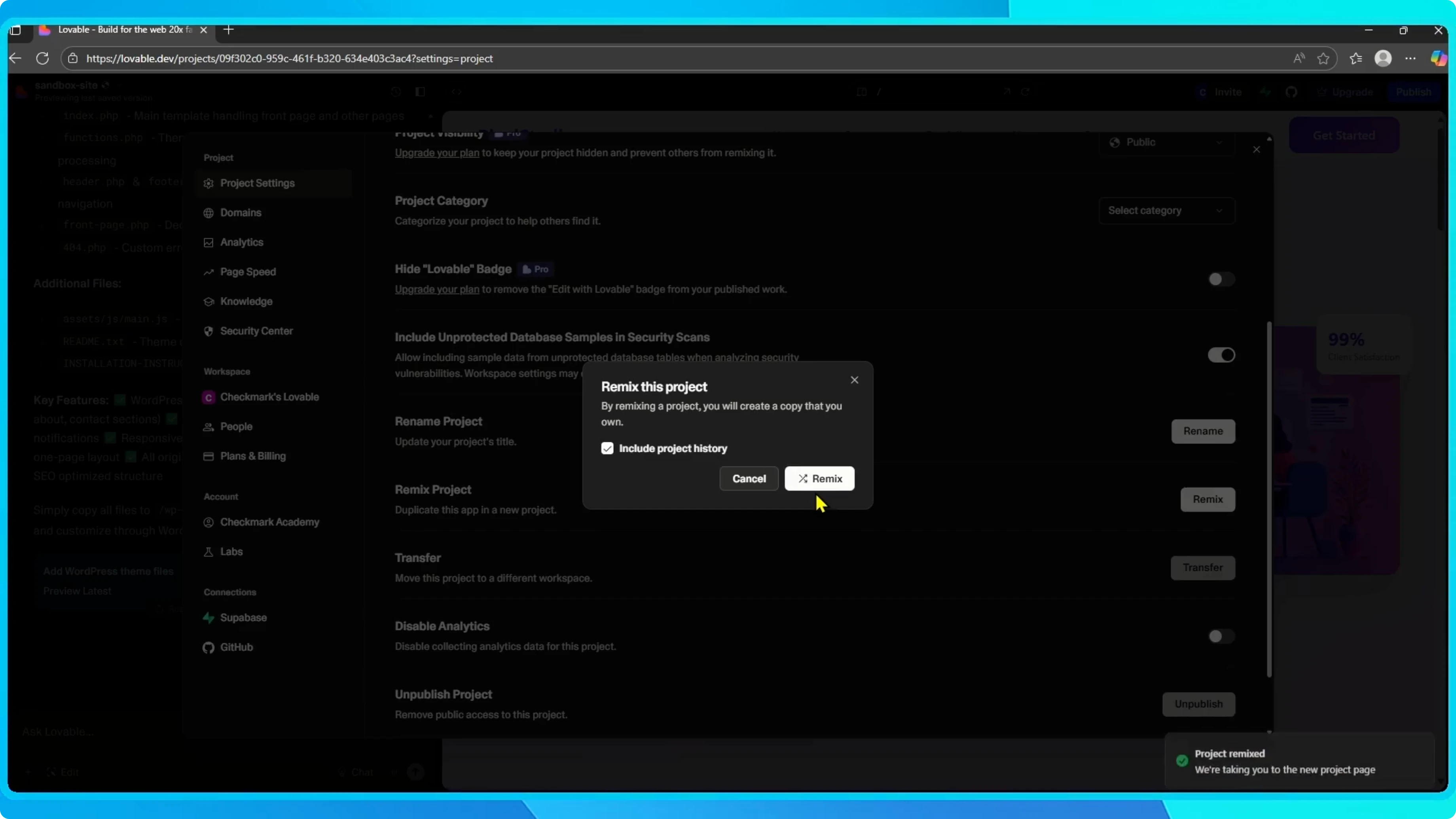
This instantly creates a duplicate you can edit separately.
If you are starting from a design, you can connect Figma to Lovable to bring your UI in before or after you remix.
From the dashboard
Open the dashboard and find the project you want to duplicate.
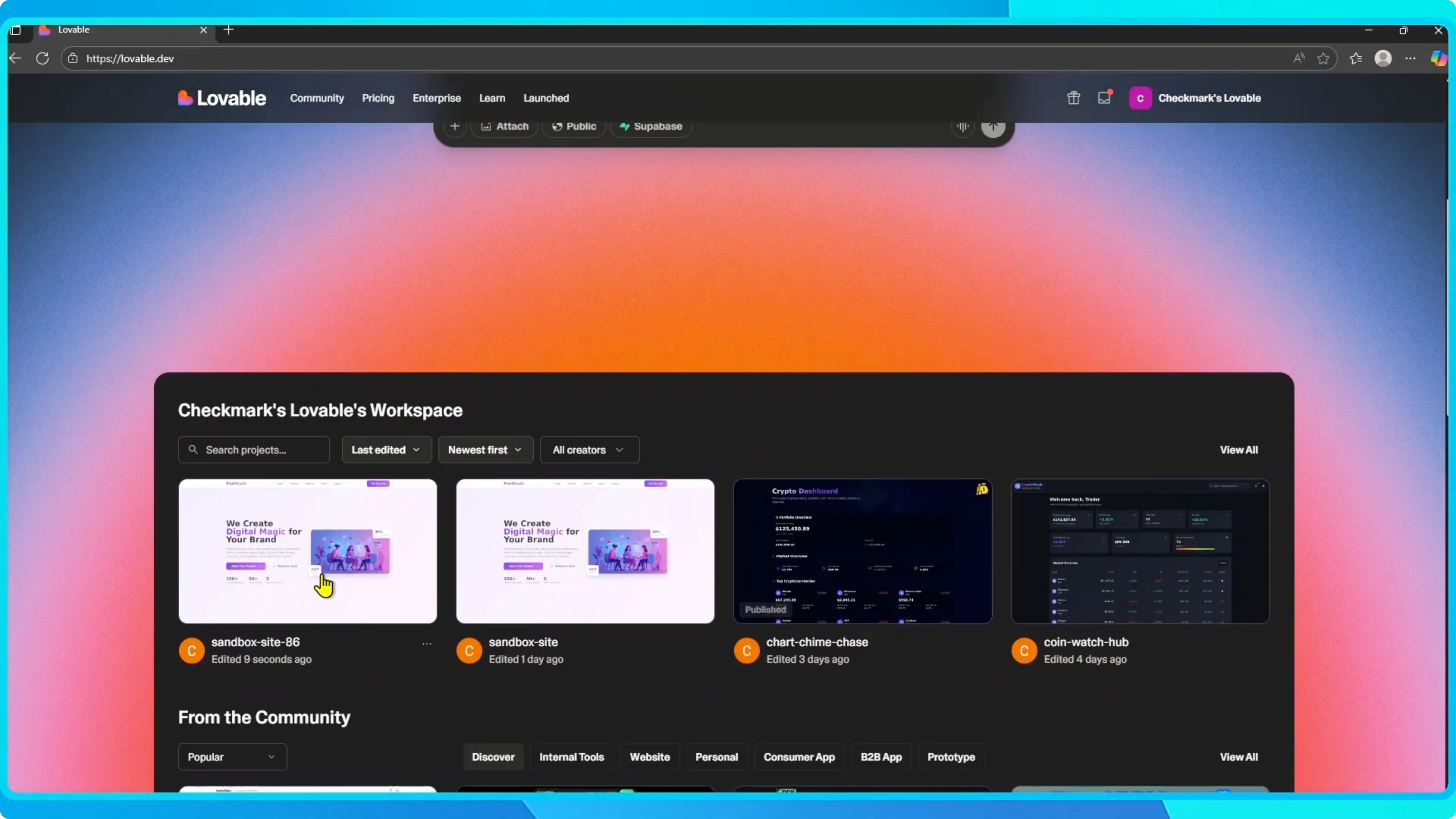
Click the three dots.
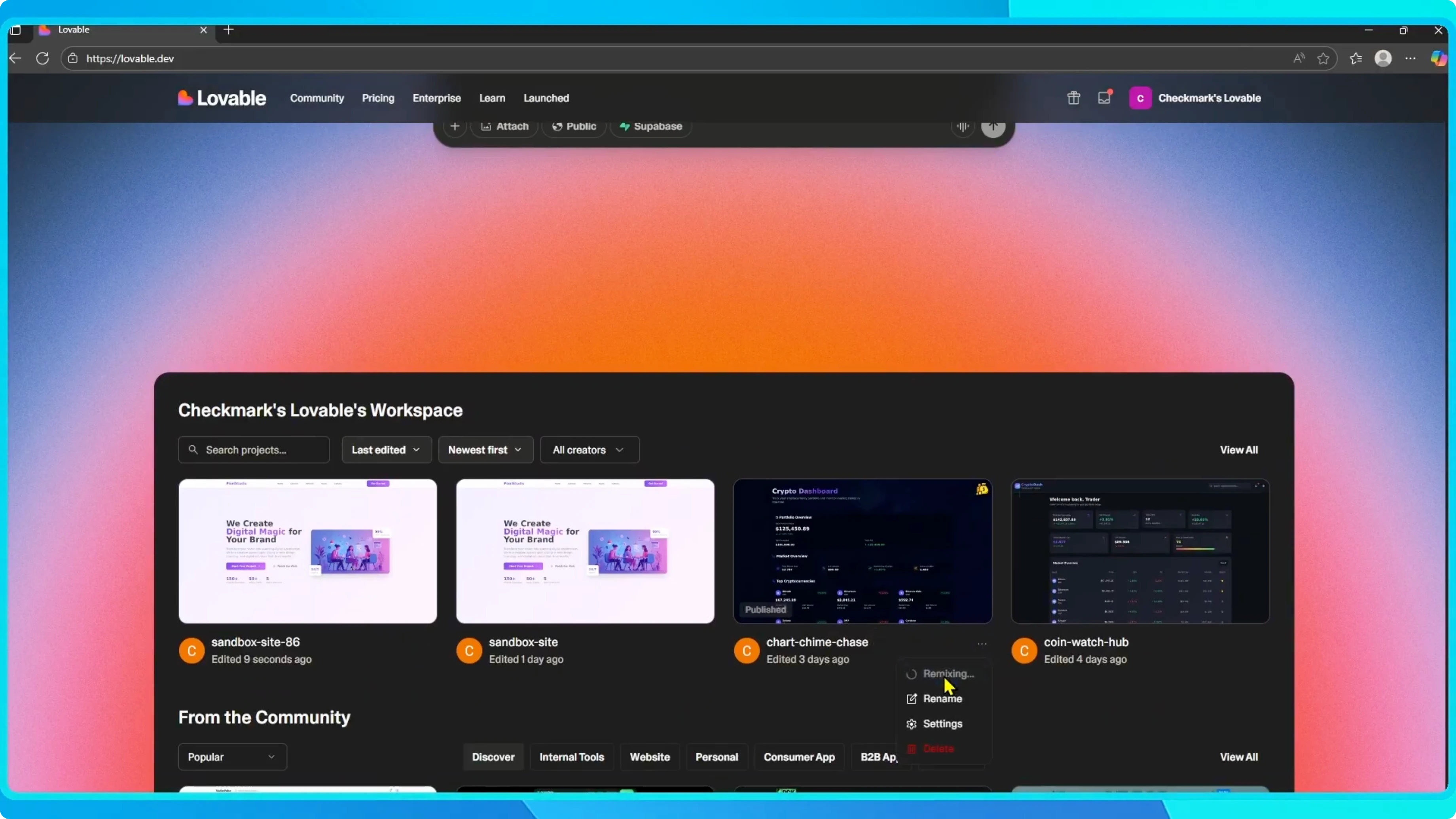
Select Remix.
Lovable will copy the project and open it in the editor.
Once duplicated, you will see the new project name in the top left corner.
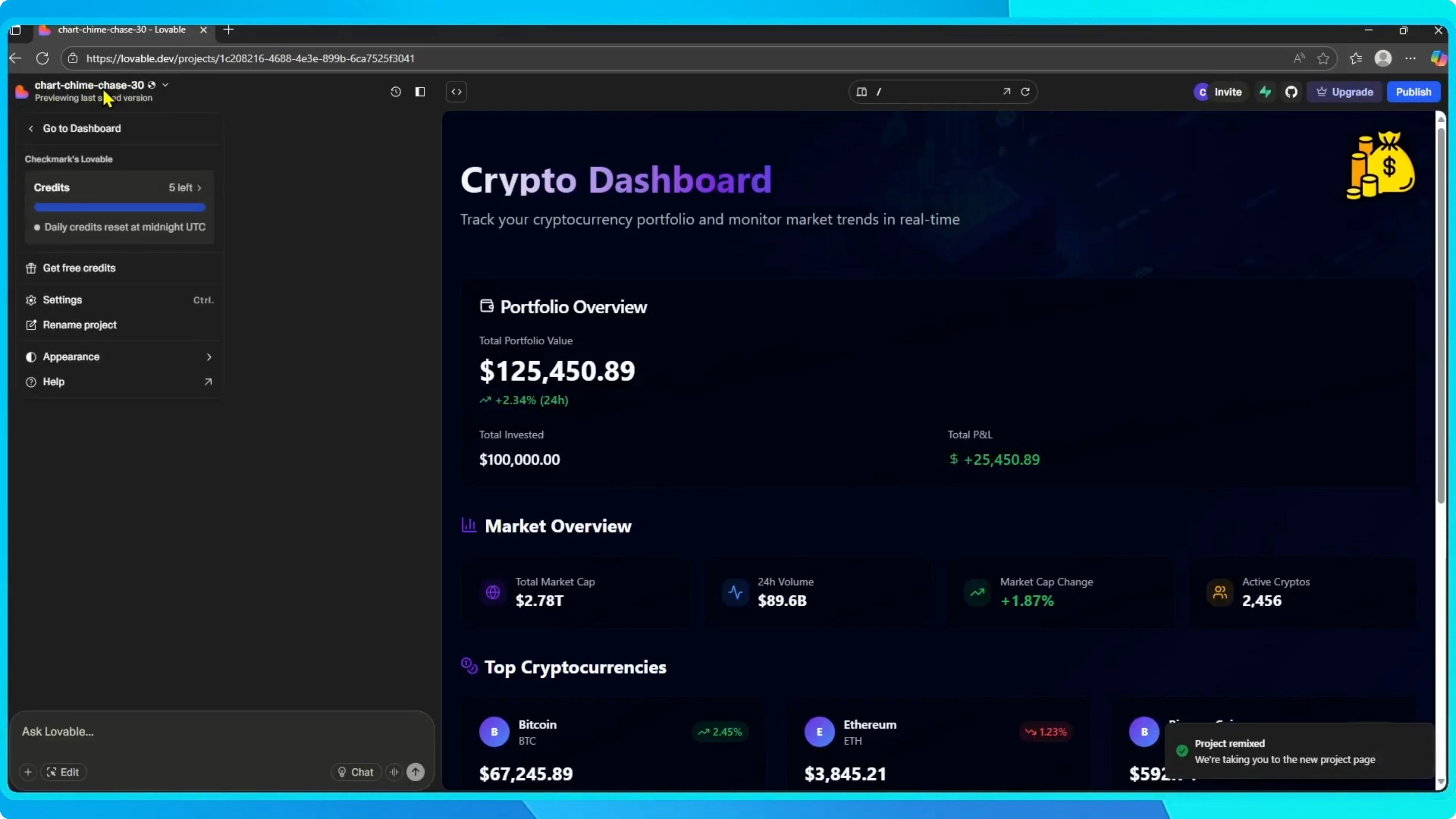
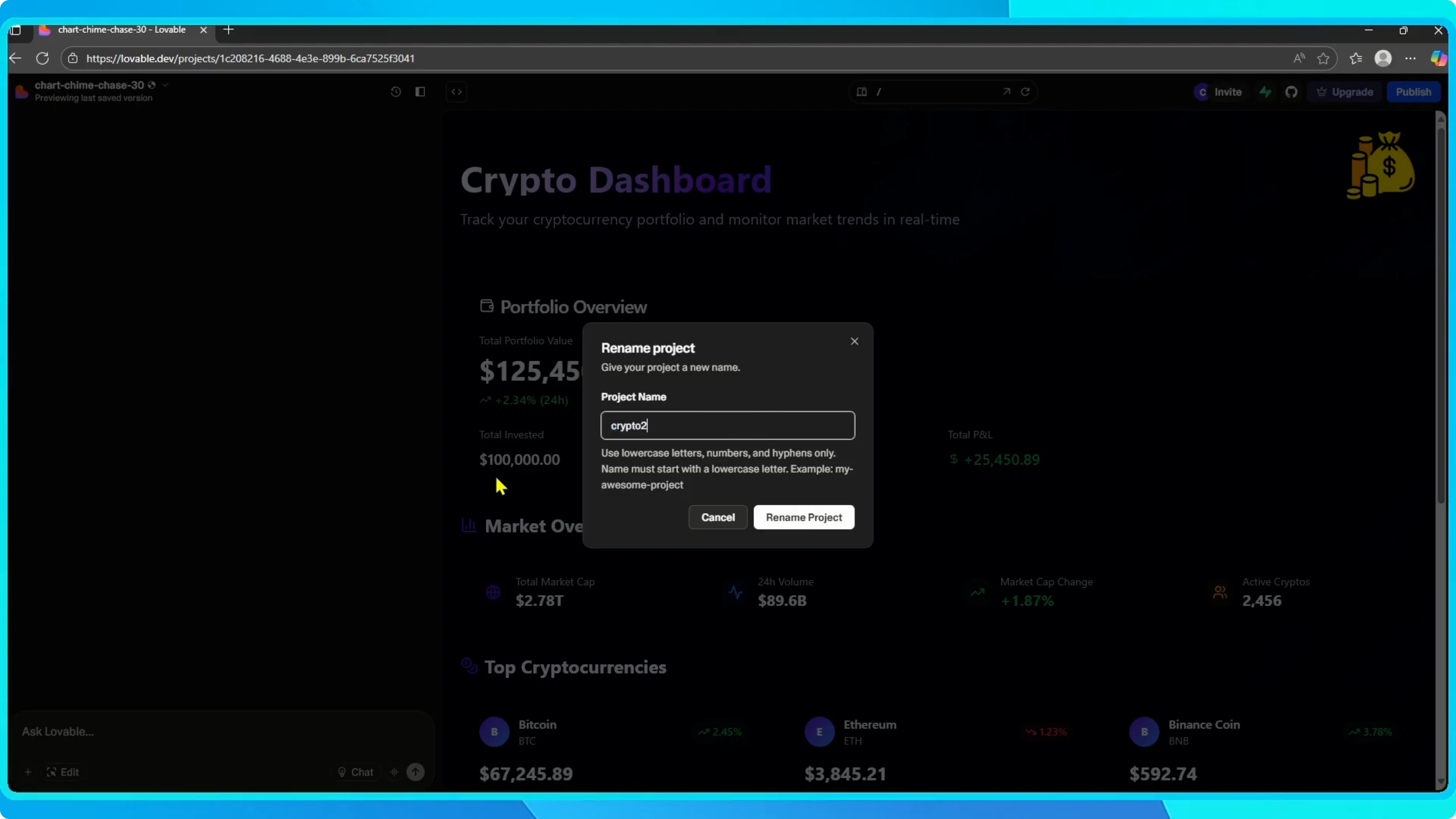
You can rename it at any time to keep things organized.
Final thoughts
That is how to remix or duplicate a project in Lovable.
It is a great way to experiment without touching your original project.
If you are preparing a build from your remixed app, you can convert your Lovable app to APK.


