How to Delete a Project in Lovable?
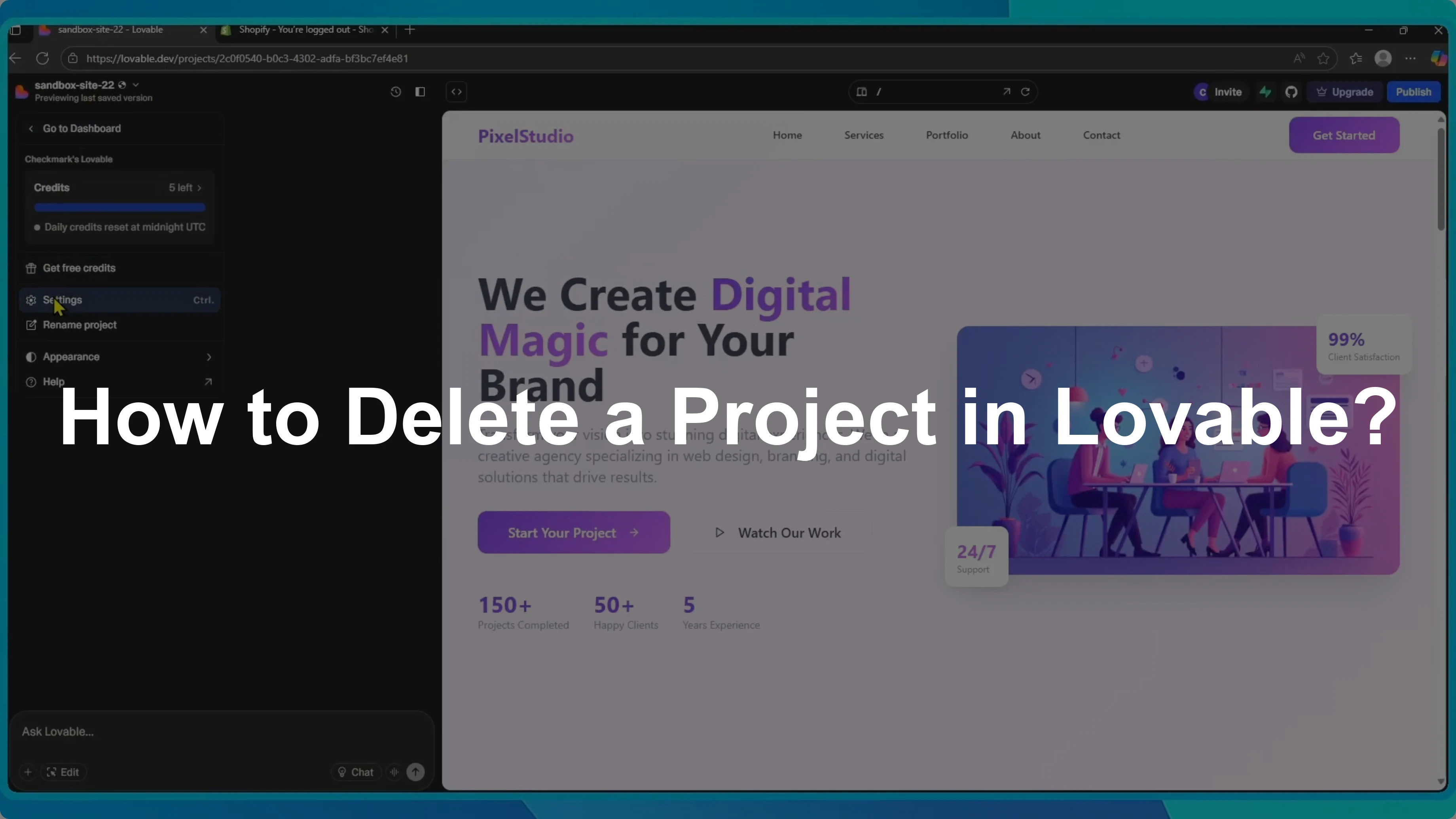
Deleting a project in Lovable is simple when you want to clean up your workspace or remove projects you no longer need. It only takes a few clicks.
If you would rather keep a copy instead of removing it, see how to handle duplicating or remixing a project.
From project settings
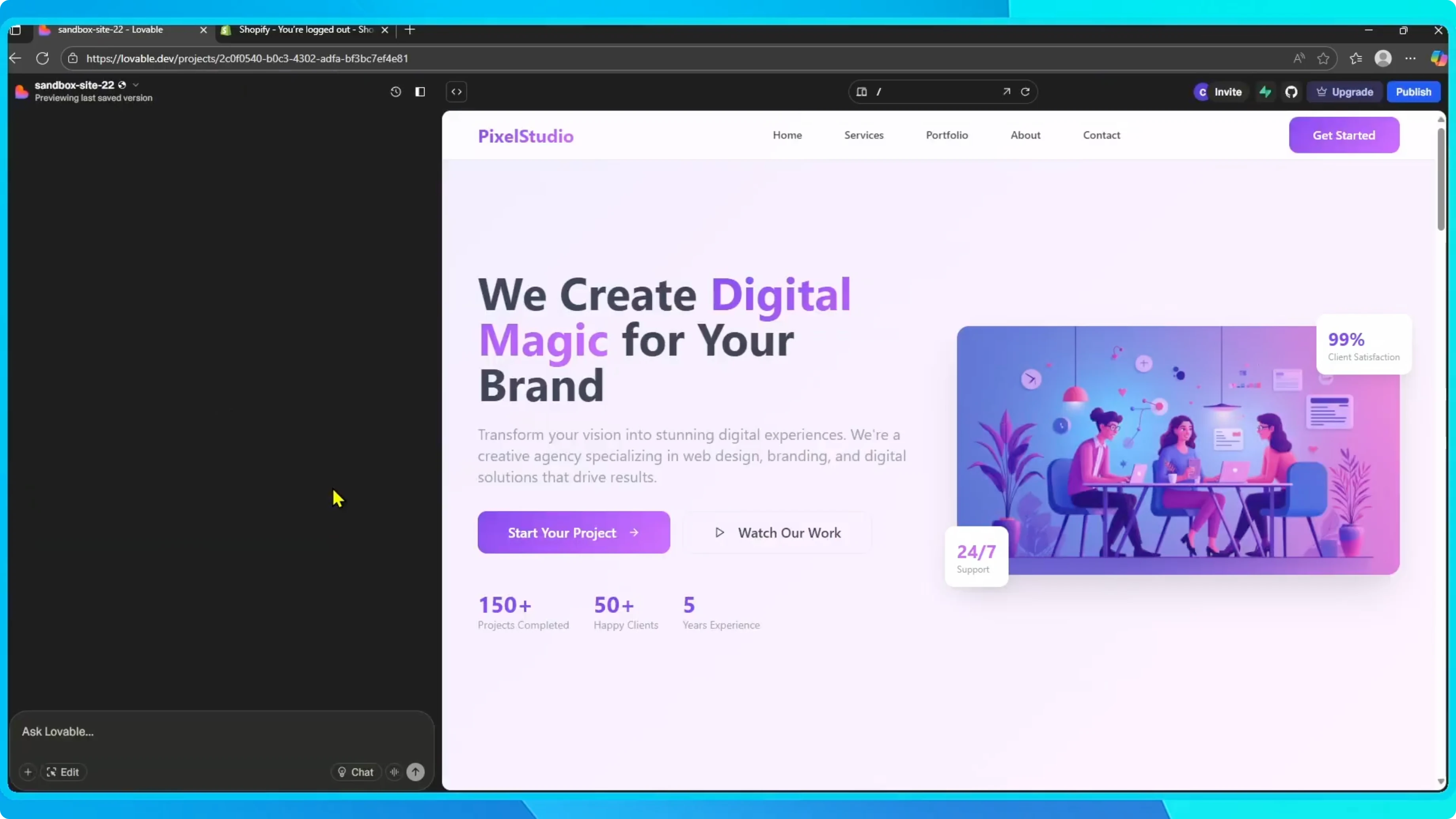
Open your project and click the project name in the top left corner. Go to Settings.
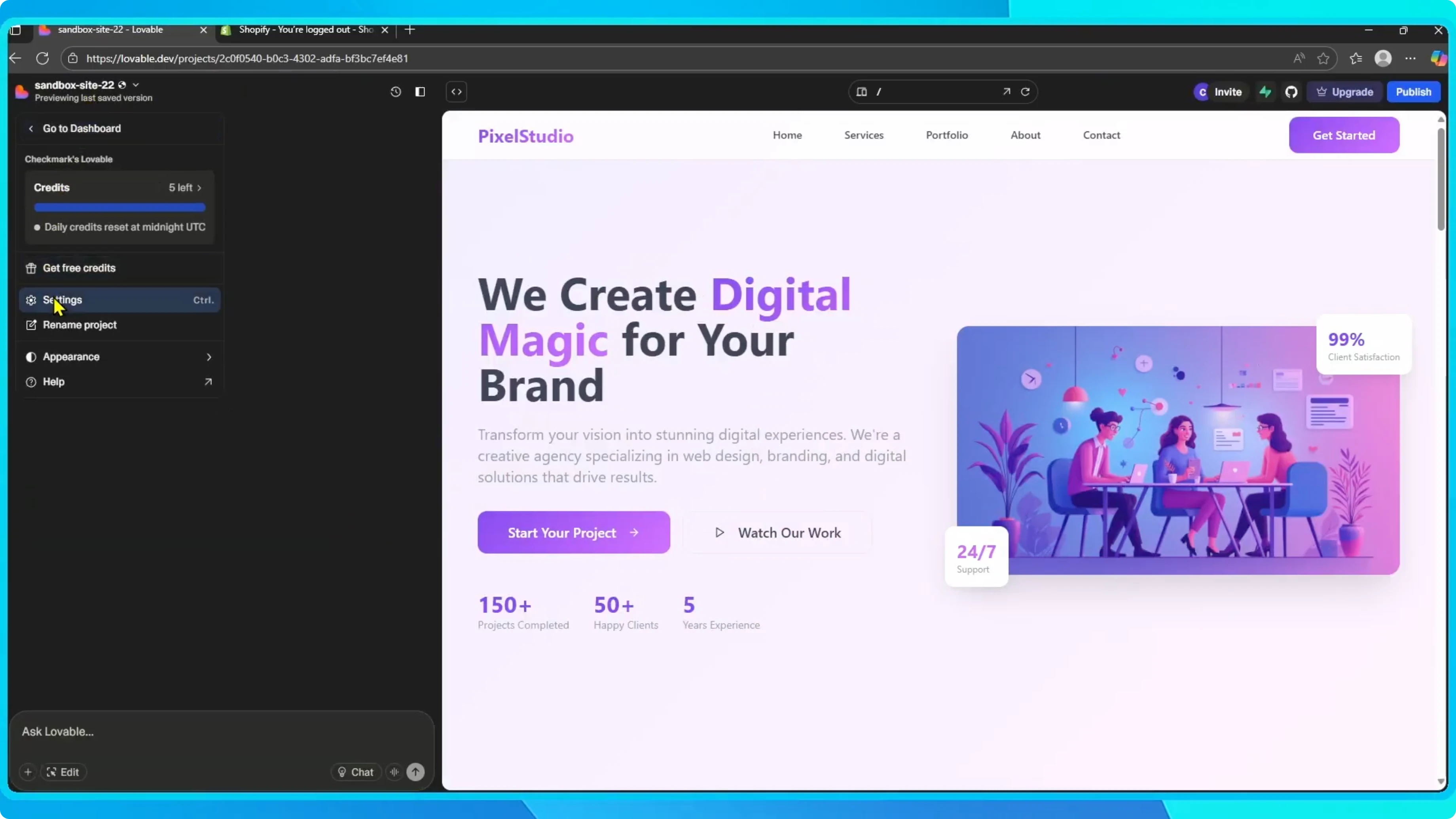
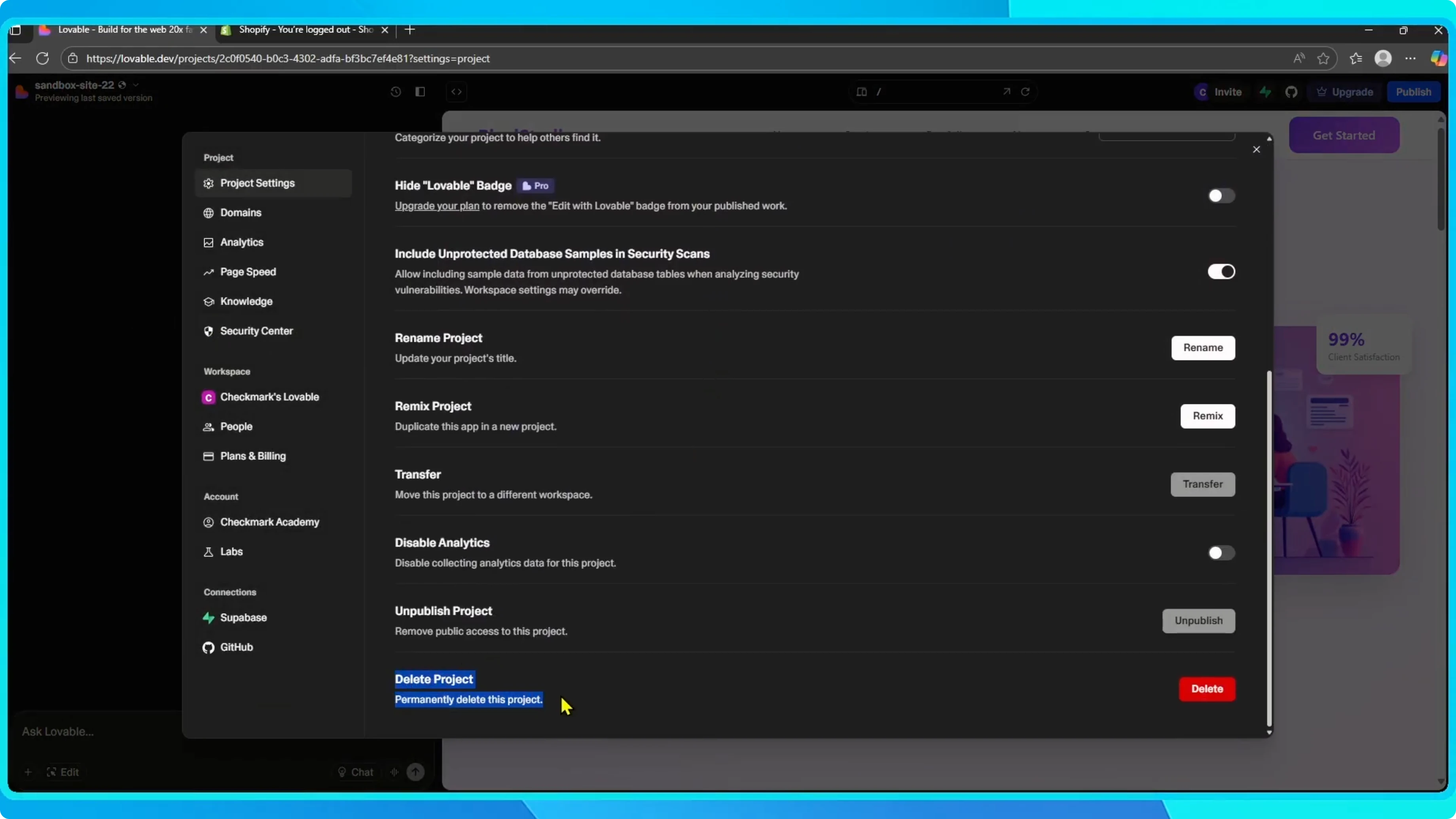
Scroll down and find Delete project. Click it, confirm the action, and the project will be removed.
If your goal is to move ownership instead of deleting, learn how to transfer a project to another account.
From the dashboard
From the Dashboard, find the project you want to delete. Click the three dots next to it and select Delete.
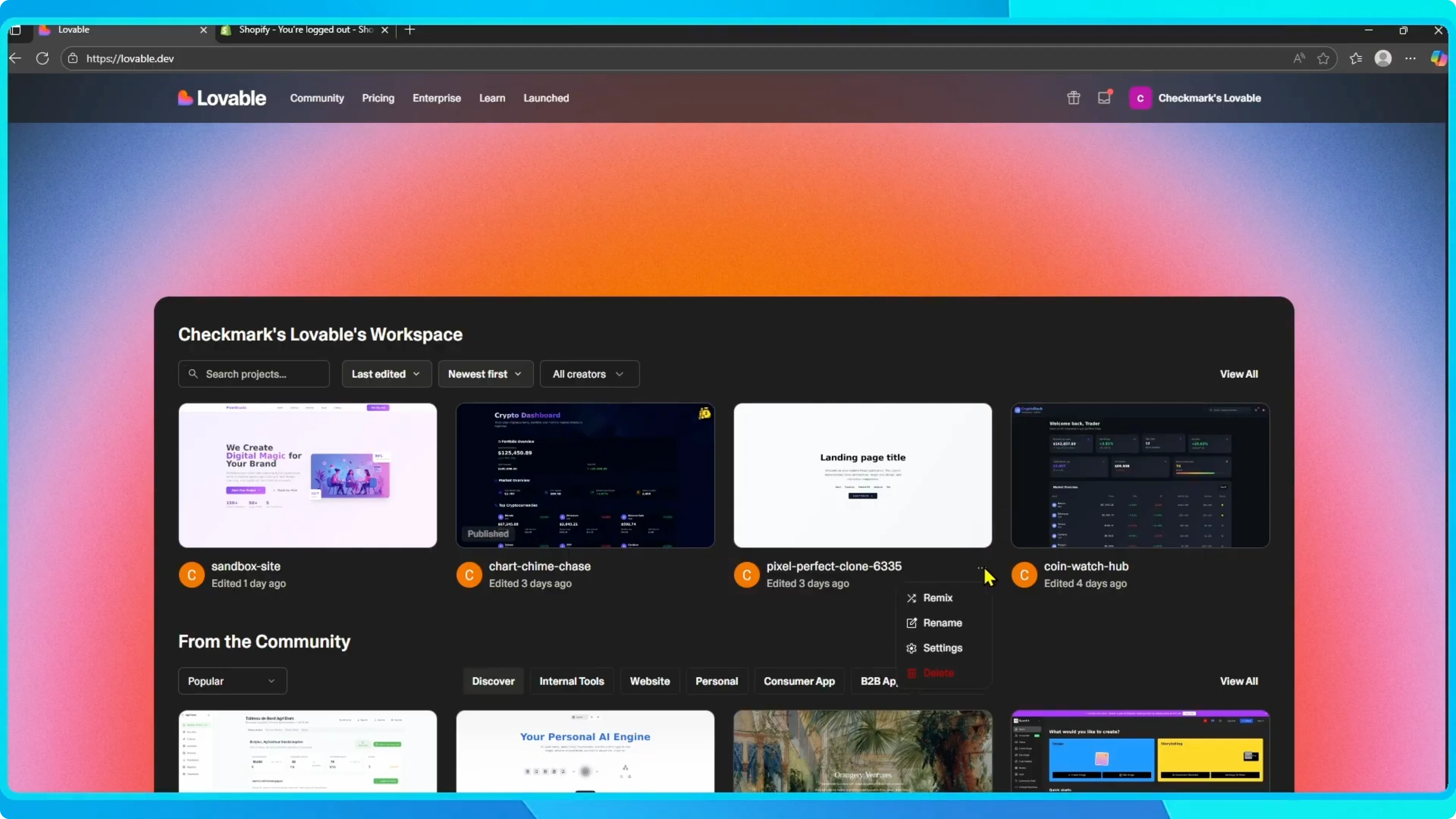
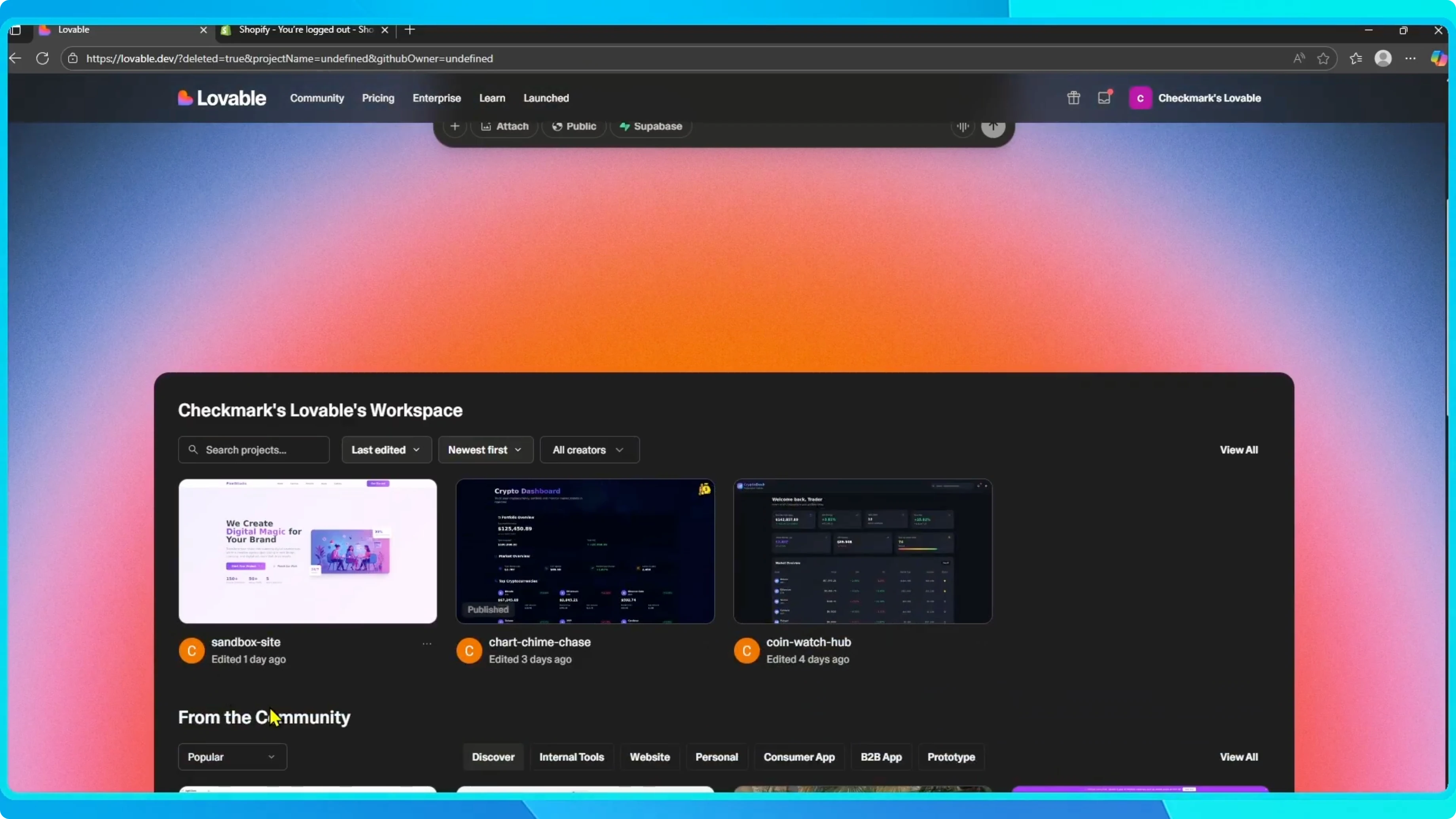
Confirm when asked, and your project will be deleted. That is all you need to do.
After cleanup, you might publish a project to your host. Here is a quick guide on publishing a Lovable project to Hostinger.
Final thoughts
Both methods remove a project quickly and help keep your workspace organized. Use the settings view when you are inside a project, or the dashboard shortcut for quick cleanup.


