How to Publish a Lovable AI Project to Hostinger?
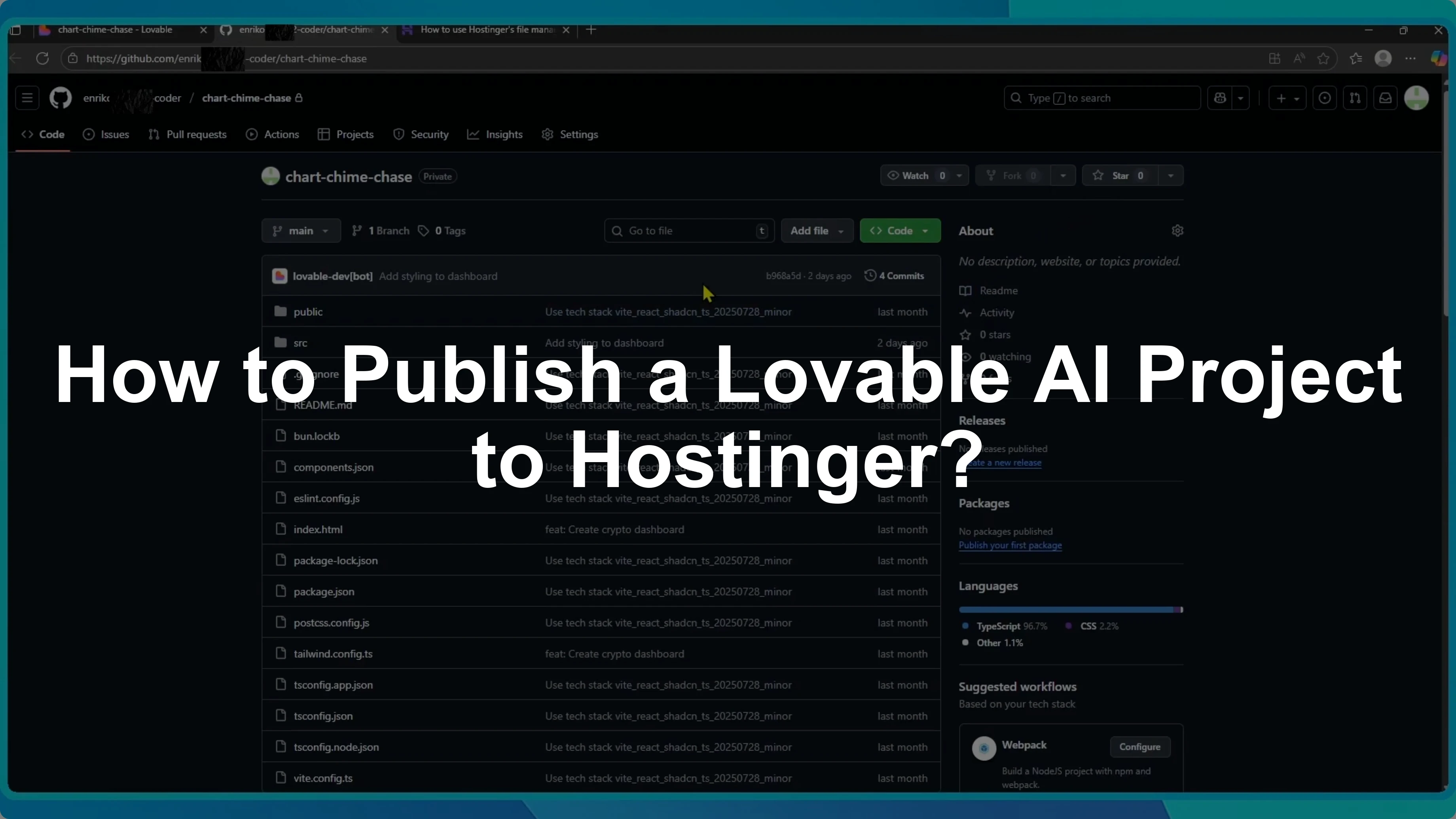
I will show you how to publish your Lovable AI project to Hostinger. The process is simple and takes just two main steps.
First, you need to download your project from Lovable.
Download from GitHub
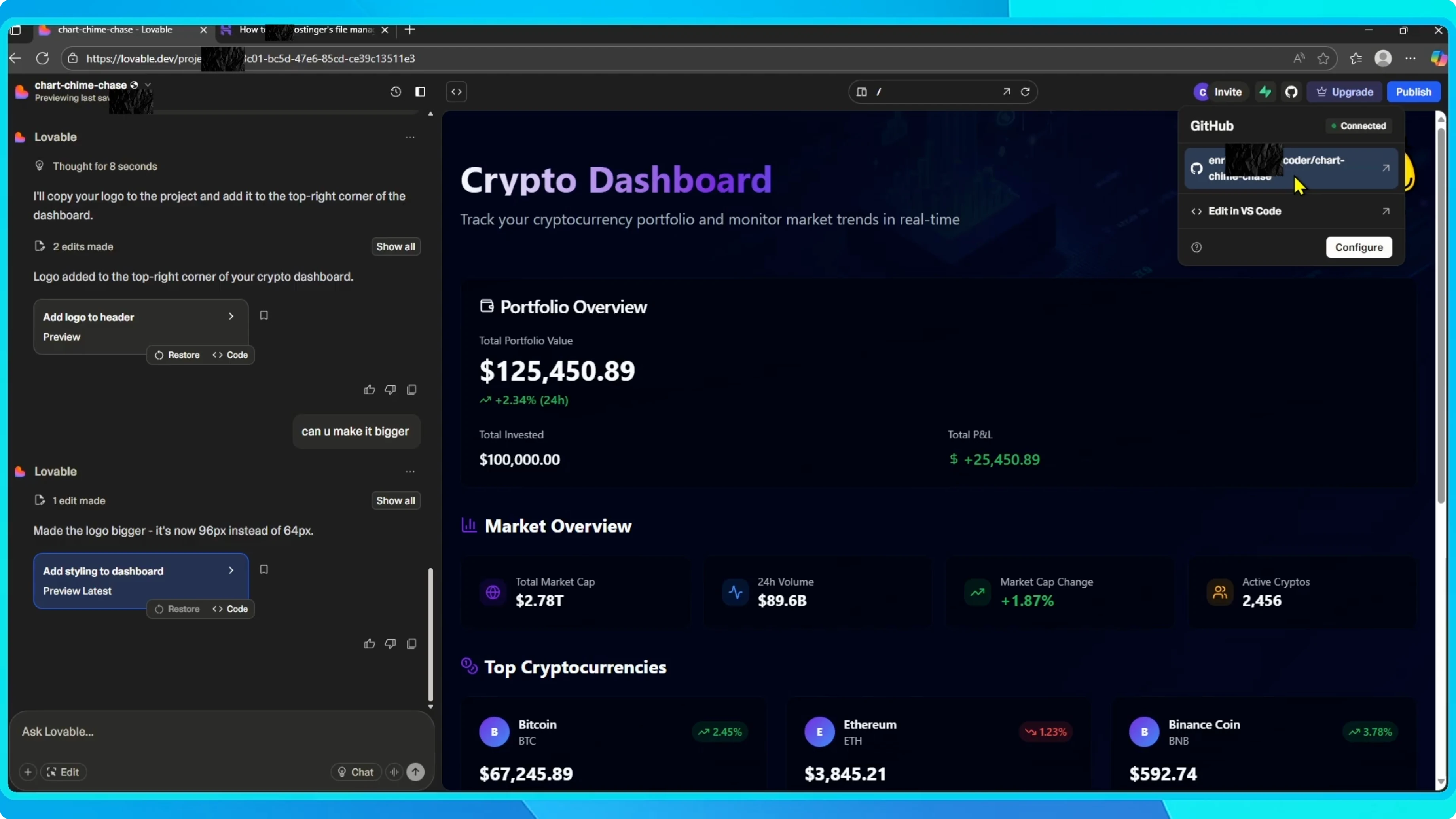
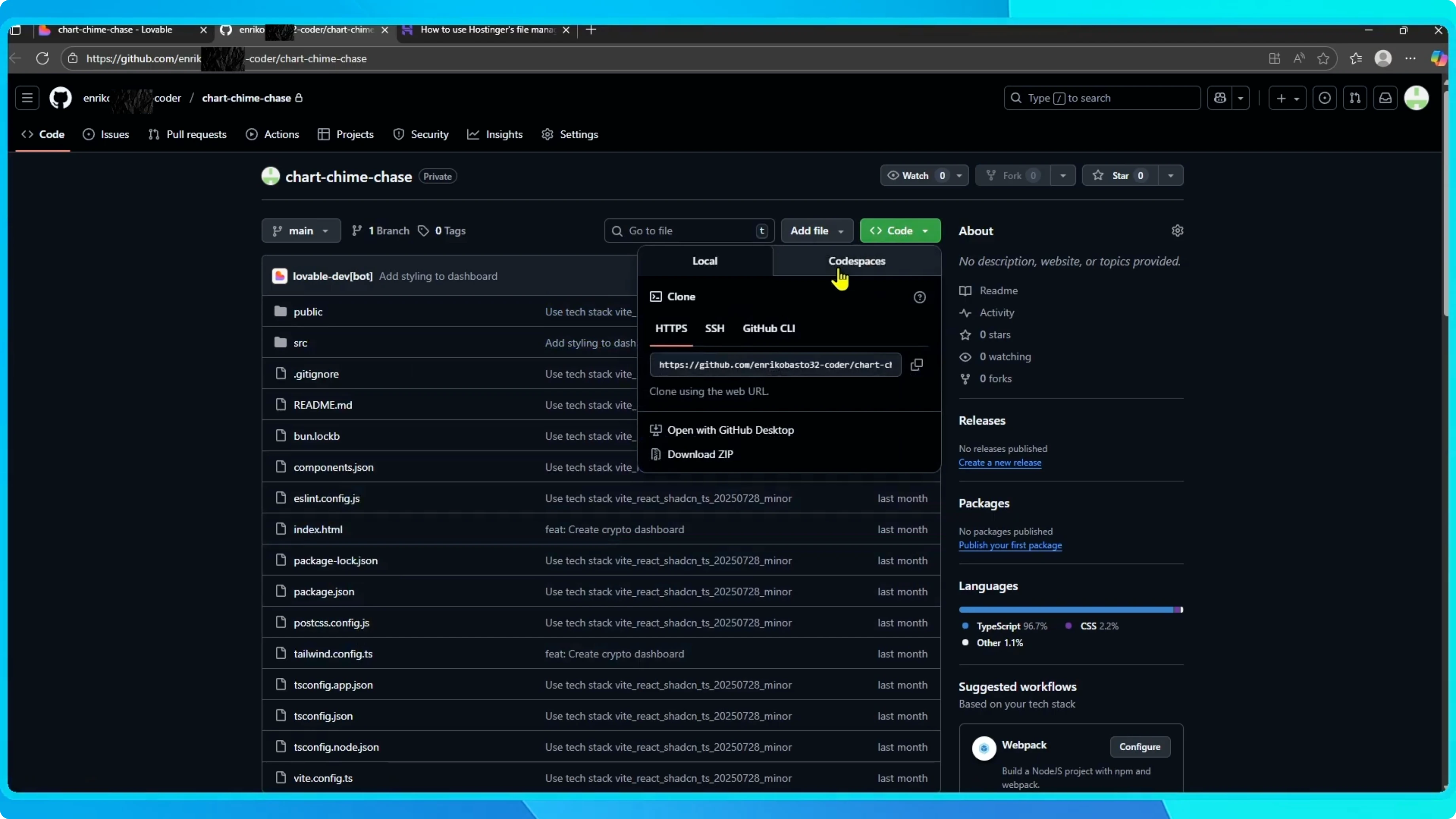
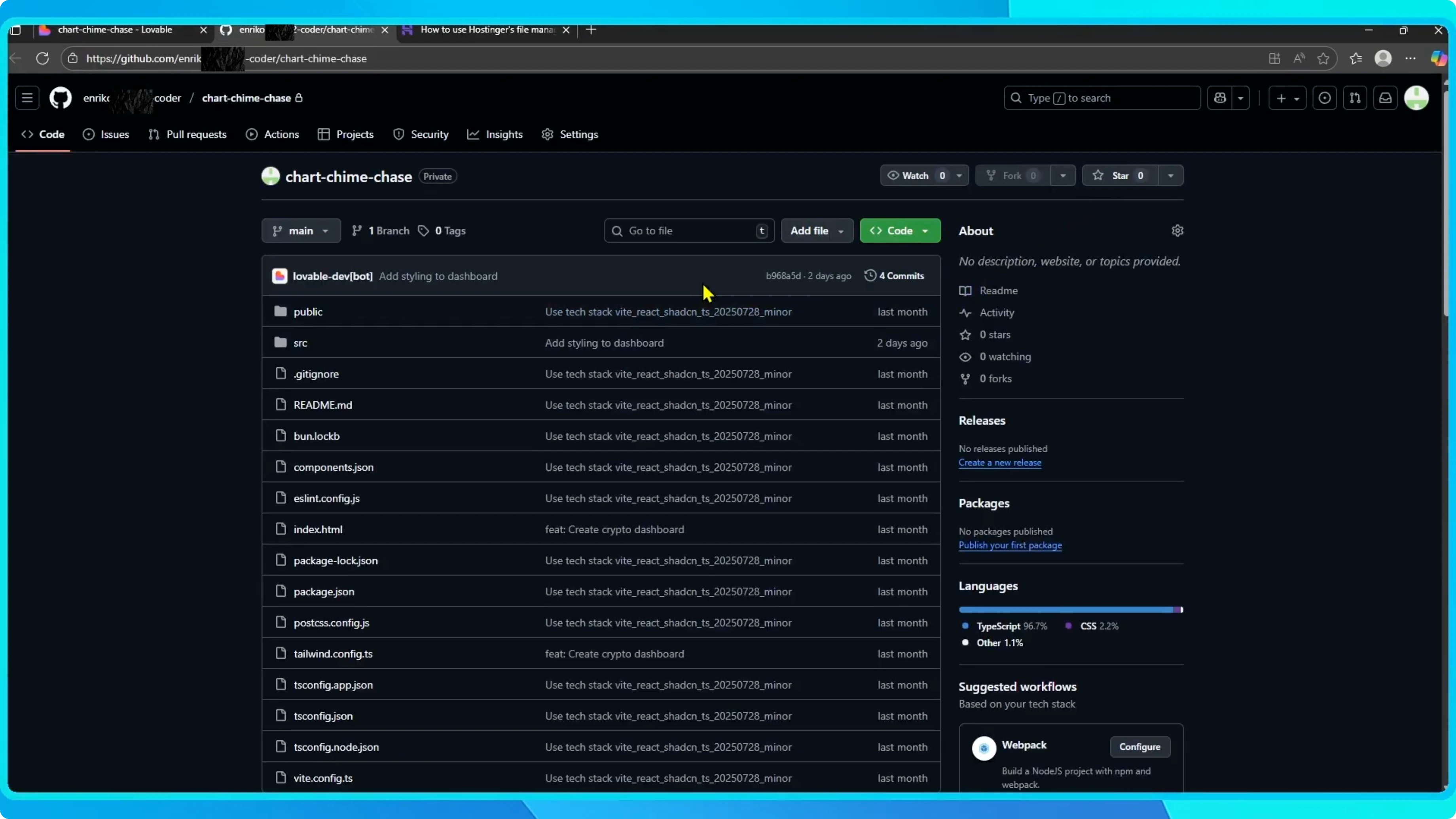
Open your project and click View on GitHub. If you have not connected GitHub before, you will be prompted to do so. Once connected, your project will appear as a GitHub repository.
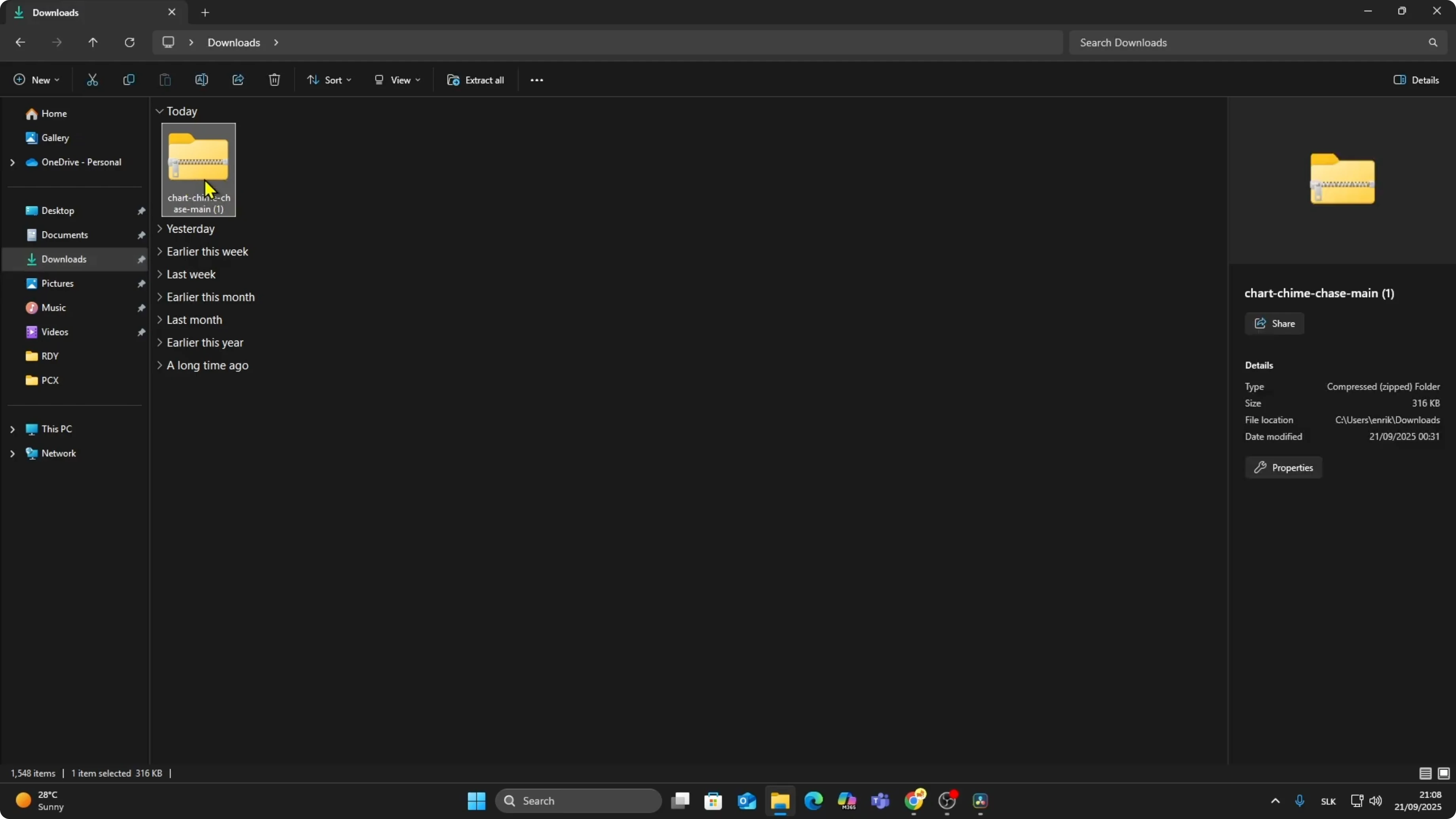
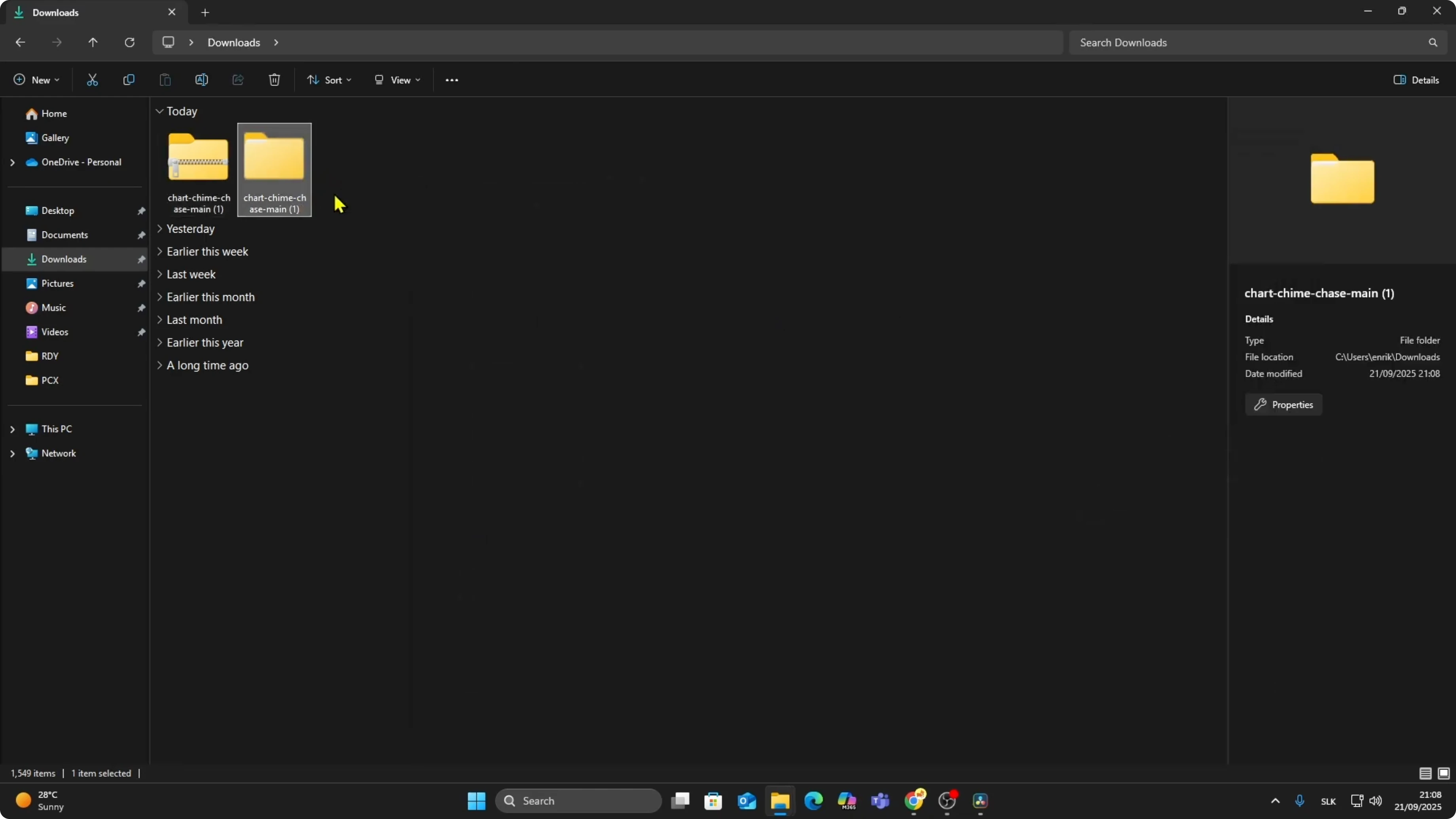
Click the green Code button, then select Download ZIP. This downloads all your project files as a compressed folder. Go to your Downloads, right click the file, and extract it so you have access to the code.
Read More: How To Duplicate Or Remix Project Lovable
Upload to Hostinger
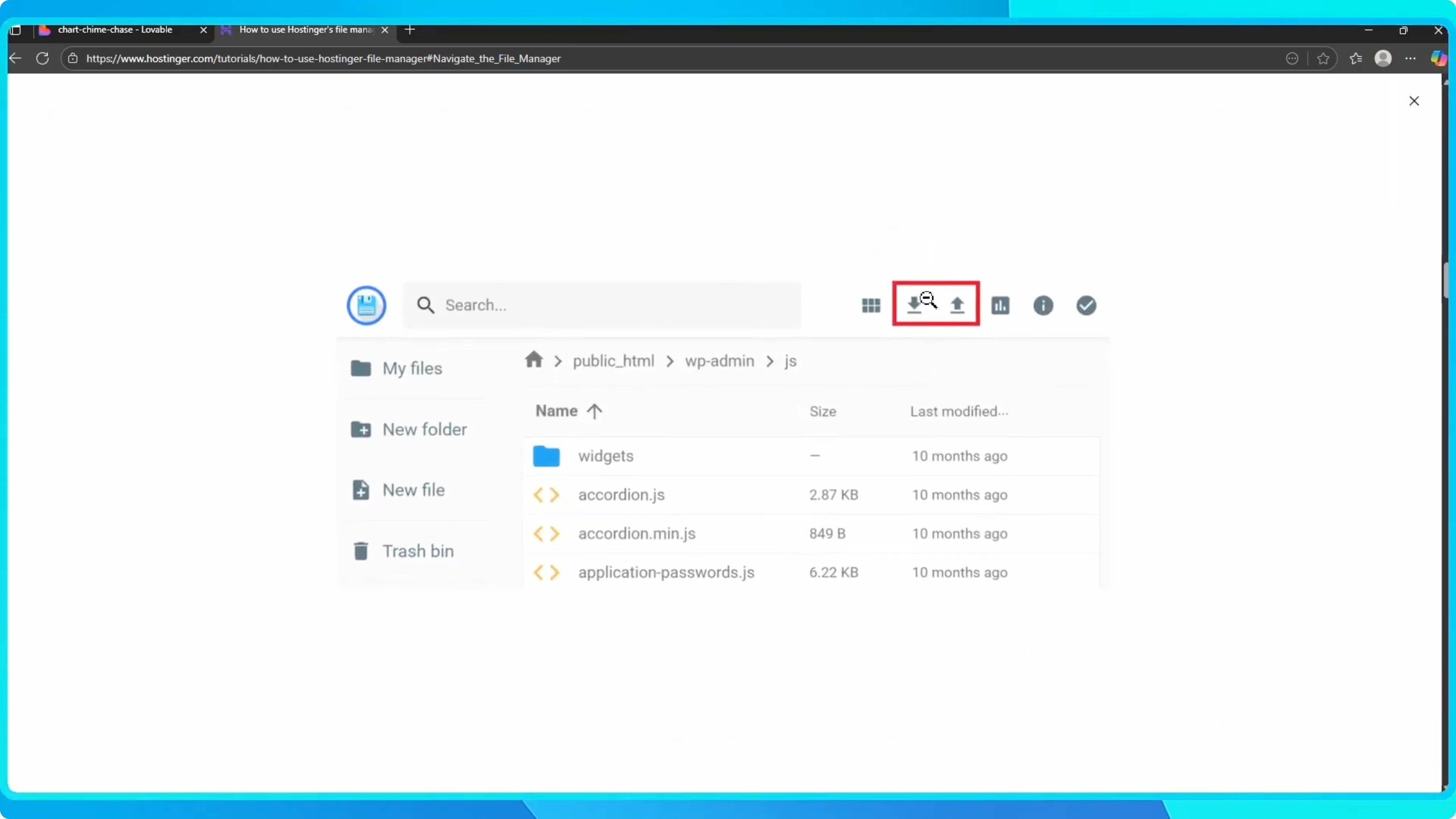
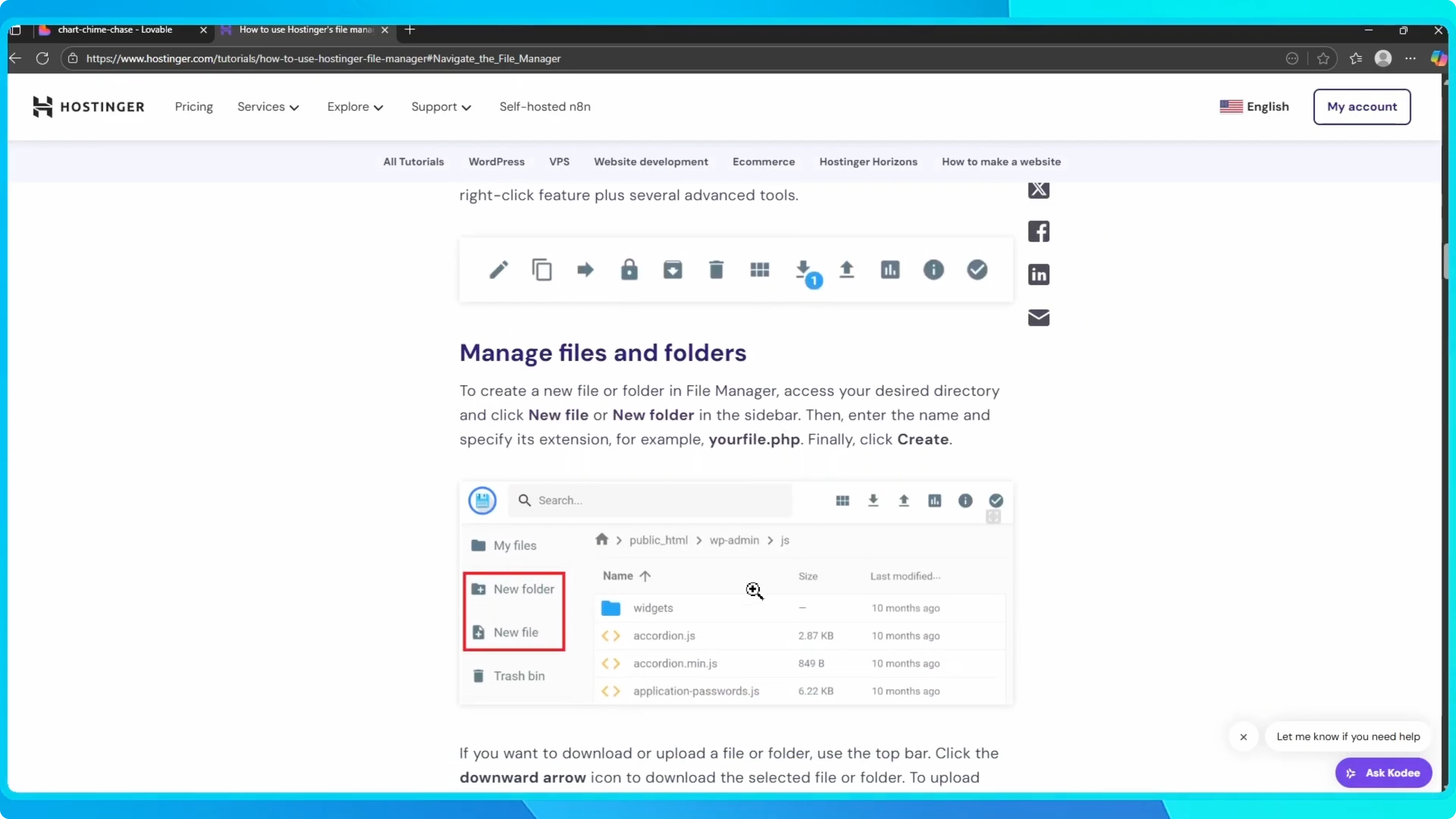
Log into your Hostinger account. On your dashboard, go to File Manager under the Hosting section. Open File Manager, then upload the extracted folder containing your project files.
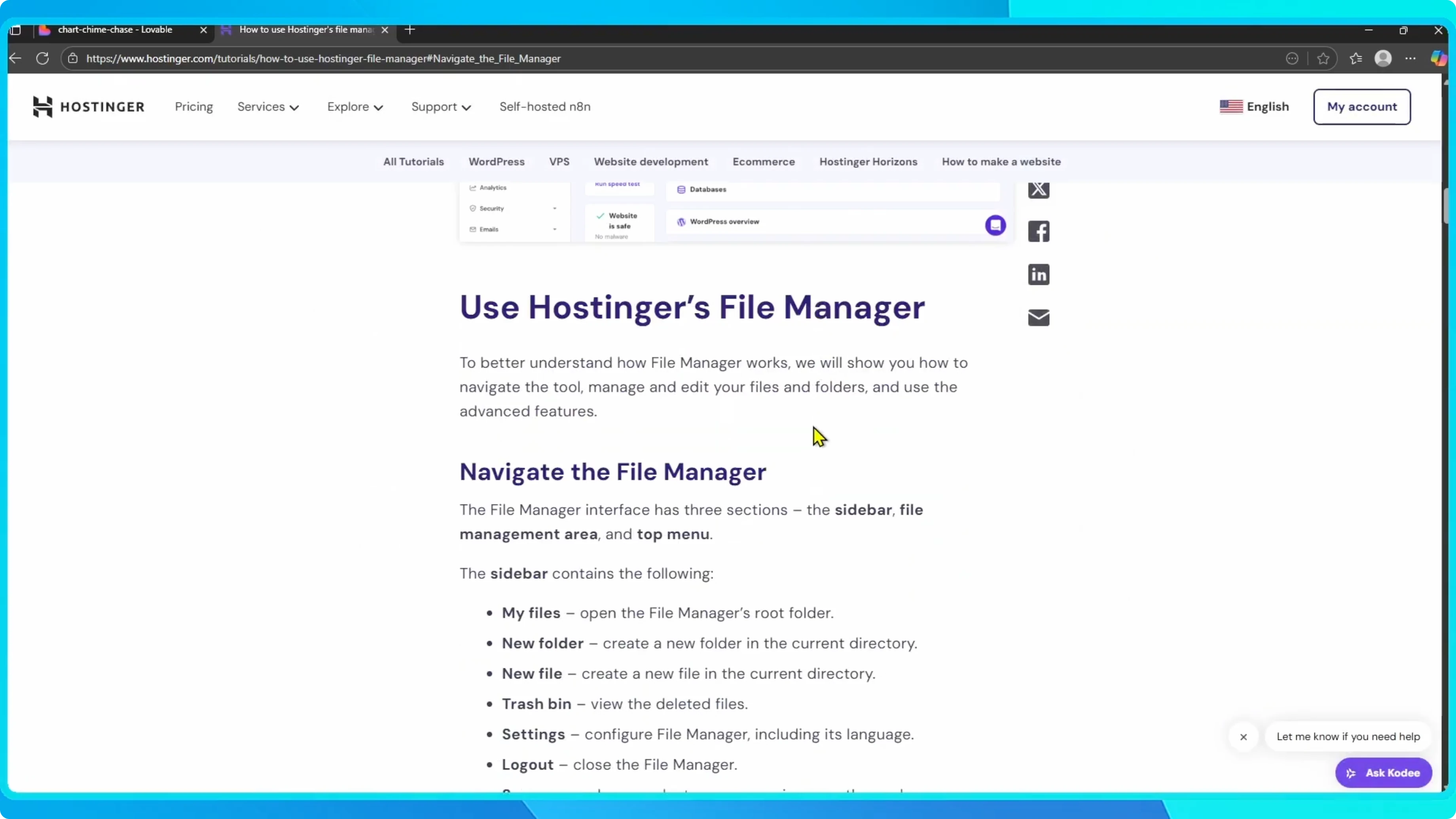
Once uploaded, your Lovable project will be live on your Hostinger server.
Read More: How To Get More Credits Lovable Ai
Final thoughts
In just a few steps, you have successfully published your Lovable AI project to Hostinger. That is it. You can manage updates by repeating the download and upload process as your project evolves.