How to Upgrade Your Lovable Account?
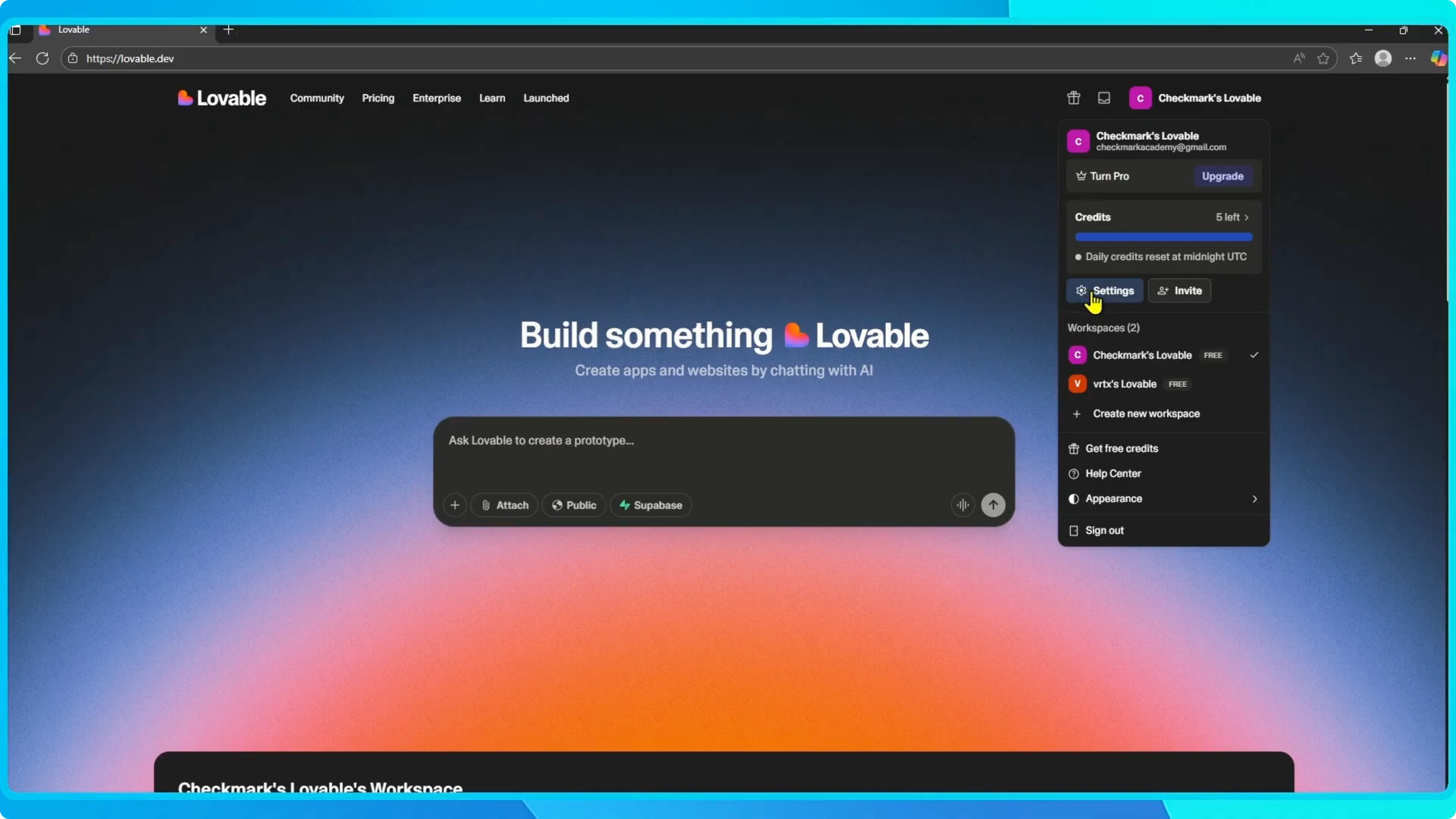
To upgrade your account in Lovable, sign in to your account.
Go to the top right corner and click your profile.
From the menu, choose Settings.
If you sign in with Google and need to switch the default profile in Chrome, use this quick fix before you continue.
See the steps here: change the default Google account in Chrome.
Open billing
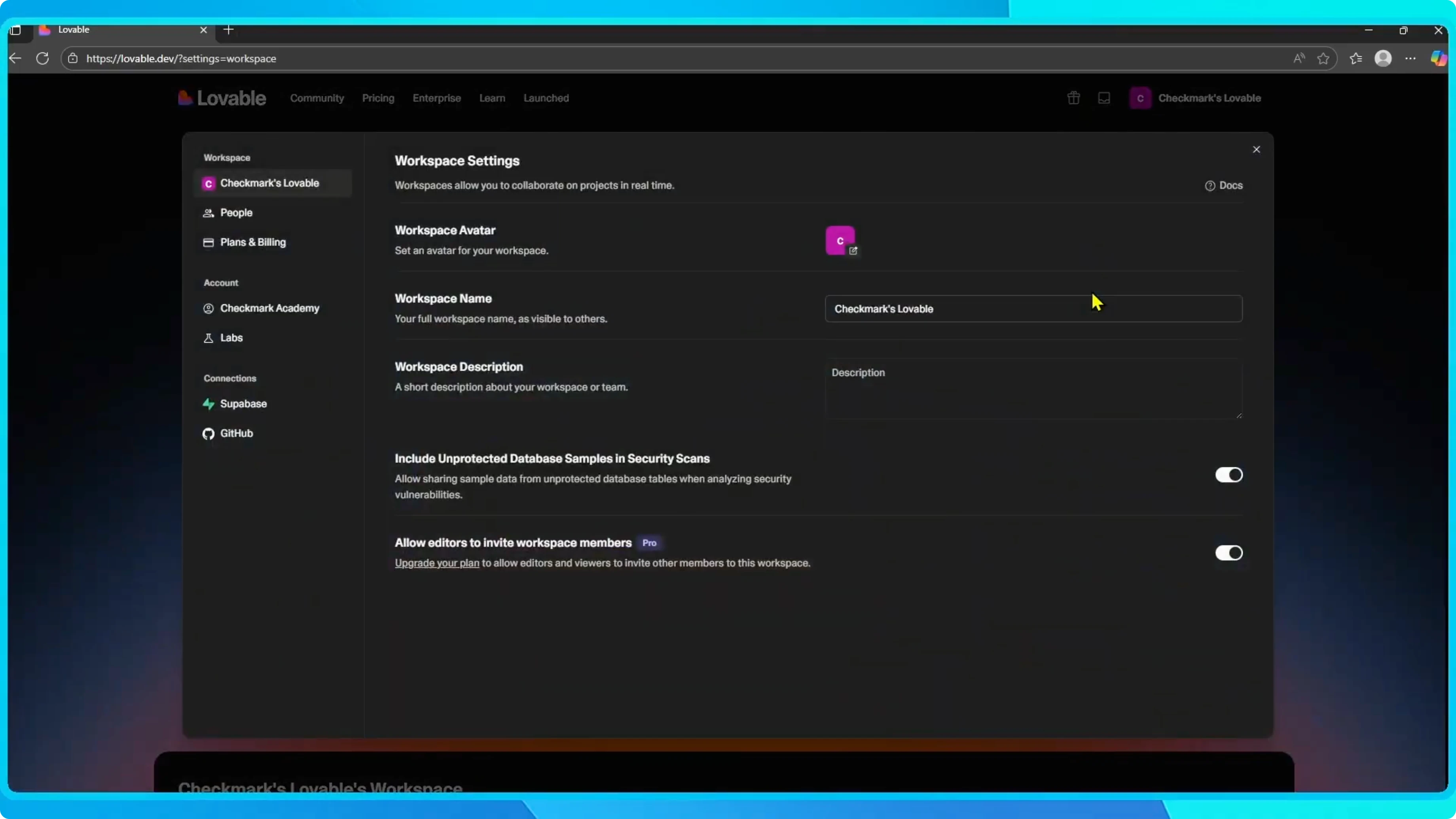
On the left hand side, select Billing and Payments.
Here you will see what plan you are currently on.
If you are using the Free plan, you get five daily credits.
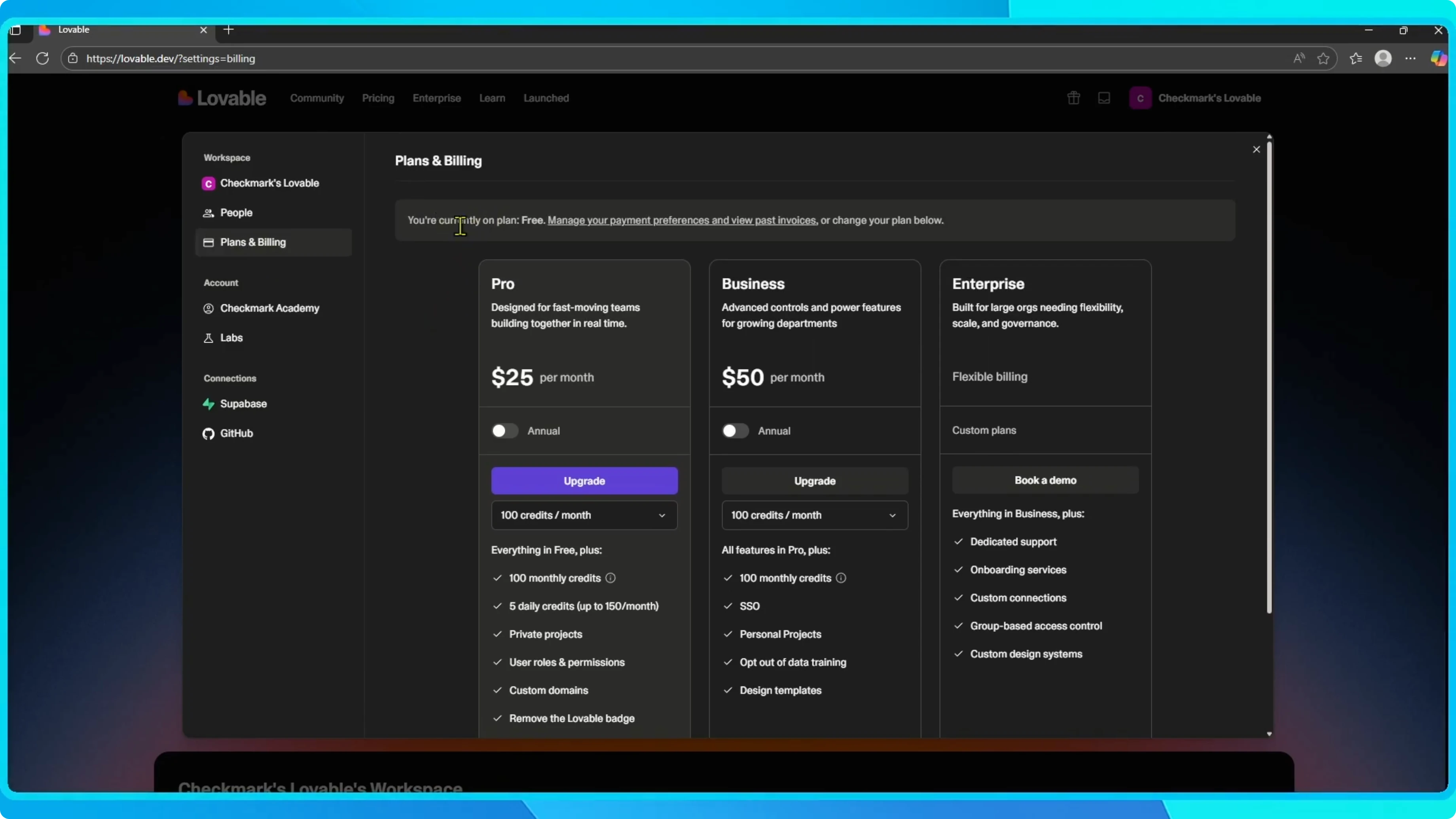
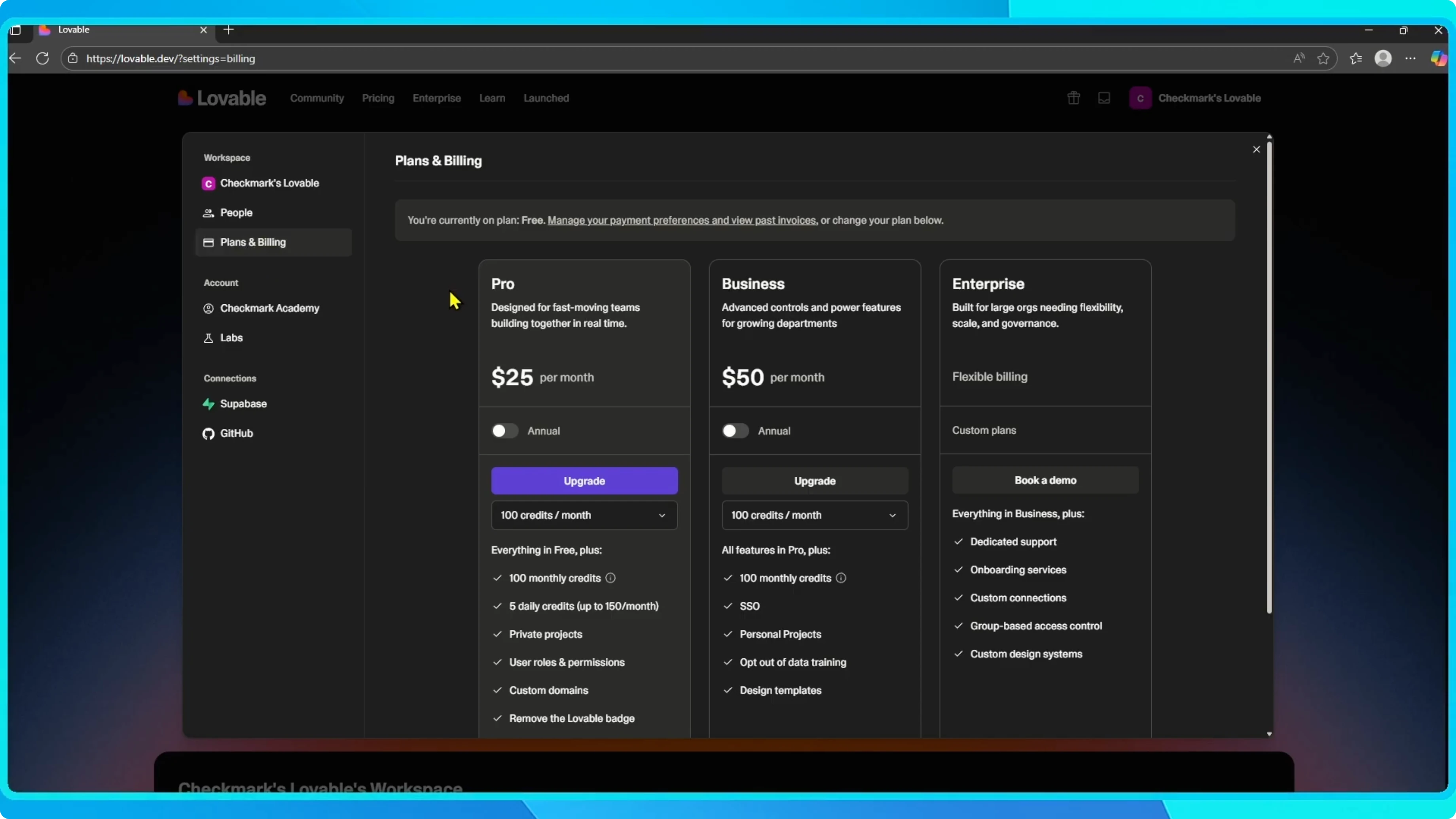
Choose a plan
You can upgrade to Pro or Business, which include monthly credits and extra features.
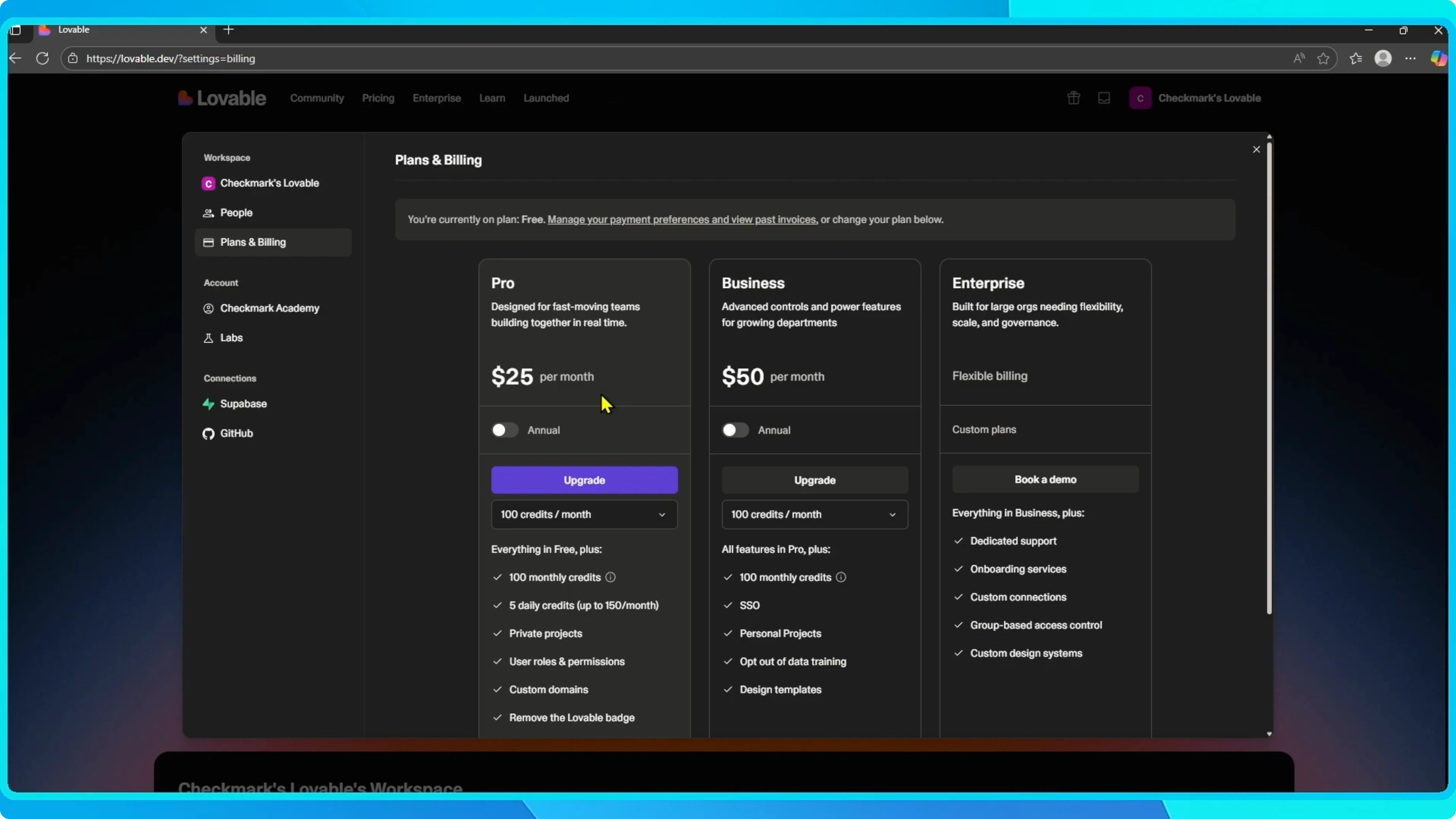
To upgrade, click the plan you want.
If you choose Pro, click Upgrade.
If you plan to work with your team after you upgrade, review this guide to set up collaboration smoothly.
Learn the steps here: collaborate with your team in Lovable.
Checkout
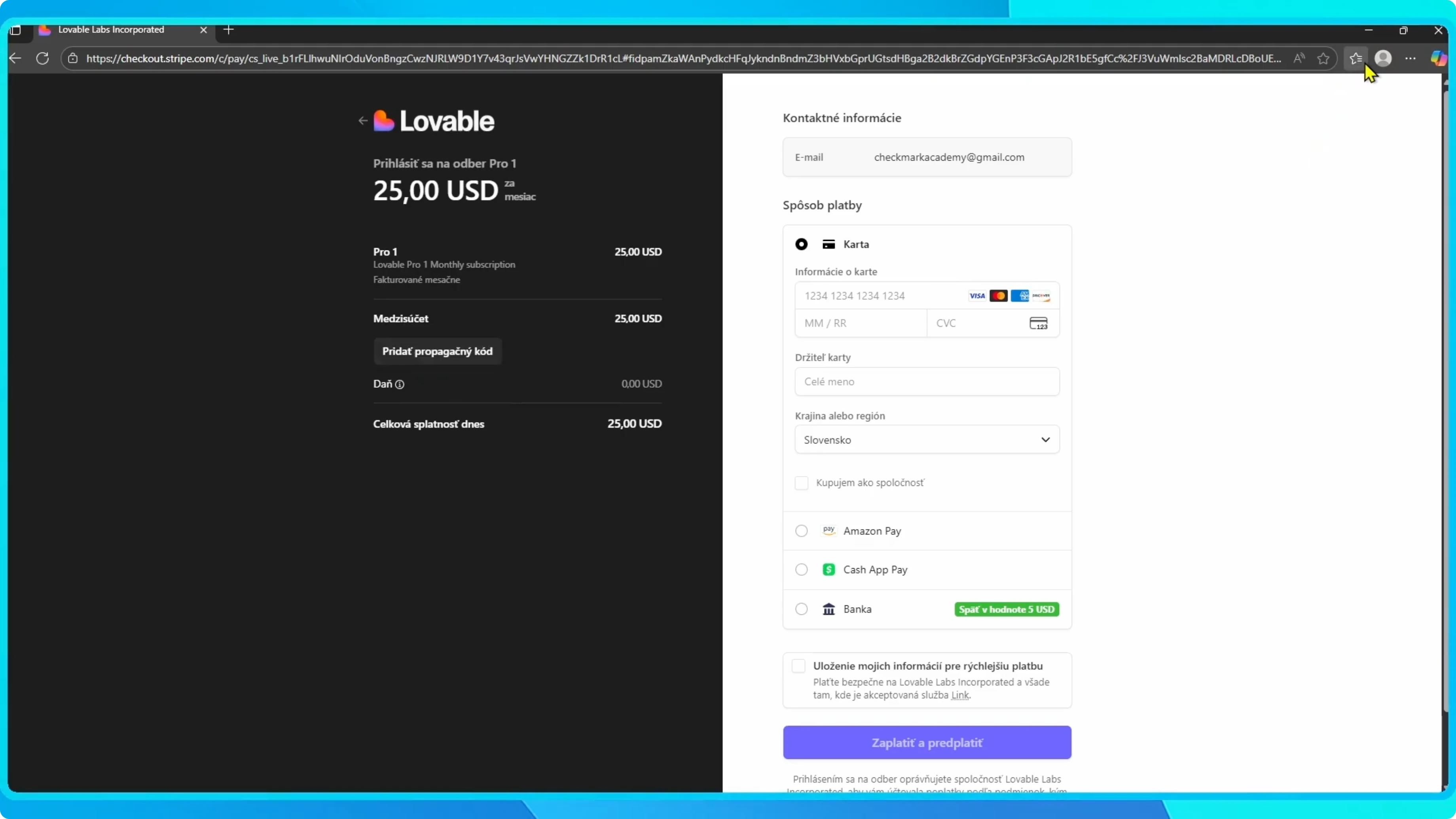
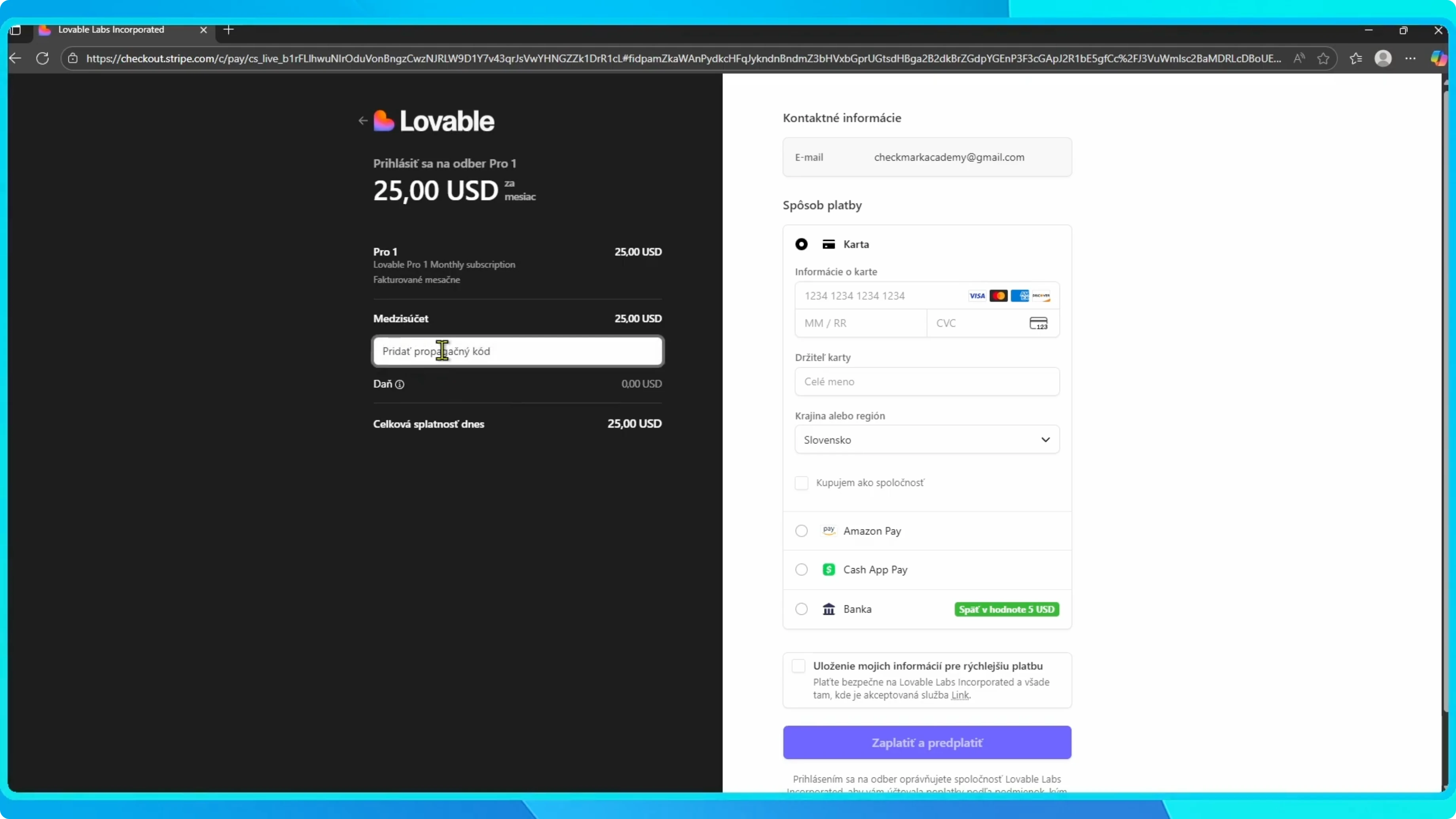
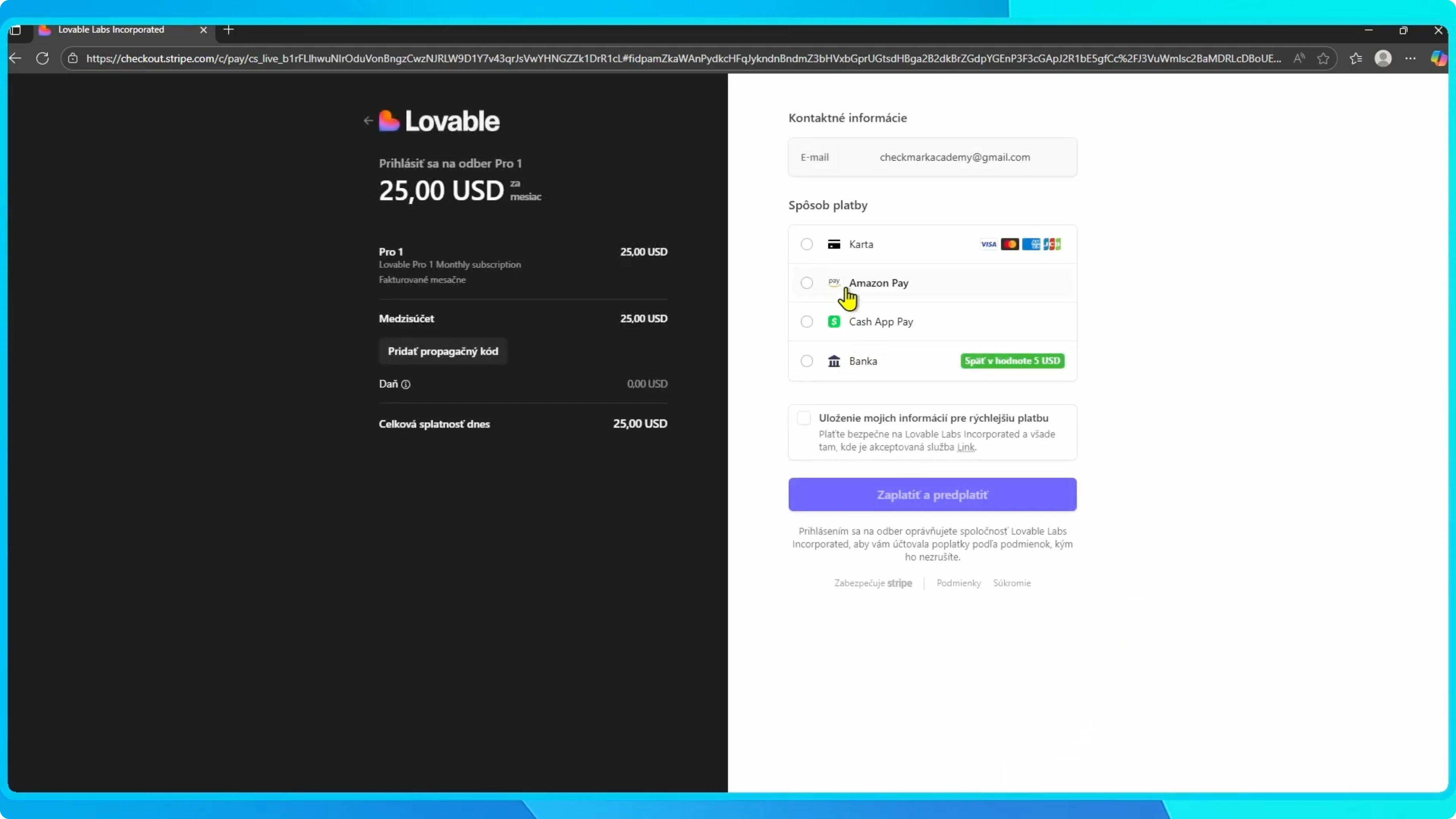
You will be taken to a payment page where you can enter your details.
If you have a promo code, add it before confirming.
Once you confirm, your account will be upgraded and you will have more credits and features available.
If you ever need to move a project to another account after upgrading, use this walkthrough.
Follow it here: transfer a project to another Lovable account.
Final thoughts
Upgrading from Free to Pro or Business gives you monthly credits and extra features that expand what you can do in Lovable.
Open Billing and Payments, pick your plan, complete payment, and your new features will be ready right away.