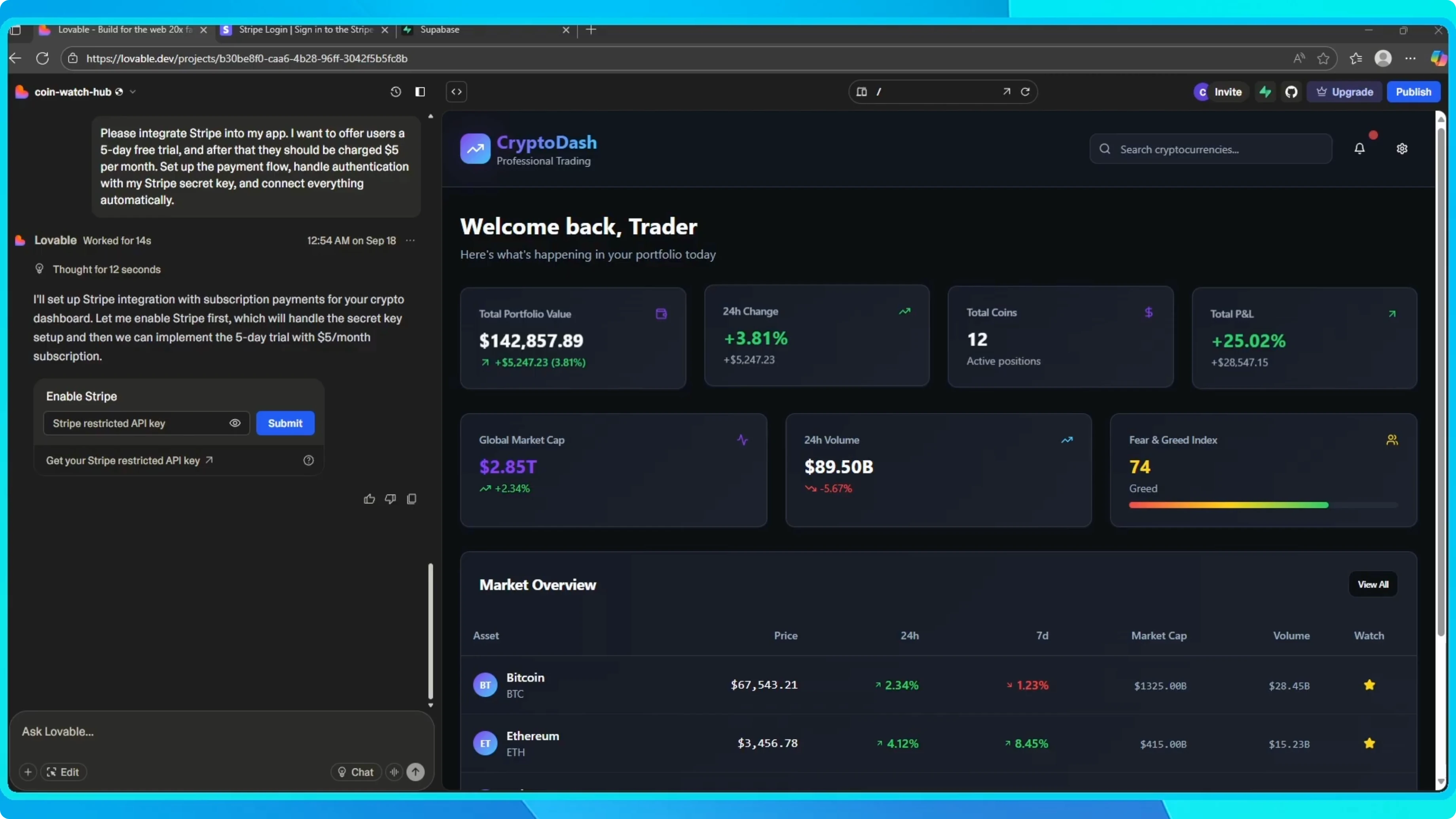
How to Set Up Stripe Payments in Lovable?
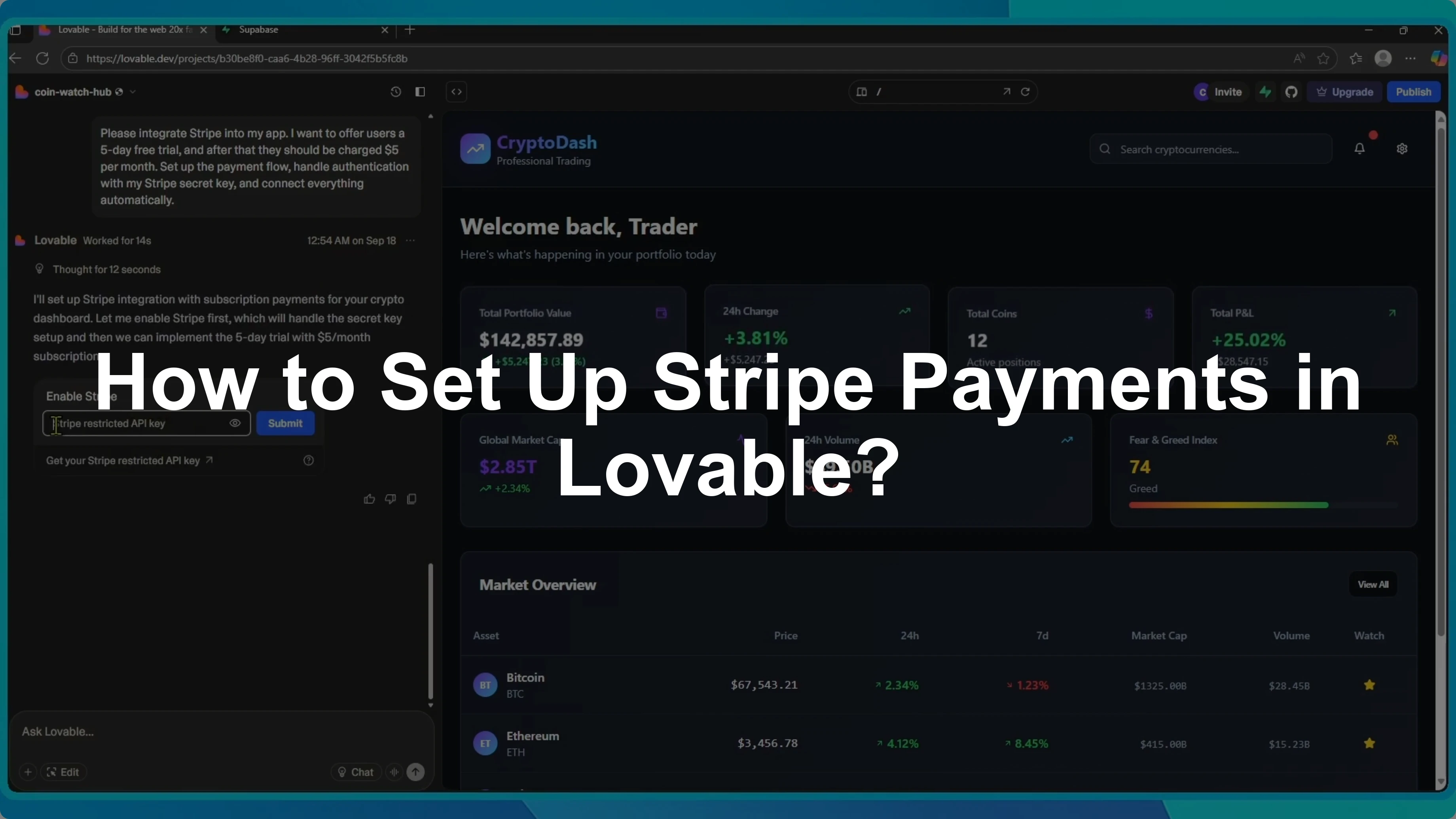
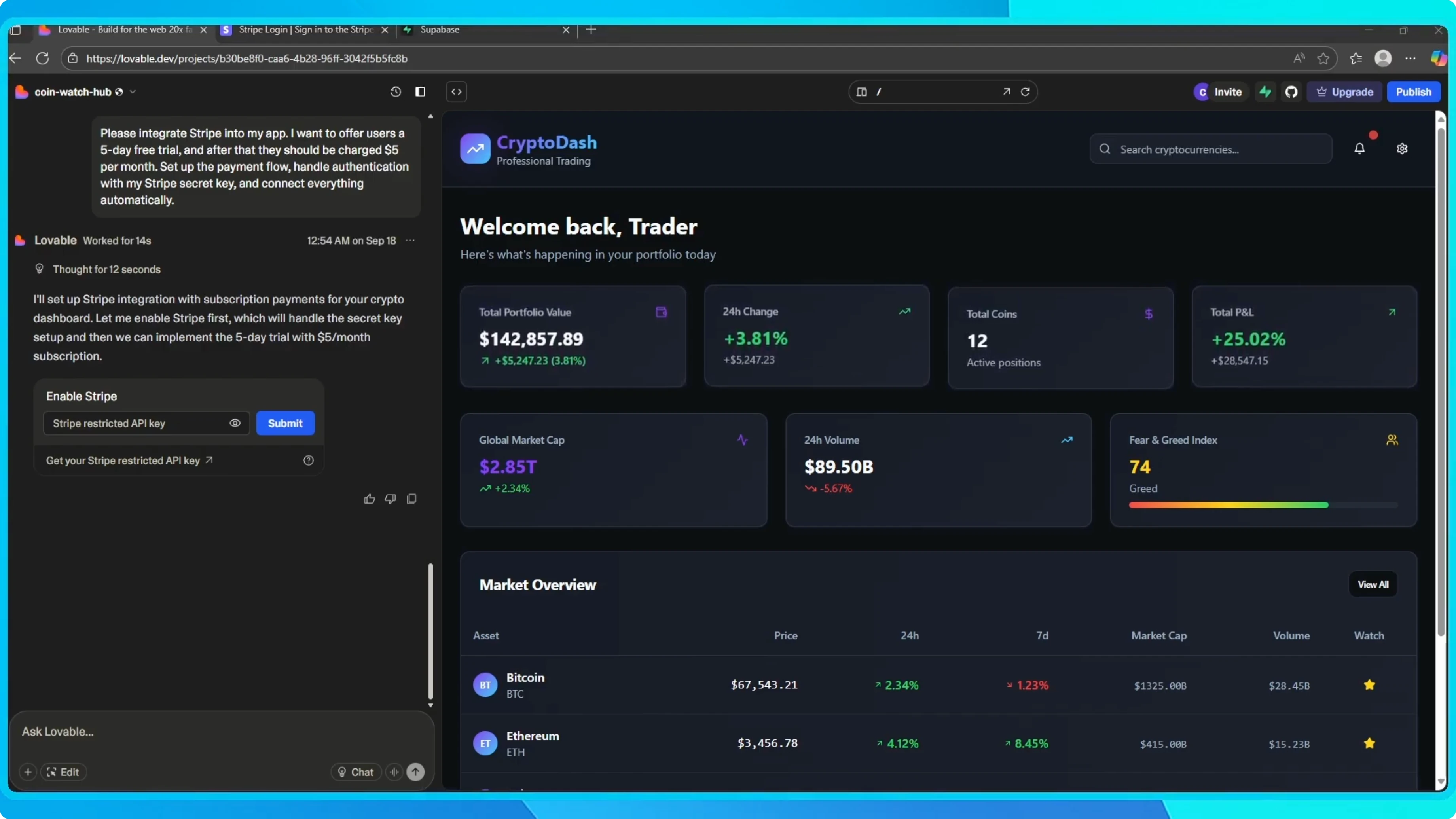
If you want to start making money with your app, Lovable makes it really simple. For example, you can ask it to integrate Stripe and set up a free trial for new users. Let's say we want people to try the app free for 5 days and then pay $5 a month.
Lovable will guide us through connecting our Stripe account by adding the secret key. Once that is authenticated, it automatically creates the subscription flow for us.
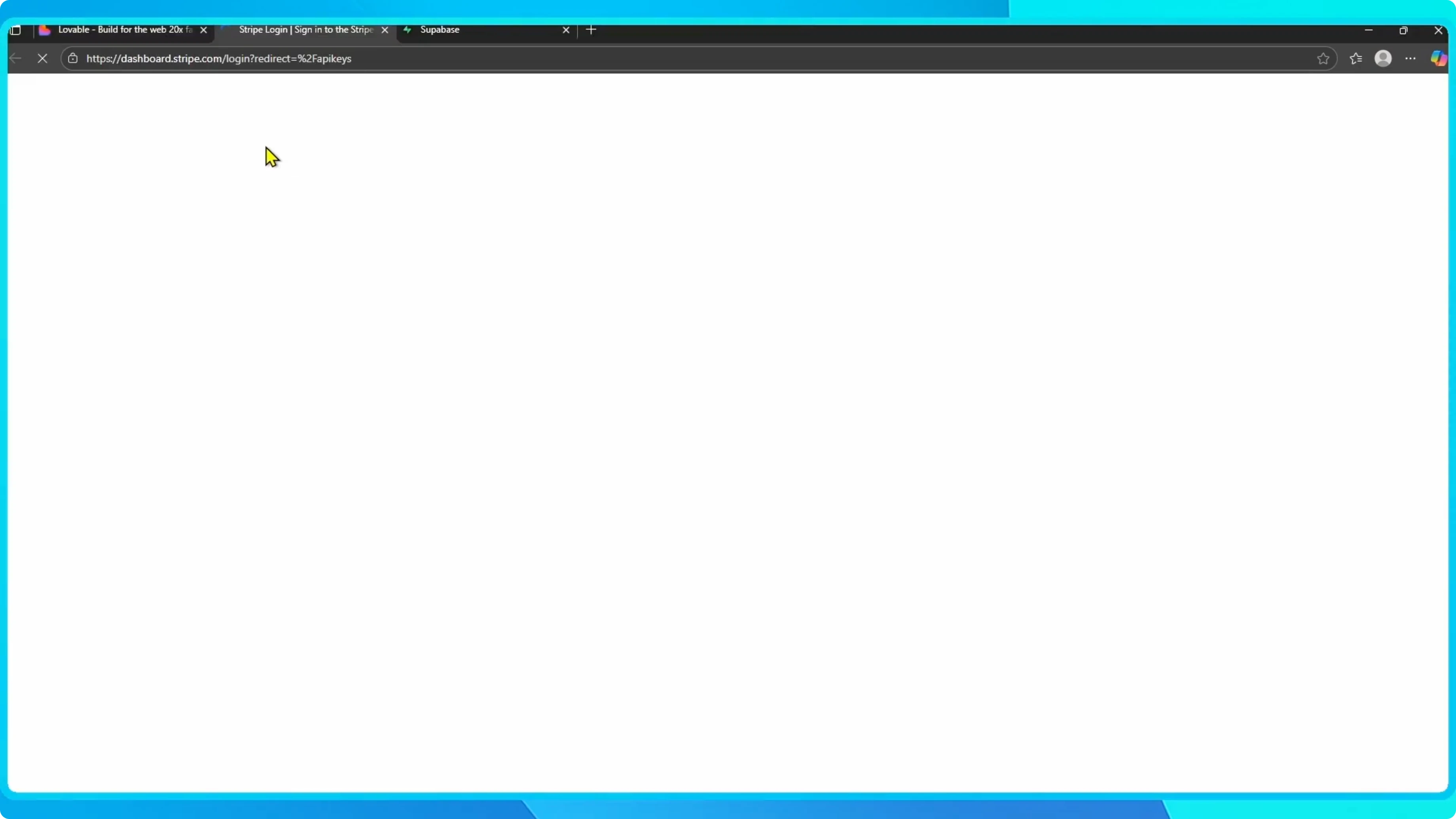
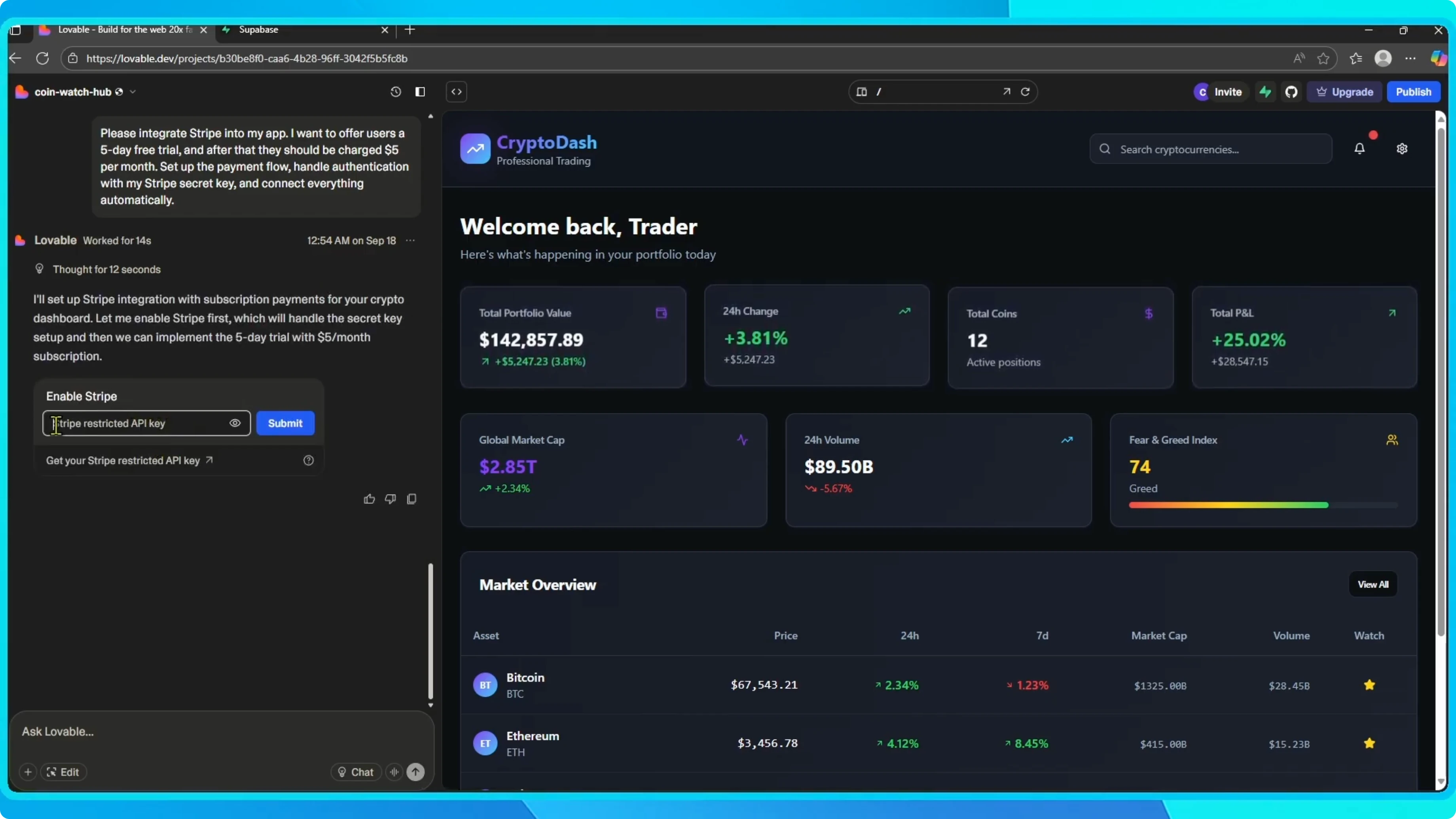
Connect Stripe
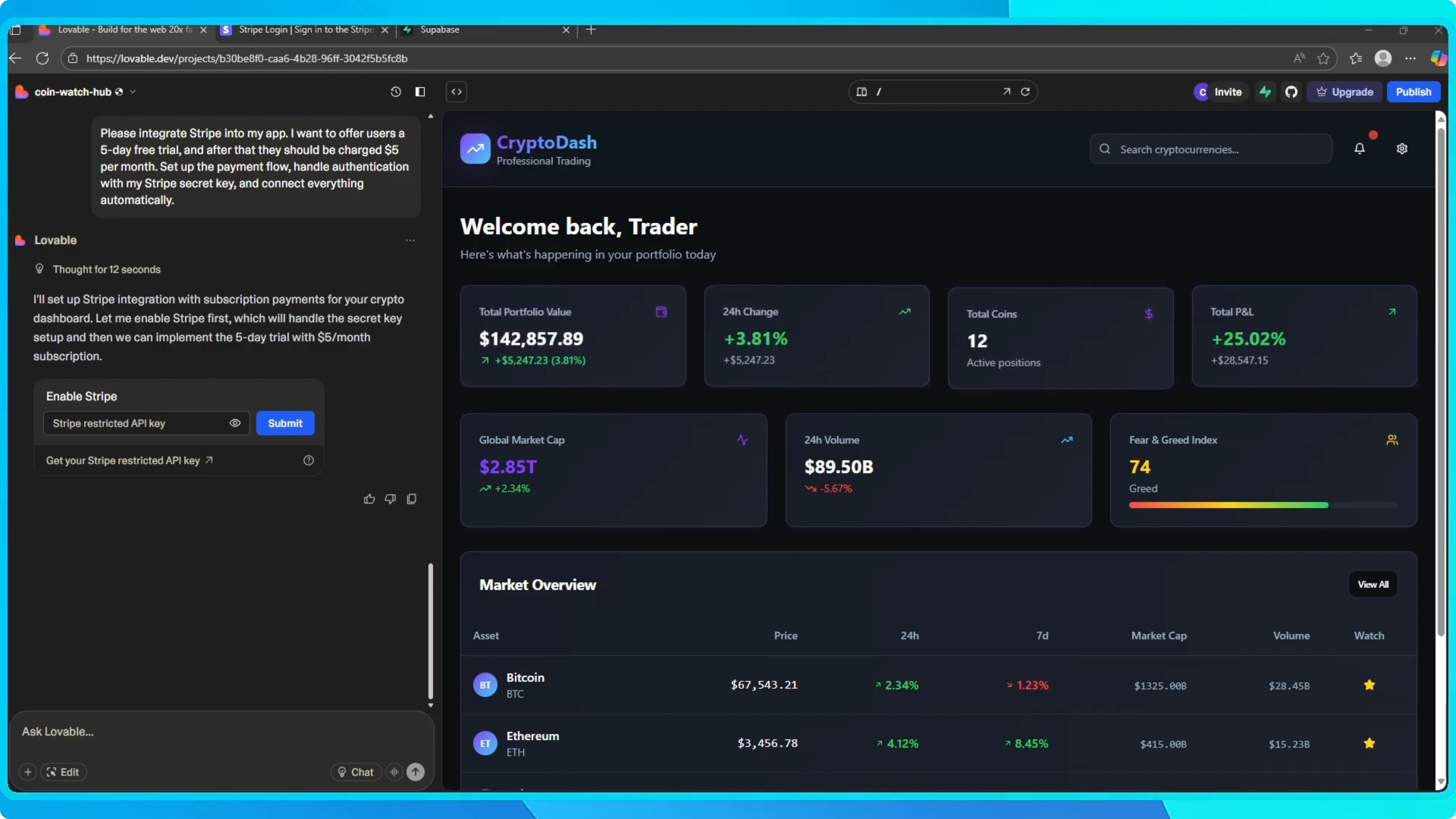
The first thing you will see is a prompt to enter your Stripe restricted API key. This key allows Lovable to connect securely with your Stripe account and manage payments on your behalf. Once you paste the key and click submit, Lovable will finish the integration.
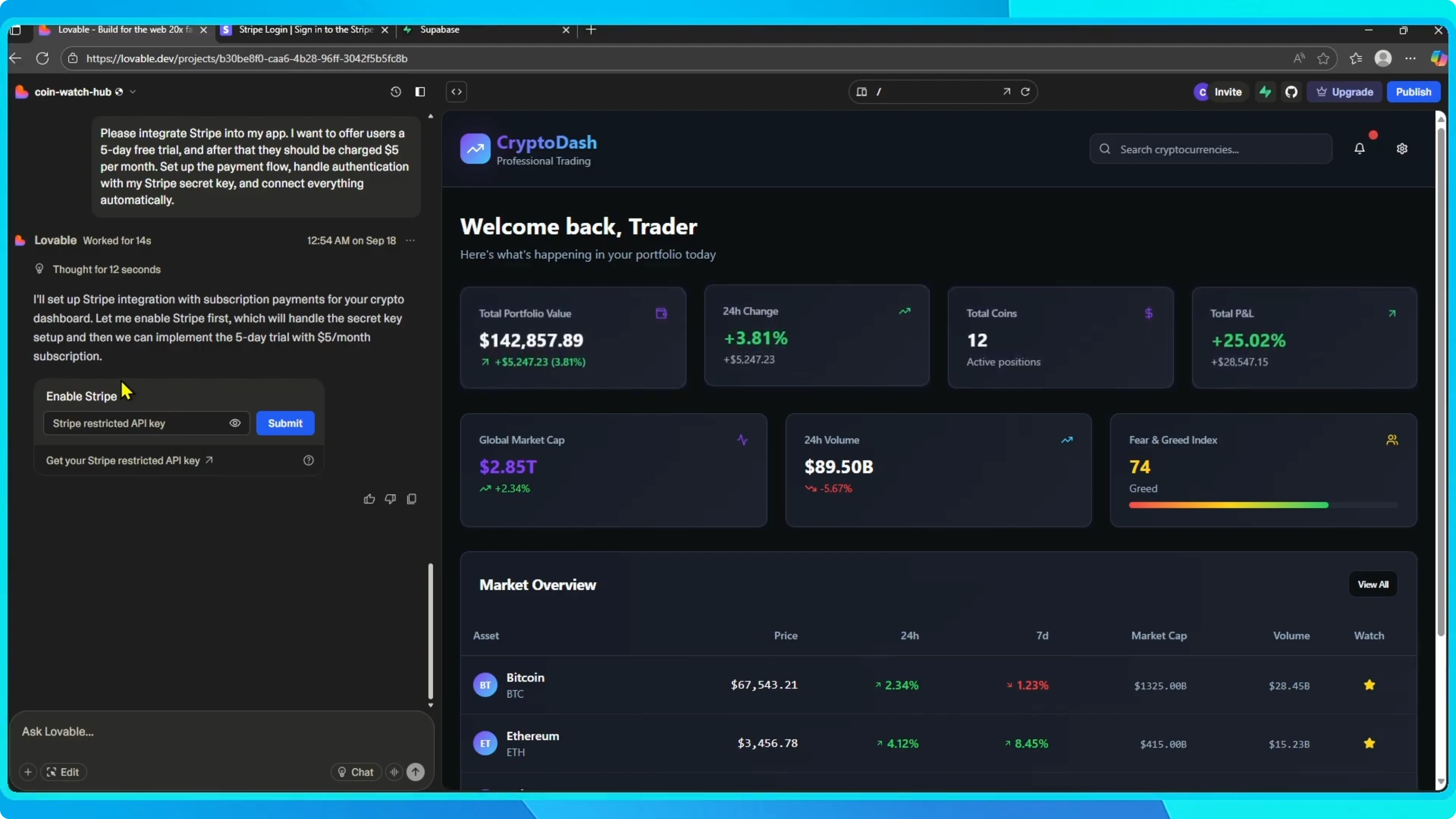
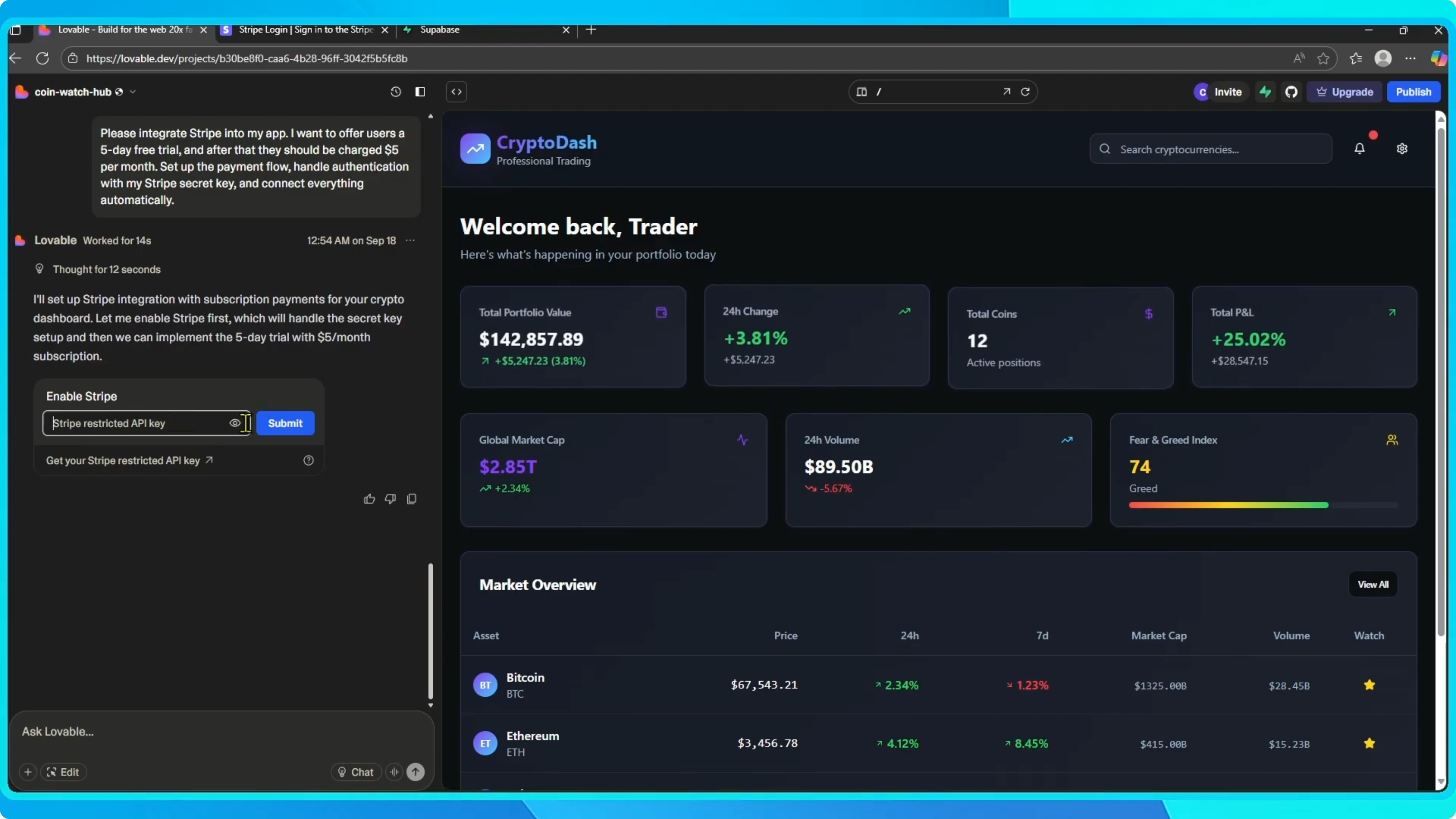
For a deeper walkthrough of the connection steps, see this Stripe to Lovable setup guide.
Read More: Block Pop Up Ads Google Chrome
Subscription flow
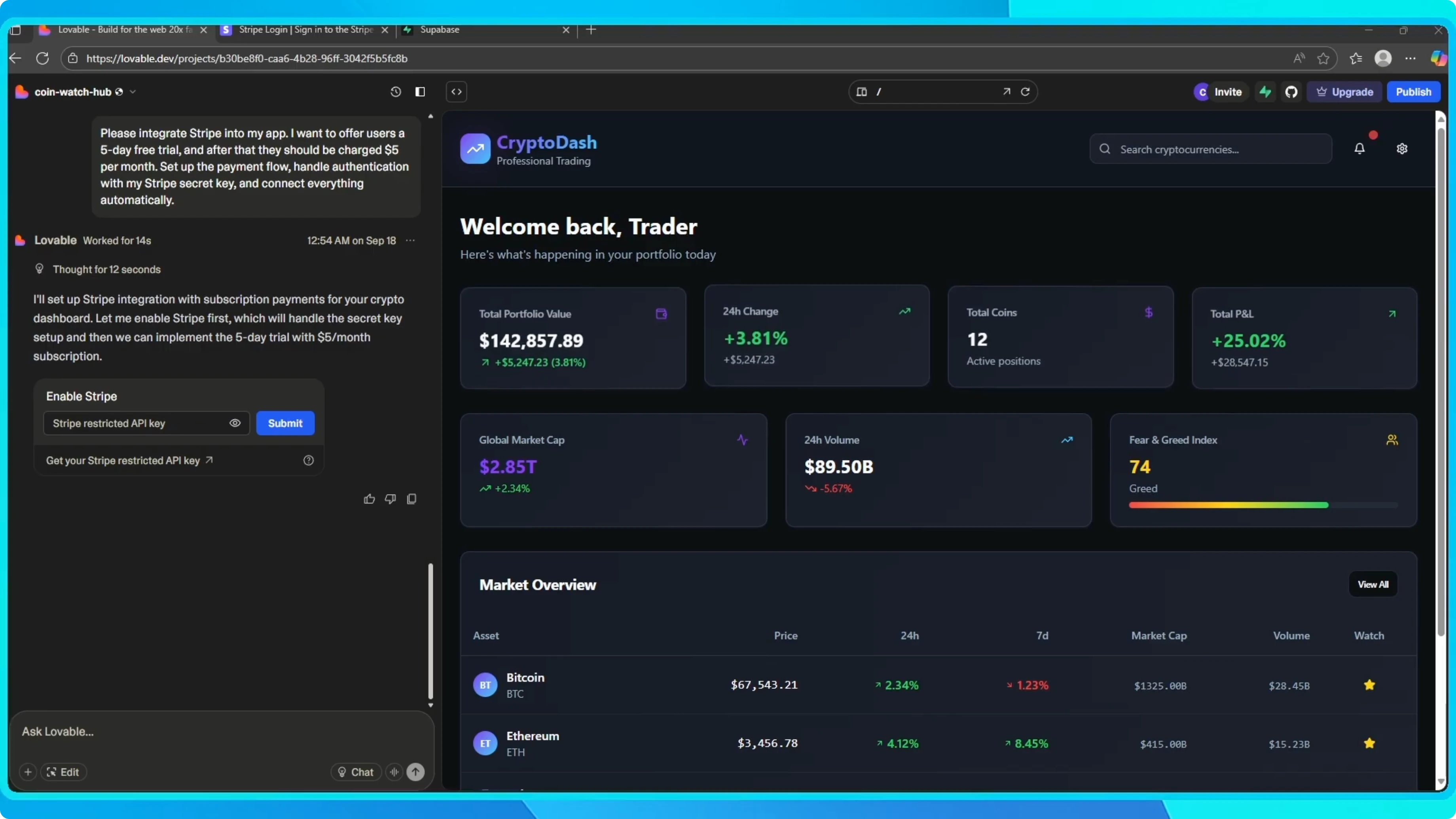
After that, your app will have a working subscription flow, including the free trial logic, monthly billing, and authentication handled by Stripe. You do not need to code anything. Lovable takes care of the backend setup so you can focus on your app features.
If you plan to work with teammates on this setup, see how to collaborate with your team in Lovable.
Final thoughts
The connection is straightforward, and the subscription flow is ready once your key is verified. Set the trial and price, authenticate with Stripe, and let Lovable handle the rest. That is all you need to start charging for access with a simple free trial and monthly billing.