How to Convert Lovable Web App Into an iOS App?
I will show you how you can convert your Lovable web app into an iOS app. It is simple. Follow these steps.
Prepare your site
Open the app you want to convert to iOS. Open the project and click the Publish button in the top right. Publish your site.
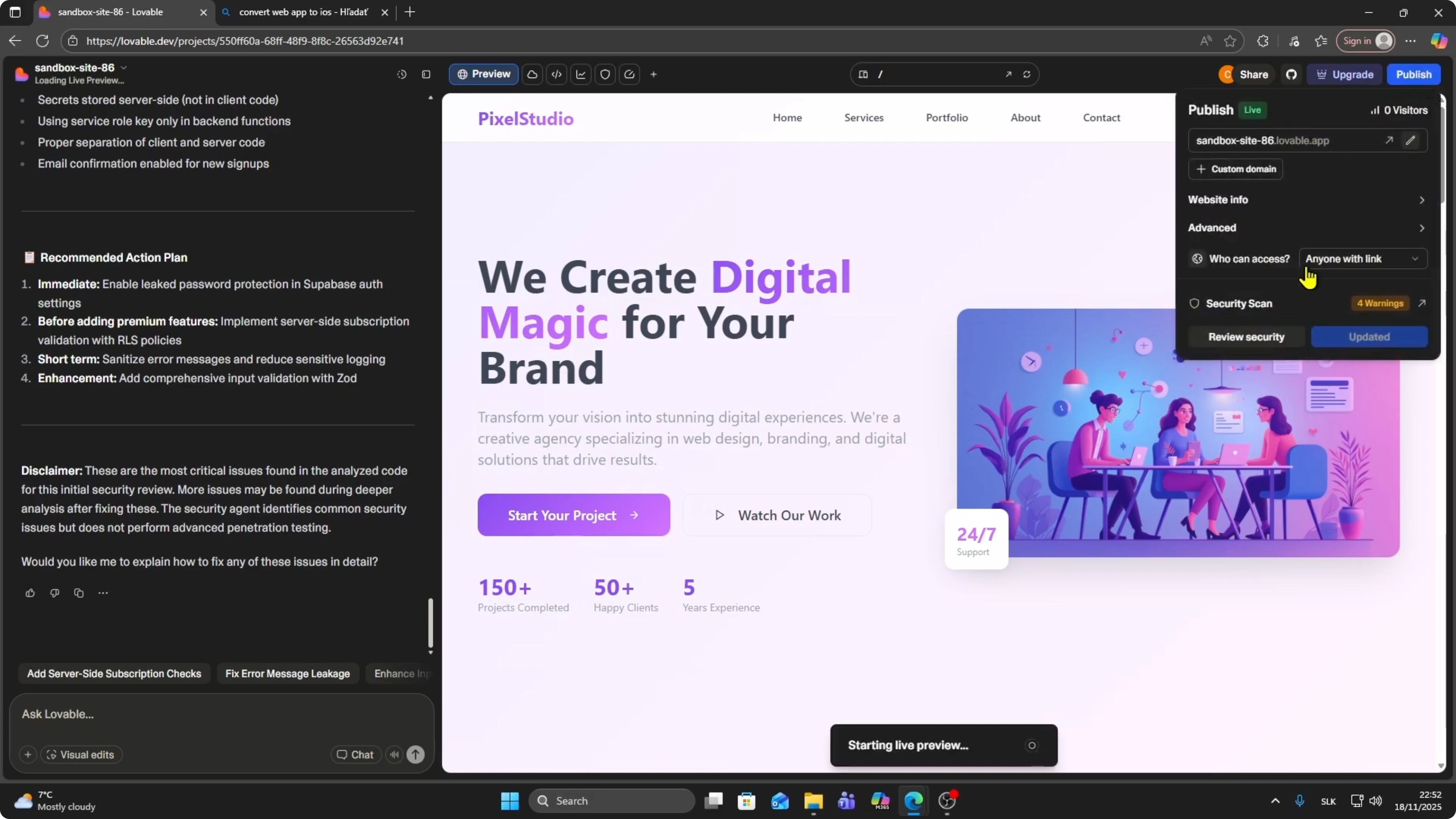
Copy the URL after publishing. You can also copy it from the live preview. Copy the live URL.
Pick a converter
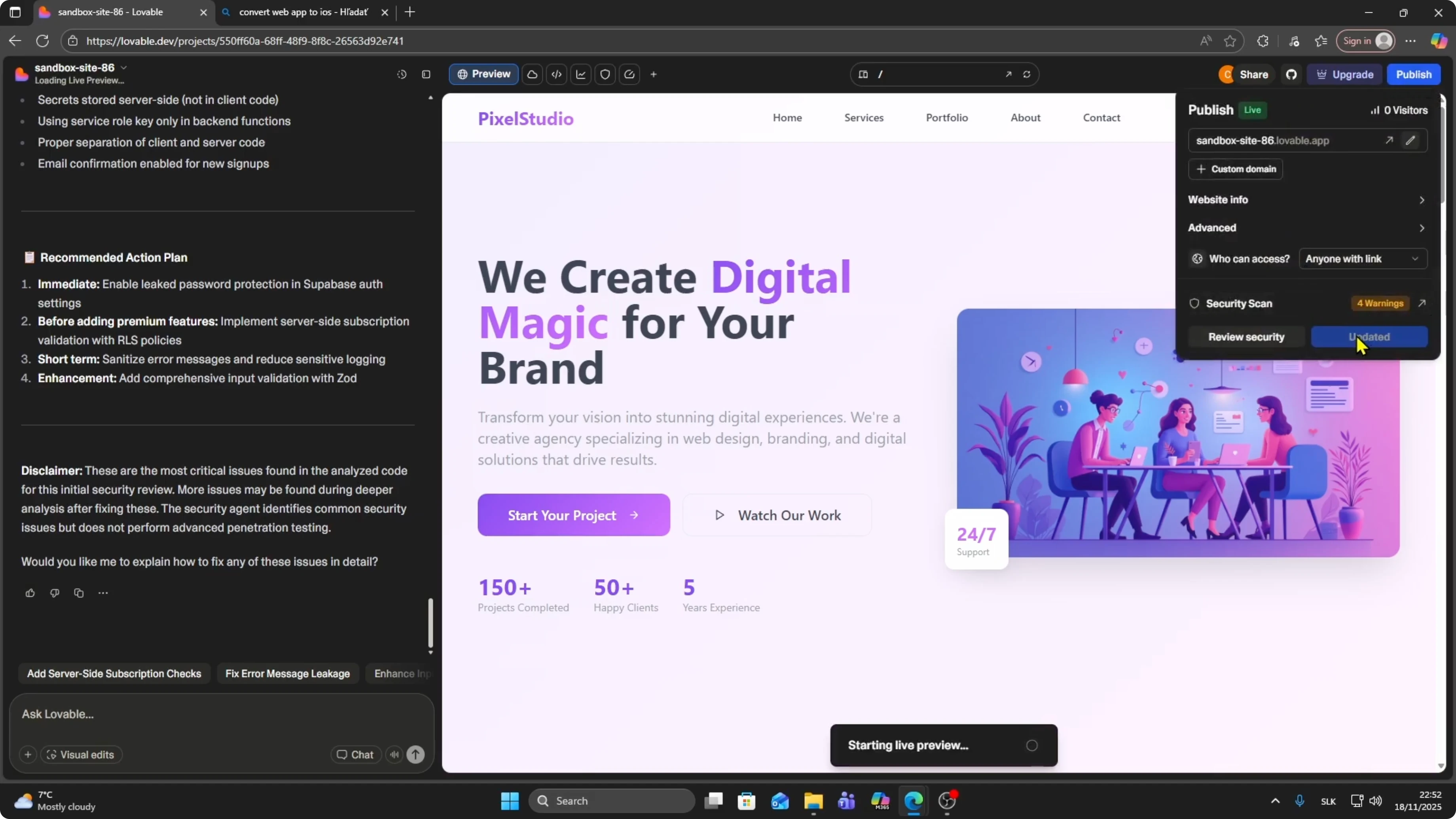
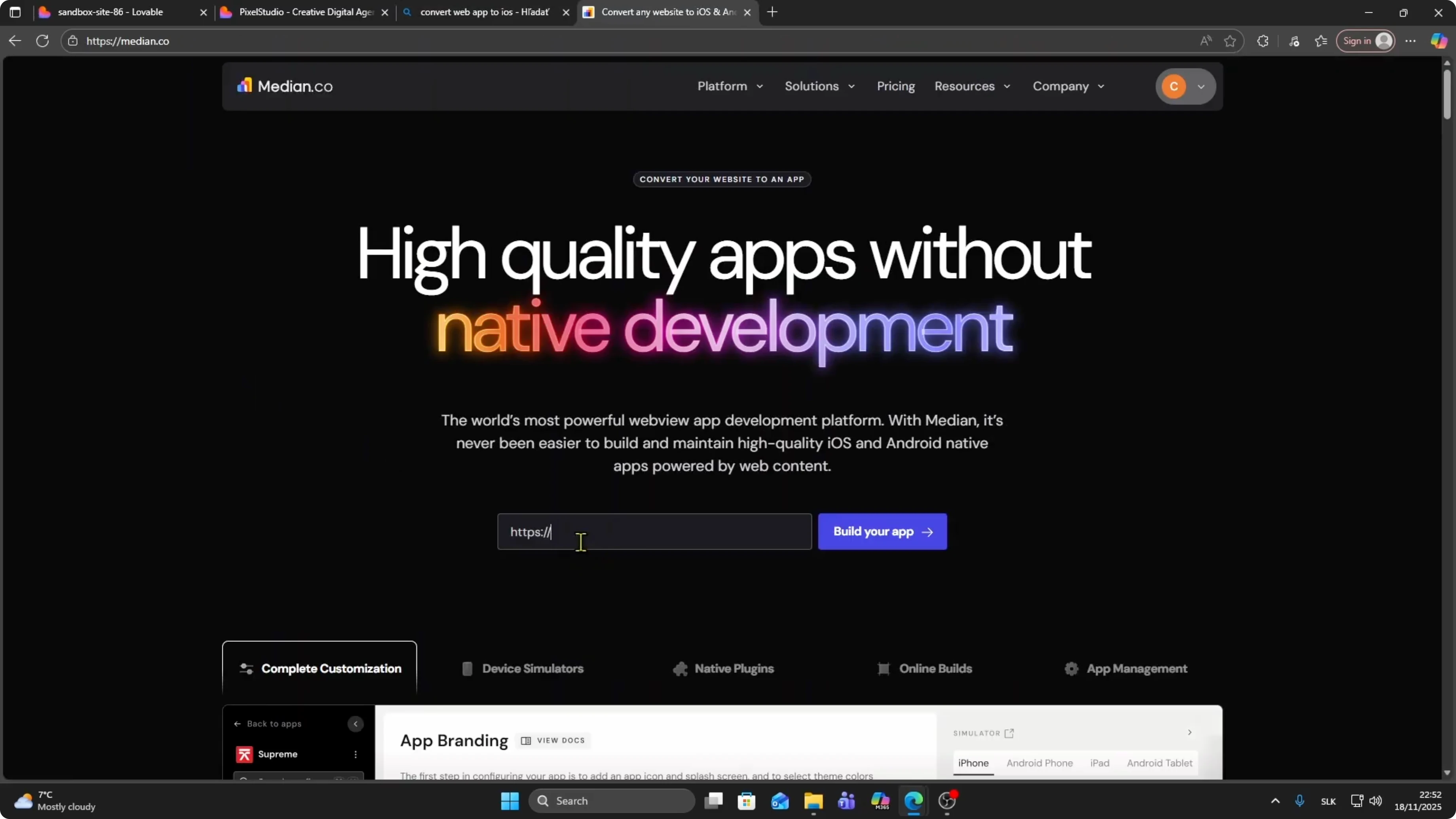
Go to Google and search for convert web app to iOS. Choose a site from the results. I am choosing Median at median.co.
Paste your URL in the field. You will see your website URL, then name your app. Click Start building my app.
Customize
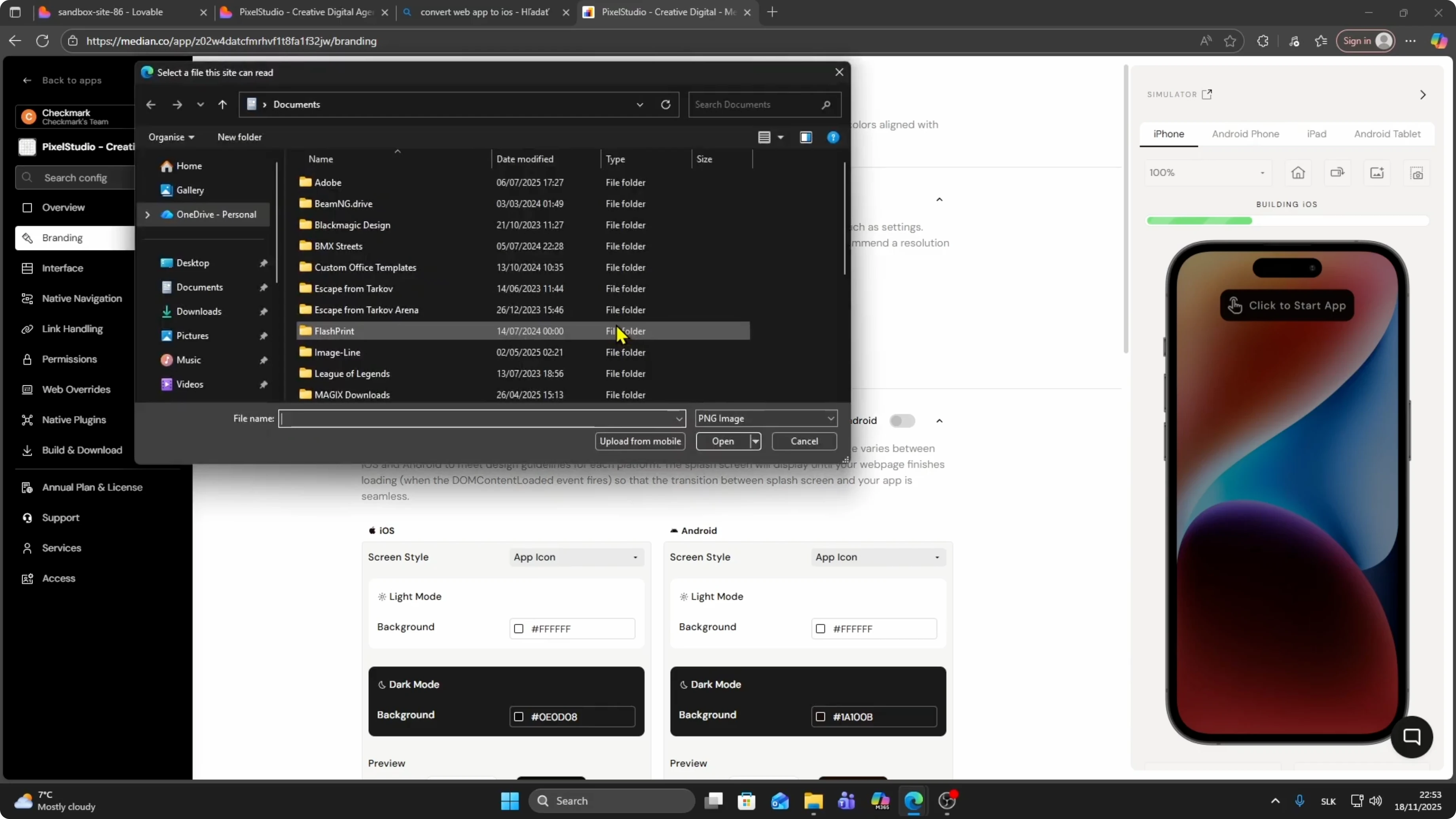
Upload your app icon. Click Change image and upload the file you want for iOS or Android. Click Save.
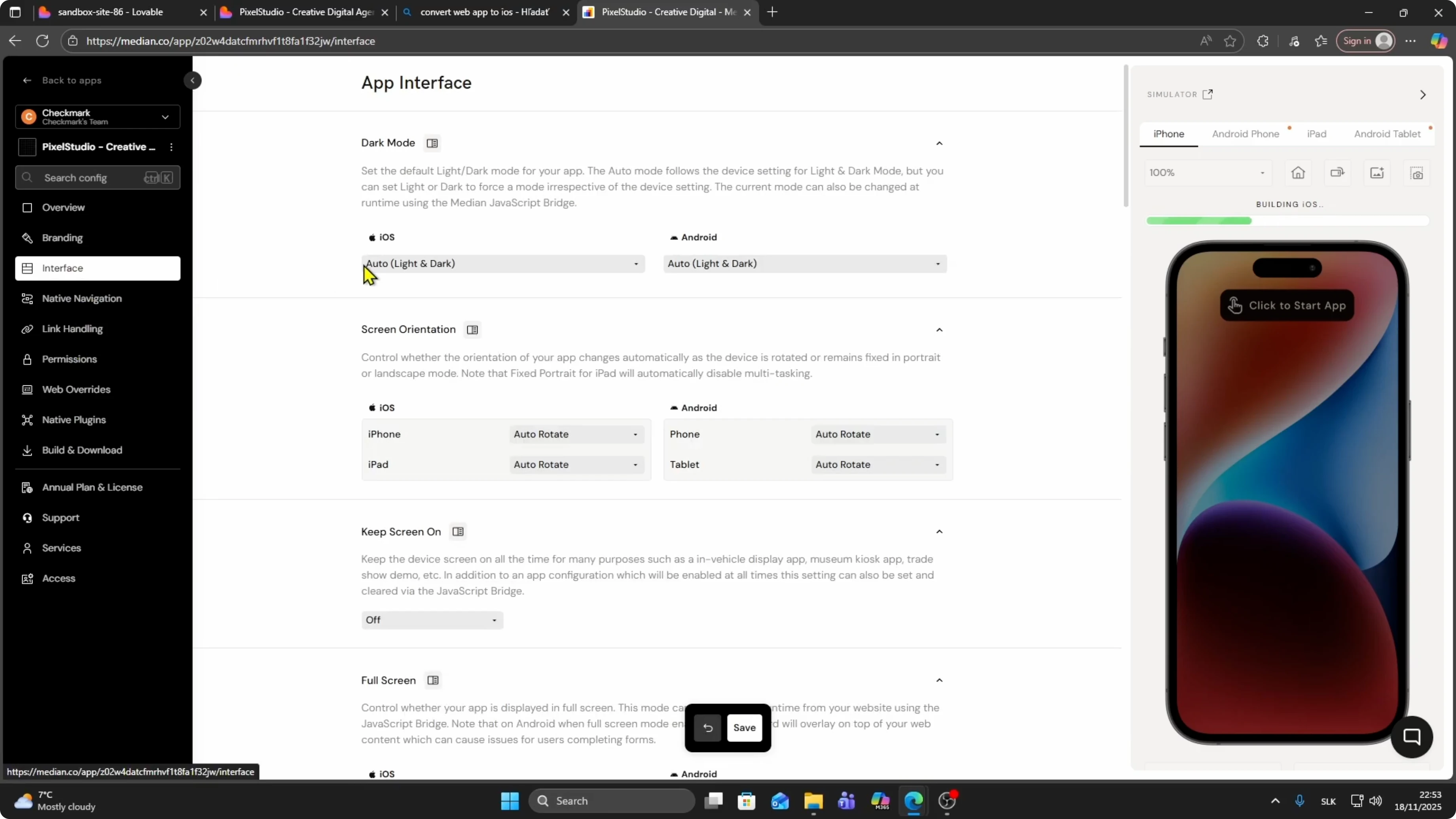
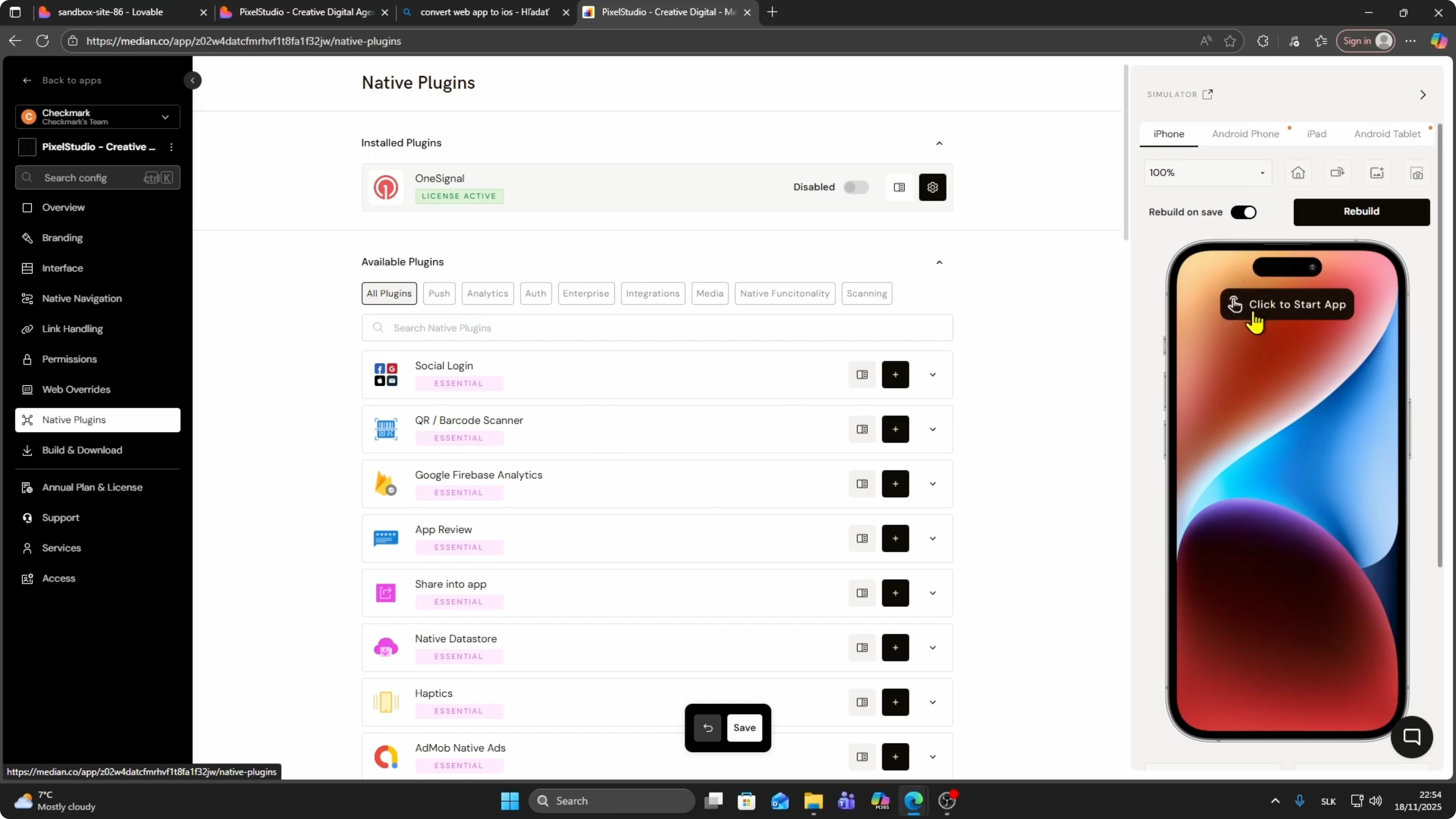
You can customize the interface and set permissions. You also have native plugins like social login and Firebase Analytics. Adjust what you need.
Preview and test
Click Start app to load a preview once your site is uploaded. Wait a moment for the preview to load. You will see your icon.
Scroll through your site and check if everything is working. Click Sign in to subscribe to confirm the flow. You should be prompted to sign in.
Read More: Add Instagram Web Google Chrome
Download builds
Click Download. Choose Android or iOS based on what you want to generate.
If you need the Android package, see how to convert a Lovable app to APK. This will help if you plan to create an Android build alongside iOS.
To download the iOS file, click Configure signing. Connect your Apple account for signing. This step is required.
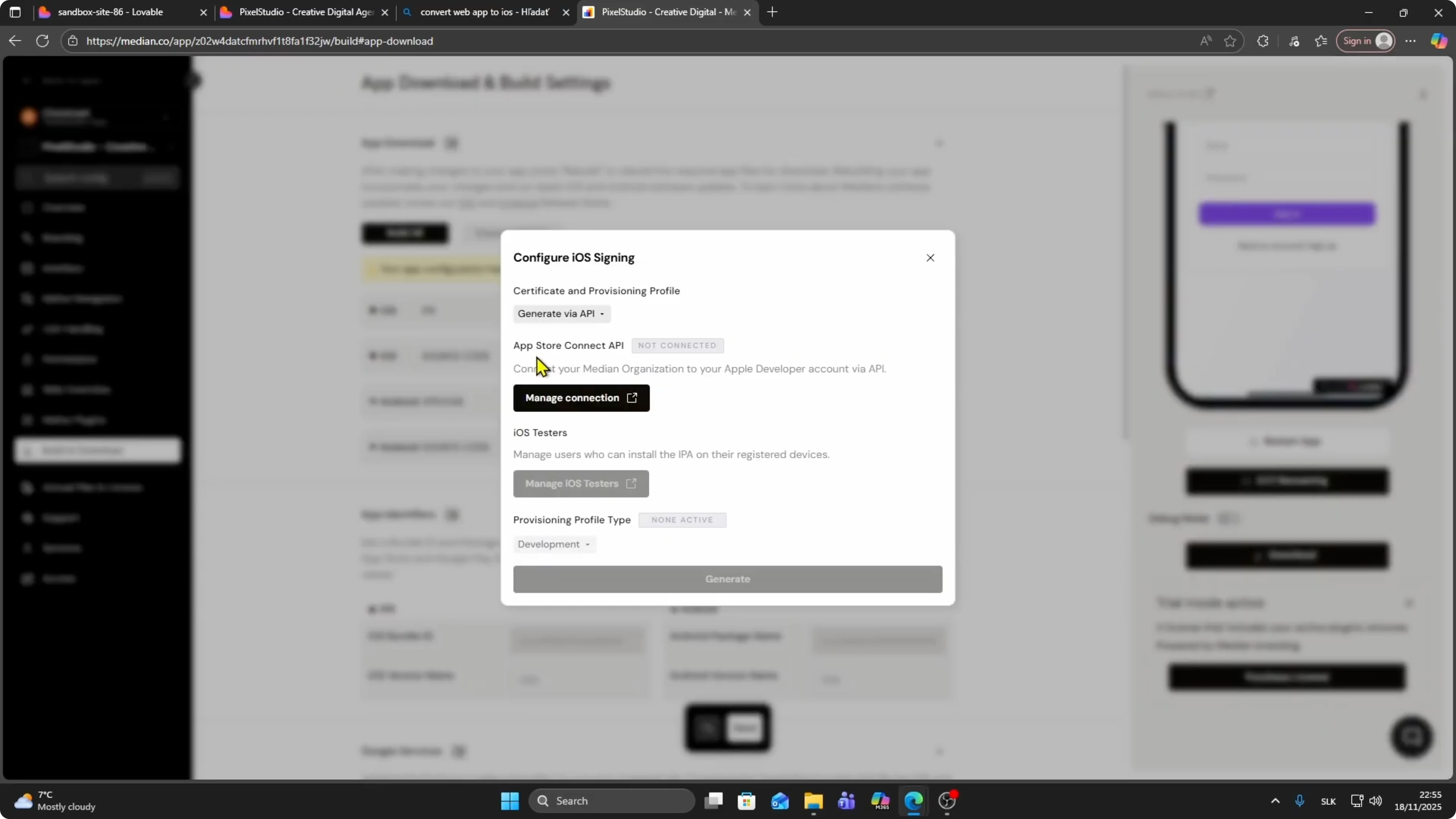
Connect Apple API
Connect your Apple App Store through API. Connect your Median organization to your Apple Developer account through API. Click Manage connections and complete the link.
Once connected, click the Build button. Click Build to generate the iOS file. After the build finishes, click Download.
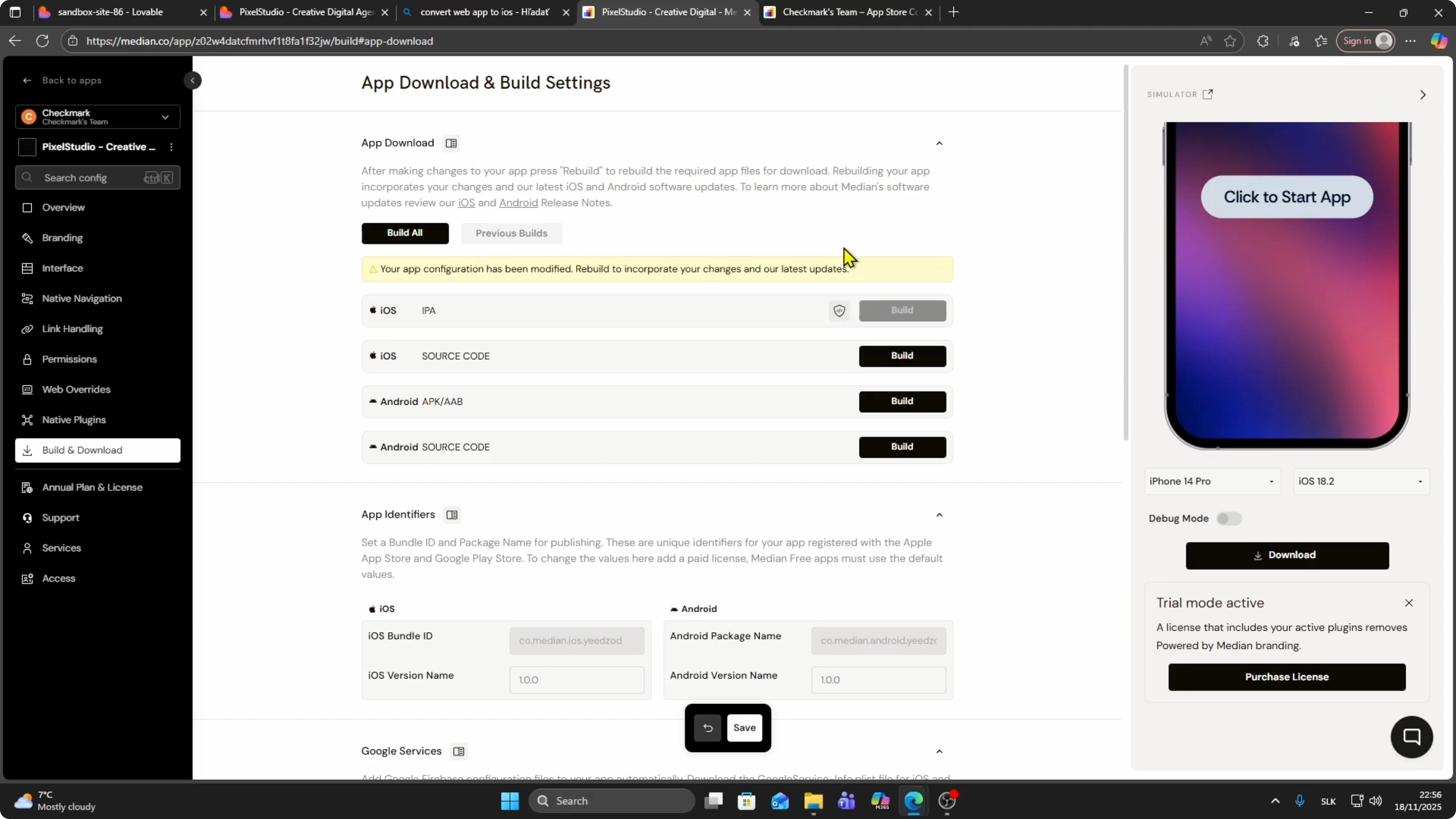
Source code
To download source code, click Build. Click Download when the build is complete. The process is the same as the iOS file.
For publishing on Android, see how to publish a Lovable app on Google Play Store. This will walk you through listing and release.
Final thoughts
Publish your Lovable site, copy the live URL, and use a converter like Median to build your iOS app. Complete Apple signing through API and build the file. Preview, test, and download when ready.


