Google AI Studio 2.0: Antigravity and Firebase Agent Features
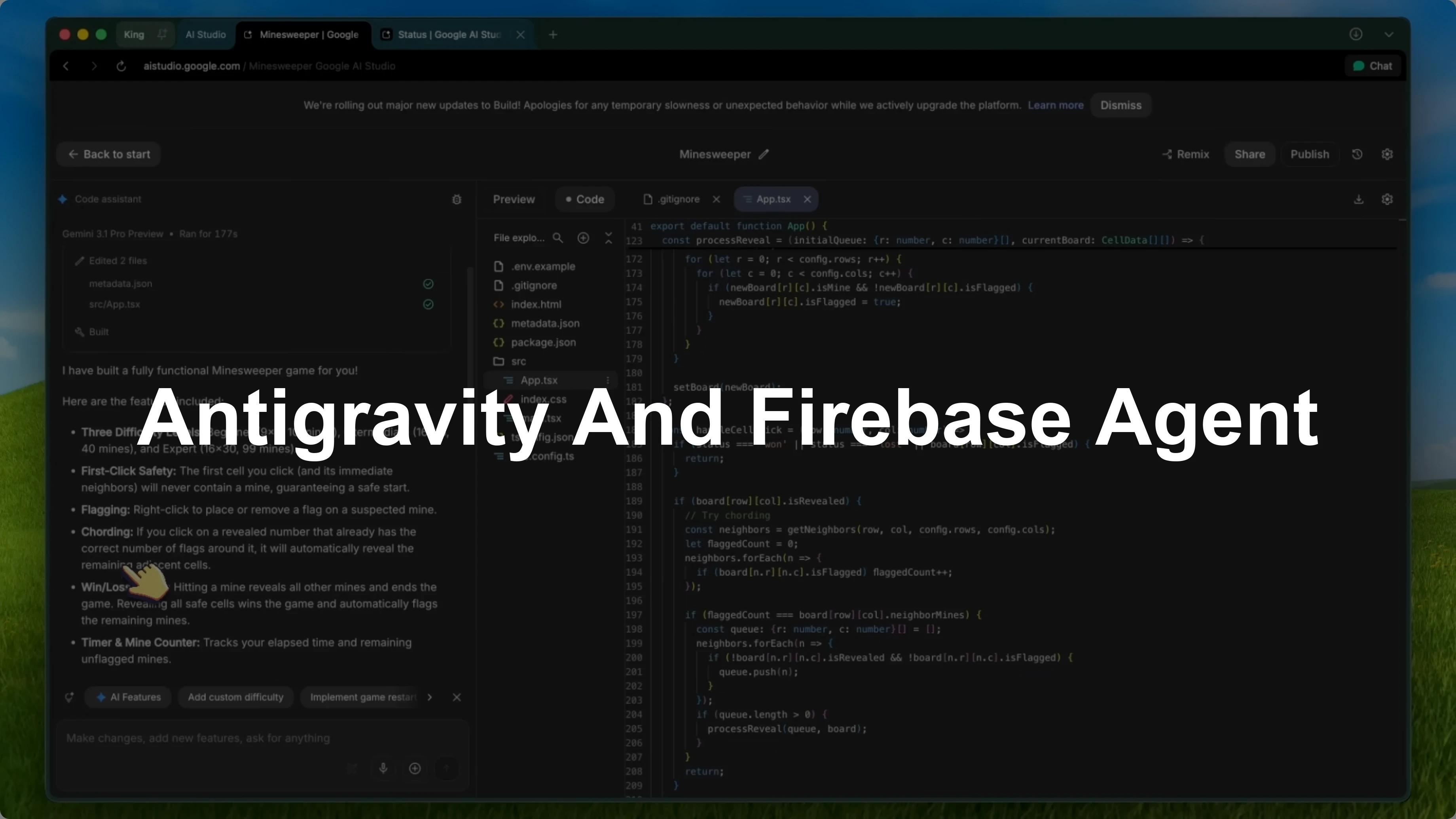
Google has given AI Studio Build a massive upgrade and this time it's a really big deal. I have covered AI Studio Build multiple times because I genuinely think it's one of the most underrated vibe coding platforms out there, especially since it's free. This update takes it from being a cool side project tool to something that can actually compete with the big names.
The team at Google gave me early access to this new experience about a month ago, and I have been using it pretty extensively since then. I am not just reading patch notes here. I have tested this hands-on and it is a significant step forward.
Antigravity agent
The biggest change is the introduction of the Antigravity agent. Previously, the code assistant was decent but a bit basic. Now your prompts go through a much more capable coding agent, similar to what is used in the Antigravity AI editor.
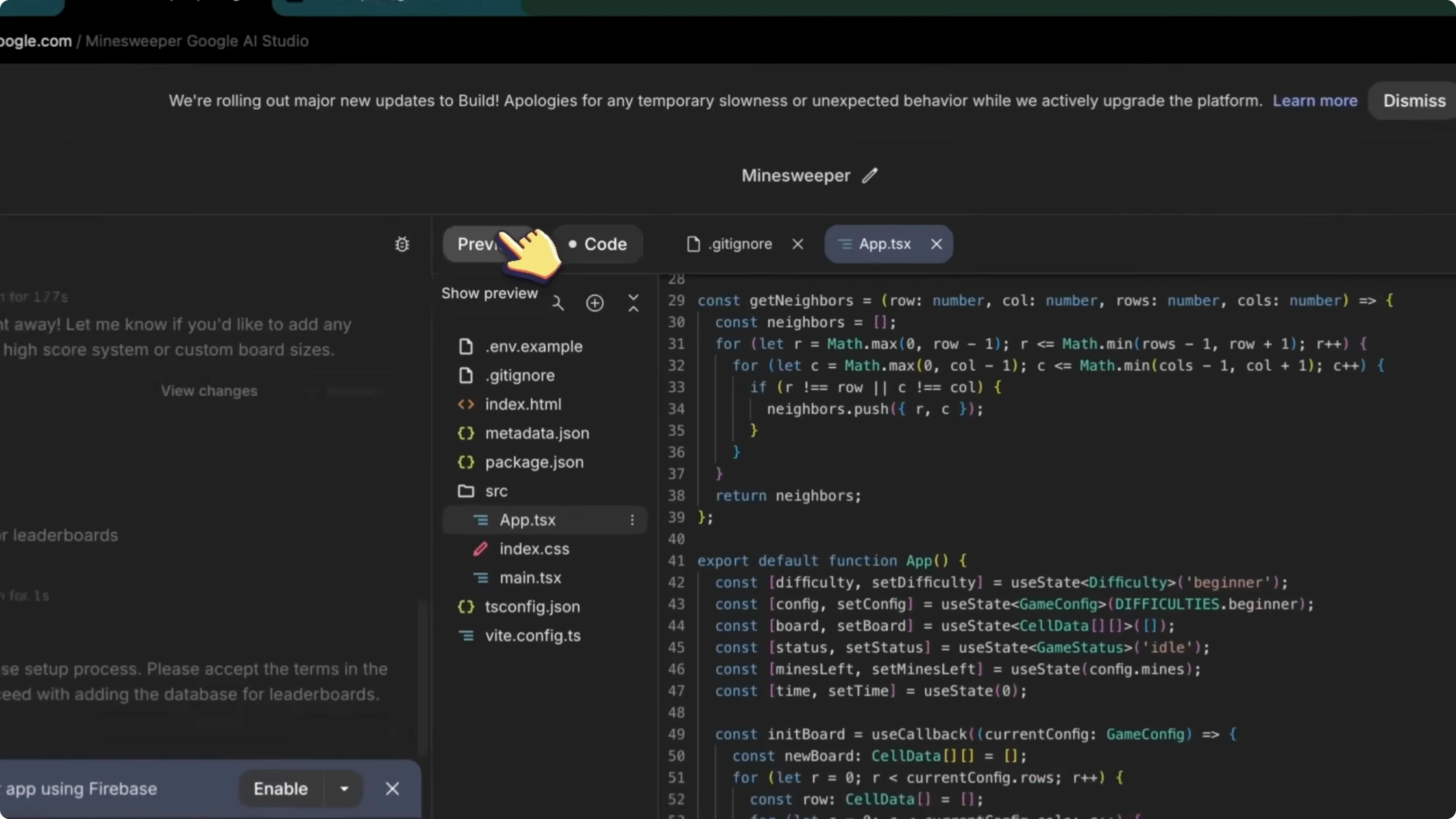
The difference is noticeable. Context handling is way better. Long chat sessions no longer lose track of what you are building, and it handles large code bases much better.
If you run into Antigravity setup issues in Chrome, see this Chrome fix.
Server-side build
App generation now happens server side rather than in your browser. Previously, if you closed the tab or lost your internet connection while it was building your app, you would lose all progress. Since everything runs on the server, there is no data loss and you can reopen on another device while your app continues.
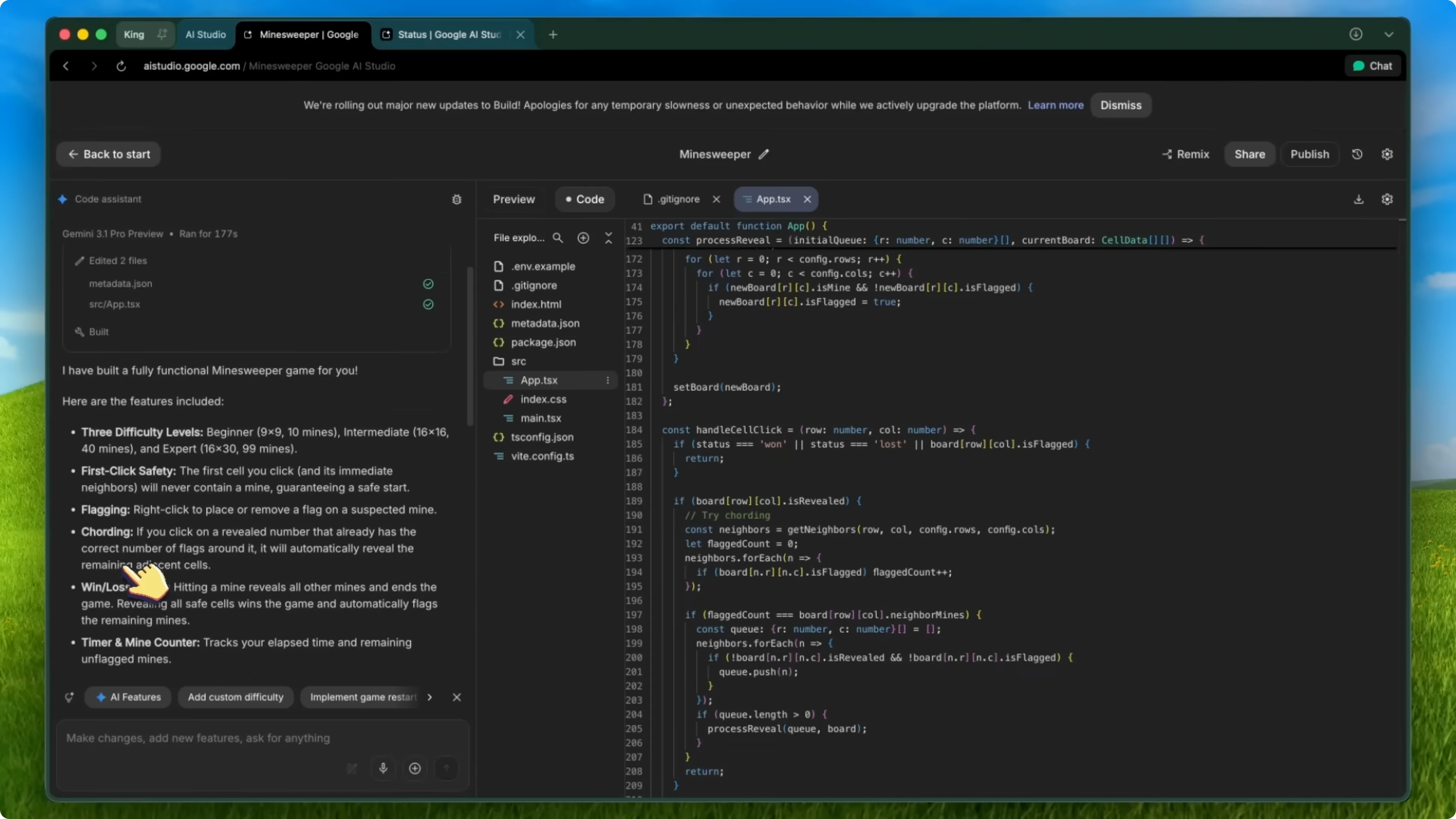
I tested this multiple times and it works perfectly. This is a huge quality of life improvement. It removes one of the most frustrating failure cases from the old experience.
Multiplayer and full stack
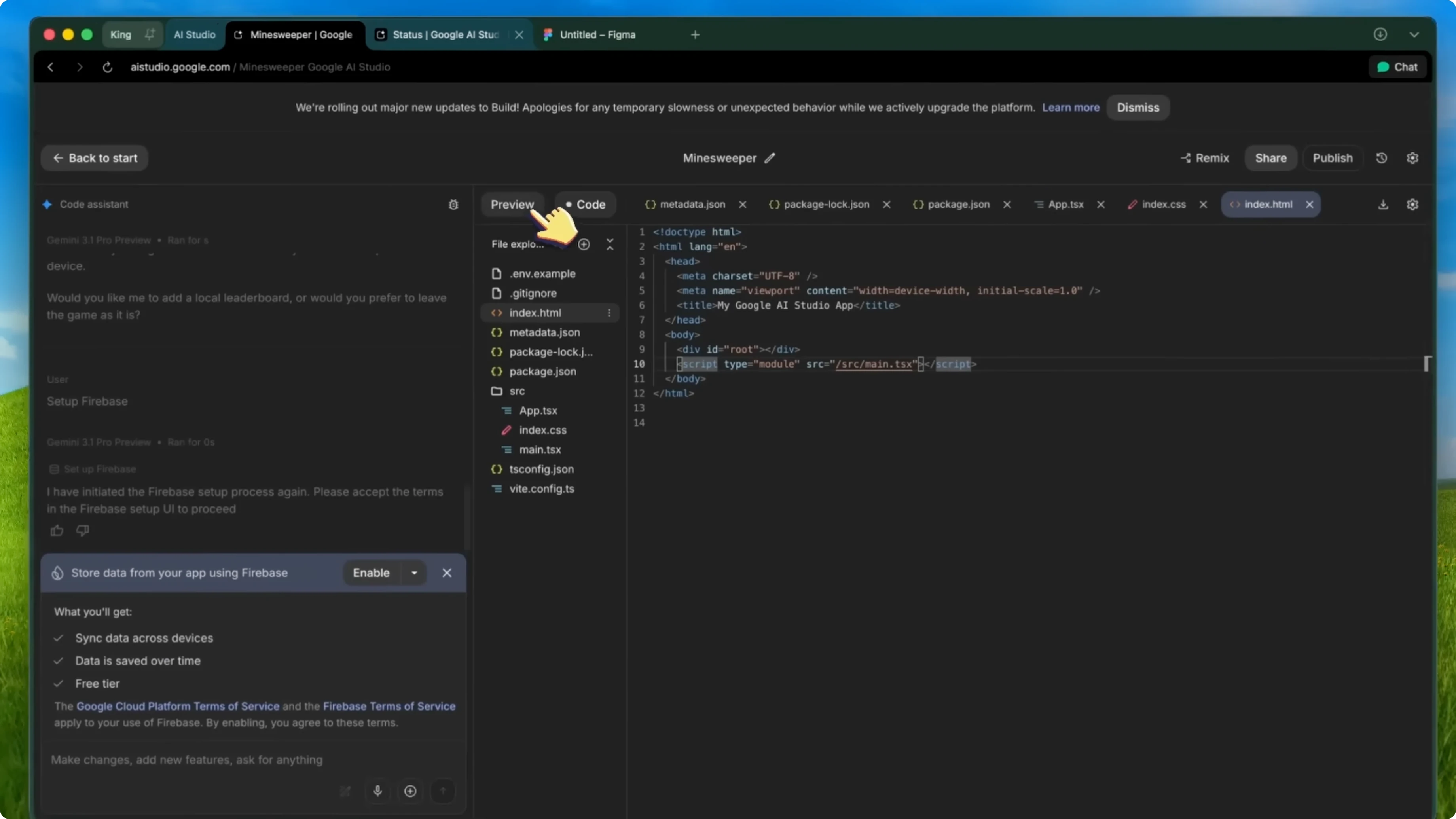
One of the coolest new features is multiplayer experiences. You can now build multiplayer games and experiences directly in AI Studio Build. With the new full stack runtime, it can handle server side logic, which means realtime multiplayer is now on the table.
AI Studio Build has expanded from supporting client side only apps to full stack apps using the Antigravity coding agent. You are not just building single page React toys anymore. You can build actual full stack applications with backend logic and everything.
Framework choices
They have added new framework support. React is still the default, and you can also choose Next.js when generating a new app under Advanced settings. They have also added Angular support, so all three major frameworks are now available.
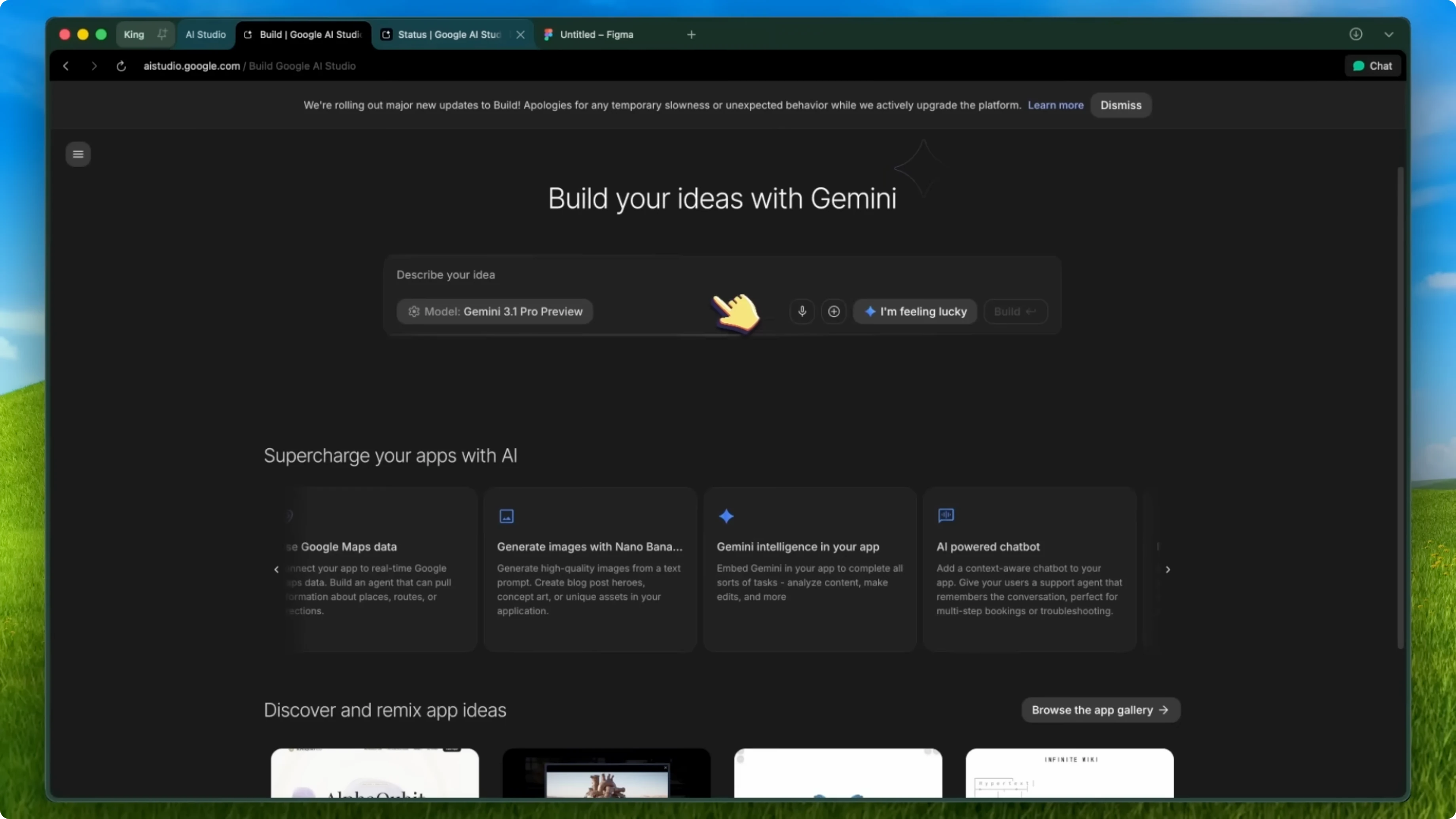
Different projects call for different frameworks, and having the choice is really nice. This flexibility makes it much easier to fit the tool to the project. It also makes upgrading or migrating patterns more practical.
Read More: Disable Ai Google Chrome
Tooling updates
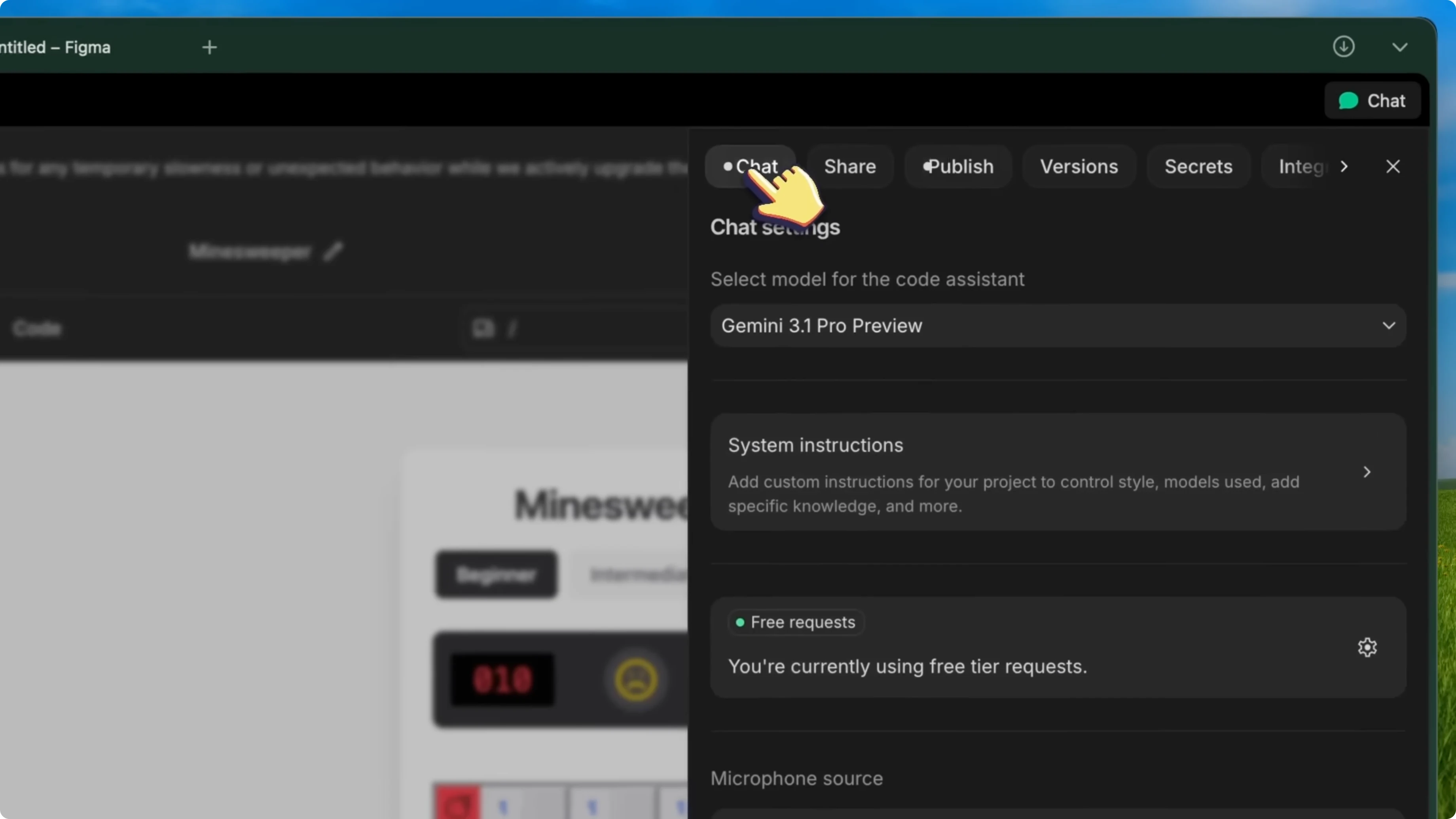
They have added a secrets panel. This lets you manage API keys properly without hard-coding them into your front-end code, which is cleaner and far more secure. If your app connects to an external service, store API keys through this panel.
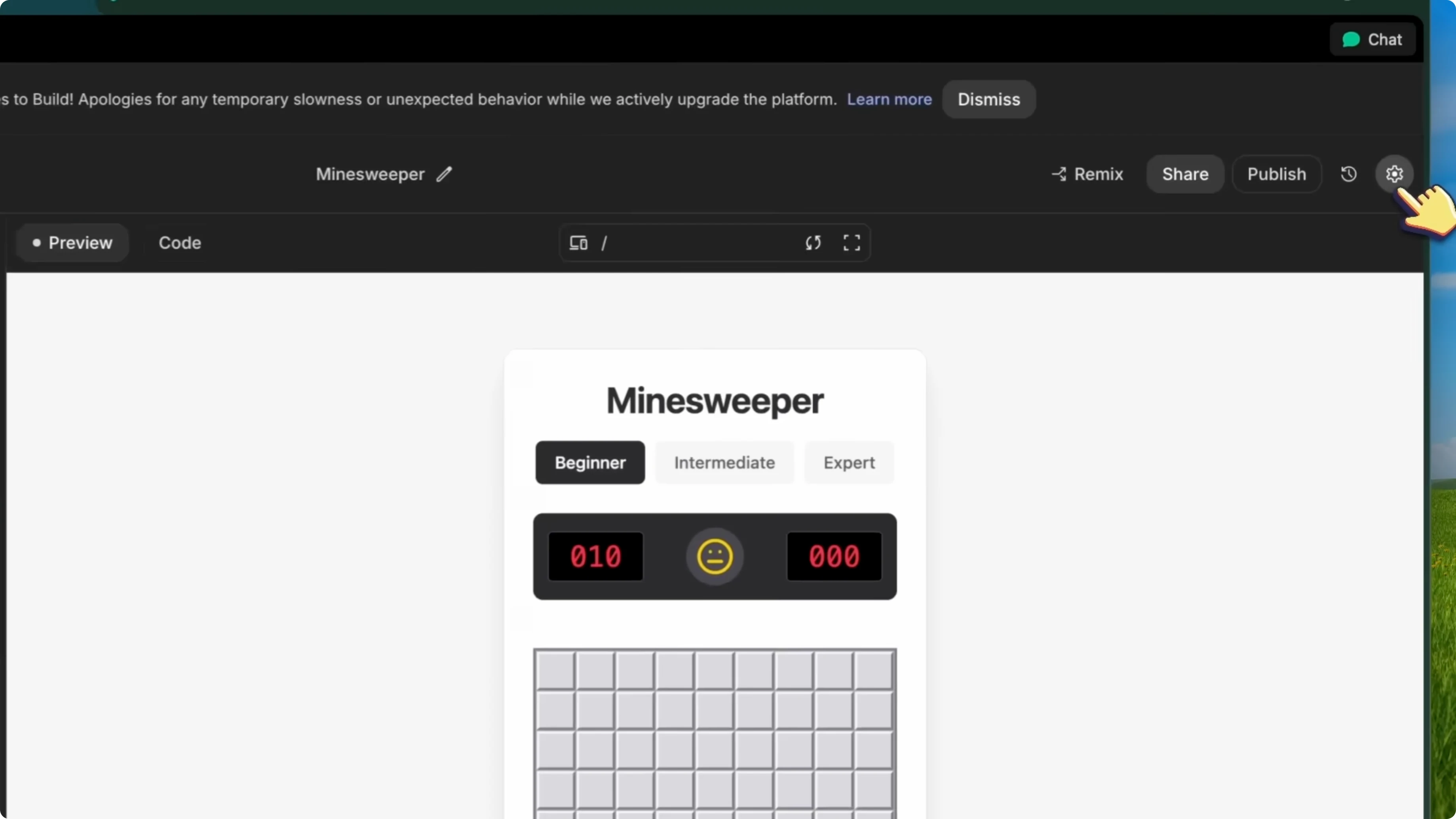
They have improved the asset system. Image uploads are simpler and storage limits for static assets are higher. If you are building something that needs a lot of images or media files, this helps a lot.
Firebase integration
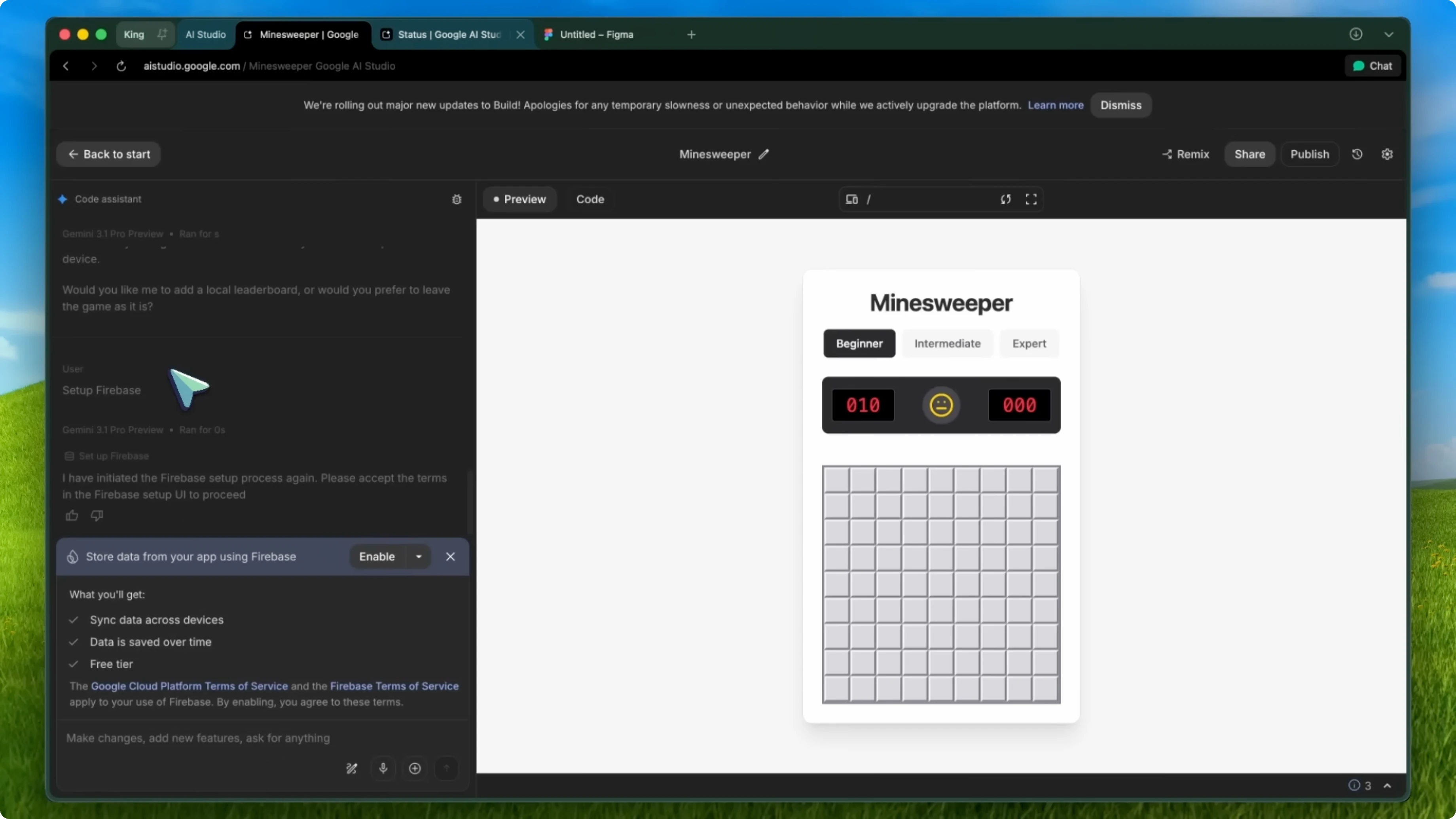
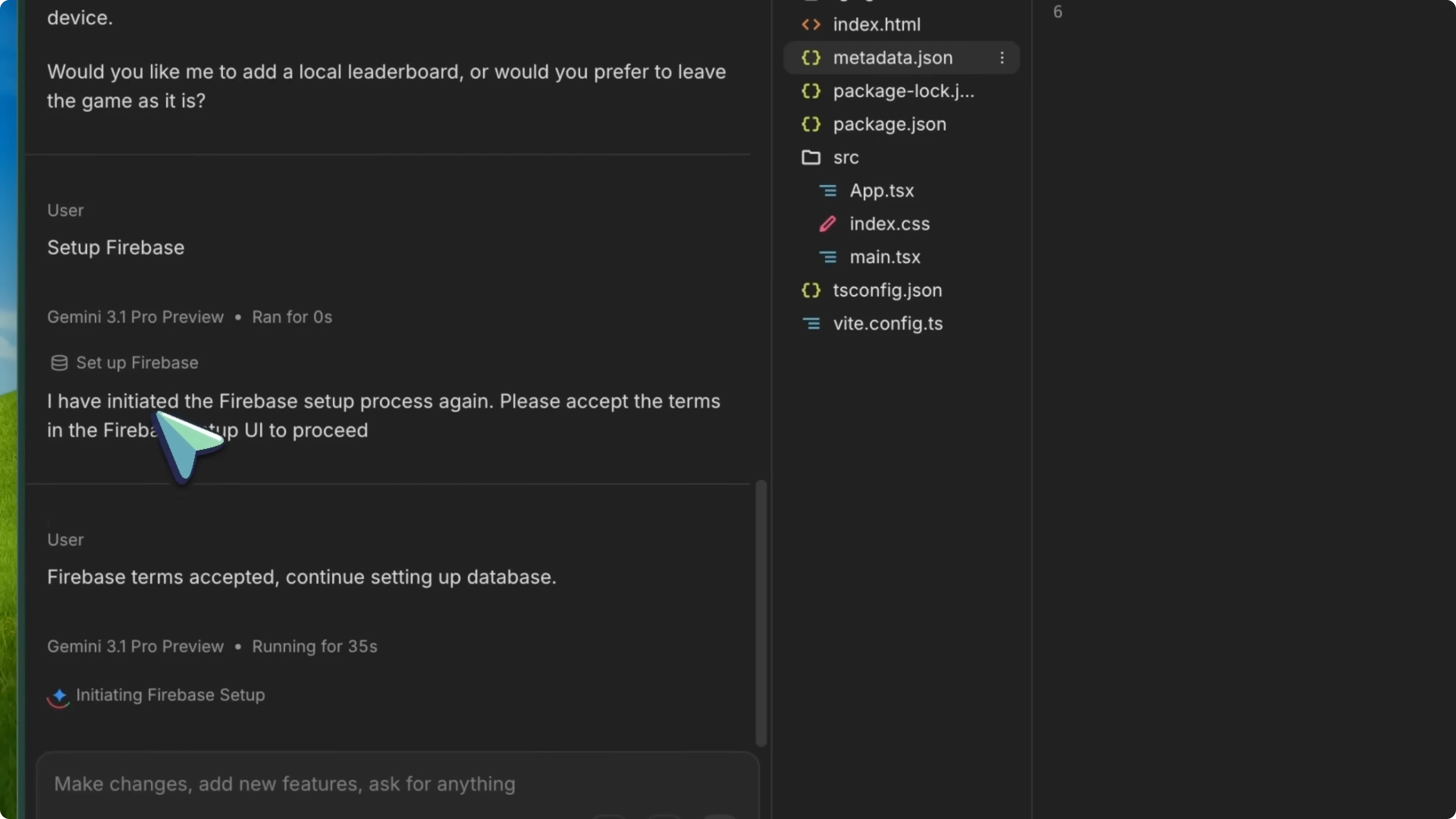
After the initial update, they rolled out Firebase integration. You can now ask the agent to set up a database for your app. It will automatically set up a Firebase database and Firebase Auth and integrate it into your app, with a setup card handling the configuration.
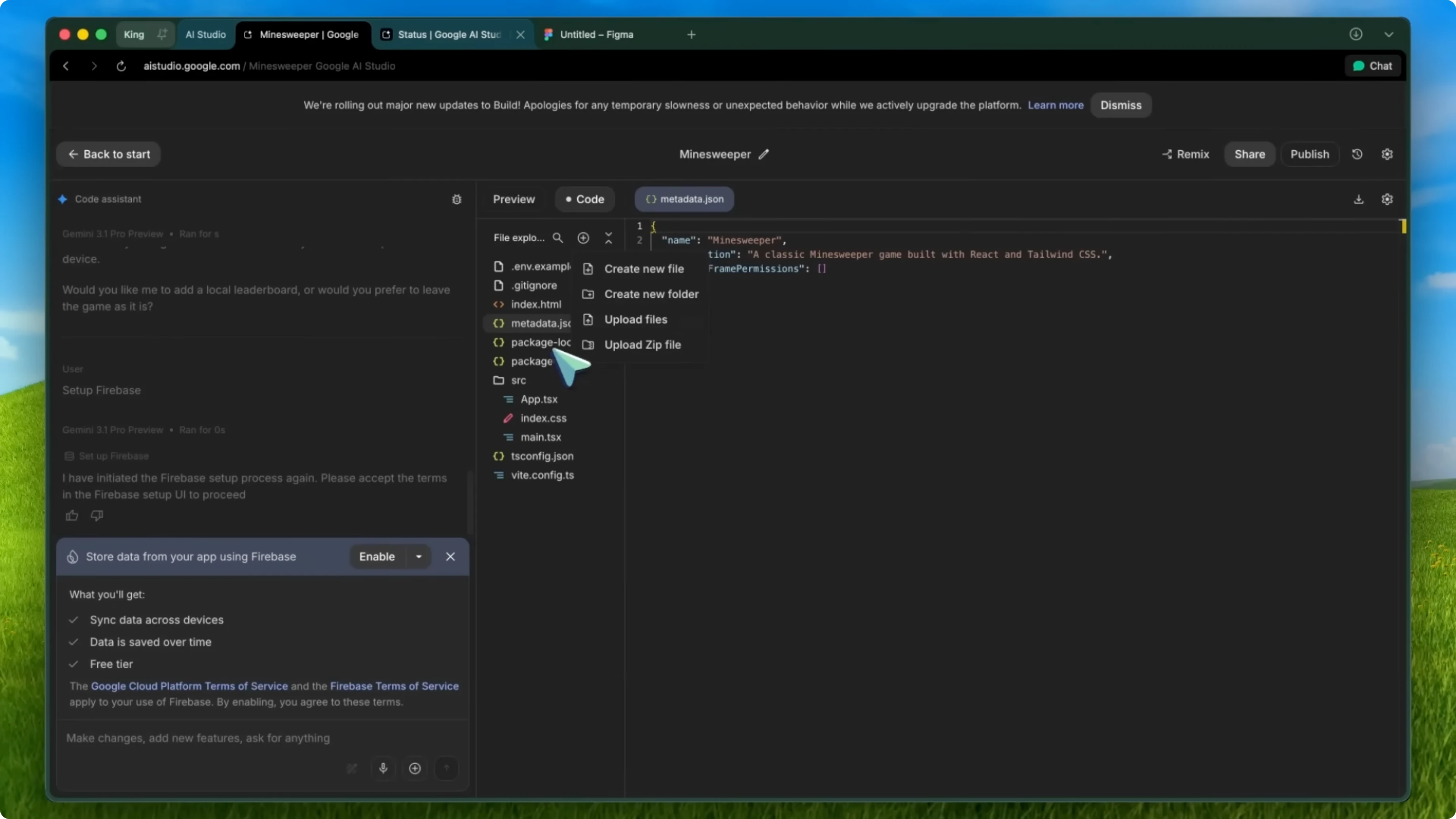
This means you can build apps that actually save state over time. Before this, everything was temporary and a page refresh wiped your data. With Firestore integration, your data persists between sessions, and you can add authentication so each user has their own data.
Setup
Tell the agent to create a full app and database.
Build me a to-do list app and use a Firestore database.
Let the setup card complete without manual configuration. It wires up Firestore and Firebase Auth into your app.
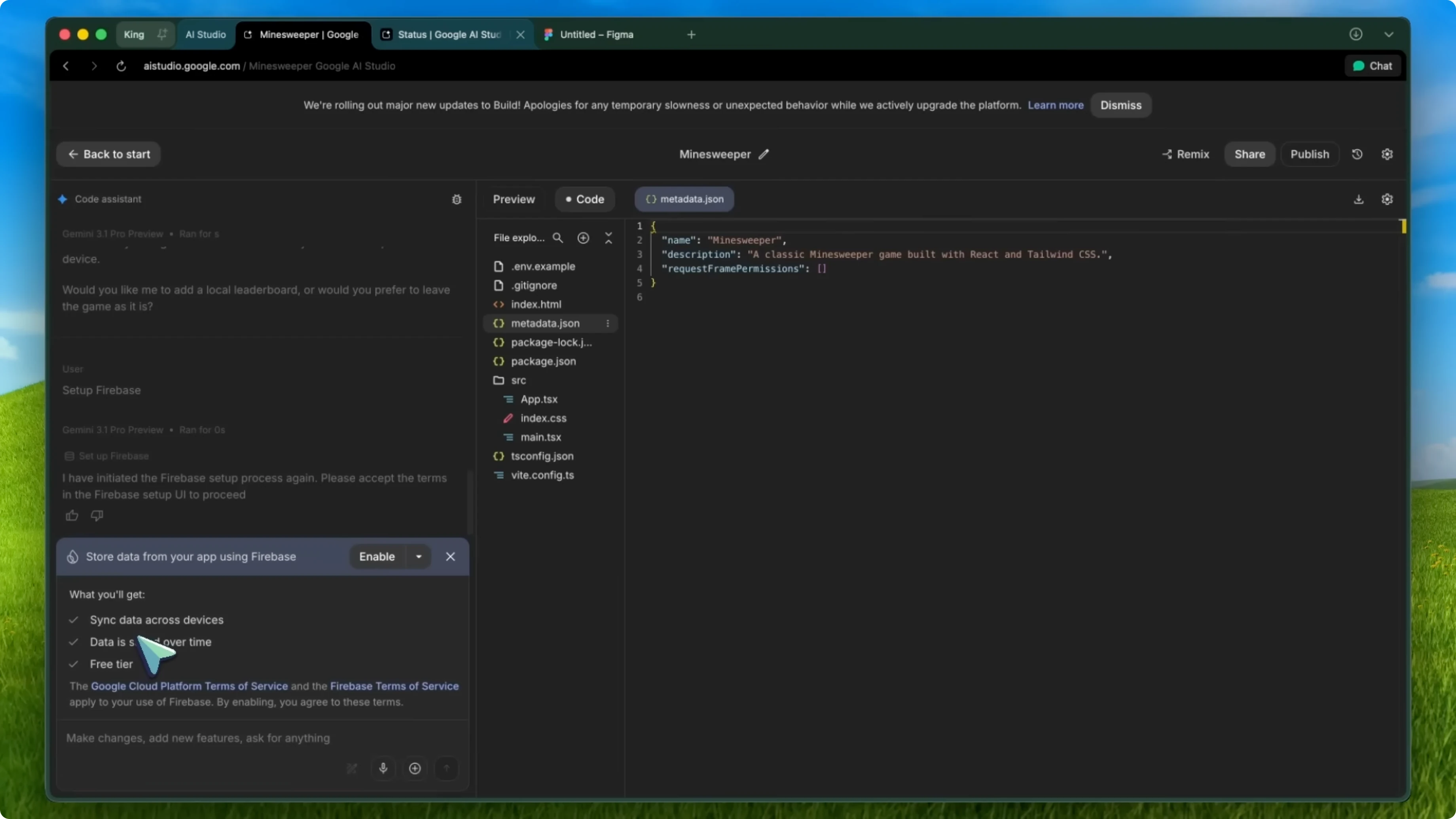
You can add persistence to an existing app by asking the agent to integrate Firebase.
Add a Firebase database and authentication to this app.
Persistence and auth
Data now persists between sessions. Users can log in and have their own data scoped to their account. This is a big step for building real applications.
Known Firebase notes
Apps published through Cloud Run will not have login working by default right now. They still need to add allowlisting for published app domains.
Sometimes Firebase Auth does not work right away after being set up. You might need to wait a minute and try again.
If you hit Antigravity Fast Agent issues during integration, see this Claude error guide.
Storage and app limits
Apps are no longer shared in Google Drive. They are now stored directly in AI Studio itself, which allows for simpler and more reliable sharing.
If you have existing Drive apps, it will prompt you to migrate them to the new storage system. There is currently a five active app limit, which is a bit restrictive, but it will likely increase as the feature matures.
Performance and deployment limits
The agent may take a bit longer than before to create and update your app. It is not super slow, but it is noticeably slower than the old system in some cases. They are working on improving latency.
For certain apps using things like Express.js, deploying to Cloud Run is not yet supported in the new experience. Keep this in mind for backend heavy builds. For Firebase login on Cloud Run, domain allowlisting is still pending.
Final thoughts
After using this for a month, I am genuinely impressed with the direction they are taking. The combination of the Antigravity agent, full stack support, server side generation, multiplayer capabilities, framework choices, and Firebase integration makes this a compelling platform. The fact that it is free is just the cherry on top.
If you tried it before and were not impressed, give it another shot with these new updates. It is a completely different experience now. Overall, it is pretty cool.


