How to Fix the Chrome Not Detected Error in Google Antigravity on Mac?
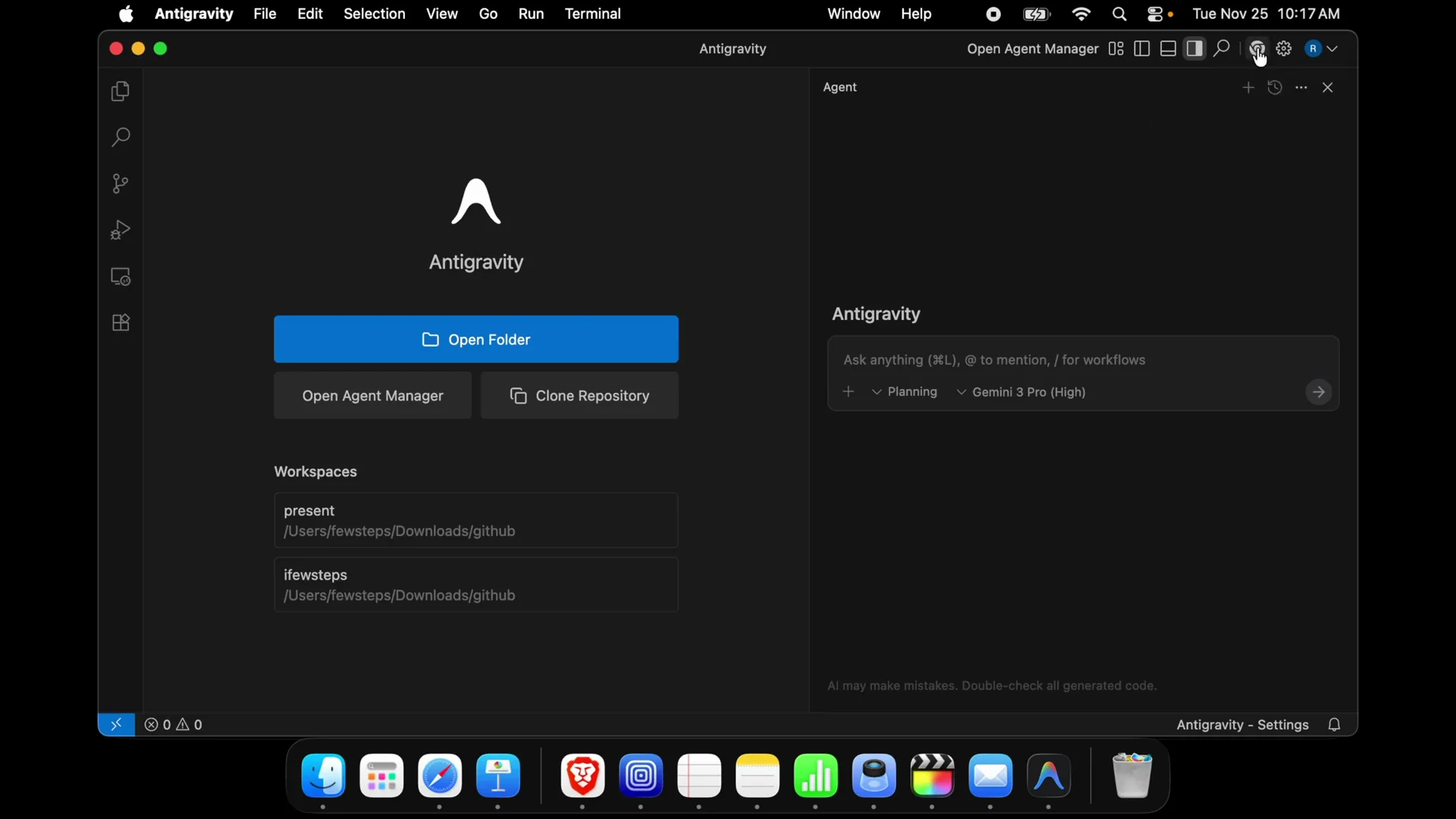
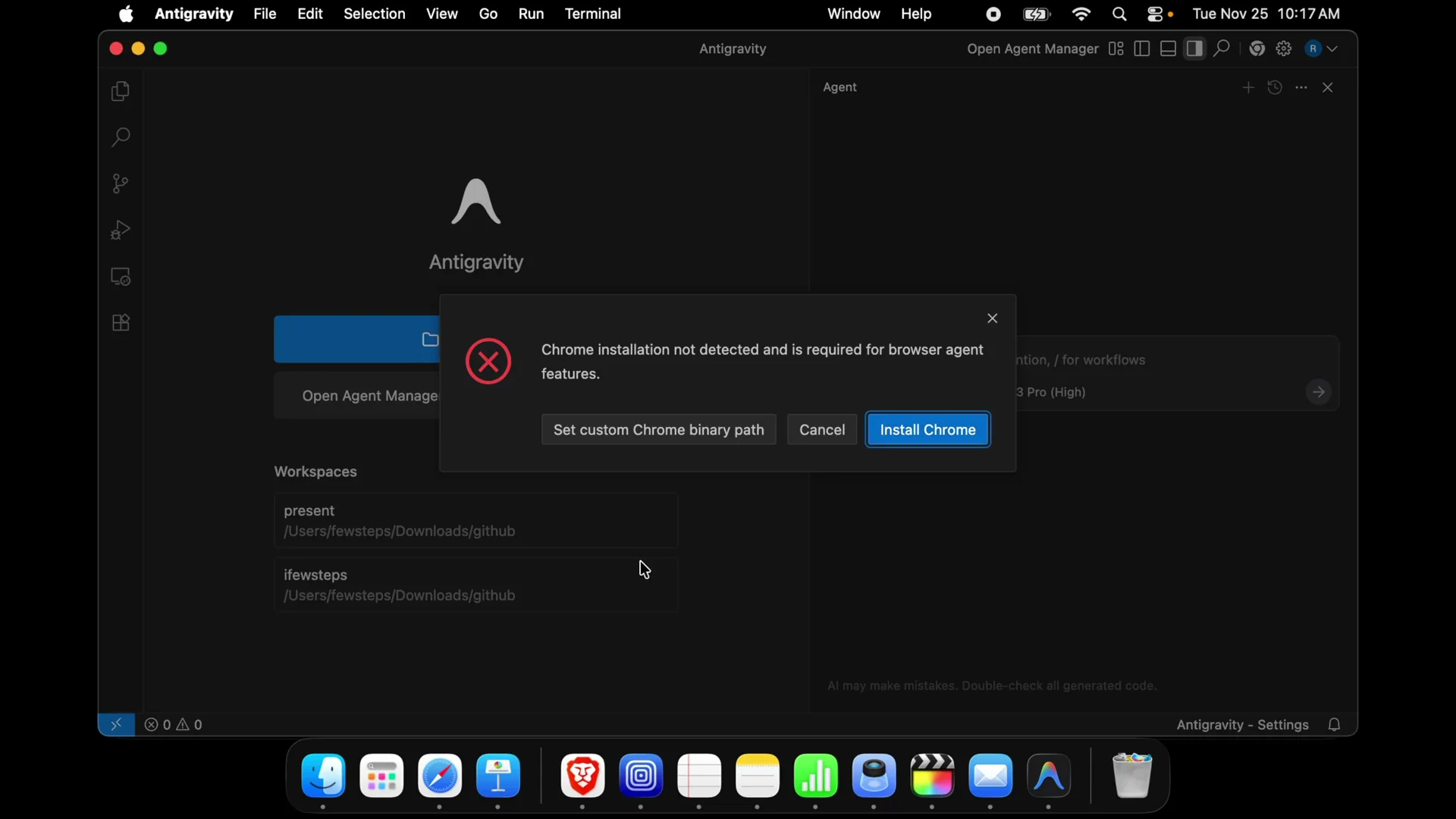
“Chrome installation not detected and is required for browser agent feature.” This shows up on Mac when the app tries to launch its browser agent but can’t find Google Chrome. Most of the time I use Safari browser and I don’t rely on any other browser, so I ran into this right after setting up the anti-gravity IDE.
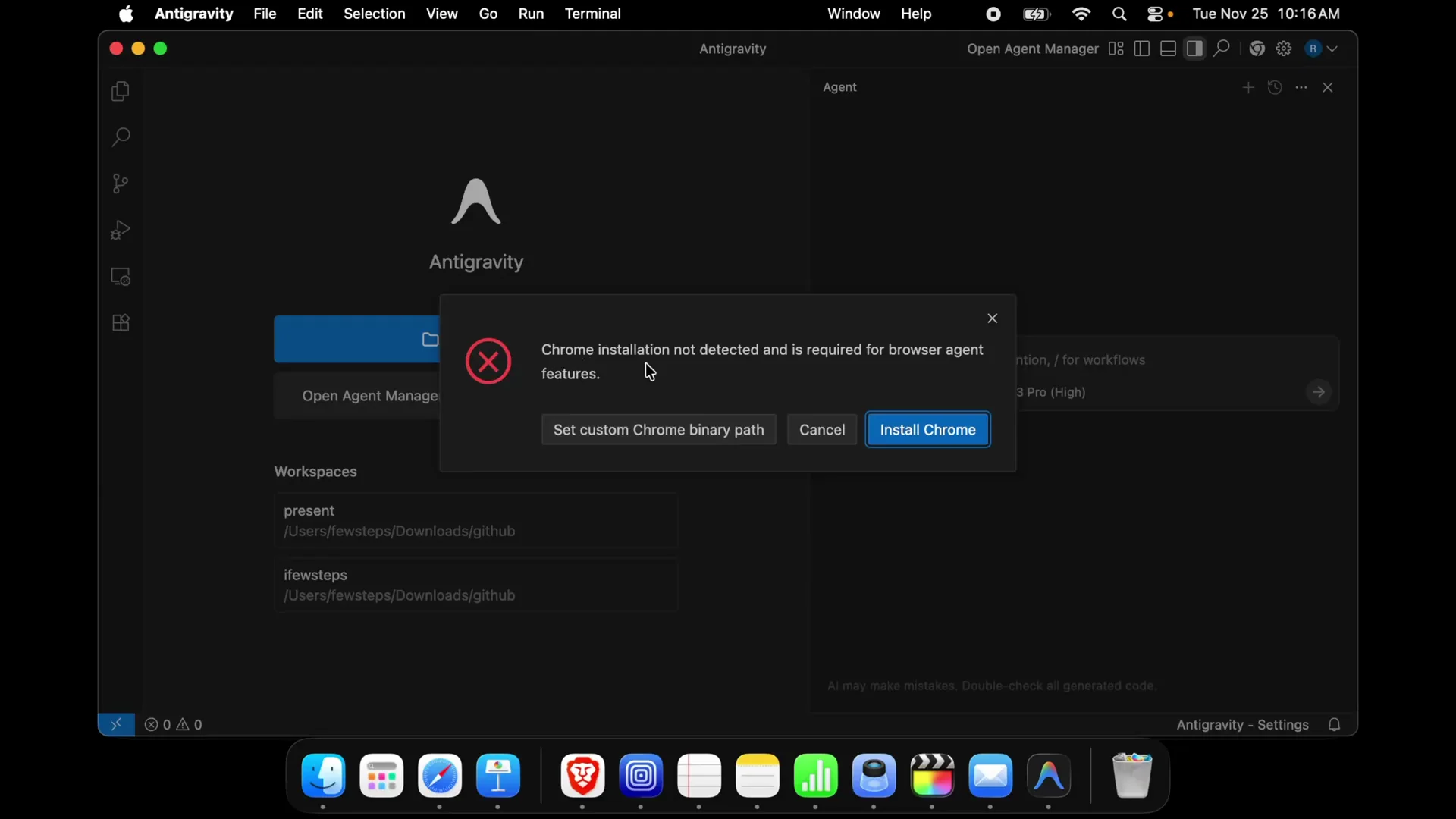
I installed this software last night and today I was trying to use it to build an application. When I checked the Browser extension I already installed during setup, it wasn’t running and showed that error.
The main reason of this issue or problem is the Chrome browser. If you don’t install Chrome browser then this type of thing is appeared. We just need to install Chrome browser, then enable the extension.
Understanding the Issue
The browser agent feature depends on Google Chrome. If Chrome isn’t installed on macOS, the extension can’t run and the app reports “Chrome installation not detected.” Installing Chrome and adding the anti-gravity browser extension resolves it.
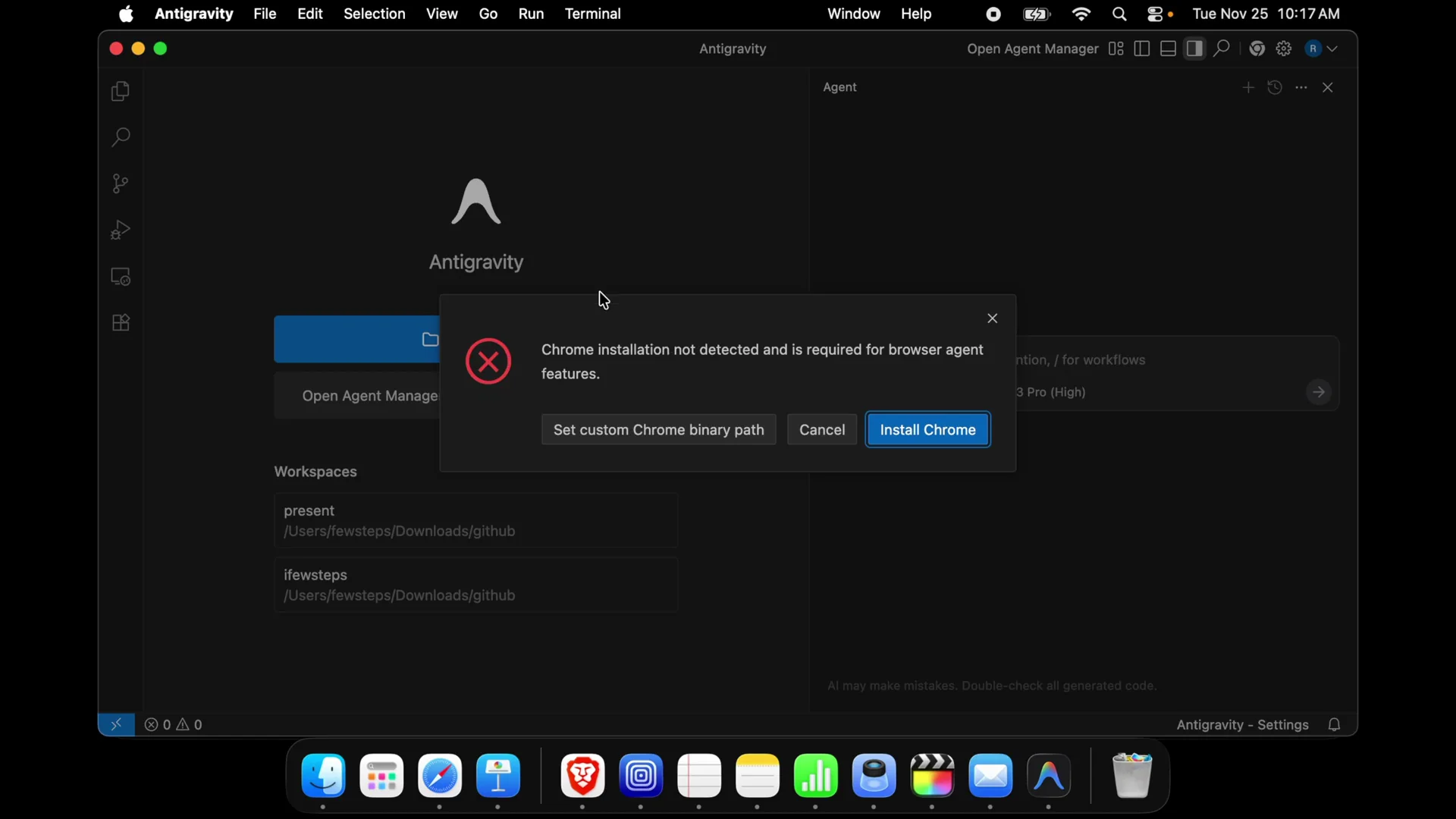
Step 1: Fix Chrome Installation on macOS (Install Google Chrome)
You can use the Install Chrome button in the app, or download Chrome directly.
- Open your current browser (for me it was Safari). Go to google.com and download the Chrome browser DMG file after searching from Google, or use the Install Chrome button in the app.
- Click Download Chrome.
- When macOS asks “Do you want to allow downloads…”, press Allow.
- Once the download finishes, open the DMG (Google Chrome).
- Double-click Google Chrome to start the installation, then drag and drop it inside the Applications folder.
- Launch Google Chrome from Applications. For the first time you will get this type of message: “Google Chrome is an app downloaded from the internet.” Press Open to continue.
- Close any first-run notifications.
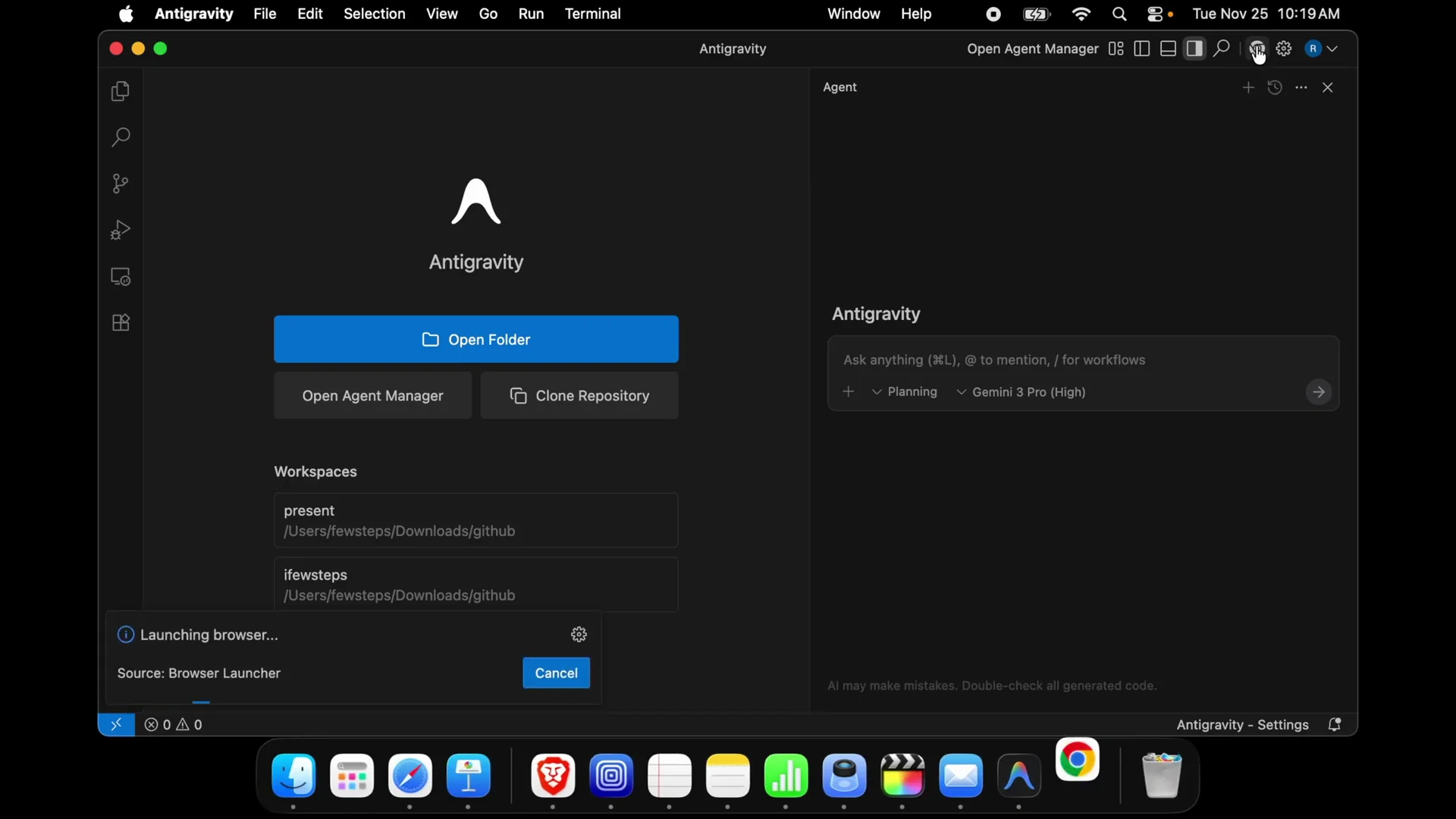
Right now if I click the browser agent again, the error is gone and it shows “launching browser source.”
Step 2: Fix Chrome Installation — Install the Browser Extension
With Chrome installed, finish the browser agent setup.
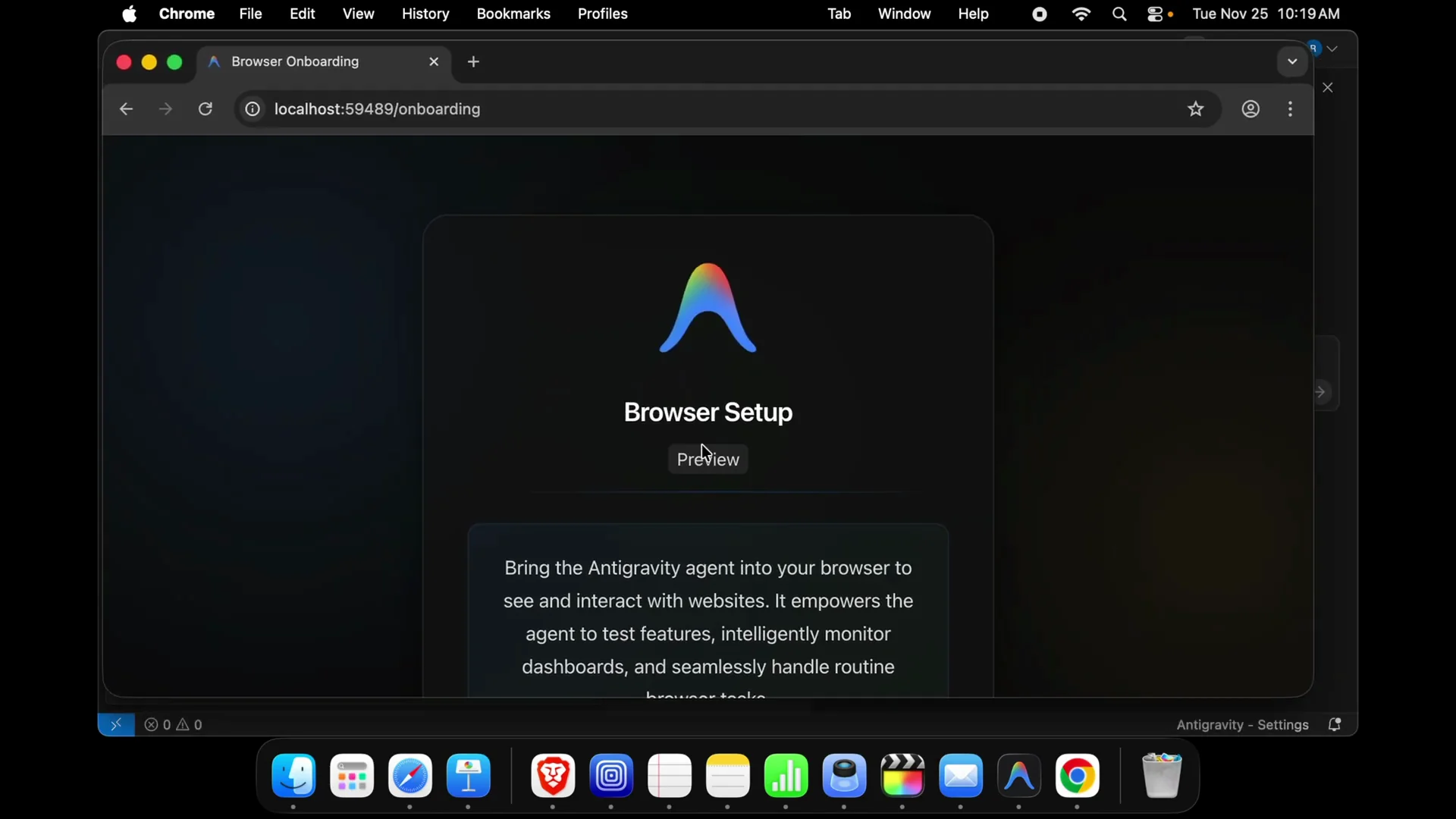
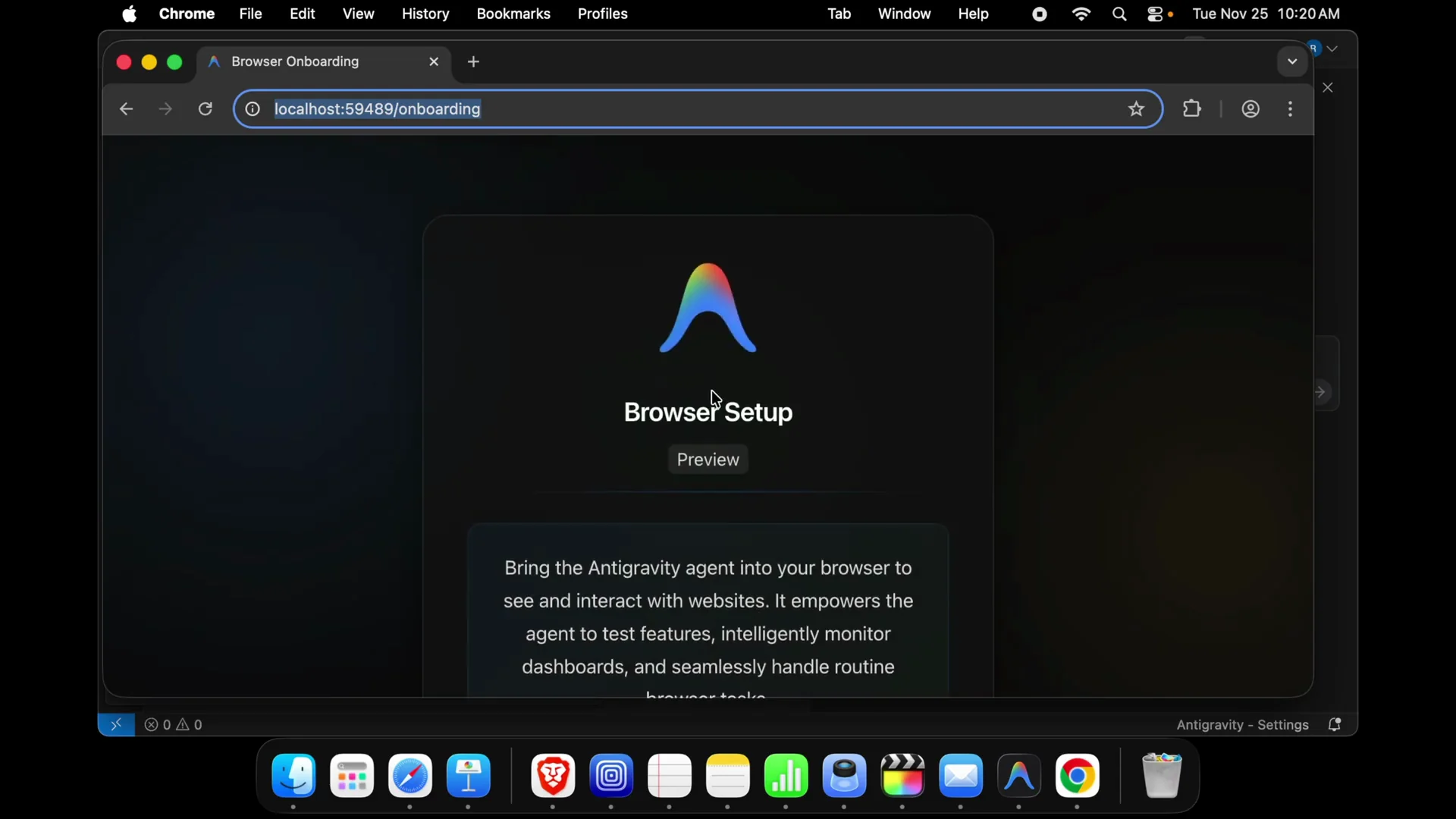
- In the app, open the browser setup preview that says “bring your anti-gravity agent into your browser.”
- Click Install extension.
- Chrome will open the extension page.
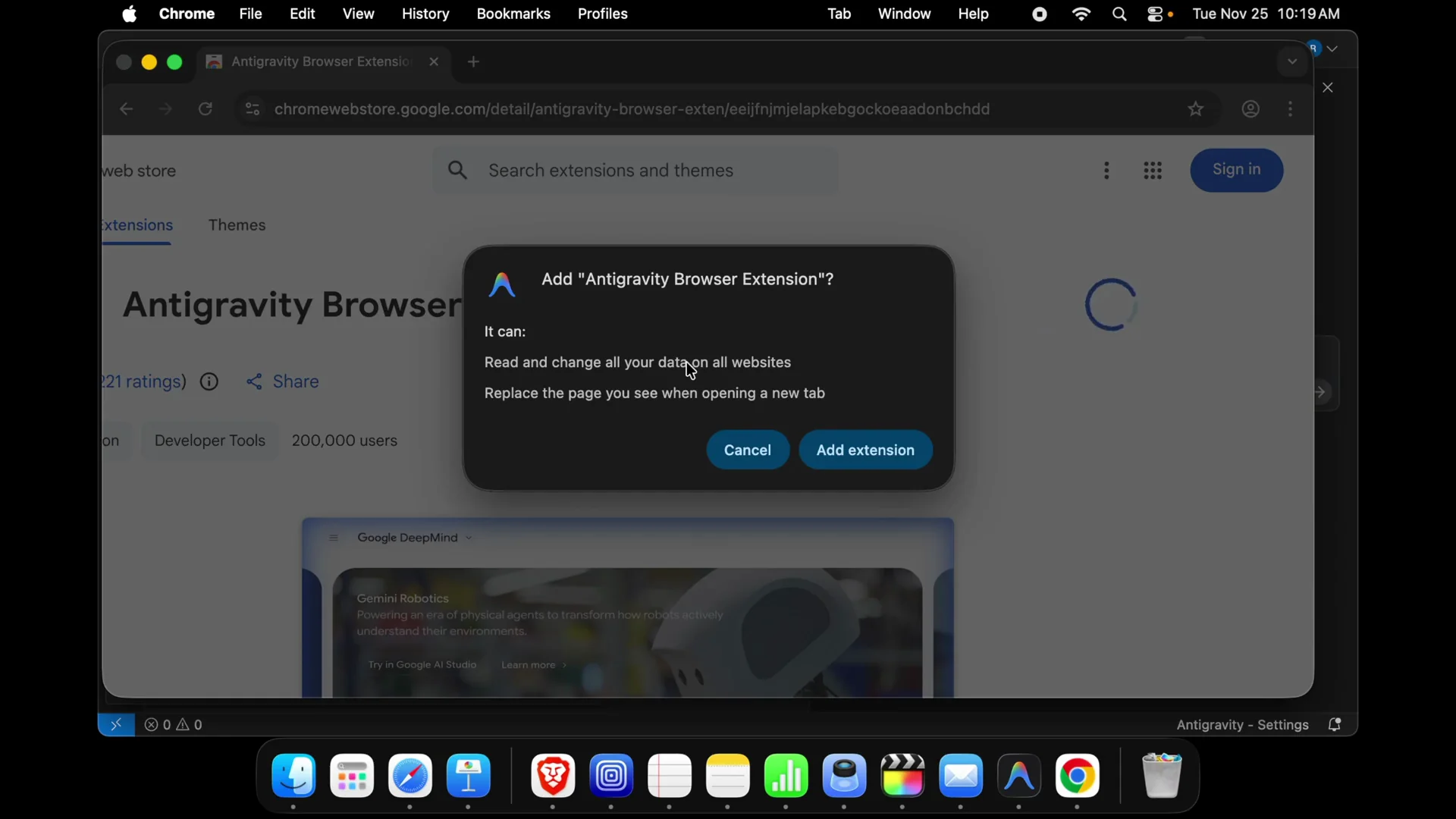
- Click Add to Chrome.
- When prompted with Cancel or Add extension, press Add extension.
- You should see “anti browser extension has been added to Chrome. Manage your extension by clicking extension in the window menu.”
Step 3: Fix Chrome Installation — Verify the Browser Agent Works
- Go back to the app and open the browser agent.
- Build any website or any application: paste the URL over there and it will work.
Common Pitfalls / Alternative Fixes
- If the download prompt appears (“do you want to allow downloads”), press Allow.
- If macOS warns that Chrome is downloaded from the internet, press Open.
- Make sure you dragged Chrome into the Applications folder before launching.
- If the extension doesn’t appear, reopen Chrome and repeat Add to Chrome → Add extension.
Final Thoughts
Installing Google Chrome and then adding the anti-gravity browser extension fixes “Chrome installation not detected and is required for browser agent feature,” and the browser agent runs as expected.


