Claude Code’s Latest Features: Desktop, App & More
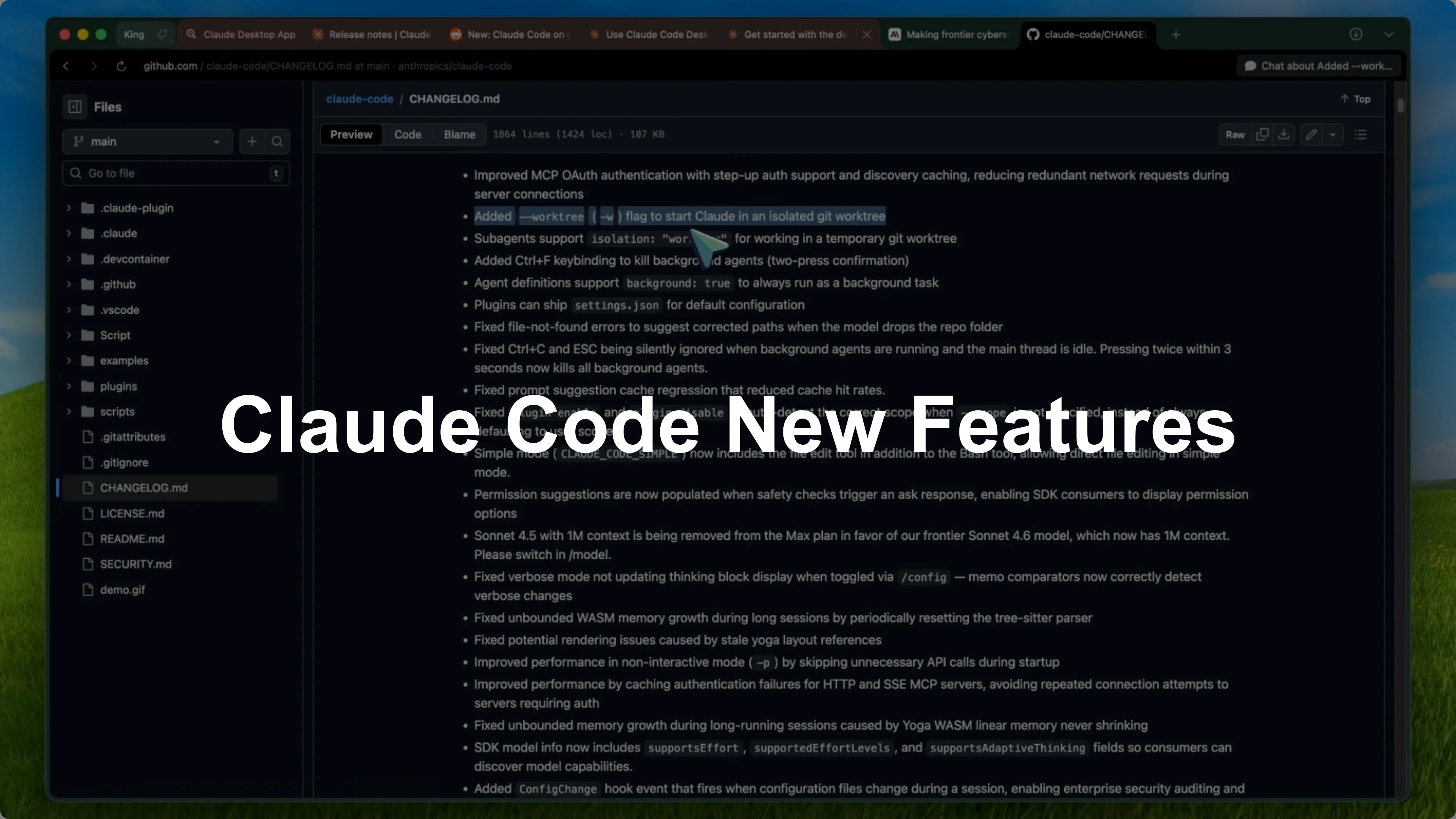
Claude Code has been getting a ridiculous amount of updates recently, and I think it's time we sit down and go through all the major changes. We're talking about new CLI features, the new Claude Code desktop with app preview and GitHub integration, Opus 4.6, automemory, Claude Code security, and a bunch of other things. I'm only going to talk about the updates from the last couple of weeks, and there are some really good ones.
I already covered hooks, skills, hot reload, context forking, and all that. The focus here is on what just landed and how it changes day-to-day work. There are significant reliability fixes too.
CLI updates
Git worktree isolation
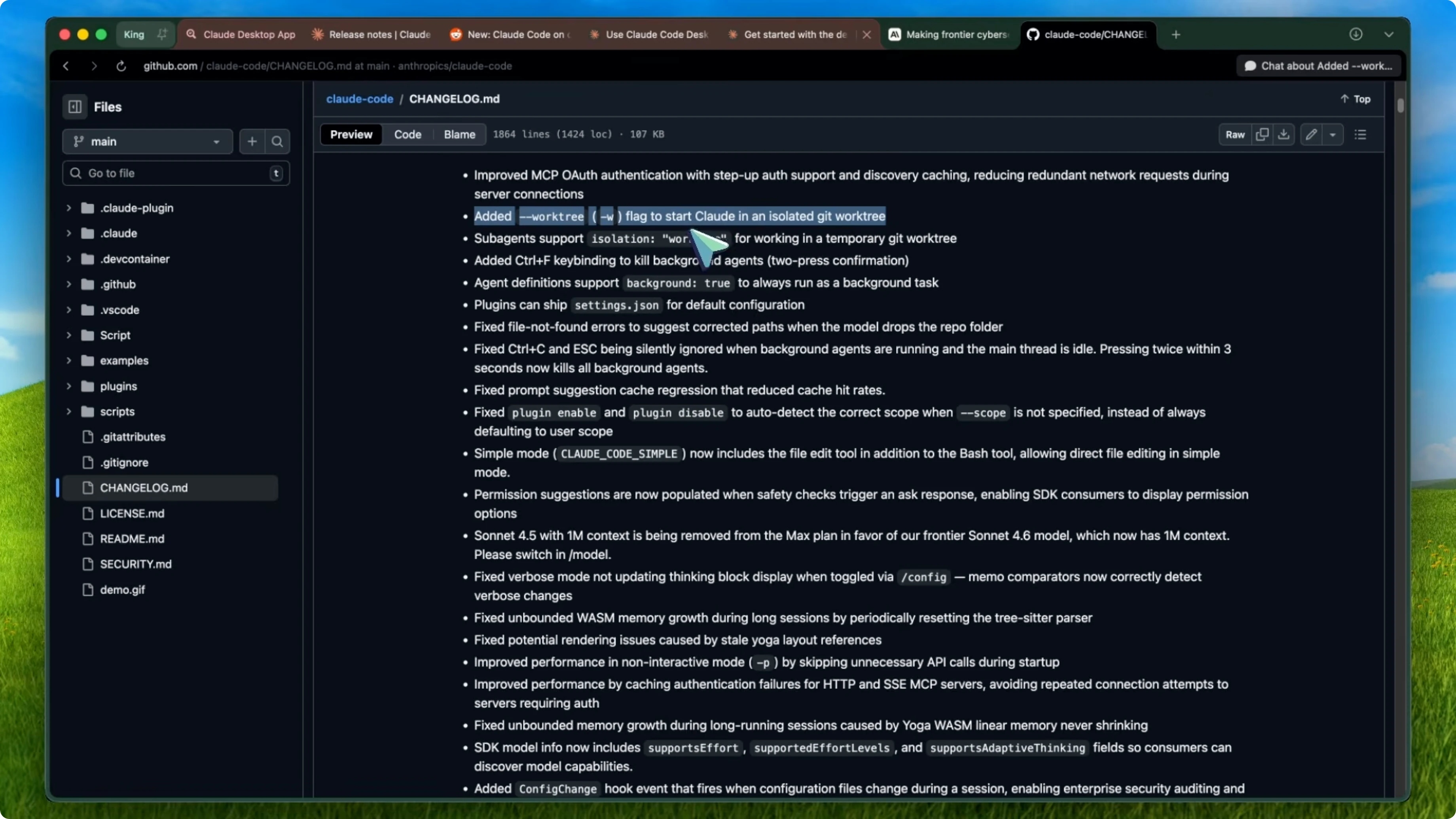
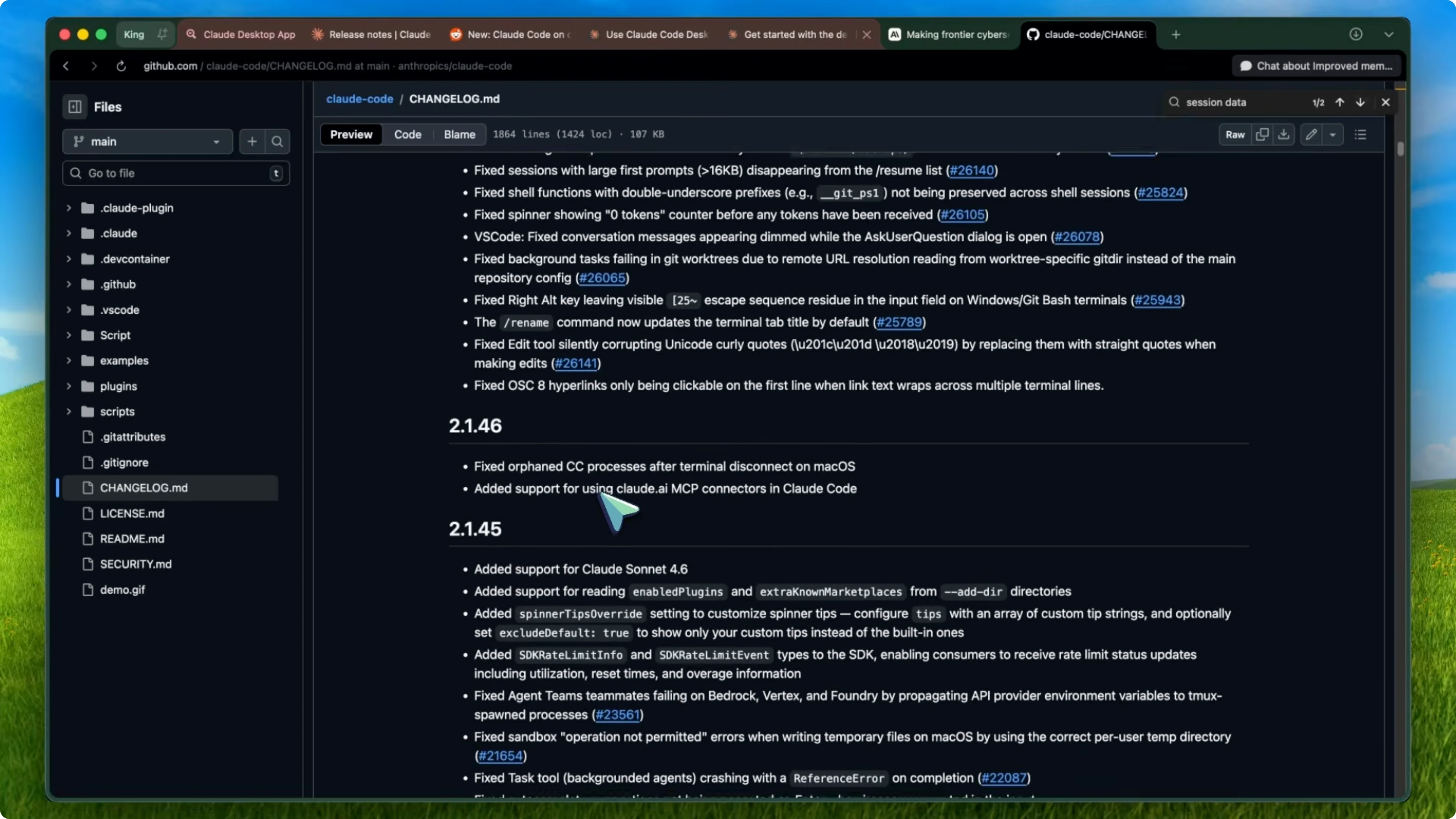
The biggest new feature is Git worktree isolation. They added a -w flag or --worktree that lets you start work in an isolated Git worktree, so if you're running multiple Claude Code sessions on the same repo, their code edits no longer conflict with each other. Each session gets its own worktree.
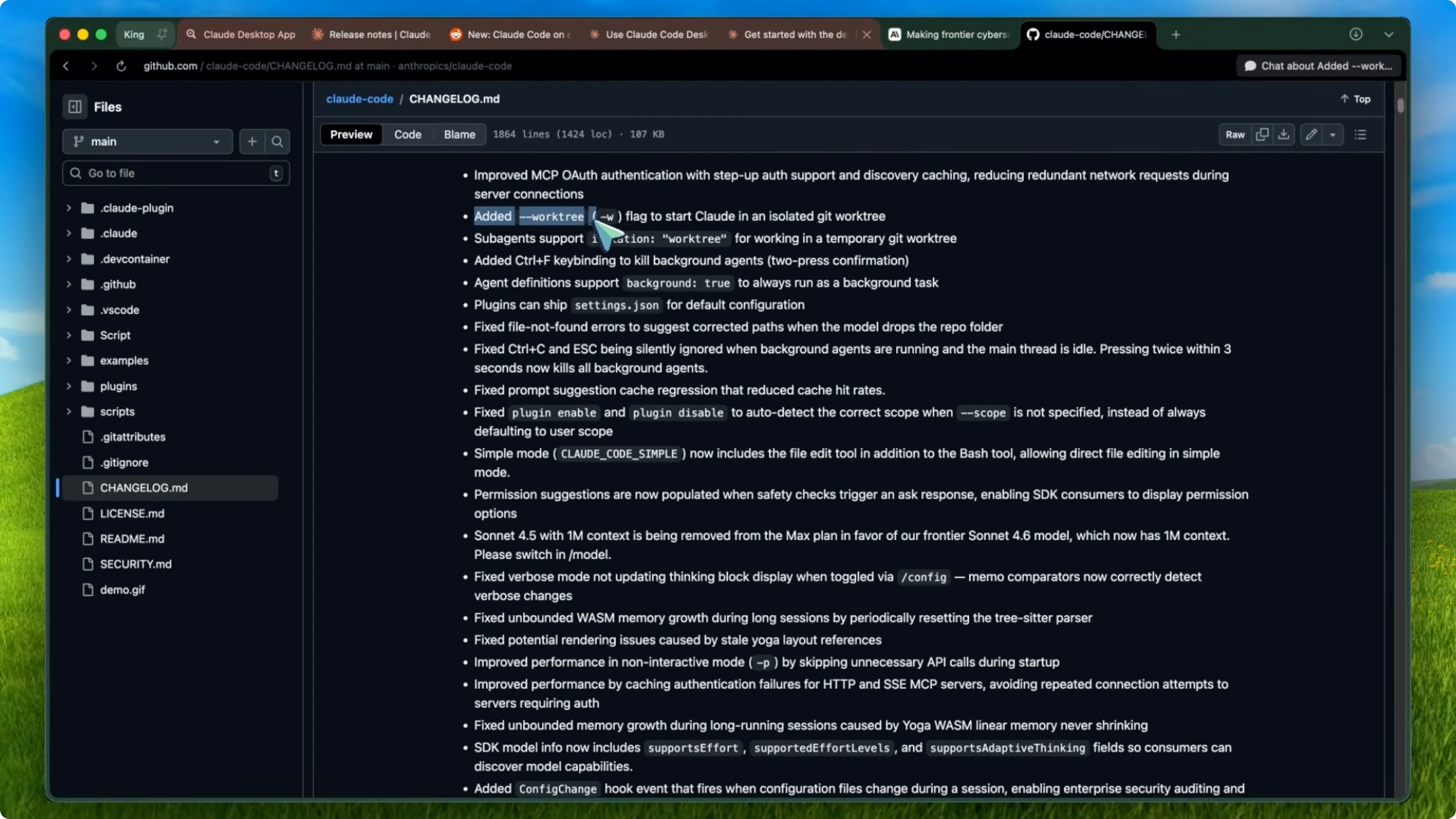
Sub-agents also support this now with isolation: worktree in agent definitions. If you've been using tools like Ralphie to get worktree isolation, this is now built right into Claude Code natively, which is pretty great.
# Start a session with Git worktree isolation
claude-code start --worktree
# agents.yaml
agents:
  - name: build-bot
    isolation: worktree
Background agents control
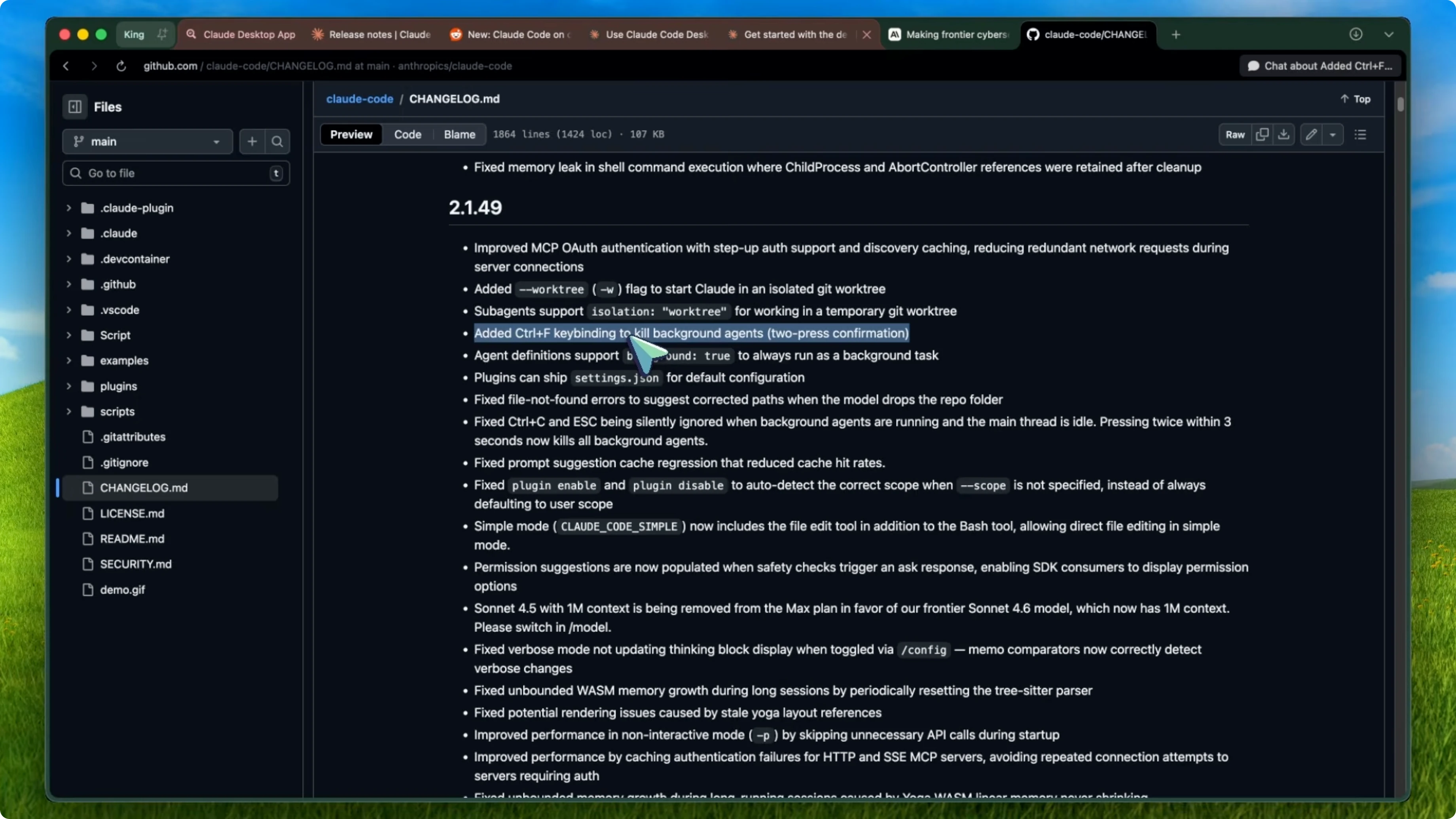
They also improved background agent control. There's now a Control + F key binding that kills background agents with a two-press confirmation. You press it twice within 3 seconds and it kills all background agents.
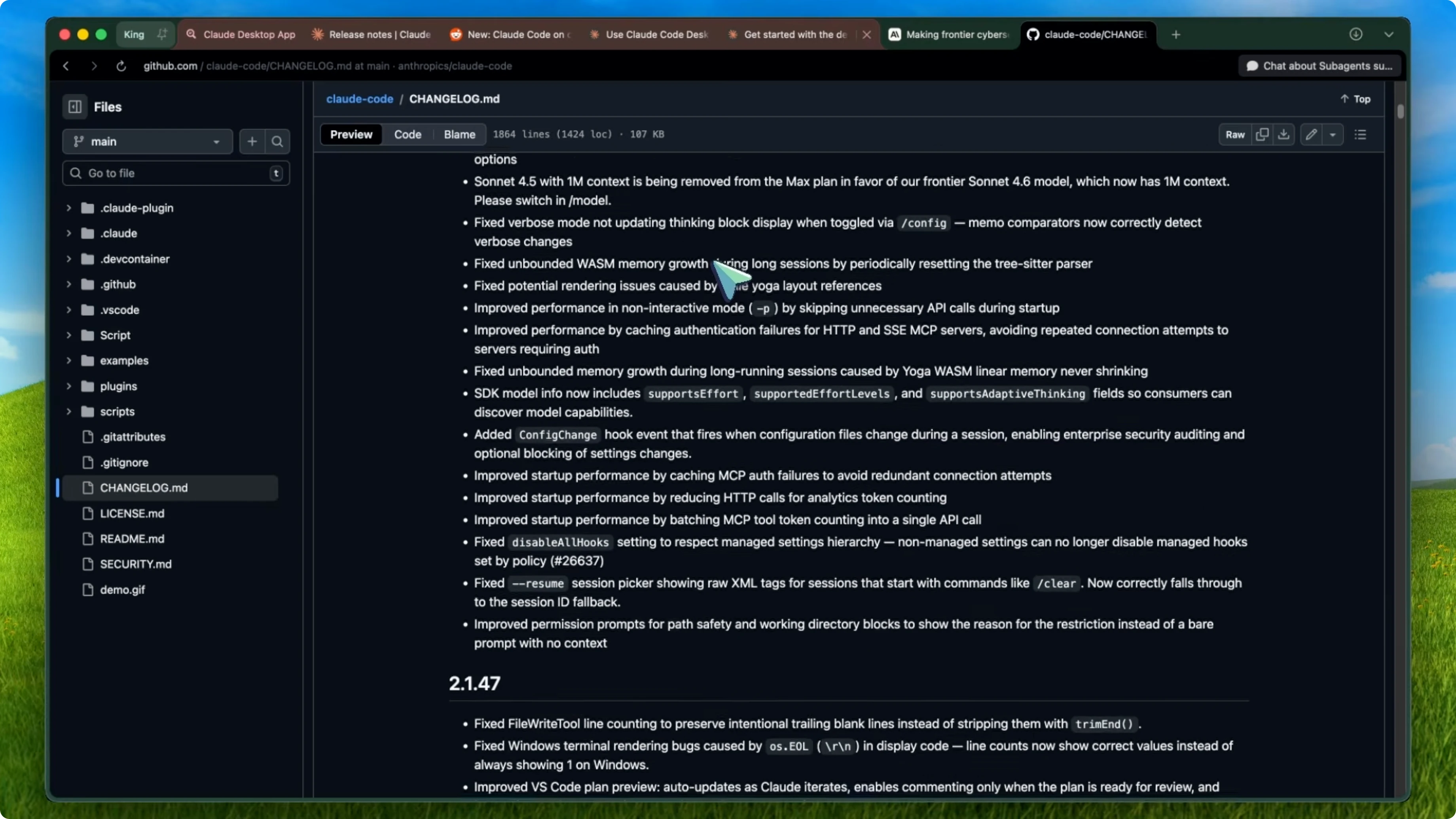
Agent definitions also support background: true now, which makes them always run as background tasks, and background agents continue running when you press Escape to cancel the main thread. Previously, Control + C and Escape were being silently ignored when background agents were running and the main thread was idle, which was really annoying. That's fixed now.
# agents.yaml
agents:
  - name: watcher
    background: true
Config change hook
There's a new config change hook event that fires when configuration files change during a session. This is mostly aimed at enterprise users who want security auditing. You can use it to block configuration changes using exit code 2 or a JSON decision.
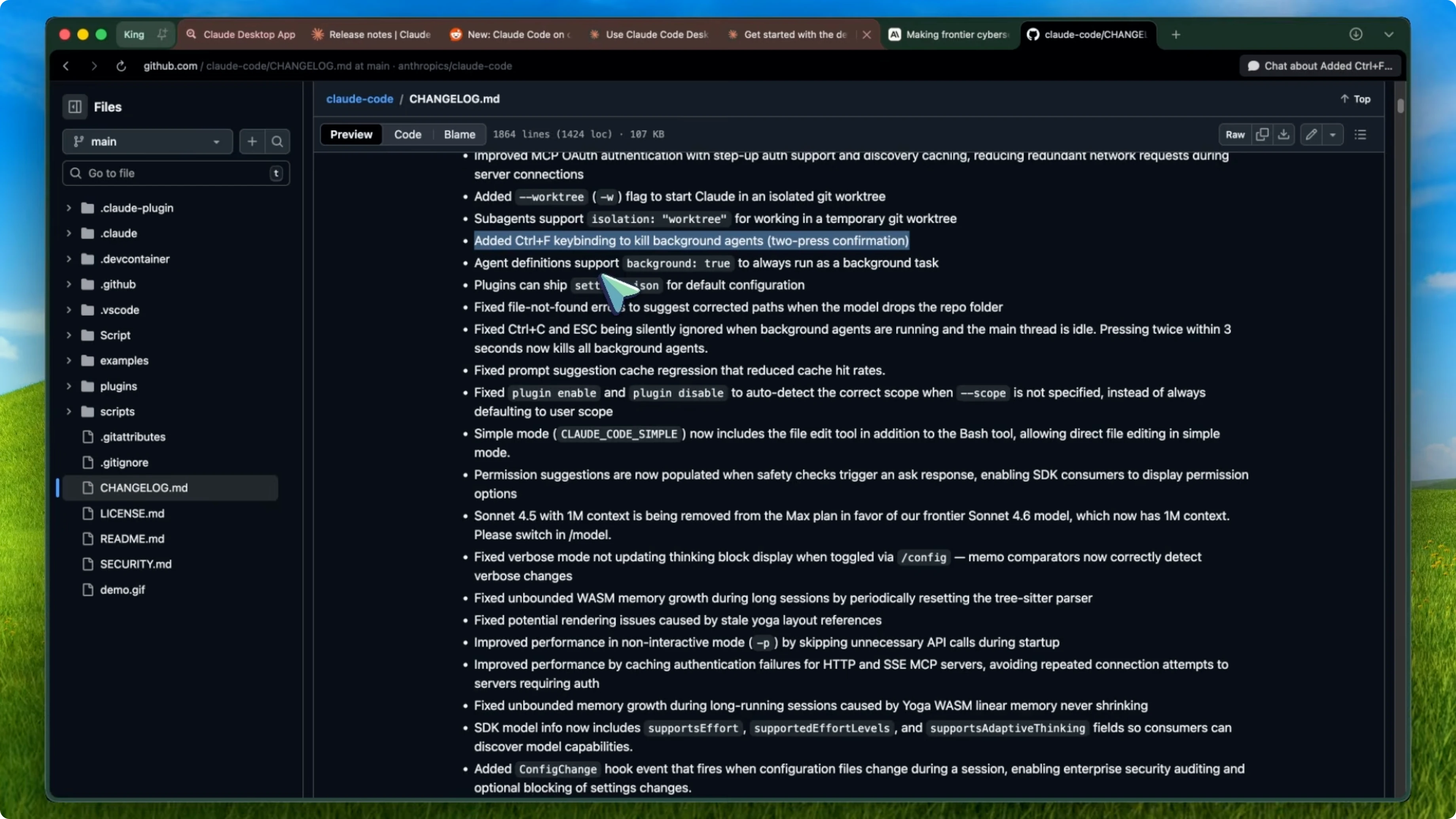
So if someone tries to change Claude Code settings mid-session in a way that violates your security policy, you can catch and block that. Policy settings changes can't be blocked though, which makes sense.
# Example hook script: .claude/hooks/config_change
# Block config changes
exit 2
// Or return a JSON decision
{ "allow": false, "reason": "Policy violation: settings locked" }
Simple mode upgrade
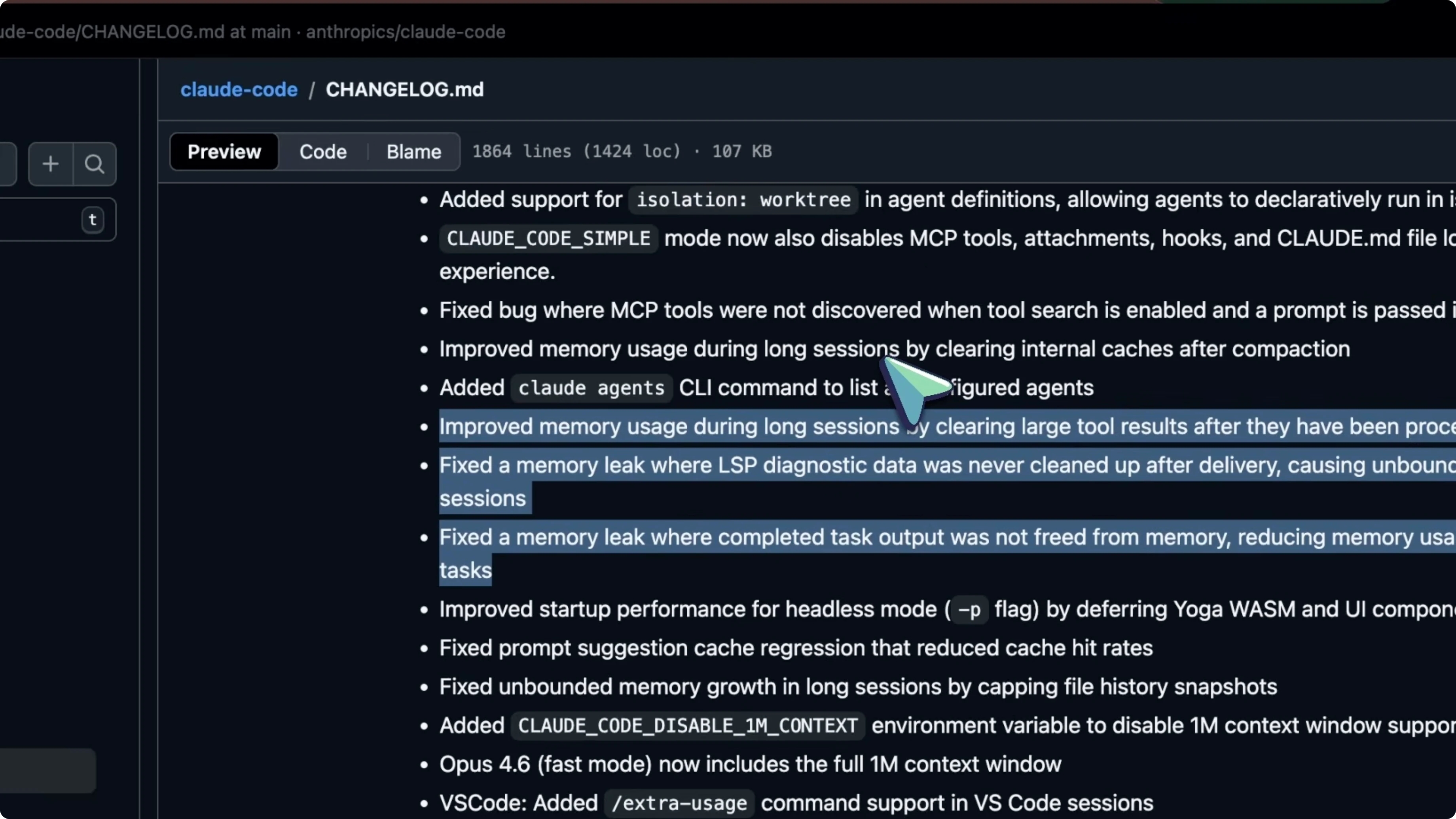
Simple mode also got an upgrade. If you use the CLAUDE_CODE_SIMPLE environment variable, it now includes the file edit tool alongside the bash tool. Previously, simple mode only had bash, which was pretty limiting.
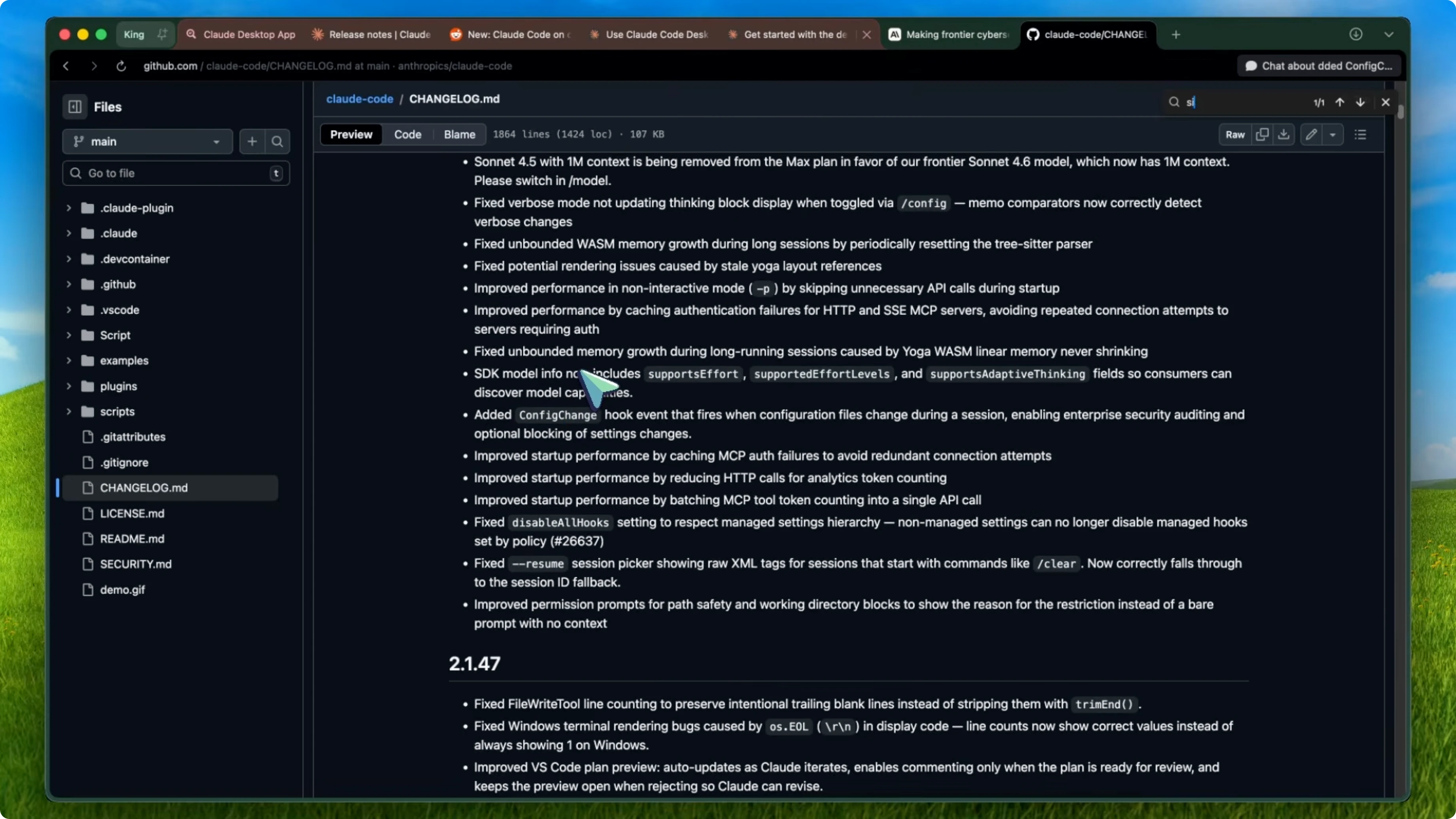
It still disables MCP tools, attachments, hooks, and claw.md loading, so it stays lightweight, but having file edit in there makes it way more usable. If you want to explore remote control options around this workflow, check out Openclaw.
# Enable simple mode
export CLAUDE_CODE_SIMPLE=1
LSP startup timeout
LSP servers now support a startup timeout configuration. You can specify how long Claude should wait for an LSP server to initialize in milliseconds. This is important for slower servers like the Java language server that need significant initialization time.
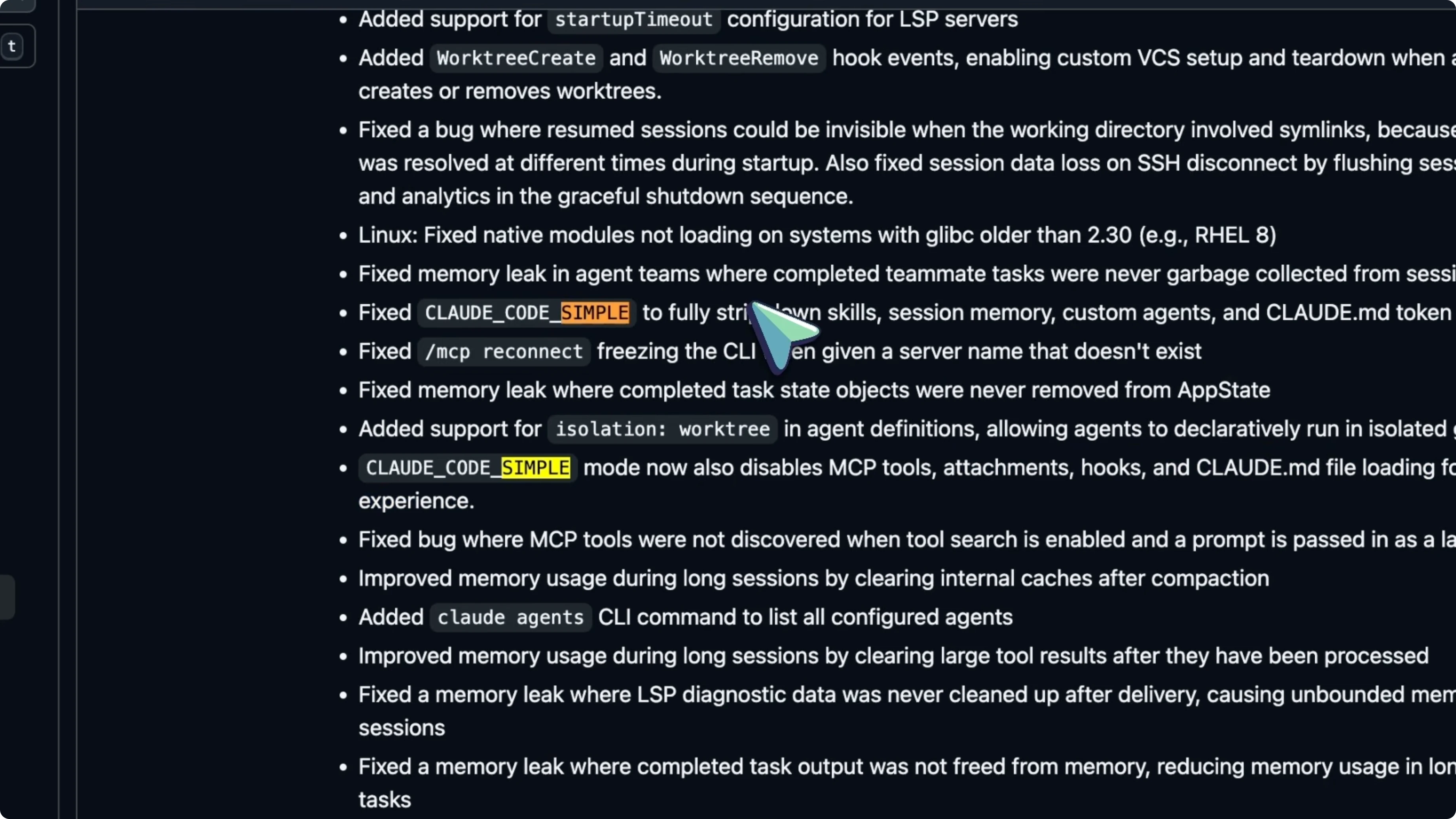
Without this, they just time out and you'd get no type information. Set a higher value to give slower servers time to warm up.
{
  "lsp": {
    "startupTimeoutMs": 180000
  }
}
Reliability fixes
On the model side, Sonnet 4.5 has been officially replaced by Sonnet 4.6 as the default model, which comes with a 1 million token context window. Some users reported temporarily losing access to the 1M context after an auto update, but that's been resolved now. They also fixed a bunch of stability things.
Sessions no longer become invisible when the working directory involves symlinks. Session data loss on SSH disconnect is fixed because they now flush session data before hooks and analytics during graceful shutdown. Those excessive claw.json.backup files that were accumulating on every startup are gone, memory usage for shell commands with large output no longer grows unboundedly, and startup performance got better by removing eager loading of session history.
Desktop app
Built-in app preview
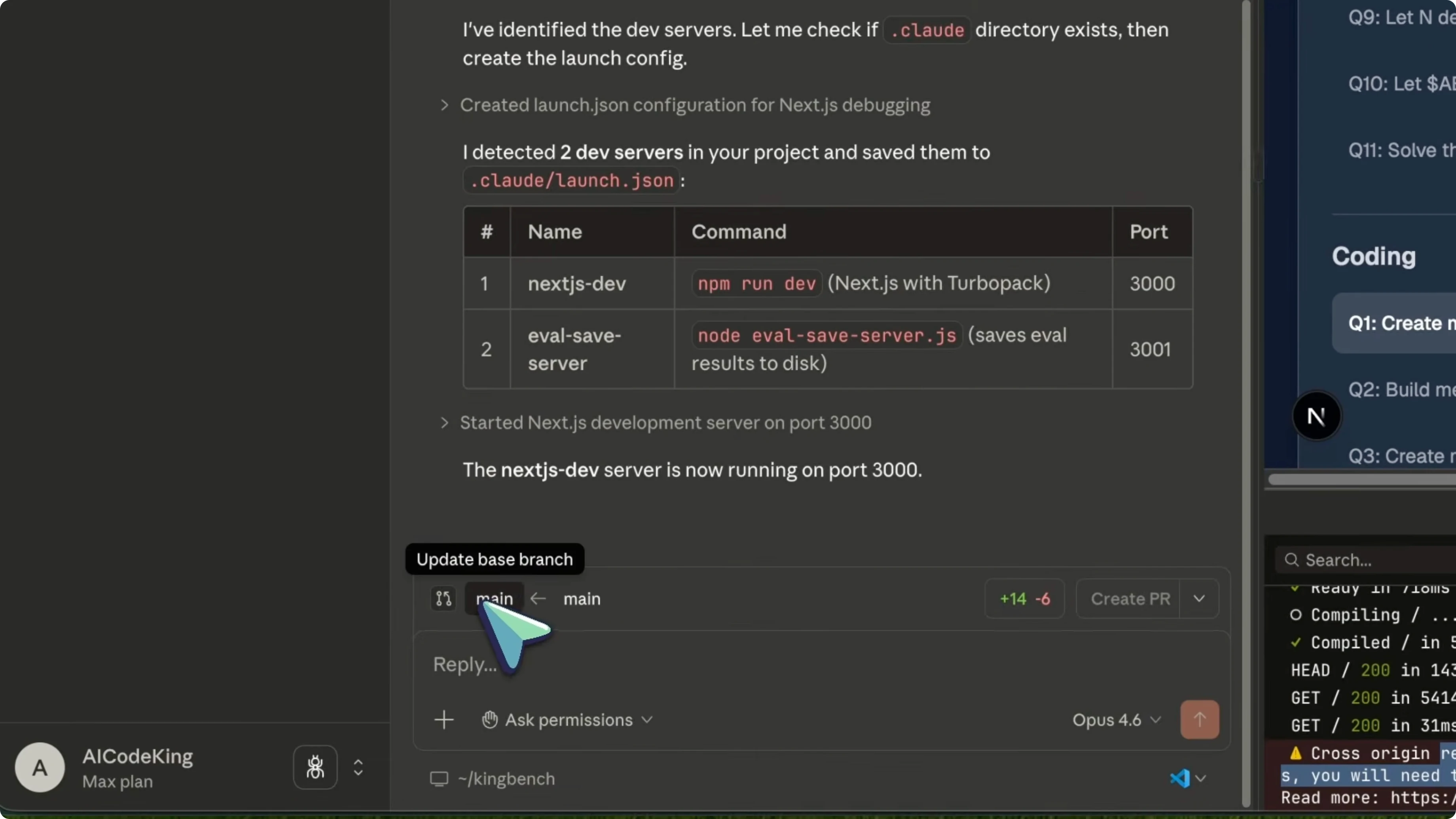
Claude Code Desktop now has a built-in app preview feature. You can start a dev server directly from Claude Code and preview your running application in real time inside the desktop interface. It detects errors from the console logs automatically and can iterate on those errors without you having to copy paste anything.
You tell Claude to build a React component. It spins up the dev server. You see the preview live, it catches a rendering error, and it fixes it all within one interface.
Code review panel
They also added a proper code review panel. You can see all the changes Claude made with inline comments, identify bugs before pushing, and review diffs in a dedicated panel. It's like having a mini pull request experience right inside the desktop app.
GitHub integration
The feature that I think a lot of people are going to love is the GitHub integration. Claude Code Desktop can now monitor your pull requests in the background. It watches your CI checks and if something fails, it can automatically attempt to fix the failure.
If you enable it, it can even automerge PRs once all checks pass. You push a PR, go do something else, and Claude handles the rest. For people who do a lot of open-source or manage multiple repos, this is a massive timesaver.
Session mobility
And session mobility got a big upgrade, too. You can start a session in the CLI, move it to the desktop with the /desktop command, and then move it to the web with a single button click. Your full session context persists across CLI, desktop, and mobile, which is just amazing.
Read More: Chrome Canvas
Opus 4.6 model
Now, let's talk about Claude Opus 4.6 because the model upgrade matters a lot for Claude Code users. Opus 4.6 came out in early February and it brings a 200,000 context window with a 1 million token context in beta. The max output is now 128,000 tokens.
It has something called adaptive thinking where Claude dynamically decides when and how much to think about a problem. The big thing for coding is the longer task completion horizon. Anthropic's own numbers show Opus 4.6 can sustain work for up to 14 hours at a 50% success rate.
For practical purposes, it means Claude can handle much larger multifile projects without losing track of what it's doing. If you're on the $200 max plan, this is honestly where you start seeing the value. It adds real headroom for longer tasks.
Automemory
How it works
Automemory is a new feature that just rolled out. Claude Code now automatically records and recalls memories across sessions. It stores learnings, patterns, and insights it discovers while working on your project.
These live in ~/.cloud/projects inside a memory directory specific to each project. If Claude learns that your project uses a specific testing pattern or that you prefer a certain code style, it remembers that the next time you start a session. It's auto-synced across all subdirectories within the same Git repository.
Limits and control
There's a 200-line hard limit on the memory file to keep things lean. If you don't want it, you can disable it with an environment variable. This is something I've seen people hack together with custom claw.md files for a while, but having it built in and automatic is a completely different experience.
You don't have to maintain your own memory system anymore. Claude just learns as it goes. It makes repeat work faster.
Security preview
Claude Code Security is in a limited research preview right now. This is an automated security analysis feature that scans your codebase for vulnerabilities. It uses semantic reasoning like how a human security researcher would think instead of just pattern matching.
It understands how components interact, how data flows through your application, and it catches complex vulnerabilities that rule-based tools like Snyk or SonarQube would miss. All suggestions require human approval before implementation, which is good. It's still early days, but I think this could become a really strong selling point for Claude Code.
MCP servers
MCP servers got a major performance upgrade. They added lazy loading, which reduces context usage by up to 95%. They also added MCP tool search, which lets Claude search across all your configured MCP servers without eating up your context window.
If you have a bunch of MCP servers for things like Google Drive, Jira, Slack, or whatever custom tools you use, Claude can now access all of them efficiently without the context overhead. This is a really good improvement for sure. It makes MCP-heavy setups far more practical.
IDE integrations
VS Code
For the IDE users, VS Code got some nice improvements, too. The plan preview now auto updates as Claude iterates. Commenting is only enabled when the plan is actually ready for review.
The preview stays open when you reject a plan instead of closing. They also improved the permission destination chooser. Your choice of project, user, or session scope persists across sessions.
JetBrains
JetBrains has an official Claude Code plugin now from the JetBrains Marketplace with a diff viewer for reviewing changes. LSP integration gives Claude real-time code understanding including type information, errors, and navigation. Your IDE and Claude Code are properly talking to each other now.
Read More: Chrome shortcuts
Teams and outlook
Claude Code is also now included with every team plan standard seat, which is great for teams that were on the fence about it. Taking a step back, the overall picture here is that Claude Code is maturing fast. The desktop app with preview, code review, and GitHub integration is turning it into something closer to a full development environment.
Git worktree isolation means you can run parallel agents without conflicts natively. The model upgrades with Opus 4.6 mean the agent can handle longer and more complex tasks. Automemory means it gets smarter the more you use it.
And the MCP and IDE improvements mean it plays better with your existing tools. I believe Claude Code is currently the most feature rich AI coding agent out there. Cursor is great for inline editing and Copilot is solid for autocomplete, but nobody else has this combination of terminal power, desktop features, multi-agent coordination, and tool integration.
That said, the competition is heating up and the token costs are still significant, especially if you're using Opus. If you're serious about AI assisted development, Claude Code is hard to beat right now. Overall, it's pretty cool.
Final thoughts
Claude Code’s pace of updates is turning it into a serious daily driver. The combination of worktree isolation, a smarter desktop app, bigger Opus 4.6 headroom, persistent automemory, and faster MCP access adds up to real gains. If you need more remote control context, take a look at Openclaw as part of your setup.


