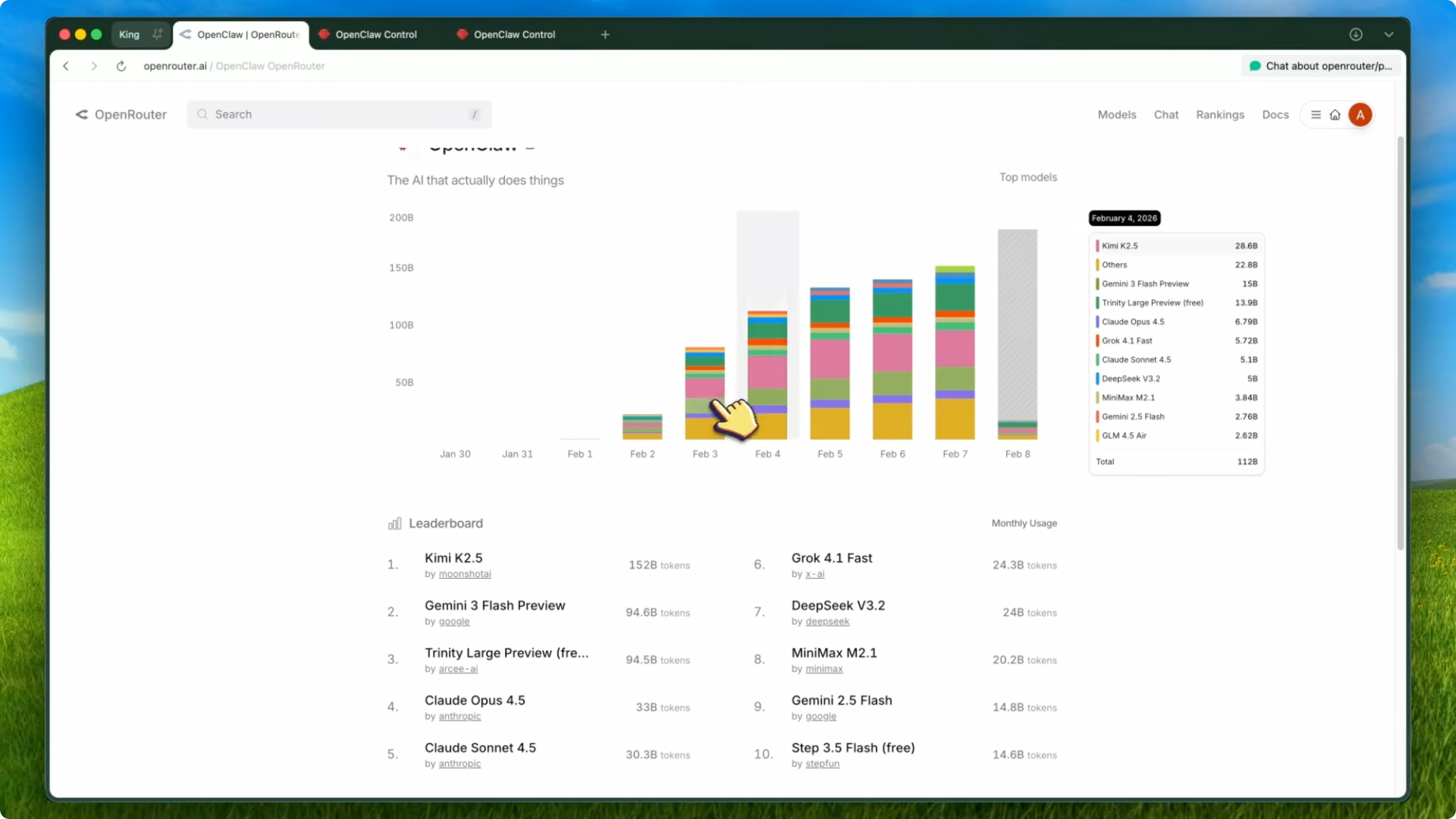
How Pony Alpha and OpenClaw Outperform Opus in Stealth Models?
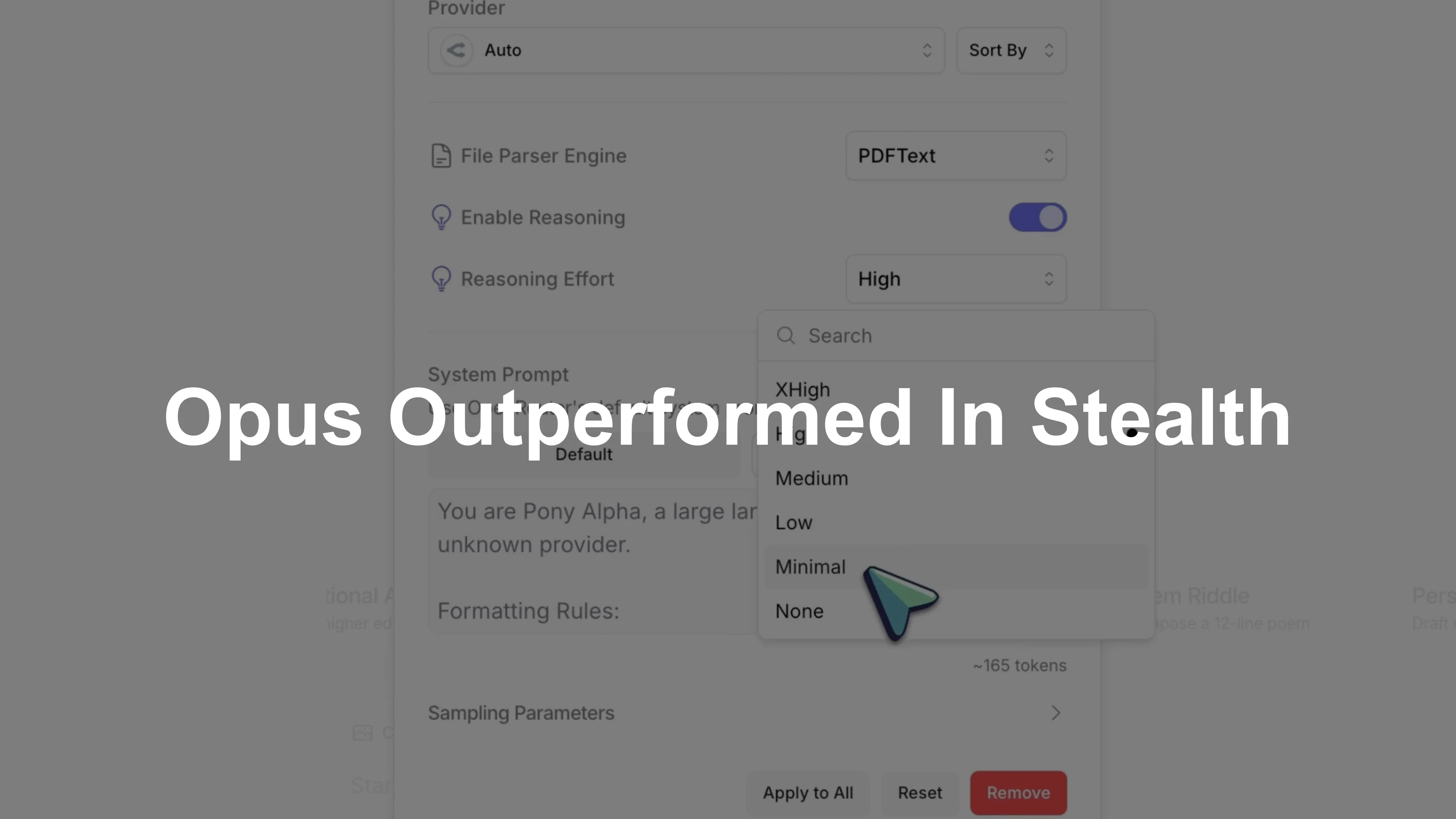
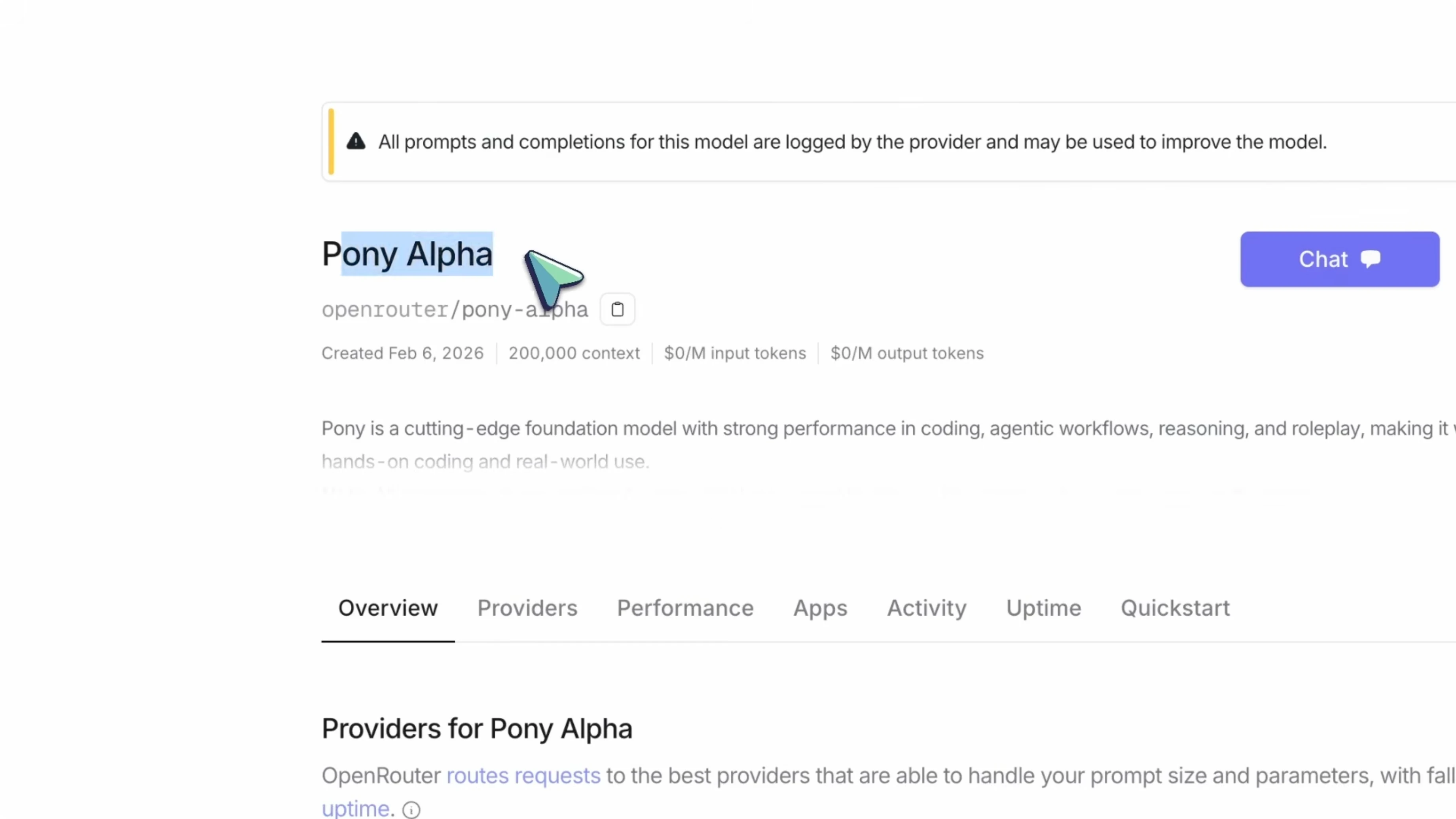
A new stealth model has been launched on OpenRouter, and it is genuinely impressive. It is called Pony Alpha, and it has been making a lot of noise in the AI community since its launch on February 6th, 2026. I have been testing the release candidate, and while I will not reveal the base model, it is truly a Frontier model.
There are three active speculations about the base model: Gemini 3.5, DeepSeek V4, and GLM 5. For related context on GLM 5’s performance against Opus variants, see our GLM 5 review. In my benchmarks, Pony Alpha is crushing Opus 4.5, and on agentic benchmarks it stays on par.
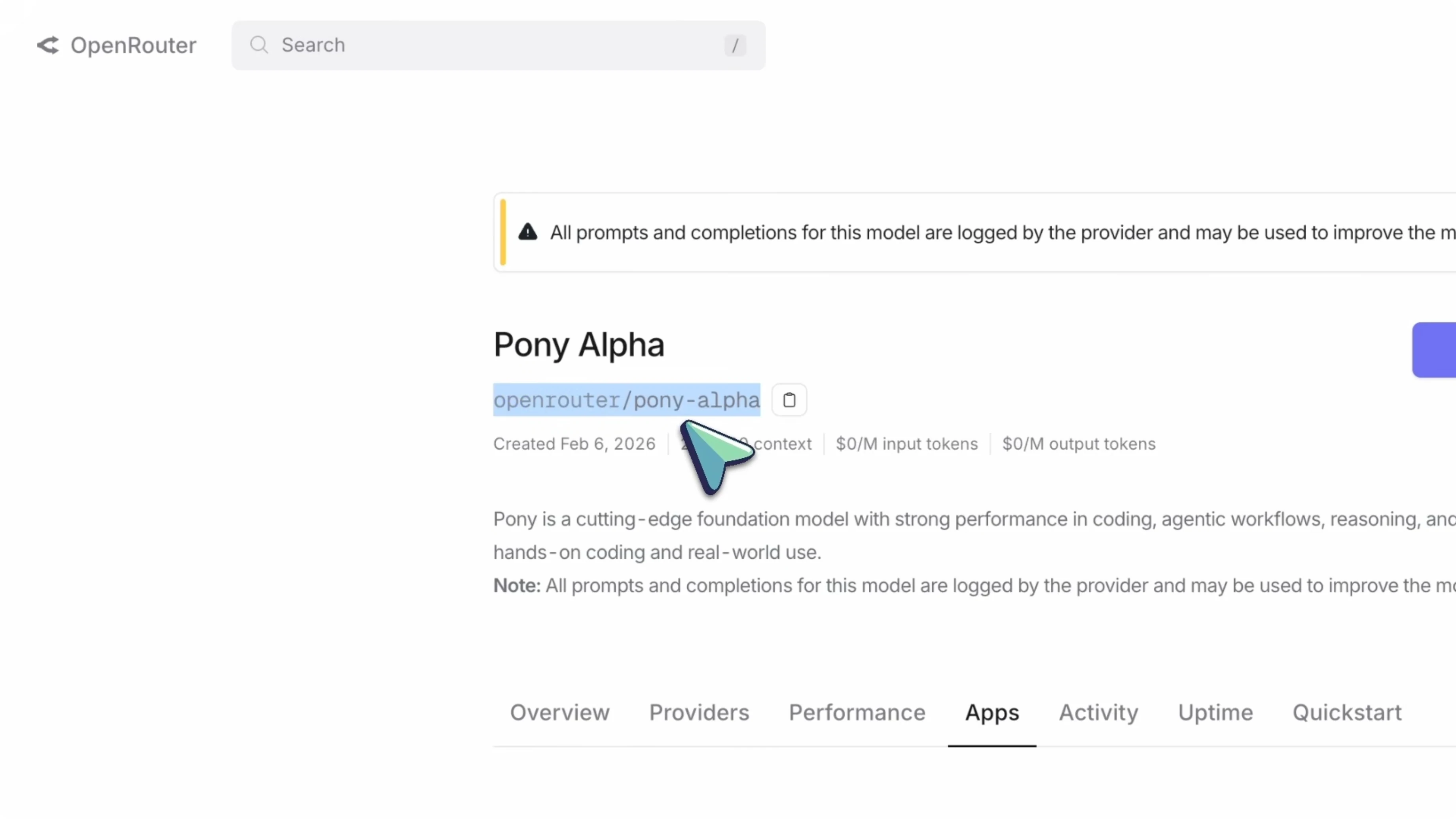
The best part is that it is currently completely free on OpenRouter. That alone makes it an excellent option to try for coding, reasoning, and agentic workflows. Here is what makes it stand out and how to set it up with Kilo Code, OpenCode, and OpenClaw.
How Pony Alpha and OpenClaw Outperform Opus in Stealth Models?
Specs that matter
Pony Alpha has a 200,000 token context window, which means you can feed entire codebases, long documents, or long conversations without running out of context. The max completion is 131,000 tokens, so it can generate long outputs as well. For reference, Claude Opus 4.5 also offers 200,000 context, but it is expensive, while Pony Alpha is free right now.
Reasoning features
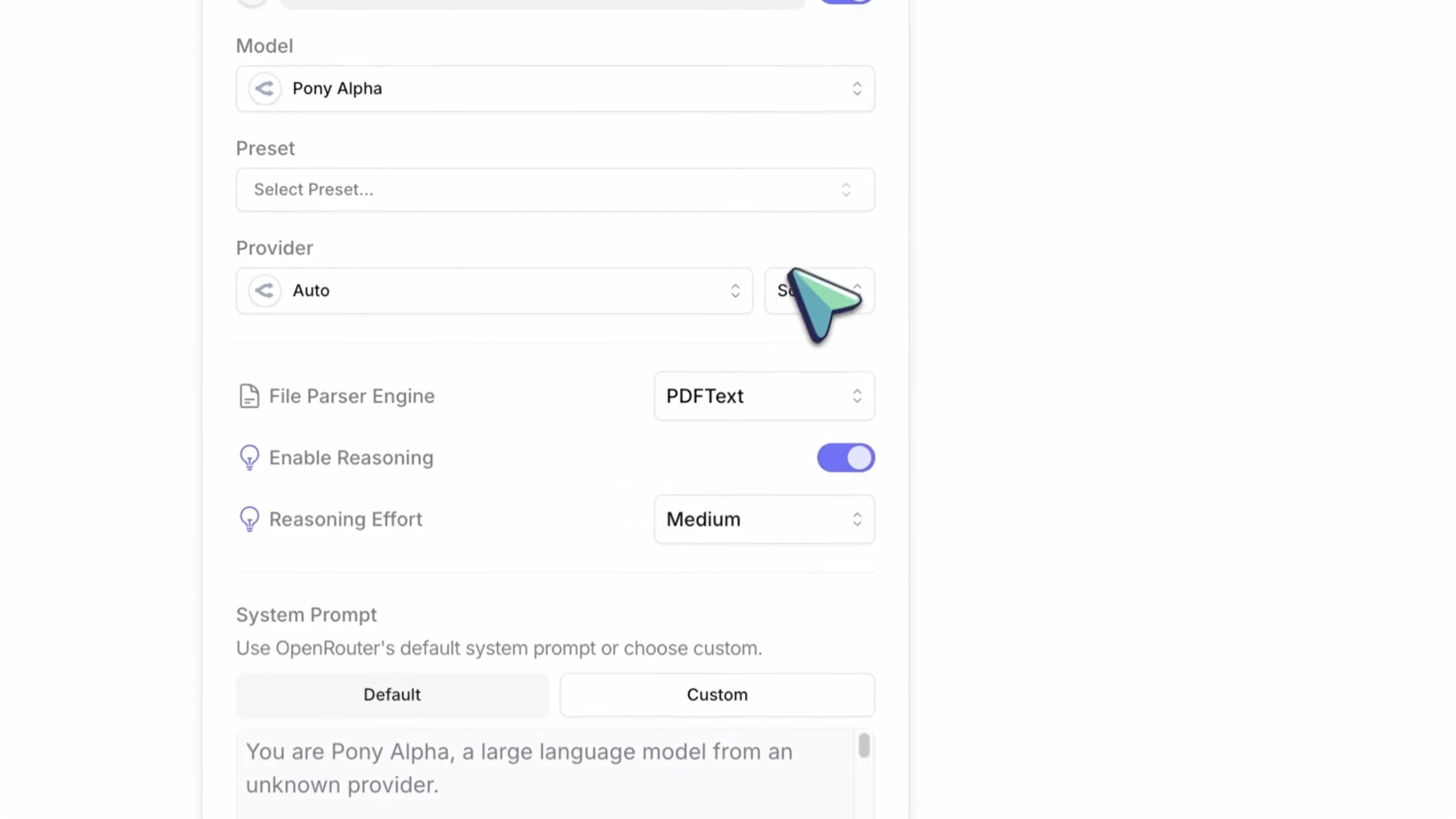
Pony Alpha is a reasoning model and supports OpenRouter’s reasoning tokens. It can show a step-by-step thinking process before giving the final answer, which helps you see how it arrived at the conclusion. This is especially helpful on complex coding problems and multi-step questions.
It supports different reasoning effort levels: low, medium, and high. Low effort responds faster and uses fewer reasoning tokens, while high effort spends more time thinking through the problem. As a rule of thumb, high uses about 80 percent of max reasoning tokens, medium about 50 percent, and low about 20 percent.
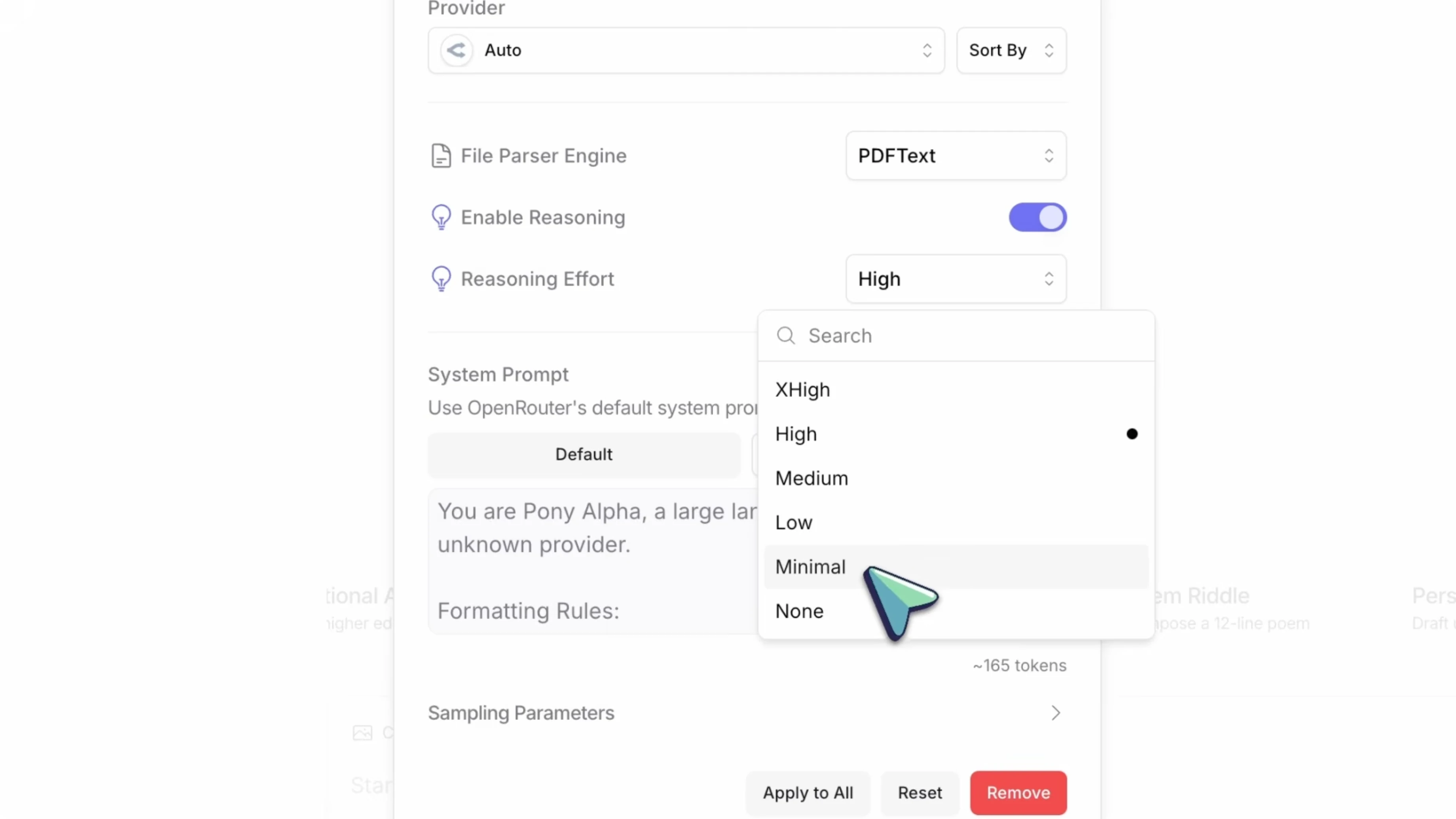
You are essentially controlling how much thinking the model does before responding. That keeps simple tasks quick while making complex debugging and architecture work more thoughtful. I keep it on medium for most work and switch to high for complex tasks.
Speed and perceived latency
Pony Alpha runs at about 18 tokens per second on OpenRouter. That is not the fastest out there, but for a Frontier model that reasons step by step, it is solid. Since reasoning tokens come first, the output feels smooth as you read it.
OpenRouter tracks performance metrics publicly, including time to first token and throughput by provider. You can check those to compare latency and speed trends. In practice, it has been faster than what you typically see with Claude Opus 4.5 on many providers.
Strengths in coding and agentic workflows
According to OpenRouter, Pony Alpha delivers strong performance across coding, agentic workflows, reasoning, and roleplay. The standout is high tool calling accuracy, which keeps agentic coding flows from breaking when calling tools like linters, test runners, or shell tasks. With Kilo or OpenCode, it has been very good at calling the right tools at the right time.
In my coding tests, the output quality is on par with Opus 4.5, and in some cases it writes cleaner code. The explicit reasoning helps it think through architecture before writing code, which is exactly what you want. For a broader comparison mindset between Opus-style systems and GLM variants, see our GLM 5 King Mode vs Opus Codex comparison.
Data and privacy note
Because the model is free, prompts and completions are logged by the provider and may be used to improve the model. Keep that in mind for highly confidential or proprietary work. For personal projects, learning, and general coding, this is absolutely fine.
Setup for coding and agents
Kilo Code setup
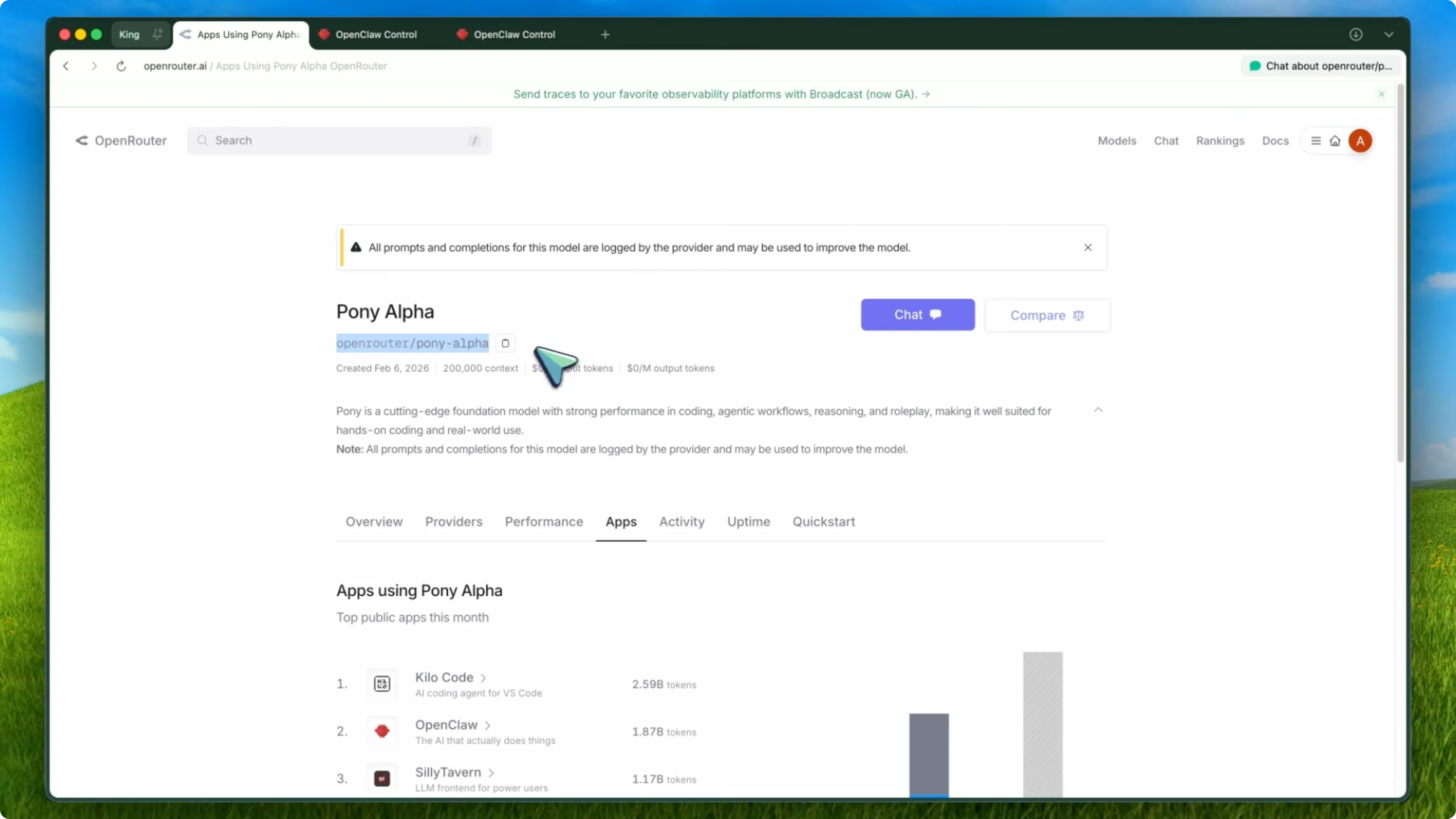
You will need an OpenRouter API key and the model id set to openrouter/pony-alpha. Create an account at openrouter.ai, get your API key from the dashboard, and keep it handy. Install the Kilo Code extension in VS Code from the marketplace.
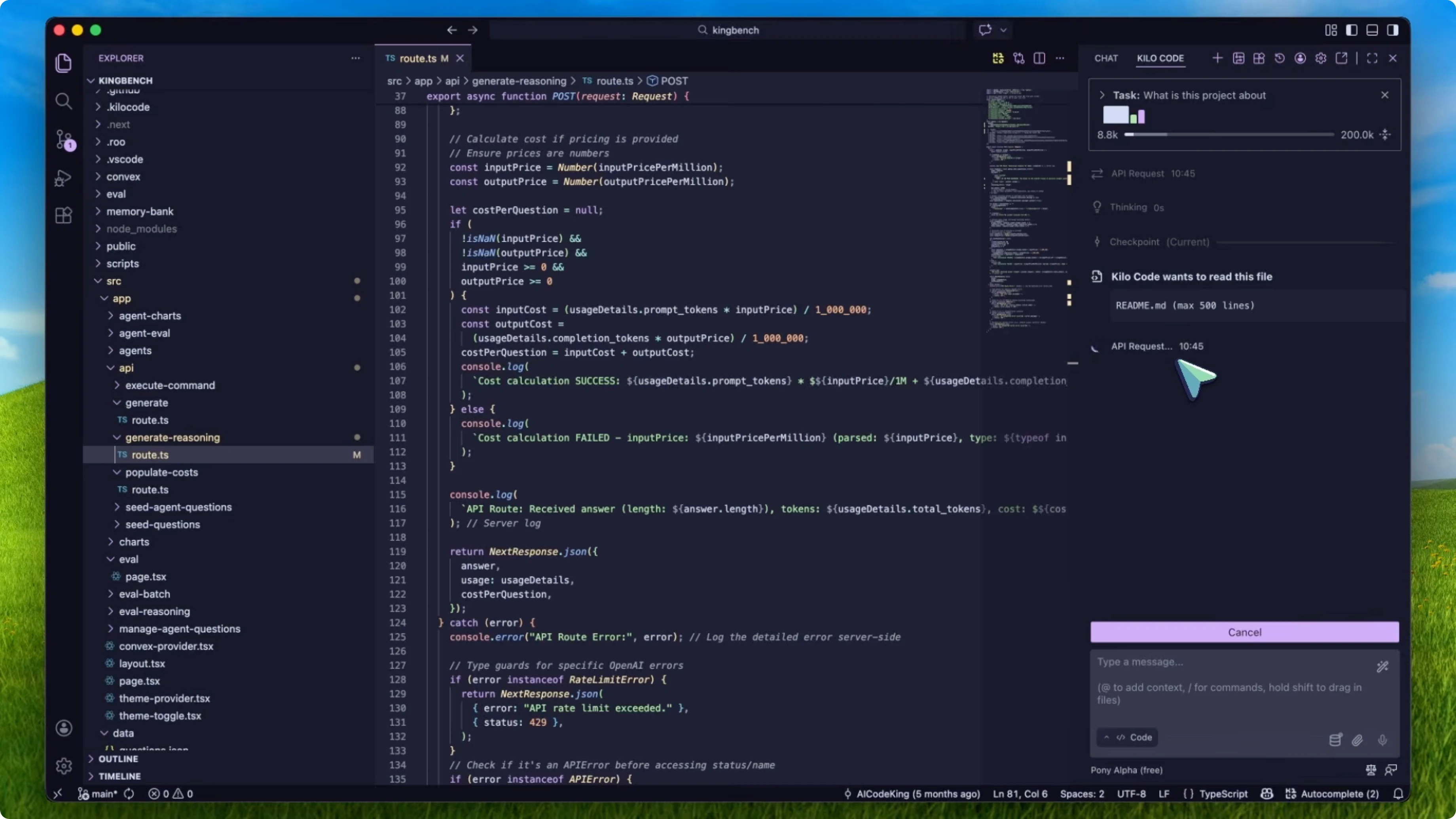
Open Kilo Code settings and choose OpenRouter as the provider. Paste your OpenRouter API key when prompted. Set the model to openrouter/pony-alpha.
If you want the reasoning features, find the reasoning effort option in Kilo settings. Set it to low, medium, or high based on the task. I keep medium as a default and switch to high for complex problems.
OpenCode setup
OpenCode is a terminal-based coding agent. Configure Pony Alpha by editing your OpenCode config file. The common path is:
~/.config/opencode/opencode.json
Add OpenRouter as the provider, set the model to openrouter/pony-alpha, and include your API key. You can also export the key as an environment variable in your shell.
export OPENROUTER_API_KEY="sk-or-your_key_here"
Here is an example config snippet:
{
  "provider": "openrouter",
  "model": "openrouter/pony-alpha",
  "api_key": "sk-or-your_key_here",
  "reasoning_effort": "medium"
}
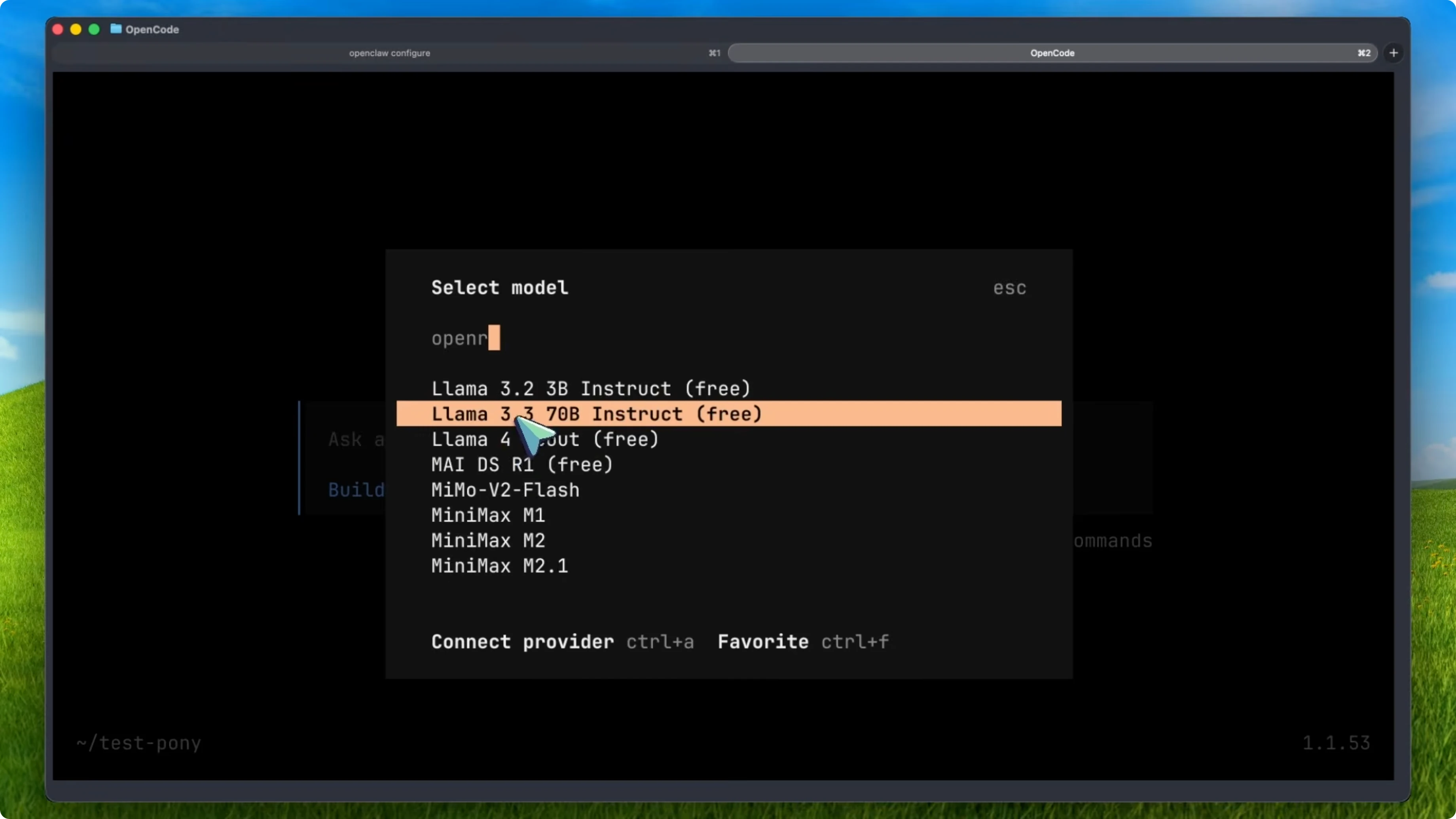
Launch OpenCode and it will use Pony Alpha as your model. You can switch between plan and act modes the same way you do with other models. If you use OpenCode Desktop, the same config applies.
OpenClaw setup
OpenClaw is a general AI agent that can work across messaging apps and task automations while being model agnostic. Install OpenClaw and start the onboarding with Quickstart. In the model and provider step, pick OpenRouter.
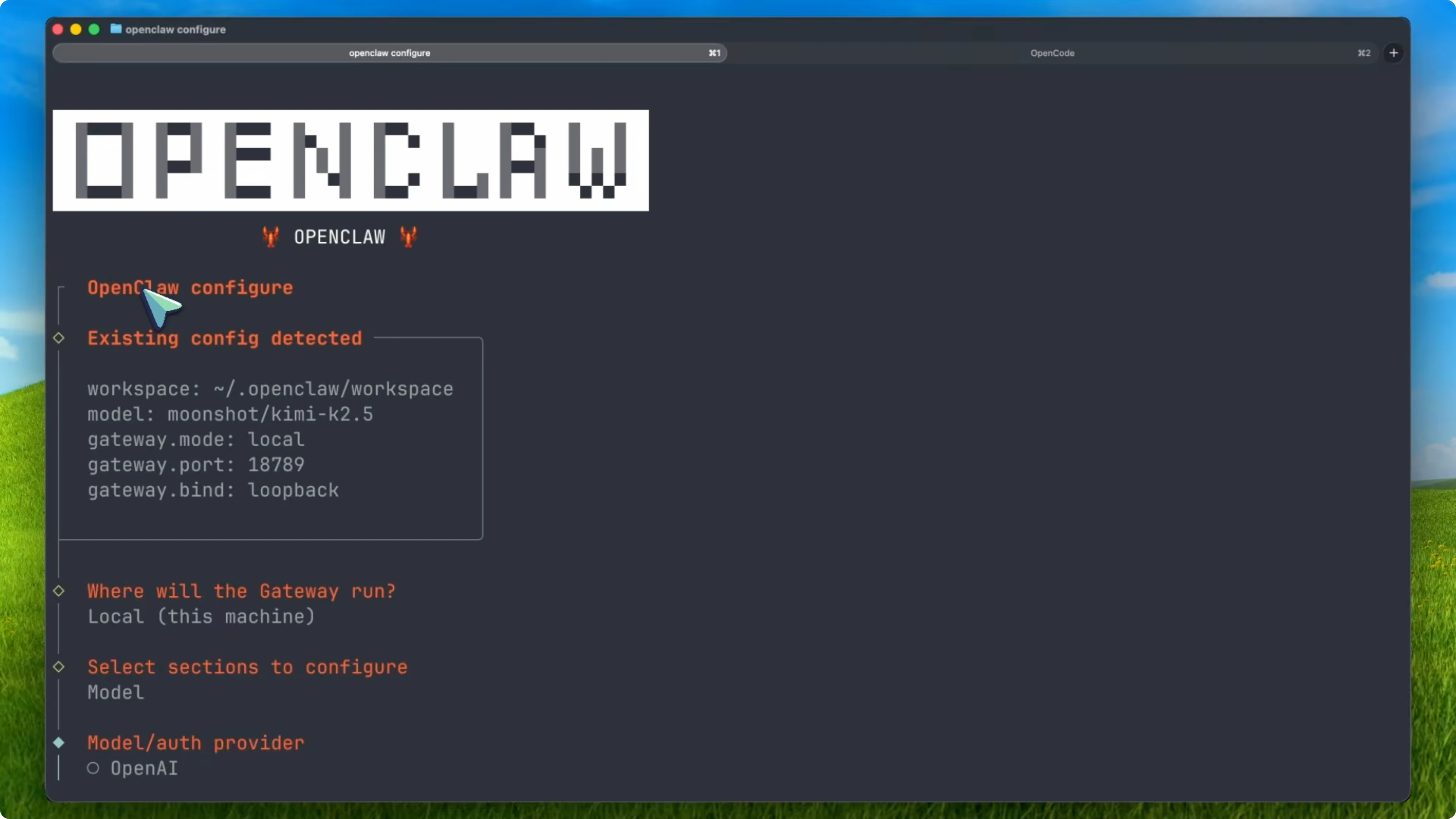
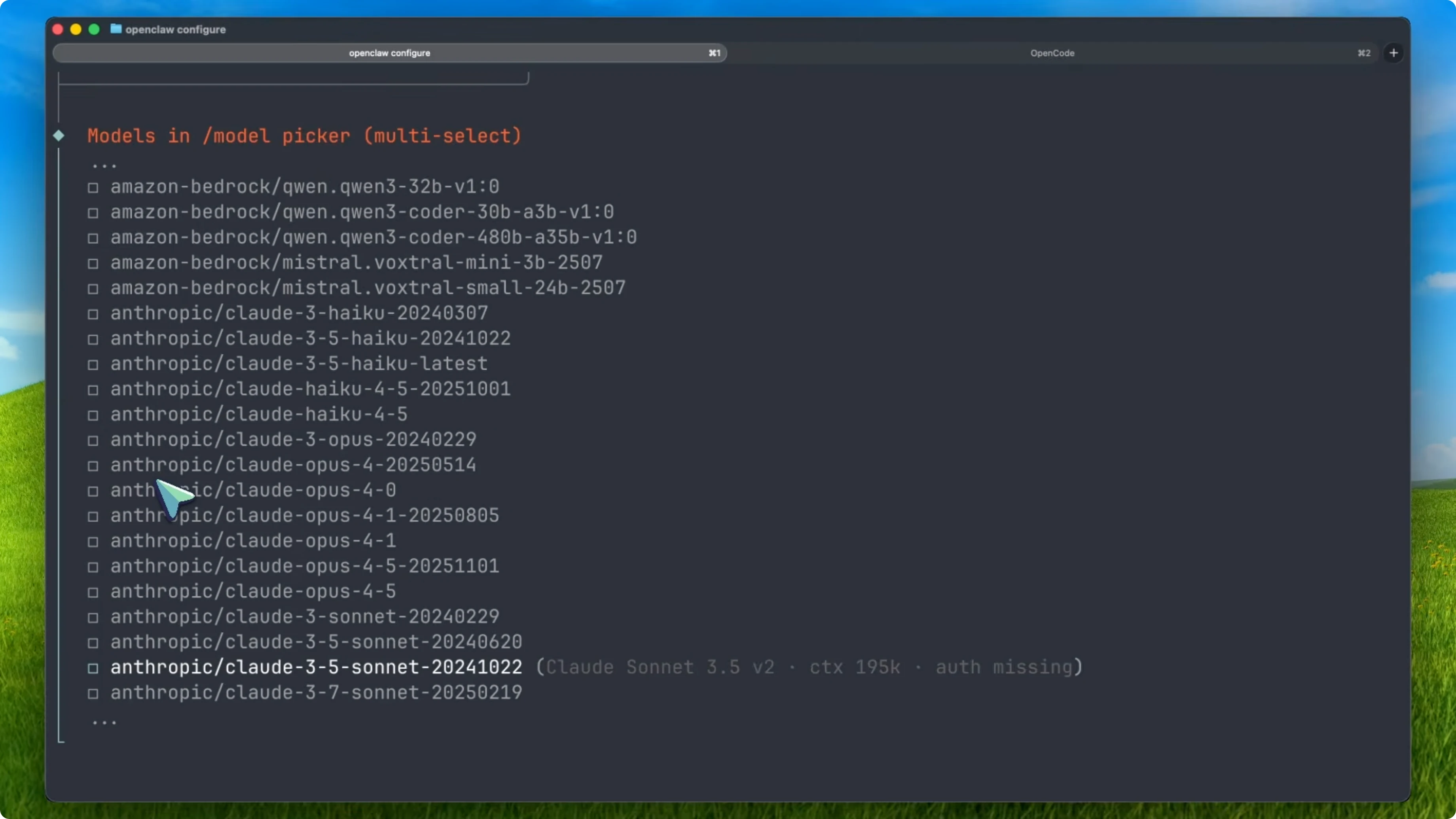
Enter your OpenRouter API key and set the model to openrouter/pony-alpha. OpenClaw will route your tasks through Pony Alpha from that point on. You can automate inbox management, send messages, and even run coding tasks with this setup.
If you are using Claude Code in your stack and want to connect it through OpenClaw, see our guide on remote control with OpenClaw and Claude Code. The nice thing about using OpenRouter is that switching models later only requires changing the model id. No other reconfiguration is needed.
Final thoughts
Pony Alpha is a Frontier-level stealth model that is currently free on OpenRouter. It offers a 200,000 token context window, 131,000 max completion, reasoning tokens with effort control, high tool calling accuracy for agentic workflows, and about 18 tokens per second throughput. It beats Opus 4.5 on my standard benchmarks and stays on par for agentic tasks, and setup is straightforward in Kilo Code, OpenCode, and OpenClaw using the model id openrouter/pony-alpha.