How to Check Website Traffic in Lovable?
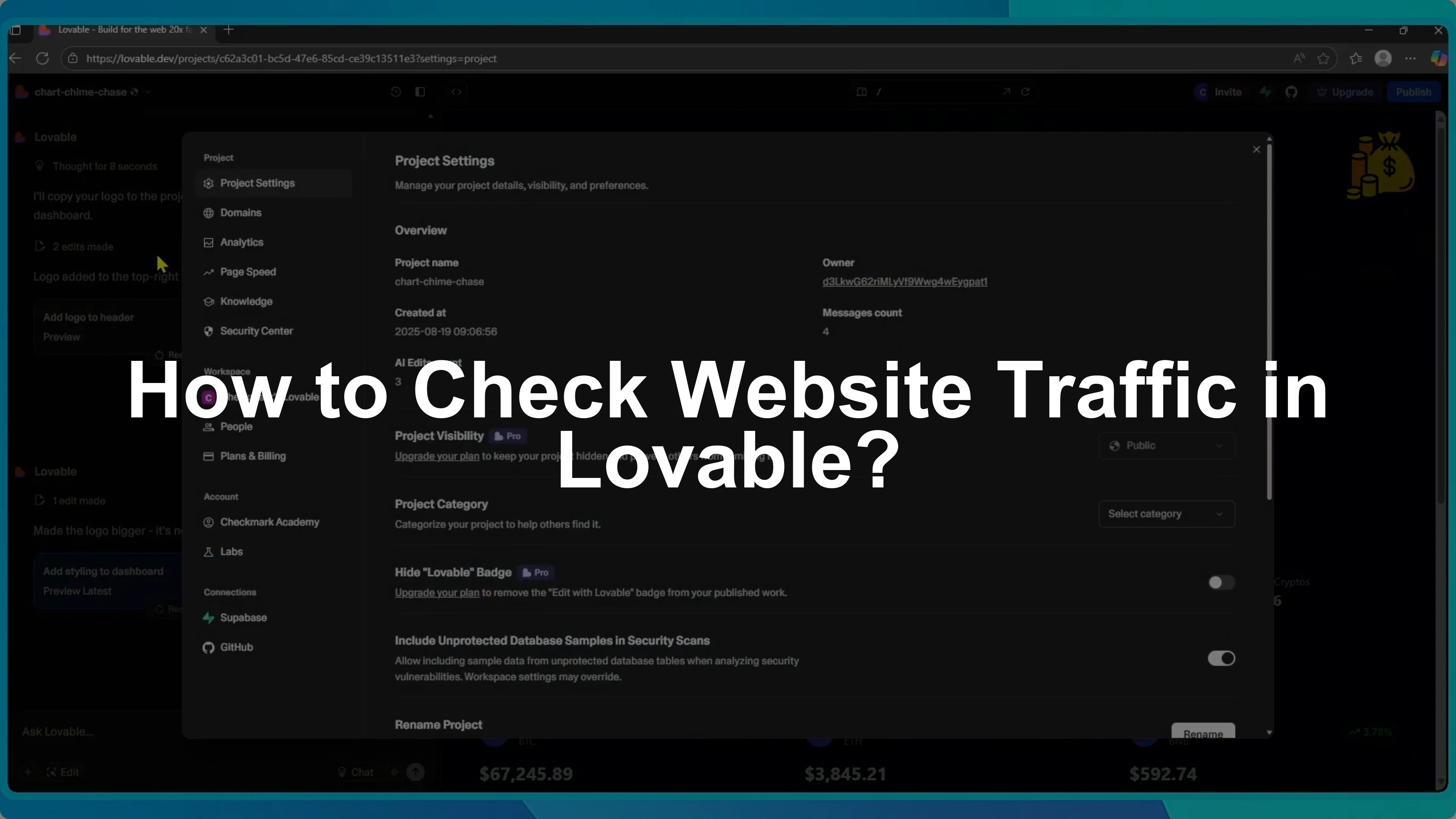
I will show you how to check the traffic on your website built with Lovable. Knowing your visitors, page views, and traffic sources helps you understand how people are using your site.
Open analytics
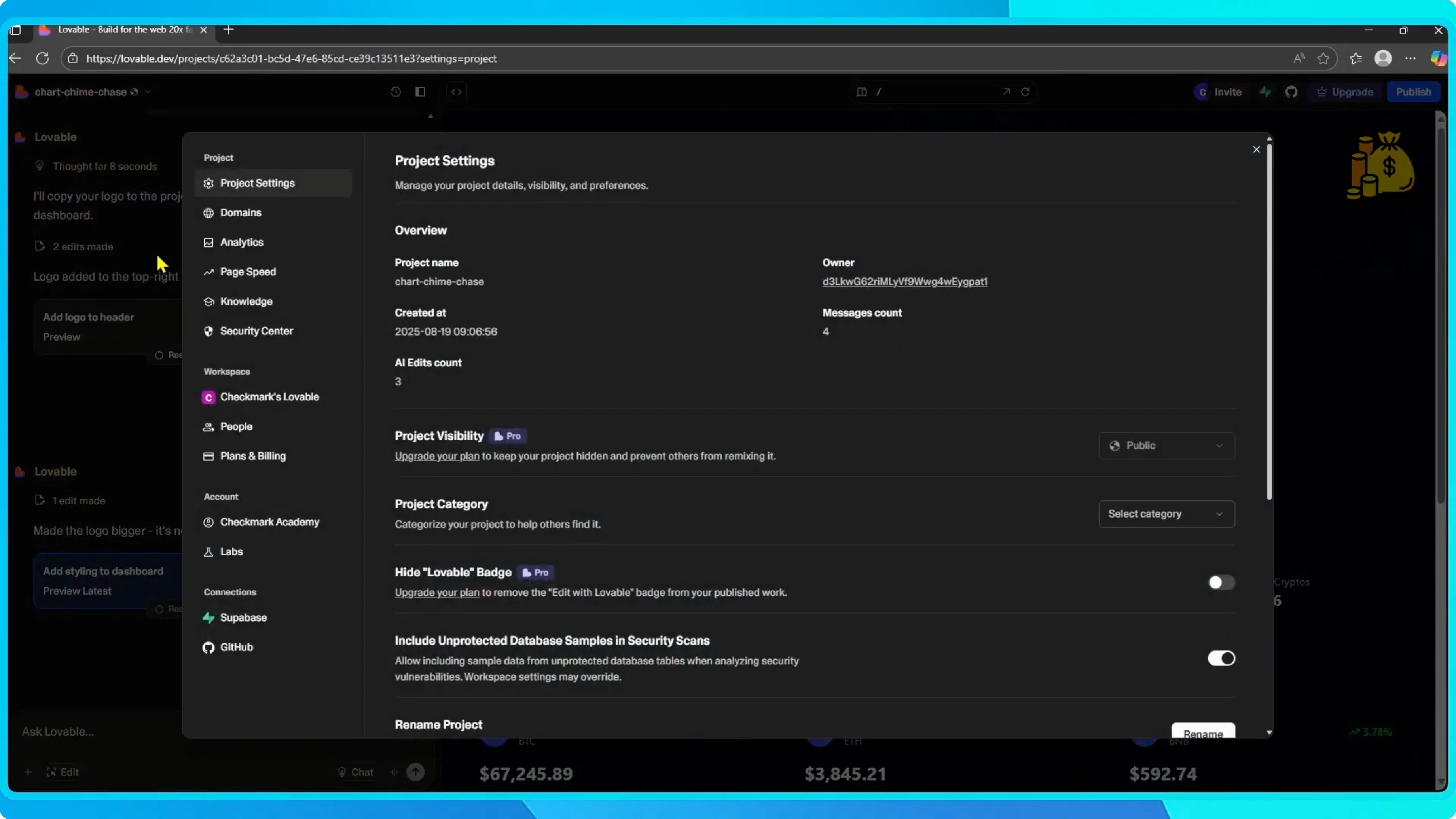
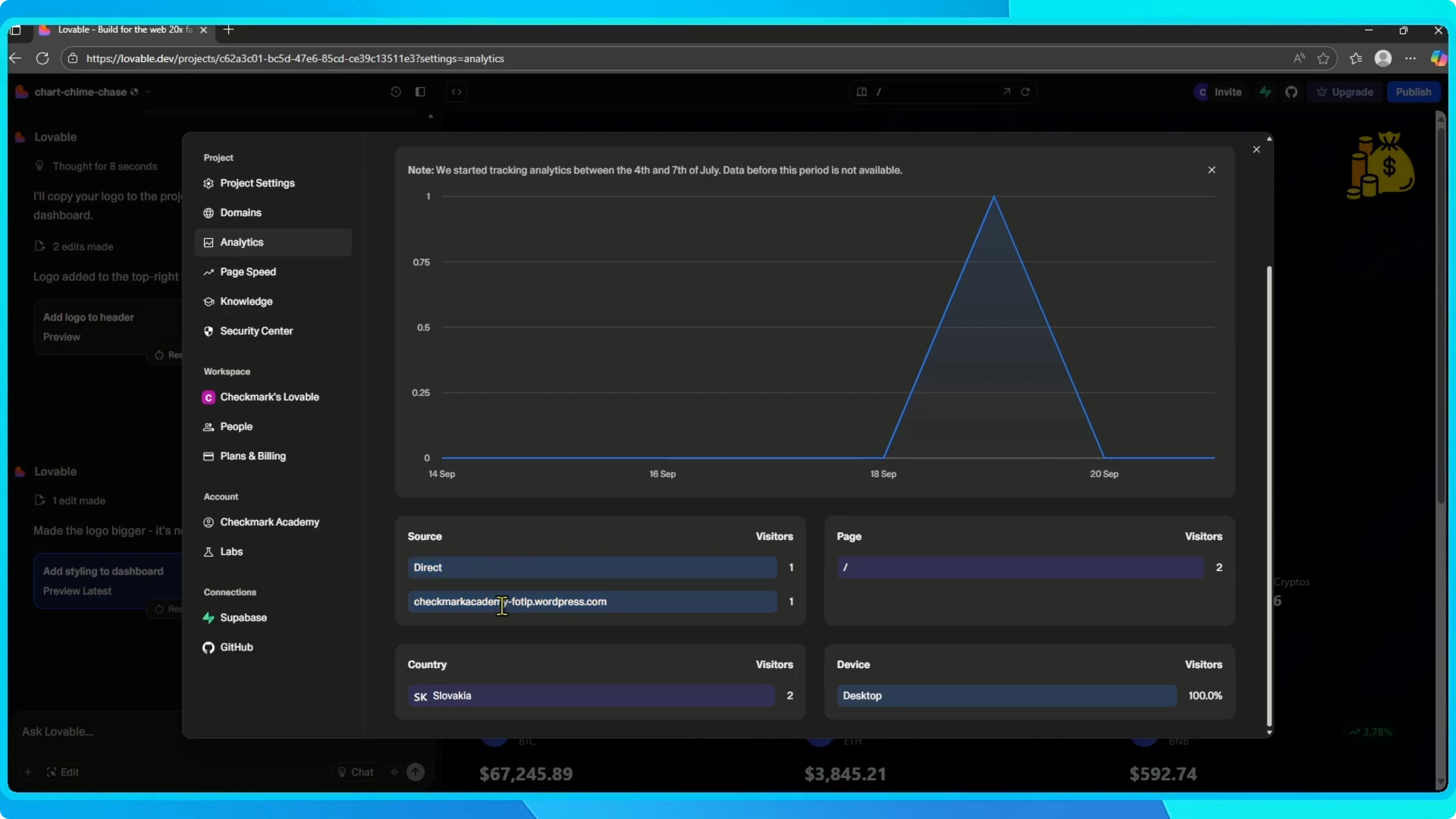
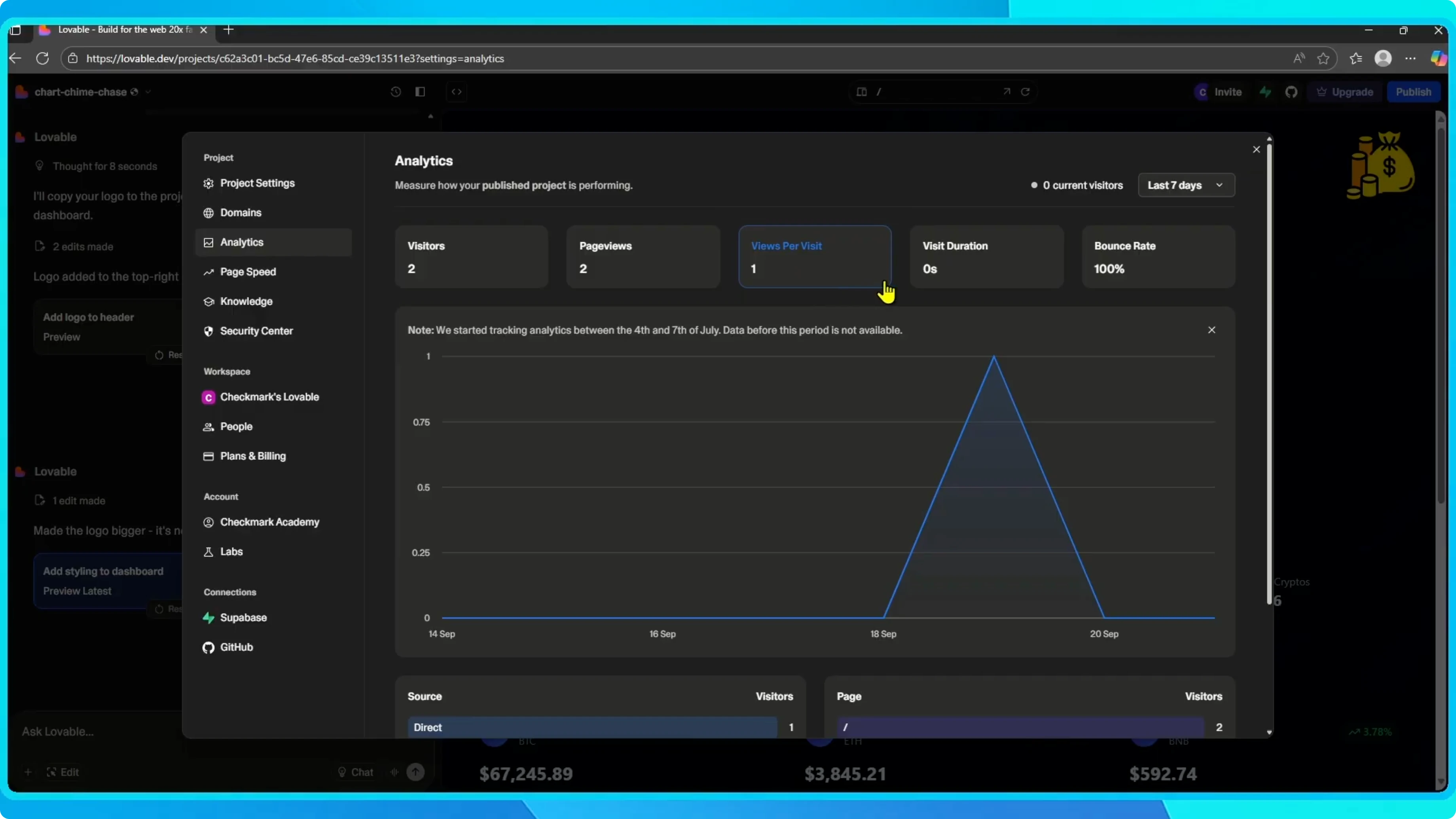
Open your project in Lovable. Click the project name in the top left corner. Go to Settings. Select Analytics.
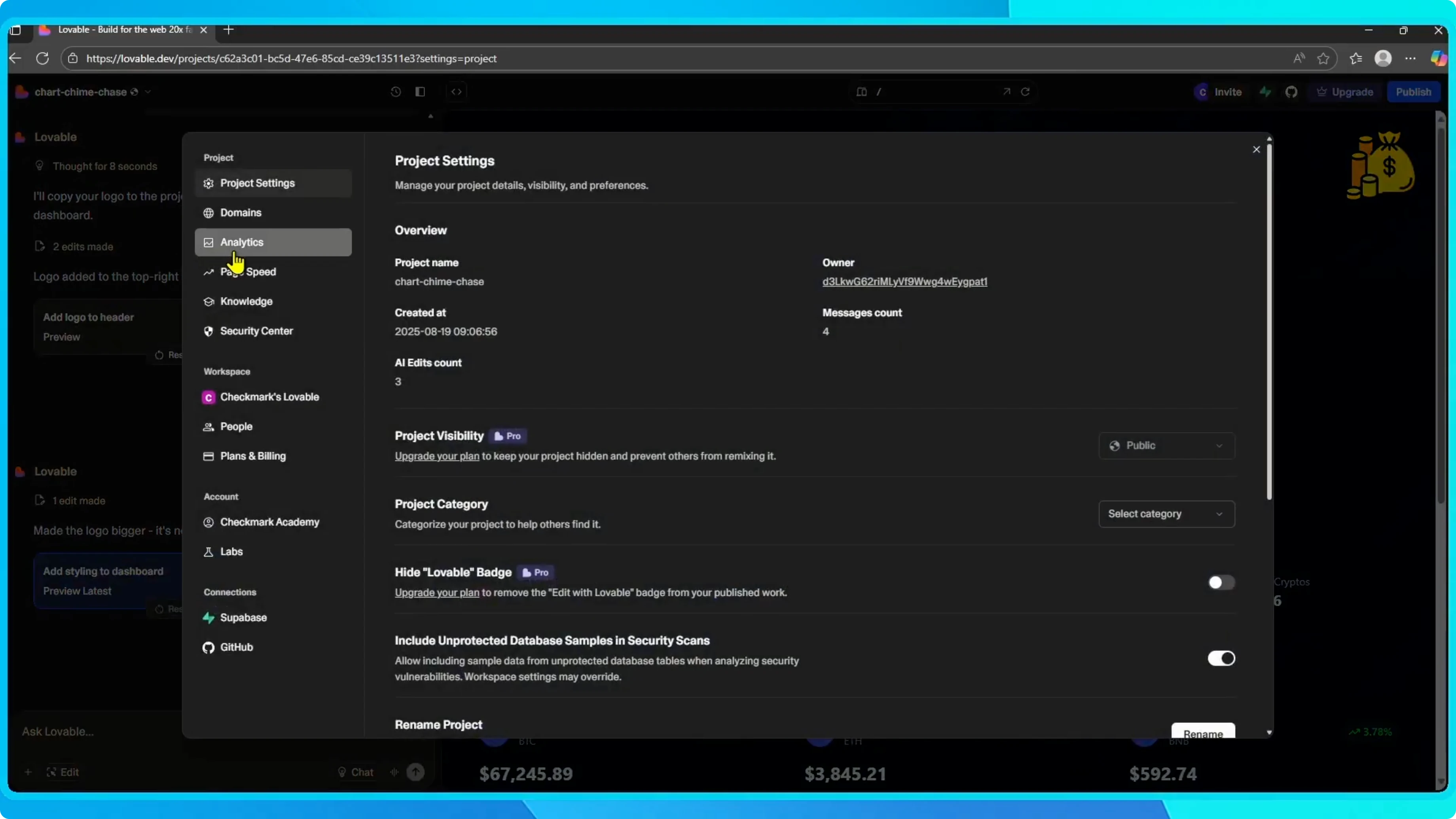
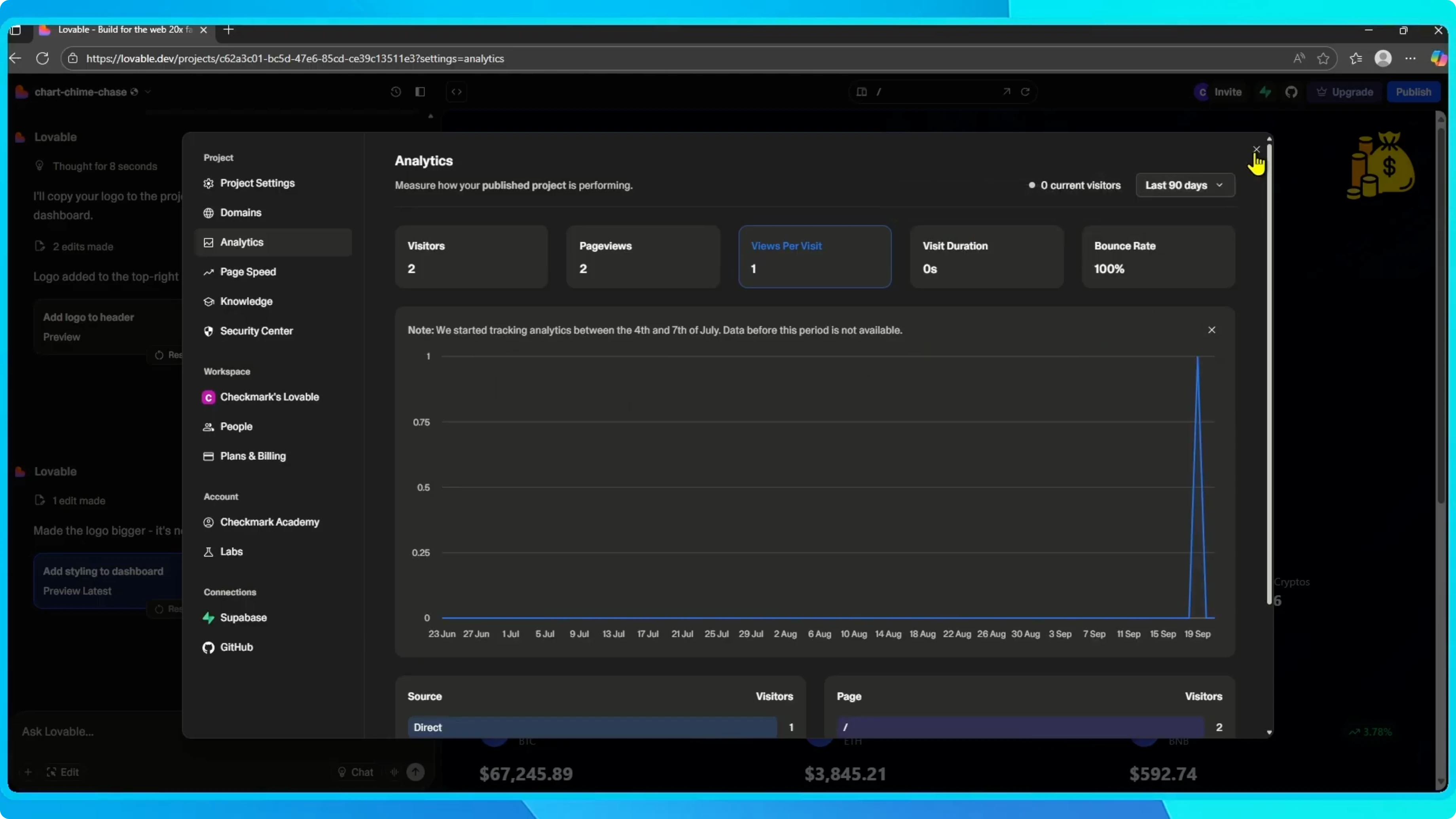
Here you will see detailed stats such as visitors, page views, devices, countries, sources, and which pages people are visiting. You can adjust the time range to view today, this month, or the last 90 days.
Read More: Website Logo Maker
Publish shortcut
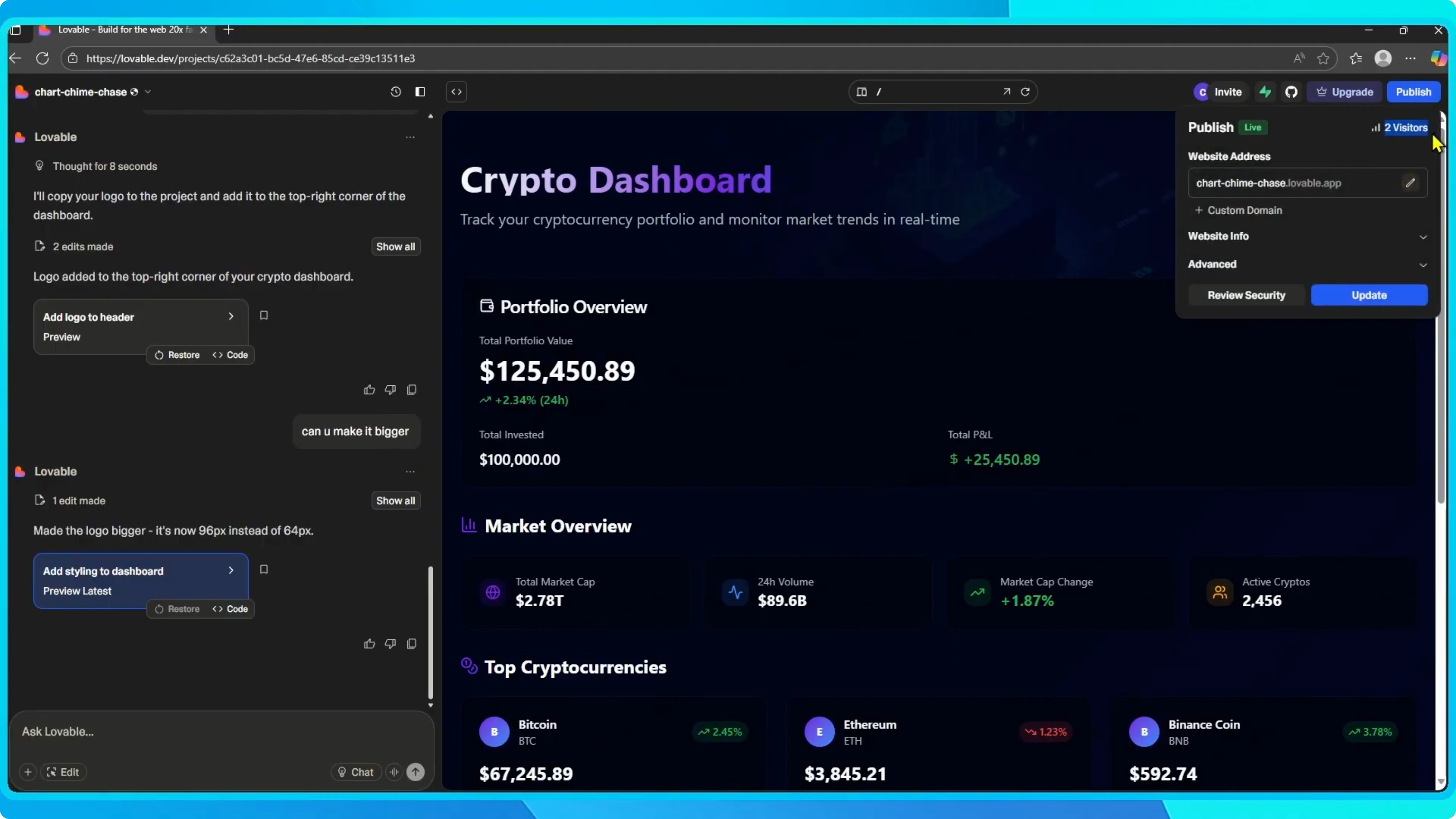
Click Publish in the top right corner. Select Published site.
Here you will also find a quick overview of your traffic, such as the number of recent visitors.
Read More: Website Prompt Generator
Final thoughts
That is how you check your website traffic in Lovable. Use the Analytics view for full detail, and the Published site view for a quick snapshot.
Read More: Add Remove Website Shortcuts Google Chrome


